

















9 Potential GTA 6 Features That Could Make or Break Your Next Gaming PC in Canada
The hype around GTA 6 features is doing more than driving conversations about gameplay. It is also pushing many Canadian gamers to ask a much more practical question: what kind of PC will I actually need to enjoy a huge open-world game like this without upgrading again too soon? As speculation builds around deeper AI, denser cities, more enterable interiors, advanced physics, wildlife systems, social media simulation, and heavier mission logic, one thing is clear: major AAA releases keep raising the bar for hardware.
The original discussion focused on nine possible features that could help Grand Theft Auto VI dominate awards season. That is a fun conversation on its own, but for buyers in Canada, the bigger takeaway is this: if a game is expected to be one of the most technically ambitious releases of its generation, your current system may already be closer to its limit than you think.
So before you wait until launch week, ask yourself a simple question: do you want your next PC to merely run new games, or do you want it to run them well for years?
Why GTA 6 Features Matter to Anyone Shopping for a Gaming PC Canada-Wide
When gamers hear about a blockbuster title adding more dynamic systems, richer NPC behaviour, larger explorable areas, and more environmental detail, that usually translates into increased pressure on the GPU, CPU, RAM, and storage performance. In plain language, bigger game ambition often means bigger system demands.
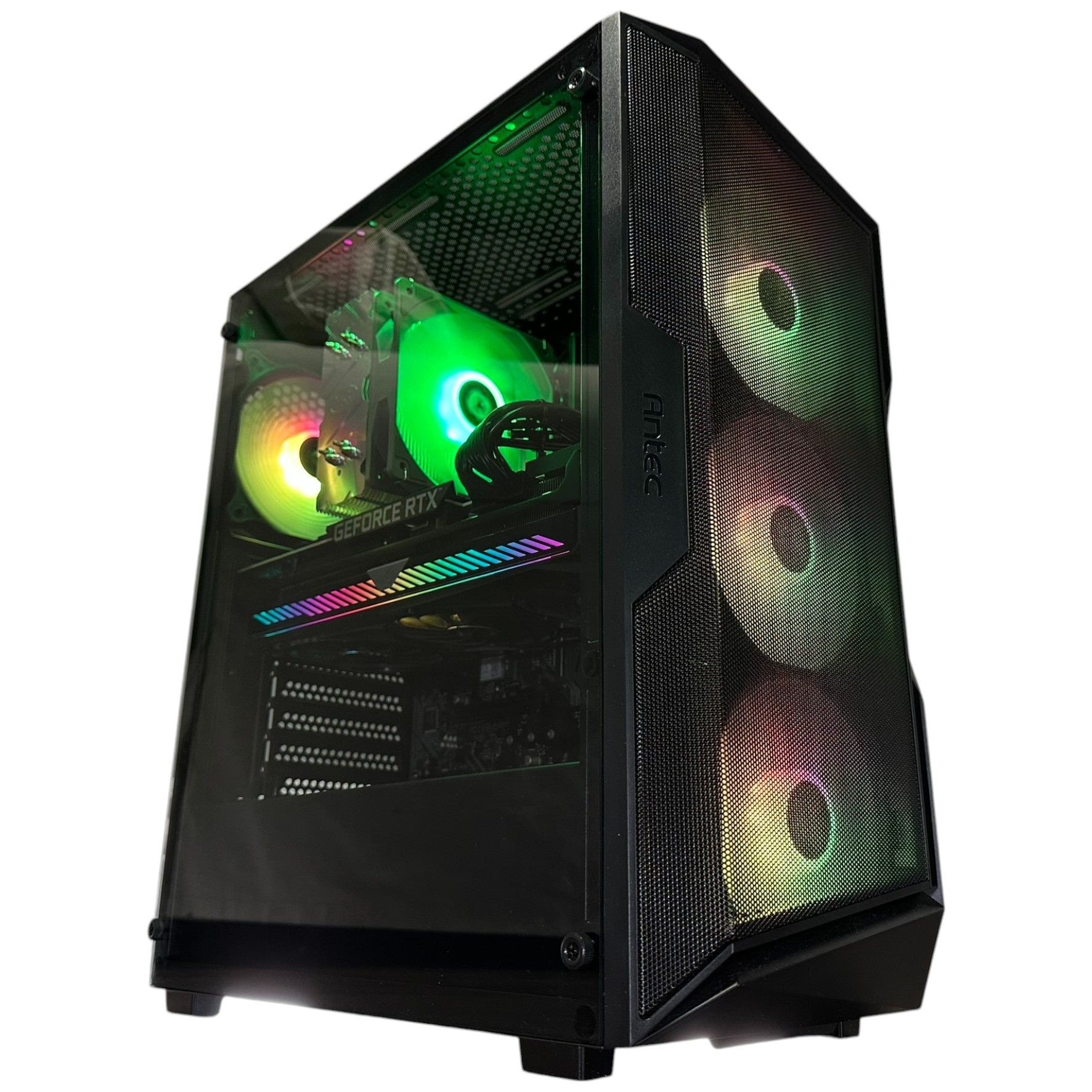
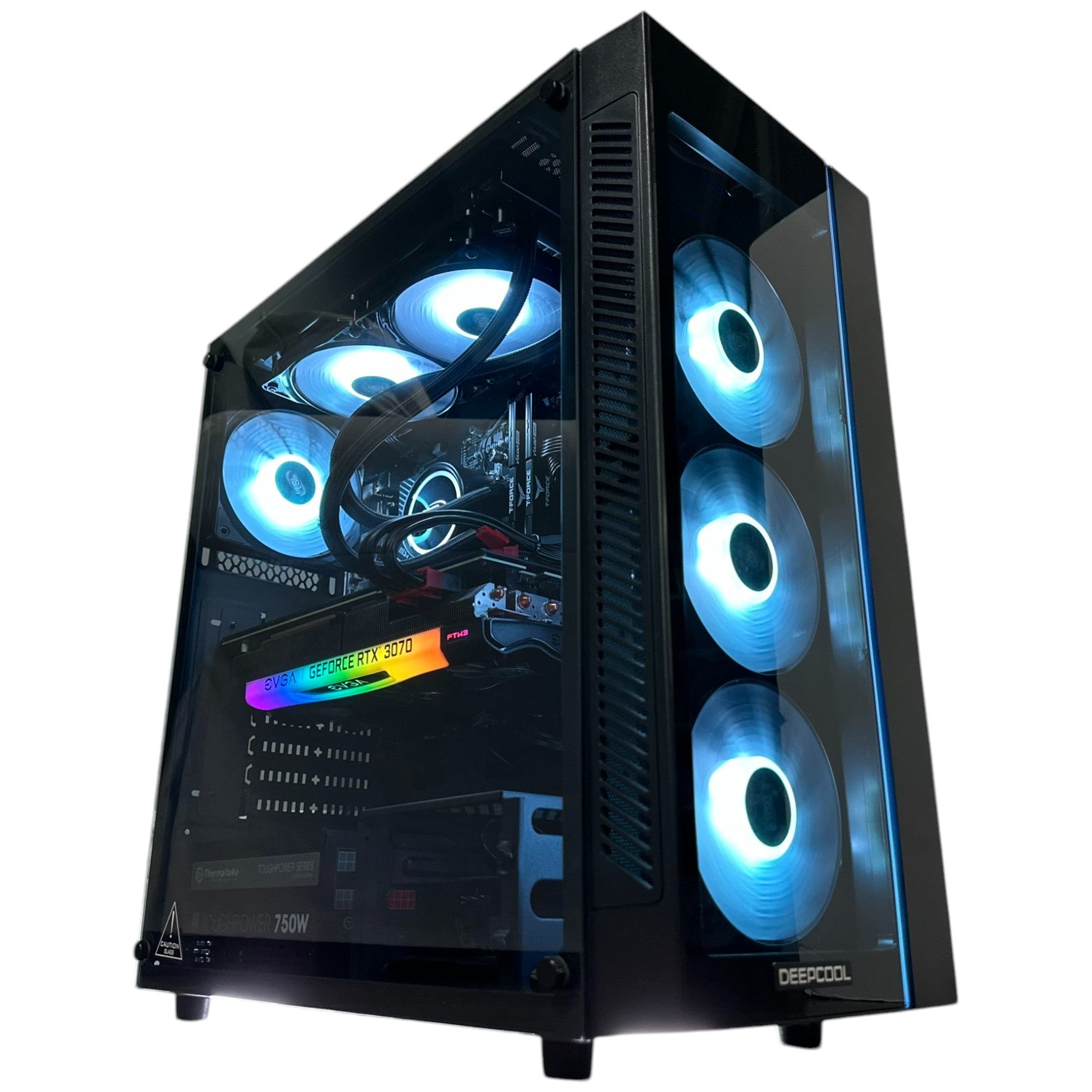
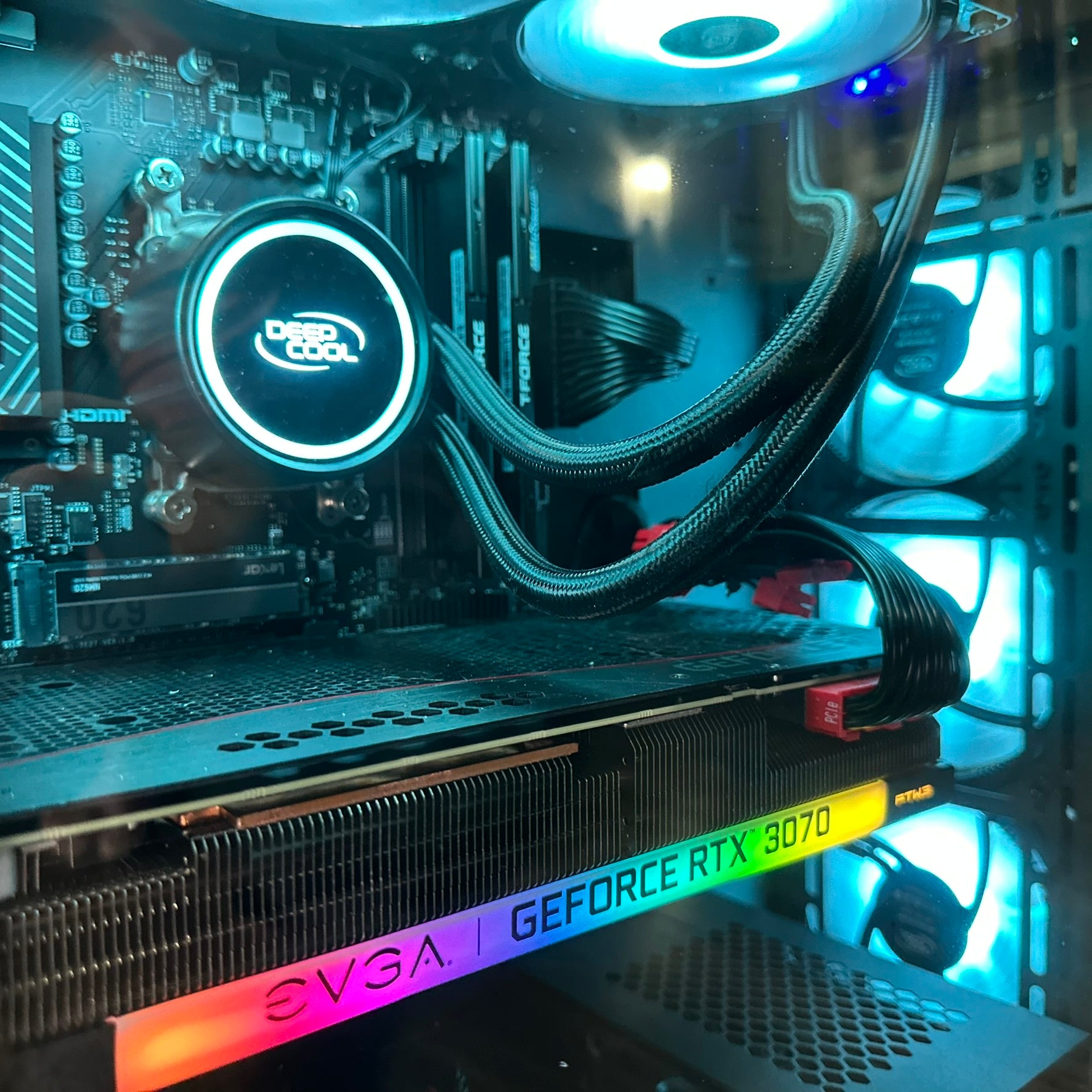
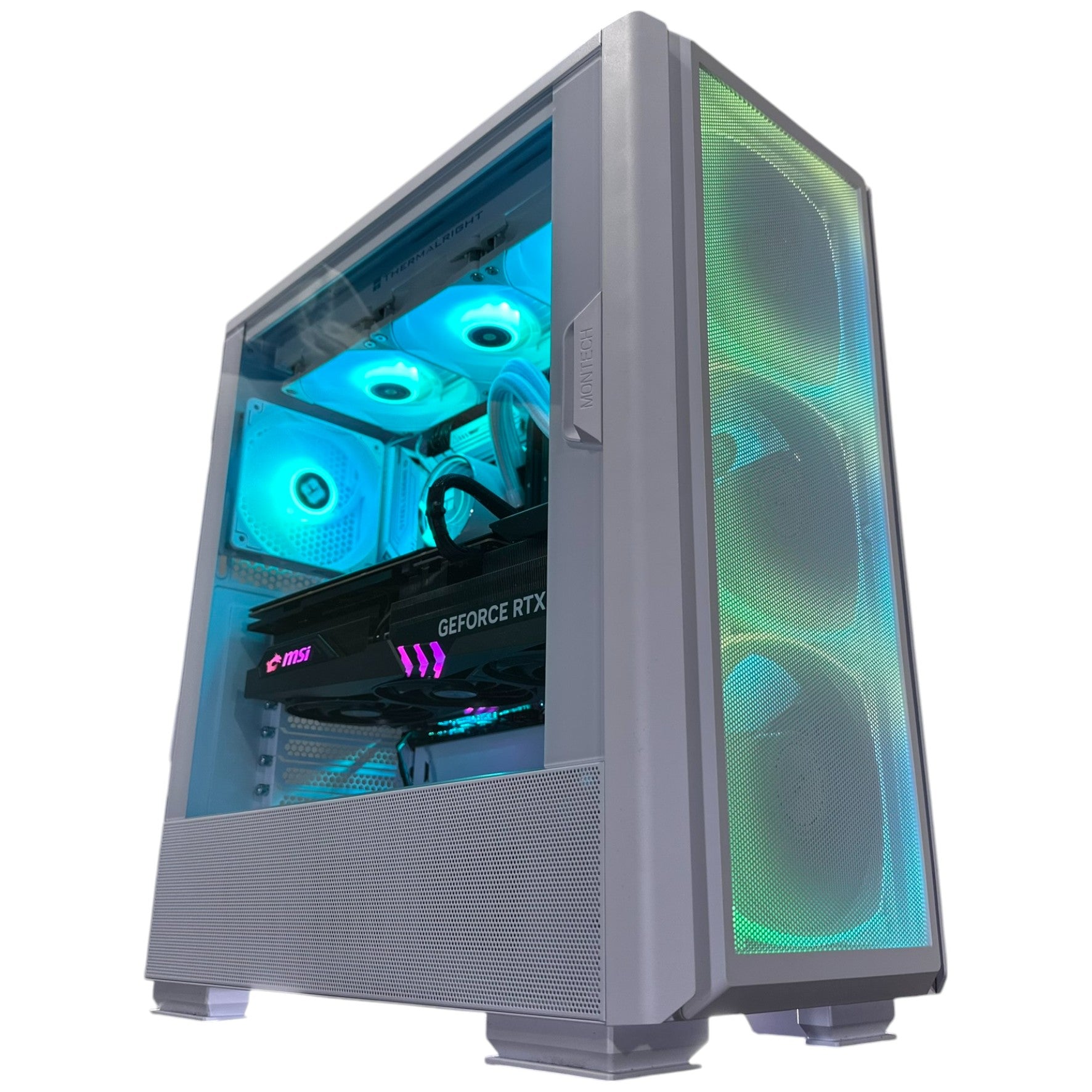
That matters if you are shopping for a Gaming PC Canada buyers can rely on for upcoming AAA releases. A title like GTA 6 is not just another launch on the calendar. It is the kind of game that can expose weak hardware choices fast, especially if you want high settings, smooth frame rates, ray tracing, streaming, or background apps running at the same time.
Are you currently on an older graphics card and hoping software optimization will save you? Are you trying to decide between a budget gaming system and a stronger build that stays relevant longer? Are you planning to play at 1080p, move up to 1440p, or finally make the jump to 4K?
Those questions matter more now than after demand spikes hit.
What the Source Gets Right: GTA 6 Looks Like It Could Be a Hardware-Heavy Open-World Giant
The source article points to several possible GTA 6 features that gamers would love to see: a relationship or honour-style system, deeper animal interactions, in-game social media networks, mobile weapon lockers, body and fitness mechanics, expanded side activities, shopping malls and enterable buildings, Vice City references, and even a modernized version of Dead Eye.
From a PC buyer’s perspective, these are not just wishlist items. They hint at something more important: simulation density. Every extra system layered into an open-world game can increase the amount of data your system needs to process in real time. More NPC activity, more animation states, more traffic logic, more world streaming, more physics interactions, more audio layering, and more visual detail all add up.
If you have ever wondered why some open-world games feel smooth on one machine and stutter on another, this is often why. Raw resolution is only part of the story. Large, busy worlds also put pressure on CPU scheduling, memory capacity, SSD speed, and cooling stability.
What Do You Want Your Next PC to Do for You?
Before choosing a build, stop thinking only in terms of one game title. Instead, ask what you need your next PC to handle over the next several years.
- Do you want a system mainly for GTA 6, Call of Duty, Fortnite, and other new games?
- Do you also want to stream to Twitch, YouTube, or TikTok Live?
- Will you be editing clips in Premiere Pro, DaVinci Resolve, or CapCut?
- Are you creating thumbnails in Photoshop or Illustrator?
- Do you want one machine for gaming at night and content creation during the day?
- Do you need a workstation that can also play AAA games after work?
Your answer changes what the right custom build looks like.
For one customer, the ideal system is a value-focused 1080p machine. For another, it is a Custom Gaming PC Canada buyers can use for 1440p ultra settings, streaming, and editing. For someone else, it is a full creator workstation with extra RAM, faster storage, and stronger multicore performance.
How Could These 9 Potential GTA 6 Features Affect Real-World PC Performance?
1. Relationship and Honour-Style Systems Could Mean More Active Background Simulation
If GTA 6 includes a dynamic trust, reputation, or relationship system for Jason and Lucia, that may sound like a story feature first. But under the hood, systems like these can create more persistent world state tracking, dialogue branching, and behavioural changes.
That means the CPU matters. If you are buying a PC for open-world games, do not focus only on the graphics card. A balanced processor is key to maintaining stable frame pacing in games where the world is constantly reacting to you.
Are you buying a PC for esports only, or for complex single-player worlds too? If it is the second one, a stronger CPU may save you frustration later.
2. Animal Interactions and Wildlife Systems Could Add More AI and Physics Load
Players love asking, “Can you pet the dog?” In GTA 6, the question may be bigger: how alive does the world feel? More wildlife, more animations, and more interactions usually mean more systems running at once.
That can affect both performance and immersion. Open-world titles with active ecosystems often feel much better on systems with enough RAM and SSD speed to keep assets moving in smoothly.
If your current setup still relies on limited memory or slower storage, are you prepared for modern open-world streaming demands?
3. In-Game Social Media Networks Could Increase Visual Density and World Activity
The source mentions a possible active social media layer in GTA 6. If that becomes part of the game world, it could mean more animated events, denser crowds, reactive NPCs, additional UI elements, and more event-based world scripting.
It may not sound like a classic hardware feature, but systems that make a game world feel “always on” can increase CPU and memory demands significantly, especially in city-heavy environments.
4. Weapon Lockers and Loadout Systems Suggest More Tactical Play and Better Inventory Management
This one is less about raw horsepower and more about how players actually use their systems. If you are planning to jump into long sessions, mod support later on, or capture gameplay while you experiment with different loadouts, you need storage space and fast load times.
Do you have enough SSD capacity not just for one game, but for GTA 6, your multiplayer games, your clips, your editing cache, and your other daily software?
5. Fitness and Body-Change Mechanics Could Point to Deeper Simulation Across the Whole Game
The return of a San Andreas-style body and fitness system would be a fan-favourite feature, but it also hints at broader simulation ambition. When developers track character condition, visual changes, food systems, training systems, and possibly movement differences, that often reflects a bigger design philosophy: the world is meant to feel deeper and more responsive.
Games built around that kind of detail are exactly the sort of titles that punish underpowered CPUs and limited RAM faster than many buyers expect.
6. More Side Activities Usually Mean More Systems, More Assets, and Longer Time Invested
Tennis, hunting, fishing, mini-games, exploration, and world activities all increase content variety. They also encourage longer play sessions and more time with recording software, browsers, Discord, overlays, and background apps open.
If you game and stream, or game and edit, a machine that looked “good enough” on paper can suddenly feel cramped in real use.
What PC do you need for gaming and streaming? Usually one with enough headroom, not one tuned to the absolute minimum.
7. Shopping Malls and Enterable Buildings Could Raise CPU, RAM, and Storage Demands
One of the most interesting points in the source was the possibility of more interiors, including malls. This matters because enterable buildings add geometry, lighting complexity, NPC population, audio zones, mission spaces, and streaming transitions.
In open-world games, interiors are not free. If GTA 6 dramatically increases enterable spaces compared with older titles, expect hardware demands to rise accordingly.
8. Vice City References and Legacy Detail Suggest a Rich, Layered World
Callbacks and Easter eggs do not hurt performance by themselves, but the kind of game that invests heavily in environmental detail is often the same kind of game that pushes high-resolution textures, dense clutter, and complex post-processing effects.
That is where GPU choice starts to separate “playable” from “impressive.”
9. A Dead Eye-Style Ability or Character-Specific Powers Could Add More Visual Effects and Action Load
If Rockstar introduces a new cinematic aiming or slow-motion mechanic, you can expect heavy effects work, particle systems, lighting transitions, and action density during combat moments.
These are the sequences where weak GPUs often show themselves.
What PC Do You Need for GTA 6 at 1080p, 1440p, or 4K?
If GTA 6 lands the way many players expect, choosing the right system will come down to your target resolution, settings, and whether you want room for future titles too.
Budget Tier: 1080p Gaming PC Canada Buyers Who Want Strong Value
A budget-oriented system makes sense if you mainly want smooth 1080p gaming, solid settings, and a lower upfront cost. This tier can be ideal for first-time buyers, students, or gamers moving from console who want a proper desktop experience.
But ask yourself honestly: are you comfortable lowering settings in future AAA titles sooner than you would like?
If your goal is simply to get into PC gaming and enjoy GTA 6 at sensible settings, this tier can work. If your goal is longevity, it may be worth stepping up now rather than replacing your system earlier than planned.
Sweet Spot Tier: 1440p Gaming PC Canada Buyers Should Consider First
For many gamers, 1440p is the real sweet spot. It gives you a major visual jump over 1080p, pairs well with high refresh monitors, and better matches the ambition of modern open-world releases.
If you want a Gaming PC for GTA 6 that feels exciting rather than merely adequate, this is often the performance class to consider first. It is also a strong fit if you want ray tracing options, better texture settings, smoother frame consistency, and more useful lifespan before your next upgrade cycle.
Are you the kind of player who notices texture quality, shadow detail, world density, and frame stability? If so, 1440p performance should likely be your target, not your stretch goal.
Premium Tier: 4K and Ray Tracing Gaming PC Canada Buyers Wanting the Best Experience
If your plan is 4K, ultra settings, high refresh, advanced lighting, and enough overhead for tomorrow’s biggest releases, then a high-end build becomes the smart route. This is especially true if you also stream, multitask heavily, or want your machine to stay impressive for longer.
Should you buy a high-end system now or wait? That depends on your tolerance for future price swings and your current hardware. But if your present PC is already struggling in demanding games, waiting for a giant release window can put you into a more expensive buying environment.
Is It Better to Buy a Gaming PC Now or Wait for GTA 6?
This is one of the biggest questions buyers ask, and it is a fair one.
Waiting can make sense if you already own a strong recent system and simply want to compare benchmarks once the game is out. But waiting can also backfire if you know your current hardware is aging and you expect to buy eventually anyway.
Why? Because major game launches often intensify demand. When demand rises, the pressure does not only affect one part. It can ripple across GPU pricing, premium CPU availability, fast NVMe storage, memory kits, and complete system costs.
On top of that, creators and gamers are increasingly buying the same class of hardware. A strong GPU is not just for gaming anymore. It is also valuable for editing, rendering, AI-assisted workflows, streaming, and creator software acceleration. That shared demand can keep premium parts under pressure.
So ask yourself: if you know you will need a better PC soon, does delaying actually save money, or does it only postpone the decision until the market gets tighter?
Should You Finance a Better PC Instead of Settling for a Cheaper One?
For many buyers, this is the most practical question in the entire decision.
A cheaper system can feel safer upfront, but it may also age out faster, force settings compromises earlier, and lead to another upgrade sooner than expected. A stronger custom build often gives better long-term value, especially if your use case includes gaming plus streaming, editing, design work, or creator tasks.
That is why many shoppers consider financing. If spreading out the cost helps you move from “barely enough” to “comfortably capable,” it can be the smarter buy. Groovy Computers offers financing options up to 4 years for customers who want to secure a stronger machine without taking the full hit all at once.
Should you finance a gaming PC? If financing helps you avoid underbuying, skip an early replacement, and get a system that better matches your real goals, it can be a very rational move.
What If You Want One PC for Gaming, Streaming, and Content Creation?
This is where many buyers get caught between categories. You might start by searching for a gaming machine because of GTA 6, but your real needs are broader.
If you want to game, record footage, stream with OBS, edit in Premiere Pro or DaVinci Resolve, create graphics in Photoshop, and manage social content, then you are not just shopping for a gaming rig. You may need a Creator PC Canada buyers can trust as a multi-purpose system.
Ask yourself:
- Do you plan to stream while gaming?
- Will you edit 1080p clips, 4K footage, or both?
- Do you use Adobe Creative Cloud regularly?
- Will you be storing lots of captures, exports, and project files?
- Do you want one machine that earns money as well as plays games?
If yes, your best value may come from a balanced custom build rather than a gaming-only configuration.
Could GTA 6 Hype Push More Buyers Toward Creator and Workstation Builds Too?
Absolutely. Big games create content ecosystems around themselves. A release like GTA 6 does not only drive gameplay. It drives livestreams, highlight editing, shorts, thumbnails, reaction videos, mod showcases, social clips, and community content.
That means some customers reading about GTA 6 features today may actually need:
- a Streaming PC Canada setup for OBS and gameplay capture
- a Video Editing PC Canada build for YouTube, TikTok, or client projects
- a Graphic Design PC Canada system for thumbnails, overlays, and brand assets
- a Content Creation PC Canada that handles gaming, editing, and multitasking
- a Workstation PC Canada if gaming is only part of a broader professional workload
If you are buying one machine to cover both entertainment and income-generating work, do not spec it like a single-purpose toy.
How Do You Decide Which Performance Tier Fits You Best?
Choose an Entry-Level Build If:
- You mainly play at 1080p
- You are cost-conscious and want a first gaming desktop
- You do not mind reducing settings in future AAA games sooner
- You are not planning serious streaming or editing workloads
Choose a Mid-High Build If:
- You want 1440p to be your main resolution
- You care about image quality and smoother performance in new games
- You might stream, record, or multitask while gaming
- You want a better chance of avoiding an early upgrade
Choose a Premium Build If:
- You want 4K or advanced ray tracing
- You play demanding open-world and AAA games regularly
- You stream, edit, or create content professionally
- You want longer relevance from your investment
Still unsure? Ask yourself one final question: how annoyed will you be if your new PC starts feeling “just okay” far sooner than expected?
Why Custom Builds Matter More When Big Games Raise the Stakes
When a blockbuster release is approaching, many buyers are tempted by generic off-the-shelf systems. The problem is that not every preconfigured PC is well balanced for modern open-world gaming. Some overemphasize one part while cutting corners on cooling, motherboard quality, power delivery, storage, or upgrade path.
A better route is to work with a builder that understands how your full use case fits together. Groovy Computers focuses on custom systems designed around real customer goals, whether that means gaming, streaming, editing, rendering, or a mix of all of them.
That matters because a good PC is not just a list of parts. It is a balanced system.
- CPU and GPU pairing matters
- Cooling and airflow matter
- Memory capacity and speed matter
- SSD choice matters
- Power supply quality matters
- Testing matters
Groovy Computers also backs systems with rigorous testing and a 1-year warranty, which gives Canadian buyers more confidence than taking a chance on a random marketplace machine.
Why Canadian Buyers Should Think About Timing Differently
Canadian shoppers have to think beyond the base part price. Exchange pressure, shipping realities, inventory swings, and demand spikes can all affect the final cost of a system in ways that are not always obvious at first glance.
That is why many buyers across Nova Scotia, Atlantic Canada, and the rest of the country prefer to buy from a trusted Canadian custom builder instead of scrambling when a release window gets close.
If you are in Nova Scotia, Halifax, Trenton, New Glasgow, or ordering elsewhere in Canada, the same logic applies: buying before the rush often gives you more control over your budget, your configuration, and your upgrade path.
What Questions Should You Ask Before Buying a PC for GTA 6 and Other New Games?
- What resolution do I actually want to play at: 1080p, 1440p, or 4K?
- Do I care about ray tracing, ultra settings, or high refresh performance?
- Will I also stream, record, or edit gameplay?
- How much storage will I need for games, clips, and software?
- Do I want the cheapest system today, or better value over a longer period?
- Will financing help me get a stronger system before prices change?
- Am I buying for one game, or for the next several years of games?
- Do I want a build that is easy to upgrade later?
The answers to those questions often reveal that the right system is not the absolute cheapest option. It is the one that best matches what your next few years will actually look like.
Need Help Choosing the Right Build?
If you are reading about GTA 6 features and realizing your current setup may not be ready for the next wave of AAA gaming, now is the right time to plan properly. Whether you need a budget gaming desktop, a premium RTX-focused build, a gaming-and-streaming setup, or a custom creator workstation, Groovy Computers can help you choose a system that fits your goals instead of forcing you into a generic compromise.
Want help figuring out what performance tier makes sense for your budget, monitor, favourite games, and creative workflow? Visit GroovyComputers.ca to explore custom builds, ask about financing, and get guidance from a Canadian custom PC builder that understands how gamers and creators really use their systems.
Final Verdict: GTA 6 Features Are Exciting, but the Smarter Move Is Preparing Your PC Now
The original source was right to focus on big ideas like deeper simulation, more interiors, stronger world interaction, and returning Rockstar-style systems. If even part of that vision lands, GTA 6 could become one of the most demanding and most talked-about games of its generation.
For buyers, that means the conversation should not stop at hype. It should move to planning. What gaming PC do you need? What specs do you need for this game and the next ones after it? Is it better to buy now or wait? Should you finance a stronger machine instead of replacing a weaker one sooner?
If you want a system built for modern AAA gaming, creator workloads, and long-term confidence, Groovy Computers is one of the best places in Canada to start. The smartest time to choose the right build is usually before the rush, not in the middle of it.
#GTA6 #GamingPCCanada #CustomGamingPCCanada #GamingPCforNewGames #1440pGamingPCCanada #4KGamingPCCanada #CreatorPCCanada #StreamingPCCanada #VideoEditingPCCanada #CanadianCustomPCBuilders #NovaScotiaComputers #GroovyComputers
Groovy Computers | All Rights Reserved



Leave a comment
This site is protected by hCaptcha and the hCaptcha Privacy Policy and Terms of Service apply.