



































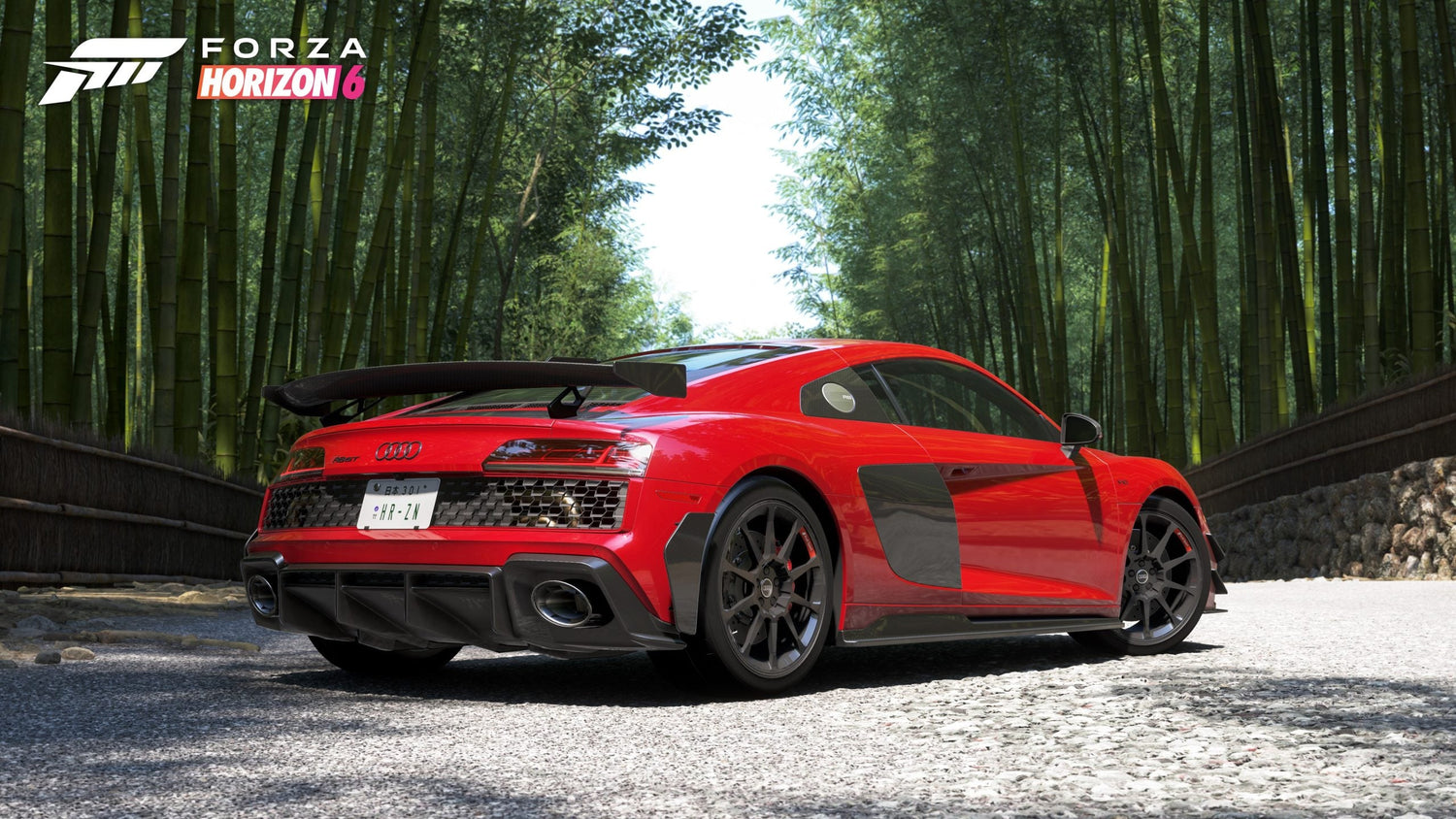
Forza Horizon 6 Horizon Decades Autumn Festival Playlist Guide and the Best Gaming PC Canada Buyers Should Choose Next
The latest Forza Horizon 6 Horizon Decades Autumn Festival Playlist gives players another full week of seasonal content to clear, rewards to unlock, and car-specific objectives to plan around. For Canadian players, this kind of weekly live-service update matters for more than just in-game progression. It also highlights a bigger question: if you are spending serious time in open-world racing games, seasonal events, photography modes, online races, and content creation, is your current system actually keeping up? If your frame rate dips during crowded races, your loading times feel slow, or your recording and editing workflow is getting heavier, this is exactly when a Gaming PC Canada buying decision starts to make sense.
At Groovy Computers, we look at news like this through a practical lens. A fresh Forza playlist is not just a content drop. It is a reminder that modern racing games, creator workflows, and always-on seasonal content reward players who have the right hardware before demand spikes, before parts change in price, and before another big release makes your current rig feel outdated. Are you just trying to complete this week’s challenges smoothly at 1080p? Or are you aiming for a faster, cleaner, more immersive setup built for 1440p or 4K racing, streaming, editing clips, and future AAA launches?
What is in the Forza Horizon 6 Horizon Decades Autumn Festival Playlist?
Based on the source material provided, the Autumn week of the Horizon Decades playlist includes daily challenges, a weekly challenge focused on the 1991 GMC Syclone, and a broader list of seasonal events with rewards tied to specific restrictions and vehicle classes.
The daily challenges include objectives such as parking at the Evolving World Car Meet in a 1990s car, earning clean racing skills in a 1990s vehicle, completing a Horizon Rush event, landing Kangaroo skills, winning a Touge race in a 1990s car, earning air in the 1957 Chevrolet Bel Air, and winning a cross-country race in an Unlimited Buggies vehicle. Each daily challenge rewards Festival Points and credits.
The weekly challenge uses the 1991 GMC Syclone and requires players to own and drive it, complete two runs at the Irokawa Quarter Mile Drag Meet, earn three Awesome Wreckage Skills, and win a Street Race. Completing the full chain grants a larger Festival Point payout and credits.
Other playlist content includes the #SnapCat Photo Challenge, collectibles, seasonal championships, a danger sign, speed trap, trailblazer, a seasonal job, The Trial, and a drift event reward. The structure is exactly what active Forza players expect: a mix of race types, car restrictions, map activity, and reward chasing spread across a limited seasonal window.
That brings us to a practical question: are you playing this kind of game casually, or are you building your setup around live seasonal play, replayability, and long-term performance?
Why does this Forza update matter when you are choosing a gaming PC?
Racing games often look deceptively simple from a buying perspective. People assume that if a game is “just driving,” almost any machine can handle it well. In reality, open-world racing titles can be demanding in all the ways that matter to the player experience: rapid world streaming, detailed environments, lighting effects, weather, traffic density, high-speed traversal, photo mode rendering, and online play stability.
If you want smooth performance in a title like Forza Horizon 6 while also keeping room for recording gameplay, chatting on Discord, browsing tune guides, or running capture software in the background, hardware balance matters. A weak GPU can limit visual quality and resolution. A weak CPU can affect frame consistency and general responsiveness. Too little RAM can hurt multitasking. A slow SSD can make a premium game feel less premium every time you fast travel or launch.
So ask yourself: what do you actually want your next PC to do for you?
Do you want a better machine for Forza and other new games? Do you want a system that can also handle OBS, video editing, and YouTube uploads? Do you want enough overhead to avoid another upgrade too soon? Or are you trying to stay on a budget while still getting a meaningful jump in performance?
What kind of Forza player are you, and what kind of PC fits?
Are you a 1080p player who just wants smooth racing and strong value?
If your main goal is reliable performance at 1080p with strong settings, fast loading, and the ability to enjoy playlist content without stutter, a budget gaming PC Canada buyer does not need to overspend. This tier is ideal for players who want solid value, clean gameplay, and room for everyday use without chasing ultra-premium parts.
This type of buyer usually asks sensible questions. How much should I spend on a gaming PC? Can a budget gaming PC play new games well? Is it smarter to buy a cheaper system now or finance something stronger that lasts longer? Those are exactly the right questions.
A good entry-to-mid tier custom build can make Forza feel dramatically better than an aging system, especially when paired with a fast SSD, enough RAM, and a GPU selected for modern game performance rather than bare minimum survival.
Do you want 1440p performance because you care about detail, smoothness, and longevity?
This is where many Canadian buyers should focus. A 1440p Gaming PC Canada build often hits the sweet spot between sharp visuals, high refresh gameplay, and longer useful life. Forza-style games benefit hugely from this jump because environmental detail, speed sensation, and motion clarity all become more immersive at this level.
If you are thinking ahead to more open-world games, ray tracing features, larger updates, and newer racing releases, 1440p is often the smart middle ground. It is the tier for players who do not just want to run a game today. They want to enjoy the next wave of games without immediately feeling behind.
So the next question becomes: what PC do I need for 1440p gaming? In many cases, the answer is not “the most expensive machine possible.” It is a balanced custom build with the right GPU, enough CPU headroom, solid cooling, and memory capacity that supports gaming plus background tasks.
Are you chasing 4K, ultra settings, or premium ray-traced visuals?
If your answer is yes, you are in premium territory. A 4K Gaming PC Canada buyer is usually not shopping for basic playability. They want visual impact, stronger long-term relevance, and enough GPU class to push demanding titles at premium settings. Racing games are a perfect showcase for this kind of hardware because the improvements are obvious: cleaner scenery, better reflections, improved draw distance, sharper cockpit and body detail, and a more dramatic sense of speed.
But premium buying raises another real-world question: should you wait, or should you secure the system you want before pricing shifts again?
Why Canadian buyers should think differently about timing
In Canada, waiting is not always the money-saving move people hope it will be. Full-system pricing can be affected by GPU demand pressure, memory volatility, SSD market swings, model transitions, and broader supply chain changes. If a major game release lands, if creator demand rises, or if premium graphics cards tighten up in availability, the cost of replacement can climb quickly.
That is why timing matters. If Forza Horizon 6 is one of the games pushing you to upgrade, it probably is not the only one. What else is on your list? Upcoming AAA titles? Competitive multiplayer games? Streaming plans? Adobe Creative Cloud workloads? Blender? DaVinci Resolve?
If your current PC is already struggling, delaying the decision can mean paying more later for a system you needed sooner anyway. This is one of the strongest practical reasons some customers explore Gaming PC Financing Canada options. Instead of settling for a weaker machine that will age out quickly, financing can help secure a stronger build now while the monthly cost stays manageable.
Should you finance a stronger PC instead of buying too low?
This is one of the most important buying questions in the market right now. It is easy to focus only on upfront price. But a lower-cost system that feels underpowered in a year can be more frustrating than a slightly stronger build that remains satisfying much longer.
So ask yourself honestly: should I finance a better PC instead of buying a cheaper one?
If you only need light 1080p gaming and basic everyday use, a lower tier may be perfectly fine. But if you already know you want 1440p gaming, high refresh support, better future-proofing, livestreaming, gameplay capture, editing, or heavier multitasking, financing can be a strategic move rather than an impulse decision.
Groovy Computers helps Canadian buyers think this through in a realistic way. A custom system should fit your actual usage, not just your shortest-term budget ceiling. If financing up to 4 years helps you avoid upgrading too soon, reduce compromise, and get the build you really need, that can be the smarter long-term purchase.
What if you also stream, record, or create content around Forza?
For many players, the game is only part of the workload. Maybe you capture clean race footage, post tuning clips, stream convoy sessions, upload challenge guides, or edit short-form content for social channels. In that case, you are not just shopping for a gaming desktop. You are looking at a Gaming and Streaming PC Canada or even a Content Creation PC Canada setup.
That changes the build conversation immediately.
What PC do I need for streaming? Do I need more RAM for recording and editing? Is a gaming PC good for content creation? Usually, yes, but only if the parts are chosen correctly. A gaming-first machine can still be excellent for OBS, Adobe Premiere Pro, Photoshop, CapCut, or DaVinci Resolve if the CPU, GPU, memory, and storage all support those tasks together.
If your idea of a perfect setup is racing at high settings while recording footage smoothly and then editing it without long export delays, a generic one-size-fits-all system may not be enough. That is where a custom builder matters.
Could this same buying moment be the right time for a creator PC or workstation?
Sometimes a gaming article reveals a broader need. You come in thinking about Forza, but then realize your PC also needs to handle work. Maybe you game at night and edit videos by day. Maybe you race online on the weekend and use Photoshop, Illustrator, or Lightroom during the week. Maybe you want one machine for gaming, school, business, and creative work without compromise.
If that sounds familiar, the right answer may not just be a gaming system. It may be a Creator PC Canada, a Video Editing PC Canada, or even a Workstation PC Canada depending on your software.
Do you edit videos after gaming sessions?
If you work in Premiere Pro, DaVinci Resolve, After Effects, or even high-volume social media editing tools, your system needs more than game-ready specs. Fast storage, more RAM, stronger CPUs, and GPUs that accelerate creator software can save huge amounts of time. If you are asking what PC do I need for video editing, the answer depends on whether you edit short 1080p clips or serious 4K projects with effects and layered timelines.
Do you work with photos, graphics, or branding?
Photographers and designers often underestimate how helpful the right desktop can be. If your day includes RAW photo imports, AI tools, batch exports, Photoshop composites, Illustrator work, and multiple displays, a Photo Editing PC Canada or Graphic Design PC Canada build can dramatically improve your workflow. Are you trying to game and also run Adobe Creative Cloud comfortably? Then your buying decision should account for both sides of that usage.
Do you use Blender, Unreal Engine, CAD, or rendering software?
If your machine also supports 3D modeling, game asset development, rendering, or professional visualization, you are in another class entirely. A 3D Modeling PC Canada or Custom Workstation PC Canada build should be designed around heavier sustained workloads, memory needs, render performance, and reliability. In that case, choosing the right PC is not just about frame rate. It is about productivity, output speed, and avoiding downtime.
What performance tier fits you best?
One of the most helpful ways to approach a custom build is to choose by use case, not hype. Not everyone needs the same system, and not every customer benefits from stretching to the highest tier.
Entry-value tier
- Best for: 1080p gaming, esports, lighter AAA settings, school use, general multitasking
- Good fit if: You want Forza-style games to run smoothly without chasing maximum settings
- Questions to ask: Is this your first gaming desktop? Are you looking for the best gaming PC for the money? Do you need a student-friendly or family-friendly system?
Balanced mainstream tier
- Best for: 1440p gaming, stronger settings, better longevity, basic streaming, content capture
- Good fit if: You want your system to feel current for longer and support modern gaming more comfortably
- Questions to ask: What PC do I need for 1440p gaming? How much should I spend to avoid upgrading too soon?
Premium enthusiast tier
- Best for: 4K gaming, ultra settings, heavy ray tracing, demanding new releases, premium monitors
- Good fit if: You care about visual quality, high-end performance, and longer-term headroom
- Questions to ask: Should I buy a high-end gaming PC now? How long will a premium gaming PC last? Is premium worth it for the games you actually play?
Hybrid creator tier
- Best for: Gaming plus streaming, editing, design, creative production, multitasking
- Good fit if: You want one machine to do more than game well
- Questions to ask: Is a gaming PC good for video editing? How much RAM do creators need? What PC do content creators need?
Workstation tier
- Best for: 3D rendering, Blender, Unreal Engine, CAD, AI workloads, serious production use
- Good fit if: Time is money and stability matters as much as raw speed
- Questions to ask: What workstation PC do I need? Workstation PC vs gaming PC? How much RAM do I need for workstation tasks?
Why custom builds matter more when games and workloads keep evolving
The source playlist shows how even a single week of modern game content can involve multiple activity types, quick-travel usage, online play, driving precision, and visual immersion. Now add your wider life on top of that: browser tabs, Discord, capture software, editing apps, launchers, updates, mods in other games, school or work tasks, and future releases you have not even bought yet.
This is why Custom Gaming PC Canada buying continues to matter. A custom build is not just about choosing flashy parts. It is about matching the right parts together so the whole machine behaves properly under your real use case. That means smarter cooling, stronger upgrade paths, cleaner component balance, and less wasted budget on the wrong bottleneck.
Custom PC vs prebuilt PC Canada is still one of the most useful buyer questions. A generic prebuilt can be fine in some cases, but many shoppers want better control over performance tier, airflow, storage, memory, and future upgradability. If you know what you want your PC to handle, custom often makes more sense.
Why testing and warranty support should matter to Canadian buyers
When you buy a gaming PC, creator PC, or workstation, you are not only buying parts. You are buying confidence. A system that looks strong on paper but has poor assembly quality, unstable thermals, or mismatched components can become a frustration quickly.
That is why Groovy Computers emphasizes properly built and thoroughly tested systems. For Canadian buyers, especially those ordering online, trust matters. You want to know your machine has been stress tested, that the configuration makes sense, and that support exists after the sale. Groovy Computers also offers a 1-year warranty, which adds important peace of mind when you are investing in performance for gaming, creative work, or both.
Would you rather gamble on an unknown machine and hope it behaves under load, or choose a system built by a Canadian custom PC company focused on fit, reliability, and real-world use?
What should you ask before buying your next PC?
Before you commit, it helps to answer a few practical questions clearly.
- What games are you buying this PC for? Is Forza the main trigger, or are you also planning for other AAA games?
- What resolution do you actually want? 1080p, 1440p, or 4K?
- Do you care about ray tracing, ultra settings, or just smooth performance?
- Will you stream, record, or edit gameplay?
- Do you also use Adobe, Blender, CAD, or other heavy software?
- Do you want a budget build, a premium RTX gaming PC, or a hybrid creator machine?
- How long do you want this system to feel current?
- Would financing help you get the right PC now instead of settling?
- Do you want help choosing a build from Groovy Computers?
If those questions are hard to answer alone, that is exactly why a custom builder is valuable. You should not have to guess your way into a major purchase.
Why this matters for buyers in Canada right now
Canadian buyers have to think beyond launch hype. Pricing, shipping, availability, and replacement value all matter. A weak purchase made in a rush can lead to regret, while a better-timed custom build can deliver better long-term value. Whether you are in Nova Scotia, Atlantic Canada, or ordering elsewhere across the country, the same principle applies: buy based on your real workload and buy with enough headroom to stay satisfied.
That is especially true for anyone searching for a Gaming PC for Forza, a stronger all-around desktop, or a future-ready machine for new games. If your current setup is already showing age during open-world racing, seasonal events, or multitasking, the cost of waiting may be more than just money. It may be time lost, enjoyment lost, and another cycle of compromise.
Need help choosing between a gaming PC, creator PC, or workstation?
If the Forza Horizon 6 Horizon Decades Autumn Festival Playlist has you thinking about your current setup, start with the most important question: what do you want your next PC to do for you over the next few years?
Do you want a smooth 1080p entry system? A 1440p all-rounder? A 4K premium build? A gaming-and-streaming machine? A custom video editing PC? A photo editing desktop? A graphic design rig? A Blender or Unreal workstation?
Groovy Computers helps Canadian buyers choose the right fit instead of overbuying blindly or underbuying regretfully. If you want a custom-built system, proper part selection, rigorous testing, a 1-year warranty, and the option to explore financing up to 4 years, visit GroovyComputers.ca and take the next step with a team that builds for real-world gaming and creator performance.
Final thoughts: Forza Horizon 6 is the reminder, but your next PC decision is the bigger move
The Forza Horizon 6 Horizon Decades Autumn Festival Playlist gives players plenty to do this week, from daily tasks and the GMC Syclone challenge to races, speed traps, collectibles, and reward chasing. But for many players, the bigger takeaway is not just what to unlock in-game. It is whether their current hardware is still delivering the experience they want.
If you are asking what gaming PC do I need, is it better to buy a gaming PC now or wait, or whether one system can handle gaming, streaming, editing, and creative work together, this is a smart time to evaluate your options carefully. A well-chosen custom system from Groovy Computers can help you play newer games better, create faster, upgrade less often, and buy with more confidence in Canada.
#ForzaHorizon6 #HorizonDecades #GamingPCCanada #CustomGamingPCCanada #GamingPCBuildsCanada #1440pGamingPCCanada #4KGamingPCCanada #CreatorPCCanada #VideoEditingPCCanada #WorkstationPCCanada #CanadianCustomPCBuilders #GroovyComputers
Groovy Computers | All Rights Reserved



Leave a comment
This site is protected by hCaptcha and the hCaptcha Privacy Policy and Terms of Service apply.