






















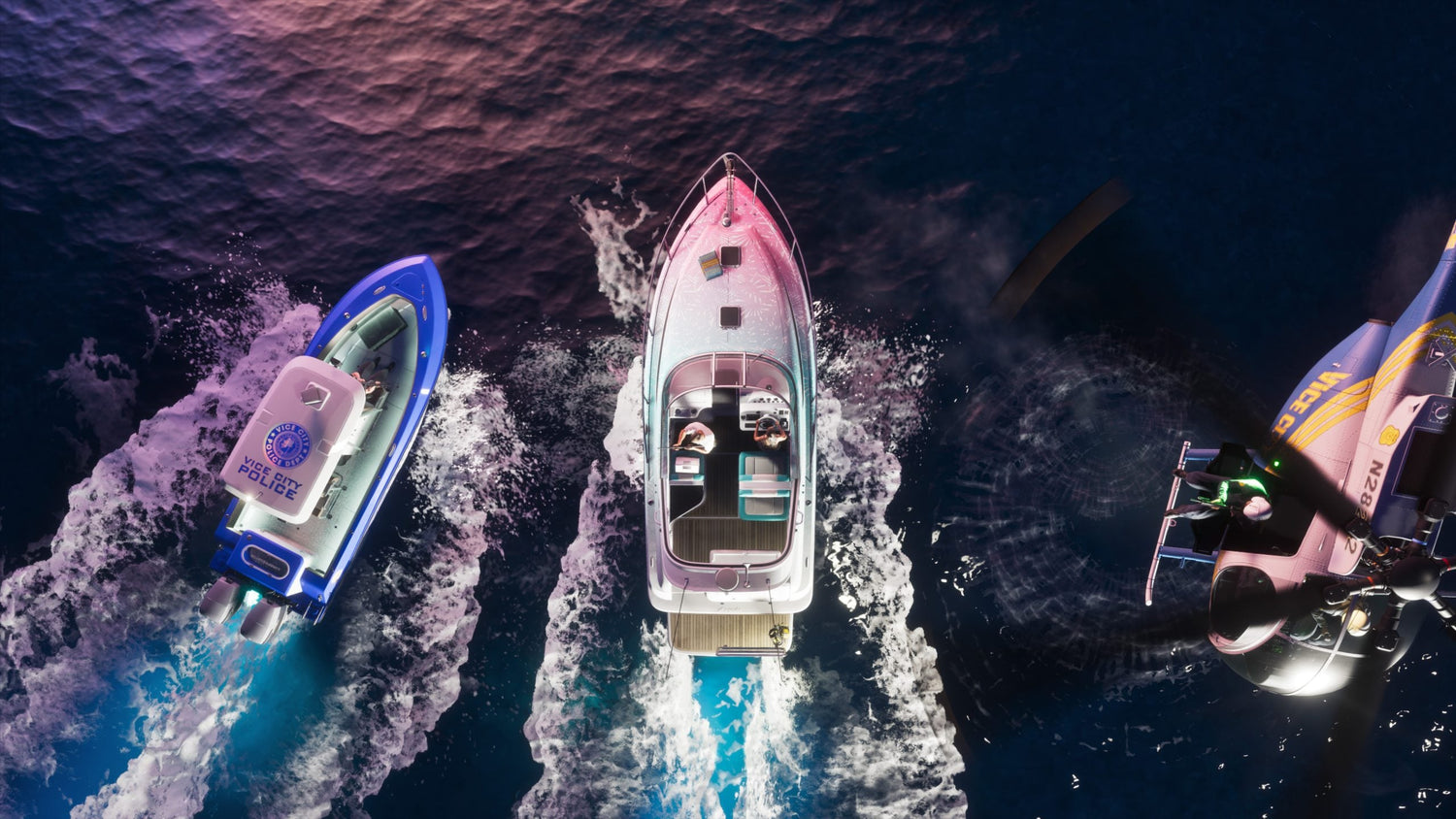
GTA 6 Product Page Details Have Players Thinking Ahead About Their Next Gaming PC in Canada
The latest GTA 6 product page details are doing exactly what major Rockstar news always does: making players stop, look at their current setup, and ask whether their system will actually deliver the experience they want. Based on the source report, an Amazon listing in some regions appears to describe deeper immersion, more believable NPC routines, interactive locations, random events, expanded social media features, dual-character gameplay, and a larger world with more biomes. Even if some wording on retail product pages should be treated cautiously, the bigger takeaway is clear. GTA 6 is shaping up to be the kind of massive open-world game that pushes hardware expectations higher, and that matters for anyone shopping for a Gaming PC Canada buyers can rely on for the next wave of AAA releases.
If you are in Canada and following GTA 6 closely, this is not just gaming news. It is buying-timing news. It is performance-tier news. It is future-proofing news. And for many shoppers, it is financing news too. Are you hoping to play at 1080p and strong frame rates, or are you aiming for 1440p ultra settings, ray tracing, and long-term headroom for upcoming games? Are you only gaming, or do you also want to stream, edit clips, create YouTube content, or run creative software on the same machine? Those questions matter now more than they do when a game is already out and demand has already spiked.
What the GTA 6 Product Page Details Suggest About PC Buying Right Now
The source article points to several details allegedly shown on an Amazon product page in Brazil. These include integrated social networks viewed through the in-game phone, more immersive NPC behaviour, interactive establishments, random events, a larger map, more biomes, next-generation graphics, and dynamic switching between Jason and Lucia while also completing missions together. None of that feels out of line with what players already expected from Rockstar based on the trailers and the company’s history of building dense worlds.
Why does that matter to a buyer looking at a custom gaming PC in Canada? Because dense worlds usually mean more than prettier screenshots. They can mean heavier CPU load from simulation systems, more memory pressure from high-detail assets, more GPU demand from lighting and effects, and larger storage needs from game installs that keep growing. If you are shopping based only on “can it launch the game,” you may end up with a machine that technically runs it but does not deliver the smooth, premium experience you were actually hoping for.
That is the real buying mistake many people make before a huge game release. They shop for minimum survival instead of buying for how they really want to play.
Are You Buying a PC Just for GTA 6, or for the Next Few Years of New Games?
This is one of the most useful questions to ask before spending anything. If GTA 6 is the trigger that gets you shopping, that is normal. But should your purchase only be built around one title? Probably not.
A smart gaming PC for GTA 6 should also make sense for other open-world and visually demanding games coming next. If a system is already borderline for one of the biggest releases in the industry, how quickly will it feel outdated once more demanding titles arrive? Do you want to save a little now and feel pressure to upgrade again too soon, or would you rather choose a stronger build with better long-term value?
For many Canadian buyers, the better move is to think in terms of performance class rather than one-game marketing. That means deciding whether you want an entry-level 1080p machine, a stronger 1440p system, or a premium build aimed at 4K, ray tracing, and heavier multitasking.
What Do You Want Your Next PC to Do for You?
Before you choose parts, choose the job.
Do you want your next PC to run big open-world games smoothly at high settings? Do you want high refresh competitive performance as well? Do you plan to stream on OBS while gaming? Will you be editing gameplay clips for YouTube, TikTok, or short-form content? Are you also using Photoshop, Lightroom, Illustrator, Premiere Pro, DaVinci Resolve, Blender, or Unreal Engine? Do you need one machine that can game at night and work hard during the day?
That is where many buyers realize they do not just need a “gaming computer.” They need the right category of custom PC.
- Budget gaming PC: Best for players focused on 1080p gaming and value.
- Mainstream performance gaming PC: Ideal for stronger 1080p or 1440p gaming with better longevity.
- Premium RTX gaming PC: Better for ultra settings, ray tracing, high refresh 1440p, and 4K ambitions.
- Gaming and streaming PC: Best if you want to play, record, and stream from one system.
- Creator PC: Better if gaming is only part of the workload and editing or design matters too.
- 3D modeling or workstation PC: Best for Blender, Unreal Engine, rendering, CAD, and heavy professional tasks.
If you are unsure which category fits you, that is exactly why custom guidance matters. A preconfigured generic box often forces you to compromise in ways you do not notice until after purchase.
What PC Do You Need for GTA 6 Style Open-World Gaming?
While official PC requirements are not provided in the source, the article’s descriptions point toward the kind of modern AAA demands buyers should plan around. Games that push immersion through AI routines, detailed world simulation, dynamic events, and next-gen visuals usually reward balanced builds, not just one expensive component.
Entry 1080p Tier: Who Is This For?
This tier makes sense if your goal is straightforward gaming at 1080p, sensible settings, and good value. It is often the right answer for first-time buyers, students, or anyone asking, “What gaming PC do I need if I mainly want to enjoy new games without overspending?”
But ask yourself this: if GTA 6 is the reason you are shopping, do you really want to enter the generation at the minimum comfortable tier? Or would spending a bit more now keep you happier for longer?
1440p Sweet Spot Tier: The Best Fit for Many Buyers
For a lot of Canadian gamers, 1440p is the real sweet spot. It delivers a clear visual jump over 1080p, better use of stronger GPUs, and more room to enjoy demanding titles at settings that feel appropriately “next-gen.” If you want GTA 6 style spectacle, detailed cities, rich environments, and smoother gameplay without going all the way to an ultra-premium budget, this is often the smartest place to shop.
Are you the type of player who upgrades every few years, or do you want a machine that stays satisfying longer? A stronger 1440p Gaming PC Canada shoppers choose now can often age more gracefully than a cheaper build bought purely on price.
4K and Ray Tracing Tier: For the Buyer Who Wants the Full Visual Experience
If your goal is 4K gaming, heavy visual settings, and the best possible presentation on a premium display, you need to buy differently. This is where high-end GPUs, stronger cooling, and better overall part matching matter more. It is also where poor buying decisions become more expensive. A premium system should not just have a big-name graphics card. It should be balanced, tested, cooled correctly, and built with an upgrade path in mind.
Do you want to experience major new releases at ultra settings for years, or are you mainly chasing one headline feature? That question helps determine whether a premium build is worth it for you.
Why This Matters Even More for Canadian Buyers
Canadian shoppers need to think beyond hype and look at practical buying conditions. Big game releases can create demand spikes across the PC market, especially when a title becomes a system-seller for upgrades. Add in normal volatility around GPUs, memory, and storage, and waiting too long can create a worse buying environment. That does not mean panic buying. It means planning intelligently.
If you already know you want a stronger system this year, what are you waiting for exactly? Official benchmark charts? A last-minute rush? Limited inventory on more desirable graphics options? A sale period where the best configurations disappear first?
Many buyers tell themselves they will wait for the “perfect moment,” but the perfect moment rarely appears. The better question is whether current pricing, current availability, and current financing options let you secure the system you actually want before demand shifts.
Should You Buy Before a Major Release, Hardware Shortage, or Price Increase?
This is one of the most important timing questions in the market.
If a major release like GTA 6 is already influencing upgrade conversations, demand can build long before launch. At the same time, system pricing is never just about one game. GPU availability, SSD costs, memory pricing, CPU launches, and broader market pressure all influence what full systems cost in Canada.
So ask yourself:
- Are you buying before a huge game launch that may drive upgrade demand?
- Are you already noticing your current PC falling behind in new AAA games?
- Would waiting force you into a rushed purchase later?
- Would buying now let you spread the cost of a stronger build instead of settling for less?
If the answer to several of those is yes, then buying earlier can be the more practical choice.
Is Financing a Better Way to Secure a Stronger PC Now?
For many shoppers, yes. Not because financing is trendy, but because underbuying can be expensive in its own way. A cheaper PC that needs replacing or upgrading too soon is not always the budget-friendly move it appears to be.
If you are looking at a weaker system just to keep the upfront total lower, it is worth asking a smarter question: would financing a better PC now leave you with a machine that lasts longer, performs better, and avoids a second round of spending sooner than expected?
This is especially relevant if you are shopping around a major game release, a school term, a creator workflow upgrade, or a period where replacement costs may rise. Financing up to 4 years can help buyers move into a better tier without taking the hit all at once. For the right buyer, that can mean stepping up from basic 1080p to stronger 1440p performance, or from a gaming-only system to a machine that also handles streaming and editing properly.
Should you finance a gaming PC before prices change? If you already know you need the machine, and if financing helps you secure a stronger, longer-lasting custom build, that can be a very rational move.
What If You Also Want to Stream, Edit, or Create Content?
This is where the source topic becomes even more commercially relevant. GTA 6 is not just a game people will play. It is a game people will stream, record, clip, react to, edit, thumbnail, and build channels around.
So what if you are not only buying a gaming PC for GTA 6? What if you are also planning to stream on Twitch or YouTube, edit 4K footage, create shorts, post on social platforms, or manage a creator workflow around a game that will dominate attention?
In that case, your shopping criteria change.
Gaming and Streaming PC Buyers
If you want to game and stream from one system, you need enough CPU and GPU capability to keep gameplay smooth while handling OBS, browser tabs, chat tools, background apps, and recording. Do you want 1080p streaming, or are you trying to maintain strong in-game performance while producing cleaner content? Do you use one monitor or multiple? Do you plan to record locally while live streaming? Those details affect the kind of Streaming PC Canada buyers should choose.
Video Editing and Creator PC Buyers
If your GTA 6 excitement is connected to content creation, then a stronger Creator PC Canada setup may be the better fit than a pure gaming machine. Video editing in Premiere Pro or DaVinci Resolve benefits from the right mix of CPU performance, GPU acceleration, RAM, and fast SSD storage. If your workflow includes long exports, layered timelines, motion graphics, or multiple apps at once, a creator-focused system can save time every single week.
Are you editing casual clips, or are you trying to build a serious channel? Are you working in 1080p, 4K, or beyond? Do you need fast scrubbing, quicker exports, and more stable multitasking? Those are the questions that separate a fun side-hobby PC from a machine that supports real output.
Photo Editing and Graphic Design Buyers
Some customers arrive through gaming news but actually need a broader machine. Maybe you game, but you also work in Photoshop, Lightroom, Illustrator, Canva, or InDesign. Maybe you need strong everyday responsiveness, colour workflow support, and enough RAM for creative multitasking. In that case, a balanced custom system makes more sense than a flashy gaming-first tower built without your design workload in mind.
3D Modeling and Workstation Buyers
If GTA 6 has you thinking about world-building, game art, modding, Blender, Unreal Engine, or heavier production tools, do not shop by gamer assumptions alone. A 3D Modeling PC Canada professionals or serious creators need may overlap with gaming hardware, but the priorities can be different. Rendering, simulation, large scenes, compile times, and memory needs can all shift the ideal configuration.
Are you mainly playing games, or are you also building things? That is one of the biggest dividing lines in custom PC selection.
Which Performance Tier Fits You Best?
If you are unsure what to buy, use this practical breakdown.
Choose a Budget-Oriented Build If:
- You are mainly targeting 1080p gaming.
- You want solid value without chasing premium settings.
- You play a mix of AAA and lighter games.
- You are okay turning some settings down over time.
- You want a sensible first system without overspending.
Choose a Strong Midrange Build If:
- You want the best balance of price and longevity.
- You care about smoother 1440p gaming.
- You want a better experience in future open-world games.
- You may stream, record, or multitask while gaming.
- You want to avoid feeling the need to upgrade too soon.
Choose a Premium RTX Build If:
- You want 1440p ultra or 4K ambitions.
- You care about ray tracing and higher-end visual features.
- You want stronger performance for multiple years.
- You use a high refresh display and want more headroom.
- You would rather buy once properly than compromise now.
Choose a Creator or Workstation Build If:
- You game, but also edit, render, design, or create professionally.
- You use Adobe Creative Cloud, DaVinci Resolve, Blender, or Unreal Engine.
- You need more RAM, more storage, and more productivity value.
- You care about export times, timeline smoothness, and multitasking stability.
- You want one PC to cover both entertainment and income-producing work.
Custom PC vs Generic Prebuilt: Why It Matters More During High-Hype Buying Cycles
When a major release drives attention, the market fills up with generic systems trying to capitalize on urgency. That is exactly when buyers should slow down and look at build quality, component balance, cooling, power delivery, and support.
A flashy ad can make almost any PC sound “ready.” But is it built with the right airflow? Does it have the RAM and SSD capacity that make sense for modern games? Is the power supply appropriate for the graphics card? Is the motherboard limiting future upgrades? Was the whole system properly tested?
With a custom PC builder, those questions can be addressed before you buy. That matters because a better-spec sheet on paper is not always a better real-world machine if the system is poorly assembled or badly balanced.
Why Groovy Computers Is a Strong Fit for Canadian Buyers
Groovy Computers is positioned for the buyer who wants more than a random box with a graphics card. If you are shopping for a custom gaming PC, creator PC, or workstation in Canada, you want expert part matching, clear performance logic, stress-tested reliability, and confidence that your system is built for the workload you actually care about.
That is particularly valuable when the market is reacting to big game launches and hardware demand trends. Instead of guessing, you can choose a build path that fits your real goals. Want a system for GTA 6 at 1080p with strong value? Want a 1440p build with more life in it? Want a premium RTX setup for immersive AAA gaming? Want a machine that can also handle streaming, video editing, graphic design, or 3D work? Those are exactly the kinds of buying decisions that benefit from expert guidance.
Groovy Computers also gives Canadian buyers the confidence factors that matter: custom-built systems, rigorous testing, a 1-year warranty, and financing options that can help you reach a smarter performance tier without paying the full amount upfront. For buyers in Nova Scotia, Atlantic Canada, and across the country, that combination is meaningful.
Questions to Ask Before You Buy or Finance Your Next PC
Before making your decision, ask yourself a few direct questions.
- What games do I actually want to play over the next two to three years?
- Am I shopping for 1080p, 1440p, or 4K performance?
- Do I care about ray tracing, ultra settings, or just solid playability?
- Will I also stream, record, or edit content?
- Do I use Premiere Pro, DaVinci Resolve, Photoshop, Lightroom, Illustrator, Blender, or Unreal Engine?
- How much storage do I really need for modern games and creative files?
- Would I rather buy a cheaper system now and upgrade sooner, or finance a stronger machine and keep it longer?
- Am I buying before a major release cycle, sale period, or possible component price shift?
- Do I want help choosing a system built around my actual needs instead of a generic spec list?
Those questions often do more to guide a good purchase than any one product label ever will.
So, What Should You Do If GTA 6 News Has You Thinking About an Upgrade?
If the GTA 6 product page details have you excited, use that excitement productively. Start by deciding what kind of experience you want, not just what the minimum requirement might be. Think about your display resolution, your preferred settings, your other workloads, and how long you want the system to stay satisfying. Then think about timing. If you already know an upgrade is coming, delaying until demand rises may not be the best move.
And if budget is the only thing stopping you from getting the right tier, ask the practical question many buyers avoid: would financing a better system now actually cost you less frustration, less replacement pressure, and less compromise over the next few years?
If you want help choosing the right custom build for gaming, streaming, editing, design, or workstation use, visit GroovyComputers.ca. Whether you need a balanced value system, a premium RTX gaming rig, a custom creator PC, or a stronger workstation before pricing shifts again, Groovy Computers can help you choose a PC that fits what you really want your next machine to do.
Final Take: GTA 6 Hype Is a Good Time to Buy Smarter, Not Just Faster
The source report may be centered on retail-page GTA 6 details, but the bigger story for buyers is what those details represent: larger worlds, higher immersion, richer simulation, and stronger expectations for hardware. For Canadian shoppers, that makes this a smart moment to evaluate whether your current system still matches your goals. If not, the best next step is not guesswork. It is choosing the right Gaming PC Canada buyers can count on for upcoming games, creator workloads, and longer-term value.
Ready to stop wondering whether your current PC will keep up? Ask yourself what you want your next build to deliver, then head to GroovyComputers.ca to explore a custom solution that fits your games, your workflow, your budget, and your timeline.
#GamingPCCanada #CustomGamingPCCanada #GamingPCForGTA6 #CanadianCustomPCBuilders #GamingAndStreamingPCCanada #CreatorPCCanada #VideoEditingPCCanada #3DModelingPCCanada #NovaScotiaPCBuilder #GroovyComputers
Groovy Computers | All Rights Reserved



Leave a comment
This site is protected by hCaptcha and the hCaptcha Privacy Policy and Terms of Service apply.