






















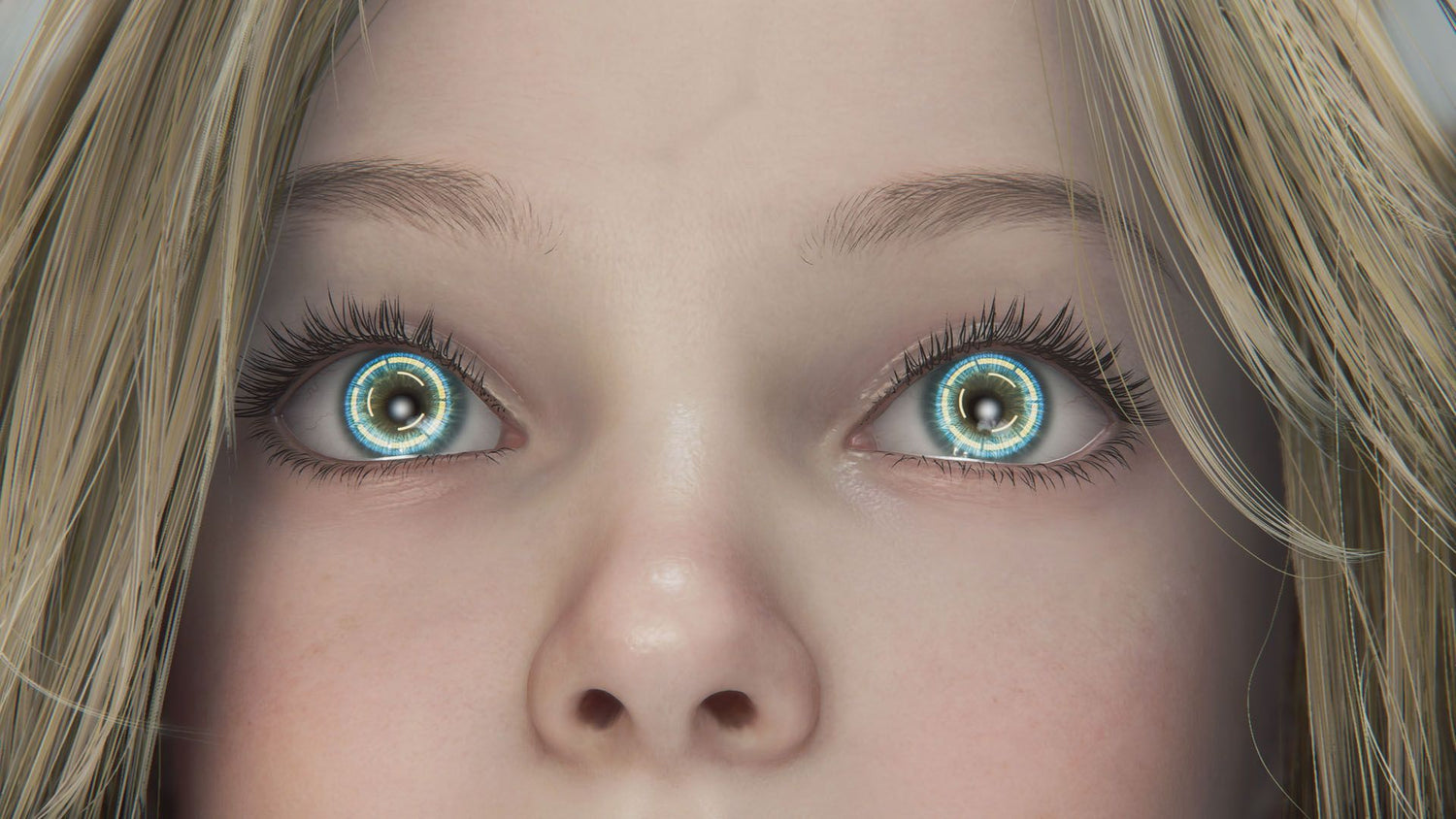
Capcom, Pragmata, and the Real Buying Lesson for Canadian Gamers: How to Choose the Right Custom Gaming PC Canada Build Before the Next Big Release
The latest discussion around Capcom, Pragmata, and the publisher’s continued push into new IP highlights something bigger than one successful game launch: modern AAA gaming keeps raising the bar, and that matters if you are shopping for a custom gaming PC Canada buyers can trust for upcoming releases. When major publishers keep backing technically ambitious games instead of playing it safe, your next PC decision becomes less about bare-minimum specs and more about buying a system that can keep up with what is coming next.
That is the real takeaway for Canadian buyers. A game like Pragmata is not just a news story. It is a reminder that studios are still willing to build visually demanding, mechanically ambitious experiences that reward stronger hardware, faster storage, better cooling, and smarter long-term planning. If your current desktop already struggles with newer titles, stutters while streaming, or feels slow in editing and creative work, this kind of industry shift is exactly when it makes sense to reassess your setup.
At Groovy Computers, that question comes up constantly: should you buy now, wait, upgrade, finance a stronger system, or settle for a lower tier? The answer depends on what you actually want your PC to do over the next several years, not just what one game needs today.
What the Capcom and Pragmata story really tells PC buyers
The source story points to a simple but important idea: Capcom’s success has been tied not only to maintaining major franchises, but also to continuing to invest in fresh projects. That matters because new IP often pushes new visual styles, new rendering demands, and new performance expectations. A publisher that keeps experimenting does not just shape the game market. It also shapes what kind of hardware players need to enjoy those games properly.
Why does that matter for someone shopping in Canada? Because buyers who only shop for the lowest possible entry point often end up replacing their system too soon. If developers keep aiming higher, then buying a PC that only covers today’s minimum requirements can become the most expensive “cheap” decision you make.
Are you buying a PC only for one title, or are you buying a system for the next wave of demanding games? Are you trying to play comfortably at 1080p, or do you already know you want 1440p high refresh or even 4K with ray tracing? Do you want to enjoy single-player cinematic games, or are you trying to balance gaming with OBS streaming, Discord, browser tabs, capture software, and content creation tools at the same time?
Those are the questions that should guide your purchase more than a headline ever could.
Why Canadian buyers should think differently about a gaming PC purchase
Canadian customers face a different buying environment than many general PC articles acknowledge. Full-system prices are affected by exchange rates, shipping realities, GPU demand, inventory swings, and sudden spikes around major game launches or holiday periods. Even when a game announcement sounds far away, demand often moves earlier than buyers expect.
That means waiting is not always the money-saving move people assume it is. If you wait until your favourite new game launches, until your old computer fully fails, or until a sale period causes inventory pressure, your options can narrow fast. The better move is usually to buy based on the experience you want next, not the frustration you are enduring now.
For many buyers across Nova Scotia, Atlantic Canada, and the rest of the country, the smartest strategy is to secure the right custom system before demand spikes. In some cases, financing a stronger PC now can make more sense than buying a weaker system outright and needing another upgrade sooner than expected.
What do you want your next PC to do for you?
This is the question too many people skip. Before choosing a GPU tier, a CPU family, or a budget range, ask yourself what the machine is supposed to accomplish in real life.
- Do you want smooth AAA gaming at 1080p?
- Do you want high-FPS 1440p gaming with better longevity?
- Do you want 4K visual quality and ray tracing?
- Do you want to stream on Twitch or YouTube while you play?
- Do you also edit videos for YouTube, TikTok, or client work?
- Do you need a creator desktop for Photoshop, Lightroom, Illustrator, or Premiere Pro?
- Do you need a workstation for Blender, Unreal Engine, rendering, or heavier professional multitasking?
Your answer changes everything. A buyer looking for a budget gaming PC Canada setup for esports titles should not shop the same way as someone who wants a gaming and streaming PC Canada build, and neither of those buyers should be pushed into the same decision as someone who needs a video editing PC Canada or 3D rendering PC Canada workstation.
If games like Pragmata are your wake-up call, which performance tier fits you?
As publishers continue releasing technically ambitious games, it helps to think in tiers instead of chasing random specs. Here is the practical way to approach it.
Entry tier: best for lighter gaming and value-focused buyers
If you mostly play esports titles, older AAA games, indie games, or competitive shooters at 1080p, an entry-tier build can still make sense. This category is ideal for students, first-time buyers, and anyone asking, “What gaming PC do I need if I just want smooth gameplay without maxing every setting?”
But be honest with yourself. Do you only play lighter games now because your current PC limits you? If a new cinematic release catches your eye every few months, an entry-level system may feel outdated sooner than you hope.
This tier works best if your goal is:
- 1080p gaming
- good performance in esports and mainstream titles
- basic multitasking
- value-first buying
- an affordable first desktop
Mid-range tier: the sweet spot for most modern PC gamers
For many buyers, this is the smartest place to be. A well-balanced mid-range system is often the best answer to “What PC do I need for 1440p gaming?” It gives you a better GPU, more breathing room for newer titles, stronger frame rates, and a better upgrade path.
If you are following major releases, want sharper visuals, and plan to keep your machine for several years, this is often where long-term value really starts. It is also where a lot of Canadian customers realize that financing a stronger machine is more practical than trying to stretch a low-end purchase beyond its comfort zone.
This tier works best if your goal is:
- 1440p gaming
- high settings in newer releases
- better frame consistency
- some streaming or recording
- longer useful lifespan before major upgrades
High-end tier: for premium gaming, ray tracing, streaming, and creator workloads
If you want modern AAA titles to look the way they are meant to look, especially as more studios push advanced lighting, denser worlds, and more cinematic effects, a premium build starts making sense quickly. This is the right category for buyers asking, “What PC do I need for 4K gaming?” or “Should I buy a stronger system now so I do not need to replace it again soon?”
A high-end desktop is also ideal if your PC is not just for play. If you stream, edit, design, render, or create professionally, stronger hardware is not just about visuals. It is about time saved, smoother workflows, quieter operation under load, and less compromise.
This tier works best if your goal is:
- 4K gaming or high-refresh 1440p
- ray tracing
- gaming and streaming at the same time
- video editing and content creation
- future-proofing against more demanding releases
Are you only gaming, or do you also want to stream and create?
One of the biggest buying mistakes is choosing a gaming-only spec list when your real use case is much broader. Plenty of people start by saying they “just want to game,” but within months they are recording gameplay, editing clips, running OBS, multitasking with browser tabs, chatting in Discord, and posting content online.
If that sounds like you, then you may not just need a gaming desktop. You may need a streaming PC Canada or even a content creation PC Canada build.
Ask yourself a few practical questions:
- Do you want to stream in 1080p without sacrificing in-game smoothness?
- Do you want cleaner exports for short-form content and YouTube uploads?
- Will you be using OBS Studio, Premiere Pro, DaVinci Resolve, Photoshop, or Adobe Creative Cloud?
- Do you want one PC that can handle gaming, editing, and productivity instead of juggling compromises?
If yes, then CPU strength, RAM capacity, storage speed, and cooling all matter more than they do in a gaming-only purchase. This is where custom planning becomes valuable, because the right balance can save you from buying a system that is powerful in one area and frustrating in another.
What if you need more than a gaming PC?
The same industry trend that creates demanding new games also affects creators and professionals. Better-looking worlds, higher-resolution assets, more advanced engines, and more AI-assisted workflows all place heavier demands on modern hardware.
For video editors
If you are cutting 4K footage, exporting often, layering effects, or working in Premiere Pro or DaVinci Resolve, then a proper custom video editing PC Canada setup can dramatically improve your daily workflow. Better timeline smoothness, faster exports, stronger multitasking, and more reliable thermal performance all matter.
Have you been asking, “What PC do I need for video editing?” The answer usually comes down to your codec load, resolution, export frequency, and whether this is hobby work or revenue-generating work. If your time has value, stronger hardware pays you back.
For photo editors and graphic designers
If your work revolves around large RAW files, batch exports, Lightroom catalogs, Photoshop layers, Illustrator projects, or multi-monitor productivity, then a photo editing PC Canada or graphic design PC Canada configuration may be the better fit. Fast SSDs, enough RAM, dependable CPU performance, and a balanced GPU all contribute to a smoother creative environment.
Do you need a dedicated GPU for design and photo work? Sometimes yes, especially if your workflow includes acceleration-heavy features, AI tools, display complexity, or crossover into motion work.
For 3D artists, developers, and workstation buyers
If your use case includes Blender, Unreal Engine, Unity, CAD, rendering, simulation, or heavier professional multitasking, you are in workstation territory. A 3D modeling PC Canada or custom workstation PC Canada setup should be planned very differently from a basic gaming system.
Are you rendering animations overnight? Building game environments? Working with larger scenes and assets? Running creative software all day, not just on weekends? Then reliability, cooling, memory headroom, and part matching matter as much as headline performance.
Why custom PC building matters more when games get more ambitious
When publishers keep releasing visually rich, technically demanding games, generic one-size-fits-all systems become harder to justify. A custom-built desktop gives you a better chance of matching your parts to your actual goals instead of overpaying in the wrong places or underbuying in the most important ones.
That means:
- better balance between CPU and GPU
- cooling that suits sustained workloads
- storage selected for real-world use, not marketing claims
- RAM capacity that fits gaming, streaming, or creator needs
- cleaner upgrade paths
- less risk of buying a flashy but mismatched system
For Canadian buyers, custom matters even more because total cost needs to make sense. If you are investing in a desktop that needs to last, every component choice should support that goal.
Should you buy now or wait for the next hardware cycle?
This is one of the most common questions, and it is a fair one. But the answer depends less on launch rumours and more on your current pain points.
If your current system already struggles with newer games, lacks enough storage, overheats under sustained use, slows down editing work, or forces you to lower your expectations every time a new title drops, then waiting may cost you more in frustration than it saves you in theory.
Ask yourself:
- Are you buying before a major game release you already know you want?
- Are you trying to avoid a seasonal demand spike?
- Are you worried about GPU pricing pressure or inventory tightening?
- Will your software needs increase soon because of work, school, or content creation plans?
- Would a stronger PC today stop you from needing another upgrade next year?
If you answered yes to several of those, then “wait and see” may not be the safest strategy.
Why financing can be the smarter move for some Canadian buyers
Not every buyer wants to compromise their build just to hit a short-term cash number. Sometimes the real smart decision is securing the right machine now, especially if that machine will serve you longer and save you from replacing or upgrading too soon.
This is where financing becomes practical, not impulsive. Groovy Computers offers financing up to 4 years, which can help buyers step into a better category of performance without settling for a machine they already know will feel limiting.
Is financing a better PC worth it? In many cases, yes. If the difference between a weak build and a well-balanced build is the difference between enjoying the next several years or shopping again too soon, monthly payments can make more sense than buying the wrong system outright.
That is especially true for:
- buyers preparing for new AAA releases
- streamers who need stronger multitasking performance
- editors and creators whose time has financial value
- students or younger buyers who want better longevity
- customers trying to avoid replacement costs after prices rise
What questions should you ask before buying or financing your next PC?
Before you make a final choice, these are the kinds of questions worth asking yourself:
- What games or software do I actually use most?
- Do I want 1080p, 1440p, or 4K performance?
- Do I care about ray tracing, ultra settings, or high refresh smoothness?
- Will I stream, record, edit, design, or render on this machine too?
- How long do I want this PC to feel fast before I upgrade again?
- Would a stronger build now save me money and stress later?
- Do I want a generic box, or do I want a tested custom system built for my real workload?
If you are unsure about any of those answers, that is exactly why expert guidance matters.
Why Groovy Computers is a strong fit for Canadian buyers right now
Groovy Computers is built around the needs of Canadian customers who want more than a random parts list or a generic shelf system. Whether you need a gaming desktop, creator machine, or workstation, the goal is the same: match the build to the buyer, test it properly, and deliver real confidence.
That means a focus on custom PC building, performance-minded part selection, rigorous testing, and practical support. It also means a 1-year warranty for added peace of mind. When system prices and hardware expectations are always shifting, trust matters.
If you are in Nova Scotia, Atlantic Canada, or ordering from elsewhere in the country, that Canadian context matters too. You want a builder who understands what buyers here are dealing with: changing prices, shipping realities, uncertain inventory windows, and the need to get the decision right the first time.
Need a budget gaming computer, a premium RTX build, or a creator workstation?
There is no single perfect PC for everyone, but there is a right category for you.
Choose a budget-focused build if:
- you mainly play esports or lighter titles
- you want a first desktop without overspending
- 1080p is enough for your needs
- you accept that future AAA headroom will be more limited
Choose a mid-range gaming build if:
- you want strong 1440p value
- you play a mix of competitive and cinematic titles
- you want a better long-term upgrade position
- you want a balanced answer to modern gaming demands
Choose a premium gaming build if:
- you want high refresh 1440p or 4K gaming
- you care about ray tracing and higher visual settings
- you want a future proof gaming PC Canada buyers can lean on longer
- you would rather buy once properly than upgrade too soon
Choose a creator or workstation build if:
- you edit video, produce content, or work in Adobe apps
- you use Blender, Unreal Engine, CAD, or rendering tools
- your PC is part of your work, not just your entertainment
- you need speed, stability, and thermal reliability under load
What if you are not sure what specs you need?
That is normal. Most buyers are not trying to become hardware experts. They are trying to avoid making an expensive mistake.
Maybe you are wondering, “What gaming PC do I need for upcoming games?” Maybe your real question is, “Should I buy a cheaper system now or finance a better one?” Maybe you need one desktop for gaming, streaming, and editing and want to know whether a hybrid build is realistic. Maybe you are a creator asking whether a gaming-class GPU is enough for your software. Those are exactly the kinds of questions a proper custom PC builder should help answer.
A strong recommendation should not start with whatever is easiest to sell. It should start with your use case, your resolution target, your software, your timeline, and your budget comfort.
The bigger lesson from Capcom’s momentum: buy for where gaming is going
The Capcom and Pragmata conversation reflects a broader reality in PC gaming: the industry still rewards ambition, and ambitious games usually reward better hardware. That does not mean everyone needs a flagship desktop. It does mean buyers should stop thinking only in terms of minimum survival specs.
If the next few years bring more games with bigger worlds, richer effects, heavier assets, and stronger CPU and GPU demands, do you want to be shopping reactively every time a new release appears? Or would you rather choose a system now that is built for where your gaming and creative life are actually going?
That is why a custom gaming PC Canada buyers can configure intelligently remains such a strong option. It lets you buy with purpose, match your hardware to your goals, and avoid paying twice for the same decision.
Ready to choose the right build for your next few years, not just your next weekend?
If you are asking yourself whether you need a budget gaming desktop, a stronger 1440p system, a premium RTX machine, a streaming setup, or a creator workstation, Groovy Computers can help you narrow it down properly. If financing would help you secure the better long-term build before pricing or demand changes again, that is worth considering now rather than after your options tighten. Explore your options or request guidance at GroovyComputers.ca.
For Canadian buyers, the smartest PC purchase is rarely the one that only solves today’s problem. It is the one that fits the games, software, and workloads you know are coming next. As studios continue pushing new ideas and new technical demands, choosing the right desktop now can save you money, frustration, and early upgrade regret later. If you want a tested custom system with a 1-year warranty and a build strategy that fits your real goals, Groovy Computers is one of the best places in Canada to start.
#CustomGamingPCCanada #GamingPCCanada #GamingPCBuildsCanada #CanadianCustomPCBuilders #GamingAndStreamingPCCanada #CreatorPCCanada #VideoEditingPCCanada #3DModelingPCCanada #WorkstationPCCanada #BudgetGamingPCCanada #NovaScotiaPCBuilder #GroovyComputers
Groovy Computers | All Rights Reserved



Leave a comment
This site is protected by hCaptcha and the hCaptcha Privacy Policy and Terms of Service apply.