

















Diablo IV: Lord of Hatred Launch Trailer Breakdown, Classes, Platforms, Editions, Release Window, Gameplay, Story, and Why Financing Your Gaming PC in Canada Before the Rush Still Matters (2026)
Blizzard has officially unveiled Diablo IV: Lord of Hatred, the next mainline entry in the iconic action-RPG franchise, with a launch trailer that ignited massive excitement across PlayStation, Xbox, and PC communities. The trailer introduced a darker, more grounded world than previous Diablo titles, spotlighted the game’s open-world structure, and confirmed its focus on player choice, class customization, and live-service endgame content. For many Canadian gamers, this raises the usual question: should you rush out and finance a gaming PC now to play it at launch, or hold off because new hardware is coming soon and prices may fall?
For buyers considering a custom gaming computer in Canada, the smartest answer depends on your priorities and budget. If your main goal is to experience Diablo IV at high settings—especially with ray tracing, ultrawide support, and smooth framerates—then securing a capable GPU and CPU can absolutely make sense, but only if you’re confident you won’t feel burned when next-generation components inevitably drop in price. On the other hand, if you mostly care about playing through the campaign, sampling the new Necromancer, Barbarian, Rogue, Sorcerer, or Druid classes, and enjoying the world/story at launch without maxing settings, you can often save money by delaying a full upgrade. A thoughtful middle ground is to build a well-balanced system that targets 1080p or 1440p on high settings today, while leaving room for future GPU swaps once benchmarks stabilize and retail availability improves.
What the Diablo IV Trailer Reveals About the Game
The trailer presents Sanctuary, a bleak region corrupted by Mephisto’s daughter Lilith, and sets up a conflict involving hatred, faith, and fractured family bonds. Players are shown wandering through villages beset by cultists, demons, and horrors, then drawn into a broader mystery surrounding humanity’s struggle between light and darkness. Blizzard emphasizes that every class begins in a shared hub area before branching into specialized zones. This means that the early game is less about linear quest progression and more about exploration, renown farming, and dynamic events unfolding in a seamless world.
At launch, Diablo IV will feature five classes: Barbarian, Druid, Necromancer, Rogue, and Sorcerer. Each class has its own distinct identity, resource system, and talent tree, yet all are built around the same core structure of Basic Skills, Ultimate Abilities, and Key Passives. Instead of locking players into rigid archetypes immediately, Blizzard allows flexible progression through skills and class fantasy. The game also continues the series’ emphasis on loot-driven action combat, dungeons, co-op multiplayer, and seasonal updates.
Classes and Gameplay Systems Explained
Barbarian remains the heavy melee bruiser, dealing direct physical damage with weapons and furious attacks while relying on Rage to boost offense. Druid returns as the shapeshifting hybrid, capable of transforming into werewolves and other beasts, blending melee and spellcasting depending on form. Necromancer commands undead minions and curses enemies using dark magic, corpses, and sacrificial rituals. Rogue plays as the agile assassin/thief, specializing in stealth, traps, poison, and fast-paced dagger combat. Sorcerer wields elemental and arcane powers, casting destructive spells from a distance and controlling the battlefield with crowd control.
Combat in Diablo IV is portrayed as visceral and weighty, with dodges, parries, and cooldowns layered over flashy skill effects. Players can combine Basic and Core skills to create unique builds, then unlock Paragon boards or similar high-level progression later. Endgame activities include world bosses, instanced dungeons, and PvP zones, supported by a live-service model that promises frequent patches and expansions. The trailer suggests a darker tone, but also hints at the familiar Diablo loop of hunting for loot, grinding levels, and chasing ever-higher item power.
Why Financing a Gaming PC Before the Rush Can Help
Whenever a huge title like Diablo IV launches, demand for gaming PCs spikes dramatically. Graphics cards such as the RTX 5090, RTX 5080, or RX 7900 XTX often become scarce, while CPUs like Intel’s Core i9-14900K and AMD’s Ryzen 9 9950X command significant premiums. Memory and SSD pricing can also fluctuate because DDR5 kits and high-capacity NVMe drives are newly released and supply is initially tight. As a result, gamers who wait a few months after launch sometimes obtain stronger components for much less money once retailers discount older stock and newer generations normalize.
In Canada specifically, custom PC buyers frequently wonder whether they should buy now or wait until Black Friday, Boxing Day, or post-holiday sales. Because import taxes, exchange rates, shipping costs, and availability differ from the U.S. market, Canadian shoppers can benefit from planning purchases carefully and choosing builders who offer competitive local support. A custom build also lets you optimize airflow, thermals, and acoustics—important if the system will double as a workstation for streaming, video editing, coding, or other productivity tasks beyond gaming.
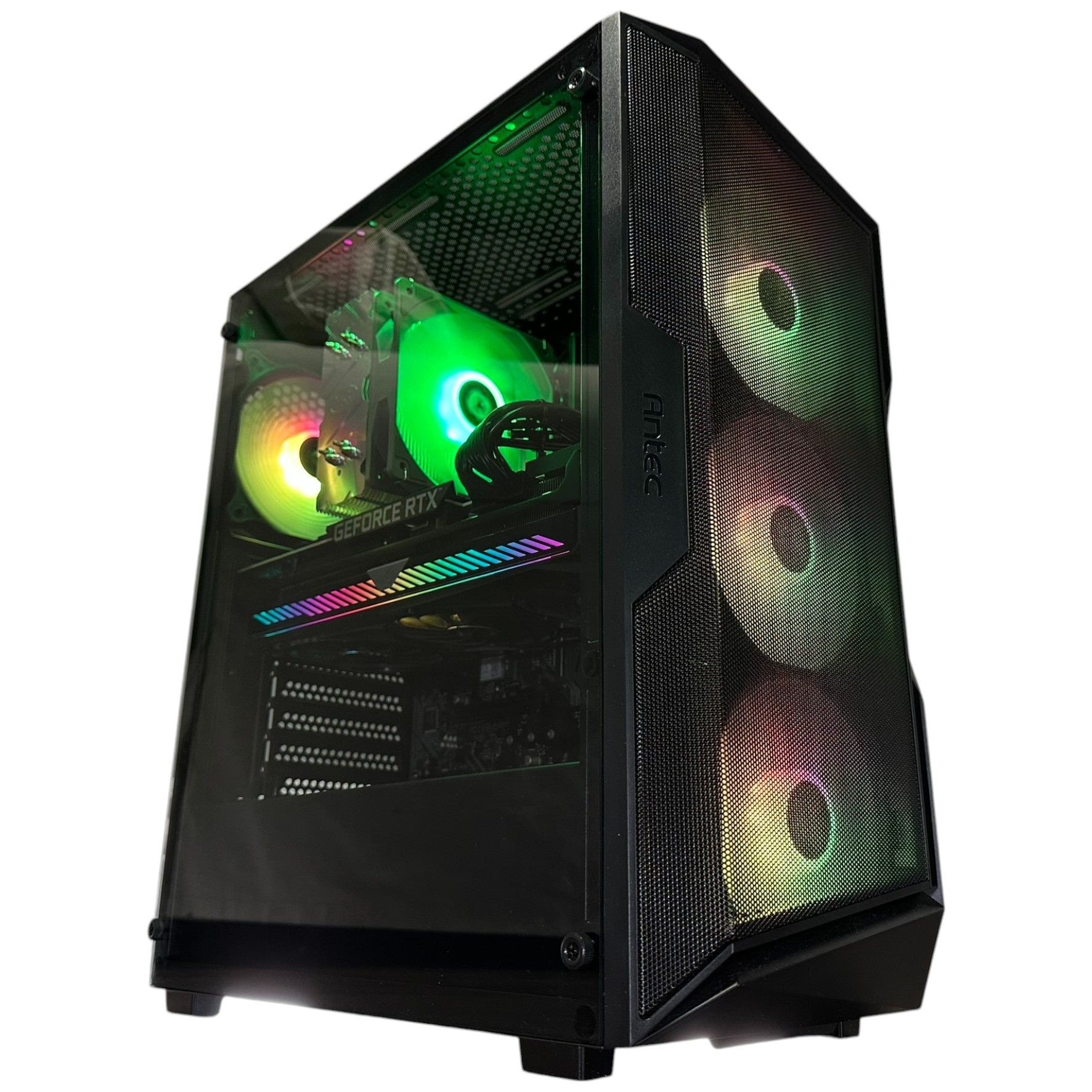
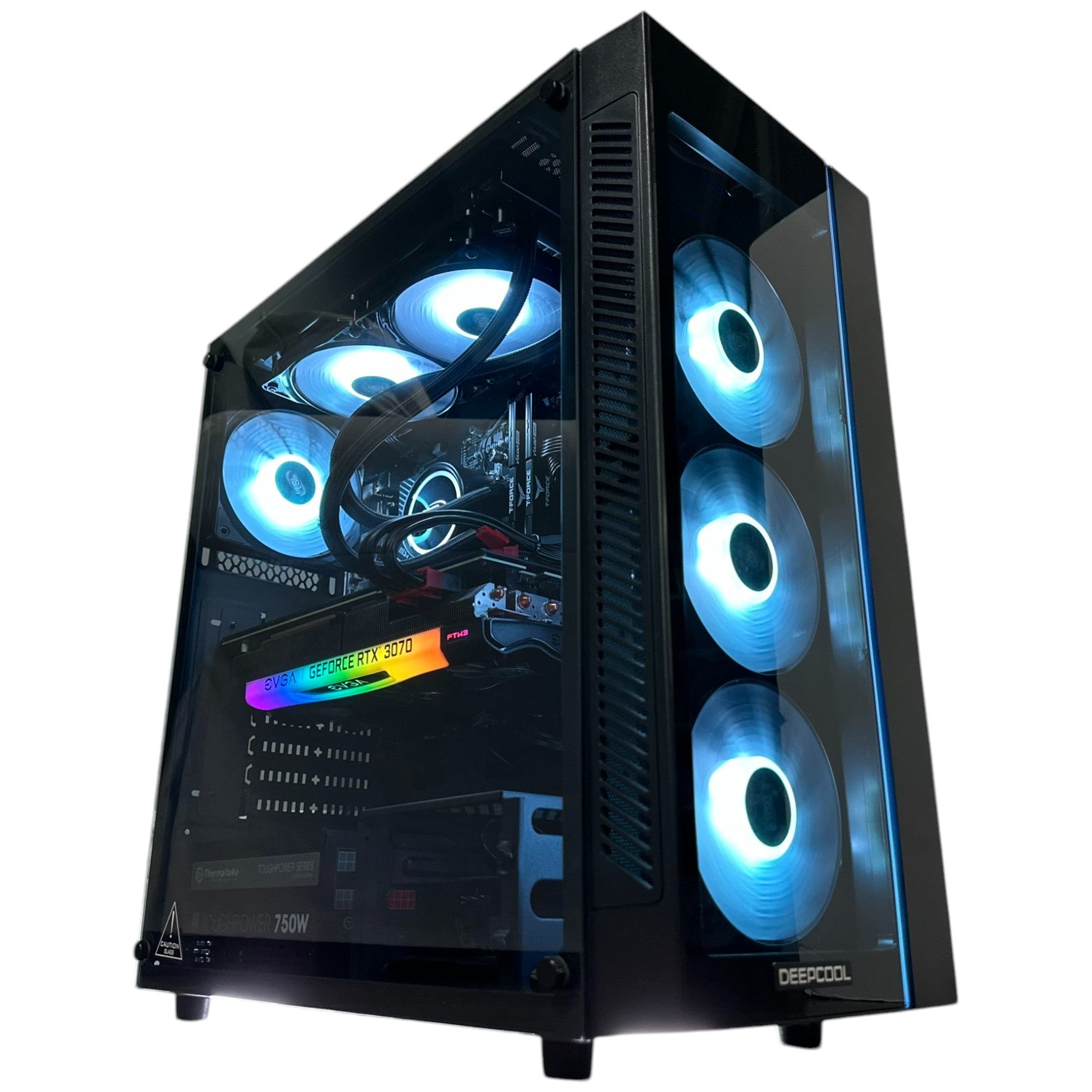
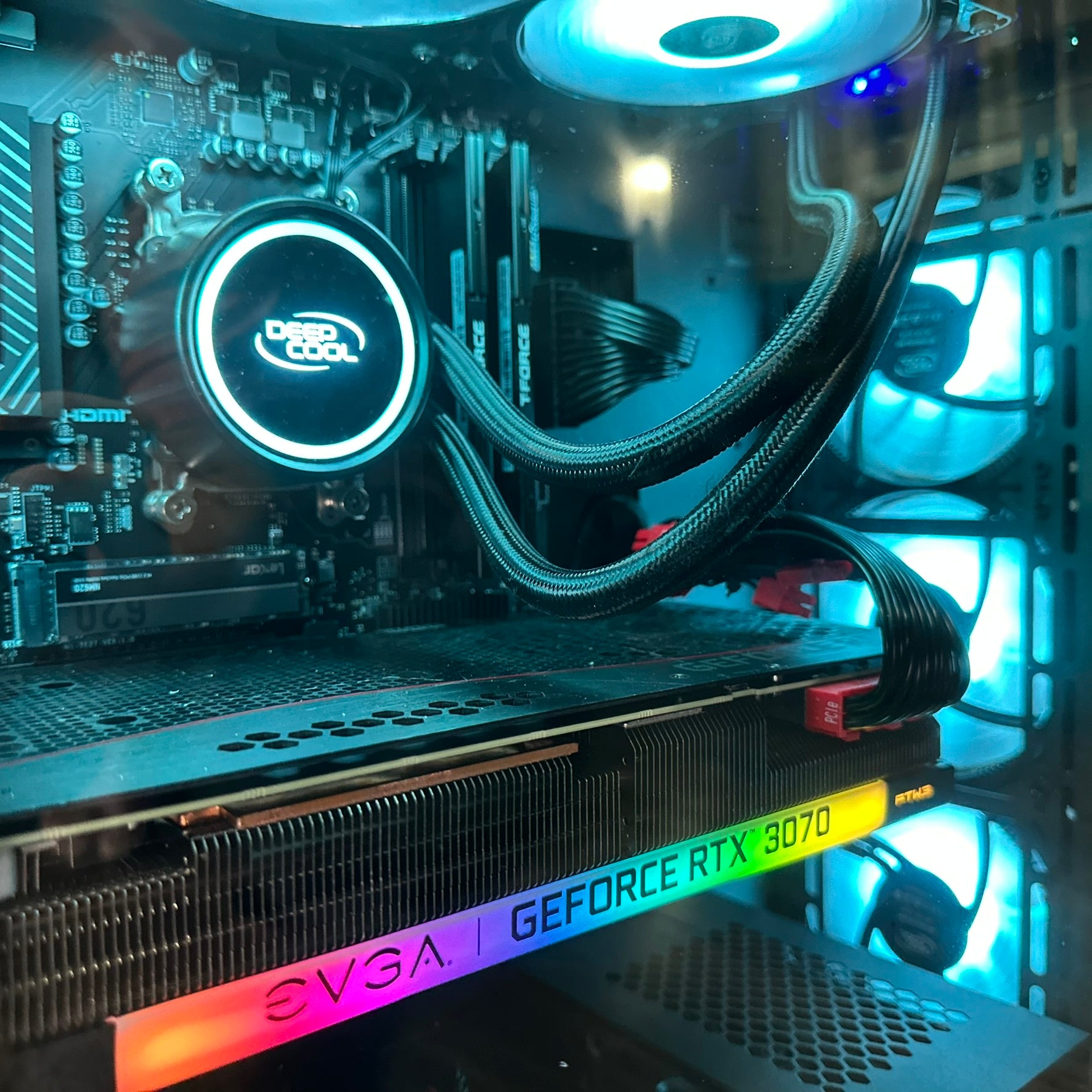
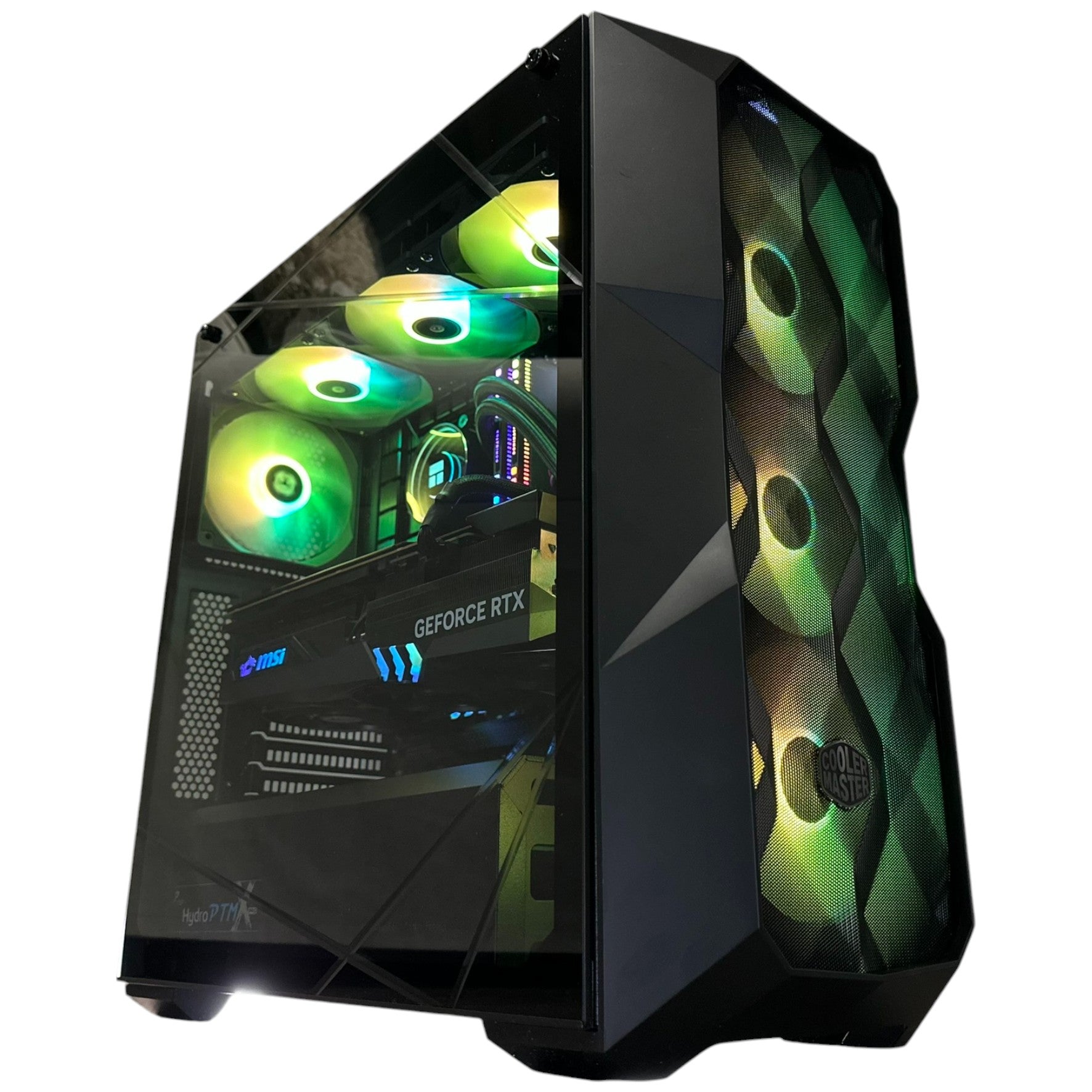
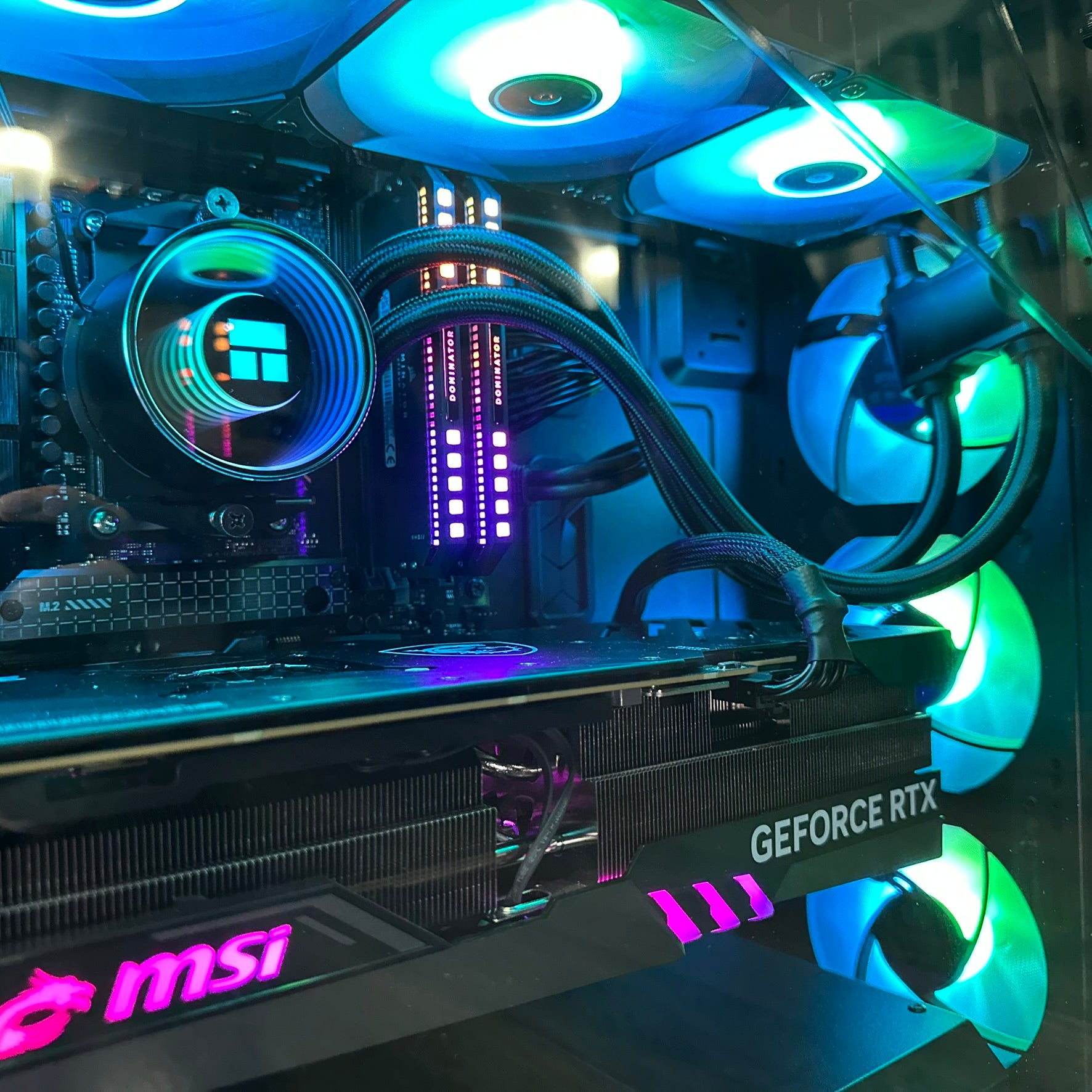
Groovy Computers, a Canadian custom PC building company, recommends evaluating several factors before rushing to buy parts solely for Diablo IV. Real-world gaming performance is influenced not just by the GPU but by the entire platform: CPU bottlenecks, motherboard feature sets, RAM capacity, SSD speed, power supply headroom, and case airflow all matter. Longevity, warranty service, and after-sales support are equally important because a good builder can save you headaches if something fails. Financing options such as installment plans, leasing, or buy-now-pay-later may reduce upfront strain, but the true value comes from choosing the right parts in the first place.
PC Hardware Considerations for Diablo IV
For 4K gaming with ray tracing enabled, Diablo IV will be very demanding. A top-tier GPU is essential if you want ultra settings, high refresh rates, or 120–240Hz gameplay on modern monitors. However, 1440p and ultrawide resolutions can still look great on midrange cards provided you adjust settings appropriately and perhaps use upscaling technologies like DLSS, FSR, or XeSS. CPU choice is less critical unless you’re targeting extremely high frame rates, streaming while multitasking, or pairing your system with a flagship graphics card that needs enough processing power.
Storage is another key decision. Diablo IV is expected to be large, with high-resolution textures, cinematics, and future updates, so install space matters. While a standard SATA SSD can handle the game, an NVMe drive shortens load times and improves responsiveness substantially. Memory capacity affects multitasking more than Diablo itself, though 32GB RAM remains a sensible baseline for modern AAA titles and productivity workloads. Motherboard features—such as PCIe Gen 4, M.2 slots, USB-C front-panel connectors, Wi‑Fi, and Bluetooth—may enhance convenience but are secondary to raw gaming performance.
Canadian buyers should also think about practical issues: shipping delays, inventory turnover, import duties, provincial sales tax, and warranty handling. Because weather, logistics, and courier reliability vary across provinces and cities, ordering components from a trusted builder can be preferable to assembling the system yourself. Assembly service, cable management, BIOS updates, and overclocking support are worth paying for if you are not comfortable with DIY installation or tuning. Custom builders often test every component under load, run benchmarks, and troubleshoot compatibility problems before final delivery.
The Trailer’s Story and Themes
The launch trailer frames Diablo IV around hatred, a force born from the fractured relationship between Lilith and Inarius, daughter and father of Sanctuary. Lilith’s rebellion against her father unleashes demons and turns a once-sacred refuge into a land of madness, corruption, and despair. This family conflict becomes the emotional heart of the narrative, driving a tale about betrayal, grief, and humanity’s capacity for evil. Through this lens, Blizzard appears to be exploring themes of religion, fanaticism, blood ties, and moral ambiguity rather than focusing solely on heroism or angelic/demonic warfare.
Players are invited to “return to darkness” and confront the source of Sanctuary’s corruption. The world is divided into regions shaped by acts of hatred, from the snowy Peaks of Fractured Winter to the burning deserts of Kehjistan. Different environmental biomes, cultures, and factions populate the map, giving exploration a varied flavor that blends dark fantasy with regional identities. This setup implies broad replayability, but also some live-service depth through seasonal mechanics and post-launch updates. In other words, even if you don’t buy at launch, Diablo IV should provide long-term entertainment through expansions, patches, and ongoing content drops.
Should You Buy a Gaming PC Now or Wait?
From a pure purchasing standpoint, waiting can often be advantageous. Brand-new GPUs lose value quickly after release, especially when crypto mining, scalping, and supply shortages settle down. CPUs, RAM, and SSDs usually depreciate more slowly, but bundle discounts and sales on complete systems may still become better over time. Conversely, if you need a computer immediately for school, work, or content creation, there are cases where financing now is unavoidable—particularly if your current machine is dying, outdated, or incapable of running modern games at acceptable settings. Many gamers already own decent hardware, so the incremental gain from upgrading today might not justify the extra cost unless you specifically need features like path tracing, 4K, or max settings right away.
Budget-conscious shoppers can also game the market by buying used or refurbished components, assembling gradually, and upgrading later. The second-hand market in Canada may offer value options, though warranties and reliability can be uncertain compared with a new prebuilt. Financing a custom rig spreads the cost over time and can preserve cash flow, but interest charges and monthly payments increase total expenditure. Leasing, renting, or cloud gaming may avoid large upfront investments, although performance, input latency, and ownership limitations can make local hardware preferable for serious players who care about responsiveness and image quality. Another option is to postpone Diablo IV until game-streaming services, virtual machines, or GeForce NOW/Shadow subscriptions improve—or until console versions, cross-play, and exclusives become clearer.
How to Think About a Diablo IV Build in Canada
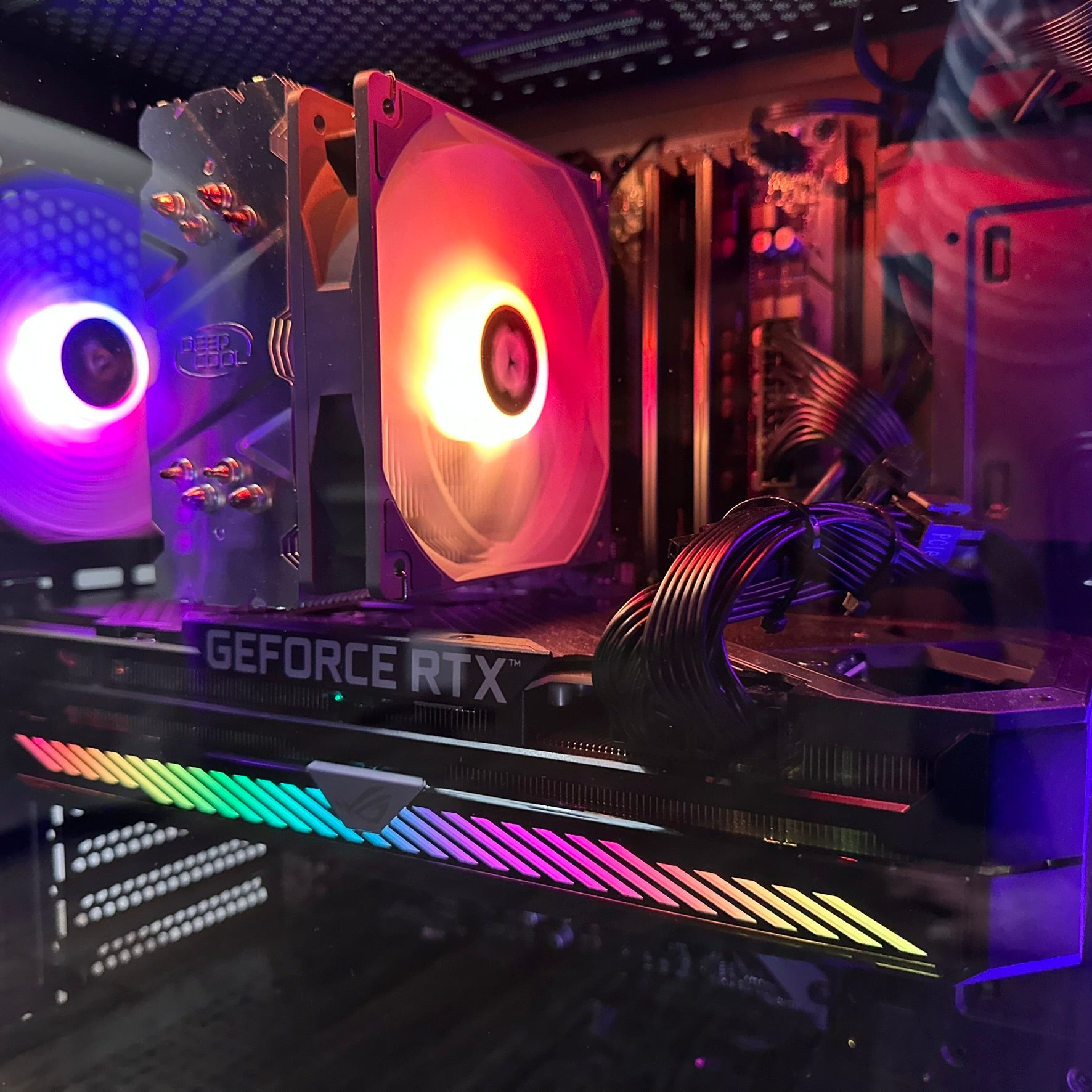
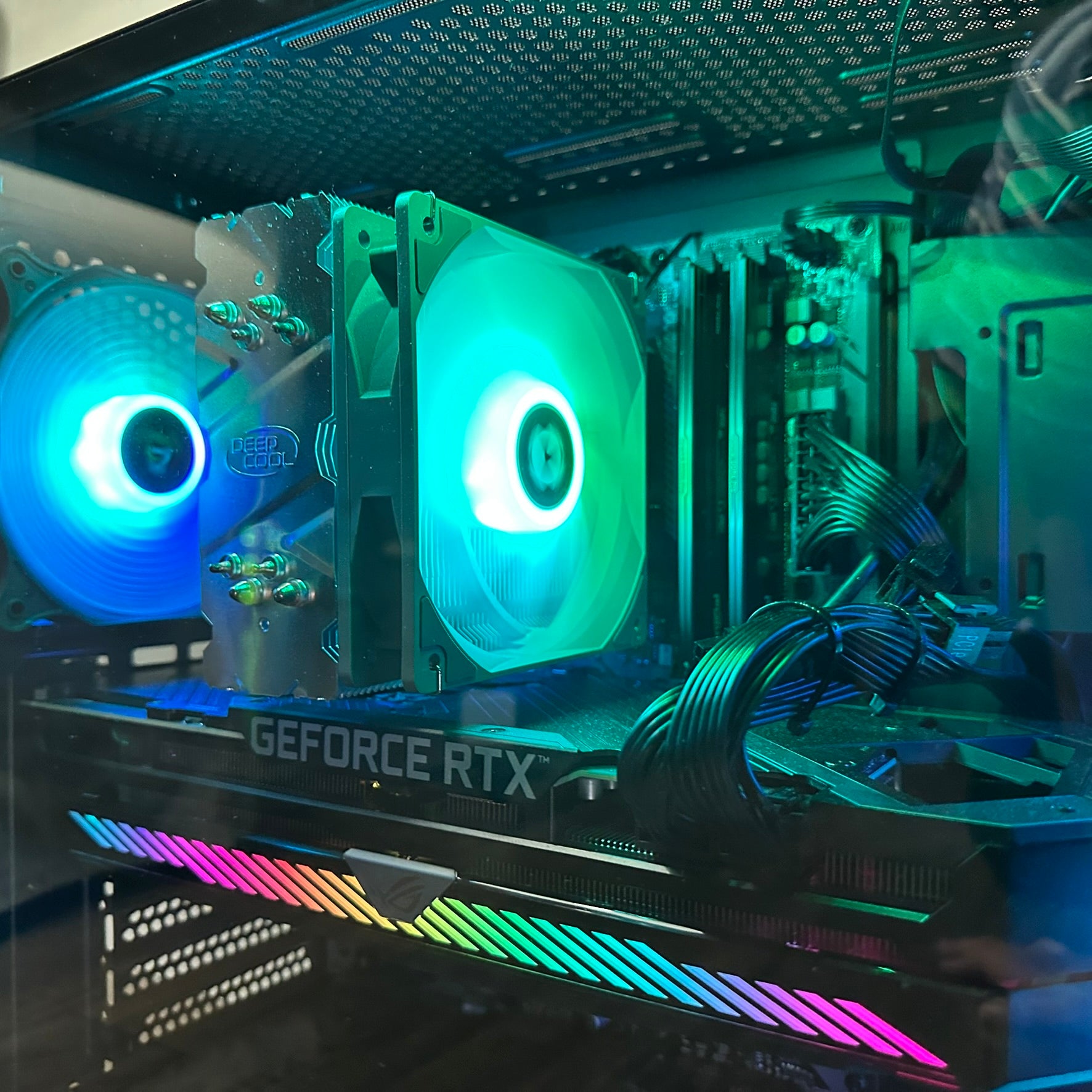
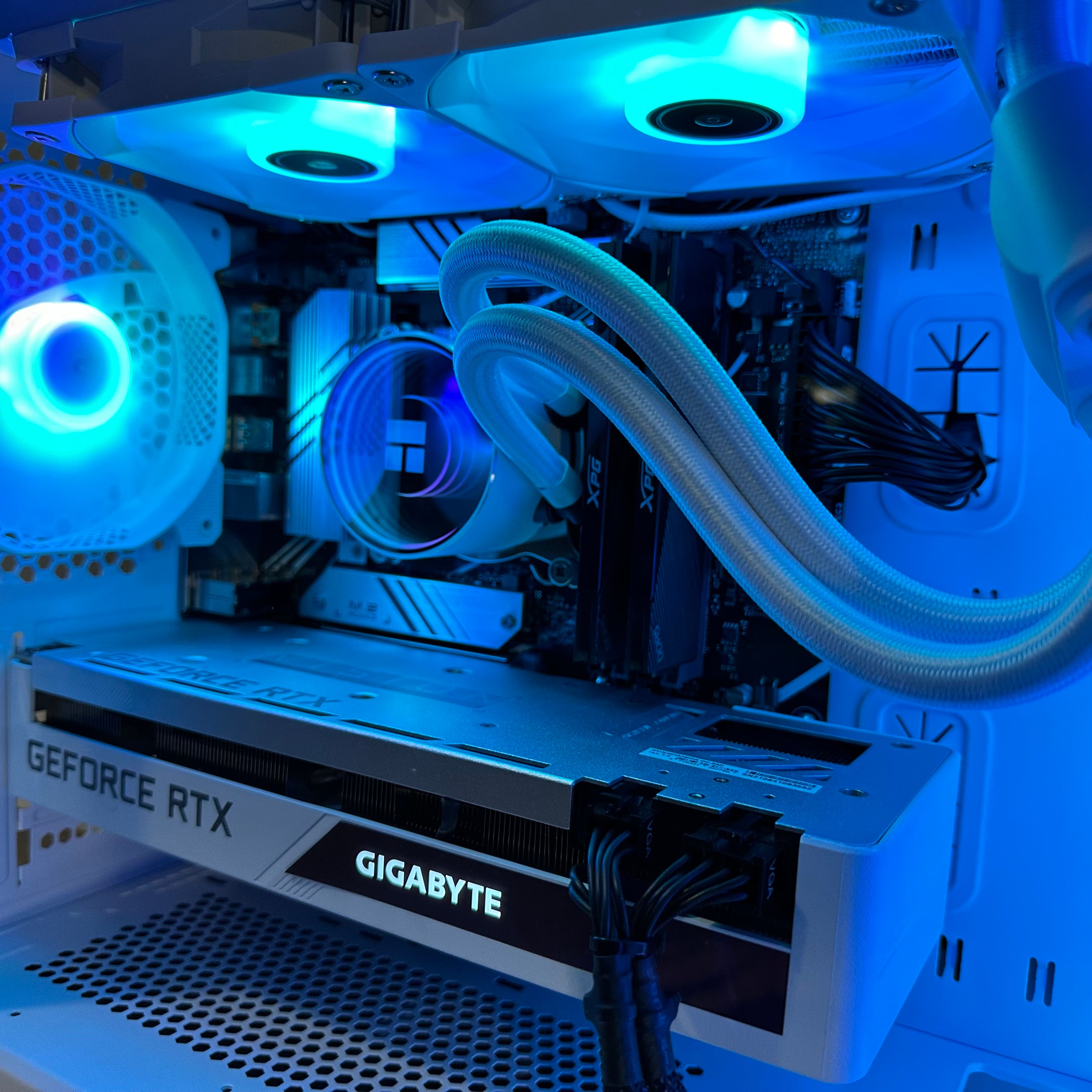
If your main objective is to play Diablo IV with strong visuals and stable framerates, prioritize the graphics card first. A GPU has the biggest impact on frame rate, resolution, and visual fidelity, especially in a graphically intensive action-RPG like Diablo IV. CPU performance matters too, but mostly when trying to hit very high refresh targets, run background applications while gaming, or avoid bottlenecks in open-world traversal and large-scale battles. RAM helps smooth out stuttering, SSDs speed up loading and texture streaming, and motherboard quality affects upgrade paths, connectivity, and future expansion potential. Power supplies should have enough wattage for peak draws, overclocking headroom, and transient spikes, whereas cases, fans, and coolers keep thermal throttling under control.
A balanced build therefore depends on your use case. For a gaming-focused machine, emphasize GPU horsepower and CPU adequacy; for a hybrid gaming/creator system, strike a compromise between graphics strength and workstation utility. Content creators who also stream, edit videos, or render 3D scenes may prefer more CPU cores, extra RAM, fast storage, quiet acoustics, and color-accurate monitors in addition to gaming performance. If the PC doubles as a workstation or productivity box, you might value silence, efficient multitasking, lots of USB ports, Thunderbolt support, and high-speed networking beyond what a simple gaming rig needs. Finally, if you’re on a tight budget, it may be wiser to choose components with the best price-to-performance ratio and reliable after-sales support from a local Canadian builder like Groovy Computers.
Groovy Computers’ Advice for Canadian Gamers
Groovy Computers typically advises customers to identify their goals first: do you want uncompromising 4K gaming, content creation, or a versatile all-around PC? If gaming is your sole priority, spend most of the budget on the GPU and then allocate the remainder to a competent CPU, sufficient RAM, and a roomy SSD. For mixed-use systems, it often makes sense to balance gaming performance with productivity by pairing a mid‑to‑high-end graphics card with a modern processor and plenty of memory. Streamers and video editors may also need a color‑accurate monitor, capture card, webcam, microphone, and extra storage for footage archives or project files. More casual users can save money by opting for midrange components, lower-capacity storage, or a less expensive case and power supply—especially if the machine will mainly handle esports titles, schoolwork, office tasks, and everyday browsing.
The key is not to overspend on areas that won’t matter to your actual experience of Diablo IV. While ray tracing and ultra graphics are nice, diminishing returns set in quickly beyond a certain price point, and benchmarks don’t always translate directly to visible improvement at 1080p or 1440p. Spending more on the absolute fastest CPU or GPU may not make as much difference if the game is limited by poor optimization, server issues, or internet latency in multiplayer. Likewise, huge NVMe capacities and DDR5 frequencies can look good on paper, but actual gameplay may still be constrained by engine quirks, bugs, patches, or balance changes after launch. Since Blizzard games evolve continuously, future updates might alter performance expectations, add new content, and rebalance classes—meaning that today’s “best” setup could become less optimal tomorrow as metas shift.
Therefore, a nuanced buying strategy is recommended. Rather than chasing the newest, most expensive hardware instantly, consider current market conditions, component roadmaps, and how quickly next-gen parts are likely to age. Instead of rushing into an impulse purchase, evaluate whether your existing system already meets your needs, and remember that used prices sometimes fall further once newer models release. There are also non-hardware factors to consider, such as your tolerance for waiting, interest in launch-day hype, enjoyment of early access, and willingness to patch/upgrade later. Ultimately, a custom PC should fit your personal style, preferred genres, and expectations for both Diablo IV and any non-gaming tasks you plan to do on the machine.
A Practical, Balanced Recommendation
In practical terms, the best approach is usually to buy a system that is balanced rather than extreme. A well-rounded build can handle Diablo IV smoothly and still remain useful for school, work, streaming, and general entertainment after the novelty wears off. You do not necessarily need the absolute fastest GPU if you pair a strong midrange or upper-midrange card with a capable CPU and enough memory. Similarly, an ultra-premium CPU is overkill for most gamers, and a flagship graphics card may be unnecessary unless you specifically crave maximum ray-traced settings or competitive benchmark numbers. High-end, bleeding-edge parts are attractive, but stable drivers, adequate cooling, and good support can matter just as much as raw specs.
If you’re financing, choose components with longevity in mind. Buying from a reputable custom builder who offers warranty coverage, future upgrade options, and helpful local service can protect your investment. Consider a configuration that leaves room for expansion—extra M.2 slots, empty DIMM slots, additional drive bays, modular power supply headroom, and case clearance for longer GPUs. Select a motherboard with modern features and an upgrade path to upcoming CPUs, newer GPUs, and next-gen storage so you can extend the system later without replacing everything. It’s also wise to plan for software updates, BIOS support, and operating-system compatibility, ensuring the machine remains viable as hardware prices evolve and gaming requirements change.
Specific Build Advice for Diablo IV
A common sweet spot for 2026 is an AMD Ryzen 7 7800X3D or Ryzen 7 9800X3D paired with an NVIDIA RTX 5070 Ti/5080/4080 Super or similar GPU. These processors feature 3D V-Cache, delivering excellent gaming and productivity performance, while upper-midrange GeForce cards provide solid 1440p or even entry-level 4K results. If you can afford it, an RTX 5090 with a high-refresh monitor offers the best visual experience; however, an RTX 4070 Super or RX 7800 XT remains a more sensible value build. A midrange option like the RTX 4060 Ti or RX 7700 XT can still run Diablo IV beautifully at 1080p, and lower-tier cards may improve over consoles or older PCs without requiring a premium flagship price. Budget builders might even choose last-generation components—say, a used RTX 3080/3070 or Radeon RX 6800/6700 XT—if the cost savings are substantial and expected performance is “good enough.”
For the CPU, a strong but not excessive choice such as the Intel Core i7-14700K, Intel Core i5-14600K, or AMD Ryzen 7 7700X / Ryzen 5 7600X is perfectly adequate. These chips offer plenty of power for Diablo IV and general multitasking, especially when combined with 32GB of RAM and a fast SSD. If your workload includes streaming, editing, compiling, or office apps, stepping up to a Ryzen 9 or Core i9 can help, but mainstream gaming rarely needs server-grade CPUs. More budget-friendly processors like the Ryzen 5 or Core i5 still play games well and handle productivity tasks capably, while older CPUs from previous generations continue to suffice for many users. In short, prioritize the GPU first, then choose a competent mainstream CPU unless your budget and use case justify something more powerful.
Recommended Example Builds (Canada)
Example Balanced Diablo IV / 4K Gaming Build:
- CPU: AMD Ryzen 7 7800X3D / Intel Core i7-14700K
- Cooler: 240mm or 360mm AIO liquid cooler
- Motherboard: B650 / X670 / Z790 chipset with Wi‑Fi and multiple M.2 slots
- RAM: 32GB DDR5-6000 CL30 (or 64GB if video editing / heavy multitasking)
- Storage: 1TB NVMe SSD (Gen4 preferred for workstation tasks)
- GPU: NVIDIA RTX 5070 Ti / 5080 / 4070 Super (or AMD RX 7800 XT / 7700 XT)
- PSU: 850W+ 80 Plus Gold/Platinum
- Case: Airflow-focused mid/full tower with room for future GPUs
- Monitor: 27" 1440p 144Hz (or ultrawide 34" 1440p/160Hz if productivity matters)
Example Productivity / Creator Build:
- CPU: Intel Core i9-14900K / AMD Ryzen 9 7950X
- Cooler: 360mm AIO for sustained rendering or encoding
- Motherboard: X870E / TRX50 / Z890 with Thunderbolt, USB-C, and 10GbE
- RAM: 64GB DDR5 if doing 4K video editing, VMs, or large creative projects
- Storage: 2TB NVMe SSD for lots of footage, caches, and game libraries
- GPU: NVIDIA RTX 5080 / 4090 depending on gaming vs creator priorities
- PSU: 1000W modular if planning upgrades or multiple GPUs later
- Case: Quiet, acoustically damped chassis if recording audio or streaming
- Monitor: 32" 4K/144Hz or dual monitors for productivity and gaming
When Waiting Might Be Better
Even with these suggestions, there are cases where waiting is smarter. Hardware launches often drive temporary shortages, inflated prices, and scalper markups, so buying day one can be costly. Over time, however, prices tend to decline—especially after holiday sales, clearance events, and the arrival of refreshes or super versions—making patience worthwhile. New CPU and GPU generations usually become more affordable once newer architectures mature, stock levels normalize, and early adopters move on to later iterations. Moreover, buying pre-owned or refurbished parts down the road can save money, as can holding onto your old rig until used-market deals, liquidation sales, or eBay bargains appear. If you already possess a serviceable PC, stretching its life through targeted upgrades later may provide better value than replacing everything immediately.
This is particularly true if your current machine still performs adequately. A modestly powered system can run Diablo IV now, and you can improve visuals incrementally without overspending on premium silicon. If your existing build handles 1080p gaming well enough, adding a better GPU later may be sufficient while keeping costs manageable and allowing time for future CPU releases. Systems with SSDs and enough RAM remain snappy for everyday tasks, meaning you could postpone major platform upgrades and still enjoy the game at launch on medium-to-high settings. Casual gamers, students, and office workers may also delay big purchases because mainstream setups are fine for school, browsing, work-from-home, and occasional gaming. Those focused mainly on streaming, esports, or professional content creation can similarly stage improvements over time rather than paying top dollar all at once.
From a financing perspective, flexible payment options are worth considering. Installment plans, leasing arrangements, or monthly financing can make a new build accessible without a huge one-time expense. Credit-card rewards, store financing, and special promotions sometimes offset the initial burden, but interest and approval requirements may not suit every buyer. If cash flow is a concern, pay-as-you-go purchases, rent-to-own programs, or short-term borrowing could bridge the gap until replacement cycles settle. Meanwhile, if you’d rather conserve money for other hobbies, family expenses, or life events, the opportunity cost of buying high-end hardware immediately might outweigh the benefit of early Diablo IV performance. In that scenario, remember that gaming enjoyment depends not only on framerate and graphics but on the overall quality of the platform and whether it meets your daily needs outside the game.
Non-Hardware Factors to Consider
Besides raw performance, think about the rest of your setup. Ergonomics, noise levels, aesthetics, portability, and desk space become important if the PC will also be used for work, study, or travel. Reliability, customer support, warranty length, and build quality matter too because defective parts or poor assembly can ruin the experience regardless of benchmark numbers. Futureproofing is another angle: upgrade paths, spare parts availability, BIOS flashback options, and modularity all influence how easy it will be to maintain and expand the system. A local Canadian builder can also help with cable management, thermal tuning, fan curves, and overclocking stability, ensuring long-term comfort and consistent performance. Additionally, software ecosystems—operating system choice, driver maturity, application support, and patch frequency—affect day-to-day usability and should not be overlooked.
Practical purchasing in Canada also includes regional considerations. Shipping times, import fees, customs, and provincial taxes can affect the final bill, especially when parts are sourced internationally or from U.S. retailers. Stock availability, retailer relationships, and return policies vary by region, so choosing a local builder with on-hand inventory may be more convenient than importing components yourself. If you are located in a smaller city or rural area, local service from a nearby shop may trump ordering from national online retailers, and in-person consultation can save time. Community reputation, trusted reviews, and word-of-mouth matter a lot in the Canadian custom PC scene because after-sales service and accountability are often more valuable than minor price differences. Groovy Computers emphasizes this local support angle, offering personalized recommendations, bespoke configurations, and face-to-face guidance tailored to each customer’s needs.
Diablo IV-Specific Considerations
Because Diablo IV is an online/live-service game with seasonal content, some buyers care more about how long they’ll stay engaged. Blizzard’s roadmap suggests years of expansions, battle passes, cosmetics, and evolving class balance, so longevity of interest may matter if you plan to keep playing. The title’s monetization—microtransactions, downloadable content, premium currencies, and cosmetic purchases—should be considered if you dislike spending beyond the initial box price. Endgame depth, replayability, and social/co-op options also influence value, particularly if you intend to raid with friends, join clans, or participate in PvP. If story immersion is important, campaign length, quest design, cutscenes, and narrative quality become relevant beyond hardware decisions and benchmark scores. The game’s darker mood, art direction, voice acting, soundtrack, and overall presentation may likewise impact your desire to play now versus later.
Some players will buy simply because Diablo IV looks exciting regardless of price. Trailers, previews, influencer hype, and franchise nostalgia can create fear of missing out, pushing gamers toward launch-day purchases even when their rigs are not ideal. Hype cycles, social buzz, streamers, and community excitement often override rational budgeting, especially for blockbuster IPs like Diablo. That said, waiting can reduce launch bugs, server congestion, login queues, and initial patch instability, so there is merit in patience if you dislike day-one issues. New releases frequently ship with technical problems, broken drivers, optimization hiccups, and balancing troubles, meaning early adopters may face frustration while those who wait get a smoother experience. Therefore, one practical strategy is to let launch-week chaos pass, then purchase or upgrade once patches, hotfixes, and post-release content improve the game.
How Groovy Computers Can Help
Groovy Computers positions itself as the builder who can navigate these trade-offs for you. The company helps Canadian customers decide when to buy, what to finance, and how to allocate resources based on both gaming and everyday productivity. Their role is to recommend sensible, cost-effective configurations that match your budget while also maximizing enjoyment of Diablo IV and other demanding software. Through consultation, they can suggest component combinations that strike the right balance between price, performance, reliability, and future upgrade potential. They also provide transparent advice on warranties, service expectations, and practical build considerations, so clients feel confident about long-term ownership. With a Canadian focus, Groovy Computers speaks directly to local buyers who need trustworthy support, competitive financing, and expert assembly without being upsold on unnecessary extras.
In summary, whether you should buy a gaming PC now comes down to your current needs and future plans. If you need a machine immediately—for Diablo IV, work, school, streaming, editing, or general use—then financing a solid custom build can be justified despite the usual depreciation. If your present computer is failing, aging, or too slow for modern games and productivity tasks, a carefully chosen new system may save time and frustration even if some parts fall in price later. If your existing setup already works fine, you can wait for deals, but investing now in a balanced build ensures you won’t miss out on Diablo IV at launch or struggle with obsolete hardware in the meantime. The safest bet is often to purchase according to your budget, workload, and performance target, keeping enough headroom to upgrade over the next few years as prices stabilize.
Bottom Line: Buy What Fits You
There is no single “best” answer for everyone. A buyer focused entirely on Diablo IV at max settings in 4K may prioritize an elite GPU and high-refresh monitor, whereas someone who values streaming, video editing, or productivity may want more CPU cores, memory, and storage instead. Esports competitors and enthusiasts chasing the highest frame rates often lean toward top-tier graphics cards, while casual players can be satisfied with a midrange system that simply loads the game quickly and runs smoothly. Those who use the PC for workstation tasks like coding, design, or content creation may benefit from quiet acoustics, lots of RAM, and a good monitor, even if the GPU is not flagship-level. If you are an all-around user, a balanced configuration that handles both gaming and everyday workloads is generally preferable to an extreme specialized rig.
Ultimately, choose components that align with your actual use case and personal preferences. A well-rounded custom PC should reflect not only the demands of Diablo IV but also any non-gaming activities you plan to do on the machine. Think carefully about how often you game, stream, edit, multitask, travel, or work from home, then spend accordingly on parts that serve multiple purposes. Evaluate the total package—CPU, GPU, RAM, SSD, motherboard, power supply, case, monitor, peripherals, and warranty—rather than obsessing over a single spec sheet line item. Buying smart means looking at the whole system, ensuring compatibility, longevity, support, and future expansion options instead of fixating on whichever component happens to be newest. In Canada, Groovy Computers can help you tailor this decision to your own circumstances, ensuring the final build is practical, reliable, and enjoyable for years to come.
Whether you buy now or wait, make sure you do so with realistic expectations. Launch games often undergo patches, balance updates, and content changes, while hardware prices fluctuate and performance standards evolve over time. The perfect build today might not remain optimal forever, as new generations, revised editions, and changing system requirements can alter what counts as ideal. Yet a sensible purchase can still deliver excellent value if you choose durable components, leave room for upgrades, and plan around future market shifts. Even so, nothing beats a trusted local builder who stands behind the system with strong warranty support, responsive service, and honest advice. For Canadian customers, that trusted option is Groovy Computers—a local custom PC builder known for quality craftsmanship and clear communication.
If you’re ready to explore Sanctuary and face the hordes of Hell, read on for our complete breakdown of the Diablo IV launch trailer, followed by practical recommendations on building or financing a gaming PC in Canada before demand peaks and prices change further.
Trailer Scene-by-Scene Breakdown
The cinematic opens on a dimly lit village under a blood-red moon. A mother kneels before a chapel-like structure, surrounded by villagers whose faith in the “Blessed Mother” borders on worship. Strange whispers about a “church of the mother” and a wandering monk hint at superstition, setting an eerie tone. Soon, the viewer sees fire, pitchforks, and ritual processions, establishing a grim atmosphere of fear and devotion. As the trailer progresses, demonic figures, witches, and spectral apparitions appear, while ominous chanting and drums underscore the sense of dread. This sequence leads into images of war, corpses, and burning landscapes, suggesting a conflict between salvation and damnation that mirrors the game’s larger narrative. Ultimately, the footage reveals an isolated land shaped by religion, family, and hatred, which serves as the backdrop for Diablo IV’s story and world design.
The visual style is moody and cinematic, with gothic architecture, candlelit processions, and sweeping shots of bleak countryside that evoke dark fantasy. Snow, ash, ruined castles, and twisted forests appear throughout, painting a grim but beautiful picture that aligns with the series’ signature aesthetic. Blizzard uses a muted color palette, haunting music, and dramatic voice-over to create an atmosphere of melancholy, danger, and mystery. The overall vibe mixes horror imagery with epic fantasy spectacle, blending realism and myth into a striking presentation. Cinematography, editing, CGI, and character models all suggest higher production values, while the score and sound design reinforce the emotional weight of the scenes. From this presentation alone, Diablo IV looks visually impressive, polished, and ambitious—qualities that may persuade some gamers to experience it sooner rather than later.
The Diablo IV World and Setting
Sanctuary itself functions as a hub area where all classes begin. This shared starting region allows characters to branch into their own zones while returning there periodically to turn in quests, vendors, and services. Players travel outward from Sanctuary to explore neighboring regions, then come back for crafting, upgrades, and social interaction before venturing farther afield. In practical terms, the hub acts like an open town that centralizes merchants, stables, blacksmiths, and waypoint services, making it easier to navigate the world without committing to one path. This structure encourages free-form exploration, letting players roam, discover events, and pursue dynamic objectives instead of following a strictly linear campaign. Because every class revisits Sanctuary repeatedly, the game emphasizes cyclical progression and open-ended leveling rather than fixed questlines, creating a persistent world loop familiar to modern ARPG fans.
Each class then departs Sanctuary in search of its own truth. The Barbarian heads to the Dry Steppes, the Druid to the Scosglen, the Necromancer to the Fractured Peaks, the Rogue to the Dry Steppes/Scosglen depending on reveal, and the Sorcerer to Hawezar. Though names differ by region, all routes ultimately lead toward revelations about the larger world, class lore, and unique mechanics. These introductory areas contain class-specific tutorials, side quests, and early encounters that teach the fundamentals before the broader game opens up. Over time, characters gain access to their mount, shapeshift, summon minions, learn spells, or perform stealth attacks, depending on class fantasy and progression choices. The trailer implies that regardless of class, players will eventually journey through diverse landscapes, meet NPCs, battle monsters, and uncover secrets across Sanctuary and beyond.
Class Fantasy and Shared Systems
One of Diablo IV’s defining features is the shared skill tree. Basic and Core skills are common to all classes, providing a unified foundation upon which each class builds its own specialized talents. Shared progression means that movement, utility, and some combat-related skills carry over across classes, reducing the pain of rerolling. This system enables easier switching between characters, since account-wide renown, mounts, and some resources remain available universally. Seasonal progression, battle passes, and realm-wide unlocks are also likely to persist, although deeper customization branches off according to chosen class. The trailer hints at account progression systems, character slots, and class identity having more flexibility than in previous Diablo games, which traditionally locked players into one archetype sooner.
Another notable element is the darker, more grounded tone. Compared with Diablo III’s bombastic high fantasy, Diablo IV seems more subdued, realistic, and horror-tinged, even while maintaining the franchise’s trademark gothic atmosphere. The mood is somber, brutal, and oppressive, highlighting grim themes and mature storytelling rather than purely over-the-top spectacle. There is a clear focus on emotional weight, tragedy, and moral complexity, along with violence, bloodshed, and monstrous imagery. Nonetheless, the game still promises fast-paced combat, flashy spell effects, giant boss fights, and the addictive loot chase that ARPG fans expect. As always, action gameplay, dungeon crawling, cooperative play, and endless item hunting remain central pillars of the Diablo formula, ensuring familiar entertainment despite tonal shifts.
Should Story or Hardware Matter More?
For some buyers, narrative and gameplay matter more than hardware. If you are mainly interested in the story, world-building, lore, and campaign, then your PC does not need to be top-of-the-line—though a decent system certainly enhances immersion through better visuals and shorter load times. Those who prioritize pure gaming performance, multiplayer, or high frame rates may choose stronger hardware, whereas players focused on solo questing, role-playing, and atmosphere could settle for a cheaper build. If you mostly care about video editing, streaming, coding, schoolwork, or office productivity, you may want more CPU cores, RAM, and storage instead of a flagship GPU. Users who just need a reliable everyday computer for browsing, email, and light gaming can often save money by waiting or by building a modest rig rather than a premium powerhouse. Likewise, creators who need a workstation for rendering, compiling, or content production might emphasize fast storage, color accuracy, and silence over an expensive gaming-first setup.
Conversely, for many gamers the game itself is the biggest draw. Diablo IV’s world, classes, loot, and endgame loop may be compelling enough to justify an upgrade even on midrange hardware, depending on your tolerance for lower settings and reduced framerates. Launch-day excitement, FOMO, and social hype around the title are high, but if your budget is tight you can still enjoy the campaign without the most expensive components. Even with average or slightly older parts, players can participate in the experience, sample classes, and enjoy exploring Sanctuary while planning future upgrades after prices drop. A competent existing PC will run Diablo IV adequately at sensible settings, allowing you to see the story and test classes while waiting for hardware deals. In addition, cloud gaming, consoles, or borrowed systems can let you try Diablo IV before committing to a purchase, which may be useful if you are uncertain about financing a new custom build.
Canadian Market Context
Within the Canadian market, pricing, availability, and support differ from U.S. norms. Local taxes, shipping policies, exchange rates, and warranty expectations vary, so a Canadian custom builder like Groovy Computers can be advantageous compared with importing from the States. Because retailer stock, component selection, and return procedures may not match what you’d get from big-box stores or international e-commerce platforms, many buyers prefer local experts. Small-business reputation, community trust, and face-to-face service matter strongly in Canada, where personalized recommendations often outweigh generic online reviews. Groovy Computers leans into this by offering bespoke consultations, transparent advice, and hands-on help tailored to Canadian customers’ particular circumstances. Their value proposition is not just competitive pricing but also high-quality craftsmanship, honest communication, and long-term aftercare rooted in the local custom PC scene.
To convert the hype into a practical decision, think of the whole package. A gaming PC is a sum of interdependent parts, and the best builds balance CPU, GPU, RAM, storage, motherboard, PSU, case, and monitor rather than maximizing one component in isolation. Matching your hardware choices to actual needs—whether gaming, editing, streaming, coding, work, or travel—creates a more versatile machine that remains useful outside Diablo IV. Building a system with expansion in mind ensures flexibility, longevity, and upgrade potential, allowing you to improve specific areas later as your budget permits. If finances are limited, a staged or phased approach can spread costs over time, preserving cash flow while still leaving room for future improvements. This strategy is especially sensible when hardware prices are high, demand is volatile, and technology changes quickly after launch.
Timing Your Purchase
The timing of your purchase can affect the final cost significantly. Buying too early often means paying launch premiums, scalper markups, and inflated retail prices on hot new hardware. Waiting a few months can save substantial amounts, particularly once supply catches up, prices normalize, and discounts appear during sales events. Delaying your build until after the initial rush may lower total expenditure, as newer CPUs, GPUs, and DDR5/NVMe parts typically become cheaper over time. Postponing upgrades can therefore be financially prudent, since used and refurbished markets, holiday promotions, and clearance deals frequently offer better value later. If you already own a decent PC, holding off and upgrading selectively down the road may preserve money while still improving performance when needed. In the meantime, if your current system remains functional, you can wait for more favorable prices, evaluate benchmarks, and watch for future releases before making major purchases.
Of course, “best time to buy” depends on your circumstances. Gamers looking for maximum settings, ray tracing, 4K, and ultra framerates may want hardware now, while those prioritizing story, content, or social play can be more patient. Users focused on productivity, streaming, video editing, and work-from-home tasks might benefit from more CPU, RAM, and storage instead, whereas esports players chasing frame rates may need a stronger GPU immediately. Buyers who require a workstation, creator rig, or all-purpose PC for mixed workloads may emphasize different components than someone building purely for Diablo IV at launch. Casual customers seeking a family computer, school PC, or office machine can often compromise with a balanced system that handles everyday tasks while also running the game well. No matter your profile—hardcore gamer, content creator, student, professional, or casual user—Groovy Computers can help you choose a configuration that suits both present and future needs.
Advice for Different Types of Users
For gaming-first users, prioritize graphical power, a fast gaming CPU, and adequate cooling. You’ll want a monitor with high refresh rate, low input lag, and good HDR if you care about Diablo IV’s visuals at 1440p or 4K. Strong RAM and an NVMe SSD help maintain smooth frame pacing, while motherboards with PCIe Gen 4 can future-proof your setup for upcoming GPUs. For productivity-first users, focus on multicore CPU performance, memory capacity, fast storage, and quiet acoustics. A workstation build benefits from many cores, lots of RAM, and multiple high-speed drives, plus Thunderbolt, USB-C, and networking features if applicable. For balanced users, select reliable parts with long warranties, solid support, and upgrade flexibility. Choosing components that are durable, expandable, and well-supported will matter more than chasing cutting-edge specs that offer only marginal gains. For budget users, buy the best value pieces and leave room for later expansion rather than overspending on extremes. In that sense, a custom build should be tailored to your actual workload instead of blindly following hype around whichever new component launches most recently.
Remember that Diablo IV itself will continue to change after launch. Blizzard is known for patches, class reworks, seasonal events, and expansions, so the current meta may shift and alter what counts as optimal. As the game matures, balance adjustments, new content, and live-service updates can redefine performance expectations, making today’s “perfect” setup less absolute tomorrow. Since the community evolves, tier lists, build guides, and recommendation hierarchies also change over time, which means no configuration remains the undisputed best forever. Thus, staying flexible and planning for incremental upgrades is often better than making one huge purchase purely because of early benchmark dominance. Ultimately, a careful, staged path—buying what fits now and improving later—tends to be the most cost-effective route for most people.
How the Trailer Impacts Buying Decisions
The launch trailer can definitely influence whether you purchase now or later. A strong cinematic, compelling gameplay footage, and exciting class reveals may create urgency even if your current rig is underpowered. Hype generated by impressive visuals, dramatic music, and dark fantasy themes often persuades gamers to jump in at launch, regardless of hardware concerns. If you’re drawn in by the world, lore, and atmosphere, you might buy sooner simply to avoid missing the initial excitement around the game’s release. Even if you can’t run max settings yet, participating early lets you experience the story, classes, and systems while everyone else is talking about them. Likewise, if story immersion and exploration appeal to you, there is value in playing from day one and upgrading later as needed rather than waiting indefinitely.
Still, hardware choices remain important if you want the best experience. Diablo IV at high settings can be very demanding, and a powerful GPU/CPU combo improves frame rates, visual fidelity, and loading significantly. Better storage, more RAM, and a modern motherboard enhance responsiveness and multitasking, while an adequate PSU and case airflow support long-term stability. Smooth performance, lower noise, and strong thermals matter too, especially for streaming, editing, gaming, or office use where the PC runs for extended periods. A reliable build with good warranty and after-sales service can also save you future headaches, downtime, and compatibility issues beyond simple benchmark numbers. So while the trailer may sell the fantasy, choosing the right custom builder and balanced parts package is what really determines whether financing now makes sense in Canada.
What to Prioritize in a Canadian Custom Build
For a Canadian custom PC, prioritize the graphics card if gaming is your main objective. The GPU will usually have the largest visible impact on Diablo IV performance, particularly at higher resolutions and with ray tracing enabled. If you want to stream or game at 1440p/4K, a strong graphics card paired with a capable CPU is often the ideal choice. However, if your usage is split between gaming and productivity, the processor, RAM, and storage become nearly as important as the GPU, especially when multitasking or editing. On the other hand, for office work, coding, and content creation, more CPU cores, memory, and fast NVMe storage may take priority, while a midrange GPU can still handle Diablo IV just fine. If your budget is tighter, a balanced CPU/GPU combo—rather than a flagship card alone—may offer the best blend of gaming and everyday utility.
Another key priority is the monitor. Diablo IV benefits greatly from high refresh rates, adaptive sync, variable refresh technologies, and strong HDR/contrast ratios. A quality display with good color accuracy, wide gamut, and low response time enhances both gaming and creative work such as photo/video editing. If you plan on streaming, editing, or using the system for professional content creation, dual monitors or an ultrawide panel can improve workflow far beyond gaming alone. Similarly, those who work from home or multitask may appreciate ergonomic peripherals, comfortable chairs, desks, and KVM switches, though these are secondary to core performance. For practical daily use, connectivity, Wi‑Fi/Bluetooth, webcam quality, microphone setup, and USB/Thunderbolt ports add convenience but are not as crucial as a stable platform foundation. The best build therefore balances all these factors instead of chasing any single shiny spec.
Practical Recommendations from Groovy Computers
Groovy Computers typically recommends a thoughtful compromise. They advise customers to avoid overinvesting in ultra-expensive parts unless the return in actual gameplay, productivity, or long-term ownership truly justifies it. Their standard recommendation is to buy what fits your needs, keep room for future upgrades, and not overspend on unnecessary premium components. Rather than pursuing hype blindly, they suggest matching the build to your intended use case, budget, and performance targets, ensuring the system remains practical over time. It’s wise to consider the whole platform—CPU, GPU, motherboard, RAM, storage, PSU, case, monitor, and peripherals—when planning a system, instead of fixating on the newest release. A custom builder can help you evaluate component compatibility, warranty service, longevity, support, and expansion potential so that your final configuration serves you well for years. In Canada, Groovy Computers offers this personalized expertise, tailoring each build to the customer’s goals while standing behind their work with strong local support.
With that in mind, here are some scenarios to guide your thinking. If you primarily play Diablo IV and other AAA games, spend more on the GPU and monitor; if you mostly do streaming, video editing, or workstation tasks, invest more heavily in CPU cores, RAM, and storage. If you need an all-around PC, balance the budget across gaming and productivity parts; if you are budget-constrained, choose a value-oriented build that can still handle modern titles and everyday workloads. If you already have a decent system, upgrade selectively, preserve cash flow, and improve components gradually over time. If your current PC is failing, outdated, or too slow, a new custom build may be justified despite expected future price drops. If your existing machine works fine, you may decide to wait for sales, used-market deals, or holiday discounts before making larger purchases. There is no universal answer, but a balanced approach almost always wins.
For most people, the practical move is to buy smart rather than buy big. A carefully chosen midrange-to-high-end setup can run Diablo IV well today and still leave room for future expansion. You don’t need the absolute fastest flagship GPU if your display target is 1440p instead of 4K or if ray tracing isn’t your top priority. Likewise, a top-tier CPU is unnecessary for many gamers; a mainstream processor with enough cores and RAM often provides perfectly good performance in Diablo IV as well as work tasks. If you mainly want smooth gameplay and responsiveness, a fast SSD and sufficient memory may matter more than chasing extreme CPU performance. On the productivity side, many creators, streamers, and office users benefit from quiet acoustics, lots of storage, and strong multitasking, even without the latest premium graphics card. Ultimately, matching hardware to your real needs matters more than simply following the latest hype around launch-day benchmarks.
Canadian Pricing, Taxes, and Availability
In Canada, remember to factor in GST/HST/PST, import duties, and shipping times. Provincial tax rates differ across the country, and customs, brokerage, and courier costs can affect the total price of a custom build. Exchange rates and import fees also vary, so buying from U.S. retailers may not yield the same final amount as ordering from local Canadian suppliers. Stock levels, retailer networks, and return policies differ too; purchasing from a nearby builder with on-hand inventory may be easier than sourcing parts internationally. If you live in a major city like Toronto, Vancouver, Montreal, Calgary, Edmonton, Ottawa, Halifax, Winnipeg, or smaller communities across Canada, local service can be more valuable than national online marketplaces. Community reputation, trusted support, and face-to-face consultation are strong advantages in the Canadian custom PC scene, where local builders often offer personalized recommendations and quick turnaround. Groovy Computers leverages this regional/local advantage with bespoke service, honest communication, and direct support tailored to Canadian customers.
Because this article is for a Canadian audience, all financial references should be understood in CAD. Prices quoted by Groovy Computers are naturally in Canadian dollars and reflect the local market rather than U.S. norms. Cost estimates, financing examples, and budget scenarios therefore assume CAD unless otherwise noted, and currency conversion is not necessary for a Canadian readership. If exact figures are unavailable, think in terms of Canadian pricing structures, tax-inclusive estimates, and local support options instead of U.S.-centric retail assumptions. However, remember that every build is unique, so there is no one-size-fits-all price—component selection, warranty length, and service offerings vary depending on your chosen configuration. As always, check with Groovy Computers for current component availability, local pricing, financing plans, and after-sales support before making any final decisions.
Long-Term Value vs. Immediate Gratification
Buying a custom PC is a long-term investment. A well-built system can last several years, and the value of durable, upgradeable components often outweighs the short-term thrill of buying whatever is newest. Unlike impulse purchases driven purely by launch hype, a thoughtful build preserves longevity, flexibility, and future expansion potential for gaming, work, and life in general. There is also the matter of warranties, reliability, and customer support; parts with solid after-sales service may save money and headaches over the system’s lifespan. Maintenance, BIOS updates, operating-system support, and replacement options matter because the PC is not static—software and hardware ecosystems continue to evolve after launch. If you finance smartly, you can spread costs over time, take advantage of future upgrades, and avoid being stuck with obsolete tech as new generations arrive. That said, even the best build will need updates later, and the gaming landscape—titles, patches, metas, and hardware requirements—will shift over the years.
Therefore, patience can sometimes pay off. Waiting until after release windows, supply crunches, and launch-day shortages pass often leads to lower prices and more stable hardware options. Over the course of a few months, newer GPUs, CPUs, and storage drives typically become more affordable, while used/refurbished markets and holiday sales may offer substantial savings. Delaying major purchases can help if you anticipate discounts, clearance deals, or eBay bargains once the initial excitement fades and stock replenishes. If you’re not in a rush, you can monitor price trends, benchmark data, and future releases while continuing to use your current machine or a cloud-gaming service. Meanwhile, if your existing computer is still serviceable, incremental upgrades down the road may preserve cash flow and avoid unnecessary spending today. In the end, the smartest strategy is to buy according to your present needs, budget, and performance target rather than following FOMO alone.
When Immediate Purchase Makes Sense
Of course, there are situations where buying now is justified. If your current PC is ancient, broken, or underperforming, upgrading immediately may be necessary despite knowing that some parts will depreciate later. A failed graphics card, dying laptop, or slow desktop might force an urgent replacement, and financing a new build can save time and frustration in the short term. When you have no usable computer—or your machine cannot run modern games, productivity software, or school/work tasks—a balanced custom PC becomes essential even before prices settle. If you need a system right away for gaming, streaming, editing, work, or general day-to-day use, the value of waiting may be outweighed by the opportunity cost of not having a capable PC. Also, if you lack access to GeForce NOW, Xbox Cloud, PlayStation Plus, borrowed consoles, or other temporary solutions, purchasing a custom rig sooner could be worthwhile. For some, just being able to play Diablo IV on launch day, experience the campaign, and join friends in Sanctuary is reason enough to finance a build early.
The game’s appeal itself can drive the decision. Diablo IV promises an expansive world, rich lore, dark atmosphere, and addictive action combat, which may tempt buyers regardless of hardware concerns. Its classes, loot chase, dungeon crawling, and seasonal systems can be exciting enough that even a modest rig feels worth financing if you want to dive in at launch. Story, aesthetics, and presentation generate substantial hype too, and players who love gothic fantasy or grim narratives might rush out despite only having midrange hardware. If the world, characters, and exploration already captivate you, it may be enough to buy sooner to avoid missing out on the experience even without ultra settings. Likewise, live-service updates, expansions, and social features will likely keep you engaged, so entering Sanctuary early can justify a purchase while you refine the system later.
Even then, think about practical limitations. A custom PC should fit your budget, available space, and room for future upgrades rather than maximizing every spec from day one. Consider your finances, the cost of components, and your ability to upgrade later; a well-planned build can evolve over time without requiring an excessive upfront outlay. If money is tight, focus on value-oriented parts, used/refurbished options, and phased improvements, as these can still deliver strong results while preserving cash. Budget, cash flow, interest rates, and payment flexibility all matter, especially when new launches, changing prices, and supply fluctuations create uncertainty. The overall point is to make a sensible, balanced decision based on long-term needs, not just immediate hype around launch-window performance or benchmark charts.
Groovy Computers’ Balanced-Build Philosophy
At Groovy Computers, the philosophy is to build balanced systems for real people. They stress matching the computer to the customer’s actual workload—gaming, productivity, streaming, editing, office tasks, and daily life—instead of chasing unrealistic “dream builds.” Their approach values a harmonious mix of CPU, GPU, RAM, storage, motherboard, PSU, case, monitor, and peripherals rather than simply buying whatever component benchmarks highest. A balanced PC is one where each part complements the others, creating a cohesive whole that remains useful for work, school, gaming, and content creation alike. This means ensuring compatibility, reliability, longevity, and support across the entire platform instead of overspending on a single premium item. By taking a holistic view—hardware plus software, warranty, service, and future upgrade paths—they help clients build systems that stay relevant as needs change over time. In short, Groovy Computers wants every customer to end up with a practical, durable, and enjoyable machine, backed by local Canadian service and expert advice.
With Diablo IV specifically, a good example is helpful. The game is visually demanding but also playable on a wide range of hardware, so an intelligently selected build can deliver strong performance without unnecessary extravagance. It scales well across different budgets: from midrange GPUs and mainstream CPUs to more premium options, Diablo IV remains enjoyable so long as the system is well put together. Because action RPGs are often CPU- and GPU-bound, investing in balanced components yields the best results for both gaming and non-gaming tasks, especially if you multitask. Moreover, streaming, editing, coding, rendering, and office work all benefit from a solid platform with fast storage, lots of RAM, and quiet operation in addition to good graphics. If your needs vary, Groovy Computers can tailor recommendations—perhaps stronger gaming parts for some, productivity features for others—while keeping the build sensible for the Canadian market.
In the context of Canada, one sensible option is a moderate-to-high-end system. A custom gaming computer with a strong GPU, capable CPU, and sufficient memory is usually the sweet spot for most Diablo IV players. Yet those who also need productivity, streaming, or video-editing performance may prefer extra RAM, more CPU cores, and a better SSD rather than the absolute highest-end graphics card. Likewise, a workstation or creator PC benefits from a modern processor, lots of storage, quiet acoustics, and good connectivity, even if the GPU is not top-of-the-line. A family/all-purpose setup can strike a good balance between gaming and everyday use by focusing on reliable parts, warranty support, and future expansion potential rather than peak benchmark numbers alone. If you’re a casual gamer on a budget, a midrange or upper-midrange build may offer better value and longevity than spending heavily on the latest flagship hardware.
Final Thoughts on Buying Now vs Later
So, should you buy now or wait? The answer is: it depends on your current situation. If you need a new PC immediately, financing a balanced custom build can absolutely make sense despite the risk that components will be cheaper later. However, if your existing computer still works fine and you are not desperate for an upgrade, waiting for discounts might be wiser, since hardware prices often decline after launch. On the flip side, when your machine is outdated, slow, or unreliable, replacing it right away may save enough time and hassle to justify paying launch premiums. For many buyers, especially those without a usable system, purchasing a capable custom PC sooner is worthwhile even if some parts depreciate over the next few months. But if you already own decent hardware, holding off and upgrading strategically later may preserve money while still allowing you to enjoy Diablo IV at launch.
There is no universal rule, but the safest course is usually to prioritize what matters most. Gamers chasing 4K, ray tracing, and ultra settings should focus on a strong GPU and monitor first; those prioritizing productivity may emphasize CPU, RAM, and storage instead. If your workload extends beyond gaming—streaming, editing, coding, school, work, or content creation—you’ll want hardware that supports multiple uses rather than only Diablo IV. A custom build should therefore align with your actual needs and personal preferences, creating a practical machine that remains valuable outside one particular game. Matching the system to your lifestyle—whether for gaming, office tasks, daily browsing, travel, or general entertainment—will maximize long-term satisfaction more than blindly following launch-day hype. In any case, Groovy Computers can help Canadian customers tailor the decision to their specific circumstances and budgets, ensuring the final build is balanced, reliable, and enjoyable.
Extra Notes for Canadian Buyers
Canadian gamers should also remember the local context. Groovy Computers operates in Canada, where component prices, taxes, and shipping differ from U.S. retailers, and where local custom builders offer personalized support. Buying from a Canadian company can mean different total costs due to GST/HST/PST, import duties, and regional market conditions. Because stock levels, return policies, and retailer networks vary locally, choosing a builder with on-hand parts and good community reputation often provides better value. If you live in Toronto, Vancouver, Montreal, Calgary, Edmonton, Ottawa, Halifax, Winnipeg, or elsewhere in Canada, local service, face-to-face consultation, and word-of-mouth may trump ordering online. Community trust, personalized recommendations, and bespoke advice matter strongly in the Canadian custom PC scene, where after-sales service and accountability are often more valuable than generic online stores. Groovy Computers emphasizes this local support advantage, with direct communication, honest guidance, and tailored build expertise for Canadian customers.
As for Diablo IV itself, the franchise is expected to remain popular for years. Blizzard will likely support the game with patches, expansions, class changes, seasonal updates, and fresh content, meaning the current meta may shift but the title should stay lively. Live-service elements, battle passes, cosmetics, and future updates suggest long-term replayability, so investing in a solid PC now can keep you ready as the game evolves. Endgame depth, social features, PvP seasons, co-op events, and multiplayer options all contribute to sustained engagement, especially if you plan to keep playing with friends. If story, lore, and world-building are what draw you in, the campaign, quest design, and atmosphere will provide plenty of enjoyment over time even as metas and hardware requirements change. The point is that Diablo IV should deliver lasting entertainment, whether you buy at launch or later, and your PC build ought to remain useful beyond any temporary hype cycle.
That said, hardware still matters for a good experience. High settings, 4K visuals, smooth framerates, and quick loading can enhance immersion, but a stable system with reliable components and solid support is just as important. Better graphics, more RAM, and faster storage improve responsiveness significantly, while a capable motherboard, adequate PSU, and good cooling help maintain performance over time. CPU cores, memory capacity, SSD speed, and case airflow influence both gaming and productivity, especially if the machine will stream, edit video, or handle office tasks as well. Reliability, warranty coverage, after-sales service, and long-term durability matter because a well-built PC saves you downtime, compatibility headaches, and future replacement costs. In the end, a custom builder like Groovy Computers can provide the balanced combination of performance, longevity, support, and value that determines whether financing now is the right move in Canada.
If you’re still undecided, think about your own priorities. A gaming enthusiast who cares most about Diablo IV itself may spend on the GPU and monitor, whereas a creator or professional might invest more in CPU, RAM, and storage. Someone focused on streaming, video editing, coding, or work-from-home productivity may want additional cores, memory, and fast SSDs rather than the absolute best gaming-only parts. On the other hand, a casual player, student, or office user can compromise with a balanced family/work PC that handles gaming alongside everyday tasks. If you just need a solid all-around computer, a well-rounded custom build should serve both present and future needs without chasing every cutting-edge component. Whatever your profile, matching hardware to your actual use case and budget is more important than blindly following the latest launch-day buzz or benchmark charts.
Conclusion
Diablo IV: Lord of Hatred looks set to be another massive release, and a custom PC can absolutely enhance that experience—but only if the system fits your real needs, budget, and plans. The smartest move for Canadian buyers is not simply to buy the newest hardware, but to build a machine tailored to your workload, whether that means conquering Sanctuary in Diablo IV, streaming, editing, or just handling everyday life. Groovy Computers recommends taking a balanced, long-term view: finance what serves you now, leave room to upgrade later, and avoid overspending on specs that won’t matter once the initial rush fades. By choosing components with longevity, compatibility, and future expansion in mind, you can enjoy the game today while preserving value for years to come. In short, whether you buy now or wait, make the decision based on practical use, local pricing, warranty support, and what will keep your custom PC reliable, enjoyable, and relevant over time.
When you’re ready to build or finance your next rig, Groovy Computers is there to help. Their Canadian custom-PC expertise, personalized advice, and trusted local support can guide you through the trade-offs of buying now versus waiting for future deals. With honest communication, quality craftsmanship, and strong after-sales service, they aim to ensure every customer ends up with a practical, durable, and balanced machine. Ultimately, the “right” choice is the build that best matches your gaming, productivity, streaming, editing, and everyday needs—not necessarily the one with the flashiest launch-day benchmark. So before you rush into Diablo IV or hold off for sales, think holistically about your goals, budget, and how your PC will be used both inside and outside the game.
Groovy Computers | All Rights Reserved


Leave a comment
This site is protected by hCaptcha and the hCaptcha Privacy Policy and Terms of Service apply.