






















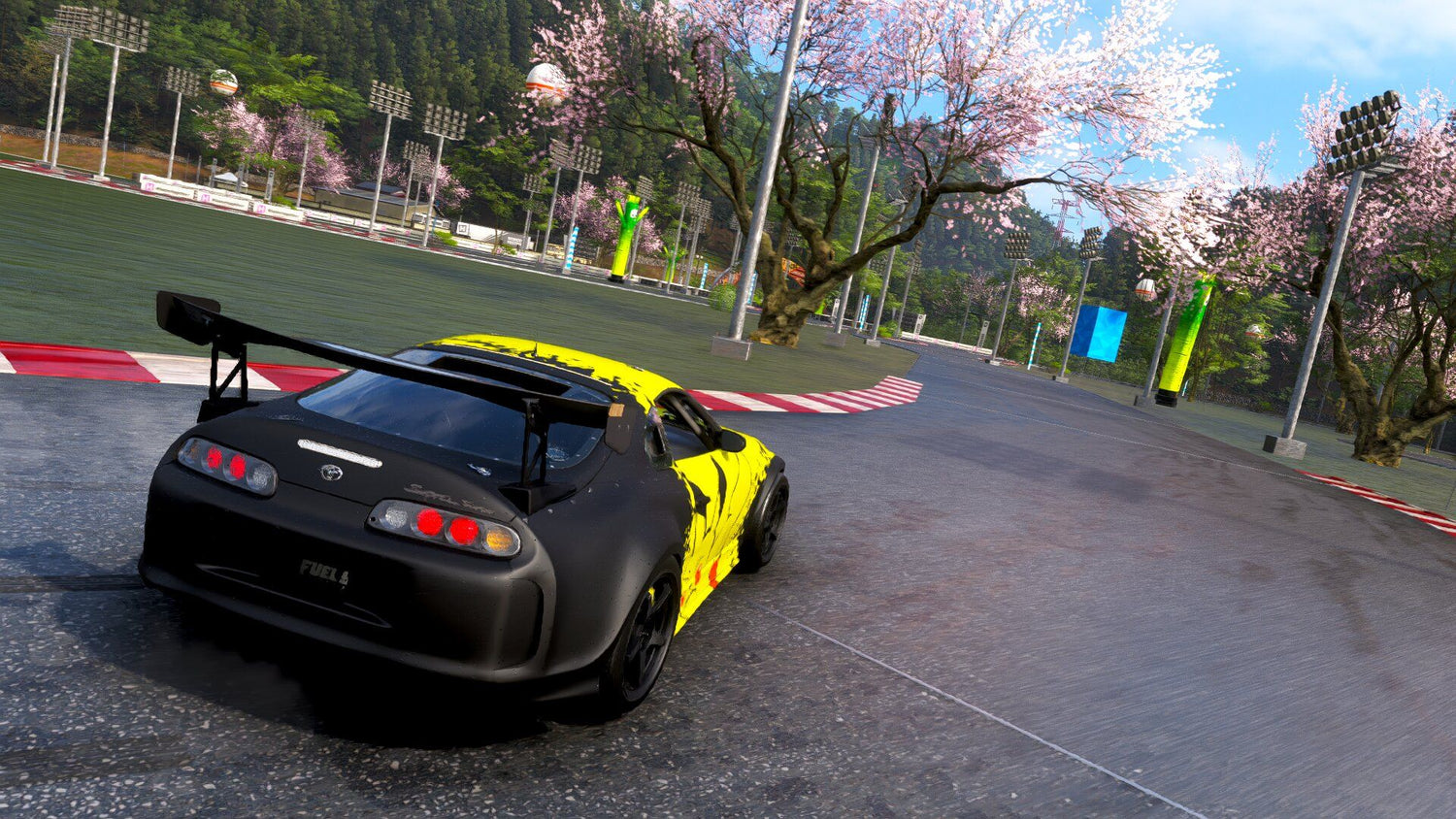
Racing Wheel for Forza Horizon 6 Under $100? Why Canadian Gamers Should Also Think About the Right Gaming PC
A racing wheel for Forza Horizon 6 at roughly about C$120 to C$125 is the kind of deal that grabs attention fast. It makes sense. A lower-cost wheel can completely change how an arcade racing game feels, especially when drifting, cruising, and playing for pure fun are the goal. But for Canadian buyers, that headline opens up a bigger question: is your current system actually ready to deliver the kind of Forza experience that makes a wheel worth buying in the first place?
That is where this conversation becomes more useful than a simple accessory deal post. If you are excited about racing games, open-world driving games, Xbox and PC cross-platform play, or building a better sim-lite setup at home, you may also be at the point where your computer matters more than your steering wheel. A wheel can improve immersion, but a stronger GPU, faster CPU, more RAM, and proper storage can improve nearly every second you spend in-game.
For readers in Canada, this is also the right time to think bigger than one discounted accessory. Are you just adding a wheel to an older PC that already struggles? Are you buying for Forza Horizon 6 only, or do you also want to play other demanding titles at 1080p, 1440p, or even 4K? Are you planning to stream, record clips, edit highlights, or create racing content for YouTube, TikTok, or social media? If so, your best next purchase may not be the cheapest accessory. It may be the right Gaming PC Canada build for what you actually want to do next.
What the original racing wheel story gets right
The source article makes a practical point: an entry-level force feedback wheel can be enough for a casual or beginner player, and you do not need a full simulator cockpit to enjoy it. That is important. Not every racing fan needs a premium setup with a wheel stand, load-cell pedals, shifter, and dedicated racing seat. For many players, a desk-mounted starter wheel is a smart way to explore racing games without overspending.
It also correctly highlights that a budget-friendly wheel can still be a lot of fun in a game like Forza Horizon 6, even though the game is not trying to be a hardcore simulation. That matters because many buyers in Canada are not building a dedicated sim room. They are looking for a setup that feels more exciting than a controller while staying affordable and flexible enough for other games.
But here is the next logical question: if the wheel is the affordable part, is your PC still the weak link?
Why Canadian buyers should think differently before jumping on any accessory deal
U.S. accessory pricing often looks aggressive at first glance, but Canadian shoppers know the real buying decision rarely ends with the headline number. Once you convert to Canadian dollars, factor in shipping realities, market fluctuations, and the possibility of future upgrades, the real value question changes.
A racing wheel around the C$120 range can be excellent value. But if your system stutters, takes too long to load, drops frames in busy scenes, or forces you to lower settings more than you want, then the accessory is only solving part of the experience.
Canadian gamers also face a different hardware decision environment. Full system costs can shift because of GPU demand, memory pricing, SSD pricing pressure, and general component volatility. That means waiting too long on the PC itself can sometimes cost more than grabbing a good wheel deal today. If you know you are going to upgrade eventually, should you buy the accessory first and delay the real bottleneck, or should you secure the stronger system now and build around it properly?
What do you want your next PC to do for you?
This is the most important question in the whole article.
Do you want a PC mainly for Forza Horizon 6 and similar racing titles? Do you also want to play other AAA games at high settings? Are you focused on smooth 1080p gameplay, or do you want 1440p with stronger image quality and more visual headroom? Are you hoping to use ray tracing where supported? Do you stream with OBS? Do you record gameplay and edit content after? Do you want one machine that can handle gaming at night and creative work during the day?
Your answer changes what kind of system makes sense.
- If you only want affordable racing performance, a budget gaming PC may be the right fit.
- If you want high frame rates and cleaner visuals for modern games, a stronger custom gaming PC is the better route.
- If you game, stream, and edit your own clips, a creator-focused gaming system makes more sense than a basic entry build.
- If you also use Adobe apps, DaVinci Resolve, Photoshop, or Blender, you may already be crossing into creator PC or workstation PC territory.
In other words, the wheel is only one purchase. The PC is the platform that decides how much value you actually get from every other upgrade.
What PC do you need for Forza Horizon 6 and modern racing games?
If you are shopping around the idea of a wheel, there is a good chance you care about driving feel, smoother control, and immersion. So what kind of gaming PC makes sense?
1080p gaming: Is a budget build enough?
If your goal is 1080p gaming on solid settings with good frame rates, and you are mainly playing arcade racers, esports titles, and a mix of lighter modern games, then yes, a budget-focused system can still be a strong value. This is often the sweet spot for first-time buyers, students, or players who want a Budget Gaming PC Canada solution without committing to premium GPU pricing.
But ask yourself: do you want the system to still feel good in two or three years, or are you just trying to get by right now? If you buy too low, will you be upgrading again sooner than expected?
1440p gaming: Is this the real sweet spot for racing fans?
For many PC gamers, 1440p is where a racing game really starts to feel impressive without the heavier cost of a true 4K setup. You get better sharpness, more visual detail in landscapes, cleaner dashboard views, and a more premium experience overall. If you are buying a wheel because you want immersion, 1440p often delivers more of that feeling than people expect.
So the better question may be: what PC do I need for 1440p gaming if I want this system to last?
If you want modern racing titles, open-world games, and broader AAA performance at 1440p, you should be thinking about a balanced CPU and GPU combination, enough RAM for modern game loads, and a fast SSD so the system feels responsive everywhere, not just in benchmarks.
4K and premium performance: Are you chasing maximum visual impact?
If you want your racing games to look spectacular on a large display, ultrawide panel, or high-end monitor, then 4K gaming becomes part of the conversation. This is where premium GPU choices matter more, and where buying a stronger system from the start can save you from buyer regret later.
Do you really need 4K for Forza-style games? Not everyone does. But if you are already investing in a wheel, display, desk setup, and maybe content creation later, it is fair to ask whether a 4K Gaming PC Canada build gives you better long-term value than buying mid-tier now and replacing sooner.
Is a racing game setup only about gaming anymore?
Not for a lot of buyers.
Plenty of customers start with one gaming goal and quickly realize they want more from the same desktop. Maybe you want to stream races to Twitch. Maybe you want to post clips to YouTube Shorts or TikTok. Maybe you want to save replays, make montage edits, run voice chat, and multitask across multiple displays. Maybe you are also using the system for school, creative work, side income, or business projects.
That is why a modern buying guide cannot stop at “can it run the game?” The better question is what else do you want the machine to do without slowing you down?
Do you also want a streaming PC, creator PC, or editing system?
A lot of Canadian gamers no longer buy single-purpose desktops. They want one clean system that can handle entertainment, creation, productivity, and future game releases without feeling disposable in a year.
Gaming and streaming
If you want to play racing games while streaming through OBS or similar software, your system has to do more than render the game. It also needs overhead for encoding, multitasking, browser tabs, overlays, audio tools, chat management, and background apps. That is why a Gaming and Streaming PC Canada setup is not just a gaming PC with extra lights. It is a build planned around sustained load, cooling, and balanced performance.
Ask yourself: do you want to stream casually at 1080p, or do you want a cleaner, more professional setup with stronger multitasking and recording quality?
Video editing and content creation
If your Forza sessions turn into videos, then you may need more than a gaming machine. You may need a Video Editing PC Canada or Creator PC Canada setup that handles timeline playback, fast exports, media caches, and multiple applications at once.
Are you editing simple clips, or are you working in 4K? Do you use Premiere Pro, DaVinci Resolve, After Effects, or CapCut? How much time are you losing waiting on exports, scrubbing through footage, or managing large files on a slow drive?
Photo editing and graphic design
Not every buyer coming from gaming content needs a pure gaming build. If you create thumbnails, social posts, promotional graphics, or photography edits, then Photoshop, Lightroom, Illustrator, and design-focused workflows matter too. In that case, a balanced custom desktop may be more useful than chasing raw game FPS alone.
Would a stronger processor, more memory, and a cleaner multi-monitor setup make your workday smoother as well as your gaming nights better?
3D modeling and workstation use
Some buyers researching game setups are also students, developers, or professionals using Blender, Unreal Engine, CAD tools, or other demanding software. If that sounds like you, then a standard gaming-first recommendation may not be enough. You may need a 3D Modeling PC Canada or Workstation PC Canada approach that prioritizes rendering, simulation, viewport performance, and long-session stability.
So before you buy based on one game, ask the bigger question: am I buying for entertainment only, or am I buying for gaming plus real work?
Which performance tier fits you best?
One of the biggest mistakes buyers make is shopping by price alone instead of shopping by use case. Here is a much better way to think about it.
Entry tier: Best for casual racing, esports, and budget-conscious buyers
This tier is ideal if you want a first gaming desktop, smoother 1080p gameplay, and an affordable path into PC gaming. It fits players who want strong value and are realistic about settings, frame rates, and future upgrade timing.
This may be right for you if:
- You mainly play at 1080p
- You want a starter wheel setup without overspending
- You are playing racing, esports, and lighter AAA mixes
- You want a Gaming PC Under $1500 Canada-type value direction
But ask yourself: will this still satisfy you once the next wave of games arrives?
Mid-tier: Best for 1440p gaming, streaming, and better longevity
This is where many of the smartest buys live. Mid-tier systems often give buyers enough power to enjoy 1440p gaming, stronger image settings, smoother multitasking, and a better overall ownership experience. For many players, this is the point where a racing wheel, a quality monitor, and a stronger custom desktop all start to make sense together.
This may be right for you if:
- You want 1440p gaming to feel smooth and visually rewarding
- You play a mix of AAA and competitive games
- You may stream, record, or edit clips
- You want to avoid replacing the system too soon
If you are wondering, how much should I spend on a gaming PC, this is often the tier where spending a bit more upfront can save money and frustration later.
High-end tier: Best for 4K, ultra settings, creator workloads, and future-proofing
High-end systems are for buyers who know they want more than “good enough.” If your goal is maximum visual quality, stronger ray tracing performance, heavier creator tasks, high refresh displays, or a machine that stays relevant longer, premium hardware becomes easier to justify.
This may be right for you if:
- You want 4K or premium ultrawide gaming
- You care about long-term performance headroom
- You stream, edit, create, and game on one machine
- You want a premium custom PC instead of upgrading in pieces later
Do you need this level for every racing game? No. But if your next PC is also your editing machine, streaming machine, and daily workstation, a stronger build can be the smarter purchase.
Is it better to buy a gaming PC now or wait?
This is one of the most common buying questions in Canada, and it is a fair one.
The answer depends on why you are waiting. If you are waiting because your needs are not clear yet, then pausing makes sense. But if you already know your current machine is holding you back, waiting can become expensive in a different way. You lose performance now, delay enjoyment now, delay productivity now, and risk walking into worse full-system pricing later.
Accessory deals come and go. So do GPU and component pricing swings. If a major game release, seasonal sale cycle, creator software upgrade, or demand spike is ahead, then many buyers discover too late that “waiting for the perfect time” often turns into paying more for less flexibility.
So ask yourself honestly: are you waiting strategically, or are you just postponing a purchase you already know you need?
Why financing can make sense when building a stronger system
For some buyers, the wrong decision is not buying too early. It is buying too small.
If your budget only covers the lowest tier in cash today, but you know you really need the next performance class up, financing may be the smarter move. Instead of settling for a system you outgrow quickly, financing can help you secure the right build now while spreading the cost into manageable payments.
That matters even more if you are trying to buy before replacement costs rise. A stronger GPU, a better CPU, more RAM, better cooling, or more storage may look like “extras” on paper, but in real use they can be the difference between satisfaction and regret.
Would you rather buy a cheap machine now and feel pressure to upgrade again soon, or secure the better build today and keep it longer? For many Canadian shoppers, that is the real financing question.
At Groovy Computers, this is where the conversation becomes practical. If you need a better custom system for gaming, streaming, editing, design, or workstation tasks, financing options up to 4 years can make a stronger build more attainable without forcing you into a weak short-term compromise.
What should you ask before buying or financing your next custom PC?
Before you commit, ask yourself these questions:
- What games do I actually play most? Is this mainly for Forza, or for a wider library of modern AAA titles?
- What resolution do I want? Am I happy at 1080p, or do I really want 1440p or 4K?
- Do I care about high FPS? Is smoothness more important to me than ultra visual settings?
- Will I stream or record gameplay? If yes, does my build have enough headroom?
- Will I edit video, photos, or graphics on this machine too? If yes, am I buying a gaming PC or a hybrid creator system?
- How soon do I want to upgrade again? Am I buying just for now, or for the next few years?
- Would financing the better tier save me money long term? Could monthly payments help me avoid underbuying?
- Do I want the confidence of a tested custom build and warranty support?
If those questions feel familiar, you are not alone. Most people do not need “the best parts.” They need the right combination for what they actually do.
Custom PC vs generic prebuilt: why the difference matters more when prices are volatile
When the market feels uncertain, buying the wrong desktop gets even more expensive. A generic machine may look attractive at a glance, but a proper custom build gives you better control over performance balance, cooling, upgrade path, part quality, and workload fit.
If you are shopping for a Custom Gaming PC Canada build, that matters because racing games, modern AAA titles, streaming, editing, and workstation tasks all stress systems differently. A one-size-fits-all desktop can miss the mark badly.
With a custom approach, you can build around what actually matters to you:
- Better gaming performance for your target resolution
- More RAM for creative apps and multitasking
- Faster SSD storage for game loads and project files
- Cooling that supports long sessions reliably
- A cleaner upgrade path so your next improvement is easier
That is one reason many Canadian buyers prefer working with Canadian Custom PC Builders instead of guessing on a random marketplace listing.
Why Groovy Computers fits this moment for Canadian buyers
Groovy Computers is built around the needs that articles like this naturally lead to. Maybe you started by looking at a wheel for Forza Horizon 6. But now you are asking the smarter questions: what system should I pair it with, what performance tier do I really need, and how do I buy with confidence in Canada?
That is exactly where Groovy Computers stands out.
As a Canadian custom PC builder, Groovy Computers helps customers move beyond vague specs and toward purpose-built systems for gaming, streaming, video editing, photo editing, graphic design, content creation, 3D modeling, and workstation use. Instead of pushing a one-size-fits-all machine, the goal is to match the build to the person.
Need a budget-friendly gaming desktop for racing games and general play? There is a path for that. Want a stronger RTX-based system for 1440p or 4K gaming? There is a path for that too. Need one machine that can game, stream, edit, and handle productivity workloads without compromise? That is exactly the kind of decision a custom builder should help you solve.
Groovy Computers also gives buyers the kind of trust signals that matter when you are spending real money on a performance machine: rigorous testing, custom build quality, a 1-year warranty, and Canada-focused service. For buyers in Nova Scotia, Atlantic Canada, and across the country, that kind of confidence matters more than ever.
Are you buying for one game, or for the next few years?
This is the question that often changes the decision.
A lower-cost racing wheel is exciting because it feels like a fast win. But if your desktop is already aging, the better long-term move may be to upgrade the system that powers everything else. New games will keep demanding more. Creator software will not get lighter. Storage needs will grow. Multitasking will grow. Display expectations will grow. If you already know your current setup is close to its limit, delaying the core purchase may not be the value play it seems.
Do you want a machine that only survives today, or one that still feels strong when the next big game release hits? Do you want to avoid upgrading too soon? Do you want a smoother path into streaming, editing, or creative work later without replacing your desktop all over again?
What kind of buyer should choose which Groovy Computers category?
Choose a budget gaming computer if:
- You want affordable 1080p gaming
- You are buying your first desktop
- You play racing games, esports, and lighter AAA titles
- You want value first, with room to upgrade later
Choose a premium RTX gaming PC if:
- You want 1440p or 4K gaming
- You care about visual quality and future readiness
- You want stronger performance for modern and upcoming games
- You do not want to feel underpowered a year from now
Choose a custom creator PC if:
- You game and also edit video or photos
- You create thumbnails, graphics, short-form content, or YouTube videos
- You use Adobe Creative Cloud, DaVinci Resolve, or similar software
- You want a multi-purpose desktop that earns its keep beyond gaming
Choose a workstation or 3D modeling system if:
- You use Blender, Unreal Engine, CAD, or rendering tools
- You need heavier multitasking and project stability
- You want performance for professional or academic workloads
- You need a machine that works hard, not just one that plays hard
Need help choosing the right build from Groovy Computers?
If this article started with a wheel deal and ended with you rethinking your entire setup, that is probably a good thing. The best purchase is not always the loudest one. It is the one that actually matches your goals.
Do you want your next PC to handle Forza Horizon 6, new AAA games, high-FPS 1440p play, streaming, editing, or creator work without feeling outdated too soon? If the answer is yes, it is time to look at a properly matched custom build. Visit GroovyComputers.ca to explore your options, compare performance tiers, and find out whether a gaming PC, creator PC, or workstation build makes the most sense for you.
And if budget is the issue, ask the next smart question: would financing a better system now be the smarter move than settling for a weaker one you will replace too soon? Groovy Computers can help Canadian buyers secure a stronger custom PC with more confidence, more clarity, and a better long-term result.
Final thoughts: a great wheel deal is exciting, but the right PC is what unlocks the full experience
A racing wheel under C$125 is a compelling headline, and for many players it absolutely can be a fun add-on. But the bigger opportunity is using that moment to ask whether your current setup is really ready for what you want next. If you are serious about racing games, modern PC gaming, streaming, content creation, or simply buying smarter in Canada, then the best move may be upgrading the foundation first.
The right Gaming PC Canada build does more than run one title. It gives you smoother performance, better visuals, stronger multitasking, and a longer runway before your next upgrade. That is the kind of value that matters long after a short-term accessory sale disappears.
#GamingPCCanada #CustomGamingPCCanada #GamingPCBuilderCanada #BudgetGamingPCCanada #1440pGamingPCCanada #CreatorPCCanada #VideoEditingPCCanada #GamingAndStreamingPCCanada #CanadianCustomPCBuilders #GroovyComputers
Groovy Computers | All Rights Reserved


Leave a comment
This site is protected by hCaptcha and the hCaptcha Privacy Policy and Terms of Service apply.