
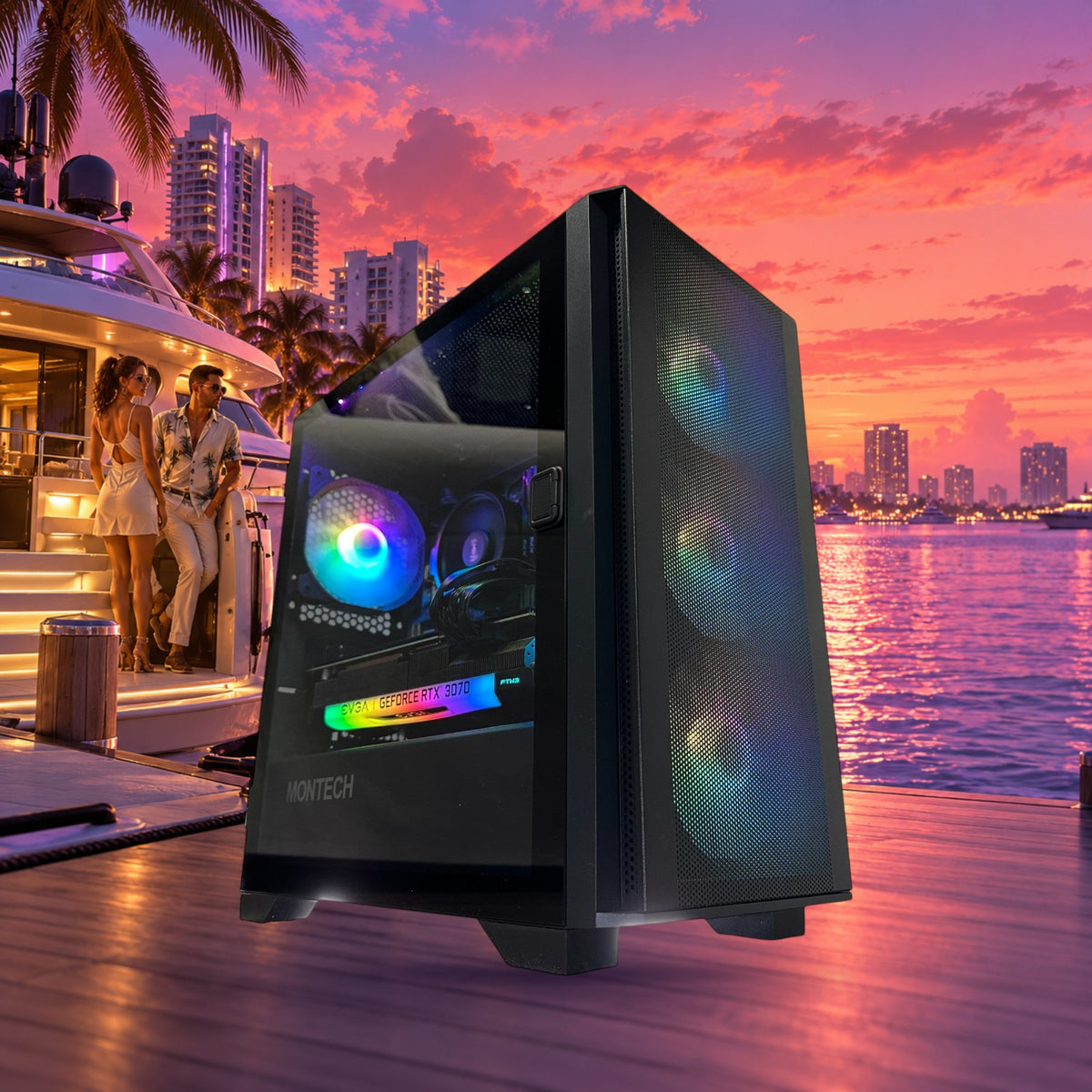
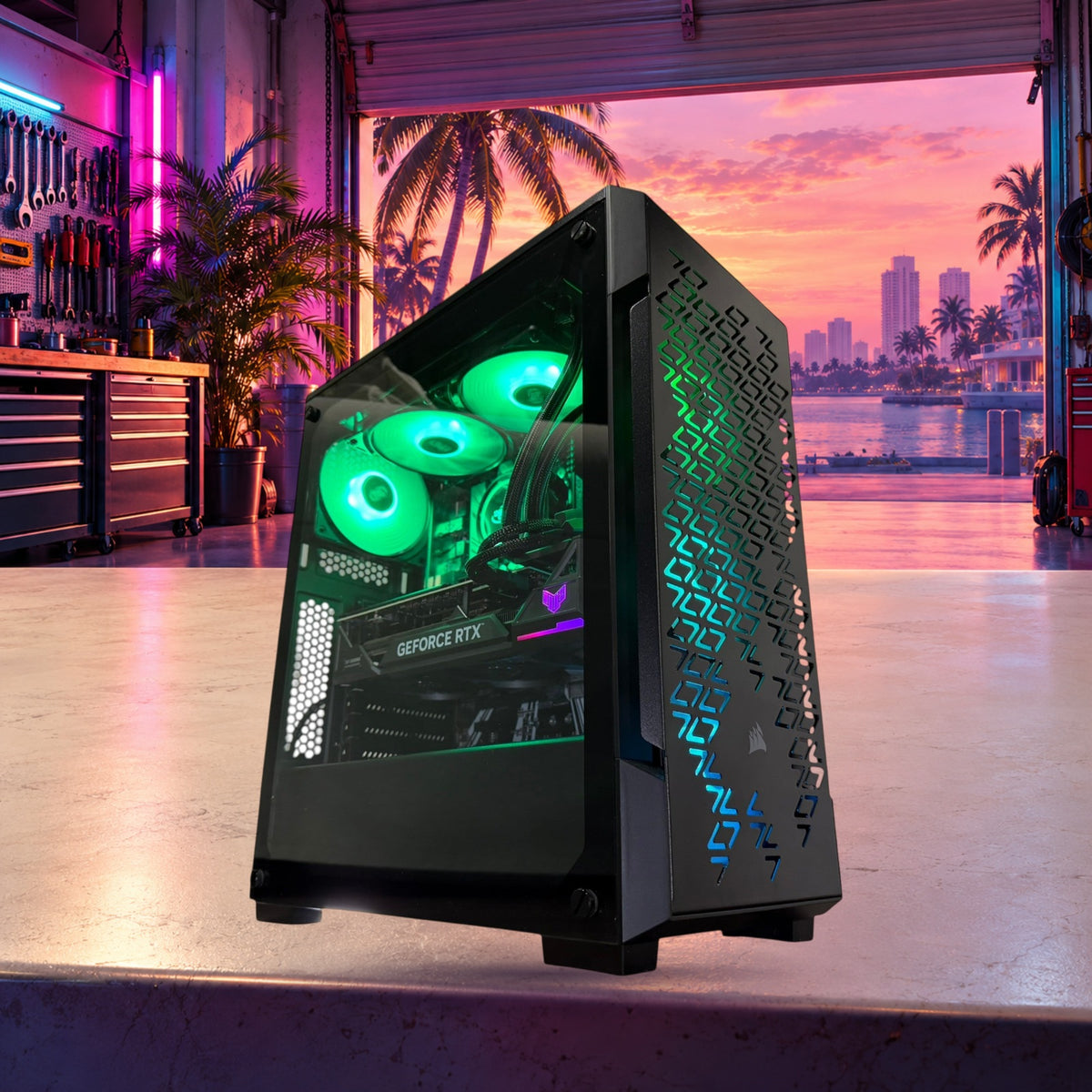
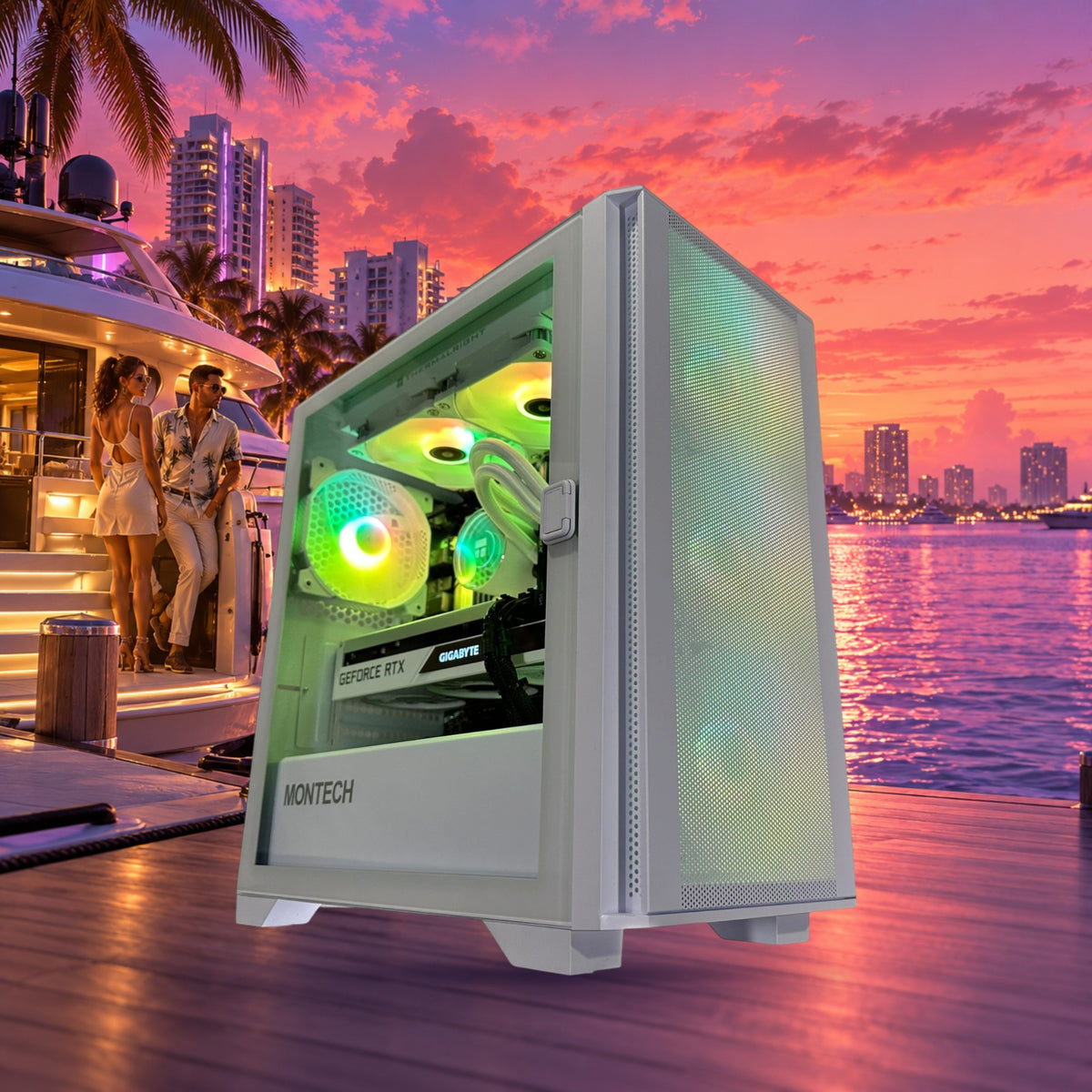
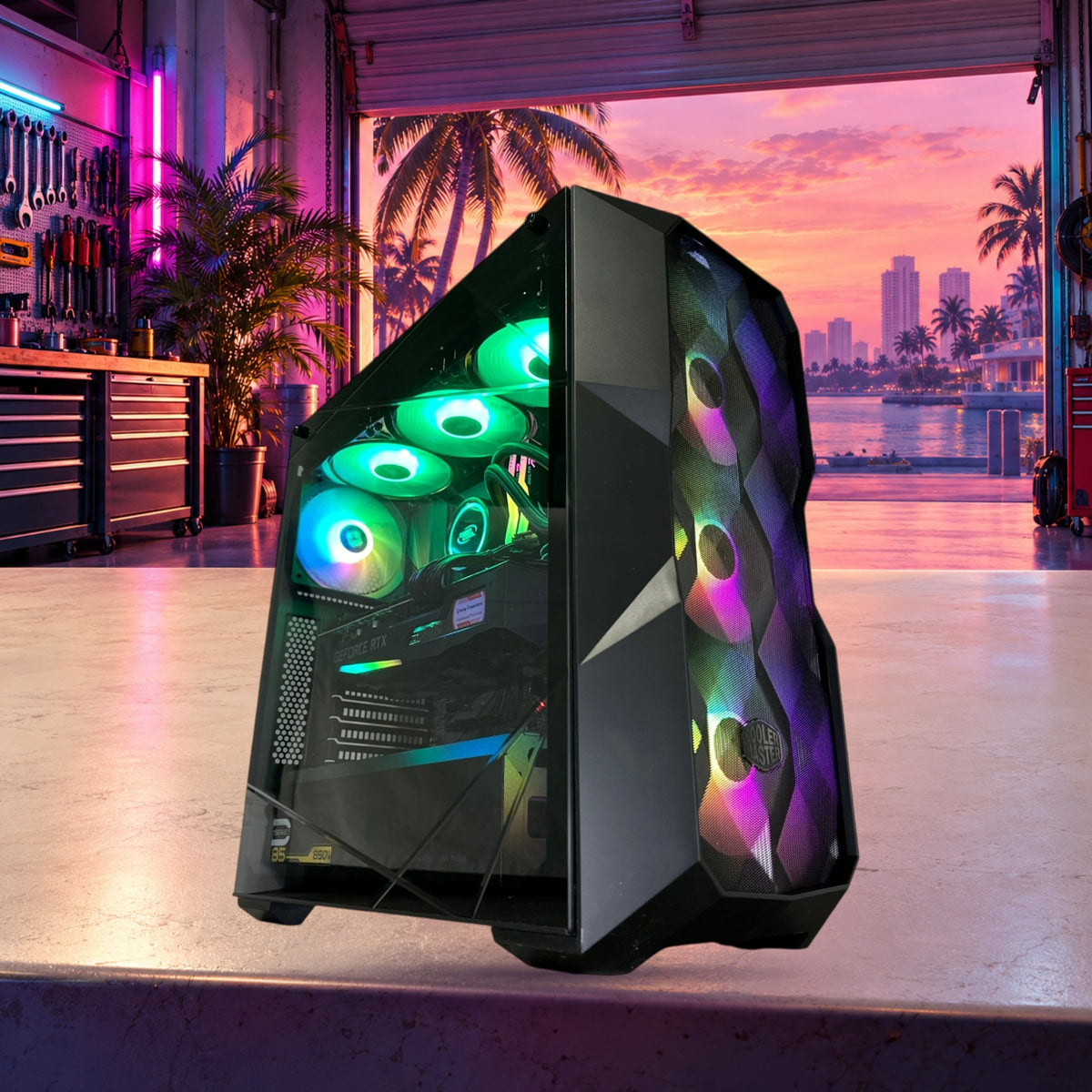
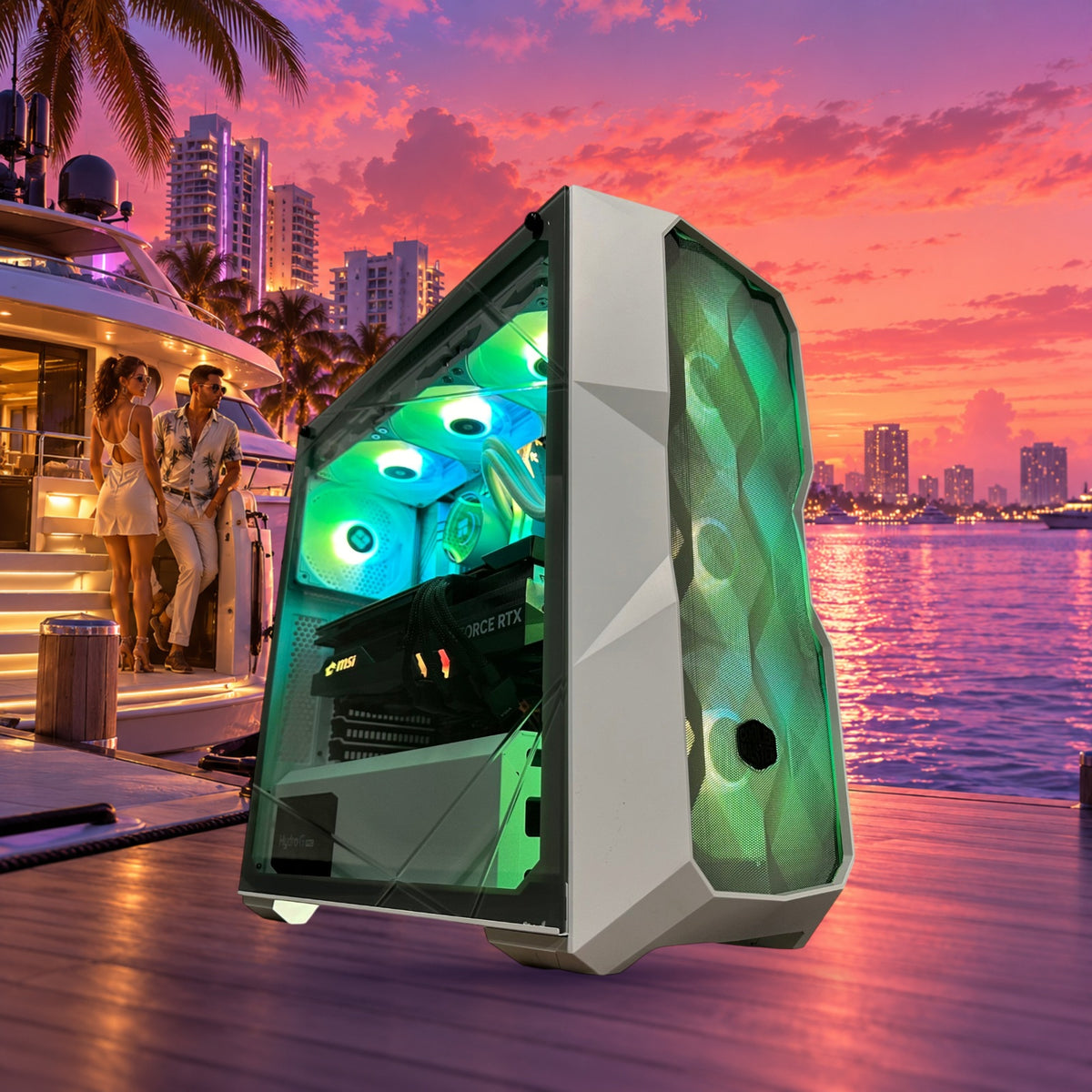
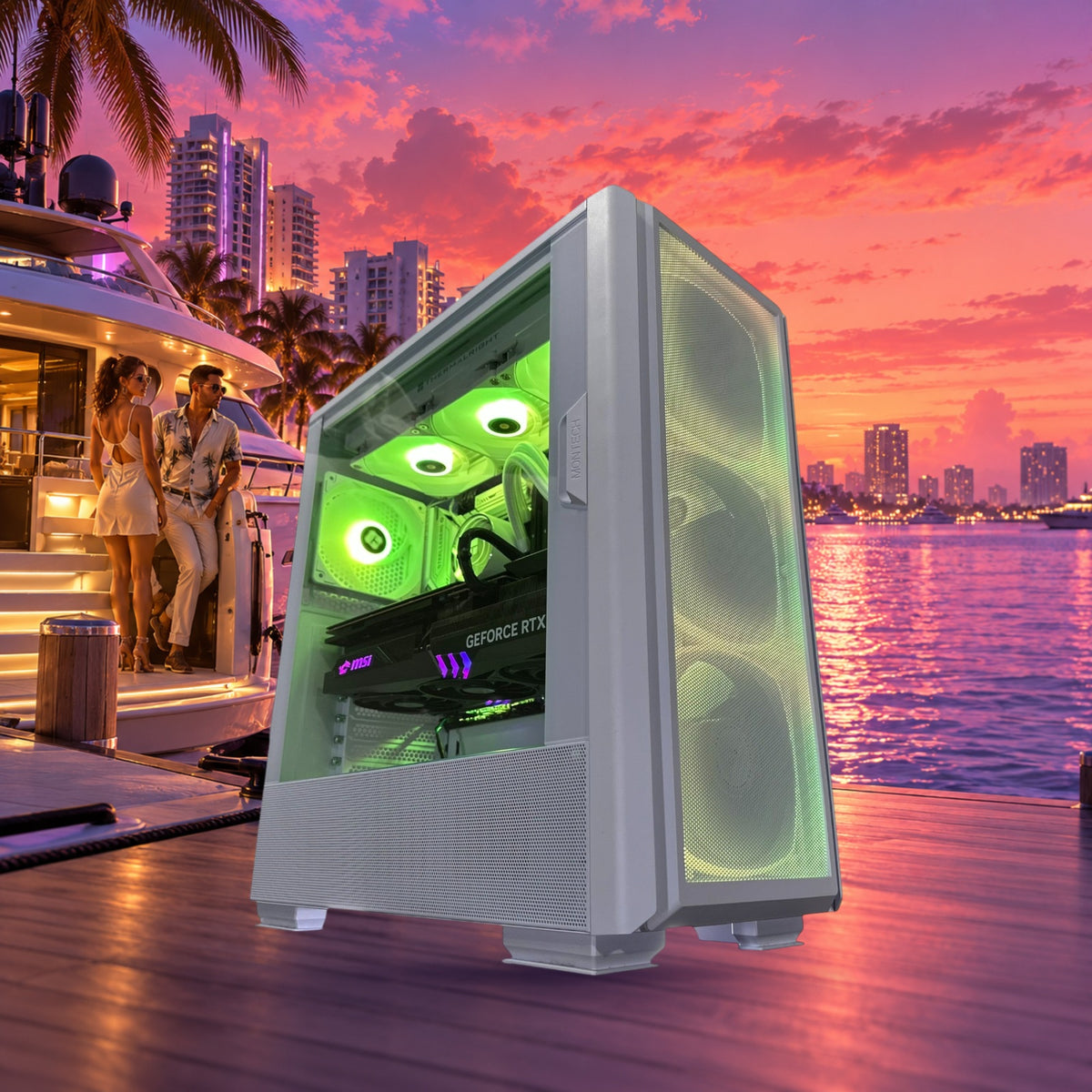
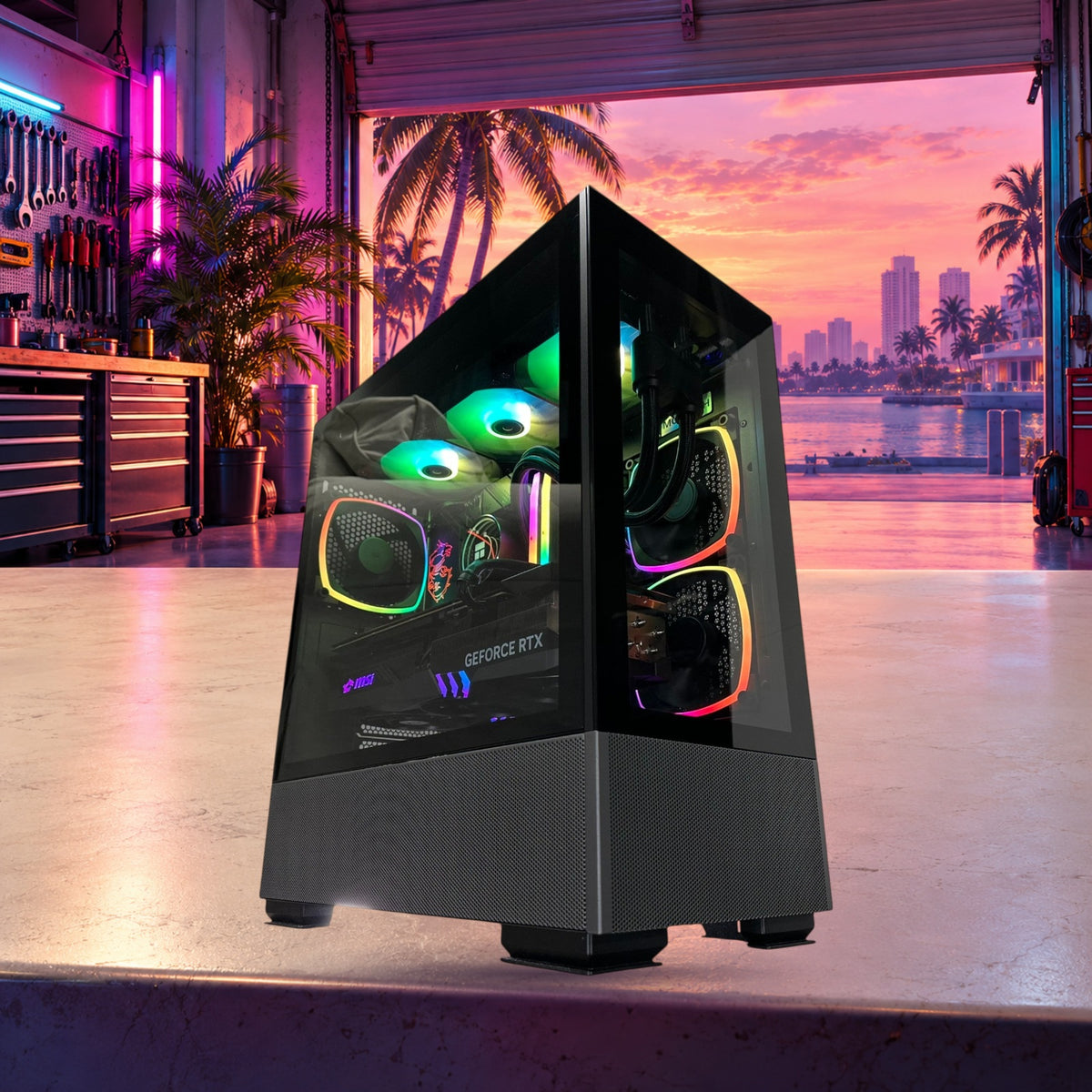
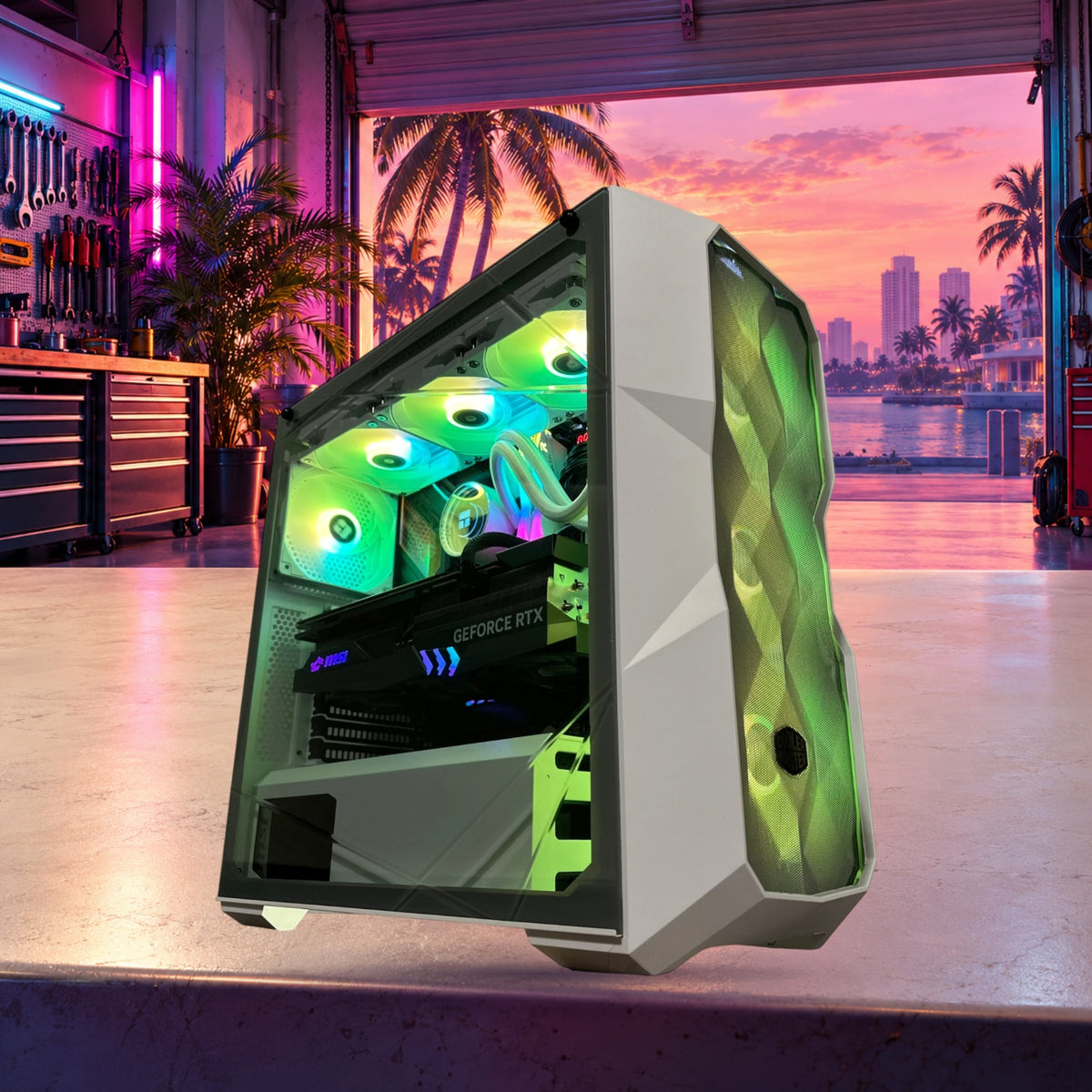
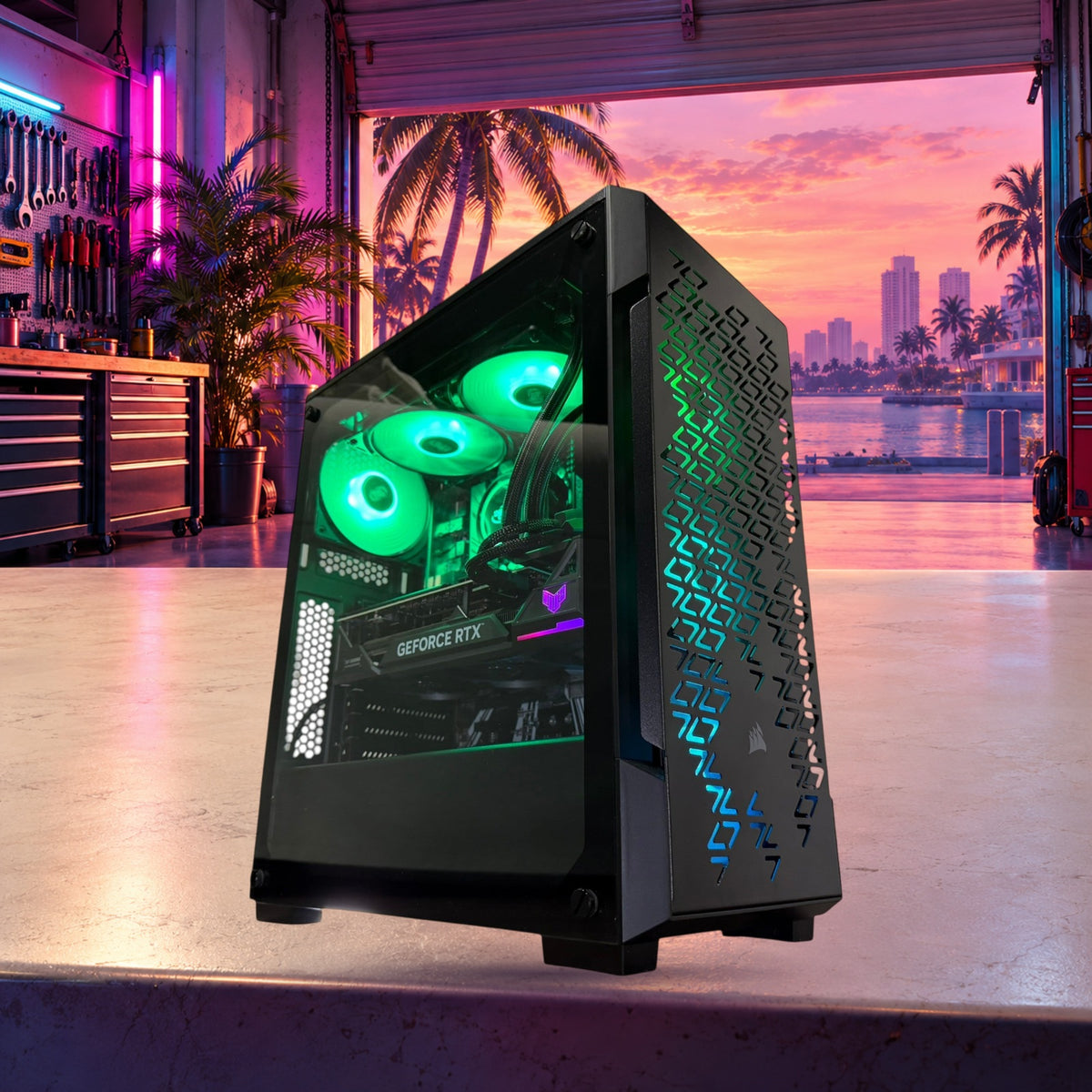
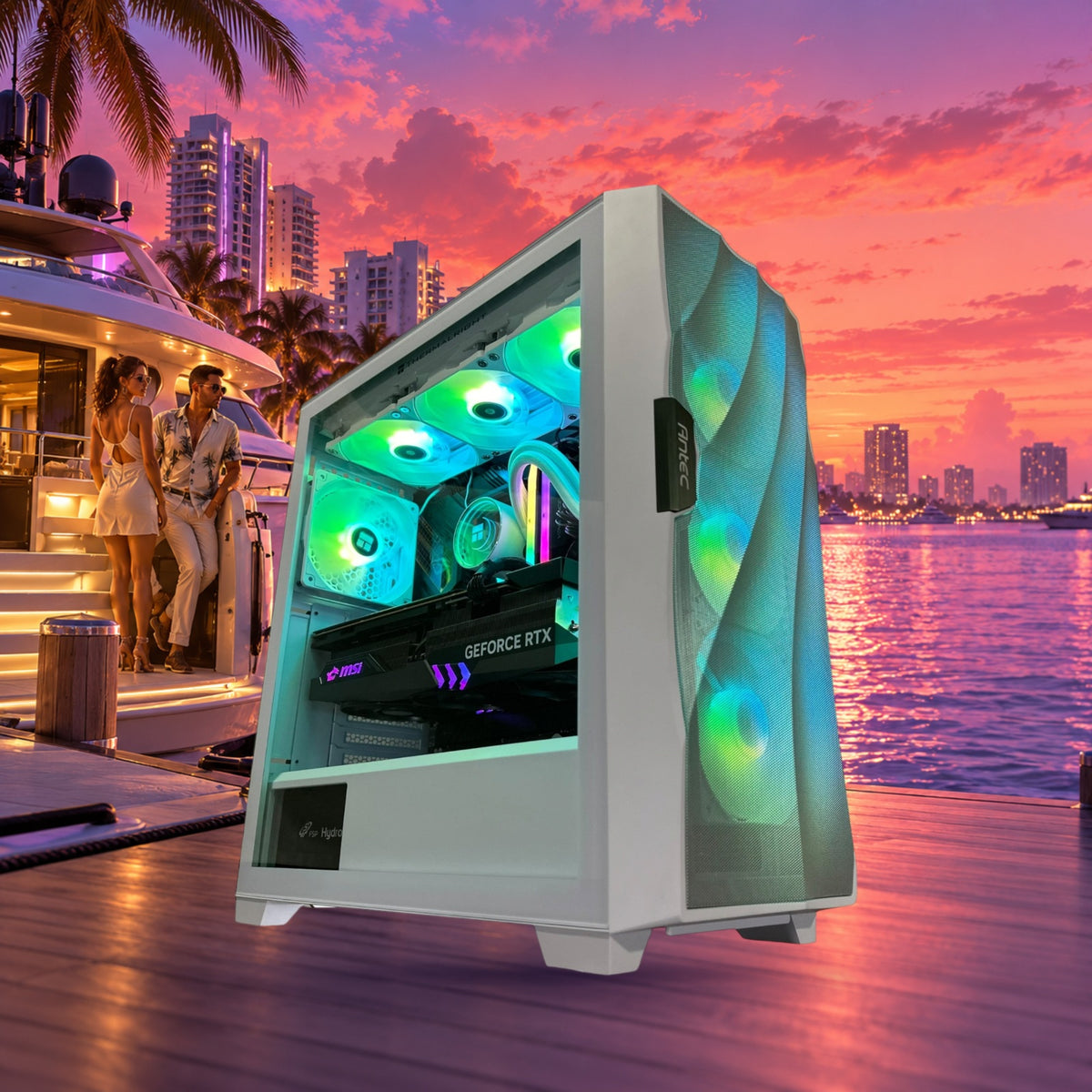
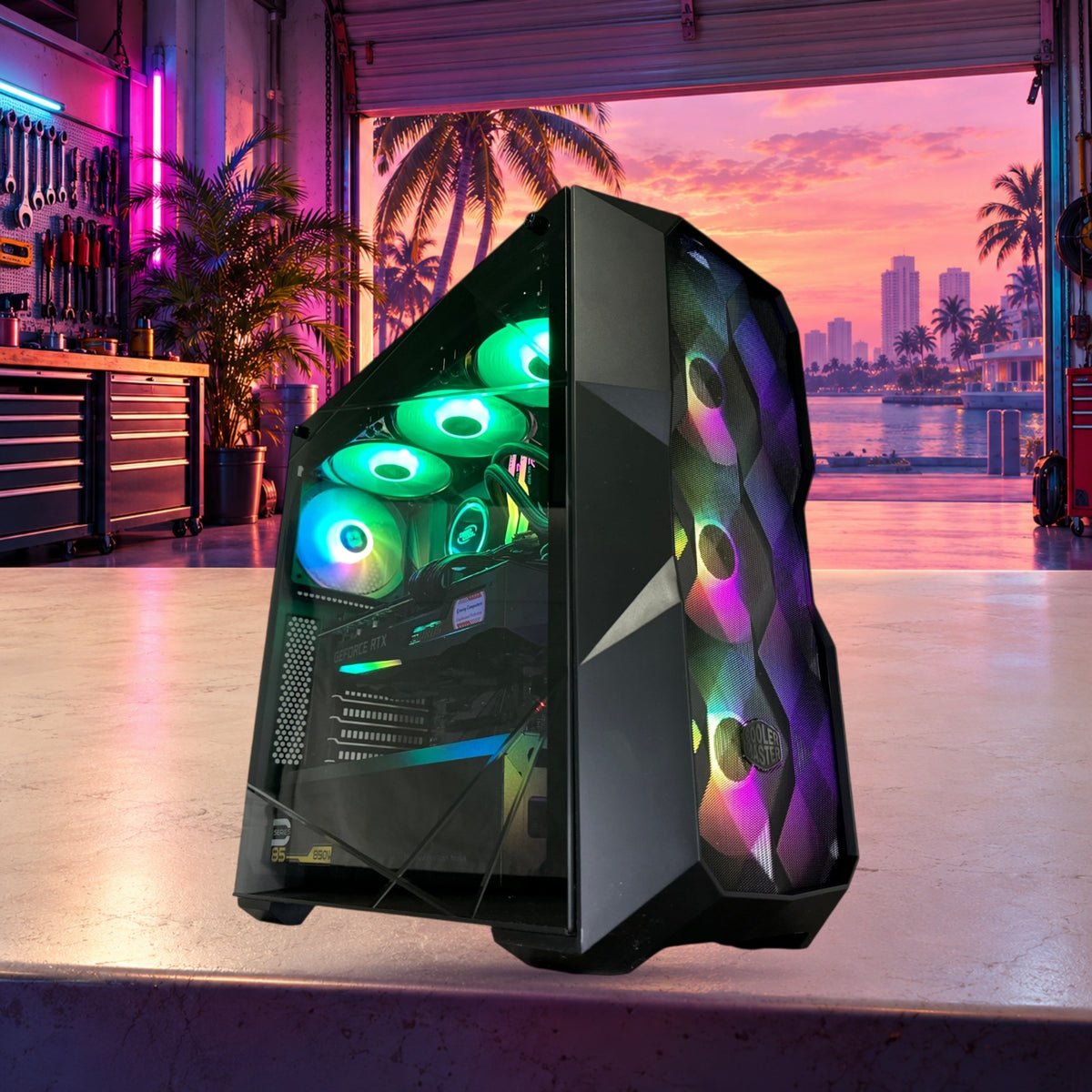
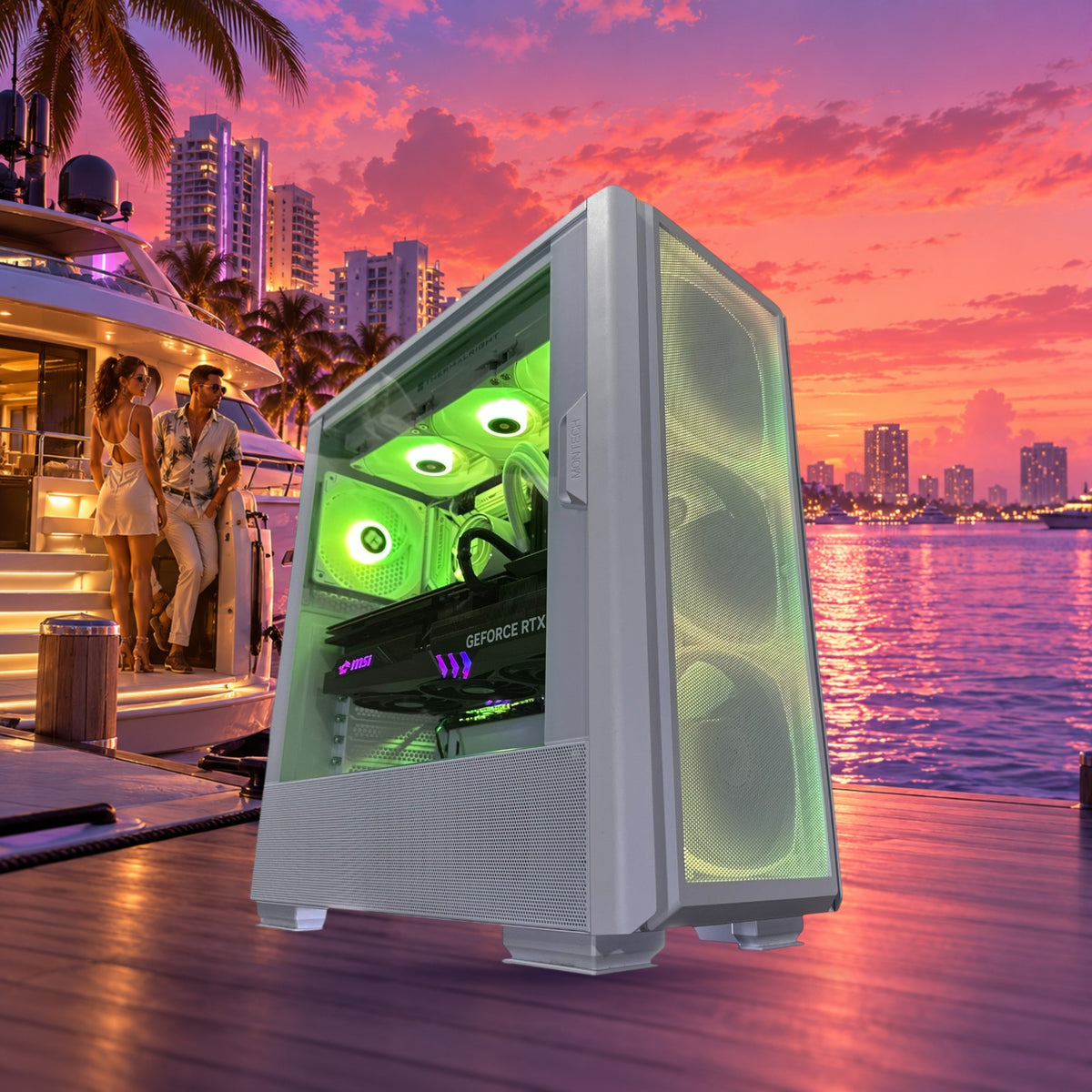
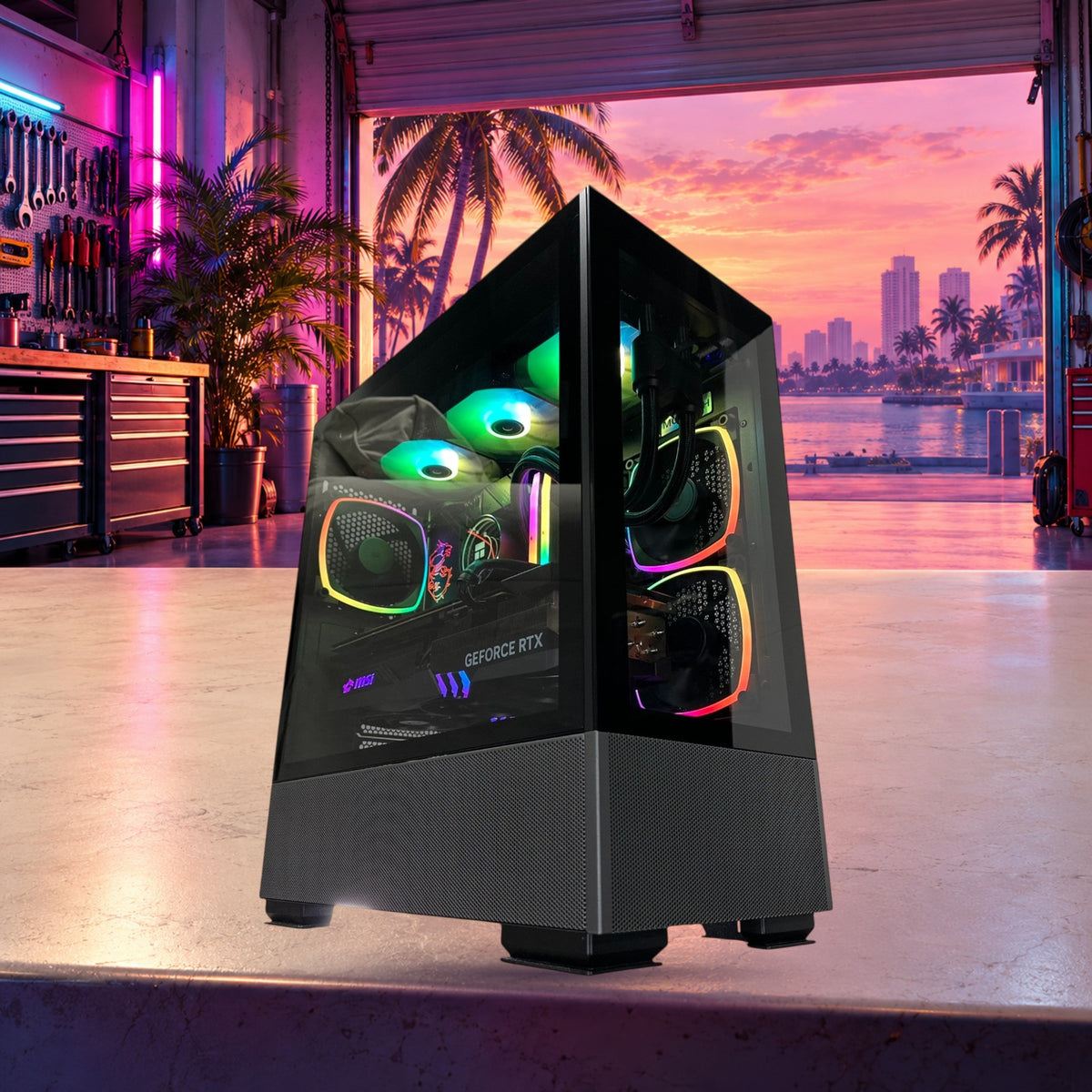
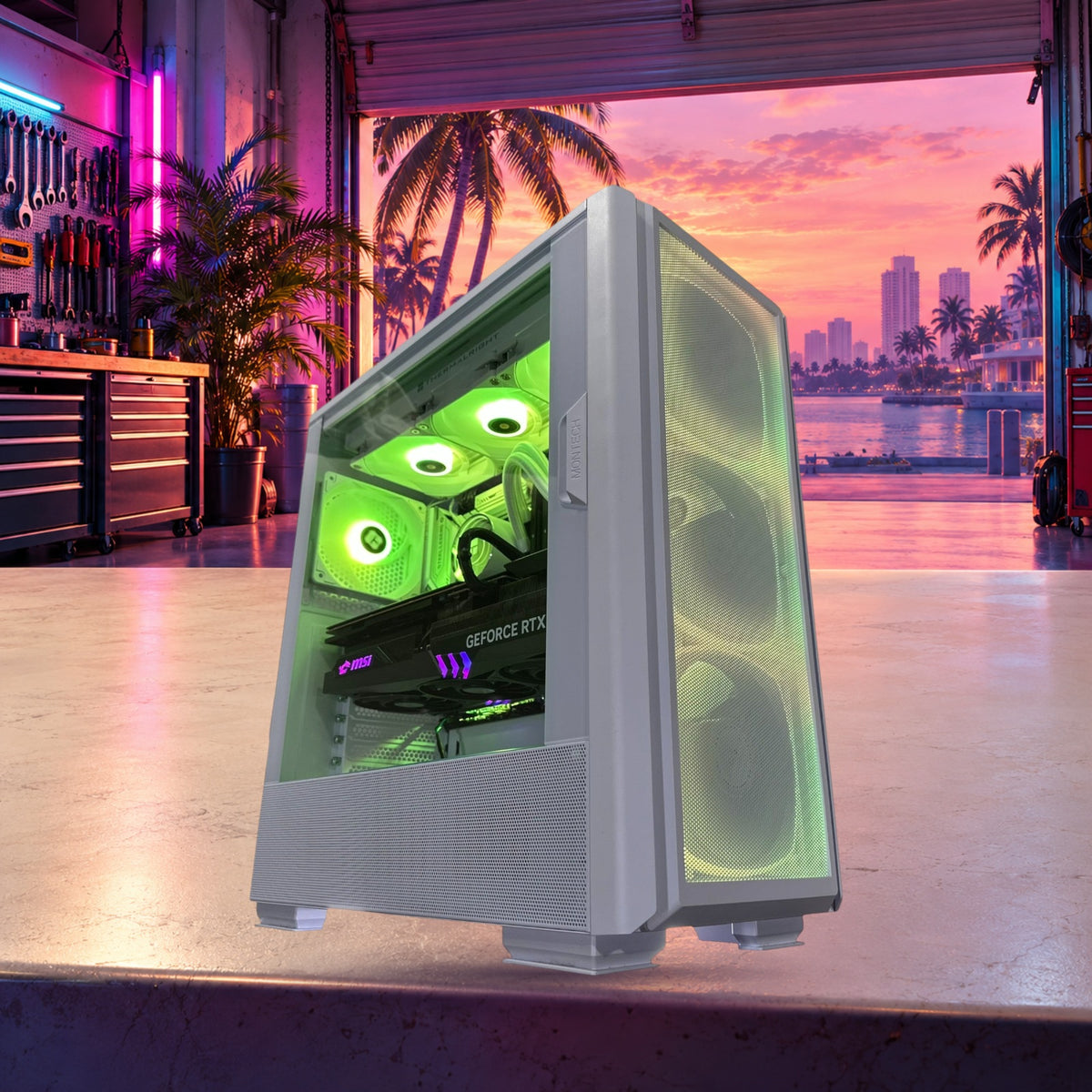
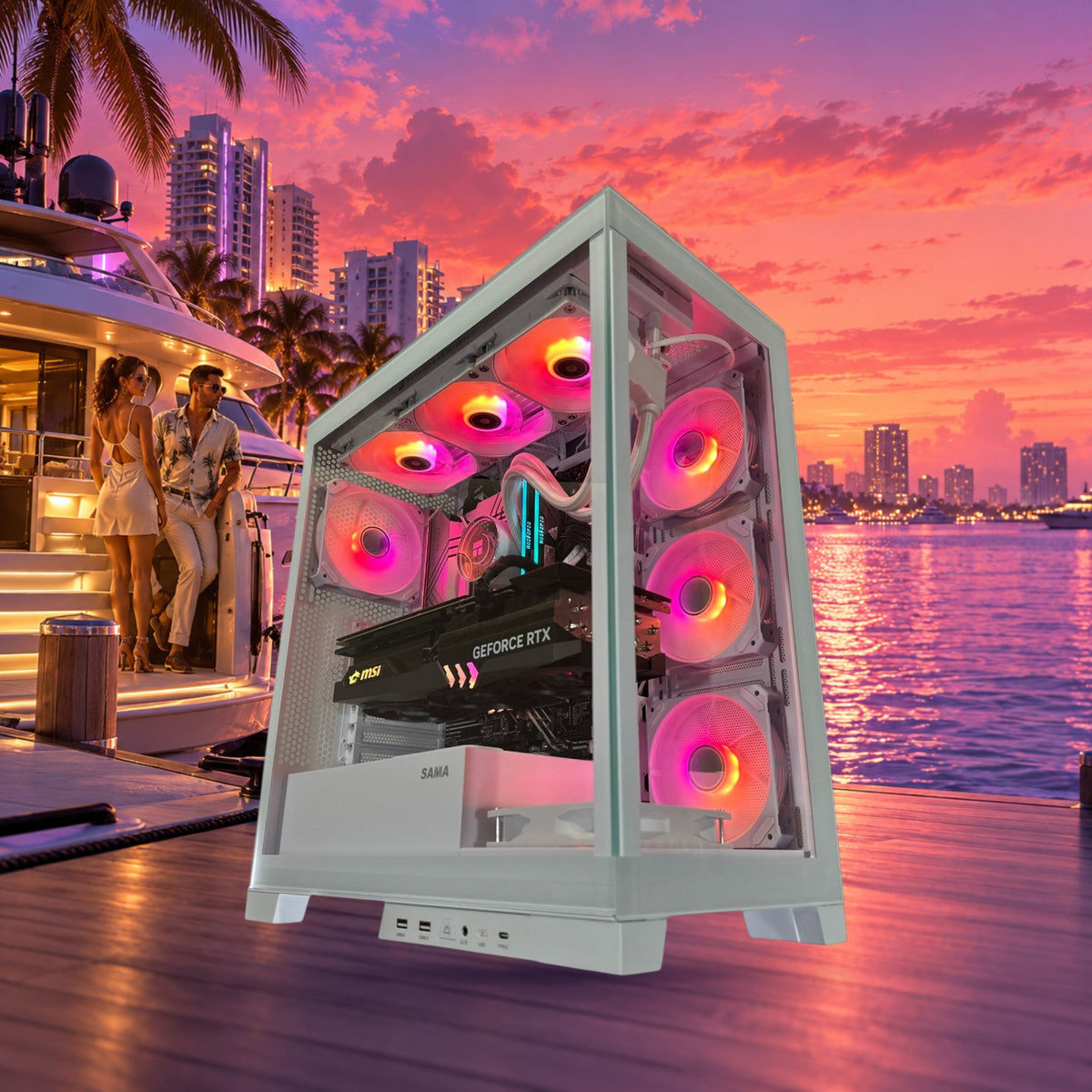
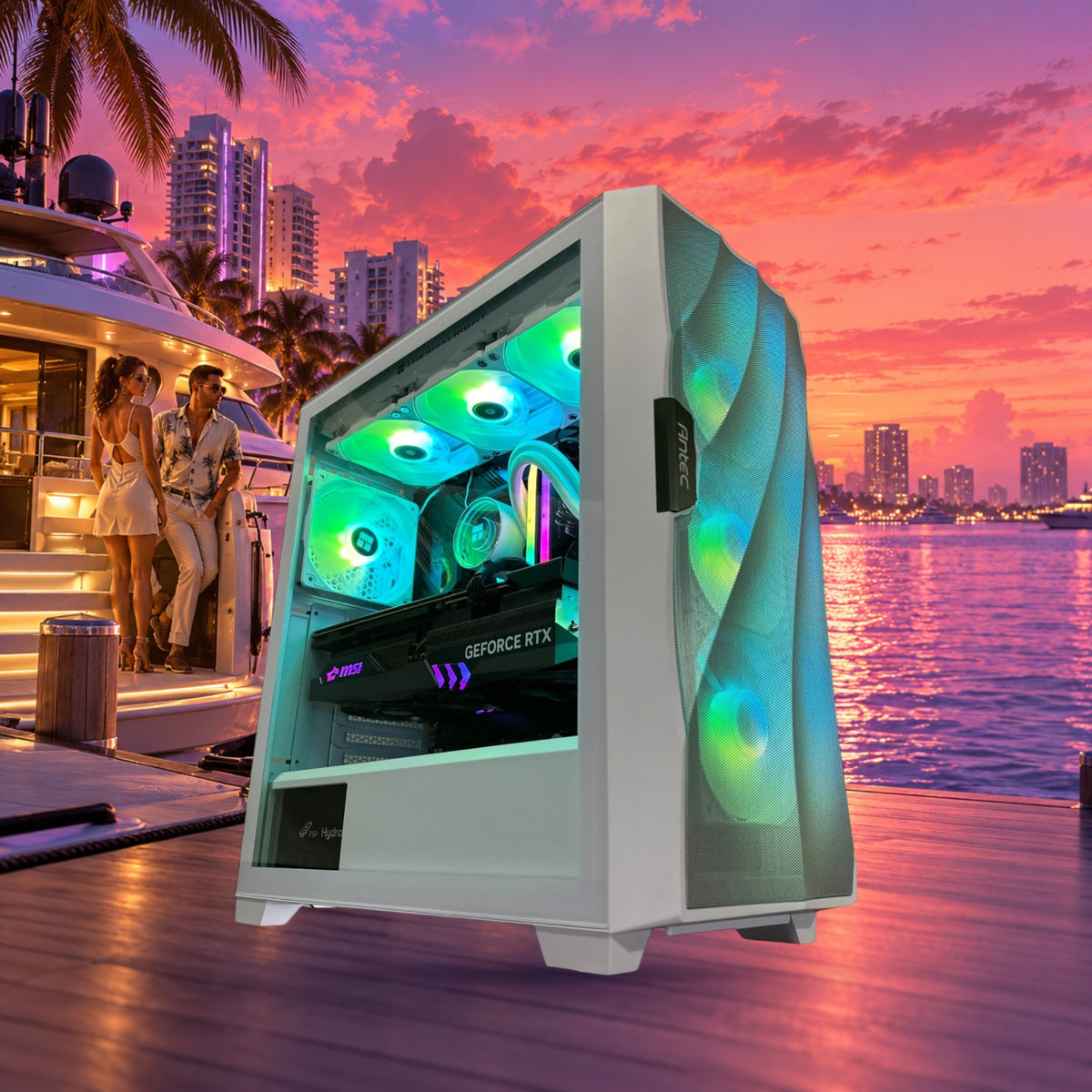
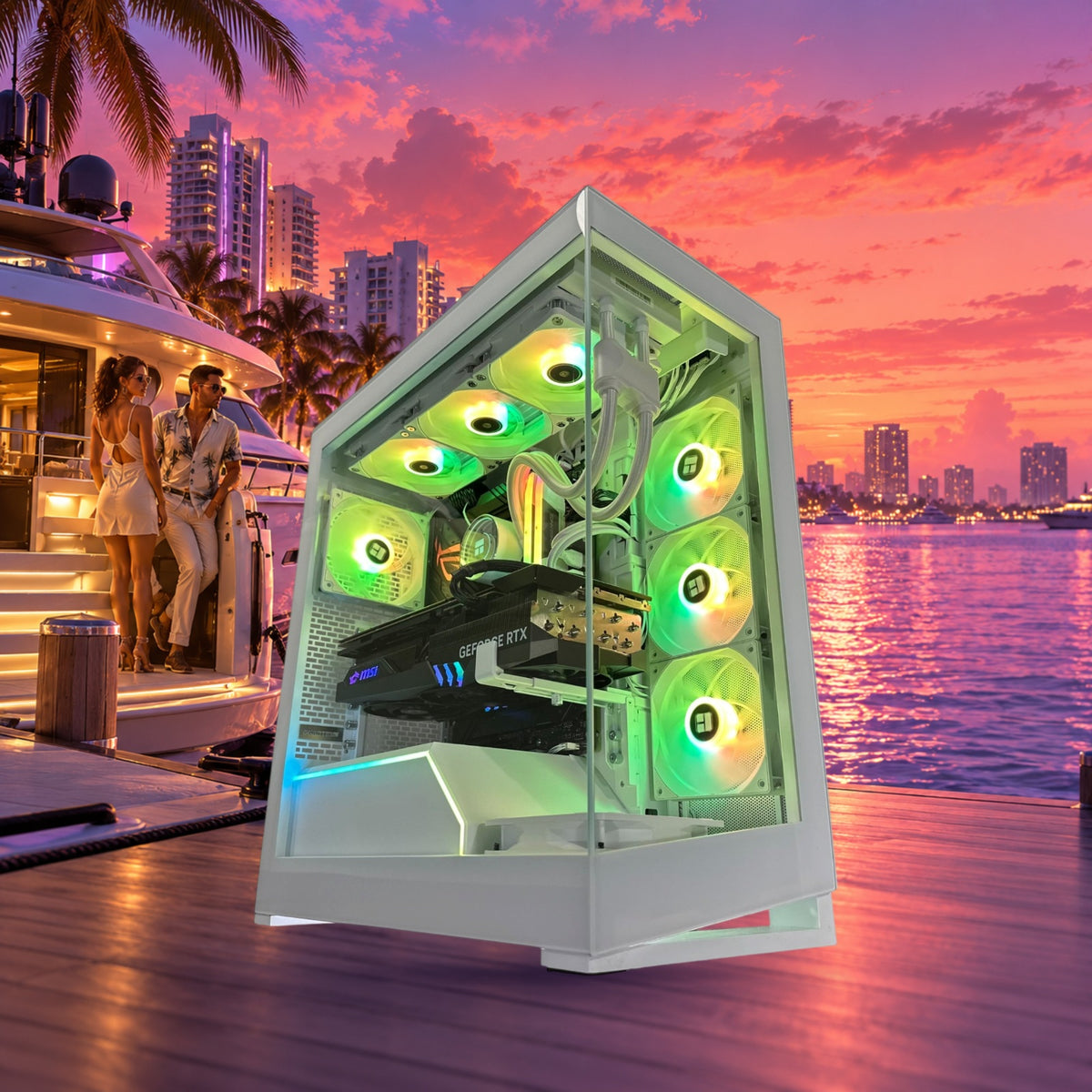
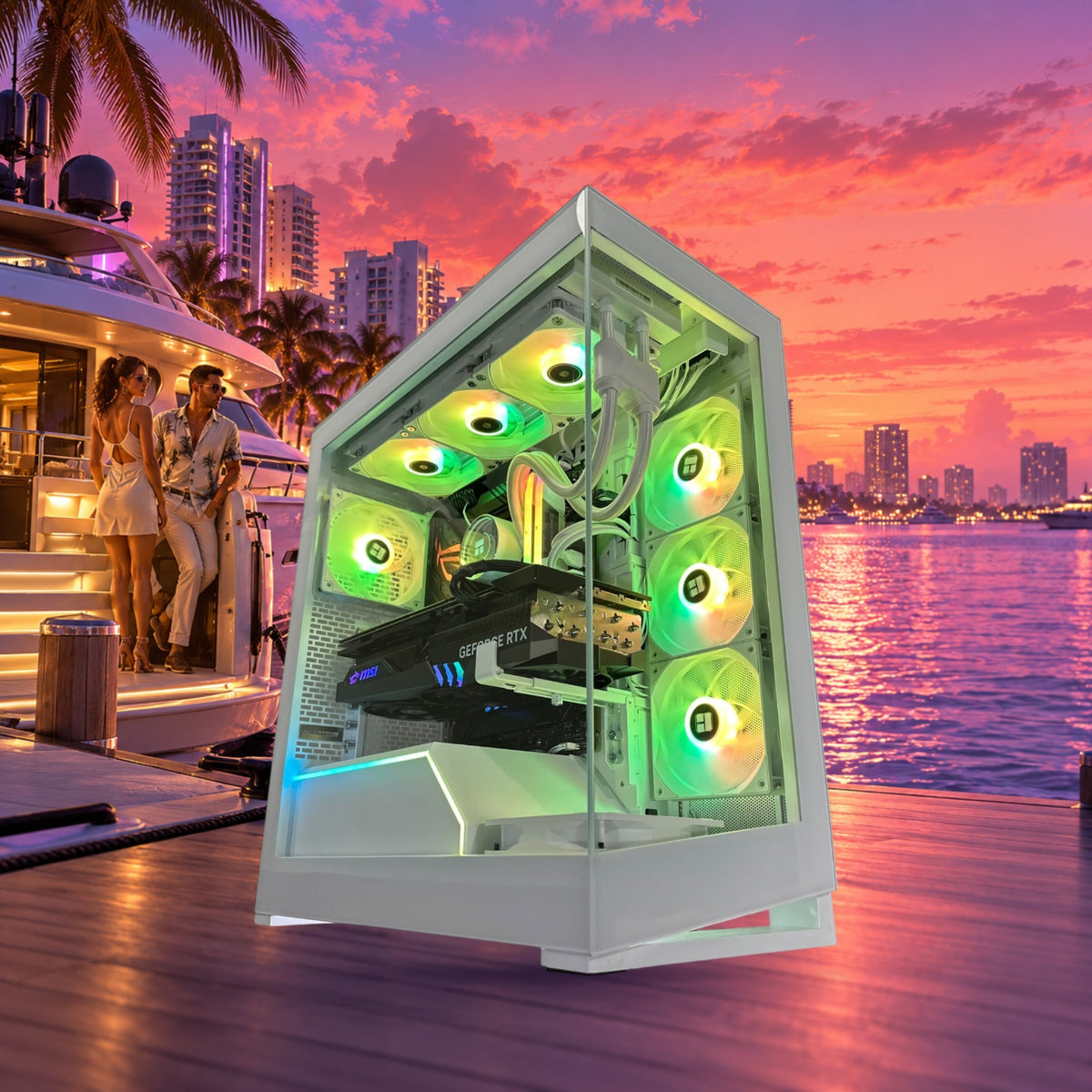
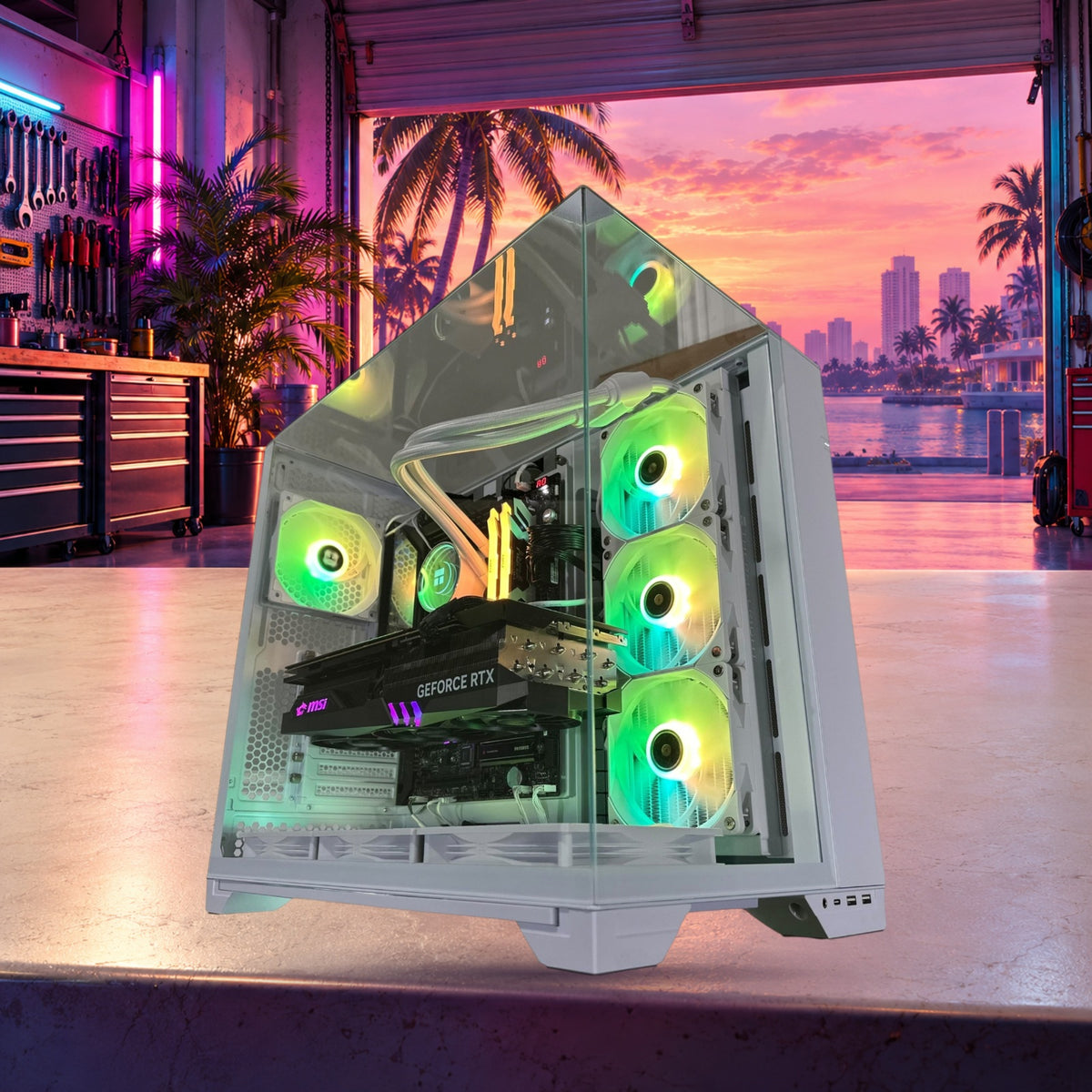

GTA 6 Hype Is Building: What Kind of Gaming PC Canada Buyers Should Choose Before Big Open-World Games Arrive
The recent comments from former Rockstar writer Dan Houser about deliberately avoiding the GTA 6 reveal say something important about today’s gaming market: the next wave of massive open-world games is not just another release cycle. It is a performance reset. For many shoppers searching for a Gaming PC Canada solution, that raises a practical question: if upcoming games are getting bigger, heavier, and more demanding, what kind of desktop should you buy now so you are ready for what is next?
That question matters beyond one game. When a major title dominates online discussion, buyers start asking whether their current system can still handle modern open-world gaming, high settings, ray tracing, streaming, recording, and multitasking without feeling outdated too soon. If that sounds like your situation, this is the right time to step back and think carefully about the type of custom PC that actually matches your goals.
Groovy Computers builds custom desktops for Canadian gamers, streamers, creators, and workstation users who want better performance, smarter parts selection, proper testing, and more confidence before hardware prices shift. So instead of treating this news as celebrity game-industry drama, it makes more sense to use it as a buying signal. If GTA 6-level game design is becoming the new standard for open-world experiences, what should your next PC be ready to do?
Why does the GTA 6 conversation matter if you are shopping for a Gaming PC Canada build?
Huge game reveals change buyer behaviour. Even when release dates, final PC requirements, and optimization details are still developing, the anticipation alone affects how people shop. Some want a new desktop before demand spikes. Others want to avoid buying too weak a system and needing another upgrade too soon. Some are wondering whether they should stretch into a stronger GPU now while financing is available, instead of replacing a cheaper build much earlier than planned.
Open-world games are especially important because they stress multiple parts of a system at once. These titles often demand strong GPU performance for visuals, enough CPU power for world simulation and background systems, fast SSD storage for asset streaming, and enough RAM to keep everything responsive. If you also plan to stream, edit clips, run Discord, browse, or capture footage at the same time, the right build matters even more.
So ask yourself a simple question: are you buying a PC just to run one game, or are you buying a system that should stay satisfying across the next several years of demanding releases?
What did the source story really highlight about modern game development?
Houser’s comments were not really about avoiding one trailer for dramatic effect. The deeper point was that creative professionals working on large entertainment projects often try to protect their own process from outside noise. In gaming terms, that reminds us how big and competitive large-scale development has become. Studios are building ambitious worlds, complex systems, cinematic experiences, and long-tail franchises that put increasing pressure on PC hardware.
That matters for shoppers because blockbuster games do not arrive in isolation. One major open-world release tends to be followed by more graphically ambitious titles, more ray tracing support, denser worlds, larger install sizes, and more expectations around visual fidelity. If you have already noticed newer releases pushing your current desktop harder than expected, you are not imagining it.
Another useful takeaway is that modern game creators think in ecosystems. Games now live beside livestreams, YouTube breakdowns, modding communities, short-form clips, screenshots, creator guides, and social media moments. That means many buyers are not only looking for a gaming desktop. They are looking for a system that can also support streaming, editing, content creation, and creative side projects.
What do you want your next PC to do for you?
Before comparing specs, ask the question that most buyers skip: what do you actually want your next PC to handle every day?
Do you mainly want smooth 1080p gaming with strong value? Are you chasing 1440p ultra settings and high refresh rates? Do you want a 4K-capable system for big cinematic games? Are you planning to stream on Twitch or YouTube? Do you want to edit gameplay videos, thumbnails, and short-form content after your sessions? Are you also using Blender, Unreal Engine, Photoshop, Premiere Pro, DaVinci Resolve, Illustrator, or other demanding software?
The more honest you are here, the easier it is to choose the right category. A buyer who only wants esports performance does not need the same machine as someone planning to play big open-world titles, stream them, edit footage, and keep the system for years. Likewise, someone doing 3D rendering or content creation should not buy a machine based only on gaming FPS charts.
If you are unsure, a good starting point is to think in terms of your heaviest real workload, not your lightest one. What is the most demanding thing you expect this system to do in the next 12 to 36 months?
Are you buying for 1080p, 1440p, or 4K gaming?
1080p gamers: do you want value, or do you want high refresh headroom?
A lot of Canadian buyers still get the best value at 1080p, especially if they play a mix of competitive titles and mainstream AAA games. But even within 1080p, there is a major difference between “I just want decent performance” and “I want high FPS with room for future games.”
If you are aiming for a Budget Gaming PC Canada setup, the goal should be stable modern performance, fast SSD storage, enough RAM for current games and multitasking, and a CPU/GPU pairing that does not bottleneck itself too early. This kind of build can be ideal for first-time buyers, students, or anyone moving from console to PC who wants strong value without overspending.
But ask yourself: do you really want to buy at the lowest acceptable tier right before a new generation of heavy open-world games arrives? A slightly stronger build today may age much better than the cheapest possible option.
1440p gamers: is this the sweet spot you should actually target?
For many shoppers, 1440p is where a modern custom desktop starts to feel truly exciting. It offers a strong balance of image quality and performance, and it makes sense for gamers who want immersive single-player experiences as well as good frame rates in multiplayer titles. If GTA 6-level games are part of your upgrade motivation, 1440p is often the tier where visual ambition and practical longevity meet.
A 1440p Gaming PC Canada build usually makes the most sense for buyers who want a better-than-entry-level experience without jumping all the way to flagship pricing. If you also care about ray tracing, creator workloads, or streaming while gaming, this is often the point where stronger GPUs and more capable CPUs become worthwhile rather than excessive.
Would you rather replace a weaker card sooner, or buy enough GPU now to stay comfortable as game requirements rise?
4K gamers: are you ready for premium-tier costs and expectations?
If your goal is 4K gaming, especially in demanding open-world titles with ultra settings, high texture quality, advanced lighting, and ray tracing, you are entering premium territory. A 4K Gaming PC Canada setup is for shoppers who care deeply about visual quality and want a system built with long-term high-end expectations in mind.
Here, stronger cooling, robust power delivery, smart component pairing, and build quality matter. At this tier, small mistakes in system balance feel expensive. That is one reason custom builds matter so much. You do not want to pay premium money for a machine that cuts corners in cooling, airflow, or upgrade path planning.
If you are targeting 4K, ask yourself another key question: do you want maximum current performance, or do you want a more balanced high-end system that gives great results without chasing the absolute top of the pricing curve?
Do you care about ray tracing, or is raw frame rate more important?
Many buyers say they want “the best graphics,” but that can mean different things. For some, it means ray tracing, reflections, lighting, and cinematic image quality. For others, it means high refresh responsiveness and smoother motion. Neither answer is wrong, but it affects what kind of GPU tier makes the most sense.
If your dream setup involves immersive open-world gaming, dramatic lighting, and strong visual settings in upcoming AAA titles, then a Ray Tracing Gaming PC Canada approach is worth considering. If your priority is competitive performance or maximizing value, you may get more satisfaction by focusing on strong raster performance at your chosen resolution instead.
So what matters more to you over the next few years: visual extras that make blockbuster games feel more cinematic, or frame rate consistency that keeps everything snappy across a wider range of titles?
Will you only game, or do you also want to stream and create content?
This is one of the biggest buying mistakes people make. They shop for a gaming desktop as if gaming is the only task that matters, then later realize they also want to stream, record, edit, or run creator tools. Suddenly the system that looked fine on paper starts feeling tight.
If you plan to livestream, a Streaming PC Canada or gaming-and-streaming focused build may be the smarter path. That does not always mean you need a fully separate streaming machine. For many buyers, one properly selected custom desktop can handle gaming, OBS, background apps, browser tabs, chat tools, and recording workloads very effectively.
Ask yourself: are you planning to go live on Twitch, YouTube, or TikTok? Do you want to clip gameplay for reels and shorts? Do you want smooth gameplay while encoding streams and keeping your desktop responsive? If yes, a stronger CPU, adequate RAM, fast storage, and the right GPU features become much more important.
A Gaming and Streaming PC Canada build often suits players who want one machine for both fun and side income potential. If your PC is part entertainment system and part production tool, buying too close to the minimum can become frustrating very quickly.
Are you also editing video, making thumbnails, or building a creator workflow?
Big games create big creator opportunities. Whenever a major release lands, people rush to make videos, livestream reactions, guides, montages, commentary, screenshot posts, and social content. That means some buyers who start by searching for a gaming desktop really need a Content Creation PC Canada or Creator PC Canada system instead.
If you use Premiere Pro, DaVinci Resolve, After Effects, Photoshop, Lightroom, Illustrator, or Canva regularly, your PC decision should reflect that. Fast exports, smooth playback, responsive timelines, better multitasking, and the ability to keep multiple apps open at once can save real time every week.
What does that mean in practical terms? It means more RAM matters. Fast SSD storage matters. Balanced CPU and GPU choices matter. Cooling matters if your system will render, export, or encode for long sessions. Reliability matters if your desktop is tied to deadlines or client work.
If you are asking, “Is a gaming PC good for video editing?” the answer is sometimes yes, but only if it is configured properly for your software and workload. A gaming-first machine is not automatically an editing-first machine. If content creation is part of your plan, say so before you buy.
Could a gaming-focused buyer actually need a creator PC or workstation instead?
Yes, and this happens all the time. Many people think in labels that are too narrow. They say “I need a gaming PC,” but what they really need is a system that can game well and support a larger workflow.
For example, if you game at night but spend the day in Adobe Creative Cloud, your build should not be chosen the same way as someone who only launches games. If you are learning Blender, Unreal Engine, CAD, or 3D asset creation because modern games inspired you to create your own worlds, then your buying path changes again.
A 3D Modeling PC Canada or rendering-oriented workstation can make much more sense for users working in Blender, Maya, Cinema 4D, Unreal Engine, or similar software. Likewise, a workstation build may be the right fit for architects, engineers, product designers, coders, editors, and power users who need dependable heavy-load performance instead of just game benchmarks.
So here is the real question: do you want a PC that only keeps up with your entertainment, or one that also supports your next skill, side project, or business idea?
Which performance tier fits you best?
Choosing the right tier is often more important than chasing the most expensive parts. Below is a practical way to think about your options without getting lost in spec-sheet noise.
Entry-level to value tier
- Best for: 1080p gaming, esports, lighter AAA settings, first-time buyers, students, and budget-conscious shoppers
- Good if you ask: How much should I spend on a gaming PC if I mainly want solid performance and value?
- Watch out for: Buying too close to minimum requirements for future open-world titles
This tier is ideal if affordability matters most and your expectations are realistic. But if you already know you want heavy AAA games, streaming, or creator workloads, moving up one level can be the smarter long-term decision.
Mid-range performance tier
- Best for: strong 1080p, excellent 1440p, mixed gaming and streaming, better future-proofing, content hobbyists
- Good if you ask: What PC do I need for 1440p gaming and modern AAA titles?
- Watch out for: Underestimating RAM and storage needs if you also create content
For many buyers, this is the sweet spot. You are not overspending on absolute flagship parts, but you are also not cornering yourself into an early upgrade cycle.
High-end gaming tier
- Best for: premium 1440p, strong 4K ambitions, ray tracing, high refresh gaming, larger open-world titles, demanding multitasking
- Good if you ask: What PC do I need for ultra settings and better long-term performance?
- Watch out for: Paying premium pricing without getting premium airflow, cooling, and build quality
This tier makes sense for serious enthusiasts, especially if upcoming AAA games are part of your reason for upgrading. It is also a strong fit for gamers who stream and edit on the same machine.
Creator and workstation tier
- Best for: gaming plus editing, rendering, Adobe workflows, 3D work, business productivity, and professional-grade multitasking
- Good if you ask: What PC do content creators need, and can one system handle both gaming and production?
- Watch out for: Buying a gaming-only system when your real workload is mixed or professional
If your desktop must make money as well as play games, this tier deserves serious attention. The cost can be easier to justify because better hardware saves time and frustration, not just seconds in benchmarks.
Is now a good time to buy, or should you wait?
This is always one of the most common buyer questions, and the answer depends less on internet hype than on your own timing. If your current system is already struggling, if a major game launch is approaching, if your software workload is growing, or if you are trying to avoid replacing weak hardware twice, waiting can be more expensive than buying smartly now.
Hardware pricing can change for many reasons: demand spikes, premium GPU scarcity, supply shifts, seasonal promotions, memory trends, and general replacement cost changes. You do not need to panic-buy, but you also should not assume better pricing will magically appear exactly when you want it.
Ask yourself a few honest questions:
- Is your current PC already forcing you to lower settings more than you want?
- Are you planning around a major game release or creator project?
- Would a stronger system now save you from an upgrade six to twelve months later?
- Are you delaying because you need a better payment structure, not because the need is unclear?
If the answer to several of those is yes, then the more useful question may not be “Should I wait?” but “What is the smartest custom desktop I can secure at the right performance tier now?”
Should you buy a cheaper PC, or finance a stronger one?
This is where a lot of Canadian buyers rethink their approach. Sometimes the cheapest path upfront is not the cheapest path overall. If a lower-tier machine needs upgrading sooner, struggles with new releases, or limits your streaming and editing plans, then it may not have been the better value after all.
For some shoppers, financing can make it easier to move into the right tier instead of settling for a system they will outgrow quickly. That is especially relevant when you are balancing gaming, school, work, streaming, content creation, or professional software needs in one machine.
Would a slightly stronger GPU, more RAM, or a better CPU keep your system useful longer? Would that reduce the odds of a near-term replacement? Would financing up to 4 years help you get the build you actually need instead of the build you can only tolerate for now?
Not every buyer should stretch to a premium machine. But if you are deciding between a system that barely meets your needs and one that comfortably supports them, the stronger build may be the more rational long-term choice.
Why do custom builds matter more when game demands and pricing are changing?
As games and software become more demanding, balance matters more. A custom build is not just about aesthetics or picking flashy parts. It is about matching the CPU, GPU, RAM, storage, motherboard, cooling, and power supply to your actual use case.
That matters because off-the-shelf systems often hide compromises in areas buyers do not notice until later. Maybe the cooling is weak. Maybe the power supply limits future upgrades. Maybe the RAM capacity is fine for gaming today but not enough for editing tomorrow. Maybe the case airflow is poor. Maybe the storage setup feels cramped immediately after a few large game installs.
A properly planned custom desktop is better positioned for long-term use. It can be built around your resolution target, your software, your stream plans, your file sizes, your upgrade horizon, and your budget ceiling. That is especially useful if your next PC needs to span gaming, content creation, and everyday productivity.
What should you ask before choosing a custom PC?
You do not need to memorize hardware charts, but you should ask the right questions before buying.
- What games do you actually play most, and are they competitive, cinematic, or open-world heavy?
- Do you care more about 1080p value, 1440p balance, or 4K immersion?
- Do you want ray tracing, or would you rather prioritize high FPS?
- Will you stream, record, edit videos, or create thumbnails on the same machine?
- Do you use Photoshop, Lightroom, Premiere Pro, DaVinci Resolve, Blender, or Unreal Engine?
- How much storage will you realistically need after several modern game installs and project files?
- How long do you want this system to feel strong before a major upgrade?
- Would a better build now help you avoid upgrading too soon?
These are the questions that lead to better buying decisions. They move you away from random spec shopping and toward a machine that actually fits your life.
Why Groovy Computers makes sense for Canadian buyers
Groovy Computers is built around the idea that buyers should get a machine matched to their real goals, not forced into a generic one-size-fits-all configuration. Whether you need a gaming desktop, a streaming setup, a creator build, or a workstation-grade system, the value comes from getting the right balance of parts from the start.
For Canadian shoppers, that matters even more. You want a builder that understands practical buying decisions in Canada, communicates clearly, offers strong custom options, and helps you avoid expensive mismatches. Groovy Computers serves customers across Canada and offers custom-built systems designed around how people actually use them.
There is also peace of mind in knowing your system is rigorously tested and backed by a 1-year warranty. When you are investing in performance for new games, creative work, or professional tasks, confidence matters. Reliability matters. Support matters.
Need a budget gaming computer, premium RTX gaming PC, creator desktop, or workstation?
If this GTA 6-era buying conversation has you thinking about your own system, the next step is simple: identify the category that fits your life best.
- Choose a value-focused gaming build if you mainly want smooth 1080p gaming and strong everyday performance.
- Choose a mid-range gaming desktop if you want 1440p capability, stronger AAA performance, and better long-term flexibility.
- Choose a premium RTX gaming PC if you are aiming for high-end visuals, ray tracing, bigger open-world releases, and stronger future readiness.
- Choose a streaming or creator PC if your desktop will also handle OBS, recording, editing, thumbnails, and content production.
- Choose a workstation or 3D-focused build if your system must support Blender, Unreal Engine, rendering, CAD, or professional workloads alongside gaming.
Still unsure which one sounds like you? That is exactly why custom guidance matters.
What should your next PC be ready for over the next few years?
This may be the most important question in the whole article. Not what a PC can run today at minimum settings. Not what a benchmark screenshot says in one test. What should your next system be ready to handle over the next few years?
If your answer includes open-world AAA games, higher resolutions, streaming, editing, creative software, larger file sizes, multitasking, and a desire to avoid another fast upgrade, then buying only for the bare minimum is usually the wrong move.
The better strategy is to choose a system tier that matches where you are headed, not just where you are today. That is why the growing attention around GTA 6 and similar blockbuster games matters. It is a reminder that game requirements do not stand still, and neither do your own goals.
Ready to choose the right Gaming PC Canada build for your goals?
If you are asking yourself whether to buy before the next major game wave, whether to step up to 1440p or 4K, whether your system should also handle streaming or editing, or whether financing could help you secure a stronger desktop before replacement costs rise, Groovy Computers can help. Explore custom options, compare performance tiers, and start building the machine that fits your workload at GroovyComputers.ca.
In the end, the GTA 6 conversation is not just about one reveal. It is about being honest about what modern gaming and content creation now demand. If you want a Gaming PC Canada buyers can trust for upcoming AAA titles, streaming, editing, or workstation-level productivity, a custom build from Groovy Computers is the smarter way to buy with confidence.
#GamingPCCanada #BudgetGamingPCCanada #1440pGamingPCCanada #4KGamingPCCanada #StreamingPCCanada #ContentCreationPCCanada #CreatorPCCanada #3DModelingPCCanada #CustomPCBuilderCanada #CanadianGamingPCCompany #GamingComputersCanada #GroovyComputers
Groovy Computers | All Rights Reserved


Leave a comment
This site is protected by hCaptcha and the hCaptcha Privacy Policy and Terms of Service apply.