























GTA 6 Story May Have Chapters Like Red Dead Redemption 2: What That Could Mean for Your Next Gaming PC in Canada
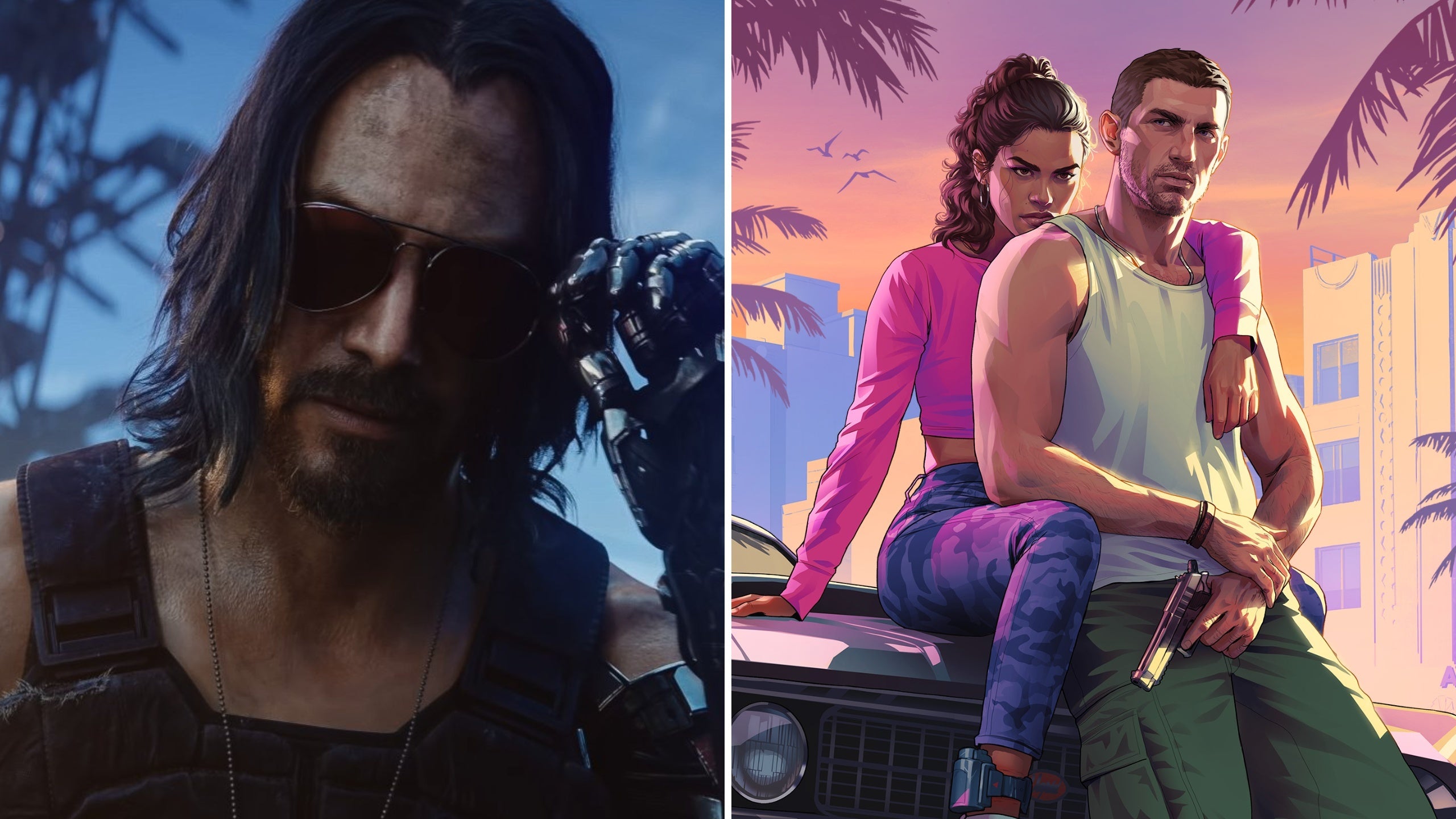
The latest GTA 6 story update has sparked a bigger conversation than many players expected. Based on wording tied to official edition details, Rockstar appears to suggest that Grand Theft Auto VI may use chapter-based progression similar to Red Dead Redemption 2. For players planning ahead, that matters because a more cinematic, systems-heavy open-world game usually points to deeper immersion, larger environments, more demanding effects, and a stronger need for a well-balanced Gaming PC Canada buyers can trust for launch-day performance.
For Groovy Computers customers, the real question is not just whether GTA 6 has chapters. The bigger question is this: what kind of PC will you want when one of the most anticipated games in years finally lands on your desk?
If GTA 6 leans harder into cinematic pacing, bigger story transitions, more dynamic encounters, and possibly even mechanics inspired by Red Dead Redemption 2, then many Canadian gamers will start asking the same thing at the same time: should you keep stretching your current system, or is this the moment to move into a properly built custom gaming PC before demand ramps up?
What the GTA 6 story chapter detail may actually tell us
The source report focuses on an interesting piece of official wording: bonuses being unlocked “behind each chapter.” That matters because it strongly hints that GTA 6 may structure its campaign in a more clearly segmented narrative format, rather than feeling like one long continuous chain of missions. That does not just change storytelling. It may also point toward larger narrative set pieces, more deliberate pacing, and more technically ambitious mission design.
Why does that matter for PC buyers? Because when a major open-world title pushes harder into cinematic design, players often expect more from everything else too. Better textures. Denser city scenes. stronger lighting. More detailed character models. More advanced AI behaviors. Improved weather effects. Better reflections. Higher animation fidelity. More seamless transitions between gameplay and scripted moments.
And if you are already thinking, Will my current PC handle that at 1080p? What about 1440p? What about ray tracing? you are asking exactly the right questions.
Why Canadian gamers should pay attention now, not later
In Canada, buying timing matters. When a huge game starts dominating conversation, it rarely affects just one title. It changes buying behaviour across the entire market. Players who were on the fence suddenly upgrade. Friends building their first setups start comparing GPUs. Streamers begin planning capture, clips, and long-form coverage. Content creators start preparing thumbnails, highlight edits, and lore breakdowns. That means demand can rise not just for graphics cards, but for complete systems.
So ask yourself this: are you trying to buy after everyone else starts panic-upgrading, or before the rush?
That timing question is especially relevant if you are in Nova Scotia, Atlantic Canada, or anywhere else in Canada where buyers want a dependable custom system shipped with proper support instead of gambling on random marketplace hardware. A professionally built gaming desktop with tested cooling, part compatibility, and a real warranty becomes much more valuable when new releases push old systems to the edge.
Could GTA 6 borrow more Red Dead Redemption 2 features?
The report also mentions rumours of additional Red Dead Redemption 2-style systems, including more immersive weapon storage and a search or focus mechanic similar in spirit to Dead Eye. While those details remain unconfirmed, the broader takeaway is still important: Rockstar may be building GTA 6 as a denser, more simulation-heavy experience than many players are used to from GTA 5.
If that happens, system demands could become more noticeable in areas like CPU load, memory usage, storage speed, and GPU overhead. Open-world games do not only punish weak graphics cards. They can also expose slow drives, low RAM ceilings, poor cooling, and older processors that struggle with background systems, streaming assets, or high NPC density.
That leads to another useful buying question: do you only want the game to launch, or do you want it to feel smooth, responsive, and visually worth the wait?
What do you want your next PC to do for you?
Before choosing a system, step back from the hype for a moment. What do you actually want your next PC to handle over the next few years?
- Just GTA 6 at solid settings?
- GTA 6 plus esports titles like Valorant, Fortnite, or Counter-Strike 2?
- 1440p gaming with high FPS and room for newer AAA releases?
- 4K gaming with ultra settings and stronger visual features?
- Gaming and streaming from one machine?
- Gaming plus video editing for YouTube or TikTok clips?
- A creator-focused setup for Photoshop, Premiere Pro, DaVinci Resolve, or Adobe Creative Cloud?
- A workstation that can also game after hours?
This is where many buyers make the wrong move. They shop for a single game, but they really need a system for a wider lifestyle. If your next PC is going to be used for gaming, streaming, editing, and multitasking, buying too low now can mean upgrading too soon later.
What gaming PC do you need for GTA 6-style open-world gaming?
If your main goal is a Gaming PC for GTA 6, then your ideal build depends on the experience you want, not just the minimum possible entry point.
Entry-level buyers: are you targeting 1080p and value first?
If you want a Budget Gaming PC Canada shoppers can feel good about, and your target is 1080p with sensible settings, then a value-focused build may be enough. This tier works best for players who want to get into modern gaming without overspending and who are comfortable making a few visual compromises in future AAA games.
But be honest with yourself: will you still be happy if a major release forces medium settings sooner than expected?
This tier is often best for first-time PC gamers, students, or buyers who mostly play lighter competitive games and only occasionally jump into demanding open-world titles.
Mainstream performance: is 1440p where you really want to be?
For many Canadian gamers, 1440p is the sweet spot. A properly configured 1440p Gaming PC Canada buyers choose at this tier can give a noticeably better visual experience than 1080p while still delivering strong frame rates across a wide mix of games.
If GTA 6 ends up being as visually dense as many expect, this will likely be the most practical target for players who want a premium-feeling experience without jumping all the way into top-end spending. It is also a smart tier for gamers who want their machine to remain comfortable for new releases over a longer period.
Ask yourself: are you buying a PC just for today’s settings, or for the next wave of demanding games too?
High-end buyers: do you want 4K, ray tracing, and long-term headroom?
If your goal is maximum immersion, stronger texture settings, advanced lighting, and more breathing room for future releases, then a 4K Gaming PC Canada customers choose for ultra-tier performance is worth considering. This tier is especially attractive if you are pairing the system with a high-refresh 1440p display or a 4K panel and want the GPU headroom to enjoy large cinematic games the way they are meant to be seen.
This is also the right tier for buyers asking questions like: How long will a high-end gaming PC last? Should I finance a stronger system now instead of replacing a mid-range build sooner?
Are you also planning to stream, record, or create content?
A major launch like GTA 6 does not just drive gaming demand. It also creates a wave of streaming and creator demand. If you want to stream gameplay, record long sessions, edit clips, or upload commentary videos, then your buying decision changes.
A strong Gaming and Streaming PC Canada buyers can depend on should not just run the game. It should also handle OBS, background apps, browser tabs, chat tools, capture workflows, and export tasks without feeling overloaded.
So the next question becomes: do you need a gaming PC, or do you actually need a content creation PC that games extremely well?
For streamers: what PC do you need for streaming GTA 6?
If you want to go live on Twitch, YouTube, or another platform, then streaming performance matters almost as much as in-game performance. You need enough CPU and GPU headroom for smooth gameplay while encoding video and managing overlays, alerts, and background tasks.
A Streaming PC Canada buyers choose for this kind of workload should be selected with more than game FPS in mind. It should have enough memory, fast storage, sensible cooling, and a balanced CPU-GPU pairing. Otherwise, the system that looks good on paper may feel much weaker in real-world streaming sessions.
Do you want to stream at 1080p while gaming at high settings? Are you hoping to clip highlights quickly after a session? Do you keep Discord, music, browser windows, and editing tools open at the same time? These details matter more than many buyers think.
For creators: is a gaming PC good for video editing too?
Sometimes yes, but not always in the right way. If you are planning to cut GTA footage in Premiere Pro, DaVinci Resolve, or CapCut, a general gaming system may be a starting point, but a properly balanced Creator PC Canada setup can save you far more time over the long run.
That means asking the right questions early:
- Do you edit 1080p, 4K, or higher-resolution footage?
- Do you use After Effects or motion graphics?
- Do you need faster exports for regular uploads?
- Do you want to game, stream, and edit on one machine?
If your answer is yes to several of those, then a Video Editing PC Canada customers should consider may be a better fit than a game-only build. Better RAM capacity, stronger CPU allocation, faster SSD choices, and stable cooling all become more important once editing enters the picture.
What if you also do photo editing, graphic design, or Adobe Creative Cloud work?
Not every GTA 6 buyer is just a gamer. Some are photographers, social media managers, students, designers, or business owners who want one strong system to cover everything.
If that sounds like you, ask yourself this: why buy one machine that barely games and another that barely creates, when one properly planned desktop can do both?
A Photo Editing PC Canada or Graphic Design PC Canada buyer should look for strong responsiveness in Photoshop, Lightroom, Illustrator, Canva workflows, and multitasking. Depending on your software mix, priorities may include RAM capacity, SSD speed, CPU responsiveness, GPU acceleration, and display pairing.
If your current system lags when exporting RAW photos, loading layered PSD files, or juggling multiple Adobe apps, this is a sign that your upgrade decision should be based on workflow comfort, not just game hype.
What about 3D modeling, Blender, Unreal Engine, or workstation tasks?
Some buyers reading gaming news are also developers, 3D artists, architecture students, or technical users who simply want a stronger PC before hardware pressure rises again. If you use Blender, Unreal Engine, CAD software, or rendering tools, a launch window around a major game can still matter because component demand tends to affect everyone.
That is why a 3D Modeling PC Canada or Workstation PC Canada build should be chosen for professional reliability first, then gaming second. If your machine earns money, supports school deadlines, or handles client projects, stability matters more than chasing a flashy spec sheet.
Ask yourself: are you buying for recreation only, or do you need your next system to produce work without compromise?
Which performance tier fits you best?
Here is the simplest way to think about it if you are trying to choose the right category without overbuying or underbuying.
Choose a value-focused gaming build if:
- You mainly want 1080p gaming
- You play a mix of esports and some AAA titles
- You are price-conscious and want the best balance of cost and playability
- You do not mind reducing some settings over time
Choose a stronger mid-range gaming build if:
- You want 1440p gaming to feel smooth and worthwhile
- You care about visual quality in large open-world games
- You want longer-lasting value
- You may stream casually or multitask while gaming
Choose a premium gaming build if:
- You want high-refresh 1440p or 4K gaming
- You care about ray tracing and top-tier visuals
- You want more future headroom for upcoming AAA releases
- You would rather buy once properly than upgrade too soon
Choose a creator or workstation-focused build if:
- You edit videos, photos, or graphics regularly
- You stream and game from one machine
- You use Adobe apps, DaVinci Resolve, Blender, or Unreal Engine
- You need productivity and gaming performance together
If you are unsure where you fit, that uncertainty is normal. In fact, that is exactly where a custom builder adds value. A generic prebuilt often assumes your needs. A custom build asks what they really are.
Is it better to buy now or wait for GTA 6 launch hype to build?
This is one of the smartest questions a buyer can ask. While no one can promise exact future pricing, waiting often comes with risks. Stronger GPUs can become harder to find. Certain CPU and memory combinations can become less attractive as inventory shifts. Storage pricing can move. Demand around major game releases can reduce flexibility.
And beyond price, there is another issue: decision pressure. Buying when everyone else is rushing usually leads to compromise. Buyers settle for weaker part pairings, noisy cooling, mismatched specs, or systems that look strong in a listing but are not built for balanced long-term use.
So ask yourself honestly: do you want to shop calmly and choose properly, or scramble later because your old PC finally feels too dated?
Should you finance a stronger system instead of buying too cheap?
For many buyers, this is the real decision. Not whether to spend money, but whether to spread that purchase intelligently so they can buy the right machine now instead of a weaker one they outgrow quickly.
If a slightly better system gives you meaningfully longer life, better gaming performance, smoother editing, stronger multitasking, or a better GTA 6 experience, financing can make practical sense. At Groovy Computers, that can mean access to a better-fit build with payments spread over time, including financing options up to 4 years for qualified buyers.
That leads to a useful question: should you buy the cheapest system you can tolerate, or secure the build you actually want before replacement costs rise?
For gamers, creators, and hybrid users, monthly payments can be a smart way to avoid buying twice. A machine that handles current games, future releases, and your side projects is often the better value if it saves you from upgrading again too soon.
Why custom PC building matters more when game demands rise
When anticipation builds around a title like GTA 6, many shoppers are tempted by broad marketing claims. “Runs everything.” “Ultra fast.” “Gaming ready.” But those labels do not tell you if the CPU is well matched to the GPU, whether the airflow is sufficient, if the memory capacity makes sense, or if the SSD setup will support modern game installs and creator workloads comfortably.
A Custom Gaming PC Canada buyer gets more control over the result. That means better alignment between budget, resolution target, future plans, and software demands.
At Groovy Computers, the custom-build advantage is not just about choosing parts. It is about building a system around actual use. If your priority is GTA 6 at 1440p, that matters. If your priority is GTA 6 plus streaming and editing, that matters too. If you need creator performance during the day and gaming performance at night, that changes the recommendation again.
Why Groovy Computers makes sense for Canadian buyers
Canadian buyers want more than a nice parts list. They want confidence. Groovy Computers is built around that need, with custom PCs designed for real gaming, creator, and workstation workloads.
Why does that matter?
- Custom-fit recommendations: your build can match your actual goals instead of forcing you into a one-size-fits-all box.
- Rigorous testing: proper testing helps catch instability before your system lands on your desk.
- 1-year warranty: added peace of mind matters, especially on a higher-value system.
- Canadian service and support: important for buyers in Nova Scotia and across Canada who want a trusted Canadian PC builder.
- Strong category coverage: whether you need gaming, streaming, editing, design, content creation, or workstation performance, the build strategy can be adapted to you.
If you are in Trenton, New Glasgow, Halifax, elsewhere in Nova Scotia, or anywhere in Canada looking for a Canadian Custom PC Builder, Groovy Computers offers a more grounded path than rolling the dice on mystery-spec systems.
What questions should you ask before buying your next PC?
Before you commit, ask yourself these practical questions:
- What games do I actually want to play over the next two to three years?
- Am I targeting 1080p, 1440p, or 4K?
- Do I care about ultra settings, high FPS, or both?
- Will I stream, record, or edit content from the same PC?
- Do I use Photoshop, Lightroom, Premiere Pro, DaVinci Resolve, Illustrator, Blender, or Unreal Engine?
- Do I want a value build, a premium gaming system, or a creator-focused desktop?
- Would financing a stronger build help me avoid replacing a weaker one too soon?
- Do I want a tested custom PC with warranty support from a Canadian company?
If you can answer those honestly, your ideal build becomes much easier to identify.
So what should you do if GTA 6 is the game making you rethink your setup?
If the GTA 6 story chapter news has you thinking more seriously about your next upgrade, that is a smart reaction. Big games often reveal whether your current system still fits your expectations. If you want a machine that feels ready for modern open-world gaming, upcoming AAA releases, streaming, editing, or professional creative work, this is a good time to plan ahead carefully.
What do you want your next PC to do for you, and how long do you want it to last? If you want help choosing the right tier, a balanced custom build, or a stronger system through financing, visit GroovyComputers.ca and explore a setup built around how you actually play and work.
As GTA 6 hype grows, the buyers who win are usually the ones who prepare early, choose the right performance tier, and avoid panic-buying under pressure. Whether you need a budget-friendly gaming desktop, a premium RTX gaming PC, a creator machine, or a heavier workstation, Groovy Computers can help you move with confidence. If you are wondering what gaming PC you need, whether now is the right time to buy, or whether financing a better system makes more sense, this is the moment to get answers and choose properly.
#GamingPCCanada #GamingPCForGTA6 #CustomGamingPCCanada #CanadianCustomPCBuilders #GamingAndStreamingPCCanada #CreatorPCCanada #VideoEditingPCCanada #WorkstationPCCanada #NovaScotiaTech #GroovyComputers
Groovy Computers | All Rights Reserved

Leave a comment
This site is protected by hCaptcha and the hCaptcha Privacy Policy and Terms of Service apply.