























GTA 6 Price Shock Turns Into a Bigger Question: What Kind of Gaming PC Should Canadian Players Buy Before Release Day?
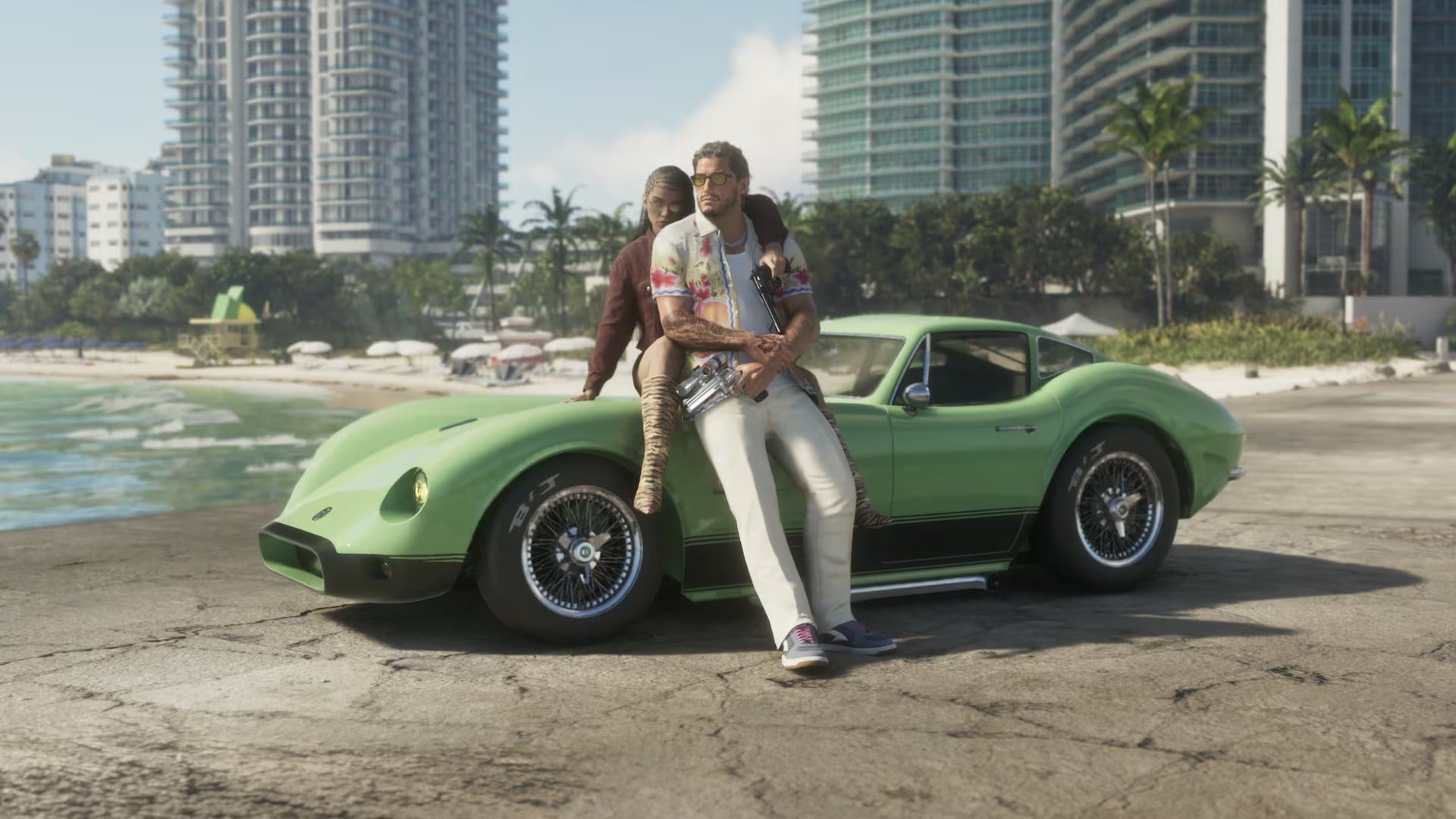
The GTA 6 price conversation is doing more than stirring up debate about deluxe editions, digital ownership, and pre-order bonuses. It is also forcing many Canadian buyers to ask a more practical question: if one of the biggest game launches in years is almost here, what kind of Gaming PC Canada shoppers should be looking at right now to be ready for launch, future updates, and the next wave of demanding AAA games?
The source story focused on fan reaction to Grand Theft Auto 6 pricing, especially the relief around the standard edition and the frustration around Ultimate Edition extras, digital-first distribution, and content that feels locked behind a higher paywall. That is a real concern. But for PC buyers, there is another side to this story. If major game launches are becoming bigger, heavier, more cinematic, and more expensive to fully enjoy, then your hardware choice matters more than ever.
For Canadian gamers, that means the headline is not just about game pricing. It is about total gaming cost. Are you only budgeting for the game itself, or are you also thinking about the system that will run GTA 6 smoothly at 1080p, 1440p, or 4K? Are you hoping to stream it, capture gameplay, edit clips, or create content around it? And if prices on GPUs, SSDs, or full custom builds tighten again before release, would you rather secure the right machine now than settle for less later?
What the GTA 6 pricing news really tells buyers
The source material makes one thing clear: players were bracing for something even worse. A standard price around the Canadian equivalent of roughly $110 CAD still feels high compared with older console generations, but many fans expected an even steeper launch. That relief, however, quickly gave way to irritation over digital distribution, code-in-a-box “physical” editions, and premium content that may create fear of missing out.
That matters because gaming is increasingly sold in layers. There is the base game. Then there is the premium version. Then there are cosmetics, convenience features, online service tie-ins, storage requirements, updates, and whatever comes next. In other words, the real cost of modern gaming is no longer just the sticker price of the game.
That is exactly why so many buyers now ask a smarter question first: What PC do I need for GTA 6 and the next five blockbuster games after it?
If that is where your head is at, you are already thinking the right way.
Why Canadian buyers should think beyond the game price
In Canada, hardware buying decisions are shaped by exchange rates, shipping realities, regional stock changes, and the fact that component pricing can shift much faster than many casual buyers expect. A game launch as large as GTA 6 can create renewed demand for better gaming systems, especially among players still hanging onto older rigs that were originally built for previous-generation titles.
So what happens if you wait too long?
You might face higher GPU pricing, more limited case and cooling options in the exact configuration you want, tighter SSD pricing, or the simple fact that a weaker system bought under pressure often gets upgraded too soon. That is one of the most expensive mistakes a buyer can make.
If you already know you want a stronger gaming experience, why buy a stopgap machine now and a better one later? Why not choose a custom build that is designed around what you actually want to play?
What do you want your next PC to do for you?
Before talking specs, it helps to ask a much more useful question: what do you want your next PC to do for you?
Do you just want to play GTA 6 at solid settings without stutter?
Do you want a Gaming PC for GTA 6 that can also handle new open-world releases, ray tracing, high refresh rate competitive games, and future AAA titles without feeling outdated in a year?
Do you plan to stream to Twitch or YouTube while gaming?
Will you be editing gameplay footage in Adobe Premiere Pro, DaVinci Resolve, or CapCut?
Are you a content creator who needs one machine for gaming, streaming, thumbnails, social clips, and exports?
Or are you the kind of buyer who is tired of compromises and wants one properly balanced custom desktop that stays relevant longer?
Your answer changes everything. The right system for 1080p gameplay is not the same as the right system for 1440p high settings with background apps running. And neither is enough for someone who wants 4K gaming, ray tracing, streaming, and video editing on the same machine.
What PC do you need for GTA 6 at 1080p, 1440p, or 4K?
Even without relying on unconfirmed PC requirements, it is reasonable to expect GTA 6 to be a demanding title. It is a large-scale, detail-heavy, open-world release tied to one of the most technically ambitious franchises in gaming. That means buyers should think in performance tiers, not just minimum compatibility.
1080p tier: Who is this for?
If your goal is smooth 1080p gameplay with good visual settings and reliable performance in modern titles, this is the entry point where a Budget Gaming PC Canada shopper can still get strong value. This tier is ideal for gamers using standard monitors, esports players who also want access to cinematic AAA games, students buying a first proper desktop, or buyers trying to keep costs controlled.
But ask yourself this: do you want a machine that only runs today’s games adequately, or one that still feels comfortable when new releases become heavier? If you buy too close to the minimum, you may save money at checkout but spend more upgrading sooner.
1440p tier: The sweet spot for most serious gamers?
For many buyers, 1440p is the real sweet spot. It gives a much sharper image than 1080p, better immersion in open-world games, and a more premium experience without stepping all the way into the cost of a full 4K setup. If you are looking for a 1440p Gaming PC Canada customers would consider future-conscious, this is often the best balance of performance, value, and longevity.
Do you want GTA 6 to look impressive, not just playable? Do you want stronger texture handling, better frame pacing, and room for demanding updates or mods later? Then this is likely the tier that deserves your attention.
4K and ray tracing tier: For buyers who want the premium experience
If you are aiming for maximum visual impact, large displays, ultra settings, and advanced lighting effects, then you are shopping in 4K Gaming PC Canada territory. This is where premium GPU selection, airflow, power delivery, and thermal design matter more. It is also the tier where trying to save money in the wrong place can backfire quickly.
Do you want to enjoy one of the biggest open-world games ever made with the kind of image quality that actually feels next-generation? Do you want your investment to carry forward into the next cycle of demanding titles? Then a high-end custom build becomes much easier to justify.
Are you only gaming, or are you also streaming and creating?
This is where many buyers under-spec their system.
A lot of customers start by searching for a gaming desktop, then realize they also want to stream to OBS, record gameplay, clip highlights, upload to YouTube, edit social content, and maybe even run Discord, browser tabs, music, and mods at the same time. Suddenly, the system that looked “good enough” becomes cramped.
If that sounds familiar, then maybe you are not just shopping for a gaming machine. Maybe you need a Gaming and Streaming PC Canada buyers can rely on under real-world multitasking.
Ask yourself a few honest questions. Do you want to stream at 1080p while maintaining strong in-game performance? Do you want cleaner recording quality? Do you want faster encoding and less stress while multitasking? Do you want one machine that handles gaming now and content creation next?
If yes, a properly balanced custom build makes far more sense than chasing the cheapest possible tower.
Could GTA 6 hype push more people into creator and streaming setups?
Absolutely. Big game launches do not just sell games. They create clip culture, streaming spikes, reaction content, walk-throughs, benchmark videos, mod showcases, and social media demand. Every major release becomes a content event.
That is why GTA 6 is not only a gaming story. It is also a creator hardware story.
If you are planning to record, stream, or edit around this launch, should you really buy a PC that only covers gameplay? Or should you move up to a stronger system with more CPU headroom, more RAM, faster storage, and a GPU that supports both gaming performance and creator workflows?
For many Canadians, the right answer is a Content Creation PC Canada buyers can also game on confidently. That kind of system is especially useful for people who split time between gaming, editing, Photoshop, thumbnails, social posting, and live streaming.
What if you also edit videos, thumbnails, and social content?
Then your buying decision gets even more important.
A lot of buyers assume a gaming PC automatically makes a good editing PC. Sometimes it can, but not always. The best gaming-first system is not necessarily the best balanced option for timeline smoothness, export speed, memory-heavy workflows, or multitasking in Adobe apps.
If you are editing gameplay, cinematic clips, trailers, channel intros, or short-form content, you should think in terms of a Video Editing PC Canada customers can depend on for both responsiveness and long-term value.
Do you edit in Premiere Pro? Do you prefer DaVinci Resolve? Are you using After Effects for motion graphics? Are you working with 4K footage, multiple layers, or AI-assisted features? Then CPU choice, GPU acceleration, RAM capacity, and SSD speed all matter in a different way than they do for gaming alone.
This is where a custom builder becomes valuable. You are not just buying parts. You are choosing how those parts work together based on what you actually do.
What about Photoshop, graphic design, and creator workloads beyond gaming?
Not every GTA 6 buyer is only a gamer. Some are students. Some are freelancers. Some are designers. Some run side businesses. Some need a machine that can switch from gaming at night to productive client work during the day.
If you use Photoshop, Lightroom, Illustrator, Canva, InDesign, or broader Adobe Creative Cloud tools, your system should be chosen with those workflows in mind. A Graphic Design PC Canada buyer needs responsive application performance, strong multitasking, fast storage, and enough memory to avoid slowdown once projects get heavier.
Are you designing thumbnails, posters, social ads, brand kits, print files, or layered assets? Are you editing RAW photos too? Do you want dual-purpose performance without maintaining separate machines? Then a custom creator desktop may be the smarter long-term move.
Could this same buying logic apply to 3D modeling and workstation users?
Yes, and this is where many professional buyers make costly mistakes by shopping too casually.
If your interest in a powerful PC starts with gaming hype but overlaps with Blender, Unreal Engine, CAD, animation, rendering, or simulation work, then your hardware needs change dramatically. In that case, you may need a 3D Modeling PC Canada or Workstation PC Canada configuration rather than a pure gaming tower.
Do you render scenes? Build game environments? Work in architecture, product visualization, or engineering software? Need more RAM, heavier storage throughput, or better long-session reliability? Then choosing a workstation-class custom build now can save you from replacing an underpowered system later.
How do you decide which performance tier actually fits you?
The easiest way is to stop asking what is “best” in the abstract and start asking what fits your real use case.
Choose an entry-level to lower-midrange tier if:
- You play mostly at 1080p
- You want solid value and manageable cost
- You are not chasing maximum ray tracing performance
- You mainly game, browse, chat, and do light school or office use
- You want a first desktop that can handle current games well
Choose a midrange to upper-midrange tier if:
- You want 1440p gaming to feel smooth and impressive
- You play big open-world games and want visual quality headroom
- You may stream, record, or multitask while gaming
- You want stronger longevity and a more comfortable upgrade path
- You do some editing, design, or creator work alongside gaming
Choose a premium high-performance tier if:
- You want 4K or very high-end 1440p performance
- You care about ultra settings, advanced lighting, and high fidelity
- You stream, edit, and game on one machine
- You want to avoid feeling outdated too quickly
- You need a desktop that can pull double duty as a creator or workstation system
If you are still unsure, ask yourself this: will I regret buying too little more than I regret paying for the right build once? That question solves a lot of indecision.
Why timing matters more when major releases are approaching
Big game launches create urgency, but not always in the obvious way. Yes, there is excitement. Yes, there is hype. But there is also pressure on buyers who suddenly realize their current machine may not deliver the experience they want.
That can lead to rushed purchases.
And rushed purchases often lead to generic prebuilts, poorly balanced specs, weak cooling, inadequate power supplies, too little storage, or systems that look flashy but are not ideal for the buyer’s real needs.
If you know you want a stronger desktop before a major release window, why wait until demand is higher and your options feel narrower? Why not use the time now to choose properly, ask the right questions, and secure a build that makes sense?
Should you buy now or wait?
This is one of the most common questions in PC buying, and it usually has a frustrating answer: it depends on why you are waiting.
If you are waiting because you genuinely do not know what you need yet, that is smart. Research first.
If you are waiting because you hope everything will magically become cheaper, that is riskier. Hardware pricing does not always move in the buyer’s favour, especially in Canada. GPUs, SSDs, RAM, and premium components can all change in price or availability based on global demand, new launches, currency pressure, and seasonal buying spikes.
So ask yourself: are you waiting for better information, or are you just delaying a purchase you already know you need to make?
If GTA 6, new creator workloads, or software updates are already influencing your plans, securing the right custom desktop earlier can be the more strategic choice.
Does financing make sense if you want a stronger system before prices rise?
For many buyers, yes.
A lot of Canadians do not actually want the cheapest computer. They want the right computer, but they are trying to balance monthly cash flow, household priorities, and the reality that replacing a weak system later often costs more than choosing a better one now.
That is where financing becomes practical rather than impulsive.
If a slightly stronger GPU, more RAM, a better CPU, or a larger SSD would meaningfully extend the life of your system, should you force yourself into a compromise build just to keep the upfront total lower? Or would a structured payment option make it easier to buy the machine you will actually be happy with?
For buyers planning around major game releases, creator workloads, or all-purpose home setups, financing can help secure a better long-term value build before replacement costs shift again. Groovy Computers offers options that can help customers spread out the cost of a stronger custom desktop, including financing up to 4 years where applicable.
Should you finance a better PC instead of buying a cheaper one?
This is one of the smartest questions a buyer can ask.
If the cheaper system leaves you stuck at lower settings, struggling with storage limits, upgrading again too soon, or running into performance ceilings when you start streaming or editing, then it may not be the value option it first appeared to be.
On the other hand, if financing lets you move into a build tier that better fits your gaming goals, creator plans, and future software demands, then the stronger system may be the more responsible purchase overall.
Would you rather buy once with confidence, or buy twice because the first machine was only barely enough?
Why custom PC selection matters when game pricing and hardware costs both feel uncertain
The GTA 6 edition debate is really about trust, value, and control. Players want to know what they are getting, what is locked away, and whether paying more actually improves their experience. The same logic applies to desktops.
With a custom build, the conversation becomes clearer. You are not just paying for a vague “gaming” label. You are choosing storage capacity, thermal performance, upgrade path, case airflow, RAM headroom, CPU capability, GPU tier, and the balance that fits your actual goals.
That is why so many buyers prefer working with Canadian Custom PC Builders instead of rolling the dice on whatever generic configuration happens to be heavily advertised. The right build is the one that matches your games, your monitor, your workflow, and your budget.
Why Groovy Computers makes sense for Canadian buyers right now
Groovy Computers is built for buyers who want guidance, not guesswork. Whether you need a gaming-focused tower, a streaming and editing system, a creator desktop, or a heavier workstation-class machine, the goal is the same: build around the customer, not around a one-size-fits-all spec sheet.
For Canadian customers, that matters. You want a system that is assembled with purpose, tested properly, and backed with confidence. Groovy Computers offers custom PC options designed for real-world performance, rigorous testing, and a 1-year warranty for added peace of mind.
Need a system for GTA 6 and modern AAA gaming? Need help deciding whether 1080p, 1440p, or 4K makes more sense for your budget? Need to know whether a gaming build can also handle OBS, Premiere Pro, Photoshop, or Blender? Want to avoid upgrading again too soon? That is exactly the kind of buying conversation Groovy Computers is built for.
What should you ask before choosing your next custom PC?
Before you buy, here are the questions worth asking yourself:
- What games do I want to play over the next two to four years?
- Am I targeting 1080p, 1440p, or 4K?
- Do I care about ray tracing, high refresh rates, or maximum visual settings?
- Will I stream, record, or edit gameplay?
- Do I need this PC for school, work, design, or creator software too?
- How much storage will I realistically need for large modern games?
- Would more RAM or a stronger CPU save me from upgrading too soon?
- Am I buying the cheapest system today, or the right value system for the next several years?
- Would financing help me secure a better build now rather than settling?
- Do I want help from a Canadian custom builder who can match the build to my use case?
If those questions feel more useful than just comparing sticker prices, you are already approaching the purchase the right way.
Final takeaway: GTA 6 is a pricing story, but for buyers it is really a readiness story
The GTA 6 debate started with game pricing, digital ownership, and edition bonuses. But for many Canadian players, the more important takeaway is simple: major game releases expose whether your current hardware is truly ready for what is coming next.
If you are already wondering whether your system can handle GTA 6, whether you should upgrade before demand tightens, whether you need a better gaming and streaming setup, or whether financing a stronger desktop would be the smarter move, now is the right time to act on those questions.
Want help choosing the right Gaming PC Canada shoppers can trust for GTA 6, modern AAA titles, streaming, editing, and long-term value? Visit GroovyComputers.ca to explore custom builds, performance tiers, and financing options that make more sense for how you actually play and create.
#GamingPCCanada #GamingPCForGTA6 #CustomGamingPCCanada #1440pGamingPCCanada #4KGamingPCCanada #ContentCreationPCCanada #VideoEditingPCCanada #CanadianCustomPCBuilders #GamingPCBuilderCanada #NovaScotiaPCBuilder
Groovy Computers | All Rights Reserved


Leave a comment
This site is protected by hCaptcha and the hCaptcha Privacy Policy and Terms of Service apply.