






















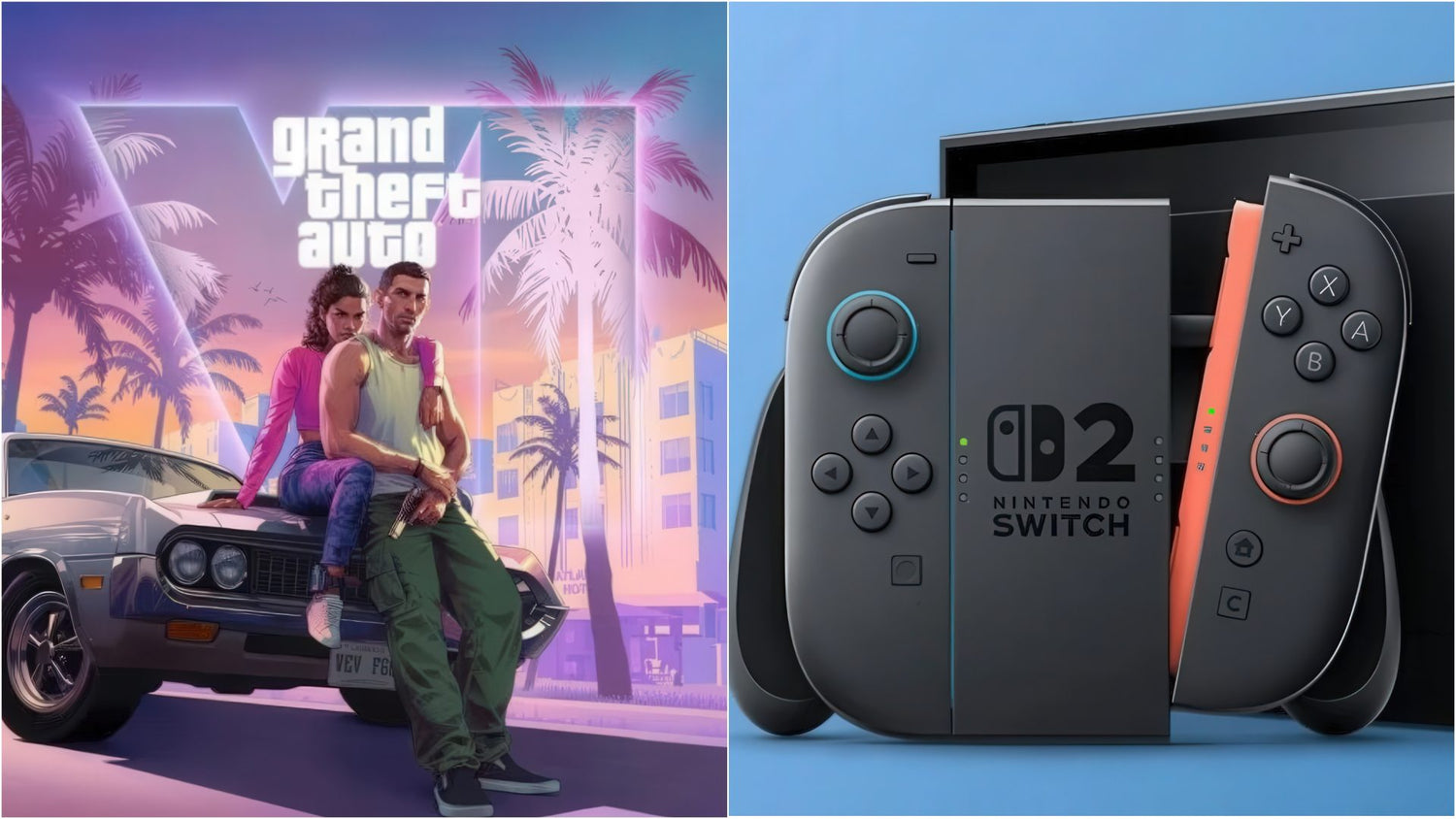
GTA VI on Switch 2 Rumours Reveal a Bigger Question: Is Your Next Gaming PC Ready for the Next Wave of AAA Games?
The latest GTA VI on Switch 2 rumour is interesting for more than one reason. On the surface, it is a console story: reports suggest Nintendo may be working directly with Rockstar to help make a future version of Grand Theft Auto VI possible on Switch 2. But underneath that headline is a much bigger performance conversation, one that matters to Canadian gamers shopping for a new desktop right now. If one of the most demanding open-world games in the industry needs serious optimization even across modern platforms, what does that say about the hardware you should be buying today if you want smooth performance tomorrow?
For buyers in Canada, this is exactly the kind of moment that should trigger a practical question: what do you want your next PC to do for you over the next two to four years? Do you want a system that can handle big open-world releases at 1080p? Are you aiming for 1440p high settings? Do you want ray tracing, streaming, recording, editing, and enough headroom that you are not forced into another upgrade too soon? That is where this rumour becomes useful. It is not just gaming news. It is a reminder that game demands are climbing, optimization matters, and choosing the right build now can save money and frustration later.
At Groovy Computers, this is where a headline becomes a buying guide. Instead of focusing only on whether GTA VI eventually lands on a handheld console, Canadian customers should also ask what kind of Gaming PC Canada buyers actually need for major upcoming games, heavier creator workloads, and rising system expectations.
What the GTA VI on Switch 2 Rumour Actually Suggests About Game Performance
Based on the source material provided, the rumour claims Nintendo may be working directly with Rockstar and Take-Two to try to make a Switch 2 version of GTA VI feasible. The key point is not confirmation. It is optimization. The discussion revolves around technical hurdles, subcontracted port specialists, and whether enough work can be done to bring such a demanding title to less powerful hardware.
That matters because GTA VI is widely expected to be one of the generation’s defining performance tests. Massive world detail, advanced lighting, dense traffic, large draw distances, CPU-heavy simulation, and likely demanding storage behaviour all point in one direction: this is the kind of release that separates older systems from genuinely modern ones.
So ask yourself: if a game like this is pushing optimization teams this hard, what will it expect from your PC?
Even if you are not buying a system only for GTA VI, the same logic applies to other AAA open-world releases, heavy ray tracing titles, modern shooters, racing games, survival sandboxes, and content creation workflows tied to those games. A machine that feels “good enough” for older titles may feel very different once the next generation of blockbuster games becomes your new normal.
Why Canadian Buyers Should Read This as a PC Buying Signal
In Canada, timing matters more than many buyers expect. GPU pricing pressure, memory fluctuations, SSD cost changes, and demand spikes around major releases can all affect what a full system costs. If hype builds around new games and buyers suddenly realize their current machine is behind, that is when rushed purchases happen. And rushed purchases often lead to compromises.
Would you rather buy under pressure when stock is uneven and everyone wants the same GPU tier, or would you rather plan ahead with a balanced custom system built for the games and workloads you actually care about?
This is especially relevant for buyers looking at a Custom Gaming PC Canada solution instead of a generic off-the-shelf desktop. A custom system gives you more control over performance priorities: GPU tier, CPU strength, cooling, RAM capacity, storage speed, future upgrade path, and workload fit. That matters when one customer only wants strong 1080p performance and another wants 1440p ultra settings, streaming, editing, and long-term headroom.
For Canadian shoppers, there is another layer too: support and trust. When hardware prices shift, a properly configured and tested system becomes more valuable than ever. That is where a Canada-built machine with real support, stress testing, and warranty confidence stands apart from random listings and unclear configurations.
What Do You Want Your Next PC to Do for You?
This is the question too many buyers skip.
Do you want a budget-friendly gaming desktop that plays today’s titles well at 1080p without overspending? Do you want a 1440p machine that can handle demanding new games with stronger frame rates and better visual quality? Do you also stream on Twitch or YouTube? Are you editing clips in Adobe Premiere Pro or DaVinci Resolve after your gaming sessions? Are you a student balancing school, design work, and gaming in one system? Are you a creator who needs a machine that can game at night and render content during the day?
Your answer changes everything.
A buyer searching for a first gaming rig does not need the same hardware strategy as a customer looking for a premium RTX build. A player focused on esports is not shopping for the same machine as someone who wants cinematic open-world games with ray tracing. A content creator clipping 4K footage or building in Blender has different needs again. The smartest purchase is the one that matches your actual goals without forcing you into an early replacement.
If GTA VI-Level Games Are the Standard, Which Performance Tier Fits You?
Entry Tier: 1080p Gaming and Everyday Use
If your goal is simple, this tier may be enough. Think popular multiplayer games, older AAA titles, lighter open-world experiences, school work, media, and general daily use. This is often where a Budget Gaming PC Canada buyer starts.
But ask yourself a blunt question: are you buying for the games you play now, or the games you will want next?
If GTA VI-style releases, future ray tracing titles, or heavy modded games are even on your radar, an entry build can become a short-term solution instead of a smart long-term one. For many buyers, the lower upfront cost only feels like savings until upgrade pressure arrives much sooner than expected.
- Best for lighter gaming, school, media, and esports-first use
- Works for many 1080p players who are not chasing ultra settings
- May not be ideal if you want heavy AAA longevity
Mid Tier: 1440p Gaming Sweet Spot
For many Canadian buyers, this is the real value zone. If you want stronger visual quality, smoother frame rates, better texture settings, and more confidence for upcoming games, 1440p-focused builds are often the sweet spot. This is where a lot of “best bang for the buck” recommendations naturally land in practice.
Are you the kind of gamer who wants to enjoy new open-world releases without constantly turning settings down? Do you want enough power for strong multiplayer performance while still getting a more premium single-player experience? Do you want a machine that feels current, not merely acceptable?
If yes, this is often the tier worth serious consideration.
- Great for modern AAA gaming at 1440p
- Better long-term headroom for future titles
- A stronger choice for gaming plus streaming or light editing
High End Tier: 4K, Ray Tracing, Streaming, and Long-Term Headroom
If you want fewer compromises, this is where premium systems come in. Buyers in this category usually care about visual quality, high refresh experiences, stronger ray tracing capability, larger VRAM comfort, demanding creator workflows, and a system that stays relevant longer. A High End Gaming PC Canada customer is often not just buying FPS. They are buying breathing room.
Do you want a machine built for the next wave of major titles instead of just surviving them? Do you want to play demanding games, stream them, record footage, edit content, and keep multiple heavy applications open without your system feeling strained? Do you want to avoid that nagging feeling that your PC will be outdated too soon?
Then the premium tier may be the right fit, especially if financing helps you step into the performance class you really want rather than settling for one you will outgrow quickly.
- Ideal for 1440p ultra and 4K-focused gaming goals
- Better for ray tracing and demanding new releases
- Excellent for gaming plus streaming, editing, and creative workloads
What PC Do I Need for GTA VI and Other Big Open-World Games?
This is one of the most important question-led buying searches in gaming right now, even if official PC details are not the focus of the source article. The safest answer is this: if you want confidence for a title with GTA VI-level ambition, you should think beyond minimum specs and focus on a balanced build.
That means a capable modern CPU, a strong GPU that matches your target resolution, enough RAM for modern multitasking, and fast SSD storage so loading, asset streaming, and day-to-day responsiveness do not hold the experience back.
Do you want 1080p at solid settings, or are you hoping for 1440p with more visual polish? Are you likely to care about ray tracing? Will you keep Discord, browsers, launchers, capture software, and background tasks open while you play? Are you the type of player who installs one game at a time, or do you want a large fast library ready to go?
Those questions matter more than chasing a vague “recommended spec” mindset. A proper gaming desktop should reflect how you actually use your system, not just whether a game technically launches.
Are You Only Gaming, or Also Streaming and Creating Content?
One of the biggest mistakes buyers make is choosing a gaming-only system when their real use case is much broader. If you plan to stream, record, edit, design thumbnails, run OBS, use Adobe apps, or work with short-form video, your PC needs to be planned differently.
Would a Streaming PC Canada or Content Creation PC Canada build make more sense for you than a gaming-only setup?
If you are gaming and streaming at the same time, hardware encoding support, thermal stability, CPU and GPU balance, and RAM capacity become more important. If you are editing gameplay footage in Premiere Pro, DaVinci Resolve, or CapCut, fast storage and stronger system memory can save real time. If you create graphics in Photoshop or Illustrator, or build thumbnails and assets while managing multiple monitors, the wrong “cheap deal” system can quickly feel limiting.
A lot of buyers do not realize they are actually shopping for a hybrid machine. They search for a gaming desktop, but what they really need is a system built for gaming, streaming, editing, and multitasking together. That is exactly why custom builds matter.
Gaming and Streaming
If your plan is to play demanding games while running OBS or Streamlabs, ask yourself: do you care more about maximum in-game FPS, smoother stream quality, or a balanced mix of both? The answer changes what kind of GPU and CPU pairing makes the most sense.
A proper gaming and streaming build gives you room for gameplay, background tasks, browser tabs, alerts, voice chat, and recording without choking under load.
Video Editing and Creator Work
Do you clip gameplay for TikTok, YouTube Shorts, Instagram Reels, or long-form channel uploads? Are you editing 1080p footage, or are you already moving into heavier 4K timelines? If exports feel slow and scrubbing feels sluggish, that is not just annoying. It costs time every week.
A stronger Video Editing PC Canada approach can make a major difference for creators who need faster exports, better playback, and a smoother workflow. If your gaming PC is also your editing station, it should be built like one.
Photo Editing and Graphic Design
Maybe your next system is not just for games at all. Are you also editing RAW photos, working in Lightroom, retouching in Photoshop, building social graphics, or designing marketing material? Then your desktop should be planned around responsiveness, multitasking, storage, and memory, not just gaming benchmarks.
In that case, a creator-oriented build may serve you better than a purely gaming-first configuration.
3D Modeling and Workstation Use
Are you using Blender, Unreal Engine, CAD software, or rendering tools? If so, ask yourself whether a standard gaming desktop really matches your needs. Some users need gaming capability plus heavier workstation-grade planning around RAM, CPU throughput, storage, and sustained thermal behaviour.
If your machine is meant to create worlds as well as play them, your buying strategy should reflect that from the start.
Why This Rumour Also Supports the Case for Better Optimization and Better Hardware
The source article’s central idea is that technical barriers may be getting addressed through direct collaboration. That should sound familiar to PC buyers. Every demanding release creates the same two-part equation: software optimization and hardware capability.
You cannot control how well every studio optimizes every game. You can control the hardware you buy.
That is why future-minded buyers often choose a stronger build than their immediate needs suggest. Not because they enjoy overspending, but because they understand that optimization can vary wildly from release to release. A balanced custom PC gives you more resilience when a game launches rough, patches arrive unevenly, or your workload expands faster than expected.
Would you rather own a machine with enough headroom to absorb those realities, or one that depends on every game being perfectly optimized?
Is It Better to Buy a Gaming PC Now or Wait?
This is one of the most common research-stage questions, and there is no single answer for every buyer. But there are smart ways to think about it.
If your current desktop already struggles with newer games, if you are lowering settings more than you want, if loading times are dragging, if you are out of storage, or if streaming and editing push your system too hard, waiting may simply mean extending the frustration.
If you know major games are coming and your current system is borderline, waiting can also mean buying during higher demand. That may reduce your options or force compromises on GPU tier, storage size, or total build quality. Timing gets even more important if your system is not only for gaming but also for creator work, client work, school, or side income.
So ask yourself: are you waiting for a better opportunity, or are you just delaying a purchase you already know you need?
For many buyers, the best move is not necessarily buying the absolute most expensive machine right away. It is buying the right tier before urgency, shortages, or rising replacement costs narrow the gap between “good enough” and “should have bought better.”
Should You Finance a Better PC Instead of Buying a Cheaper One?
This is where a lot of Canadian customers make a surprisingly important decision. If the system you can pay for immediately is much weaker than the system you actually need, financing can be the smarter long-term move.
Would you rather spend less now on a PC you may need to upgrade again sooner, or spread out the cost of a stronger custom system that better matches your gaming, streaming, editing, or workstation goals?
For buyers looking at high-demand games, heavier software, or a more future-ready setup, financing can help secure the right build before component costs change again. It can also help you move from a short-term entry system into a balanced mid-tier or premium desktop with better longevity, stronger cooling, more RAM, faster storage, and a more suitable GPU.
At Groovy Computers, financing up to 4 years can make a stronger machine far more realistic for customers who want monthly flexibility without sacrificing the performance class they actually need. That can be especially valuable if you are trying to avoid a false economy purchase.
How Much Should You Spend on a Gaming PC in Canada Right Now?
The right answer depends on your target resolution, game expectations, creator needs, and how long you want the system to stay comfortable. But the better question may be this: how expensive will it be if you buy the wrong tier first?
A lower-cost system can still be the right move for some buyers. But if your real goals include new AAA titles, streaming, clip editing, modding, multitasking, or future-heavy game releases, underbuying can become expensive in hidden ways. You may end up replacing the GPU sooner, adding RAM, swapping storage, or wishing you had chosen stronger cooling and a better CPU from day one.
That is why a custom build conversation matters. Budget is only one side of the equation. The other side is usage, upgrade timing, and total value over the life of the machine.
Custom PC vs Generic Prebuilt: Why It Matters More When Games Get Heavier
As game demands increase, the difference between a carefully selected custom build and a generic spec-sheet machine becomes more important. On paper, two systems can look similar. In practice, one may be better balanced, better cooled, easier to upgrade, and more reliable under sustained load.
Do you know what motherboard tier, power supply quality, airflow setup, thermal solution, SSD choice, and memory configuration are inside the machine you are considering? If not, are you really comparing systems fairly?
A proper Custom PC Builder Canada approach lets buyers match components to real-world goals rather than accepting whatever compromises came in a mass-market box. For gaming and creator customers alike, that can mean better sustained performance, less thermal throttling, fewer future headaches, and a more sensible path to upgrades down the road.
This matters even more if your system is expected to carry both entertainment and productivity loads. A gaming desktop that also handles editing, design, streaming, or rendering should not be assembled like an afterthought.
Why Groovy Computers Fits This Moment for Canadian Buyers
Groovy Computers is built around what many Canadian shoppers actually need right now: custom gaming PCs, creator PCs, and workstation desktops configured for the way people really use their systems. Not everyone needs the same performance tier. Not everyone should buy the same parts. And not everyone wants to gamble on a vague marketplace listing.
That is why build quality, part selection, stress testing, and support matter. A machine should not just look good in a product title. It should make sense for your games, your software, your workload, your budget, and your upgrade timeline.
Groovy Computers offers custom-built systems designed for Canadian buyers who want performance with confidence. That includes rigorous testing, a 1-year warranty, and the advantage of working with a Canadian custom PC company that understands both gaming demand and broader creator and workstation needs.
If you are in Nova Scotia, Atlantic Canada, or ordering from elsewhere across the country, that local-trust plus Canada-wide-buying mindset matters. Many shoppers want the convenience of online ordering, but they also want the reassurance that an actual custom PC specialist is behind the machine.
What Kind of Buyer Are You?
The “I Just Want to Play New Games Properly” Buyer
If you mainly care about modern titles and want a machine that feels ready for what is next, focus on a balanced gaming build with enough GPU strength for your target resolution and enough CPU/RAM headroom to keep the experience smooth.
The “I Game, Stream, and Edit” Buyer
If your system needs to handle play, recording, live streaming, and editing, stop shopping like a gaming-only user. You likely need a more complete creator-focused build.
The “I Want One PC for Everything” Buyer
If your machine will cover gaming, school, work, design, content, and multitasking, your best value may come from a hybrid custom build instead of the cheapest possible option.
The “I Want to Avoid Upgrading Too Soon” Buyer
If this sounds like you, think in terms of useful lifespan, not just sticker price. The cost of replacing a weak system early is often higher than stepping into the right tier from the start.
What Should You Ask Before Choosing Your Next PC?
- What games do I actually want to play over the next two to four years?
- Am I targeting 1080p, 1440p, or 4K?
- Do I want ray tracing, or is high FPS more important?
- Will I stream, record, or edit content too?
- Do I need more storage than a basic drive setup?
- How much multitasking do I do while gaming?
- Would financing help me buy the right machine instead of the cheapest one?
- Am I trying to avoid another upgrade in the near future?
- Do I want a custom build matched to my workload, or a generic prebuilt with unknown compromises?
Ready for the Next Wave of Games, or Waiting Until Your Current PC Forces the Issue?
The Switch 2 GTA VI rumour may or may not lead to a final release on that platform, but it already tells us something valuable: modern games are only getting more demanding, and serious optimization effort is becoming part of the story. For PC buyers, that is your signal to think ahead.
If your current system feels close to the edge, if you know major releases are coming, or if you want one machine for gaming plus creator work, now is the right time to plan carefully. A better system now can mean smoother gaming, faster edits, stronger multitasking, and fewer upgrade regrets later.
What do you want your next PC to do for you, and do you want help choosing the right build? If you are ready to shop smarter, explore custom options, or ask about financing a stronger system before prices change, visit GroovyComputers.ca. Whether you need a budget-friendly gaming desktop, a premium RTX-ready machine, a custom creator PC, or a workstation-class build, Groovy Computers is ready to help Canadian buyers choose with confidence.
In short, the GTA VI on Switch 2 discussion is really a reminder that performance expectations are rising everywhere. The best response is not guesswork. It is buying the right custom PC for the games, software, and future plans that actually matter to you.
#GamingPCCanada #CustomGamingPCCanada #GamingPCBuilderCanada #GamingPCForNewGames #BestPCForNewGames #StreamingPCCanada #VideoEditingPCCanada #ContentCreationPCCanada #CanadianCustomPCBuilders #BuyGamingPCOnlineCanada
Groovy Computers | All Rights Reserved



Leave a comment
This site is protected by hCaptcha and the hCaptcha Privacy Policy and Terms of Service apply.