























Subnautica 2 Hype, Krafton’s Legal Settlement, and What It Means for Your Next Custom Gaming PC in Canada
The latest custom gaming PC Canada conversation is not just about graphics cards and frame rates. It is also about timing. With Krafton and Unknown Worlds settling their legal dispute over bonuses and confirming a renewed focus on the development and official launch of Subnautica 2, Canadian PC buyers have a clear signal: major game momentum can return quickly, and when it does, hardware demand often follows. If you are planning a new gaming rig, a streaming setup, or a creator-focused workstation, this is the kind of news that matters more than many buyers first realize.
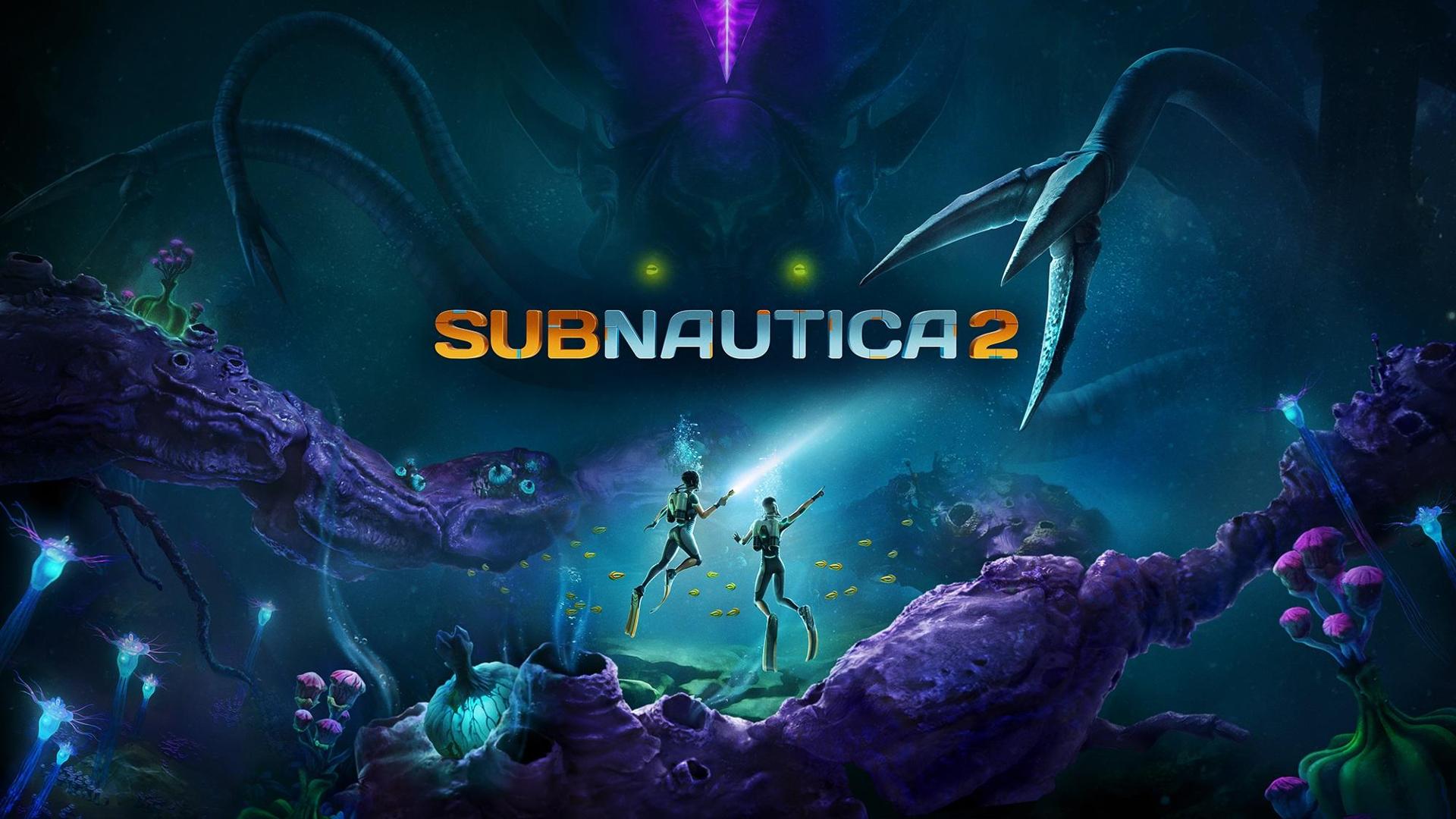
According to the source report, the dispute between Krafton and the leadership behind Unknown Worlds has been settled, the lawsuits are being withdrawn, and both sides are now concentrating on Subnautica 2. That may sound like industry business news, but for real customers shopping for a new PC, the bigger takeaway is simple: when a highly visible franchise regains momentum, players start reassessing whether their current system is actually ready.
So what happens if your current PC is already struggling with newer open-world titles, survival games, larger maps, better lighting, heavier textures, and background apps running at the same time? Do you wait and hope prices stay stable, or do you secure a stronger build before demand shifts again?
Why does the Krafton and Unknown Worlds settlement matter to PC buyers?
It matters because game development stability can affect buyer behaviour. When uncertainty around a major title starts clearing up, interest often rises again among players who had been waiting, watching, or holding off on upgrades. A game like Subnautica 2 is especially relevant because visually rich survival games tend to encourage buyers to think beyond bare-minimum specs. Players do not just want to launch the game. They want smooth exploration, strong image quality, stable frame rates, fast load times, and enough headroom for updates, mods, streaming, recording, or multitasking.
The source also notes that more than 4 million copies of Subnautica 2 were sold after early access launched. That kind of traction tells Canadian buyers something important: demand around this title is not theoretical. It is already real. And whenever a game with broad appeal gains momentum, many users start asking the same practical question: Is my current PC still good enough for the next wave of games?
If you are asking that now, you are not alone. And if your answer is “maybe, but not for long,” that is exactly when buying decisions become more important.
What the source article gets right about the bigger PC market story
The source article is fundamentally about a legal settlement, but the more useful market-level reading is this: franchise confidence is back, development focus is back, and consumer attention is likely to follow. For PC buyers, that creates a familiar pattern. High-interest game launches push more people into the market at the same time. That can tighten availability on popular performance tiers, especially mid-range and upper-mid-range gaming systems that offer the best value for modern AAA gaming.
That is why buyers in Canada should not look at game-industry headlines as isolated business news. They should treat them as early buying signals. If one game is enough to make you rethink your setup, what happens when several upcoming releases, patches, engine upgrades, and content-heavy titles hit around the same period?
Are you only planning to play at 1080p? Or are you already expecting 1440p, better shadows, higher texture settings, ray tracing options, and a second monitor for Discord, YouTube, OBS, or browser tabs?
Why Canadian buyers should think differently about upgrade timing
For Canadian customers, PC buying decisions have an extra layer. Pricing pressure does not just come from core component demand. It can also be influenced by import costs, exchange-rate movement, shipping realities, and regional inventory flow. Even when a game is developed and marketed internationally, the impact on what you pay for a finished desktop in Canada can feel very local.
That is why waiting is not always the safer move. If your current system is already near its limit, delaying your purchase can leave you in a worse spot: fewer attractive options, more rushed decisions, and less room to choose the exact build you actually want.
Would you rather replace your PC on your own timeline, after comparing gaming, streaming, editing, and upgrade options carefully? Or would you rather be forced into a last-minute purchase because a new release exposed every weakness in your current setup?
For many shoppers, especially those buying a Gaming PC Canada system for upcoming titles, the smart move is to think ahead rather than react late.
What do you want your next PC to do for you?
This is the question that matters most, and it should shape everything else.
Do you want a system that simply runs current games? Do you want a machine that lets you enjoy modern survival and open-world titles at 1440p with strong visual settings? Do you want to stream to Twitch or YouTube while gaming? Do you want one desktop that also handles Adobe Photoshop, Premiere Pro, DaVinci Resolve, Blender, OBS, or multi-monitor productivity?
Your best build is not defined only by a game title. It is defined by your real workload.
- If you mainly play games: your focus is GPU tier, CPU balance, cooling, memory, and storage speed.
- If you stream while gaming: you need better multitasking headroom, encoder-friendly GPU capability, and enough RAM for stable performance.
- If you edit videos or create content: CPU performance, RAM capacity, SSD layout, and export efficiency start mattering more.
- If you do photo editing or graphic design: overall responsiveness, colour workflow support, storage, and reliable multitasking become priorities.
- If you work in 3D modeling or rendering: workstation-level planning matters, especially for GPU acceleration, scene complexity, and memory needs.
So ask yourself honestly: is your next system just for gaming tonight, or is it for the next few years of gaming, creating, working, and upgrading less often?
What gaming performance tier fits you best?
Many buyers know they need a new PC, but they are not sure which tier makes sense. This is where a proper buying guide helps.
Entry-level to value-focused gaming
If you are shopping for a budget gaming PC Canada build, your goal is simple value: smooth esports play, strong 1080p performance, fast storage, and a solid upgrade path. This category can make a lot of sense if your main games are less demanding or if you are moving up from an older office desktop or console-style setup.
But here is the key question: are you buying for the games you play today, or the games you expect to play over the next two to three years? A very cheap system can feel affordable now, but if it forces an early GPU or memory upgrade, was it really the better value?
Mid-range performance for 1080p ultra and 1440p gaming
This is where many buyers should be looking. If you want a 1440p Gaming PC Canada setup that feels current and capable, this is often the sweet spot. It is ideal for players who want strong visual quality, smoother frame pacing, enough overhead for modern game engines, and better longevity without jumping to premium flagship pricing.
If you are interested in games like Subnautica 2, cinematic single-player titles, large-world adventures, or mod-heavy experiences, this tier usually offers the best balance of cost and experience.
Ask yourself: do you want to enjoy the game, or do you want to spend your time lowering settings, closing apps, and troubleshooting stutter?
High-end performance for premium gaming and long-term headroom
If your target is a 4K Gaming PC Canada or a premium 1440p system with high refresh, ray tracing, streaming, and long-term relevance, then a high-end build may be the right move. This is especially true if you tend to keep a desktop for years and want to avoid replacing it too soon.
Higher-tier systems can make sense for buyers who want stronger frame rates, premium visual settings, better creator crossover performance, and more room for future game demands. If you know you always end up buying twice because your first system ages out too quickly, this is the category worth considering carefully.
Would financing a stronger system now save you from a more expensive replacement cycle later? For many Canadian buyers, the answer is yes.
What PC do you need for games like Subnautica 2 and other demanding releases?
Open-world and survival-style games can be deceptively demanding. They often combine detailed environments, dynamic lighting, wide draw distances, asset streaming, simulation systems, and long play sessions that quickly expose cooling, storage, and memory weaknesses.
That means the right PC is not just about the GPU. It is about balance.
- CPU: important for simulation, background tasks, and keeping frame delivery stable.
- GPU: crucial for visual quality, resolution targets, effects, and smoother gameplay.
- RAM: important for modern multitasking, game overhead, browser tabs, voice chat, mods, and streaming apps.
- SSD storage: matters for load times, texture streaming, responsiveness, and overall user experience.
- Cooling and airflow: critical for long sessions, consistent performance, and component lifespan.
So when asking, what gaming PC do I need, the better question is: what gaming experience do I want? Basic playability? High settings at 1080p? Better-looking 1440p gaming? 4K immersion? Streaming and recording at the same time?
Are you also streaming, recording, or creating content?
This is where many buyers underestimate their needs. A desktop that is “good enough” for gaming alone may not feel nearly as comfortable once you add OBS, Discord, Chrome, music apps, camera inputs, overlays, and recording software.
If that sounds like you, then a streaming PC Canada or gaming and streaming PC Canada setup may be the smarter category. You want enough CPU and GPU headroom so that your game still feels smooth while your stream remains stable.
What PC do you need for streaming if you also want to play modern games at strong settings? Usually not the cheapest option. The best specs for gaming and streaming depend on your resolution target, your encoder workflow, your scene complexity, and whether you also edit your content afterward.
Are you streaming casually to friends, or are you building a serious channel? Do you want smooth gameplay while live, or are you okay sacrificing in-game settings every time you press “Go Live”?
Do you need a creator PC instead of just a gaming PC?
Some customers start by searching for a gaming desktop, but what they really need is a more flexible creator PC Canada build. If your system will be used for gaming, video editing, Photoshop, graphic design, short-form content, and maybe even 3D work, a pure game-first configuration is not always the best answer.
A properly planned content creation build can still game very well, while giving you stronger multitasking, faster exports, larger memory capacity, smarter storage layouts, and a better workflow overall.
That is especially important if you work in:
- Adobe Premiere Pro
- DaVinci Resolve
- After Effects
- Photoshop
- Lightroom
- Illustrator
- Canva-heavy business design workflows
- Blender or 3D asset creation
Is a gaming PC good for content creation? Sometimes, yes. But if your income, side hustle, school work, or professional deadlines depend on that machine, a custom creator build is often the better long-term decision.
What if you need a video editing PC, photo editing PC, or graphic design system?
The source article is about a major game franchise, but many readers looking at new game-driven upgrades also need their PC to do more than play. That is where category clarity matters.
Video editing
If you are asking what PC do I need for video editing, your needs are very different from someone building for gaming only. A proper video editing PC Canada setup should consider timeline playback, codec support, RAM capacity, cache drives, export speeds, and whether your software benefits more from CPU or GPU acceleration.
Are you cutting 1080p content for YouTube, or working with 4K footage, layered effects, and larger projects? How much waiting do you do during exports now? How much time would a faster workstation save you every week?
Photo editing
A photo editing PC Canada system should feel fast, stable, and responsive across imports, previews, AI tools, batch exports, and multitasking. If you use Photoshop and Lightroom regularly, RAM, SSD speed, and CPU responsiveness can make a major day-to-day difference.
Do you just touch up photos occasionally, or are you sorting through large RAW libraries with deadlines attached?
Graphic design
A graphic design PC Canada build should support Adobe Creative Cloud workloads, large canvases, multiple apps open at once, and smooth responsiveness across design, asset management, and presentation tasks. Designers often benefit from memory headroom, stable performance, and a cleaner multi-monitor experience.
Are you working with Illustrator and Photoshop alone, or juggling InDesign, browser-based tools, asset libraries, cloud sync, and video clips at the same time?
What if your work includes Blender, Unreal Engine, or heavier workstation tasks?
If your needs go beyond gaming and standard creator apps, then you may be in 3D Modeling PC Canada or workstation PC Canada territory. Buyers in this category often need GPU acceleration, high memory ceilings, faster rendering, strong CPU throughput, and reliability over long sessions.
If you are wondering, what PC do I need for Blender or what PC do I need for 3D rendering, your best answer will depend on whether your workload is more viewport-heavy, simulation-heavy, GPU-render-focused, or CPU-render-focused.
Are you building game assets? Working on architectural visualization? Learning Unreal Engine? Creating product renders? Doing client work? The more professional the use case becomes, the more important proper part matching, testing, and thermal planning become.
Should you buy now or wait?
This is one of the most important customer questions, and it is where many buyers get stuck. The source story does not provide a direct hardware market forecast, so it would be wrong to invent one. But it does support a larger pattern that experienced buyers already recognize: strong game momentum can move people back into upgrade mode quickly.
If your current machine is close to retirement, waiting carries real risk. Not guaranteed risk, but real risk.
- You may face higher demand on popular gaming tiers.
- You may find fewer attractive pre-configured options.
- You may need to compromise on the class of PC you really wanted.
- You may end up upgrading in a panic right before a release or sale period.
- You may spend money on stopgap upgrades that do not solve the bigger problem.
So ask yourself: is it better to buy a gaming PC now or wait if the build you need is already obvious? If your current desktop struggles, if your target games are becoming more demanding, and if you want a system with room to breathe, buying earlier often gives you more control.
Could financing help you secure a better PC before replacement costs rise?
For many shoppers, this is the part that changes the decision. A lot of buyers know the stronger system is the smarter long-term move, but they hesitate because they are trying to fit the entire purchase into one moment.
That is where Gaming PC Financing Canada and creator/workstation financing become practical tools rather than impulse options. Financing can help customers move up from a too-basic build into a much more durable system, especially if the difference means better GPU performance, more RAM, faster storage, or a CPU that will age more gracefully.
Should you finance a gaming PC? If financing helps you avoid buying an underpowered machine that needs replacement too soon, it can absolutely make sense. If it helps you secure the right custom build before major release periods, software upgrades, or component pressure shift pricing, it can also be a strategic choice.
Would you rather buy the cheapest desktop you can tolerate today, then pay again to upgrade sooner than expected? Or would you rather spread the cost of the right system and keep that machine productive for longer?
For buyers balancing performance and budget, financing up to 4 years can make a stronger gaming PC, creator PC, or workstation much more realistic.
How do you decide between a budget build and a stronger long-term system?
This is where honest self-assessment matters.
Choose a budget-focused system if:
- You mainly play lighter games or esports titles.
- Your target is 1080p gaming.
- You can accept more selective settings choices in heavier games.
- You want a stepping-stone system with a clear upgrade path.
Choose a mid-range system if:
- You want better 1080p longevity or a confident move into 1440p gaming.
- You play newer AAA games and want visual quality without constant compromise.
- You multitask while gaming.
- You want better value over the full life of the desktop.
Choose a premium or workstation-class system if:
- You want 4K or high-refresh premium gaming.
- You stream, record, and edit regularly.
- You use demanding creator software or 3D applications.
- You prefer buying once and avoiding early replacement.
How much should you spend on a gaming PC? The real answer depends less on a random number and more on how expensive it would be to buy the wrong tier first.
Why does a custom build matter more when game demand is shifting?
When interest in major titles ramps up, generic one-size-fits-all desktops start looking less appealing. A custom gaming PC Canada approach gives you a better match for your actual goals. That means better component balance, fewer wasted dollars on the wrong parts, cleaner upgrade planning, and a build that makes sense for your games and software.
Custom also matters because not all “good specs” are good together. A system can look impressive in a headline and still be mismatched in cooling, power delivery, memory configuration, storage layout, or overall use-case logic.
Why buy a custom gaming PC instead of a random generic machine? Because your real experience depends on more than a parts list. It depends on how the system is designed, tested, and supported.
Why do testing and warranty support matter so much?
If you are buying a serious desktop for gaming, streaming, video editing, or workstation use, reliability matters. This is especially true when your PC is not just entertainment, but also a tool for school, content creation, freelance work, or business productivity.
That is why Groovy Computers stands out for Canadian buyers looking for confidence, not just components. A properly built and rigorously tested system reduces the chance of headaches after delivery. And when support is backed by a 1-year warranty, the purchase feels a lot safer than gambling on a no-name marketplace machine.
Ask yourself this: when your next desktop arrives, do you want to wonder whether everything was properly stress tested? Or do you want the confidence that your gaming PC, creator PC, or workstation was built with care by a Canadian custom builder?
Why Groovy Computers makes sense for Canadian buyers
Groovy Computers is built around what serious buyers actually need: custom builds, strong value, real performance planning, Canadian service, and systems designed for gaming, streaming, editing, content creation, and workstation use. Whether you are in Nova Scotia, Atlantic Canada, or ordering from elsewhere in the country, that combination matters.
Customers are not all shopping for the same machine. Some need a first gaming desktop. Some want a premium RTX-powered setup. Some need a custom creator PC that can game after work. Some need a workstation for editing, rendering, or heavier production tasks. The advantage of working with a builder like Groovy Computers is that the build can reflect the real use case rather than forcing every buyer into the same generic box.
Need help choosing between a budget gaming computer, a premium gaming rig, a creator desktop, or a workstation? Groovy Computers can help you narrow it down based on your games, your software, your resolution target, your budget, and whether financing makes sense for you.
What should you ask before buying your next PC?
Before you commit, ask these questions:
- What games or software do I actually plan to use over the next two to three years?
- Am I targeting 1080p, 1440p, or 4K?
- Do I care about ray tracing, high refresh, or ultra settings?
- Will I stream, record, or edit content on the same machine?
- Do I use Photoshop, Premiere Pro, DaVinci Resolve, Blender, or other demanding apps?
- How soon would I regret buying a weaker system?
- Would monthly payments help me secure the right build instead of settling?
- Do I want a tested custom PC with warranty support from a Canadian builder?
Those questions are more useful than chasing one headline spec. The right system is the one that fits your real life, not just a sale label.
Ready to choose the right custom gaming PC or creator system?
If the renewed momentum around Subnautica 2 has you thinking about your own setup, now is a smart time to act deliberately. Whether you need a gaming desktop for upcoming releases, a content creation machine that can handle editing and streaming, or a stronger workstation before your current PC starts holding you back, Groovy Computers is the place to start.
What do you want your next PC to do for you: play new games smoothly, stream without compromise, edit faster, render more efficiently, or simply last longer before the next upgrade? Visit GroovyComputers.ca to explore custom builds, compare performance tiers, and find out whether financing can help you secure a better system now.
Final takeaway: the legal story is settled, but your PC decision still matters
The Krafton and Unknown Worlds settlement is a business story on the surface, but for buyers it is also a timely reminder. When a major franchise regains momentum, players start upgrading. And when enough players do that at once, the best buying decisions are usually the ones made before urgency takes over.
If you have been waiting for a reason to reassess your setup, this may be it. A better custom gaming PC Canada build can mean smoother gameplay, more visual headroom, better streaming and editing performance, stronger long-term value, and less pressure to upgrade again too soon. For Canadian shoppers who want a system built around how they actually play and work, Groovy Computers offers a smarter path forward.
#CustomGamingPCCanada #GamingPCCanada #CreatorPCCanada #StreamingPCCanada #VideoEditingPCCanada #GraphicDesignPCCanada #3DModelingPCCanada #WorkstationPCCanada #CanadianCustomPCBuilders #NovaScotiaComputers
Groovy Computers | All Rights Reserved


Leave a comment
This site is protected by hCaptcha and the hCaptcha Privacy Policy and Terms of Service apply.