
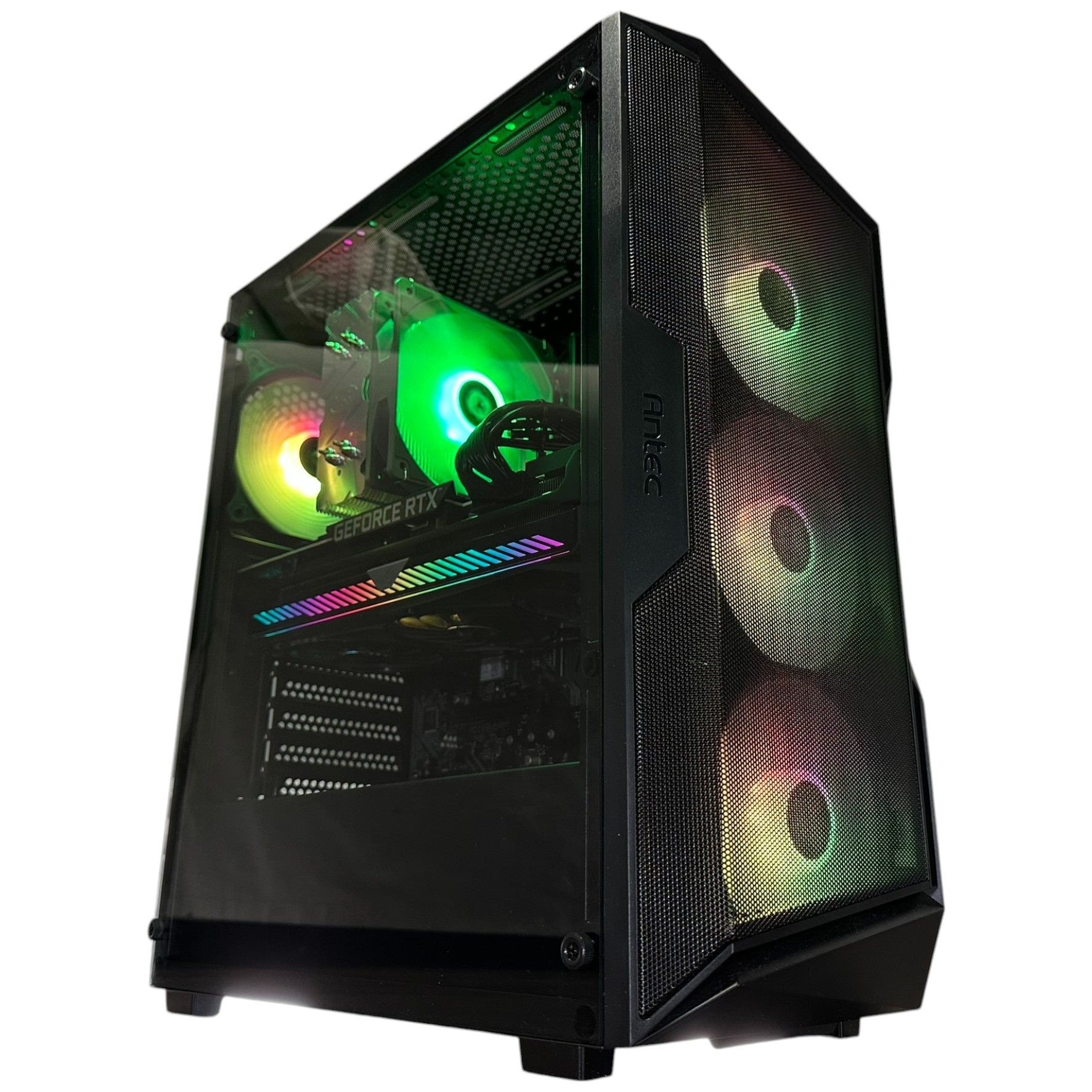

















Resident Evil Veronica Remake PC Buying Guide for Canadian Gamers
The Resident Evil Veronica remake PC buying guide starts with one clear takeaway: hype for this game is real, and it is building fast. Based on the source material, Capcom’s remake is shaping up to be one of the most ambitious Resident Evil revivals yet, with a third-person perspective, stronger character work, more careful resource management, and a deeper reworking of the original story. For Canadian players, that matters for more than nostalgia. It means now is the right time to think seriously about what kind of system you want before the next wave of major horror and AAA releases puts even more pressure on gaming hardware demand.
If you have been following the reveal, you are probably asking a practical question already: will your current PC actually give you the kind of Resident Evil experience you want? Do you want smooth 1080p gameplay with strong value? Are you aiming for 1440p ultra settings? Do you want ray tracing, higher frame rates, faster load times, and enough headroom for future releases too? Those are exactly the questions smart buyers should ask before a high-profile launch pushes more gamers into the market at the same time.
At Groovy Computers, this is where a trend story becomes a buying decision. Big game reveals do not just generate excitement. They change customer timing. They make players upgrade sooner, stretch their expectations higher, and start comparing budget systems against premium builds. That is why this article is not just about what was revealed for Resident Evil Veronica. It is about what those reveals mean if you are shopping for a Gaming PC Canada buyers can trust for new games, streaming, content creation, and long-term value.
Why Resident Evil Veronica Looks Like a Bigger Deal Than a Standard Remake
The source article highlights several major details that suggest this project is not a quick visual refresh. Capcom is reportedly bringing back key talent associated with the Resident Evil 2 remake, which immediately raises expectations. That matters because Resident Evil 2 Remake set a benchmark for modern survival horror presentation, atmosphere, pacing, and third-person combat feel.
That third-person confirmation is especially important. While the reveal trailer briefly used a first-person dramatic setup, the actual gameplay direction is said to align more closely with the feel of Resident Evil 2 Remake. For players on PC, that usually means more interest in fluid camera control, responsive aiming, stable frame pacing, and the kind of visual clarity that becomes much more enjoyable on a stronger GPU and a properly matched CPU.
The source also points to heavier emphasis on resource management. That is a core survival horror appeal. Players who love planning routes, preserving ammo, deciding when to fight, and surviving under pressure often care deeply about immersion. And immersion is not just about game design. It is also about hardware. Stuttering, weak 1% lows, noisy cooling, or slow storage can break tension in exactly the kind of game that depends on it most.
Then there is the story angle. Claire Redfield returning to centre stage gives the remake more emotional weight, and the reported changes to character presentation suggest this title could be more dramatically layered than many fans expect. In other words, this is the kind of release people will want to experience properly, not on the edge of minimum specs.
What Does Resident Evil Veronica Mean for PC Buyers in Canada?
Canadian buyers should think beyond one game, even if that game is the reason they start shopping. A remake like Resident Evil Veronica does something important in the market: it reminds people how many major releases are now stacking up. Once that happens, buyers stop asking, “Can my PC run one game?” and start asking, “How much should I spend so I am not upgrading again too soon?”
That is a much better question.
If you buy too close to minimum performance, you may save money today but end up frustrated faster. If you choose the right custom build now, you can cover not just one horror remake, but a whole stretch of upcoming AAA games, livestreaming goals, recording plans, editing workloads, and creator tasks. This is where a custom gaming PC Canada customers choose should be built around actual use, not generic specs.
Canadian market conditions matter too. Full system costs can shift when GPU demand tightens, SSD prices move, memory changes, or a busy release calendar drives more customers to buy at once. That does not mean panic-buying is smart. It means planning is smart. If you already know a major game release is motivating your next upgrade, waiting without a reason can leave you with fewer ideal options.
What Do You Want Your Next PC to Do for You?
Before talking about hardware tiers, ask yourself the most important buyer question: what do you actually want your next PC to do?
Do you just want to play Resident Evil Veronica and similar games smoothly at 1080p without overspending?
Do you want a 1440p gaming setup that feels premium for years, not months?
Are you planning to play cinematic single-player games with ray tracing and high settings?
Do you also want to stream to Twitch or YouTube while gaming?
Will you be recording footage for edits, walkthroughs, reactions, or horror content?
Are you using the same machine for Photoshop, Premiere Pro, DaVinci Resolve, or graphic design during the day and gaming at night?
Do you want one system that can handle gaming, streaming, editing, and content creation without feeling compromised in every category?
This is the step many buyers skip, and it is where they make the most expensive mistake. A system that is “good enough” for gaming may not be ideal for editing. A creator-focused build may be excellent for exports and multitasking but not the strongest value for pure high-FPS gaming. The best answer depends on your real workload mix.
Resident Evil Veronica and the Return of Third-Person Survival Horror: What PC Specs Matter Most?
For a modern third-person survival horror remake, your hardware priorities are usually straightforward: a capable GPU, a strong gaming CPU, fast SSD storage, and enough RAM to keep the whole experience smooth. But the target level changes depending on what experience you want.
Budget 1080p Performance
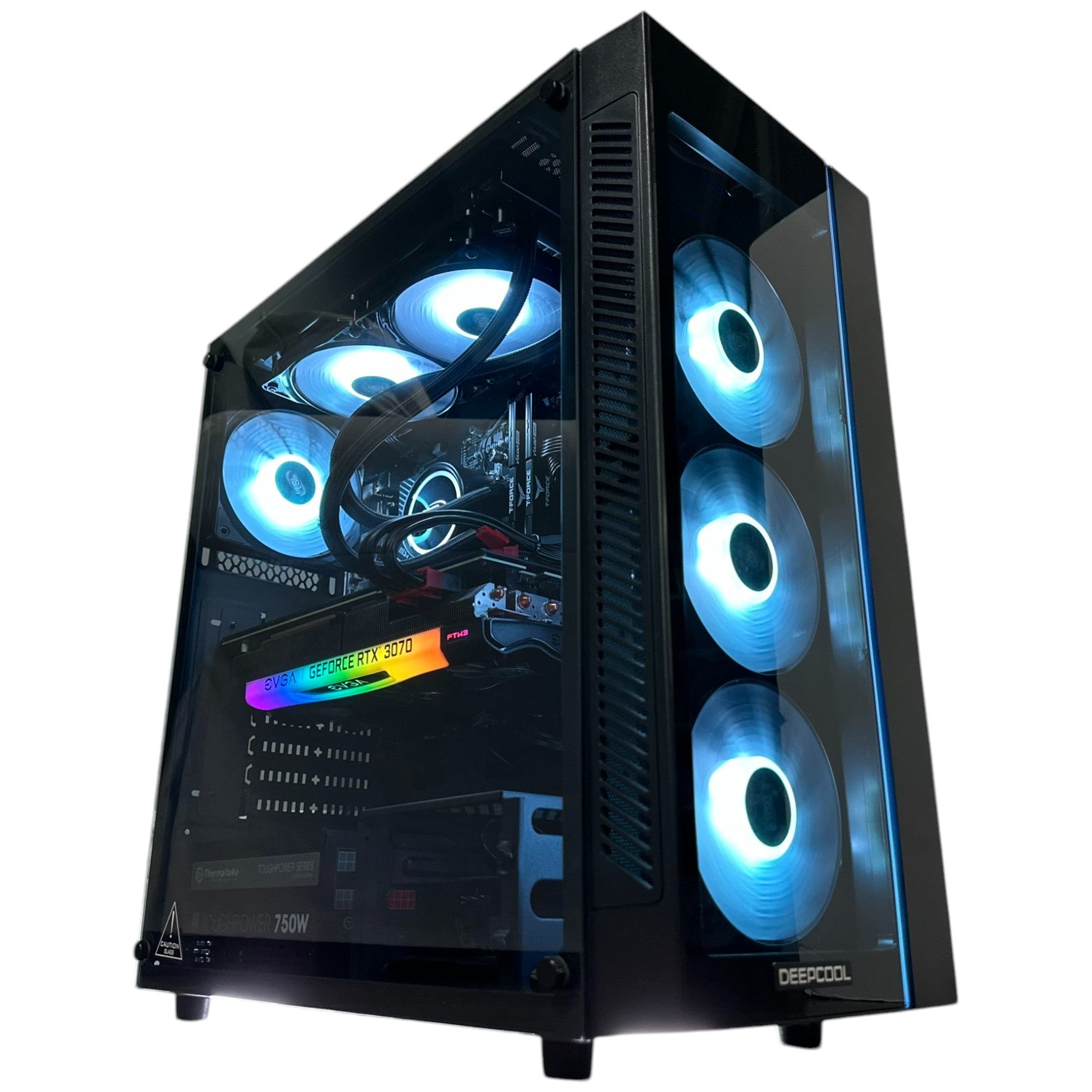
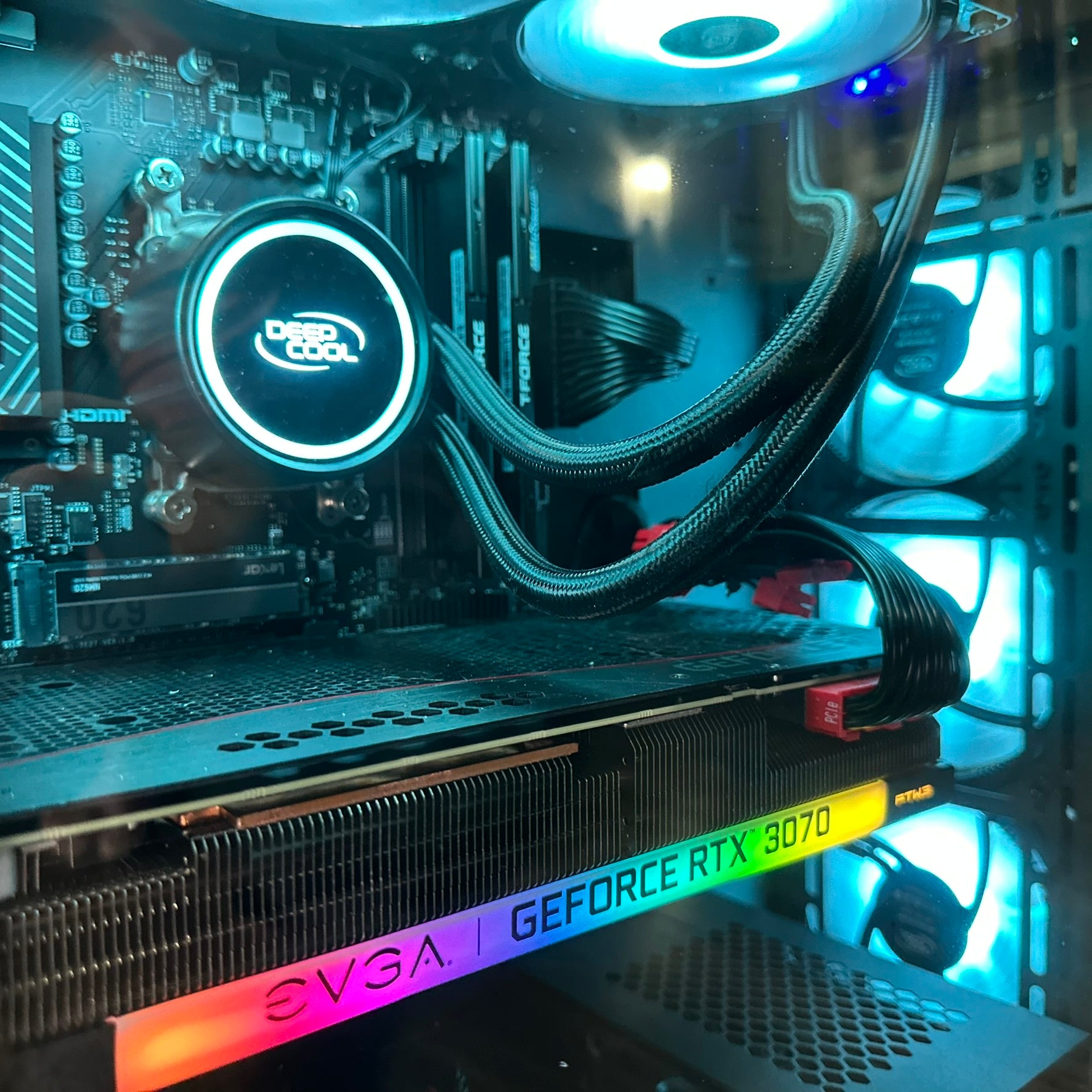
If your goal is simply a smooth and attractive horror experience at 1080p, a budget gaming PC Canada buyers choose can still make a lot of sense. This tier is ideal for players who want solid settings, quick load times, and dependable performance without paying for 4K ambitions they do not have.
Is that you? Are you mainly a story-driven player who values atmosphere, responsiveness, and reliability more than maximum visual bragging rights? If so, an entry-to-midrange gaming build may be the smartest use of your money.
This tier is also a great fit for students, first-time desktop buyers, and players moving from older consoles or aging PCs. The key is choosing balanced parts, not just chasing one headline component.
1440p Sweet Spot for Most Canadian Gamers
For many shoppers, 1440p is the real target. It offers a major visual jump over 1080p without demanding the same budget as a true high-end 4K system. If you want a machine that feels current, premium, and more future-ready for upcoming releases, this is often the best tier.
Are you the type of player who wants to enjoy horror games with richer lighting, sharper textures, better frame consistency, and enough performance for action titles too? A 1440p Gaming PC Canada buyers invest in is often the sweet spot for long-term value.
This is where a lot of customers realize they do not want the cheapest option after all. They want the system they will still feel good about a year or two from now.
4K and Ray Tracing for Premium Horror Gaming
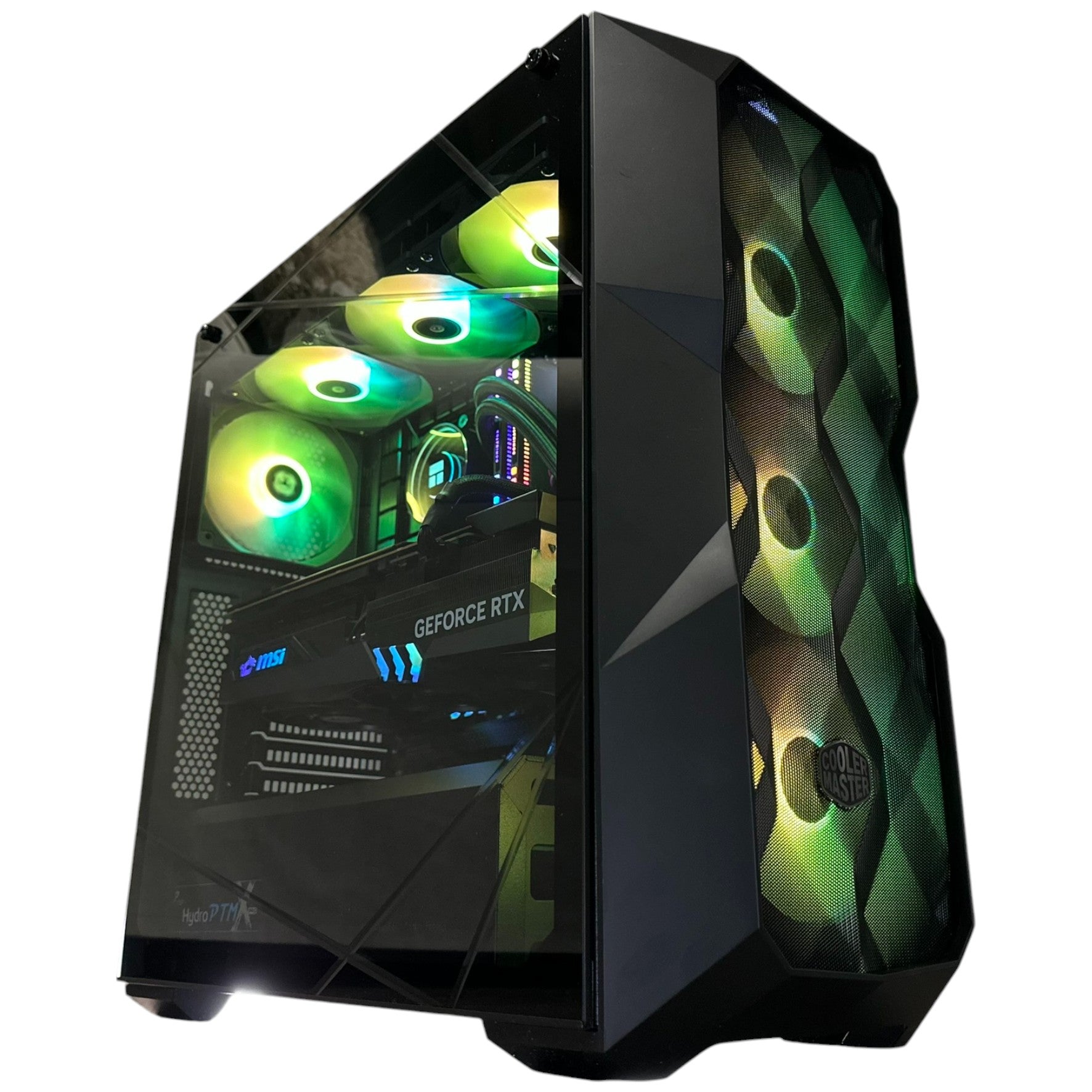
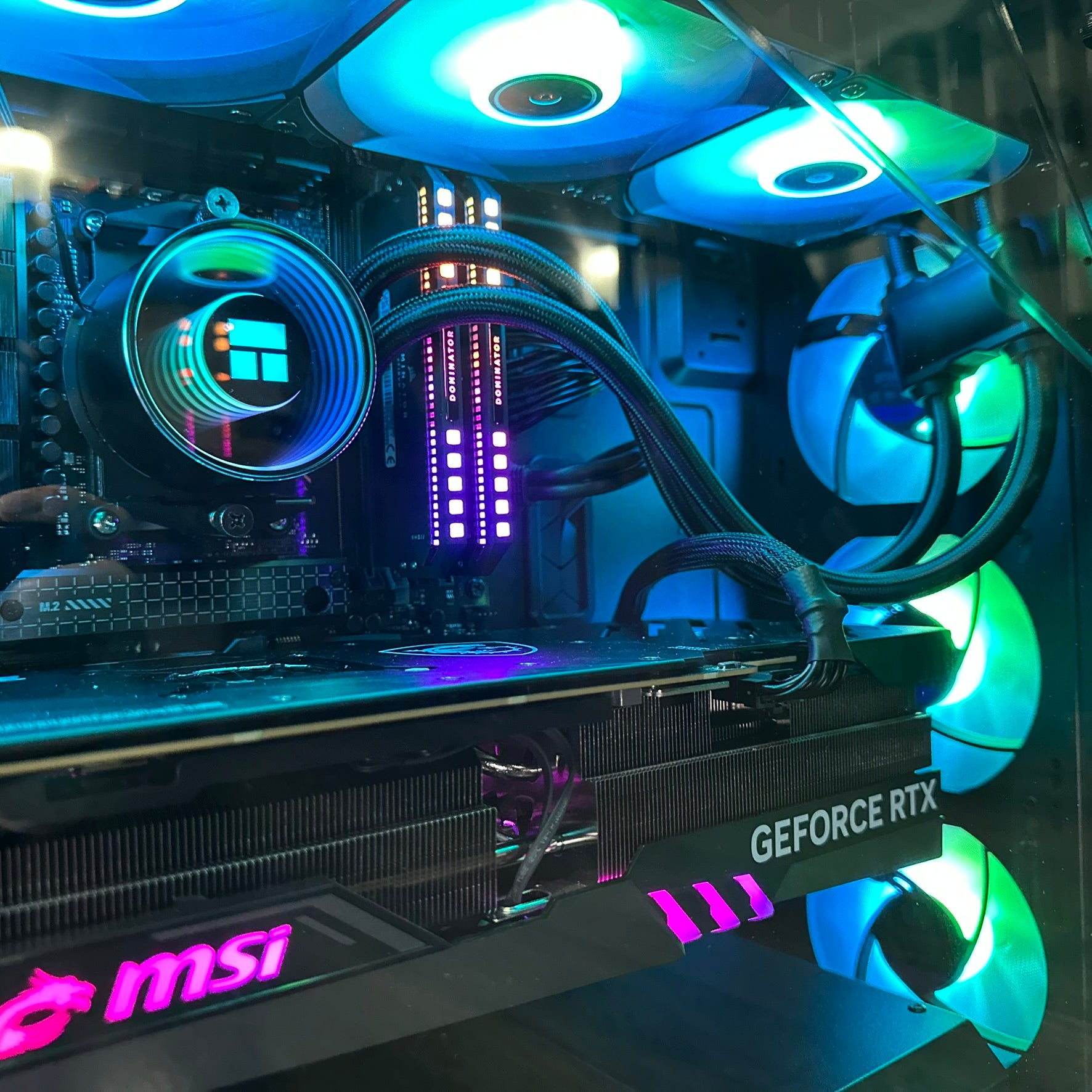
If your goal is maximum immersion, premium image quality, and the ability to push high-end visuals in demanding games, then a 4K Gaming PC Canada shoppers consider is a different category entirely. This is the tier for players who want stronger GPUs, more headroom, and the confidence to handle AAA games at a much higher level.
Do you want ray tracing enabled when possible? Do you want your PC to handle visually rich horror games, blockbuster action titles, and future releases without feeling like every settings menu is a compromise? Then you are likely looking at a premium system, not a value build.
Which Performance Tier Fits You Best?
Choosing the right system starts with matching your expectations to a realistic performance tier. Here is a simple way to think about it.
- Entry-level gaming tier: Best for 1080p gaming, esports, older AAA titles, and strong value-focused play.
- Midrange gaming tier: Best for 1080p ultra or 1440p gaming, strong all-around performance, and excellent price-to-experience balance.
- Upper-midrange tier: Best for 1440p high settings, better longevity, stronger streaming readiness, and more confidence for upcoming titles.
- High-end gaming tier: Best for 1440p ultra, 4K entry, ray tracing, demanding new games, and a more premium long-term experience.
- Flagship tier: Best for serious 4K gaming, heavy content creation, premium displays, and buyers who do not want to think about upgrading too soon.
Now ask yourself: which of those descriptions actually sounds like you? Are you trying to get the lowest possible price, or the best long-term value? Those are not always the same thing.
What If You Also Want to Stream, Record, or Create Content?
Many customers who start shopping because of a game release do not realize how quickly their needs expand. One day it is “I need a PC for Resident Evil Veronica.” A month later it is “I want to stream horror games,” “I want to clip highlights,” or “I want to edit videos for YouTube and TikTok.”
If that sounds familiar, you may need more than a standard gaming machine. A gaming and streaming PC Canada buyers choose should be built with enough CPU strength, GPU encoding support, RAM capacity, and storage speed to handle gaming plus livestreaming and recording smoothly.
Do you plan to use OBS? Are you thinking about dual-monitor streaming? Do you want to record high-quality gameplay while keeping your frame rate stable? Then build planning matters even more.
This is where many off-the-shelf systems disappoint. They may look fine on paper for gaming, but once you add streaming, browser tabs, Discord, alerts, recording, and background apps, the weakness shows up fast.
Creator and Editing Workloads Change the Buying Decision
If your system also needs to handle editing, the conversation changes again. A Creator PC Canada customers buy for gaming plus editing should balance gaming performance with workflow reliability. That means paying more attention to CPU core count, memory capacity, SSD layout, and whether your software benefits from stronger GPU acceleration.
Are you editing in Premiere Pro? Working in DaVinci Resolve? Cutting 4K footage? Building thumbnails in Photoshop? Designing overlays in Illustrator? If so, the best build for you may not be the same as the best build for a pure gamer.
A gaming-focused machine can be good for editing, but not every gaming PC is a great Video Editing PC Canada creators can rely on for heavy exports and smooth multitasking. Likewise, not every creator system is the best value if your real priority is high-FPS gameplay first.
Could One PC Handle Gaming, Streaming, Video Editing, Photo Editing, and Design?
Yes, but only if it is chosen with that purpose in mind.
Many Canadian buyers are looking for a single system that covers multiple roles. They want to game at night, stream on weekends, edit content during the week, and maybe handle photo editing or design work too. For these customers, a well-balanced custom system makes far more sense than buying one machine optimized too narrowly.
If you are asking, “Is a gaming PC good for content creation?” the real answer is: sometimes, but it depends on the parts and the workload.
A proper Content Creation PC Canada shoppers choose should account for:
- Gaming resolution goals
- Streaming or recording plans
- Editing resolution such as 1080p or 4K
- Number of apps open at once
- Storage needs for footage and project files
- Upgrade path for future software demands
That is why custom guidance matters. The right answer for one customer may be a stronger GPU. For another, it may be more RAM, more SSD space, or a better CPU.
What About 3D Modeling, Unreal Engine, or Workstation Tasks?
Some readers may be looking at Resident Evil Veronica not just as players, but as creators and developers inspired by what modern horror games are doing. If your interest in gaming overlaps with Blender, Unreal Engine, 3D asset creation, rendering, CAD, or simulation workloads, then you are in workstation territory.
A 3D Modeling PC Canada professionals choose needs a different kind of planning than a typical gaming build. The same applies to a Workstation PC Canada users rely on for rendering, animation, engineering, or business productivity under heavy load.
Are you building environments? Rendering scenes? Working in Blender while also gaming? Using Unreal Engine for development or real-time previews? Then your best system may need workstation-style priorities without losing gaming strength.
This is exactly where generic prebuilts often fall short. They may advertise gaming power, but they are not always tuned for memory-heavy productivity, render stability, or long session reliability.
Why Timing Matters When a Big Game Reveal Pushes More Buyers Into the Market
When a high-interest game gets announced, the first reaction is excitement. The second reaction is often market pressure. More people start checking their current specs. More buyers compare GPUs. More shoppers stop postponing their desktop upgrade.
That does not just affect premium hardware. It can impact the full stack: graphics cards, CPUs, RAM, SSDs, cases, cooling, and complete system availability. If you are already close to buying, this is where hesitation can cost more than expected.
Ask yourself a simple question: are you waiting because you have a better plan, or just because waiting feels safer?
Sometimes waiting is fine. But if you already know your current system is struggling, and you already know major game releases are coming, delaying the decision can leave you shopping under worse conditions later.
Should You Buy a Cheaper PC Now or Finance a Better One?
This is one of the most important real-world buying questions, especially in Canada. A lot of customers can afford something today, but the better question is whether they should stretch into a stronger build that lasts longer and does more.
If your choice is between buying an underpowered system outright or financing a better one that meets your needs properly, which option actually saves you money over time? The cheaper machine may cost less upfront, but if it forces an earlier upgrade, limits your game settings, or struggles with streaming and editing, it may not be the better value.
For some buyers, financing helps secure the right system before replacement costs rise further. That is especially true if you are trying to avoid buying twice. Groovy Computers offers options that can help qualified buyers spread the cost over time, including financing up to 4 years, which can make a more capable build much more realistic.
So ask yourself honestly: should you finance a better PC instead of settling for a weaker one you already know you may outgrow?
Custom PC vs Generic Prebuilt: Why the Difference Matters More for New AAA Games
When a major release is on your radar, you want confidence, not guesswork. That is one of the biggest reasons to choose a custom system from a real Canadian builder instead of gambling on a vague spec sheet.
A properly planned custom build gives you:
- Better component matching
- Clearer upgrade paths
- Cooling that suits the hardware
- More balanced gaming and creator performance
- Less chance of paying for the wrong bottleneck
- More confidence in long-term reliability
Are you worried about buying a system that looks strong in the ad but cuts corners where you cannot see them? Are you trying to avoid a build that runs hot, upgrades poorly, or feels outdated too quickly? That is where choosing an experienced Canadian custom PC builder matters.
At Groovy Computers, buyers are not just choosing parts. They are choosing a better match between budget, performance goals, and real use.
Why Canadian Buyers Should Care About Testing, Warranty, and Support
Specs matter, but support matters too. A stronger system is not really a stronger value if the buying experience is risky, the testing is weak, or support disappears when you need it.
That is why trust signals matter when you are buying a gaming or creator system online in Canada. Groovy Computers emphasizes custom builds, rigorous testing, and a 1-year warranty, which is exactly the kind of reassurance buyers should look for when spending real money on performance hardware.
Do you want a system that has been stress tested properly? Do you want confidence that your gaming desktop or creator workstation has been assembled with real care? Do you want support from a Canadian company instead of feeling like you are on your own after checkout?
Those questions matter just as much as the GPU model.
Buyer Profiles: What Kind of PC Makes Sense for You?
The Budget Horror Fan
You mainly want to enjoy Resident Evil Veronica and other modern games at 1080p. You want good value, fast load times, and smooth gameplay without overspending. A balanced entry-to-midrange gaming desktop is likely your best fit.
The 1440p All-Rounder
You want sharper visuals, stronger settings, better future readiness, and enough headroom for a growing game library. You may stream occasionally or multitask heavily. This is where many customers find the best long-term value.
The Premium AAA Buyer
You want stronger ray tracing performance, premium settings, and a machine that feels advanced across current and upcoming releases. You care about visual quality and longevity. This is where high-end GPUs and better cooling become worthwhile.
The Gaming Plus Streaming Customer
You want to game, stream, record, and maybe edit highlights too. A standard gaming PC may not be enough if you expect a smooth dual-purpose experience. You need balance and overhead.
The Creator Hybrid Buyer
You want one machine for gaming, editing, thumbnails, social content, and maybe photography or design work as well. A custom creator-oriented build is often the best answer here.
The 3D or Workstation User
You want gaming strength, but your real work includes Blender, Unreal Engine, rendering, CAD, or production tasks. That means you should be looking at a more workstation-aware configuration.
What Questions Should You Ask Before You Buy Your Next PC?
Before you order anything, ask yourself these practical questions:
- What games do I want to play over the next 12 to 24 months?
- Do I want 1080p, 1440p, or 4K performance?
- Do I care about ray tracing and ultra settings?
- Will I stream, record, or edit content too?
- Do I need more storage for game installs and media files?
- How soon do I want to avoid upgrading again?
- Would a better system now save me from replacing one too early?
- Would financing a stronger build make more sense than settling for less?
If you are asking those questions, you are already thinking like a smarter buyer.
Why Groovy Computers Is a Strong Fit for Canadian Buyers Watching This Release
Groovy Computers is well-positioned for the kind of customer this moment creates: the buyer who is excited about a major release, unsure whether their current PC is enough, and trying to choose the right next step without wasting money.
As a Canadian custom PC builder, Groovy Computers focuses on tailored builds for gaming, streaming, editing, content creation, and workstation use. That matters because not every customer reading about Resident Evil Veronica has the same goal. Some need a value-first gaming tower. Some need a premium RTX-ready system. Some need a creator machine that can handle Adobe apps and gaming in the same setup. Some need financing flexibility to move sooner instead of delaying and settling later.
And because Groovy Computers builds with testing, support, and a 1-year warranty in mind, the value goes beyond raw parts. You are not just buying components. You are buying confidence.
Ready for Resident Evil Veronica, or Still Hoping Your Current PC Can Hang On?
This is the real closing question. If Resident Evil Veronica is the release that made you start checking specs again, there is a good chance you already know your current system is near its limit. So what do you want your next PC to do: simply survive one launch, or carry you through the next wave of games and workloads properly?
If you want help choosing the right system for gaming, streaming, editing, design, or workstation use, visit GroovyComputers.ca. Whether you need a value-focused gaming desktop, a premium RTX build, a creator PC, or a stronger custom configuration with financing flexibility, Groovy Computers can help Canadian buyers choose smarter before demand and pricing move again. That is the smartest conclusion to any Resident Evil Veronica remake PC buying guide.
#ResidentEvilVeronica #GamingPCCanada #CustomGamingPCCanada #GamingPCForNewGames #1440pGamingPCCanada #4KGamingPCCanada #CreatorPCCanada #VideoEditingPCCanada #3DModelingPCCanada #WorkstationPCCanada #CanadianCustomPCBuilders #NovaScotiaBusiness
Groovy Computers | All Rights Reserved

![Monster Hunter Stories 3: Twisted Reflection [Review]](http://groovycomputers.ca/cdn/shop/articles/634884eb-mhst3_yamatsukami_103125-d225e12867b31b132c91.jpg?v=1781551284&width=1920)

Leave a comment
This site is protected by hCaptcha and the hCaptcha Privacy Policy and Terms of Service apply.