






















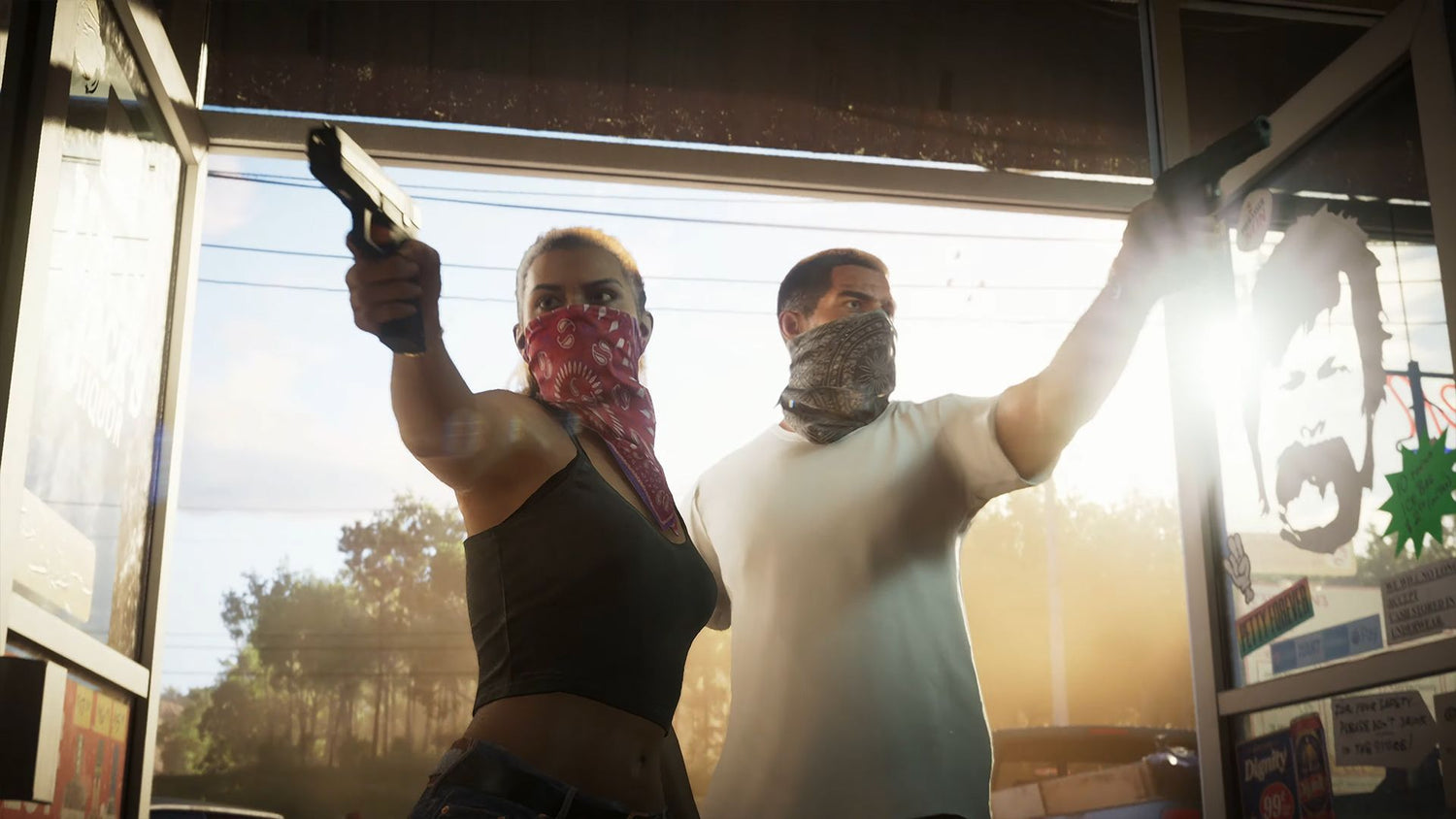
GTA 6 GB Size: How Much Storage Will You Really Need and What Kind of PC Should Canadian Gamers Buy Now?
The expected GTA 6 GB size is already becoming one of the biggest practical questions surrounding the game, and for good reason. Massive open-world titles keep getting larger, higher-resolution assets keep pushing install sizes upward, and players across Canada are realizing that game hype means very little if their storage is full, their hardware is dated, or their system is too weak to enjoy launch-day performance. For Groovy Computers, this is not just a storage question. It is a buying question, an upgrade-timing question, and for many customers, a custom-build question.
The source article makes a sensible point: nothing is officially confirmed, but based on modern AAA trends and the scale expected from Rockstar’s next blockbuster, GTA 6 could land well above the storage footprint many players are used to. Estimates in the 120GB to 130GB range are conservative, and some speculation has stretched much higher. Even if the final install size ends up below the most dramatic rumours, the broader takeaway is still the same: if you are planning your next system around major new releases, you should be thinking beyond minimum compatibility and toward total gaming readiness.
That matters even more in Canada, where buyers often need to plan carefully around component pricing, shipping timelines, and the real cost of replacing a system too late. A game like GTA 6 does not just push storage. It can also expose weak CPUs, older GPUs, limited RAM, slow SSDs, and poor cooling. So the right question is not only “How big will GTA 6 be?” It is also “What do you want your next PC to do for you when the biggest games of the next few years arrive?”
What the Source Gets Right About GTA 6 File Size
The source article correctly ties GTA 6’s likely install size to the scale of the game world, the expected variety of environments, and the ongoing trend toward larger modern game installs. That logic is hard to argue with. Bigger maps, denser cities, more detailed textures, more audio assets, cinematic content, post-launch patches, and future updates all tend to push storage requirements upward.
It also makes a useful comparison to other large games and to Rockstar’s own history. Grand Theft Auto V and Red Dead Redemption 2 already occupy substantial space on modern systems, especially after updates. In practical terms, that means buyers should stop thinking about a single game install in isolation. One oversized AAA release can easily become three or four oversized releases, especially if you also keep competitive games, recording software, mods, launchers, and creator tools installed.
Are you the kind of player who keeps just one or two games installed at a time, or do you want room for GTA 6, Call of Duty, a racing title, a couple of co-op games, and your everyday apps without constant uninstalling? That answer changes what kind of system makes sense.
Why Canadian Buyers Should Think Bigger Than the GTA 6 Download Alone
For Canadian shoppers, planning around GTA 6 should not mean buying the cheapest machine that can barely hold the game. It should mean looking at the full ownership experience. Storage is part of that, but so are future upgrades, replacement costs, and the value of buying a better-balanced custom system now instead of scrambling later when demand spikes around major launches.
A lot of buyers underestimate how fast “enough” storage stops being enough. A 1TB drive sounds fine until Windows, launchers, apps, recordings, clips, work files, and a few large games start stacking up. Then performance management becomes annoying. You start deleting installs, juggling files, or wishing you had chosen a larger SSD from the start.
That leads to a better question: do you want your next PC to survive one game release, or do you want it to stay comfortable through the next few years of AAA gaming, streaming, and content creation?
How Big Could GTA 6 Really Be?
Based on the source material, a cautious estimate puts the game somewhere around the low-to-mid 100GB range, with the possibility of going higher. The exact number is still unconfirmed, so no serious buyer should treat internet rumours as final specs. But the trend is clear enough to act on.
If a major title launches at roughly 120GB to 130GB, that is already large. If post-launch updates, online content, texture packs, or platform-specific overhead push the install higher, players with limited storage will feel the squeeze quickly. If the eventual PC version includes higher-quality assets or more settings options, the storage demand could feel even less forgiving.
And that leads to another natural buying question: if you are already considering a new system for Gaming PC for GTA 6 performance, why build around the narrowest possible requirement instead of buying for real-world use?
What Do You Want Your Next PC to Do for You?
Before choosing a budget, GPU tier, or storage capacity, it helps to be honest about your actual goals. Are you buying a system mainly for GTA 6 at 1080p? Do you want 1440p high settings? Are you aiming for 4K and ray tracing in future games? Will you also be streaming, recording gameplay, editing YouTube videos, designing thumbnails, or doing Photoshop and Lightroom work on the same machine?
This is where a lot of generic buying advice falls short. Not every customer needs the same build, because not every customer is solving the same problem.
- Pure gamer: You mainly want smooth framerates, strong visuals, and enough storage for large modern titles.
- Gamer and streamer: You need gaming performance plus reliable multitasking, recording, and streaming overhead.
- Content creator: You want gaming power, but also fast exports, responsive timelines, and room for large media files.
- Photo or graphic design user: You may care less about ultra gaming settings and more about RAM, SSD speed, and colour-workflow reliability.
- 3D or workstation buyer: You need a stronger CPU/GPU balance, more memory, and a build designed for rendering, modeling, or professional software.
So ask yourself: is your next PC only for one game, or is it the system that will carry your gaming, work, and creative projects for the next several years?
What PC Do You Need for 1080p, 1440p, or 4K Gaming?
If GTA 6 ends up being one of those games people use to judge a system’s relevance, then resolution matters a lot. A customer shopping for a Gaming PC Canada build should match the system to the monitor and the experience they actually want.
1080p Gaming PC Canada: Who Is This Tier Best For?
If you mainly want solid 1080p performance, good settings, and a more budget-conscious build, this tier can still offer excellent value. It is ideal for players coming from older systems, students, first-time desktop buyers, and gamers who care more about smooth play than maxing every visual setting.
But here is the key question: do you want a budget system that feels good now, or do you want a system that still feels strong after more demanding games and updates arrive? A low-end compromise can save money today while costing satisfaction tomorrow.
1440p Gaming PC Canada: Is This the Sweet Spot for GTA 6 and New AAA Games?
For many Canadian buyers, 1440p is the smart middle ground. It delivers a major visual upgrade over 1080p while staying more practical than going all-in on 4K. If you want a modern custom gaming PC that feels premium without immediately chasing the highest possible spending tier, 1440p often makes the most sense.
Do you want better texture detail, stronger immersion, and headroom for future titles without replacing your PC too soon? If so, this is where a lot of buyers should start.
4K Gaming PC Canada: Do You Want Maximum Visual Impact?
If your goal is 4K, ultra settings, or stronger ray tracing expectations in major future games, you should be shopping more seriously. Storage matters here, but so do GPU class, CPU pairing, cooling, power delivery, and long-term component balance.
Are you buying for a premium monitor and a flagship gaming experience? Are you the kind of player who would rather invest once and stay ahead longer? Then a high-end custom build is often the better move than trying to stretch a mid-tier machine beyond its comfort zone.
Will GTA 6 Push You Toward a Faster SSD?
Very possibly. Even before official performance requirements are finalized, modern AAA design already points buyers toward fast SSD storage as a practical expectation. Large open-world games benefit from rapid asset loading, smoother transitions, shorter startup times, and a better overall feel when installed on quality solid-state storage.
That means the GTA 6 storage discussion is really about two things:
- Capacity: How much room do you have for the game and everything else?
- Speed: How well does your system handle large, modern game data?
If you are still relying on a smaller or older drive, ask yourself whether you want to babysit storage all year. A custom build with enough SSD space from day one can save you that headache.
Should You Buy a PC Just for GTA 6, or a Gaming and Streaming PC Canada Build?
Many customers start with one game in mind and then realize they want much more from the system. Maybe you want to stream to Twitch or YouTube. Maybe you want to record clips, edit montages, upload shorts, or run Discord, OBS, and browser tabs while gaming. That changes the build.
A Gaming and Streaming PC Canada setup should be chosen differently than a pure gaming rig. Streaming benefits from stronger CPU multitasking, a capable GPU, enough RAM, and storage space for recordings and projects. If you expect your new system to be both your entertainment machine and your content hub, buying too narrowly can be a mistake.
What PC do you need for streaming if GTA 6 is your anchor game? The answer depends on whether you want basic streaming at 1080p, cleaner multitasking with higher settings, or room for editing and upload workflows after the stream ends.
Could a GTA 6 Upgrade Also Be the Right Time for a Creator PC Canada Build?
Absolutely. A lot of buyers are no longer only gamers. They are creators, side-hustlers, students, editors, designers, or aspiring streamers. If that sounds like you, this is a good moment to think beyond game installs.
A stronger build can make a real difference if you also need a Video Editing PC Canada, Photo Editing PC Canada, Graphic Design PC Canada, or Content Creation PC Canada system. The same machine that runs new AAA games smoothly can also be configured to speed up Adobe workflows, handle larger media files, and support more serious multitasking.
Do you edit in Premiere Pro or DaVinci Resolve? Do you use Photoshop, Lightroom, Illustrator, or InDesign? Do you want one desktop that can game at night and work hard during the day? Then this buying window may be more important than it first appears.
What Performance Tier Fits You Best?
One of the most useful ways to shop is by buyer type, not just by buzzwords. Here is a simple framework to help you decide what level of custom PC makes sense.
Entry-Level and Budget Buyers
This tier suits customers looking for a Budget Gaming PC Canada option for 1080p gaming, esports, and selective AAA play. It can work well if your expectations are realistic and your budget matters most.
Ask yourself: are you okay lowering settings in newer titles sooner? Is your goal simply to get into PC gaming now without spending too aggressively?
Mainstream Performance Buyers
This is often the smartest range for players who want stronger 1080p longevity or a solid move into 1440p. It is ideal if you want a balanced machine that handles modern games, moderate streaming, and everyday productivity without feeling entry-level.
If you are asking, “What gaming PC do I need for new games without overpaying?” this is often the right category.
Premium Gaming Buyers
This tier is for customers who want 1440p high-refresh confidence, stronger ray tracing potential, better future-proofing, and a more premium overall experience. It is a great fit for people who do not want to revisit the upgrade question too quickly.
Would you rather spend once on a stronger GPU and larger SSD than regret a weaker spec six months later? Then premium may be more cost-effective than it first looks.
High-End and Enthusiast Buyers
If your target is 4K gaming, top-tier performance, multitasking, streaming, editing, and long-term relevance, this is where you should be looking. These systems are also ideal for buyers who want a custom creator workstation or a machine that can bridge gaming and serious production work.
Do you want ultra settings, premium responsiveness, and room for future workloads? Then a high-end custom build is not overkill. It is alignment.
What If You Need More Than a Gaming PC?
Some buyers reading about GTA 6 storage are actually discovering something broader: their current PC is no longer keeping up with everything they do. If your machine struggles with game installs, it may also be struggling with Adobe apps, 3D software, and large project files.
That is where a properly planned Custom Workstation PC Canada or creator-focused build becomes valuable. Groovy Computers can help buyers who need a system for:
- Gaming and livestreaming
- Video editing and motion graphics
- Photo editing and RAW workflows
- Graphic design and Adobe Creative Cloud
- Blender, Unreal Engine, and 3D rendering
- Professional multitasking and workstation productivity
What PC do content creators need if they also want to enjoy big new games? Usually not the cheapest gaming tower on the market. They need balanced horsepower, fast storage, enough memory, and a build that will not feel obsolete the moment their workload grows.
Why Timing Matters More Than People Think
Major game releases can change buying behaviour fast. As hype rises, more people start shopping at once. That can put pressure on inventory, pricing, and lead times. Even when there is no full shortage, the best-value parts and the most desirable GPU tiers can become harder to secure at the right moment.
Waiting too long also creates another problem: replacement urgency. When your current system is nearly full, underpowered, or unstable, you lose the luxury of choosing carefully. You end up buying reactively instead of strategically.
Is it better to buy a gaming PC now or wait? That depends on your current hardware, your target games, and your tolerance for missing the ideal buying window. But if you already know your PC is behind, waiting does not always create savings. Sometimes it just creates pressure.
Should You Finance a Better PC Instead of Buying a Weaker One?
For many customers, this is the real decision. Not whether to buy a PC, but whether to buy a stronger one now while it matters. If a slightly higher monthly cost gives you better longevity, more storage, a stronger GPU tier, and a better overall experience, financing can make a lot of practical sense.
Groovy Computers helps Canadian buyers who want a better path than settling for a weak short-term machine. If you are considering a custom gaming PC, creator PC, or workstation build, financing can help you secure the system you actually want instead of the one you will need to replace too soon.
Should you finance a gaming PC if GTA 6 is the release that finally pushes you to upgrade? If the answer gets you into a stronger, better-balanced custom build that lasts longer, performs better, and avoids a second purchase too soon, that can be the smarter financial move. Groovy Computers offers financing options up to 4 years for qualifying customers, which can make a meaningful difference when you are planning around premium hardware or a larger all-purpose build.
Why Custom PC vs Prebuilt PC Canada Matters More for Big Game Releases
When buyers rush into generic systems around a major launch, they often miss the hidden weaknesses: undersized SSDs, weak airflow, lower-tier power supplies, poor upgrade paths, and mismatched component choices. A custom build is not just about personalization. It is about fit.
With a custom system, you can build around how you actually use your computer:
- More SSD space if large game installs are your concern
- More RAM if you stream or create content
- Stronger GPU priority if you are aiming for 1440p or 4K
- Better CPU allocation if you edit, render, or multitask heavily
- Cooling and case choices that support long-term reliability
Custom PC vs prebuilt PC Canada is not only a hobbyist debate. It is a practical buying question. Do you want a machine built for your use case, or a one-size-fits-most compromise?
Why Groovy Computers Is a Strong Fit for Canadian Buyers
Groovy Computers is built around what serious buyers actually need: custom PC guidance, tested builds, strong component matching, and real Canadian trust. Whether you are shopping for a gaming desktop, a streaming setup, a creator workstation, or a future-ready PC for major upcoming games, the goal is the same: get the right machine the first time.
That means more than picking flashy parts. It means building for your workload, your display target, your storage reality, and your upgrade horizon. It also means confidence. Groovy Computers offers rigorous testing and a 1-year warranty, which matters when you are investing in a system for both play and productivity.
Are you shopping from Nova Scotia, Atlantic Canada, or elsewhere in the country? Groovy Computers serves Canadian buyers who want a Canadian Custom PC Builder experience instead of a generic checkout flow with little guidance. If you want help choosing the right build, the team can help translate your gaming plans, software needs, and budget into a system that makes sense.
Questions to Ask Yourself Before Buying for GTA 6
If this upcoming release is what sparked your upgrade research, slow down and ask the bigger questions before spending.
- What games do I want to play over the next two to three years, not just this one?
- Do I want 1080p, 1440p, or 4K performance?
- Will I stream, record, or edit content on the same machine?
- Do I need more than 1TB of fast SSD storage?
- Will I regret buying too little RAM or too weak a GPU?
- Would financing a stronger system now save me from upgrading again too soon?
- Do I want a budget build, a premium RTX gaming PC, or a creator-focused custom desktop?
- Do I want a custom PC that is tested and backed by warranty support in Canada?
Those are better buying questions than simply searching for a rumoured install size and hoping your current machine survives it.
So, What Should You Do If GTA 6 Has You Thinking About a New PC?
If the GTA 6 GB size conversation has made you realize your current storage, performance, or upgrade path is no longer enough, this is the right time to act strategically. Do not just shop for the smallest upgrade that gets you through one release. Shop for the system that fits the way you game, create, and work now.
If you want a custom gaming desktop for new AAA titles, a balanced gaming and streaming setup, a stronger creator PC, or a workstation that can handle demanding software and large files, Groovy Computers is ready to help. Ask yourself one final question: do you want to keep adapting to your old PC’s limits, or do you want your next system built around your goals?
Explore your next custom build at GroovyComputers.ca if you want help choosing the right performance tier, storage setup, financing path, or future-ready build for gaming, streaming, editing, design, and more.
#GTA6GBSize #GamingPCCanada #CustomGamingPCCanada #GamingPCForGTA6 #GamingAndStreamingPCCanada #VideoEditingPCCanada #CreatorPCCanada #CustomWorkstationPCCanada #CanadianCustomPCBuilder #GroovyComputers
Groovy Computers | All Rights Reserved



Leave a comment
This site is protected by hCaptcha and the hCaptcha Privacy Policy and Terms of Service apply.