






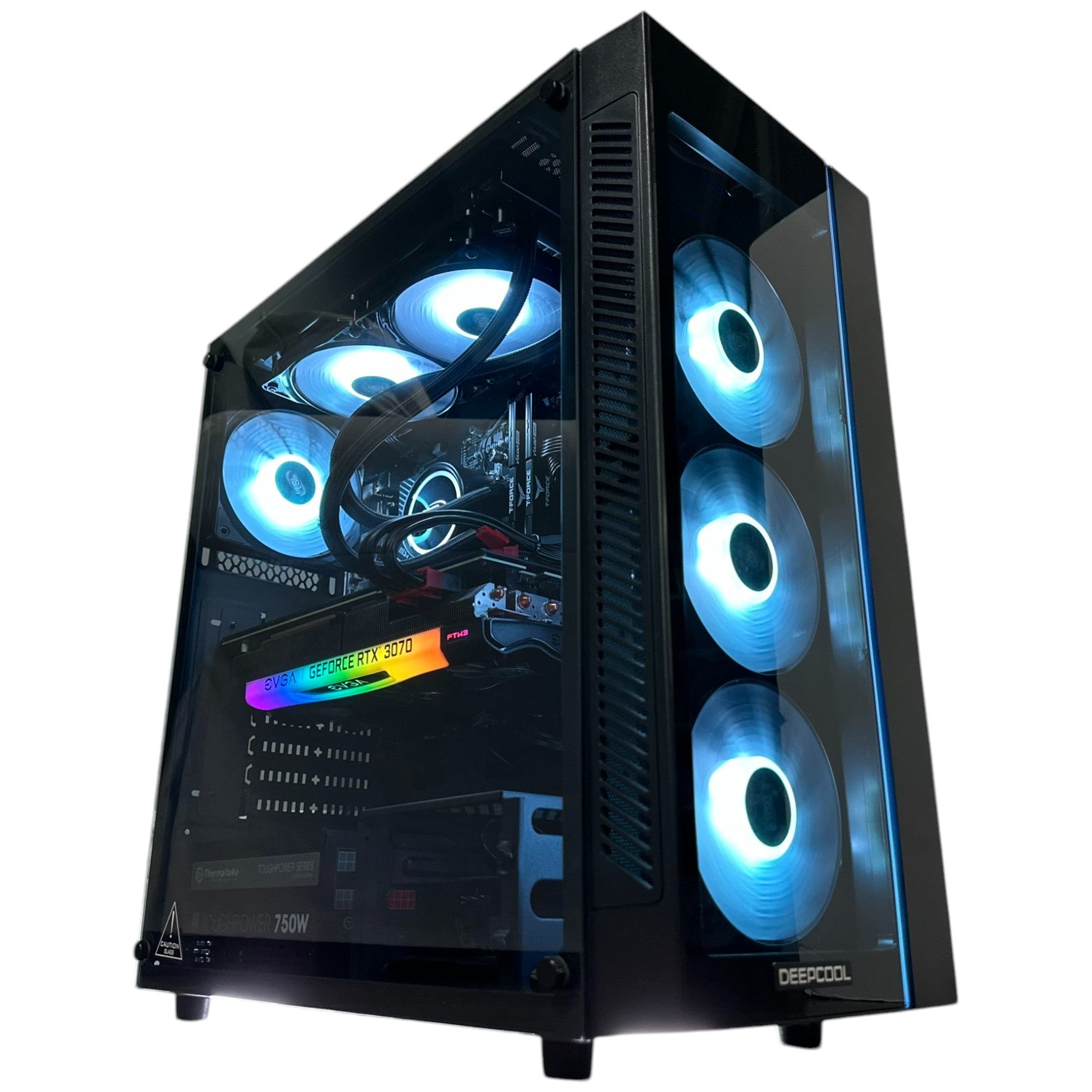
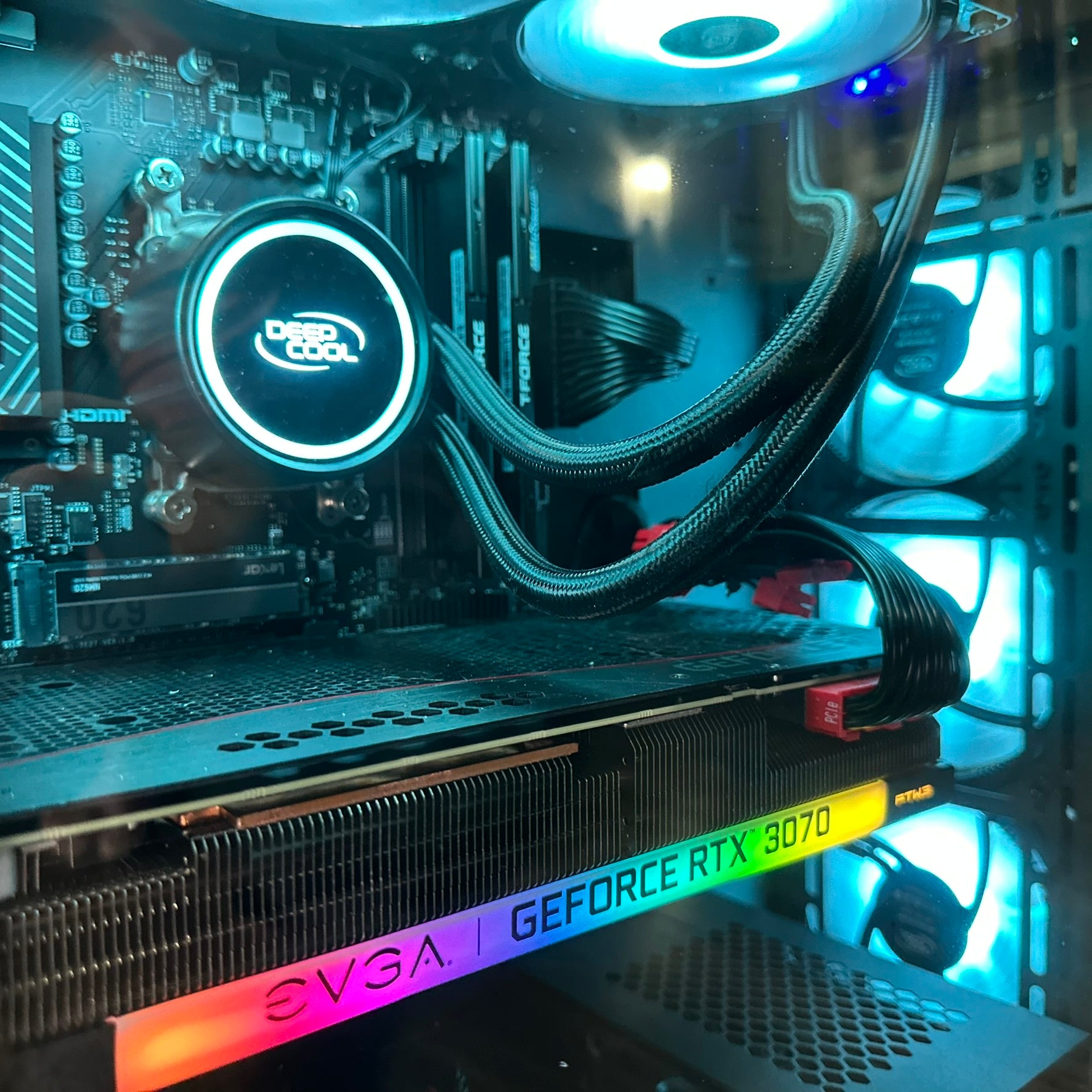








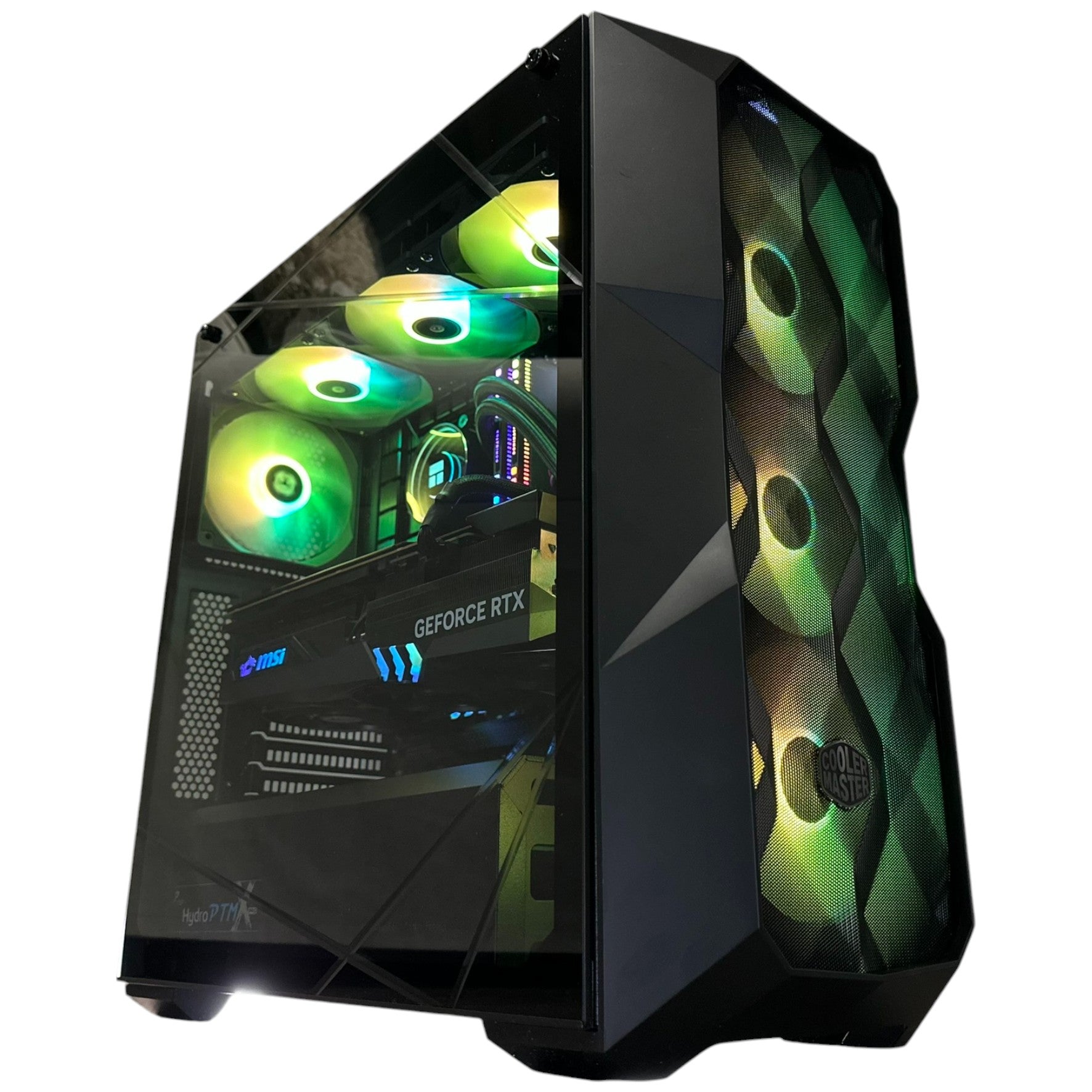
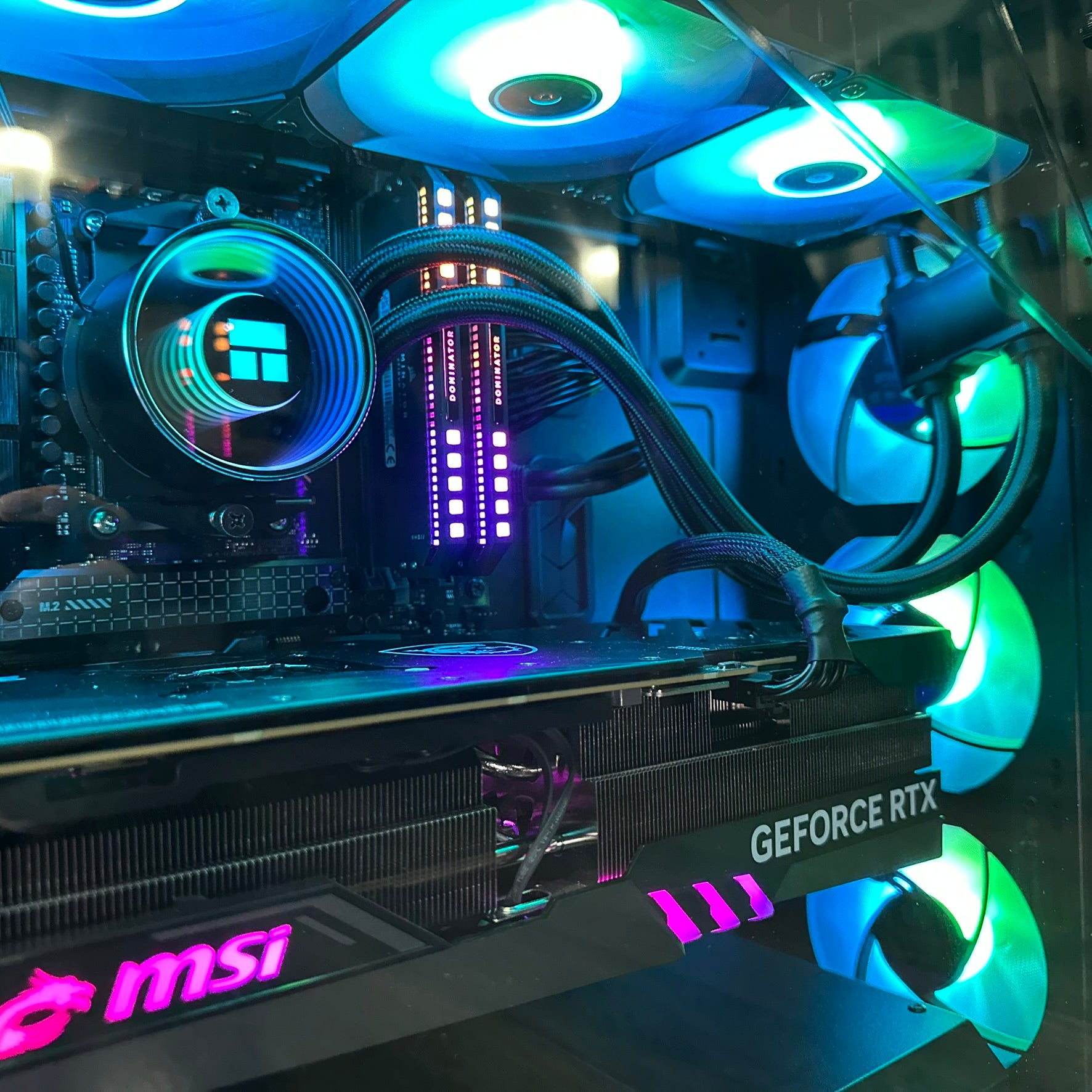


Gaming PC Financing Canada: Your High-Speed SSD Could Be Running Slow, and Waiting to Buy a Better PC Could Cost More Later
Gaming PC Financing Canada matters for more than just spreading out the cost of a new system. It also gives Canadian buyers a practical way to secure the right hardware now, before demand spikes, storage prices shift, and key components become harder or more expensive to replace later. One of the most overlooked examples is NVMe SSD performance. A premium SSD can look perfectly healthy in Windows while still operating below its full potential because of motherboard lane sharing, slot placement, BIOS configuration, or laptop hardware limits. For buyers investing in a gaming desktop, streaming setup, or creator workstation, getting the full value from every component starts with choosing the right build from the beginning.
The underlying technical issue is simple but important. Windows often confirms that an SSD is installed and functioning, yet it does not clearly warn when that same drive is connected in a slower M.2 slot, running at a reduced PCIe generation, or limited to fewer lanes than the drive was designed to use. That means a fast PCIe Gen4 NVMe SSD can end up performing closer to an older drive, even though nothing appears broken. For Canadian buyers comparing systems, this is exactly why a custom PC builder matters. Parts alone do not guarantee performance. Proper slot allocation, motherboard planning, and system validation do.
What the SSD Slow-Lane Problem Really Means for Buyers in Canada
The source material highlights a problem many PC owners discover only after installation: the SSD is fine, Windows shows no obvious error, but real-world performance still feels lower than expected. In many systems, especially on value-focused or mid-range platforms, multiple components share limited PCIe bandwidth. Adding a second NVMe drive, using certain SATA ports, or installing an expansion card can reduce available bandwidth to a storage slot. The result is a silent performance bottleneck.
For buyers in Canada, this matters because the market has become less forgiving. When SSDs, memory, GPUs, and motherboards fluctuate in price, every hardware decision has a larger cost consequence. If a buyer chooses the wrong platform, underestimates lane sharing, or buys a machine that was assembled without careful configuration, they may not only lose performance today but also face a more expensive upgrade path later. Replacing or reworking a system after prices rise is always less attractive than buying the right build the first time.
This is especially relevant for anyone planning to play current and upcoming games with large install sizes, texture streaming, quick level loading, and background asset decompression. A fast SSD is not just a quality-of-life upgrade anymore. It is part of the expected experience in modern PC gaming, content creation, and streaming workflows.
Why Windows Does Not Warn You When an NVMe SSD Is Underperforming
Most users assume that if Device Manager recognizes the drive and the PC boots normally, everything is running as intended. That assumption is understandable, but incomplete. Windows can confirm hardware presence and driver functionality without verifying whether the drive is operating at its full advertised PCIe speed and lane width.
A high-speed NVMe SSD commonly expects a connection such as PCIe 4.0 x4. If it is installed in a slot limited to PCIe 3.0 x4, performance is capped by generation. If it is installed in a slot wired for x2 instead of x4, available bandwidth is cut even further. If the motherboard reallocates lanes because of another installed device, the SSD may still function but at a lower ceiling. None of that necessarily triggers a warning in Windows.
That is why system design matters so much. A PC should not simply be assembled until it powers on. It should be planned so that the primary storage drive is placed where it can deliver the speed the buyer paid for, and then tested to confirm that the configuration behaves as expected under real use.
CPU-Connected vs Chipset-Connected M.2 Slots: The Detail That Changes SSD Performance
One of the biggest causes of SSD underperformance is M.2 slot selection. On many motherboards, the top or primary M.2 slot is connected directly to the CPU and offers the best path for a high-speed NVMe drive. That slot typically provides full x4 bandwidth with lower latency and no lane sharing with various secondary devices. Other M.2 slots often connect through the chipset instead, where bandwidth may be shared with USB controllers, SATA devices, networking resources, and PCIe expansion slots.
To the average buyer, the slots can look identical. In practice, they are not equal. A premium Gen4 SSD placed in a secondary chipset-connected slot may never deliver the numbers expected on the box, particularly if the system is also using multiple storage devices or expansion hardware. In laptops, the limitations can be even stricter, as secondary slots may be permanently wired at reduced bandwidth to control cost, heat, or board complexity.
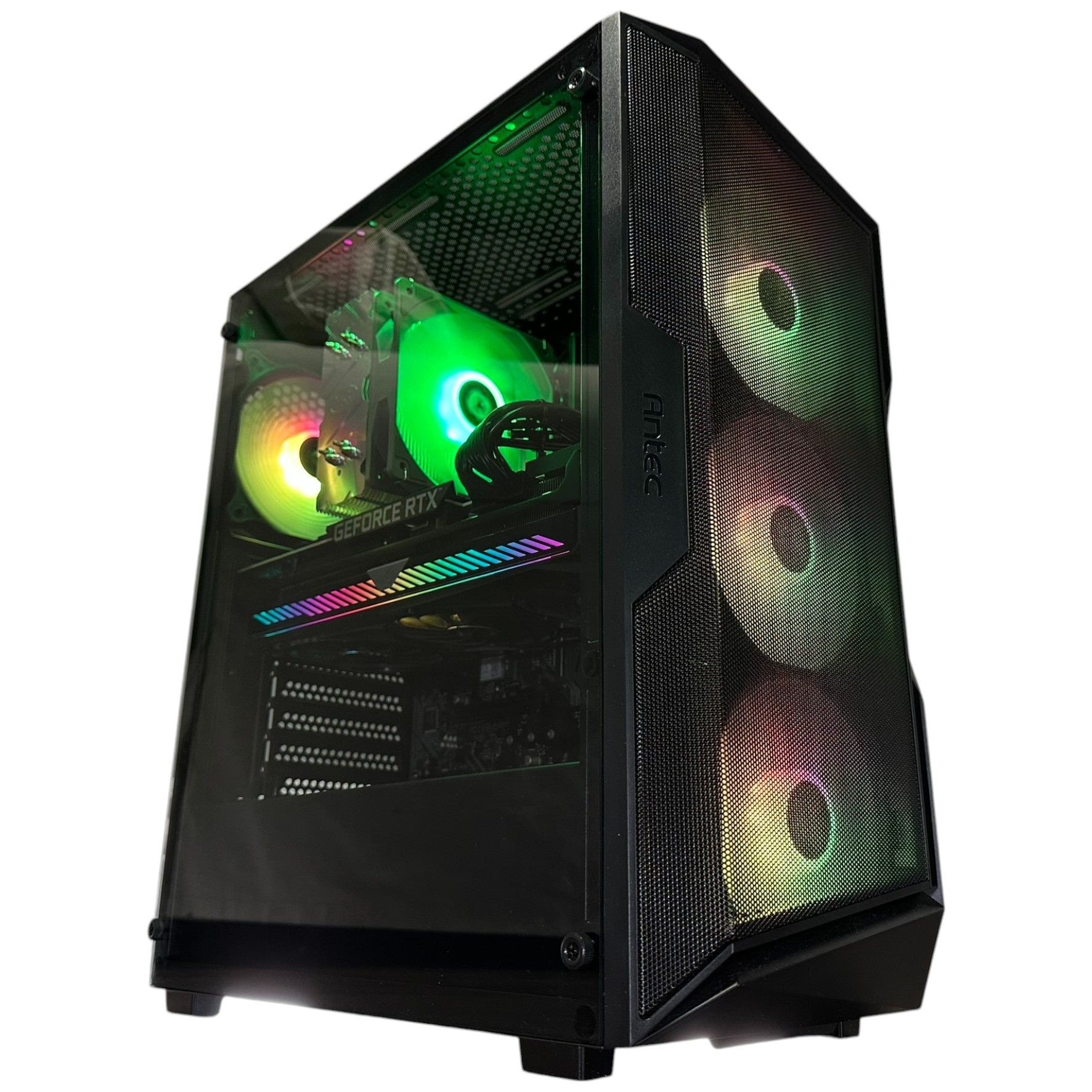
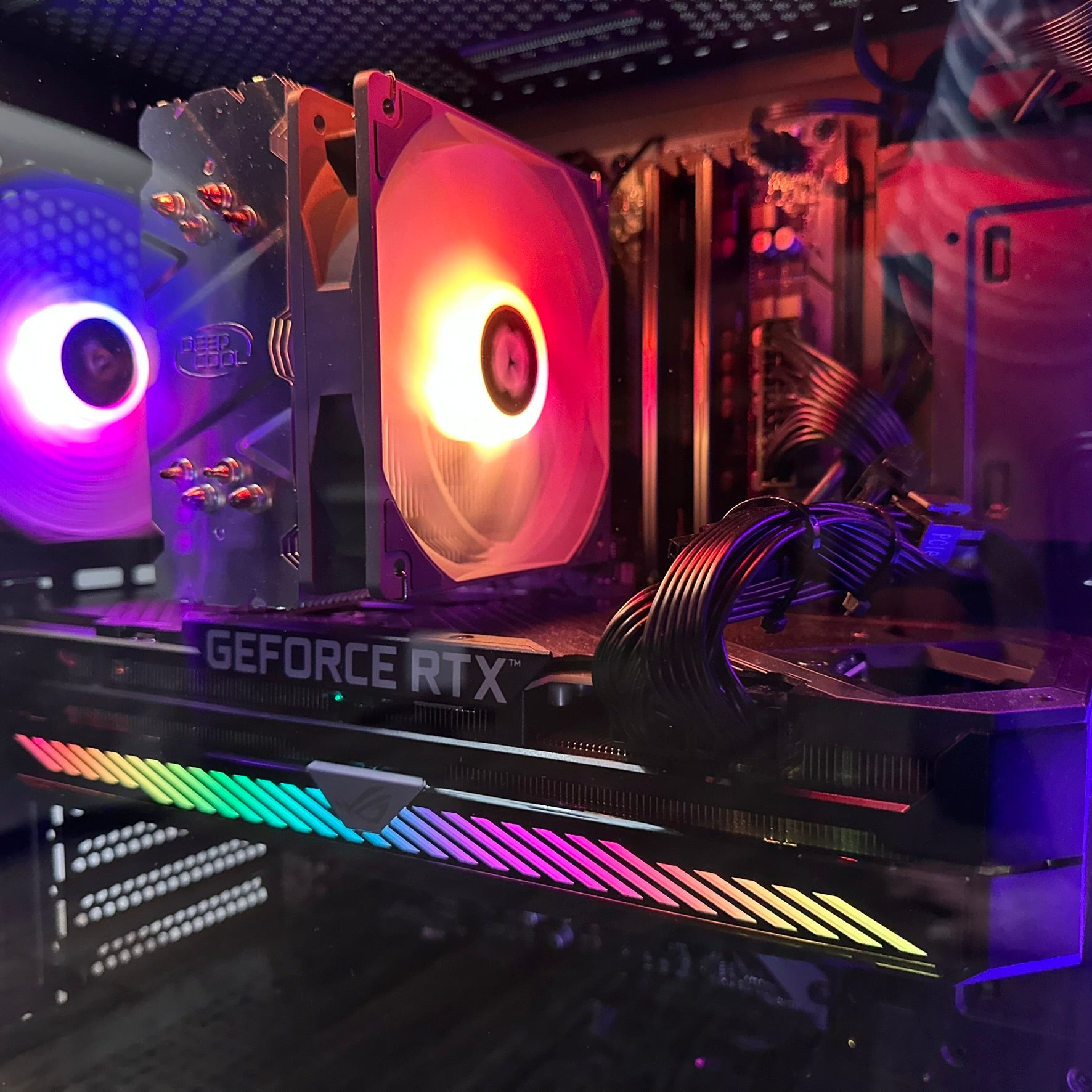
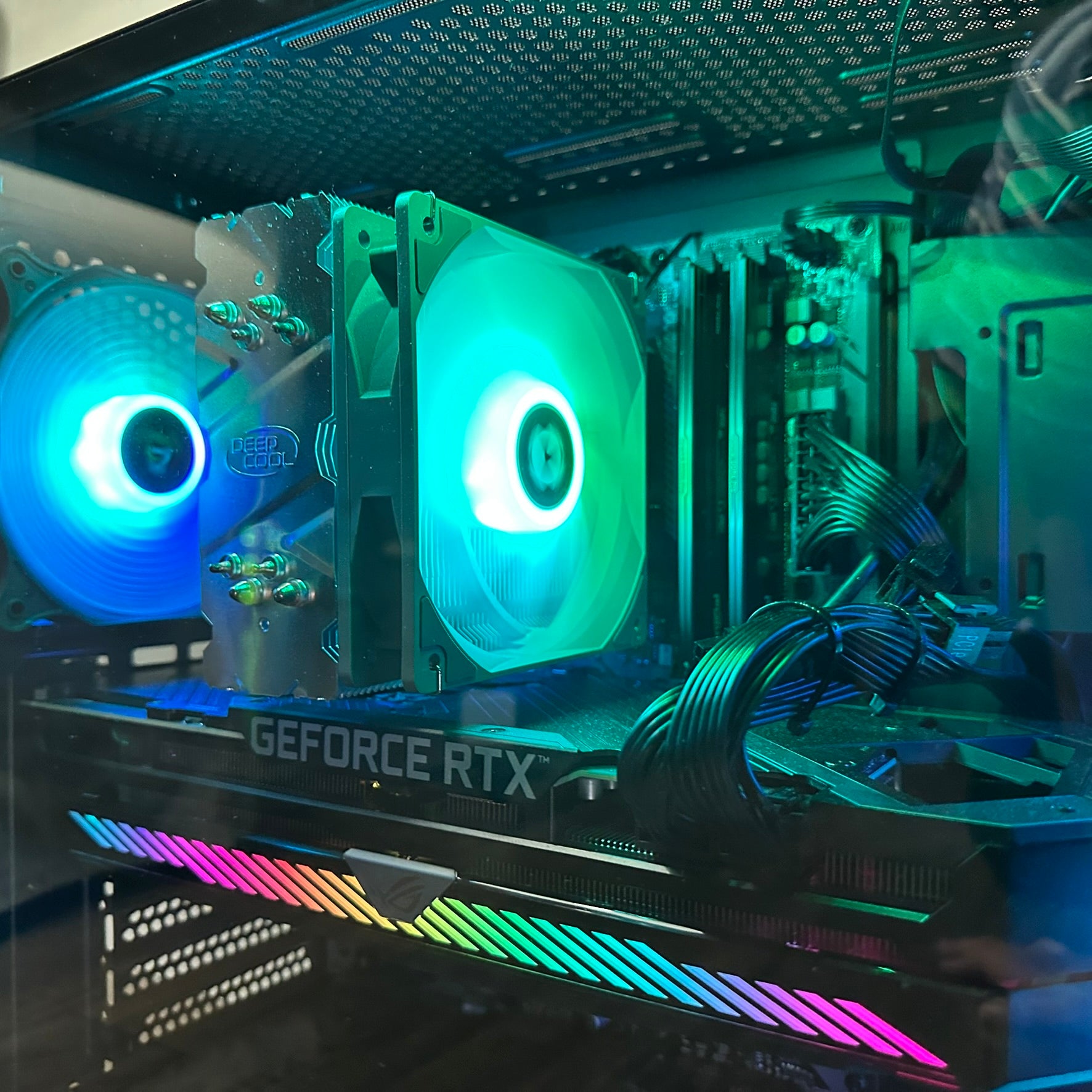
This distinction matters whether someone wants an economical gaming PC or a high-end RTX 5090 Gaming PC. Faster parts only produce faster results when the platform lets them operate properly.
Why This Technical Issue Matters Even More During Component Price Volatility
Storage, memory, and graphics hardware rarely stay at one comfortable price point for long. In Canada, market shifts can hit harder because imported component costs are affected by supply pressure, exchange rates, shipping, and regional availability. When buyers delay a purchase hoping for a better moment, they can end up facing higher total system costs even if only one or two major parts move upward.
That is why the SSD topic connects directly to buying strategy. If a buyer secures a properly configured custom build today, they are not just purchasing a machine. They are locking in a complete platform with matched components, proper motherboard allocation, validated performance, and a clearer upgrade roadmap. If they postpone and later need to rebuild around a more expensive motherboard, pricier storage, or an upgraded GPU class, the replacement cost of getting the same performance level can rise substantially.
For many Canadian customers, the more practical move is to finance the right system now instead of gambling on a later rebuild in a more volatile market.
Finance Gaming PC Canada: Why Financing Can Be the Smartest Performance Decision
Finance Gaming PC Canada is often discussed as a budgeting tool, but in the current market it is also a timing tool. Financing allows buyers to lock in a stronger, properly balanced system before parts become more expensive or harder to source at desirable specifications. That can make a major difference when choosing between settling for a compromised machine today or securing a platform that stays useful longer.
A gaming system is not only about the GPU. It is the total platform: CPU, motherboard lane layout, RAM capacity, SSD speed, power delivery, cooling, and airflow. If one part is cut too aggressively to hit a cash budget, the entire experience can suffer. Financing helps preserve the right component mix without forcing buyers to step down unnecessarily in storage speed, CPU tier, or motherboard quality.
At Groovy Computers, that buying logic is especially important because custom builds can be tailored around actual use cases instead of generic shelf configurations. A customer focused on gaming, streaming, video editing, or photo editing can choose a system that makes sense for both current performance and future flexibility, with financing options that can extend up to 4 years where applicable.
Why a Custom Build Beats a Generic Prebuilt When Storage and Upgrade Paths Matter
Many mass-market systems look impressive on paper because they advertise a fast processor, a known GPU, and a certain amount of storage. What those listings often fail to communicate is how the system is wired, whether the motherboard is ideal for expansion, whether the SSD is in the correct slot, and whether adding future drives or cards will reduce performance.
That is where Canadian Custom PC Builders create a meaningful advantage. A custom build gives the buyer control over motherboard class, M.2 slot planning, cooling layout, RAM configuration, and upgrade priorities. It also improves transparency. Instead of buying a machine and discovering hidden limits later, the buyer starts with a system that has been designed for the intended workload.
This matters to gamers chasing high frame rates, but it matters just as much to creators needing a computer system for video editing or a good desktop for photo editing. Storage performance, responsiveness, project load time, and export efficiency all benefit from a well-built platform. If the primary SSD is being held back by poor board design or lane sharing, creative workloads feel that pain quickly.
Who Is Most Affected by SSD Bottlenecks and Platform Misconfiguration
The impact is not limited to enthusiasts reading benchmark charts. Several types of buyers feel the downside of an underperforming SSD or a poorly balanced motherboard platform.
- Competitive gamers benefit from fast asset loading, reduced delays between rounds, and a system that remains responsive during updates, installs, and multitasking.
- Single-player AAA gamers increasingly rely on high-speed storage for large game worlds, texture streaming, and smooth transitions.
- Streamers need storage that can handle game files, capture workflows, editing projects, and multitasking without dragging system responsiveness down.
- Video editors and photographers see the effect in media imports, cache handling, timeline performance, and large file transfers.
- Upgrade-minded buyers need a motherboard layout that remains sensible after adding a second SSD or expansion hardware later.
For all of these users, buying the cheapest possible configuration can be more expensive in the long run if it creates a weak foundation that needs correction later.
Gaming PC Builds Canada: Choosing the Right Performance Tier Before Prices Shift
Gaming PC Builds Canada should be selected based on the games, resolution, refresh rate, and workload mix that the buyer actually plans to run. During times of pricing uncertainty, the goal is not overspending. The goal is avoiding the need to rebuy too soon.
Entry and Value Tier
An economical gaming PC is ideal for esports, lighter AAA gaming, and buyers targeting strong 1080p performance without chasing the most expensive GPU tier. In this segment, platform quality still matters. Even a value build benefits from a proper Gen4 SSD setup, enough memory, and a motherboard that will not create immediate upgrade headaches. For many buyers looking for a Budget Gaming Computer Canada option, financing can make it easier to jump from “acceptable” to “well-balanced,” which usually pays off over time.
Mainstream High-Performance Tier
This is where many buyers searching for an RTX 4070 Ti Canada system or an RTX 4080 PC land. It is often the sweet spot for high-refresh 1440p gaming, premium visual settings, and strong multitasking. This class of system also suits many streamers and creators because it balances graphics power with manageable overall cost. With a solid CPU, fast RAM, and correctly configured NVMe storage, this tier can remain satisfying for years.
Premium Enthusiast Tier
For buyers wanting maximum visual fidelity, heavier creator workloads, or stronger long-term headroom, premium systems built around an RTX 5080 16GB class card, an RTX 5090 32GB class card, or a full RTX 5090 Gaming PC make sense. These builds especially require proper motherboard planning because buyers spending at this level expect every premium component to operate at full potential. Financing helps keep the up-front cost manageable while locking in a machine that should not need early compromise-based upgrades.
CPU Choice Still Matters: Storage Speed Is Only Part of the Story
Even though the source topic focuses on SSD performance, Canadian buyers should think in terms of complete system balance. A fast NVMe drive delivers its best real-world experience when paired with a capable CPU, appropriate RAM capacity, and a motherboard that does not create unnecessary bottlenecks.
An i9 Gaming PC Canada configuration makes sense for heavy multitasking, demanding production workloads, and buyers who want top-end processing power alongside premium gaming performance. A Ryzen 7000 Gaming PC can be an outstanding choice for gamers and hybrid users seeking strong performance, platform features, and excellent responsiveness. For gaming-first buyers, a Ryzen V-Cache Gaming PC is often particularly attractive because it prioritizes gaming efficiency in a way that pairs well with fast GPUs and high-refresh displays.
The right answer depends on the workload, but the principle stays the same: a good build is not just a collection of expensive parts. It is a carefully matched system where the motherboard, SSD, CPU, and graphics card complement each other.
How Buyers Can Tell If Their SSD Is Running Below Full Speed
The practical guidance from the source material remains valuable. Buyers who already own a system can verify whether their NVMe drive is operating at the expected PCIe generation and lane width using trusted hardware monitoring tools. The key values to confirm are the current link speed and current link width. A Gen4 x4 drive should not be stuck at Gen3 x2 unless there is a known hardware limitation or configuration reason.
Common real-world causes include placing the drive in a slower slot, adding a second NVMe drive that shares chipset bandwidth, using SATA ports that disable or reduce M.2 functionality on certain boards, or running a BIOS setting that forces an older PCIe mode. On laptops, the limitation may simply be fixed by design.
For buyers ordering a new custom system, the better solution is avoiding the problem entirely. A builder should already know which slot should hold the primary SSD, how lane sharing behaves on the selected board, and what hardware combinations preserve intended performance.
Why Motherboard Manuals and BIOS Settings Still Matter in 2026-Era Buying Decisions
One of the most important points from the source is that software cannot tell the whole story. Motherboard documentation often reveals lane-sharing behaviour that Windows never surfaces. A board may reduce bandwidth on one slot when another device is installed. It may disable a SATA port when an M.2 slot is occupied. It may reserve the best path for only one specific slot near the CPU.
BIOS settings can also influence results. If PCIe mode is manually locked too low, the SSD may never negotiate the speed it should be using. Setting the mode correctly, often to Auto or to the appropriate generation for the hardware, helps ensure the platform is not artificially constrained.
These are not minor enthusiast details anymore. They are part of responsible system design, especially when buyers want to protect themselves from avoidable replacement costs.
Buy Gaming Computer Canada: Why Buying Early Can Be Better Than Chasing the Perfect Future Deal
Buy Gaming Computer Canada searches often reflect a buyer waiting for the perfect combination of lower prices and better hardware. In reality, that ideal moment is difficult to predict. GPU demand can rise quickly around major game launches, new hardware cycles, seasonal promotions, or supply shifts. SSD and memory pricing can firm up unexpectedly. Motherboards with desirable features can disappear from the market and reappear at worse prices.
The smarter strategy is often to secure a build that is already strong enough for today’s major titles and tomorrow’s realistic upgrade path. Financing supports that strategy because it reduces the pressure to compromise on the most important parts. A buyer can choose the right SSD, the right motherboard, and the right GPU class instead of accepting short-term weaknesses that become expensive later.
This is particularly true for buyers considering premium options such as an RTX 4080 PC, a top-end Ryzen gaming build, or a future-facing high-storage creator system. The cost of “waiting and replacing later” often exceeds the cost of “financing properly now.”
Why Groovy Computers Is a Strong Fit for Canadian Buyers
Groovy Computers serves Canadian buyers who want more than a generic box with parts inside. The value is in the build quality, configuration logic, testing process, and support confidence behind the machine. When a system is custom-built, the buyer gains a more deliberate match between budget, workload, graphics target, storage layout, and upgrade path.
That matters whether someone is shopping for Gaming Computers Toronto, Gaming Computers Ontario, Gaming Computers Vancouver, Gaming Computers Nova Scotia, Gaming Computers New Glasgow, Gaming Computers Trenton, or even researching alternatives to broad computer retail categories such as Computer Stores Victoria BC Canada. Canadian buyers want trustworthy service, practical expertise, and a machine that arrives ready to perform as expected.
Groovy Computers positions itself around exactly that kind of confidence: custom PC planning, rigorous testing, real-world component matching, and a 1-year warranty that adds peace of mind when parts markets remain unpredictable. When financing is available for up to 4 years, buyers can step into a stronger build without taking on the full cash hit all at once.
For Gamers, Streamers, and Creators, the Right Build Prevents More Expensive Mistakes
The best gaming PC is not necessarily the one with the flashiest spec list. It is the one that fits how the owner actually uses it and avoids hidden compromises. A streamer may need more storage planning than a pure gamer. A content creator may value memory capacity, CPU strength, and scratch-drive performance just as much as the GPU. A buyer seeking computers for streaming Canada needs system stability, I/O planning, and multitasking balance. Someone needing a computer system for video editing or a good desktop for photo editing needs responsive storage and a dependable platform, not just a headline GPU.
This is why custom builds outperform generic assumptions. They account for the way parts interact, not just the way they look in a list.
What to Prioritize in a New Canadian Gaming PC Purchase
- Choose the right motherboard platform. It should support the intended SSD speed, future storage expansion, and the GPU tier without awkward compromises.
- Put the primary NVMe SSD in the best slot. The CPU-connected slot is usually the correct home for the fastest drive.
- Select a balanced CPU and GPU pairing. Do not overspend on one while creating bottlenecks elsewhere.
- Plan for future expansion. A second SSD, capture card, or other PCIe device should not unexpectedly cripple the system.
- Use financing strategically. Preserve system quality now instead of settling for a weaker build that becomes more expensive to fix later.
- Buy from a builder that tests thoroughly. Validation matters just as much as parts selection.
Refurbished, Budget, or Premium: The Best Buying Path Depends on the Goal
There is no single perfect answer for every buyer. A Refurbished Gaming PC Canada option can make sense for very tight budgets, especially for lighter gaming or transitional use. A Budget Gaming Computer Canada build can be an excellent value if it is thoughtfully assembled and leaves room for future upgrades. A premium custom build is the better fit for those targeting 1440p high refresh, 4K gaming, advanced streaming, or heavier creator workloads.
The key is understanding that hidden compromises become far more frustrating when prices rise later. A weaker motherboard, an underpowered PSU, a poorly placed SSD, or limited expansion can all turn a “deal” into a costly dead end. Financing makes it easier to choose a stronger foundation now.
The Bottom Line for Canadian Buyers
The SSD slow-lane issue is a powerful reminder that modern PC performance depends on system design, not just part labels. A high-speed drive can underperform silently, and a premium gaming system can lose value if it is built without attention to slot placement, lane sharing, and future expansion. In a market where GPUs, SSDs, RAM, and motherboards can all become more expensive with little warning, the safest move is often to secure a well-configured machine before replacement costs climb.
Gaming PC Financing Canada gives buyers a practical advantage: the ability to lock in a stronger custom system today, enjoy the performance they actually paid for, and avoid getting trapped by future component volatility. For Canadians ready to buy a serious gaming, streaming, or creator machine, Groovy Computers offers the custom-build expertise, rigorous testing, financing flexibility, and 1-year warranty confidence that make the decision smarter. To explore current options, visit GroovyComputers.ca.
#GamingPCFinancingCanada #FinanceGamingPCCanada #BuyGamingComputerCanada #GamingPCBuildsCanada #CanadianCustomPCBuilders #GamingComputersOntario #GamingComputersToronto #BudgetGamingComputerCanada #ComputersForStreamingCanada #RTX5090GamingPC
Groovy Computers | All Rights Reserved
![Diablo 4 Lord of Hatred Guide: Classes, War Plans & More [Guide]](http://groovycomputers.ca/cdn/shop/articles/diablo_4_lord_of_hatred_complete_expansion_guide_and_war_plans_og_ce7eb3c32c.webp?v=1778019391&width=1200)


Leave a comment
This site is protected by hCaptcha and the hCaptcha Privacy Policy and Terms of Service apply.