






















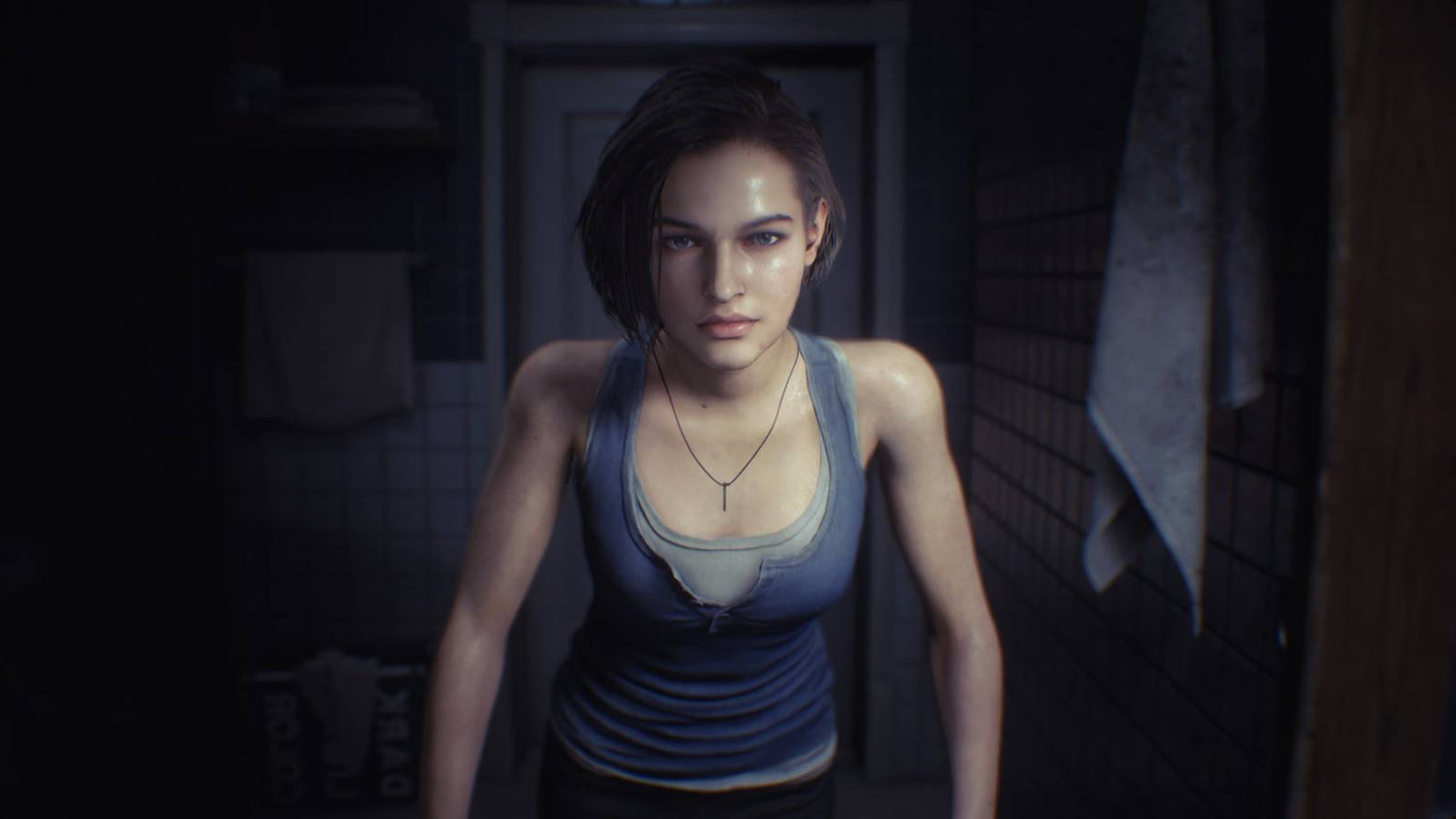
Resident Evil 2 Mystery Solved: What Jill Valentine’s “Boyfriend” Reveal Tells Canadian Buyers About Choosing the Right Gaming PC
The newly solved Resident Evil 2 mystery around Jill Valentine’s framed desk photo is the kind of gaming story that reminds people why classic PC and console titles never really disappear. A tiny background detail from a 1998 survival horror game turned into a years-long fan investigation, and now that players believe the photo points to Kyle MacLachlan, interest in Resident Evil has surged all over again. For Canadian buyers, that kind of moment matters for more than nostalgia. It raises a practical question: if old favourites, remakes, and new horror releases are all competing for your time, is your current system actually ready for the games you want to play next?
That is where this story becomes more than entertainment news. Viral game discussion often drives people back into major franchises, and when that happens, many players start reinstalling older games, trying current remakes, streaming their reactions, capturing clips, or planning a full hardware upgrade before the next big release lands. If you are suddenly revisiting Resident Evil 2, Resident Evil 3, newer remakes, or other cinematic horror games on PC, what do you want your next system to do for you? Do you just want smooth 1080p gameplay, or are you aiming for a stronger custom gaming PC that can handle 1440p, ray tracing, recording, editing, and future AAA releases without forcing another upgrade too soon?
Why This Resident Evil 2 Mystery Matters Beyond Trivia
The source story highlights something long-time players already know: game worlds are packed with details that reward closer attention. In the original Resident Evil 2, players could inspect Jill Valentine’s desk in the STARS office and see a framed picture that Leon and Claire describe as likely being her boyfriend. For decades, fans debated who the man in the photo was. A researcher finally connected that image to actor Kyle MacLachlan, with additional context pointing to a vintage Japanese movie-magazine pin-up that Capcom appears to have used as background art.
That is fascinating on its own, but there is a bigger takeaway for PC buyers. Gaming culture is now driven by rediscovery just as much as by new releases. One week it is a remake, another week it is a hidden lore detail, and the next week it is a fan theory sending thousands of players back into a franchise. Are you buying a PC only for one game, or are you buying for the way you actually play now: revisiting classics, trying remasters, streaming reactions, capturing screenshots, running mods, and jumping into whatever game becomes the next big conversation?
If your answer is the second one, then you are not just shopping for a basic machine. You are shopping for a system that can keep up with modern gaming habits.
What the Source Article Gets Right About Fan Culture and Game Longevity
The source article does a strong job of showing how one tiny in-game object can become a 28-year discussion. It also points out something players often overlook: developers in that era regularly used real-world photo references in environmental art. In other words, classic games were built with all kinds of hidden visual texture that people are still discovering decades later.
Why does that matter for hardware buying? Because it proves that major franchises such as Resident Evil have unusually long life cycles. A player who gets pulled back in by an old mystery today may end up wanting to play original versions, modern remakes, current sequels, and upcoming entries over the next several years. That kind of player needs to think ahead.
Should you buy only enough PC for the game you are playing this month, or should you invest in a stronger system that covers the next few years of horror games, open-world titles, shooters, creator workloads, and streaming needs? If you want to avoid upgrading again too soon, a properly planned custom build matters.
Why Canadian Buyers Should Think Differently About Their Next Gaming PC
Canadian customers face a different buying environment than many headline-driven gaming stories reflect. In Canada, full-system cost is affected by more than just the base component price. GPU availability, exchange-rate pressure, import-related pricing shifts, regional shipping realities, and seasonal demand can all influence what your next desktop actually costs.
That means timing matters. When a major game franchise trends again, demand can climb not only for games themselves but also for graphics cards, higher-refresh monitors, storage upgrades, capture setups, and complete systems. If you are asking, is it better to buy a gaming PC now or wait?, the answer depends on what you need your machine to handle and how exposed you are to future price increases.
If your current PC is already struggling, waiting can become expensive in a different way. You may lose performance, miss launch windows, settle for lower settings, or end up replacing parts under pressure when prices are worse. That is one reason many Canadian shoppers look at a stronger system earlier rather than trying to stretch outdated hardware until the worst possible moment.
What Do You Want Your Next PC to Do for You?
Before you compare specs, ask the most important question first: what do you want your next PC to do for you?
Do you want a system that can:
- Run horror and AAA games smoothly at 1080p?
- Handle 1440p with stronger visual settings and better long-term value?
- Push 4K or ray tracing for cinematic single-player games?
- Game and stream at the same time?
- Edit gameplay clips for YouTube, TikTok, or long-form content?
- Work in Photoshop, Lightroom, Premiere Pro, DaVinci Resolve, or Illustrator after gaming?
- Support Blender, Unreal Engine, CAD, or other workstation-level tasks?
This question changes everything. A customer who only needs esports performance does not need the same build as someone who wants cinematic horror gaming, OBS streaming, 4K editing, and future-proof headroom. Buying the wrong tier usually means overspending in the wrong place or underbuying and regretting it later.
What Gaming PC Do You Need for Resident Evil, Remakes, and New AAA Releases?
The Gaming PC Canada market is full of generic suggestions, but horror fans and story-driven players usually need a more balanced answer than “buy the cheapest thing with a dedicated GPU.” Games like Resident Evil remakes, cinematic action titles, and other visually rich AAA releases benefit from a system that can maintain smooth frame rates while preserving the atmosphere that makes those games worth playing.
Entry-Level: Is a Budget Build Enough for 1080p Horror Gaming?
If your target is straightforward 1080p gaming with good settings, a budget-oriented build can still make sense. This tier is often ideal for players who mainly want to enjoy older Resident Evil games, lighter modern titles, esports games, and some recent AAA releases with sensible settings.
Ask yourself: are you happy with 1080p, or do you know you will want more in six months? If you already own a high-refresh 1440p monitor or plan to upgrade one soon, going too low now may simply delay the inevitable.
A budget gaming system is often best for:
- First-time PC gamers
- Students
- Players upgrading from aging hardware
- Customers focused on 1080p value
- People who mostly play older or less demanding games
For these buyers, the goal is not flashy specs. The goal is balanced value, fast SSD storage, enough RAM, and a GPU that does not immediately feel outdated.
Mid-Range: What PC Do I Need for 1440p Gaming?
For many Canadian shoppers, 1440p is the real sweet spot. If you want sharper visuals, stronger longevity, and better flexibility for future games, this is where a Custom Gaming PC Canada build starts to feel like a smart long-term move rather than a short-term purchase.
This tier is often ideal if you want:
- Strong 1440p performance
- Better texture, lighting, and effects settings
- Smoother frame rates in newer titles
- Enough overhead for recording and multitasking
- A more future-proof gaming desktop
If you are asking what PC do I need for 1440p gaming?, the answer is usually a well-balanced system with a capable modern CPU, enough RAM to avoid background slowdowns, fast NVMe storage, and a GPU that can handle heavier titles without forcing major compromises. For many buyers, this is the best value point because it stretches farther across both current and upcoming releases.
High-End: Do You Want 4K, Ray Tracing, and Long-Term Headroom?
Some players know exactly what they want: maximum visual quality, stronger ray tracing support, premium cooling, and a machine that stays relevant longer. If that sounds like you, then a higher-end build may be the better financial choice over time, even if the upfront number is larger.
Why? Because replacing a weak system early can cost more than choosing correctly the first time. If you are already thinking about 4K, ultra settings, content creation, or higher-end GPU demand, a premium system may save you from incremental upgrade spending later.
Ask yourself: do you want your next PC to survive several major game cycles, or are you comfortable buying again sooner?
What If You Also Want to Stream, Record, or Create Content?
This is where many buyers underestimate what they need. A system that feels fine for gaming alone may become frustrating once you add OBS, background apps, webcam tools, browser tabs, Discord, clip capture, and editing software. If your gaming habits now include livestreaming or creating content around game lore, reactions, walkthroughs, or challenge runs, then you are no longer just shopping for a gaming machine.
You may need a Gaming and Streaming PC Canada build or even a creator-focused system.
Consider these questions:
- Do you want to stream at 1080p while gaming smoothly?
- Will you record gameplay footage for later editing?
- Do you create short-form clips for social media?
- Are you planning YouTube uploads, horror commentary, or livestream highlights?
- Do you need stronger multitasking and more storage right away?
If yes, then CPU choice, GPU encoding capability, RAM capacity, cooling, and SSD configuration all become more important. A custom build can be matched to your exact workflow instead of forcing you into a one-size-fits-all prebuilt that is overbuilt in the wrong places and weak where you actually need performance.
Is a Gaming PC Good for Video Editing, Photo Editing, and Graphic Design?
Sometimes yes, but not always in the way buyers expect. A gaming PC can be a strong base for creative work, especially if the build has a modern multi-core CPU, enough RAM, a good GPU, and fast storage. But if your workload goes beyond casual editing, you may be better served by a system tuned for creator performance rather than pure gaming aesthetics.
For Video Editing
If you are cutting gameplay videos, reaction content, tutorials, or horror analysis for YouTube, a Video Editing PC Canada build may be the right direction. Timeline smoothness, rendering speed, codec support, RAM capacity, and storage setup all matter.
Ask yourself: are you editing 1080p clips, 4K footage, multicam content, or effects-heavy timelines? Do you use Premiere Pro, DaVinci Resolve, After Effects, or CapCut? How much waiting do you currently do during exports?
If editing time is costing you output, a stronger creator PC is not just a luxury. It is a productivity tool.
For Photo Editing and Design
If your work includes Photoshop, Lightroom, Illustrator, Canva, or InDesign, the best system may look different again. A Photo Editing PC Canada or Graphic Design PC Canada setup should emphasize responsiveness, storage speed, reliable multitasking, and enough GPU support for modern acceleration features.
Do you batch export RAW files? Work with very large layered files? Use AI-assisted tools? Run multiple Adobe apps at once? If so, the right desktop can save time every single day.
For Multi-Purpose Creators
If you game, stream, edit, design, and post content from the same machine, then a Content Creation PC Canada approach often makes the most sense. These builds are about balance. They are designed for customers who do not want separate systems for play and production.
That raises an important question: would a slightly stronger all-around system serve you better than a cheaper gaming-only build that starts feeling limited as soon as your creative workflow grows?
Do You Need a Workstation or 3D Modeling PC Instead?
Some readers will come to this article through gaming, but their real need is broader. If you use Blender, Unreal Engine, AutoCAD, Revit, SolidWorks, or other demanding software, then your decision belongs in workstation territory.
A 3D Modeling PC Canada or Workstation PC Canada build should be selected around your software workflow, not just your favourite game. GPU rendering, CPU rendering, viewport performance, memory capacity, fast scratch storage, and thermal stability all matter.
Ask yourself:
- What PC do I need for Blender?
- What PC do I need for Unreal Engine?
- How much RAM do I need for 3D rendering?
- Is a gaming PC good for workstation use?
Sometimes a gaming-style system is enough. Sometimes it is not. That is why custom guidance matters. A workstation buyer who chooses solely by gaming buzzwords can easily end up with the wrong balance of CPU, GPU, RAM, and storage.
Which Performance Tier Fits You Best?
If you are unsure what category you belong in, this simple breakdown can help.
Choose a Value-Oriented Build If You:
- Mainly play at 1080p
- Want a first gaming desktop
- Prefer practical pricing over maximum settings
- Play a mix of older and modern games
- Need a solid entry point without overspending
Choose a Mid-Range Build If You:
- Want 1440p performance
- Care about stronger longevity
- Play newer AAA games regularly
- Want room for recording, multitasking, and future releases
- Do not want to feel boxed in too quickly
Choose a Premium Build If You:
- Want 4K or high-end ray tracing
- Plan to keep the system longer
- Need premium gaming and creator performance in one tower
- Care about high-end cooling, build quality, and headroom
- Want to avoid another major upgrade in the near term
Choose a Creator or Workstation Build If You:
- Edit video regularly
- Use Adobe Creative Cloud heavily
- Run Blender, Unreal Engine, CAD, or rendering software
- Need more RAM, more storage, and stronger multitasking stability
- Earn money from your PC or depend on it for work
The best tier is not the most expensive one. It is the one that matches what you actually do and what you plan to do next.
Should You Buy Now or Wait?
This is one of the biggest questions readers ask after a gaming story spikes interest in a franchise. If a trend sends you back into PC gaming, should you act now or hold off?
The answer depends on your risk tolerance and your current system. If your PC is already struggling with newer games, longer load times, inconsistent frame pacing, or creative workloads, waiting may simply mean paying more later while tolerating worse performance now.
Component markets can shift quickly. GPU demand pressure, memory pricing changes, SSD cost movement, and launch-cycle hype all affect what a full build costs in Canada. If you know you will need an upgrade before a major game release, creator project, school term, or business workload increase, delaying can put you in a weaker buying position.
Ask yourself: are you waiting because your needs are unclear, or are you waiting out of habit while your current machine keeps falling behind?
Could Financing Help You Get the Right System Instead of the Cheapest One?
For many buyers, the real comparison is not “buy a PC or do not buy a PC.” It is “buy a weaker system today or finance a better one that lasts longer.” That is an important distinction.
If you are considering a more capable gaming, creator, or workstation desktop, financing can be a practical way to secure the right build before replacement costs rise further. Rather than compromising too hard and needing another upgrade sooner, some customers prefer manageable payments on a system that genuinely fits their goals.
Questions worth asking include:
- Should I finance a better PC instead of buying a cheaper one?
- Can I spread the cost of a stronger custom build over time?
- Will a better system save me from near-term upgrade spending?
- Am I buying before a game launch, content push, or workload increase?
For Canadian shoppers, financing up to 4 years can make a higher-quality system more realistic without forcing a rushed compromise. That can be especially valuable if you are balancing gaming wants with creator or work demands on the same desktop.
Why Custom Builds Matter More When You Want Long-Term Value
When buyers rush into generic systems, they often pay for branding, flashy cases, or spec lists that do not reflect real use. A custom system is different because it can be matched to the way you actually use your PC.
That matters whether you need a horror-ready gaming machine, a balanced streaming setup, a creator desktop, or a true workstation. Custom build planning helps avoid mistakes like:
- Too little RAM for editing or multitasking
- The wrong GPU tier for your monitor and target resolution
- Insufficient SSD storage for large games and project files
- Weak cooling that limits sustained performance
- Poor upgrade paths that make future improvements harder
If you have ever asked custom PC vs prebuilt PC Canada, the practical answer is simple: a good custom build gives you better alignment between budget and purpose. That becomes even more important when pricing is volatile and every hardware dollar needs to count.
Why Canadian Buyers Choose Groovy Computers
Groovy Computers is built around the needs of Canadian customers who want more than a random off-the-shelf tower. Whether you need a gaming desktop, a creator machine, or a workstation-grade system, the goal is to help you buy the right PC for your use case, not just the loudest spec sheet.
That means a stronger focus on:
- Custom-built systems matched to real workloads
- Gaming, streaming, editing, design, and workstation guidance
- Rigorous testing before delivery
- A 1-year warranty for added confidence
- Canadian service and support
- Financing options that help customers move up to a more durable tier
If you are in Nova Scotia, Atlantic Canada, or ordering elsewhere in the country, working with a Canadian builder can make the process clearer and more trustworthy. You are not just buying parts in a box. You are buying a complete system strategy.
What Should You Ask Before You Buy Your Next PC?
Before making a decision, ask yourself these practical questions:
- What games do I want to play over the next 2 to 4 years?
- Do I want 1080p, 1440p, or 4K performance?
- Do I care about ray tracing and high visual settings?
- Will I stream, record, or edit content too?
- Do I use Premiere Pro, DaVinci Resolve, Photoshop, Lightroom, Illustrator, or Blender?
- How much multitasking do I really do?
- Am I trying to avoid another upgrade too soon?
- Would financing a stronger build make more sense than replacing a weak one earlier?
These are the questions that lead to better buying decisions. They are also the questions that separate a smart custom build from an impulse purchase.
Final Take: The Resident Evil 2 Mystery Is Fun, but Your Next PC Decision Is Real
The solved Resident Evil 2 mystery around Jill Valentine’s desk photo is exactly the kind of story that brings players back into a franchise, back into PC gaming discussions, and back into hardware decisions they may have been postponing. One viral detail can spark a full replay, a remake revisit, a streaming idea, or a renewed interest in building a setup that actually fits modern gaming and creator habits.
If that is where you are now, the next question is simple: do you want a system that only gets you by, or do you want one that is built around what you really plan to play, create, and do next?
If you are asking what gaming PC you need, what performance tier makes sense, or whether financing a stronger build is the smarter move before prices shift again, Groovy Computers can help. Explore custom options, creator systems, and workstation-ready builds at GroovyComputers.ca and get a PC that is designed for your goals, not just today’s headlines.
#ResidentEvil2 #GamingPCCanada #CustomGamingPCCanada #GamingComputersCanada #ContentCreationPCCanada #VideoEditingPCCanada #WorkstationPCCanada #CanadianCustomPCBuilders #NovaScotiaBusiness #GroovyComputers
Groovy Computers | All Rights Reserved


Leave a comment
This site is protected by hCaptcha and the hCaptcha Privacy Policy and Terms of Service apply.