
































GTA 6 Digital Demand Surge: What It Means for Buying the Right Gaming PC in Canada
The biggest takeaway from the recent GTA 6 digital demand surge is not just that one game is going to sell at a historic pace. It is that major releases now move buyers, store traffic, gift card spending, download demand, and full-system upgrade decisions long before launch day. For Canadian shoppers, that matters because a GTA 6 digital demand surge can influence when it makes sense to upgrade, what performance tier to target, and whether now is the right time to secure a stronger custom PC before demand pressure spreads across the gaming market.
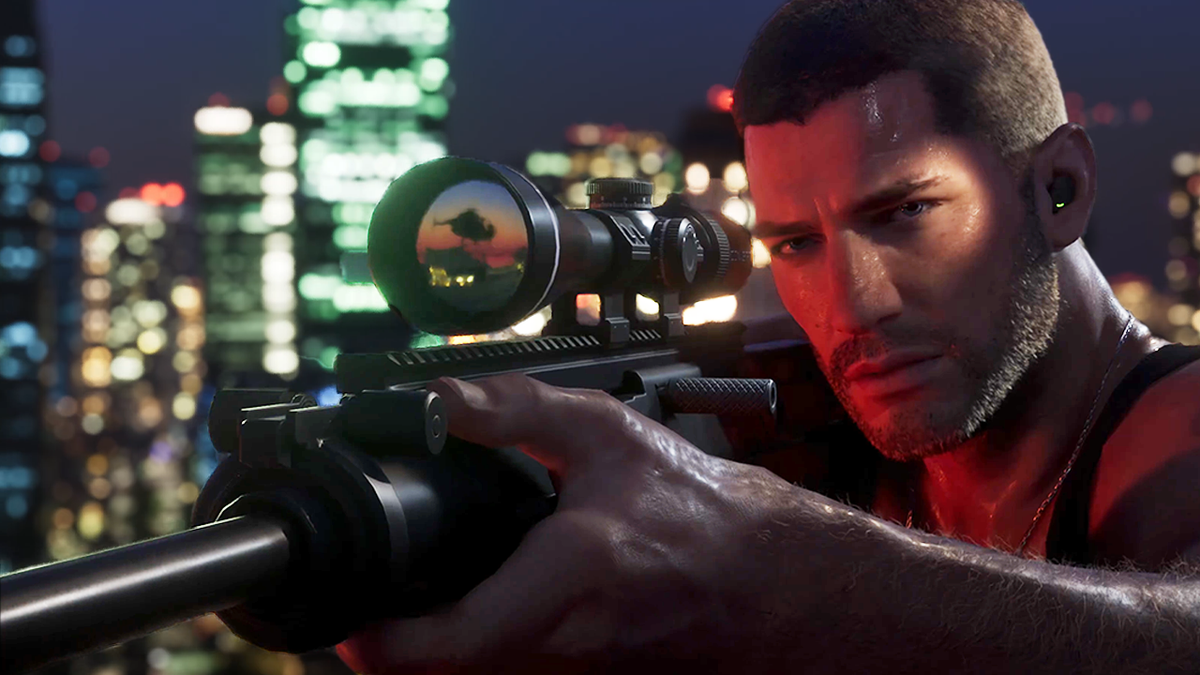
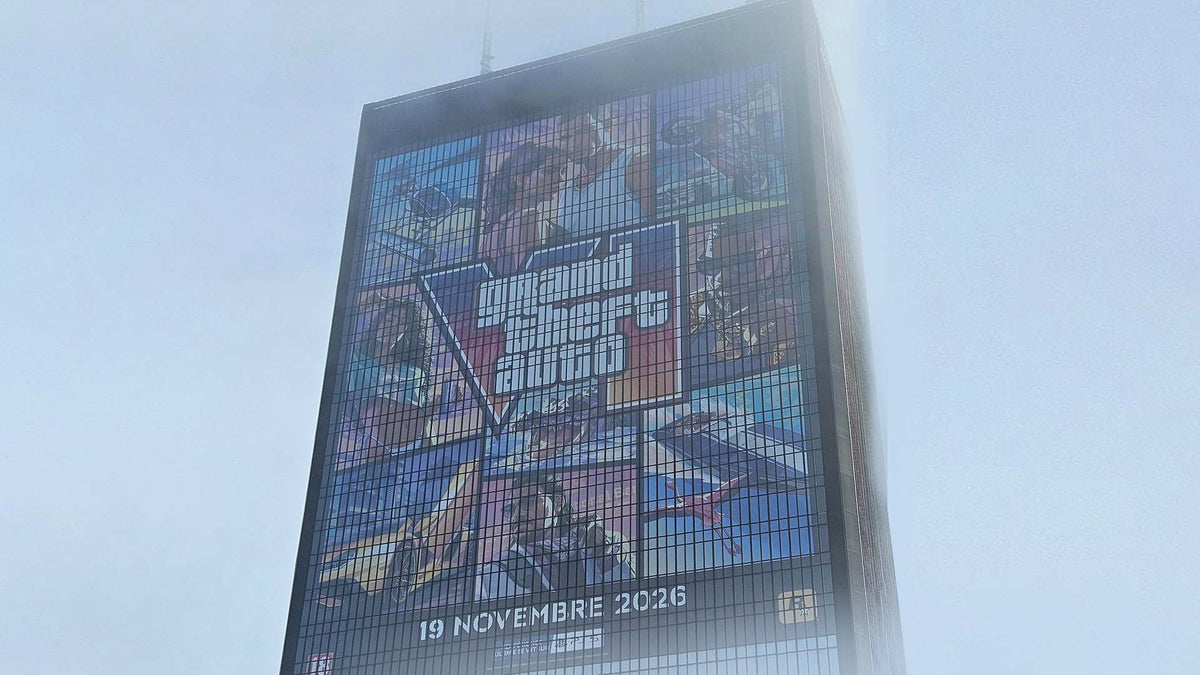
The source reporting highlighted a sharp rise in digital interest around Grand Theft Auto 6, including major traffic spikes and increased gift card purchasing during the pre-sale period. That fits a broader industry trend: blockbuster launches no longer create excitement only at release. They create waves of buying behaviour weeks and months in advance. Gamers prepare their libraries, rethink storage space, evaluate display upgrades, and most importantly, ask whether their current system is actually ready for the next generation of open-world gaming.
That is where this conversation becomes highly relevant for Groovy Computers customers. If one release can reshape digital storefront activity, what happens when thousands of Canadian buyers simultaneously start looking for a gaming PC for GTA 6, a stronger GPU for ray tracing, more SSD capacity for massive installs, or a system that can game, stream, edit, and create without feeling outdated six months later?
Why the GTA 6 Digital Demand Surge Matters Beyond Consoles
At first glance, a story about digital storefront traffic may sound like a console-driven trend. But the deeper message is bigger than platform preference. It signals the growing expectation that game access is instant, digital, and always available. That expectation changes what buyers want from a PC.
If your next library is increasingly digital, do you have enough fast storage? If day-one updates and huge open-world downloads are now normal, is your internet-ready setup matched by a system that can install, load, and run modern games smoothly? If the next wave of AAA releases raises visual standards again, will your current GPU still feel like a smart long-term choice?
These are not small questions. They are exactly the questions buyers should ask before another major game release shifts prices, availability, or upgrade urgency.
What the Source Article Gets Right About Digital-First Buying
The source article correctly identifies a key market reality: players are embracing a digital-first future. That affects how people buy games, but it also affects how they buy hardware. Digital-first gamers are less likely to think in terms of one isolated title and more likely to think in terms of an ecosystem. They want a machine that handles big installs, background apps, Discord, browsers, streaming tools, mods, captures, recording software, and multitasking with fewer compromises.
In other words, digital-first gaming often leads to performance-first hardware decisions.
That is especially true when a release as culturally massive as GTA 6 enters the picture. Even buyers who were content to wait often start asking a more urgent question: should I buy a gaming PC now or wait until everyone else is trying to upgrade too?
Why Canadian Buyers Should Think Differently
Canadian shoppers need to evaluate these moments with a different lens than buyers in larger markets. In Canada, replacement costs can shift quickly when component supply tightens, exchange pressure changes landed costs, and top GPUs get pulled into spikes of demand. Waiting does not always mean saving. Sometimes waiting means paying more, settling for weaker parts, or delaying the full experience you actually wanted.
That does not mean every customer should rush into a flagship build. It does mean timing matters more than many buyers expect.
If you are in Nova Scotia, Atlantic Canada, Ontario, Alberta, British Columbia, or anywhere else ordering online across the country, the right question is not just, “Can I wait?” It is, “What am I risking by waiting if my next PC needs to be ready for major new games, streaming, editing, or heavier software workloads?”
What Do You Want Your Next PC to Do for You?
Before choosing parts, pricing, or financing, it helps to step back and ask the most practical question of all: what do you want your next PC to do for you?
Do you want smooth 1080p gameplay in today’s multiplayer titles? Are you planning for 1440p gaming with high settings and stronger longevity? Do you want 4K performance, ray tracing, and premium headroom for upcoming AAA games? Are you also hoping to stream to Twitch or YouTube, record gameplay, edit videos, work in Photoshop, build content for social media, or run Blender and Unreal Engine?
The answer changes everything.
A buyer who only wants a budget gaming computer for esports and casual AAA play should not be pushed into the same system as someone who wants a premium RTX gaming PC, fast exports in Premiere Pro, and smoother 3D rendering. The best buying decisions start with the workload, not the hype.
Are You Buying a PC for GTA 6 Only, or for the Next Wave of Demanding Games?
This is one of the most important questions in the entire buying process. If you are shopping because of GTA 6, are you really buying for one title, or are you buying for the next three to five years of demanding releases?
Open-world games tend to expose weak points fast. Large environments, dense traffic, lighting effects, texture streaming, background loading, and heavy CPU-GPU coordination can make older systems feel tired even when they still “run games.” The real issue is not whether a game launches. It is whether it launches in a way that still feels premium on your system.
Would you be happy with medium settings at 1080p if the game is playable, or would that feel like a compromise you will regret? Do you want high refresh competitive responsiveness? Are you hoping for cinematic image quality? Do you want room for mods, recording, multitasking, and future patches?
If your expectations are rising, your PC strategy should rise with them.
Which Performance Tier Fits You Best?
Not every customer needs the same build. One of the smartest ways to shop is to choose your performance tier honestly and avoid both underbuying and overspending.
Entry-Level Value Tier
This is the right fit for buyers who want a budget-conscious gaming desktop for 1080p play, lighter multiplayer games, older AAA titles, and general everyday speed improvements. If you are asking, “What gaming PC do I need if I mostly play esports, indie titles, and only occasional big-budget games?” this tier may be enough.
But there is a warning here. If your main reason for shopping is a huge upcoming release, buying too low can create upgrade regret fast. A cheaper machine may get you in the door, but will it still feel right once your game list expands?
Mid-Range Sweet Spot Tier
For many Canadian buyers, this is the smartest balance. A strong mid-range custom gaming PC can target 1080p ultra or 1440p gaming with far better long-term comfort. It is often the best answer for customers wondering, “How much should I spend on a gaming PC if I want modern performance without replacing it too soon?”
This tier is also ideal if you want one system to handle gaming, streaming, school, multitasking, and some creator work like light video editing or graphic design.
High-Performance Enthusiast Tier
If you care about high refresh 1440p, stronger ray tracing, premium texture settings, faster frame consistency, and better future-proofing, this is where things get serious. This tier makes sense for buyers who know they want more than “good enough.”
Are you the kind of user who notices frame dips, stutter during heavy scenes, slower exports, or the limitations of smaller SSDs and lower memory ceilings? Then a stronger build may save money and frustration over the life of the machine.
Premium 4K and Creator Tier
This category is for buyers who want a system that can do more than game. If your next machine must handle 4K gaming, creator workloads, advanced streaming, large editing projects, Adobe Creative Cloud, DaVinci Resolve, Blender, or Unreal Engine, then your purchase should be planned like an investment rather than an impulse buy.
Do you need a gaming system that also functions as a content creation workstation? Do you want to render, export, stream, and multitask at a much higher level? This is where premium custom builds become the better long-term value.
What PC Do You Need for 1080p, 1440p, or 4K Gaming?
Resolution is one of the clearest buying filters available, and many customers skip it too early.
If you are staying at 1080p, ask yourself whether you want basic playability or consistently high FPS. Those are different targets. If you are moving to 1440p, your GPU selection matters much more, especially if you want high settings in demanding open-world games. If you are targeting 4K, you should be realistic: this is premium territory, especially once ray tracing or long-term relevance enters the conversation.
What monitor are you using now? Do you plan to upgrade it soon? Are you pairing your next desktop with a 144Hz display, ultrawide panel, or 4K screen? The right gaming PC in Canada is not just about the tower. It is about matching the whole experience.
Do You Need Ray Tracing, High FPS, or Long-Term Headroom?
Buyers often talk about “future-proofing” without defining what they actually want. The better question is this: what kind of future are you trying to protect yourself from?
If you want strong frame rates in upcoming games, your needs are different from someone chasing maximum visual fidelity. If you want ray tracing, AI-assisted features, better streaming support, or more comfortable multi-year relevance, then choosing a stronger GPU now may be smarter than replacing a weaker one later.
Would you rather buy once and enjoy your system longer, or buy lower and feel pressure to upgrade early? There is no universal answer, but there is a wrong move for your own goals: pretending your expectations are lower than they really are.
Will You Also Stream, Record, or Create Content?
This is where many “gaming-only” purchases become creator purchases in disguise.
If you plan to stream gameplay, record clips, upload to YouTube, edit TikTok content, run OBS, keep multiple apps open, or manage dual displays, your PC needs change immediately. A gaming and streaming PC in Canada should be selected with more care around CPU strength, GPU encoder capabilities, RAM capacity, thermal management, and storage layout.
Ask yourself: will you still be happy with your system once you start doing more than playing? If your answer is no, then a stronger custom build is not overkill. It is planning.
What If You Need More Than a Gaming PC?
Many Groovy Computers customers are not just gamers. They are students, editors, designers, streamers, photographers, business users, and 3D creators who want one machine that does more than one job well.
If that sounds like you, the GTA 6 conversation is still relevant. Major gaming releases often act as the trigger that finally pushes buyers to replace older systems that were already falling behind in Adobe apps, rendering tasks, file exports, or multitasking performance.
Are you editing 4K footage? Working in Photoshop and Lightroom? Building social content every week? Designing in Illustrator and InDesign? Rendering in Blender? Running CAD or other workstation-style tasks? Then your ideal PC may not be a standard gaming desktop at all. It may be a custom creator PC or workstation built around your full workload.
What PC Do You Need for Video Editing, Photo Editing, Graphic Design, or 3D Modeling?
If you are reading about gaming demand but secretly shopping for a system that also needs to work, do not ignore the professional side of your use case.
For video editing, think beyond gaming FPS and focus on timeline smoothness, export speed, codec support, memory capacity, and storage performance. For photo editing, responsiveness in large RAW libraries, colour workflow, batch exports, and scratch-disk behaviour matter more than pure gaming specs. For graphic design, multitasking, display support, Adobe app responsiveness, and system stability are key. For 3D modeling and rendering, the balance between CPU, GPU, RAM, and cooling becomes even more important.
So ask yourself honestly: what PC do I need for my real workload, not just my weekend gaming?
- Gaming first: prioritize your target resolution, FPS goals, and GPU tier.
- Streaming and content: prioritize balanced CPU and GPU performance, encoder support, and more RAM.
- Video editing: prioritize CPU power, GPU acceleration, fast SSD storage, and memory headroom.
- Photo editing and graphic design: prioritize responsiveness, RAM, storage, and reliable multitasking.
- 3D modeling and workstation use: prioritize sustained performance, cooling, stability, and the right rendering balance.
Why Timing Matters When Hype Spikes
One of the most practical lessons from the source article is that demand arrives in waves. Buyers do not all show up on launch day. They move in stages: announcement, pre-orders, hardware research, shopping, budget planning, and final purchase.
That matters because system buyers who act earlier often have more choice. They can think clearly, compare tiers properly, and build around their real needs rather than panic-buying under pressure.
If you already know you want a stronger PC for new games, why wait until every forum, social feed, and search result is filled with the same upgrade questions? Why wait until stock mix changes, preferred parts move, or the build you really wanted starts costing more to replace?
Should You Finance a Better PC Instead of Settling for a Cheaper One?
This is one of the most valuable buying questions Canadian shoppers can ask themselves. Many buyers know the system they actually want, but they talk themselves down into a weaker machine because they focus only on immediate out-of-pocket cost.
But what happens if that cheaper build forces an earlier upgrade? What if it struggles with the next game wave, your future streaming plans, or your editing software? What if paying monthly for a stronger system now would cost less over time than buying twice?
For the right customer, financing can be a practical decision rather than a luxury. If financing up to 4 years helps you move from a short-term compromise to a much more capable gaming PC, creator PC, or workstation, that can be the smarter value move. The point is not to overspend. The point is to buy the right performance tier once.
How Pricing Volatility Can Affect Your Next Build
Big game launches do not directly set GPU prices on their own, but they contribute to market momentum. When excitement rises across the industry, more buyers start asking about upgrades, monitors, storage, and complete systems. Add in broader supply pressures and replacement costs can shift across several key components.
The parts most likely to affect total build cost include:
- GPUs: especially if premium gaming demand spikes or higher-tier cards become more desirable.
- CPUs: stronger processors stay attractive when buyers want systems that last longer.
- RAM: memory pricing can swing, especially when buyers move from basic to creator-friendly capacities.
- SSDs: large, fast storage matters more than ever in a digital-first gaming environment.
- Cooling and power delivery: higher-performance systems need stronger supporting parts.
That is why waiting is not automatically the safe strategy. If your current desktop already feels borderline, waiting can mean paying more for the same class of machine later, or paying the same amount for less machine than you could have secured earlier.
How Do You Avoid Upgrading Too Soon?
The easiest way to avoid upgrade regret is to buy around your next stage, not just your current one.
If you are gaming at 1080p today but know you want 1440p soon, buy accordingly. If you are not streaming yet but plan to start, buy accordingly. If you are only editing casually now but your coursework, freelance work, or content plans are growing, buy accordingly.
A custom desktop should not just fit where you are today. It should fit the next version of you as well.
Why a Custom Build Often Makes More Sense Than a Generic Prebuilt
Moments like this expose the difference between generic inventory and a well-planned system. A custom PC builder can match your parts to your real use case instead of forcing you into a one-size-fits-all spec sheet. That matters when your goals include balancing gaming, storage, streaming, editing, rendering, acoustics, cooling, or future upgrades.
Do you want to pay for components that actually improve your experience, or for filler specs that only look good in a product title? Do you want balanced thermals, tested stability, upgrade path awareness, and support you can trust? These are the reasons many buyers prefer custom-built systems from a Canadian company that understands long-term value.
Why Groovy Computers Is a Stronger Fit for Canadian Buyers
Groovy Computers is built around the exact kind of purchase decision this moment creates. Buyers are not just looking for a random desktop. They want guidance, proper build matching, custom options, financing flexibility, and confidence that their system is ready for modern gaming and demanding workloads.
That means helping you choose whether you need a budget gaming PC, a higher-end 1440p build, a premium RTX gaming desktop, a creator-focused editing machine, or a 3D workstation with more sustained performance. It also means backing that recommendation with rigorous testing and a 1-year warranty so you are not left guessing once your new system arrives.
If you are shopping from Nova Scotia or ordering anywhere across Canada, that support matters. A well-built, stress-tested machine from a trusted Canadian custom PC builder is a very different experience from gambling on a spec list alone.
What Questions Should You Ask Before You Buy?
If you are close to making a decision, ask yourself these questions first:
- What games or software do I actually need this PC to run well?
- Am I targeting 1080p, 1440p, or 4K?
- Do I care more about high FPS, visual quality, or both?
- Will I stream, record, edit, design, or render on this system too?
- How soon do I want to upgrade my monitor or expand my workload?
- Would I rather finance the right system now than replace a weaker one earlier?
- Am I buying before a major release cycle, sale period, or possible component price shift?
If those questions reveal that your current desktop is no longer the right fit, that clarity is valuable. It means you are ready to shop based on purpose, not pressure.
So, What Should You Do If GTA 6 Hype Has You Rethinking Your Setup?
Use the hype wisely. Do not just ask whether your current machine can survive the next launch. Ask whether it still matches the gaming and creator experience you actually want.
If you want a system that is ready for big new games, stronger multitasking, better streaming, faster editing, and more confident long-term ownership, this is the right time to explore your options. If you are unsure which tier fits best, that is exactly where expert help matters.
Want help choosing a custom gaming PC, creator desktop, or workstation that fits your budget and your future plans? Visit GroovyComputers.ca to browse builds, compare options, and decide whether financing a stronger system now makes more sense than upgrading too soon later. The GTA 6 digital demand surge is a warning sign for buyers who wait too long and an opportunity for buyers who plan ahead.
For Canadian shoppers, the smartest move is rarely the loudest one. It is the one that matches your real goals, secures the right performance tier, and gives you confidence before demand shifts again. If you are asking what gaming PC you need, whether now is a good time to buy, or whether financing the right system is worth it, the answer starts with choosing a build that is ready for more than one moment. That is exactly where Groovy Computers can help.
#GamingPCCanada #GamingPCForGTA6 #CustomGamingPCCanada #CanadianCustomPCBuilders #GamingPCBuyingGuideCanada #CreatorPCCanada #VideoEditingPCCanada #StreamingPCCanada #3DModelingPCCanada #GroovyComputers
Groovy Computers | All Rights Reserved

Leave a comment
This site is protected by hCaptcha and the hCaptcha Privacy Policy and Terms of Service apply.