

















GTA 6 PC Buying Guide for Canada: What the New Vice City Reveal Means for Your Next Gaming PC
The latest GTA 6 reveal did more than show off fresh Vice City imagery and confirm pre-order timing. It reminded gamers everywhere that blockbuster open-world games are becoming bigger, denser, more cinematic, and more demanding. For anyone shopping for a Gaming PC Canada buyers can rely on, this moment matters. If you are already thinking about GTA 6, future AAA releases, ray tracing, streaming, or content creation, now is the right time to ask a simple question: what do you want your next PC to do for you?
The newly shown Vice City scene highlights exactly what modern players notice first: dense city lighting, long draw distances, reflective water, moving traffic, airborne vehicles, high-rise detail, and a world that looks alive even from far away. That level of environmental complexity is exciting, but it also points to a bigger reality for Canadian PC buyers. The games people are getting ready for now are not just about launching the title. They are about enjoying stable performance, strong image quality, higher refresh gameplay, smoother streaming, faster loading, and a system that will not feel outdated a year later.
At Groovy Computers, this is where a hype story turns into a practical buying guide. A game reveal gets attention, but your hardware choice determines whether that excitement becomes a great experience or a frustrating one. Are you planning for 1080p high settings? Do you want 1440p with strong frame rates? Are you aiming for 4K, ray tracing, and premium visual quality? Do you also want to stream, edit clips, design thumbnails, or run creative software on the same machine? Those are the questions that actually shape the right build.
Why the New GTA 6 Vice City Reveal Matters for PC Buyers
The updated imagery puts visual fidelity front and centre. Even without overreaching beyond the source details, the message is clear: large-scale open-world games are leaning harder into realism, density, lighting effects, atmosphere, and environmental motion. That usually means more pressure on the GPU, more importance placed on CPU consistency, and less room for buying a weak system that barely clears minimum expectations.
When players see sunset reflections, distant structures, moving water traffic, freeway motion, and city-scale rendering, they naturally start thinking about performance. How much detail will a future PC version demand? Will you want ultra settings, or are you okay with optimized medium-to-high settings? Will ray tracing become important to you? Will you be satisfied with 60 FPS, or are you trying to push much higher frame rates on a high refresh monitor?
That is why this kind of news matters even for customers who are not buying today. Big-game hype tends to move the market. It influences what people search for, what components become more desirable, and how quickly buyers shift from “I’ll wait” to “I need an upgrade now.”
What Does GTA 6 Hype Tell Us About Future PC Demand?
It tells us that many buyers are about to ask the same question at once: What PC do I need for GTA 6 and other new AAA games? That question rarely stays limited to one title. Once someone starts planning for a major release, they often start thinking about everything else they play or want to try next. Cyberpunk-style visuals, large online games, esports titles, modding, recording gameplay, Discord, browser tabs, launchers, and background apps all stack up.
It also tells us something else. Waiting until the last minute usually gives buyers less flexibility, not more. If demand spikes around major game launches, hardware shortages, sale periods, or new GPU cycles, people can end up paying more or settling for less. Would you rather choose your ideal performance tier calmly now, or scramble later when everyone else is trying to upgrade at the same time?
What Do You Want Your Next PC to Do for You?
This is the most important section in the whole article because your answer determines whether you need a budget gaming computer, a premium RTX system, a creator desktop, or a more serious workstation-class build.
Ask yourself:
- Do you mainly want a gaming PC for open-world games and new releases?
- Do you want to play at 1080p, 1440p, or 4K?
- Do you care about ray tracing and ultra settings?
- Will you stream to Twitch, YouTube, or another platform while gaming?
- Do you edit gameplay clips, YouTube videos, or short-form content?
- Do you use Photoshop, Lightroom, Illustrator, or Adobe Creative Cloud?
- Are you building for Blender, Unreal Engine, CAD, or 3D rendering?
- Do you want a system that avoids another upgrade too soon?
- Would financing a stronger system now make more sense than replacing a weaker one early?
Many customers begin by searching for a gaming computer, but what they actually need is a more versatile custom build. If you game, stream, edit, and create all on one desktop, then a one-dimensional buying decision can become expensive fast. A better-matched PC often saves money over time by extending usability and reducing upgrade pressure.
What Performance Tier Fits You Best?
Not everyone needs the same build, and not every customer should be sold the highest-end system. The right answer depends on resolution, workload, lifespan expectations, and whether gaming is your only priority.
Entry-Level to Value Tier: Who Should Choose It?
If your focus is esports titles, lighter games, older AAA titles, or a first-time setup, a Budget Gaming PC Canada shoppers choose can still deliver strong value. This tier is best for customers asking questions like:
- How much should I spend on a gaming PC?
- Is a budget gaming PC worth it?
- Can a value build handle modern games at 1080p?
A value-oriented system makes sense if you want solid 1080p play, responsive everyday use, and room for future upgrades. But if your real goal is demanding open-world games, future releases, high texture settings, or streaming, this tier can become limiting sooner than many buyers expect.
Mainstream Performance Tier: Is This the Sweet Spot for Most Buyers?
For many Canadian gamers, yes. This is often the best fit for customers who want 1080p ultra or 1440p high-quality gaming, plus enough overhead for multitasking, recording, and general future-proofing. If you are wondering, what PC do I need for 1440p gaming? this is usually where the conversation starts getting serious.
This tier is ideal for buyers who want:
- Strong performance in new AAA games
- Smoother minimum frame rates in open-world titles
- Better long-term value than entry-level builds
- A more balanced CPU and GPU combination
- Faster SSD storage and healthier RAM capacity
If you want your next system to feel good for several years rather than just “good enough today,” mainstream-to-upper-midrange is often the smartest place to shop.
High-End Tier: Do You Want 1440p Maxed Out or 4K Gaming?
If your answer is yes, then you are likely looking at a High End Gaming PC Canada customers buy for visual quality, stronger longevity, and better performance in demanding titles. This tier makes sense if you are asking:
- What PC do I need for 4K gaming?
- Do I need an RTX GPU for new games?
- How long will a high-end gaming PC last?
- Should I finance a high-end gaming PC?
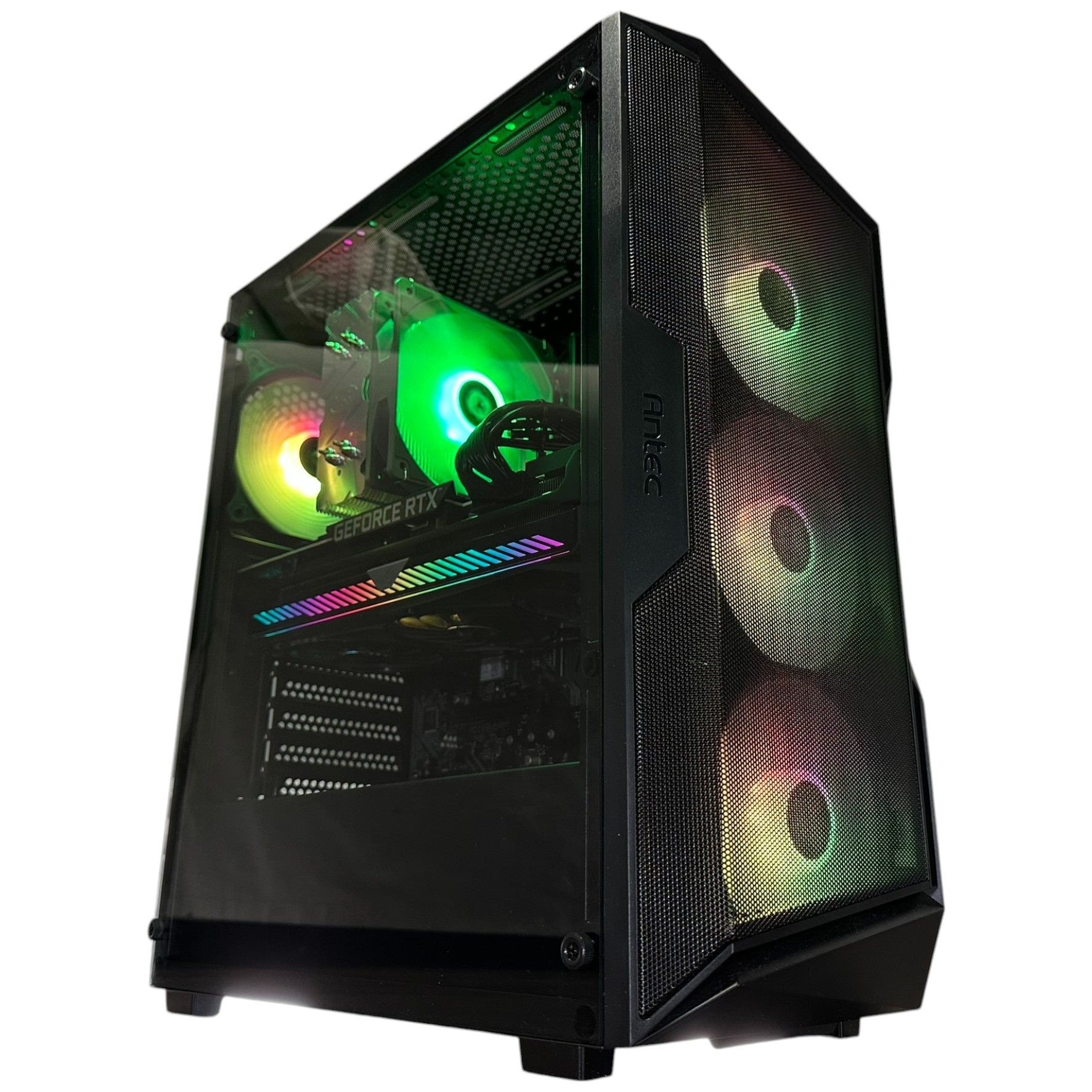
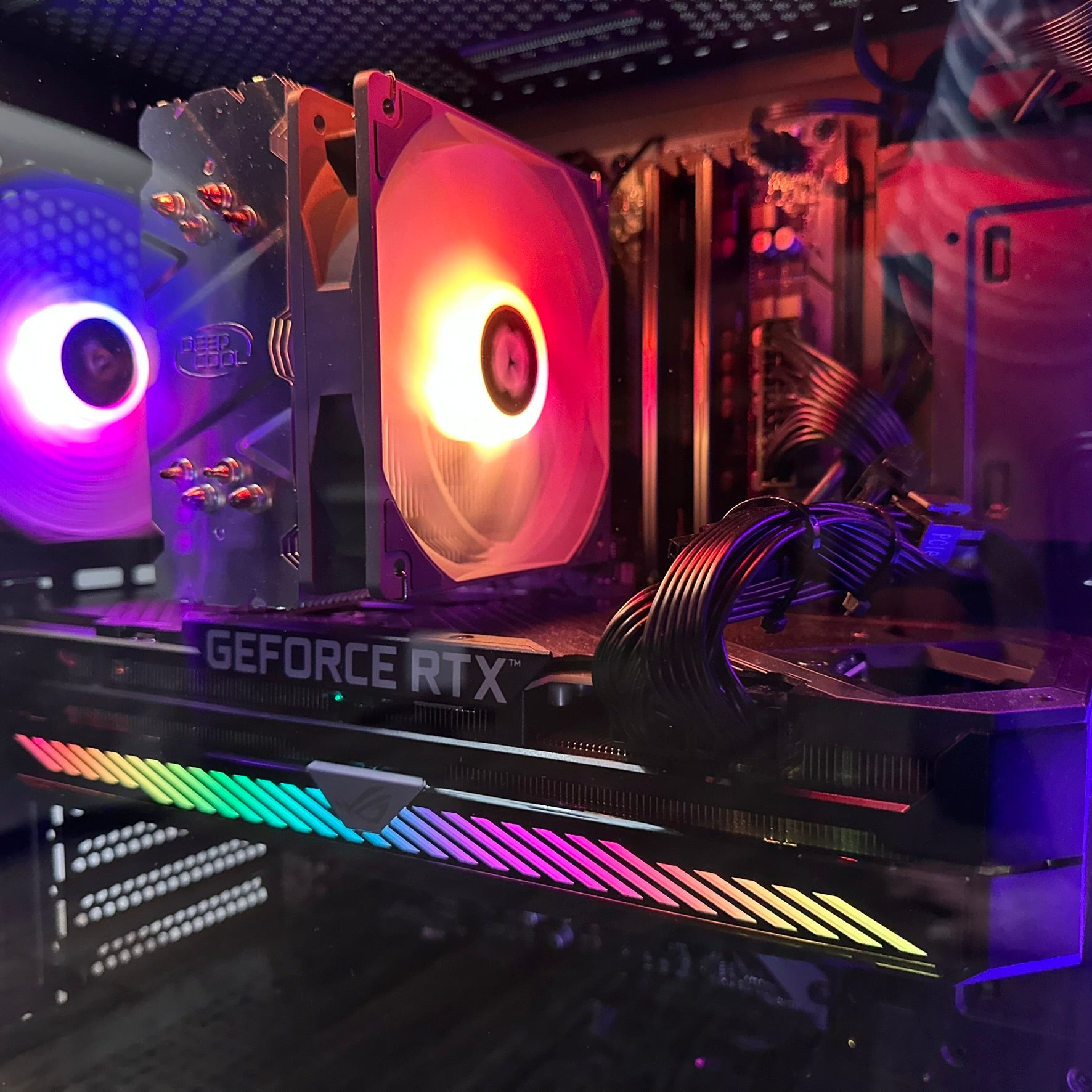
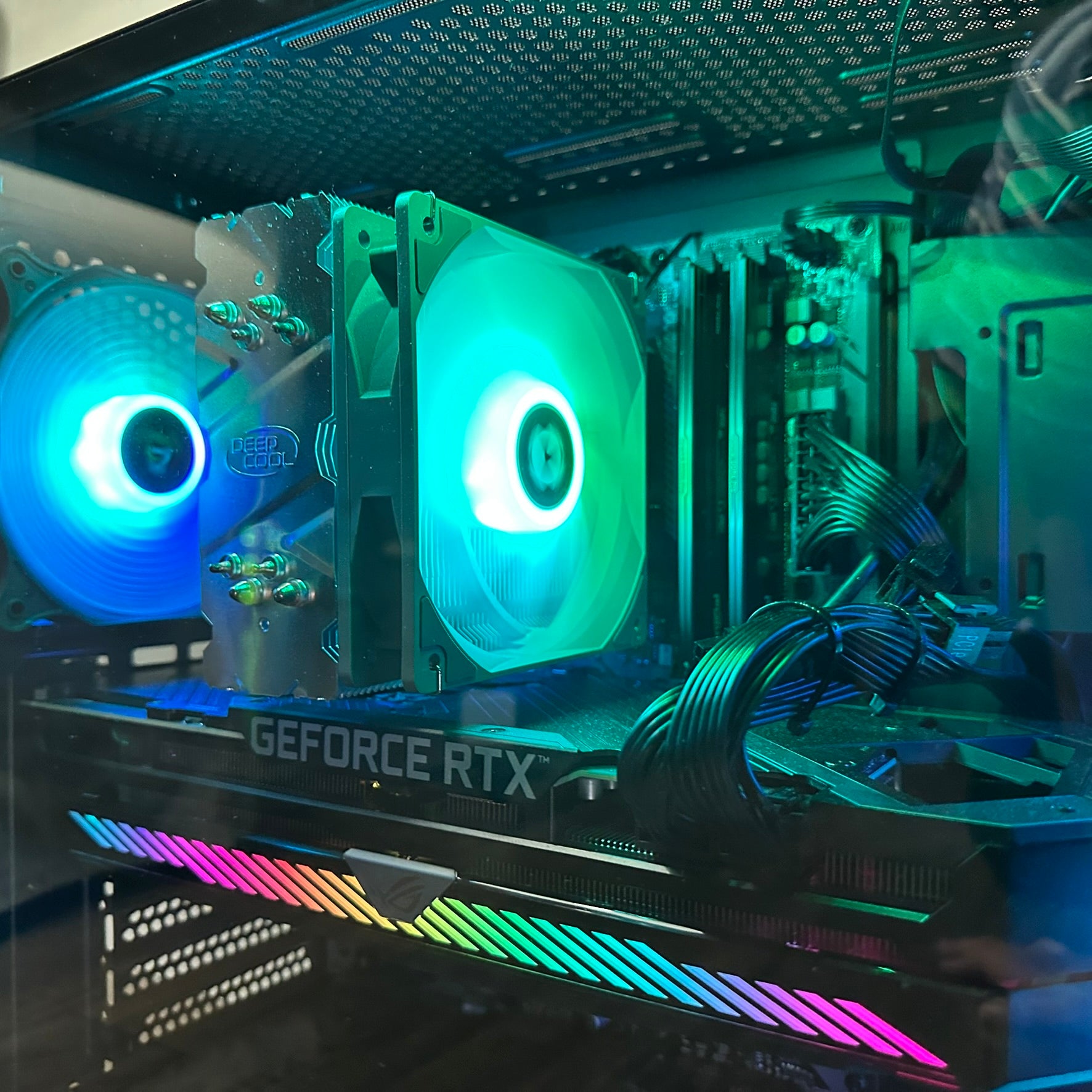
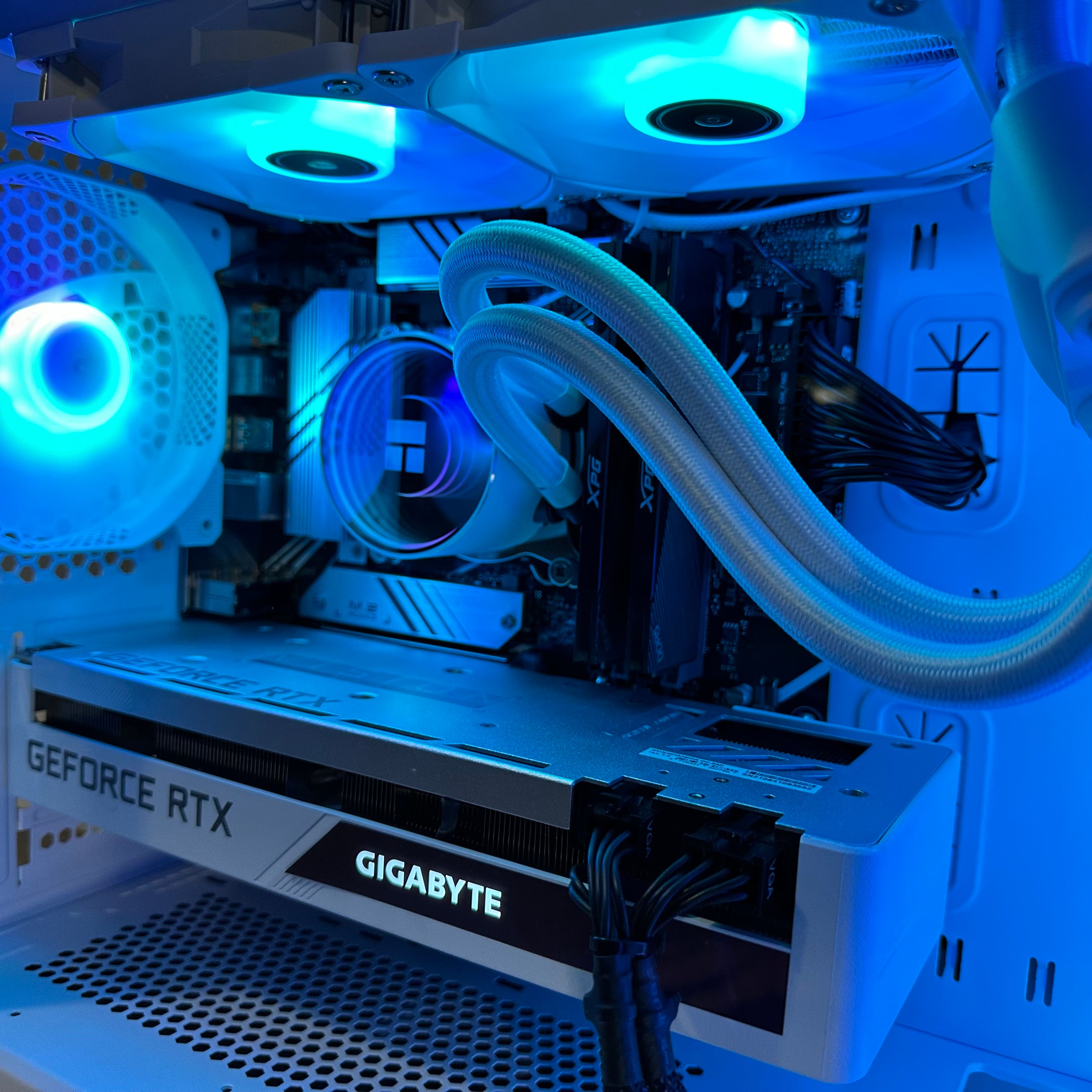
For premium gaming, GPU choice becomes especially important. So does cooling, airflow, power supply quality, and overall system balance. A powerful graphics card installed in a poorly matched system is not a premium experience. That is why custom PC building matters.
Planning for GTA 6 Only, or for Everything You Actually Do?
This is where many buyers catch themselves. They start by researching a Gaming PC for GTA 6, but then realize they also need a desktop for Discord, school, work, web browsing, Adobe apps, clip editing, stream overlays, and creative projects. That changes the build logic.
If you only size your PC around one game, you may underbuild for your real life. If you overspend on one headline spec and ignore RAM, storage, CPU, cooling, or upgrade path, you may not get the balanced experience you expected. The smarter question is not just, can my PC run this game? It is, can this system handle my next two to four years of gaming and productivity comfortably?
Do You Want to Stream, Record, or Create Content Too?
If you plan to game and broadcast at the same time, your build should be selected differently from a gaming-only machine. A proper Streaming PC Canada customers choose needs more than just acceptable gaming numbers. Streaming introduces additional overhead from OBS, browser-based dashboards, chat tools, alerts, recording, encoding, and sometimes camera or audio software.
Ask yourself:
- What PC do I need for streaming?
- Do I want to record gameplay while I play?
- Will I stream at 1080p while maintaining good in-game performance?
- Do I need stronger CPU performance, more RAM, or a better GPU encoder?
If your answer is yes to any of those, a Gaming and Streaming PC Canada buyers should consider will usually benefit from more CPU headroom, a capable GPU, fast storage, and enough memory to avoid choking under multitasking.
The same goes for creators. If you cut YouTube videos, export shorts, make thumbnails, and manage social content, a Content Creation PC Canada customers use should be built for more than frame rates alone. It should save you time during exports, previews, asset management, and general workflow.
Are You Also Editing Video, Photos, or Design Projects?
One of the biggest opportunities in a gaming-led buying cycle is for customers to recognize they need a hybrid system. If you use Premiere Pro, DaVinci Resolve, Photoshop, Lightroom, Illustrator, or Canva-heavy browser workflows, your ideal desktop may be closer to a Creator PC Canada build than a pure gaming rig.
When Does a Gaming PC Also Need Creator-Level Specs?
Usually when your workload includes:
- 4K footage editing
- Layered Photoshop files
- RAW photo libraries
- After Effects compositions
- Large project storage needs
- Frequent rendering or exporting
If you are asking is a gaming PC good for video editing? the answer is often yes, but only if it is configured correctly. The same applies to photo editing and graphic design. A properly balanced Video Editing PC Canada customers buy should emphasize CPU performance, RAM, fast SSDs, and the right GPU support for creative software acceleration.
For photographers and designers, a Photo Editing PC Canada or Graphic Design PC Canada build should focus on responsiveness, storage speed, enough memory for heavy assets, and stable all-day reliability. If your current system slows down when you import, scrub, batch export, or work across multiple applications, that is your sign that a gaming-only mindset may not be enough.
Do You Need a Workstation or 3D Build Instead of a Standard Gaming PC?
Some readers following big gaming news are not just players. They are developers, designers, 3D artists, architecture students, CAD users, Unreal creators, Blender hobbyists, or professionals. If that sounds like you, a standard gaming-first recommendation may miss the mark.
You may need a 3D Modeling PC Canada or Workstation PC Canada configuration if your workload includes:
- Blender rendering
- Unreal Engine work
- Maya or Cinema 4D
- CAD, Revit, or SolidWorks
- Complex multitasking and sustained load performance
- Large memory capacity requirements
What PC do you need for Blender? What PC do you need for Unreal Engine? Those are different questions from what PC you need for gaming, even when the systems share some hardware DNA. If your desktop is expected to produce revenue, complete school projects, or handle serious rendering, custom part selection matters even more.
Why Timing Matters for Canadian Buyers
When a major title captures attention, people do not just buy games. They upgrade monitors, peripherals, storage, GPUs, and whole systems. Demand can ripple across the market. In Canada, buyers also have to think about exchange pressure, import-related cost movement, and availability fluctuations that can affect complete PC pricing.
That is why “I’ll just wait” is not always the value move it appears to be. Are you buying before a major game release wave? Before a seasonal sale period empties popular inventory? Before another round of GPU demand tightens the higher-performance segment? Before your current machine starts showing its age in the titles you care about most?
If you already know your current desktop is marginal for the next generation of games, delaying the decision can lead to one of two bad outcomes: paying more later, or settling for a weaker system than you originally wanted.
Should You Buy Now or Wait?
This depends on your current machine, your target performance, and your tolerance for compromise.
You should strongly consider buying sooner if:
- Your current PC is already struggling in modern games
- You want to move to 1440p or 4K soon
- You need a desktop for both gaming and creation
- You expect to stream or edit regularly
- You want to avoid replacing an underpowered system too quickly
- You are concerned about component pricing pressure
You may be able to wait if:
- Your current system still handles your actual needs comfortably
- You only play lightweight titles at modest settings
- You are not concerned about visual upgrades or creator workloads
- You are willing to risk reduced choice later
But here is the better question: is your current PC still aligned with where your gaming and creative habits are going, or only with where they used to be?
Would Financing Help You Get the Right PC Instead of the Cheapest PC?
For many buyers, this is the most practical part of the decision. A system that looks cheaper today can become more expensive if it needs replacement early, struggles with new games, or fails to support streaming and creator tasks you start doing six months later.
That is why financing can be a smart strategy when used properly. Instead of settling for a build that barely meets your needs, you may be able to secure a stronger custom system with a better CPU, a more capable GPU, more RAM, and faster storage. That can mean better gaming now and fewer compromises later.
Would a monthly payment make it easier to move from “entry level” to “actually ready”? Would spreading the cost out help you buy the desktop you really want before replacement costs rise? Would financing up to 4 years allow you to avoid buying twice?
For customers comparing short-term price against long-term value, those are serious questions, not sales fluff.
How Groovy Computers Helps You Choose the Right Category
Groovy Computers is built around matching real customers to the right custom PC, not forcing every buyer into the same recommendation. That matters when a headline gaming story sends a wave of shoppers into the market with very different needs.
Some customers need:
- A budget-friendly first gaming computer
- A balanced 1440p gaming system
- A premium RTX gaming desktop for AAA titles
- A gaming-and-streaming hybrid
- A custom creator PC for editing and design
- A workstation for 3D or professional workloads
The right answer depends on your software, your display resolution, your target frame rates, your timeline, and your budget. It also depends on whether you want confidence in the build quality. That is where custom system design, rigorous testing, and warranty support become especially valuable.
Why Custom Builds Matter More When Big Game Releases Are Driving Upgrades
When buyers rush toward new games, generic specs can become misleading. A pre-configured system might look attractive on a product tile, but still hide weak supporting parts, poor airflow, limited upgrade paths, slow storage, or unbalanced CPU and GPU pairings.
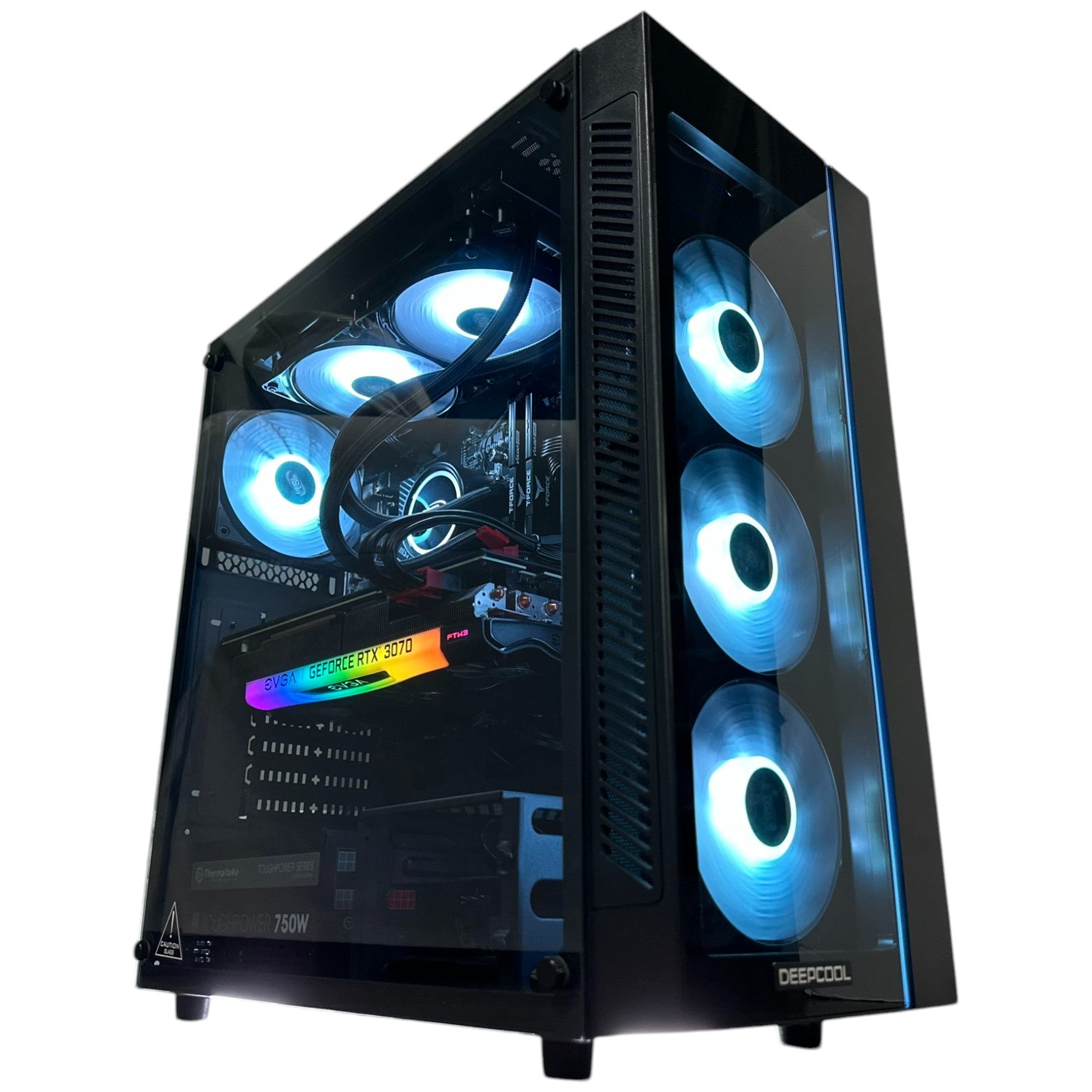
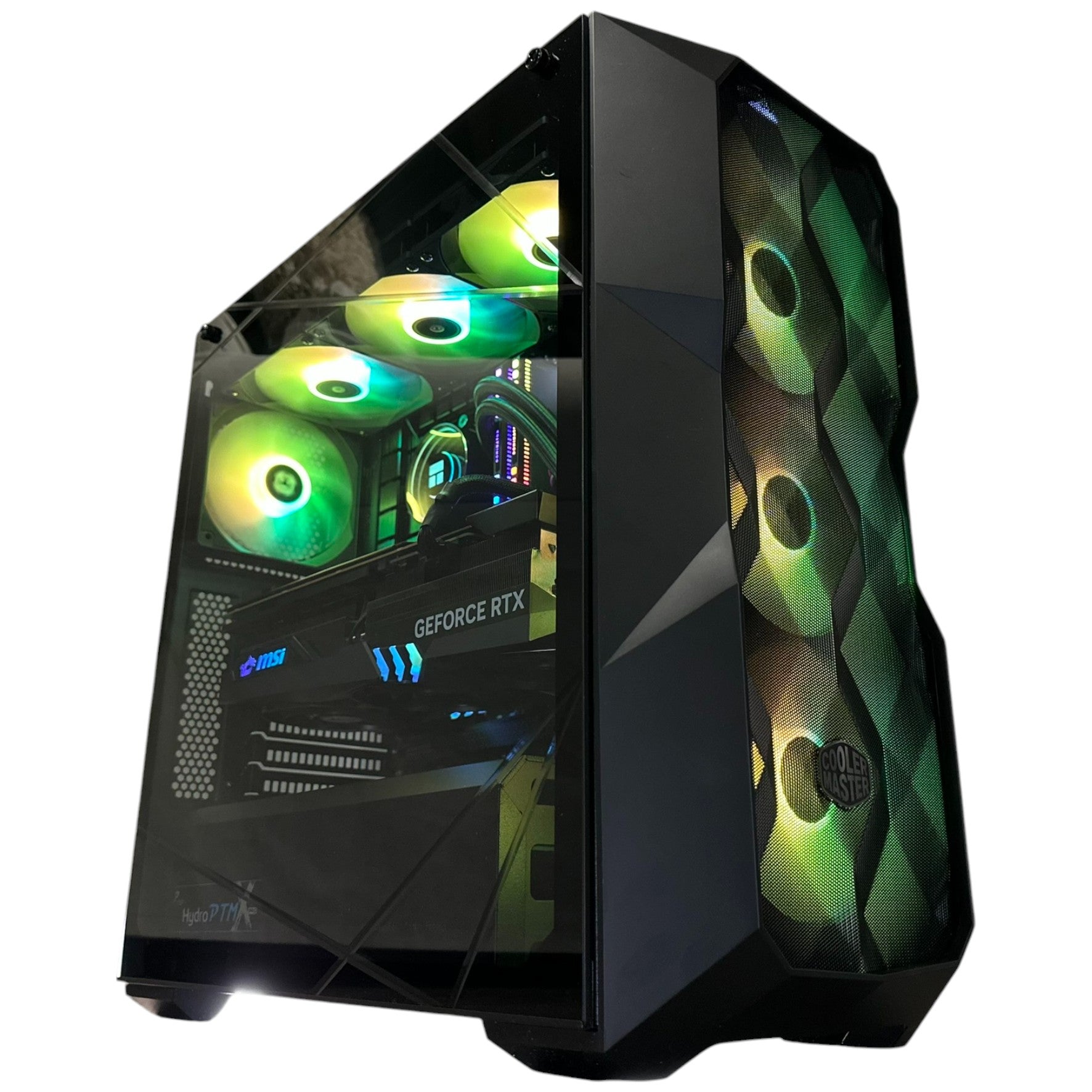
A true Custom Gaming PC Canada buyers trust should be selected as a complete system, not as a single flashy component wrapped in compromise. If you are planning around future open-world games, long sessions, content creation, or heavier workloads, details matter:
- CPU and GPU balance
- RAM capacity for modern multitasking
- SSD speed and capacity
- Cooling quality
- Power supply reliability
- Case airflow
- Upgrade path
- Stress testing before delivery
Would you rather buy a machine that only looks strong in a spec headline, or one that is built to perform properly under real use?
Why Canadian Support, Testing, and Warranty Confidence Matter
For a Canadian buyer, trust is not just about components. It is about what happens after checkout too. Groovy Computers offers custom-built systems, rigorous testing, and a 1-year warranty, which gives buyers more confidence than rolling the dice on a random unknown seller.
This is especially important if you are spending more for stronger graphics performance, more memory, or a multi-purpose desktop. Reliability matters. Support matters. Build quality matters. If your system is supposed to handle gaming, school, work, editing, or streaming, you do not want uncertainty built into the purchase.
For customers in Nova Scotia, Atlantic Canada, and across the country, that Canadian trust angle is part of the value. You are not just buying parts. You are buying a complete system experience from a Canadian custom PC builder that understands the needs of local buyers.
Which Buyer Are You Right Now?
If you are still unsure, place yourself in one of these groups:
The “I Just Want to Play New Games Properly” Buyer
You want a dependable system for current and upcoming titles without overspending. You likely need a balanced gaming build focused on 1080p ultra or 1440p performance, with enough overhead to stay relevant for years.
The “I Want GTA 6-Level Visuals and More” Buyer
You care about stronger graphics, long-term value, and a more premium experience. You should be looking at a higher-tier GPU, a better CPU pairing, strong cooling, and a build designed for visual intensity.
The “I Game, Stream, and Edit” Buyer
You need a hybrid system, not a basic gamer-only desktop. More RAM, fast SSDs, a capable CPU, and creator-friendly balance should be part of the conversation.
The “I Create for Work or School Too” Buyer
You may be better served by a creator PC or workstation-style configuration, especially if you regularly use editing, design, or 3D software.
The “I Don’t Want to Upgrade Again Too Soon” Buyer
You should think carefully about buying one tier above your minimum target. In many cases, that is the smarter long-term financial move, especially if financing helps you reach the better build comfortably.
Questions to Ask Before You Buy Your Next PC
- What games do I actually play most, and what games do I want to be ready for next?
- Am I aiming for 1080p, 1440p, or 4K?
- Do I care about high FPS, ultra settings, or ray tracing?
- Will I stream, record, or multitask while gaming?
- Do I also need this desktop for Premiere Pro, Photoshop, Blender, or design work?
- How long do I want this PC to last before I feel pressure to upgrade?
- Would a stronger system now cost me less than replacing a cheaper one earlier?
- Do I want help choosing a build from Groovy Computers instead of guessing?
The Smart Move Before the Next Upgrade Rush
The new Vice City imagery is doing what major game reveals always do: pushing players to imagine what their next setup should look like. That is exciting, but it is also the perfect time to make a careful decision. If your current system is already borderline, if your gaming ambitions are growing, or if your workflow now includes streaming, editing, design, or 3D work, a better desktop is not just a luxury. It is a tool that protects your experience.
The best time to choose the right PC is usually before urgency takes over your buying decision. If you are asking yourself whether to go budget, midrange, premium, creator-focused, or workstation-level, Groovy Computers can help you match the build to the result you actually want.
Ready to Choose a PC That Fits Your Real Needs?
Do you want a system built for upcoming AAA gaming, smoother streaming, faster editing, or more serious creator workloads without guessing your way through the specs? Visit GroovyComputers.ca to explore custom-built options, get guidance on the right performance tier, and see whether a stronger system now makes more sense for your budget than upgrading twice later.
For Canadian buyers, the GTA 6 reveal is more than gaming news. It is a reminder that the next generation of visual expectations is already here. If you want a Gaming PC Canada shoppers can trust for modern games, content creation, and longer-term value, now is the time to think carefully, buy strategically, and choose a custom build that fits where you are going, not just where you are today.
#GamingPCCanada #CustomGamingPCCanada #GamingPCForGTA6 #GamingPCBuilderCanada #ContentCreationPCCanada #StreamingPCCanada #VideoEditingPCCanada #WorkstationPCCanada #CanadianCustomPCBuilders #NovaScotiaComputers
Groovy Computers | All Rights Reserved



Leave a comment
This site is protected by hCaptcha and the hCaptcha Privacy Policy and Terms of Service apply.