































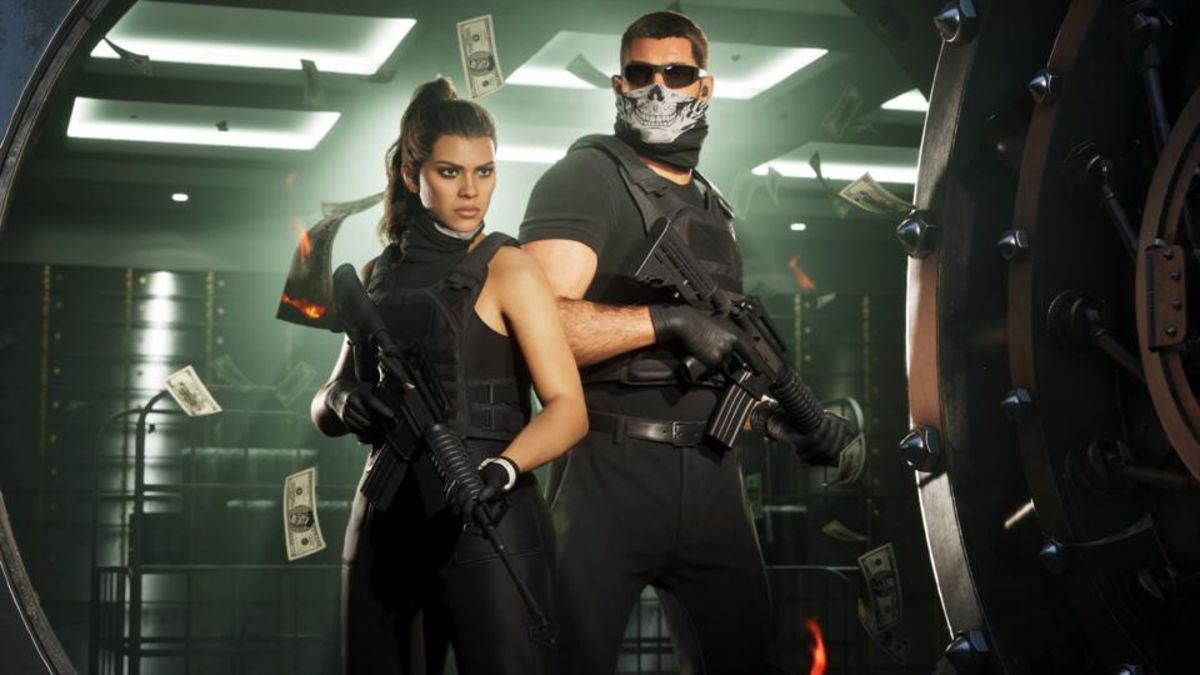
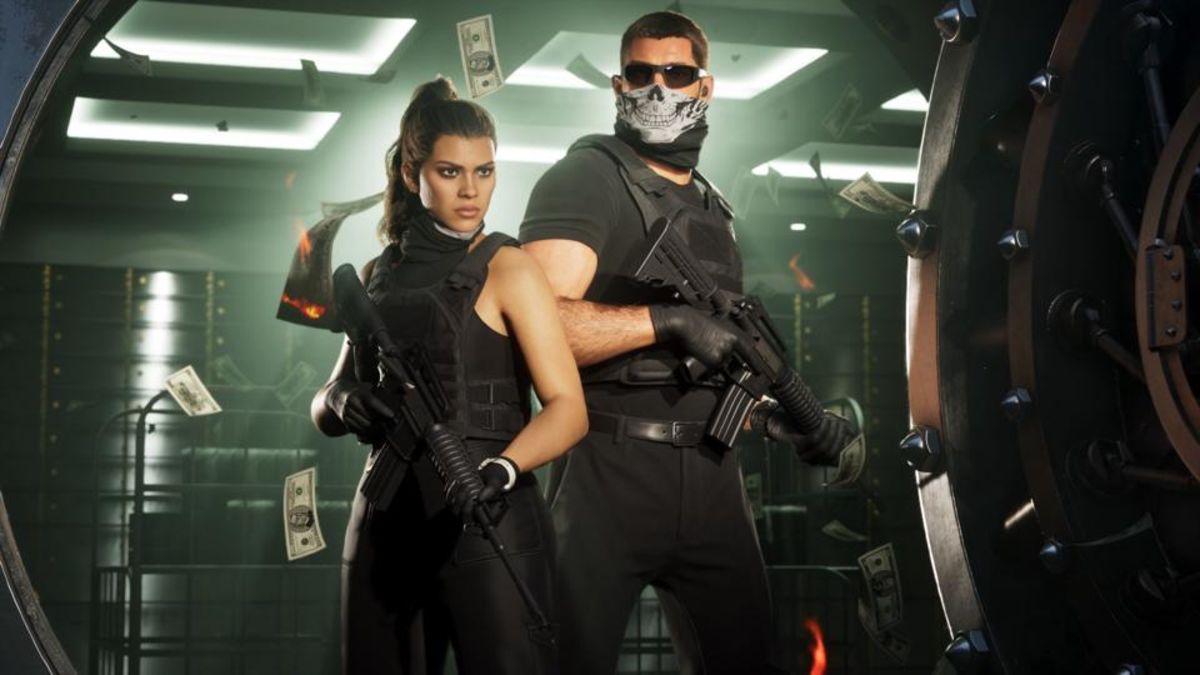
GTA 6 Gaming PC Canada Guide: Why Massive Leak Hype Should Make Buyers Rethink Their Next Custom PC
The latest GTA 6 gaming PC Canada conversation is no longer just about trailers, rumours, or release-day excitement. The source story focused on an alleged threat to release a full game build, which pushes one reality back into the spotlight: when a giant title dominates headlines, hardware demand often follows. For Canadian buyers, that matters. Every time a blockbuster game captures the market, more players start asking the same question at once: Is my current PC actually ready for what is coming next?
That is the real buying angle here. Even if you are ignoring leaks, avoiding spoilers, and waiting for official details, one thing is already clear: a title as massive as GTA 6 is going to influence upgrade timing, GPU demand, and the pressure on buyers who waited too long. If you have been considering a custom gaming PC Canada build, a streaming setup, or a creator system that can handle new open-world games alongside editing and multitasking, this is the moment to think ahead instead of scrambling later.
At Groovy Computers, the smarter question is not whether internet drama will continue. The smarter question is this: what do you want your next PC to do for you before the next wave of hardware demand hits?
Why does a GTA 6 leak story matter to people shopping for a gaming PC in Canada?
Because leak-driven hype still creates real buying behaviour. It gets people talking, speculating, benchmarking, and comparing systems. It reminds lapsed PC users that their current rig is old. It pushes console players to consider moving to PC. It encourages creators to prepare for reaction content, gameplay capture, streaming, and editing. In short, it can accelerate demand before official PC requirements are even confirmed.
That creates a familiar Canadian problem. When demand rises, buyers can face tighter GPU availability, less attractive prebuilt options, weaker part selection, and higher replacement costs across multiple components. You may not notice it all at once, but the effect shows up quickly in the final system price.
Are you hoping to buy only when the game is close? Are you assuming every current system labeled “gaming” will be enough? Are you planning around 1080p today even though you really want 1440p or ray tracing tomorrow? Those are the kinds of decisions that separate a satisfying purchase from an expensive near-miss.
What the source story gets right: blockbuster game hype can spiral fast
The source article highlighted an extreme situation around a major upcoming game and the disruption that comes with it. Without repeating unverified claims as fact beyond the provided text, the broad takeaway is still useful: a game on GTA 6’s scale creates enormous attention, and enormous attention changes the market around it.
That matters whether you are a pure gamer or someone with mixed needs. Big game releases do not just impact players. They affect:
- Streamers who want a gaming and streaming PC Canada setup that can play and broadcast smoothly
- YouTube creators who need a system for capture, editing, thumbnails, and exports
- Graphic designers building social content around launches and trends
- Video editors producing clips, commentary, breakdowns, and reaction content
- 3D artists and modders interested in asset workflows, environments, or related creative work
So while the headline is gaming-focused, the buying impact is broader. If your current PC struggles with modern AAA titles now, what happens when your next must-play title arrives and you also want Discord open, Chrome running, OBS recording, and editing software ready afterward?
Why Canadian buyers should think differently before the next major game wave
Canadian shoppers have to think beyond sticker price. Cross-border noise, fluctuating exchange pressure, shipping costs, and supply volatility can all affect what a system really costs in Canada. Waiting too long does not always save money. In many cases, it shrinks your options.
That is why a Gaming PC Builds Canada decision should be based on your real usage, not just a temporary deal or a flashy spec list. A balanced custom system often holds its value better in practical terms because the parts are chosen to work together, cooling is considered properly, and the upgrade path is more realistic.
If you are in Nova Scotia, Atlantic Canada, or anywhere else in the country, you should be asking: do I want to gamble on future pricing, or do I want to lock in a system that actually matches my goals now?
What do you want your next PC to do for you?
This is where many buyers go wrong. They ask, “How cheap can I get a gaming PC?” before asking, “What am I actually trying to run?”
Start with the workload. Do you want your next machine to:
- Play new open-world games at 1080p on high settings?
- Handle 1440p gaming with stronger frame consistency?
- Push 4K or ray tracing in demanding titles?
- Game and stream at the same time?
- Edit YouTube videos or TikTok clips quickly?
- Work in Photoshop, Lightroom, Illustrator, or Adobe Creative Cloud?
- Run Blender, Unreal Engine, CAD, or 3D rendering software?
- Do all of the above without needing another upgrade too soon?
Your answer changes everything. A buyer who needs a budget gaming PC Canada for esports and casual AAA play should not be forced into a workstation-heavy configuration. At the same time, someone who wants to stream, edit, and game on one system should not buy the bare minimum and hope for the best.
If you are buying for GTA 6-style AAA gaming, what performance tier fits you?
Think in tiers, not hype. The right tier depends on your monitor, your expectations, and how long you want the system to stay satisfying.
Entry tier: for 1080p players who want value
This is the right direction for buyers focused on 1080p gaming, solid settings, and smart spending. If you mainly play competitive games now and want enough room for newer AAA titles, a value-focused custom build can make sense.
Ask yourself: are you truly a 1080p buyer, or are you already planning to upgrade your monitor next? If a better display is likely in the near future, buying too low now can mean replacing the system sooner than expected.
This tier is often best for:
- Students
- First-time PC gamers
- Buyers replacing an aging console or older desktop
- People looking for an affordable gaming PC Canada option with better long-term value than generic low-end prebuilts
Mid tier: the sweet spot for 1440p gaming
For many Canadian buyers, 1440p is where the value-to-performance balance really shines. You get a major visual upgrade over 1080p, stronger image quality in open-world games, and a more premium experience without jumping straight to a top-end budget.
If you are asking what PC do I need for 1440p gaming, this is usually where the conversation should start. It is also a strong match for mixed-use buyers who want to game, stream casually, record footage, and handle creator workloads on the same machine.
This tier is often best for:
- Players who want modern AAA performance at high settings
- Gamers buying specifically for upcoming releases
- People who stream to Twitch or YouTube occasionally
- Customers who want a future proof gaming PC Canada strategy without overbuying
High-end tier: for 4K, ray tracing, and premium longevity
If your goal is 4K gaming, advanced lighting effects, stronger ray tracing, heavier mod support, or long-term confidence, a high end gaming PC Canada build may be the better fit. This is where premium GPUs, stronger CPUs, more RAM, and more cooling headroom start making real sense.
But here is the key question: are you paying for bragging rights, or are you paying to avoid compromise for years? There is a difference. A premium system is worth it when it aligns with actual use, especially if your monitor, game library, and creative workload can take advantage of it.
Do you also want to stream, record, or create content around big game launches?
Many buyers reading gaming news are not just players anymore. They are also streamers, editors, meme-page owners, TikTok creators, podcasters, or YouTubers. That changes the build recommendation immediately.
A proper gaming and streaming PC Canada setup needs to do more than run the game. It also needs to handle background apps, scene transitions, chat tools, browser tabs, overlays, and recording software without turning the whole experience into stutter city.
Ask yourself:
- Will you use OBS or Streamlabs?
- Do you want to stream at 1080p while gaming at high settings?
- Are you recording long sessions for later editing?
- Will you use one PC for both gaming and content creation?
If yes, then the conversation shifts from “Can this game run?” to “Can this system run my full workflow smoothly?” That usually means paying more attention to CPU capability, RAM capacity, SSD speed, and thermal stability, not just the GPU headline.
Could your next “gaming PC” actually need to be a creator PC?
This is one of the biggest hidden buying mistakes in the market. A lot of people search for gaming systems when what they really need is a creator PC Canada build that happens to game very well too.
If your week includes gameplay, Adobe apps, thumbnails, short-form video, Photoshop, Lightroom, and browser-heavy multitasking, your system requirements are different from those of someone who only launches games and Discord.
A stronger creator-focused custom build can make daily work feel dramatically faster in ways a spec sheet does not always explain clearly. Faster exports. Smoother timeline playback. More responsive multitasking. Less frustration when rendering in the background.
Are you editing video after gaming sessions?
If you are clipping highlights, building commentary videos, or producing regular content, a video editing PC Canada setup may be the smarter target than a basic gaming machine. That is especially true if you work in Premiere Pro, DaVinci Resolve, After Effects, or CapCut.
Questions worth asking include:
- Are you editing in 1080p, 4K, or higher?
- How many layers, effects, and assets do you use?
- Do you want faster renders or just acceptable ones?
- How much time do slow exports cost you every week?
For many buyers, spending slightly more on the right CPU, RAM, and storage layout is far cheaper than wasting months fighting a weak machine.
Are you working in Photoshop, Lightroom, or graphic design tools too?
If your next build also needs to handle photography work, product editing, poster design, social graphics, or business branding, then a photo editing PC Canada or graphic design PC Canada approach may fit better. Colour workflow, RAM headroom, SSD responsiveness, and multi-monitor support matter more here than chasing gaming-only specs.
Do you just want games to run, or do you want your desktop to become the centre of your content, design, and work setup?
What if you need Blender, Unreal Engine, CAD, or rendering power too?
Some readers will come in through a gaming headline but really need a machine for heavier production work. If your next system needs to handle 3D environments, animation, game assets, product rendering, or development workflows, you may need a 3D rendering PC Canada or workstation-oriented build rather than a standard gaming-first configuration.
This matters because workstation use changes the ideal balance of:
- CPU core count
- GPU rendering capability
- RAM capacity
- Storage planning
- Cooling under sustained load
If you are asking is a gaming PC good for Blender or what PC do I need for Unreal Engine, the honest answer is: sometimes, but only if it is configured with those workloads in mind from the start.
Is it better to buy now or wait for more official game information?
This is where real-world buying logic matters more than internet speculation. Waiting can make sense if you are still unclear on your budget or use case. But waiting purely because “maybe prices will improve” is not a strategy. It is a gamble.
When a giant game dominates attention, the risk is not only that official requirements arrive later than you want. The risk is that by the time the market fully reacts, the best-value configurations become harder to secure, part choices become less flexible, and you are forced into a rushed purchase.
Ask yourself:
- Would buying now let you choose better parts more calmly?
- Would buying now let you avoid panic shopping closer to launch season?
- Would buying now give you a better upgrade path over the next few years?
- Would financing a stronger build now prevent you from replacing a weaker one too soon?
How do component price swings affect a full custom PC purchase?
Buyers often focus on the GPU, but full-system costs move for many reasons. CPUs, RAM, SSDs, cooling, motherboards, and power supplies all shape final pricing. If even a few categories tighten at once, that can push a full build higher than expected.
For Canadian shoppers, this pressure can feel even sharper once availability and landed costs are factored in. That is why timing matters. If you already know your current PC is behind, waiting for the “perfect” moment can backfire.
A properly planned custom build helps reduce this risk because it is designed as a complete system, not a random pile of upgraded parts. That matters for performance, reliability, and long-term value.
Should you buy a cheaper system now or finance a better one?
This is one of the most important questions in the current market. Many buyers try to stay under an arbitrary number, then end up with a system that feels outdated much sooner than expected. In a demanding AAA cycle, that can be especially frustrating.
So ask yourself honestly: are you trying to spend less today, or are you trying to spend smarter over the life of the system?
For some buyers, financing is what makes the better decision possible. Instead of settling for a weak entry build that struggles with future games, streaming, or editing, financing can help you secure the right performance tier now. That can mean stronger GPU capability, more RAM, more usable storage, better cooling, or a processor with better long-term relevance.
At Groovy Computers, that is where flexible buying becomes practical. If the right system is slightly above what you wanted to pay upfront, financing up to 4 years may help you avoid buying twice.
Is financing a gaming PC worth it?
It can be, especially when you are buying ahead of a major demand wave or trying to avoid immediate obsolescence. Financing is not about buying irresponsibly. It is about matching the system to the actual job.
Financing tends to make the most sense if:
- You are replacing an old PC that already holds you back
- You want stronger 1440p or 4K performance instead of bare-minimum 1080p
- You need one system for gaming, streaming, and editing
- You want a longer-lasting build rather than a short-term compromise
- You expect replacement costs could rise if you wait
If you are wondering should I finance a better PC instead of buying a cheaper one, the answer depends on how quickly the cheaper one would stop meeting your needs. If that answer is “pretty soon,” then financing the right machine can be the more practical move.
What kind of buyer should choose which type of system?
Choose a budget-focused gaming system if:
- You mainly play esports or lighter games
- You are targeting 1080p
- You need a first gaming PC or student-friendly setup
- You want value, but still want a proper custom build with support
Choose a mid-tier gaming system if:
- You want 1440p to be your sweet spot
- You play modern AAA titles regularly
- You want stronger settings and smoother longevity
- You may also stream or record gameplay
Choose a premium gaming system if:
- You want 4K or high-refresh 1440p
- You care about ray tracing and visual quality
- You want to stay ahead of upcoming game demands longer
- You do not want to revisit your build decision too soon
Choose a creator or workstation system if:
- You game and edit on the same PC
- You use Adobe Creative Cloud, DaVinci Resolve, or other heavy apps
- You multitask heavily
- You work in 3D modeling, rendering, or professional software
Why does a custom-built PC matter more than ever?
When market conditions are unpredictable, custom matters more. A custom build is not just about aesthetics or bragging rights. It is about part selection, airflow, wattage planning, memory capacity, storage structure, and upgrade logic.
That becomes especially important if you are preparing for a big gaming cycle and do not want to get trapped by a generic spec sheet. A properly balanced custom machine helps ensure you are not overspending in one area while bottlenecking another.
It also matters after purchase. Groovy Computers builds for real-world use, not just launch-day screenshots. Rigorous testing, stable configuration choices, and a 1-year warranty all matter more when you are investing in a system you want to trust for gaming, work, or both.
Why Groovy Computers fits Canadian buyers watching the market closely
Groovy Computers is built around what serious buyers in Canada actually need: clear guidance, sensible performance tiers, proper custom builds, testing, and support. Not everyone needs the most extreme system. But everyone deserves a system that fits the job.
Whether you are looking for a gaming desktop for upcoming AAA titles, a creator-focused machine for editing and streaming, or a workstation for heavy production work, the goal is the same: buy once, buy smart, and buy with confidence.
That means:
- Custom build logic instead of one-size-fits-all hardware
- Canada-focused service and buyer guidance
- Systems designed for gaming, streaming, editing, and workstation use
- Rigorous testing before the machine reaches you
- A 1-year warranty for added confidence
- Financing options up to 4 years for buyers who want stronger performance without delaying the purchase
What questions should you ask before choosing your next PC?
Before you buy, slow down and ask the questions that actually matter:
- What games do I want to play over the next 2 to 4 years?
- Am I buying for 1080p, 1440p, or 4K?
- Do I care about ray tracing or ultra settings?
- Will I stream, record, or edit content too?
- Do I need more RAM and storage than I first assumed?
- Would a stronger CPU save me frustration later?
- Am I trying to spend the least, or am I trying to avoid replacing this system too soon?
- Would financing help me buy the right machine now instead of settling?
Those are the questions that lead to better outcomes. Not hype. Not leaks. Not panic buying.
Ready to choose the right GTA 6-ready performance tier for your setup?
If this news cycle has you thinking about your next upgrade, use that momentum properly. Do not wait until every buyer is chasing the same GPUs and the same “good enough” prebuilts. If you want a GTA 6 gaming PC Canada strategy that also works for streaming, editing, creator work, or workstation tasks, Groovy Computers can help you choose the right direction now.
Want help figuring out whether you need a budget gaming computer, a premium RTX gaming PC, a custom creator PC, or a workstation-class build? Visit GroovyComputers.ca and start with a system that fits what you actually plan to do, not just what the headlines make people rush into buying.
In a market shaped by major game hype, performance demands, and possible price pressure, planning ahead is often the smartest savings strategy of all. For Canadian buyers, the best move is usually not waiting for chaos. It is securing the right custom build before the scramble starts. If you have been asking what gaming PC you need, whether now is a good time to buy, or whether financing a better system makes more sense than replacing a weak one later, this is your sign to take the next step with confidence.
#GTAGamingPCCanada #GamingPCCanada #CustomGamingPCCanada #GamingPCBuildsCanada #CreatorPCCanada #VideoEditingPCCanada #StreamingPCCanada #3DRenderingPCCanada #CanadianCustomPCBuilders #GroovyComputers
Groovy Computers | All Rights Reserved


Leave a comment
This site is protected by hCaptcha and the hCaptcha Privacy Policy and Terms of Service apply.