






















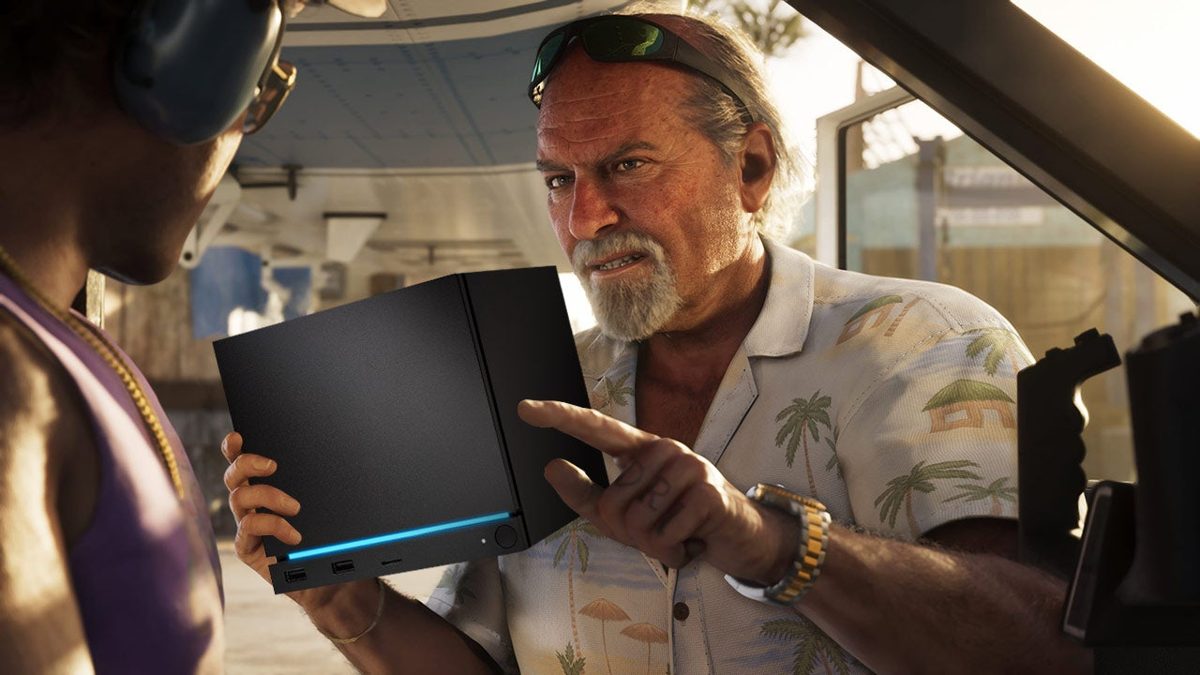
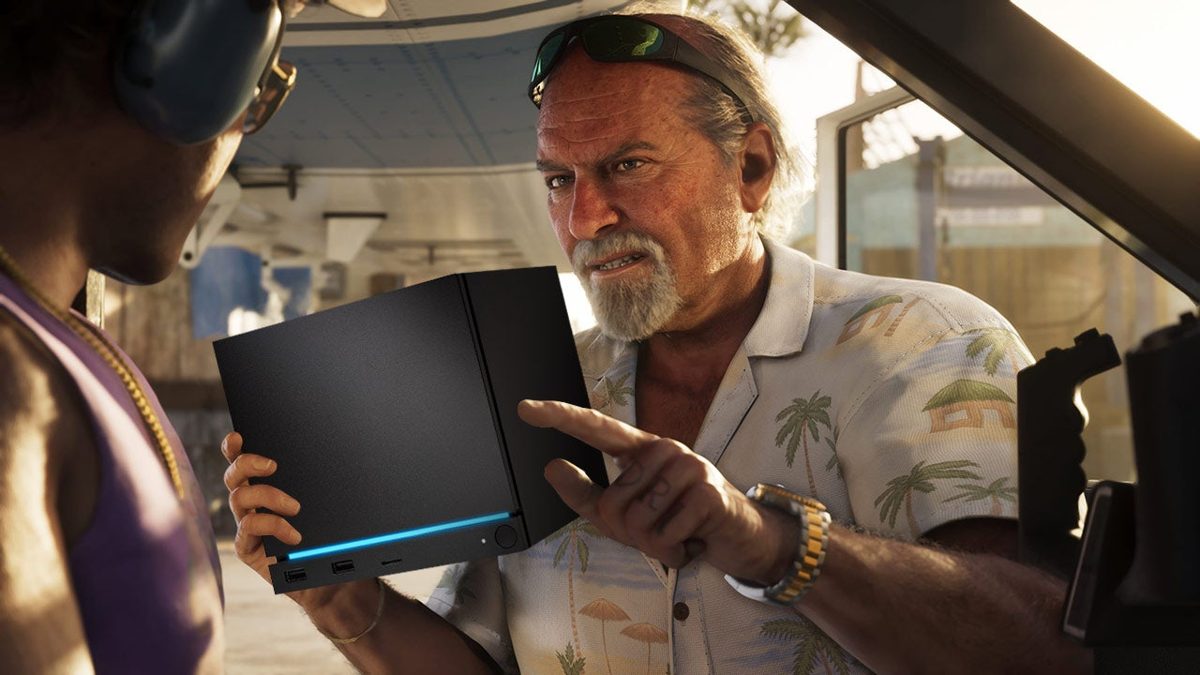
GTA 6 on a Steam Machine? What Canadian Buyers Should Really Learn Before Choosing a Gaming PC for GTA 6
The big takeaway from the recent GTA 6 on a Steam Machine discussion is not just whether a compact gaming PC could run Rockstar’s next blockbuster. The real lesson for Canadian buyers is much more useful: if one of the most anticipated open-world games in years is likely to push hardware hard, what kind of Gaming PC Canada shopper should you be right now if you want smooth performance, long-term value, and fewer upgrade regrets later?
That is the question more players should be asking. Not just, Can this game run? But also, What kind of PC do I actually need for GTA 6, future AAA games, streaming, editing, and the next few years of performance demands?
The source discussion correctly highlights a few important realities. First, Rockstar games have a history of scaling surprisingly well on PC when the PC version finally arrives. Second, visual settings, upscaling, and resolution choices matter a lot more than many buyers realize. Third, a system that looks underpowered on paper may still deliver playable results if the game is configurable enough. And fourth, software compatibility can matter just as much as raw hardware, especially when anti-cheat, launcher behavior, or operating system support becomes part of the equation.
For Groovy Computers customers across Canada, that opens up a much bigger buying conversation. If GTA 6 is going to become one of the benchmark games people use to judge a new gaming desktop, then now is the right time to think carefully about performance tier, upgrade path, cooling, memory capacity, storage, and whether financing a stronger system now could make more sense than replacing a weaker one too soon.
What does the GTA 6 hardware conversation really tell us?
It tells us that upcoming AAA gaming is no longer just about meeting minimum specs. It is about building for the kind of experience you actually want. Do you want 1080p with solid settings and good value? Are you aiming for 1440p high refresh gaming? Do you want ray tracing and visual quality turned up? Are you hoping to stream gameplay, capture clips, edit videos, and keep the system relevant for years?
Those are very different use cases, and they should not all lead to the same PC recommendation.
The Steam Machine debate is useful because it exposes a common buying mistake: too many people shop by headline alone. They see that a game might run on a lower-powered machine and assume any budget system is good enough. But there is a big difference between a game launching and a game delivering the frame rate, image quality, responsiveness, storage capacity, thermal behavior, and future flexibility you actually want.
If you are shopping for a Gaming PC for GTA 6, you should not only ask whether the game will boot. You should ask whether your system will still feel satisfying six months later, after patches, driver changes, mod support, streaming apps, browser tabs, Discord, and new games all pile on top.
Why should Canadian buyers think differently about GTA 6 PC readiness?
Canadian PC buyers have a few extra realities to consider. Hardware pricing can shift quickly. GPU demand pressure can affect the full market, especially when a major game release drives upgrade urgency. SSD and RAM pricing can move. Shipping and replacement timelines matter more when you are trying to buy at the same time everyone else is. And if you buy too low today, upgrading later may cost more than simply choosing the right system from the start.
That is why a custom build matters. A properly matched system is not just about a fast graphics card. It is about balancing CPU power, cooling, power supply quality, motherboard features, storage speed, airflow, and memory so the whole machine stays stable under the kinds of real workloads gamers actually use.
Would you rather save a little up front and wonder if you will need an upgrade the moment GTA 6 PC footage appears? Or would you rather lock in a build that is already prepared for modern open-world gaming, streaming, and future titles?
What do you want your next PC to do for you?
This is the question that should guide every purchase.
Do you want a system mainly for GTA 6, Call of Duty, Fortnite, Counter-Strike 2, and other games at 1080p?
Do you want a 1440p setup that feels excellent in open-world games and still has room for content creation?
Do you want a premium build for 4K gaming, ray tracing, and ultra settings?
Do you also plan to stream on OBS, record footage, edit in Adobe Premiere Pro or DaVinci Resolve, touch up thumbnails in Photoshop, create social content, or even do 3D work in Blender or Unreal Engine?
Do you want your PC to handle today’s games only, or do you want to avoid shopping again too soon when the next wave of demanding releases arrives?
Asking these questions early changes everything. It helps you avoid spending in the wrong category. It helps you avoid overbuying if your needs are simple, and it helps you avoid underbuying if your ambitions are growing.
Could GTA 6 run on a modest gaming PC? Probably. Should you buy only for “probably”? Probably not.
The source article argues that Rockstar’s scalability gives lower-powered PCs a fighting chance, especially if the eventual PC version includes broad graphics controls, resolution scaling, and flexible rendering options. That is a reasonable point. Rockstar has improved significantly since the bad old days of awkward PC launches, and its newer releases have shown that many settings can be tuned for weaker hardware.
But smart buyers know that “playable” and “ideal” are not the same thing.
A budget gaming desktop might run a demanding open-world game at lower settings, reduced resolution, or with aggressive upscaling. That may be perfectly fine for some players. If your target is value and you mainly play on a 1080p monitor, a lower-to-midrange system can still make sense.
However, if your expectations include high visual quality, smoother frame pacing, better minimum FPS in busy city scenes, room for background apps, and stronger long-term relevance, then buying too close to the minimum is risky.
That is where many shoppers get stuck. They ask, Can a budget gaming PC play new games? The better question is, How well do I want it to play them, and how long do I want that answer to stay true?
What PC do I need for GTA 6 at 1080p, 1440p, or 4K?
1080p buyers: Who is this tier for?
If you play on a 1080p display, want solid entry-to-midrange performance, and are focused on value, this tier can be an excellent starting point. A properly balanced 1080p gaming PC should be able to handle modern AAA releases with sensible settings while still offering fast storage, enough RAM, and a CPU that does not become a bottleneck too quickly.
This tier often suits first-time desktop buyers, students, younger gamers, and players upgrading from an older console or aging office PC. It can also make sense if GTA 6 is only one part of your gaming library and you mainly play esports titles, older AAA games, or mixed workloads at moderate settings.
But ask yourself: are you truly happy staying at 1080p for the next few years? If you think a 1440p monitor, streaming setup, or more demanding game library is likely, stepping up now may save money later.
1440p buyers: Is this the real sweet spot for GTA 6 and future games?
For many Canadian buyers, yes. A 1440p Gaming PC Canada configuration often hits the best balance between image quality, performance, longevity, and value. It gives modern games more room to shine visually without forcing every customer into top-tier pricing.
If you want high settings, strong frame rates, better visual clarity, and a more premium-feeling experience in open-world titles, this is often the smartest performance tier. It is also a strong choice for players who stream occasionally, multitask heavily, or want a system that still feels capable after the next round of major releases.
Are you the kind of player who notices texture quality, lighting detail, crowd density, and smoother motion? Do you plan to keep your next PC for several years? Then 1440p is often where your money works hardest.
4K and premium buyers: Do you want visual impact, ray tracing, and fewer compromises?
If your goal is a 4K Gaming PC Canada experience with stronger ray tracing potential, premium settings, and maximum headroom for future titles, you are shopping in a different category entirely. This is for enthusiasts, showcase builds, large displays, premium monitors, and buyers who do not want to wonder whether new AAA games will feel “too much” for their system.
It is also the right lane for people who combine gaming with creator work. A stronger GPU and CPU combination can help not only in games, but also in encoding, editing, rendering, and demanding multitasking.
The question here is not just whether a premium GPU is fast. It is whether your use case justifies it. Are you chasing ultra settings and longevity, or are you paying for hardware you will never really use? Groovy Computers helps customers sort that out before they overspend.
What if you also want to stream, record, and create content?
This is where the GTA 6 conversation gets even more relevant. Big modern games do not exist in isolation anymore. A lot of buyers are not just playing. They are streaming to Twitch or YouTube, clipping highlights, editing montages, making thumbnails, posting short-form content, and running multiple apps in the background.
So ask yourself: do you need only a gaming desktop, or do you actually need a Gaming and Streaming PC Canada setup?
If you are streaming, the CPU, GPU encoder, RAM, and storage all matter more. If you are recording high-bitrate gameplay, large SSD capacity becomes much more important. If you are editing 4K footage afterward, your system moves closer to a Creator PC Canada or Video Editing PC Canada profile than a pure gaming rig.
Many buyers make the mistake of buying a “gaming-only” desktop and then discovering their workflow has already outgrown it. If your PC needs to game, stream, edit, and create, building for all four jobs from the start is usually the smarter path.
Is a gaming PC good for video editing, photo editing, and graphic design too?
Sometimes yes, but not always in the right way.
A gaming PC can be a very good foundation for creator work, especially if it has a capable GPU, modern multi-core CPU, fast NVMe storage, and enough RAM. But creator workflows often expose weaknesses that pure gaming shoppers overlook. Export times, media cache performance, timeline smoothness, project storage, plug-in loads, colour workflow, and multitasking all matter.
If you are asking, What PC do I need for video editing? or Is a gaming PC good for Photoshop and Illustrator? then the answer depends on how serious your workload is.
For casual editing, a gaming-first build may be enough. For regular Premiere Pro, DaVinci Resolve, Lightroom, Photoshop, Illustrator, or Adobe Creative Cloud use, a more carefully tuned Custom Creator PC Canada approach often delivers better real-world value.
Do you batch export RAW photos? Do you work with layered PSD files? Do you edit 4K timelines? Do you use After Effects? Do you need multiple drives for footage and project organization? Those questions matter as much as the GPU model.
What if your workload includes Blender, Unreal Engine, or 3D rendering?
Then you may be even further from a basic gaming build than you think.
Many customers discover this after starting with game development, 3D modeling, CAD, animation, or rendering projects. A system built only around gaming benchmarks may not be ideal for long CPU rendering sessions, heavy viewport work, simulation, or large-scene asset handling.
If you are wondering, What PC do I need for Blender? or Should I choose a workstation PC vs gaming PC for 3D modeling?, the answer usually comes down to balance and purpose. Some hybrid systems work extremely well, but only when they are designed intentionally.
A 3D Modeling PC Canada or Custom Workstation PC Canada build may require more memory, different CPU priorities, larger SSDs, stronger cooling, and a more deliberate upgrade path than a gaming-focused tower. That is exactly why working with a custom builder matters.
Why the operating system and software layer still matter
One of the more interesting points in the source article is that hardware is not the whole story. The discussion around anti-cheat and SteamOS compatibility reminds buyers that software support can make or break part of the experience.
That matters far beyond one game.
If you want broad compatibility, easy launcher support, straightforward anti-cheat behavior, common peripheral support, and less uncertainty around major multiplayer titles, your platform choices matter. It is another reason many customers shopping for a compact or experimental gaming setup eventually decide a traditional Windows-based custom desktop is the safer long-term solution for mainstream PC gaming.
Do you mainly care about single-player gaming, or are online titles a major part of your routine? Do you need the least friction possible when new releases drop? Do you want a system that is simple to use for gaming, editing, school, work, and streaming all in one place? Those answers affect what kind of build makes sense.
Should you buy now or wait for GTA 6 PC details?
This is one of the most important buying questions in the market right now.
Waiting can feel logical. After all, if official PC requirements are not here yet, why not hold off? But that logic has a downside. Major game hype can trigger demand spikes. GPU interest rises. Buyers who delayed all pile into the same categories at once. Better-value systems sell quickly. Replacement costs can shift if component pricing moves upward.
So ask yourself: are you waiting for useful information, or are you waiting in a way that could leave you buying under pressure later?
If your current PC is already struggling, if your monitor upgrade is planned, if your content creation workload is growing, or if you already know you want stronger AAA performance, there is a strong case for buying before the rush rather than inside it.
This matters even more if your current machine would need multiple upgrades to become relevant. Once you add up a new GPU, power supply, storage, possible RAM, and maybe a platform change, a fresh custom build can become the more sensible investment.
Could financing a stronger system now be smarter than buying too cheap?
For many buyers, yes.
A common mistake is forcing the budget too low and ending up with a machine that feels outdated faster than expected. If the difference between “good enough for now” and “actually ready for GTA 6 and future games” is manageable through monthly payments, financing can be the smarter long-term decision.
That is especially true if you are also trying to cover streaming, editing, school, work, or creator tasks on the same machine.
Would a slightly stronger CPU help your system last longer? Would more RAM keep you from upgrading next year? Would a better GPU save you from lowering settings the moment a major game launches? Would a larger SSD stop you from juggling installs and footage every week?
Those are practical questions, not luxury questions.
Groovy Computers can help Canadian buyers explore systems that better match real needs, including options where financing up to 4 years may help secure a stronger, longer-lasting build before prices shift again. If you are wondering, Should I finance a better PC instead of buying a cheaper one? that is exactly the kind of decision worth discussing before you lock yourself into the wrong tier.
Which performance tier fits you best?
If you are unsure where you fit, this simple breakdown helps.
- Value-focused gamer: Best for players targeting 1080p, mixed game libraries, and sensible budgets. Good if you want a budget-conscious desktop without overspending, but you still want modern parts and a real upgrade path.
- Mainstream AAA gamer: Best for 1440p players, open-world fans, and customers who want a more future-proof gaming experience. Often the smartest choice for GTA 6 expectations and upcoming AAA releases.
- Gaming plus streaming buyer: Best for those who game, stream, record, and multitask. Needs stronger balance across CPU, GPU, RAM, cooling, and storage.
- Creator hybrid buyer: Best for people who game and also edit videos, process photos, design graphics, or make YouTube content. A creator-tuned custom build usually beats a generic gaming-only system.
- Premium enthusiast: Best for 4K, ray tracing, ultra settings, premium displays, and longer-term headroom. Ideal if you want fewer compromises and stronger performance across multiple demanding uses.
- Workstation or 3D user: Best for Blender, Unreal Engine, rendering, CAD, and heavier professional workloads. Requires more than a standard gaming-first recommendation.
Where do you land? More importantly, where will you land a year from now?
What questions should you ask before buying a gaming PC for GTA 6?
- What resolution do I actually want to play at? 1080p, 1440p, or 4K changes the whole recommendation.
- Do I care more about visuals or frame rate? Open-world players and competitive players often prioritize differently.
- Will I stream or record gameplay? If yes, your build should reflect that now.
- Will I also use Adobe apps, OBS, DaVinci Resolve, Photoshop, or Blender? A gaming-only recommendation may not be enough.
- How long do I want this system to last before a major upgrade? Two years and five years are very different targets.
- Do I have enough storage for modern games? Large AAA installs can fill a drive faster than expected.
- Would monthly payments let me get the right system instead of settling? That answer can change the whole outcome.
- Am I buying before a demand spike, or after one? Timing matters in hardware markets.
Why custom gaming PCs matter more when big game releases are driving demand
When hype builds around a giant release, generic systems often become a gamble. Some cut corners on power supplies. Some skimp on cooling. Some pair parts poorly. Some chase a flashy GPU while ignoring the rest of the system. And some look good on paper until sustained gaming, streaming, or creator workloads expose the weak spots.
A custom build gives you a different result. You get part matching that makes sense, airflow and cooling that are chosen on purpose, storage planning that reflects real use, and a configuration built around your monitor, games, software, and budget.
This matters even more if you want to avoid upgrading too soon. A strong custom build can be a smarter value than a cheaper generic machine that needs more money poured into it later.
Why buy from Groovy Computers instead of guessing your way through it?
Groovy Computers is built for the buyer who wants more than a vague spec list. As a Canadian custom PC builder, Groovy helps customers choose systems based on what they actually plan to do, whether that is AAA gaming, streaming, video editing, content creation, 3D work, or a hybrid of all of the above.
That means better guidance, more practical recommendations, and builds that are designed to feel right in the real world, not just in a product title.
It also means confidence. Rigorous testing matters. Stability matters. Thermal performance matters. Upgrade planning matters. Warranty support matters. Groovy Computers offers custom-built systems backed by a 1-year warranty, giving Canadian buyers a more reliable path than random marketplace shopping or one-size-fits-all tower listings.
If you are in Nova Scotia, Atlantic Canada, or anywhere else in the country looking for a Canadian Custom PC Builder, that local trust matters. And if you are ordering online from elsewhere in Canada, so does knowing your build was assembled with purpose rather than pushed out as generic stock.
So, what should you do if GTA 6 is one of the reasons you are upgrading?
Use the hype as a decision tool, not just entertainment.
If GTA 6 is making you think about a new desktop, ask what else your next PC needs to handle. Ask whether 1080p value is enough, whether 1440p is your sweet spot, or whether you want premium headroom. Ask whether you stream, edit, create, or multitask enough to justify a stronger system. Ask whether waiting could leave you shopping during a more expensive or more competitive period.
Most importantly, ask whether buying the right system now is cheaper than buying the wrong one and upgrading again sooner than you wanted.
Need help choosing the right PC before GTA 6 pushes everyone into upgrade mode?
If you are asking yourself What gaming PC do I need, what PC do I need for 1440p gaming, or is it better to buy a gaming PC now or wait, the best next step is to talk to a builder that understands how gaming, streaming, and creator workloads overlap. Visit GroovyComputers.ca to explore the right custom build for your goals, compare performance tiers, and see whether a stronger system or financing option makes more sense for your timeline.
GTA 6 may eventually run on more systems than people expect, but buying a PC based on the minimum possible outcome is rarely the best strategy. For Canadian buyers who want smooth AAA gaming, better longevity, creator flexibility, and fewer compromises, the smarter move is choosing a build that matches where your gaming and workload are going next. If you want a custom gaming desktop, a creator-focused system, or a workstation-grade tower that is built, tested, and backed in Canada, Groovy Computers is one of the best places to start.
#GamingPCCanada #GamingPCForGTA6 #CustomGamingPCCanada #GamingPCBuilderCanada #CreatorPCCanada #VideoEditingPCCanada #1440pGamingPCCanada #4KGamingPCCanada #CanadianCustomPCBuilders #GroovyComputers
Groovy Computers | All Rights Reserved


Leave a comment
This site is protected by hCaptcha and the hCaptcha Privacy Policy and Terms of Service apply.