
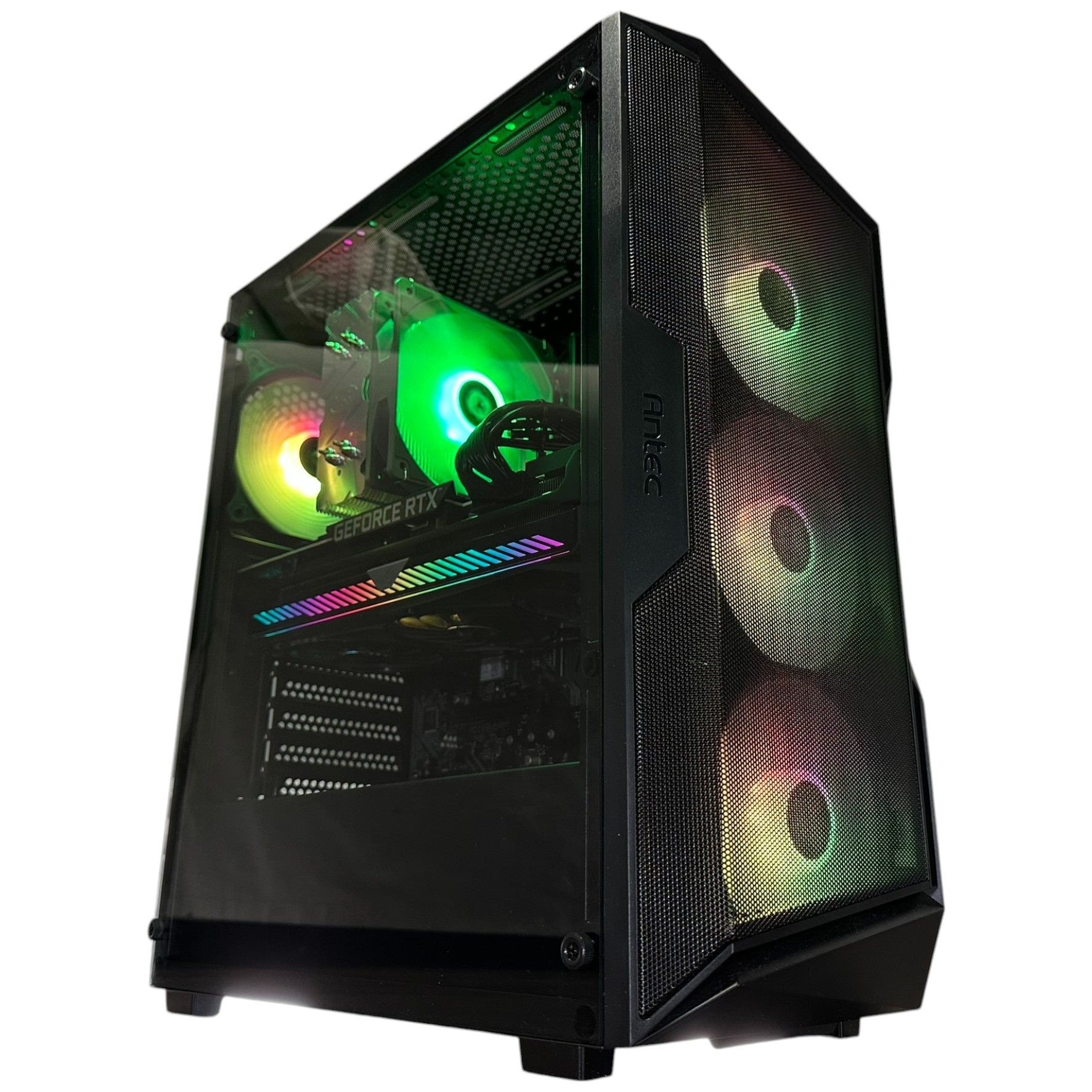
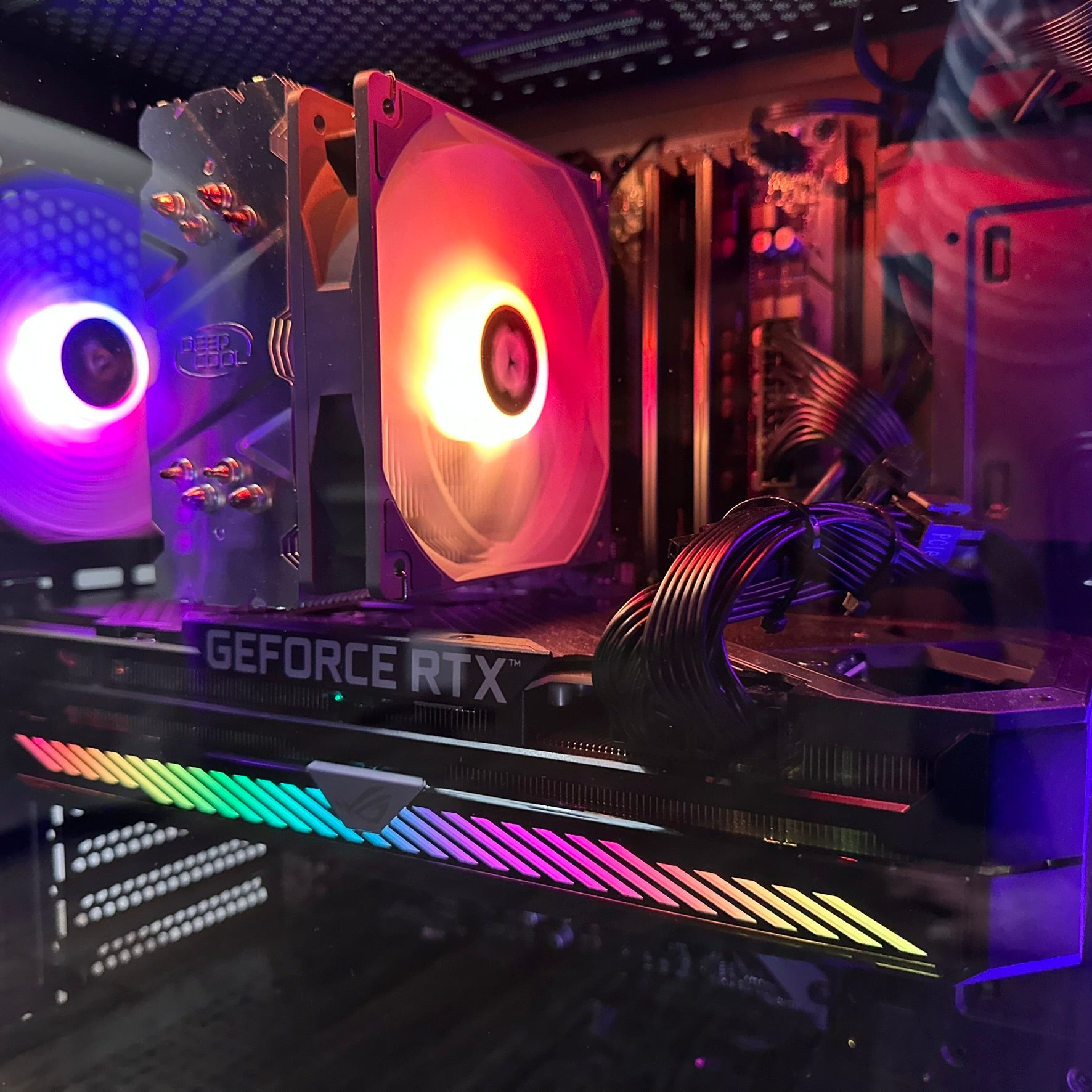

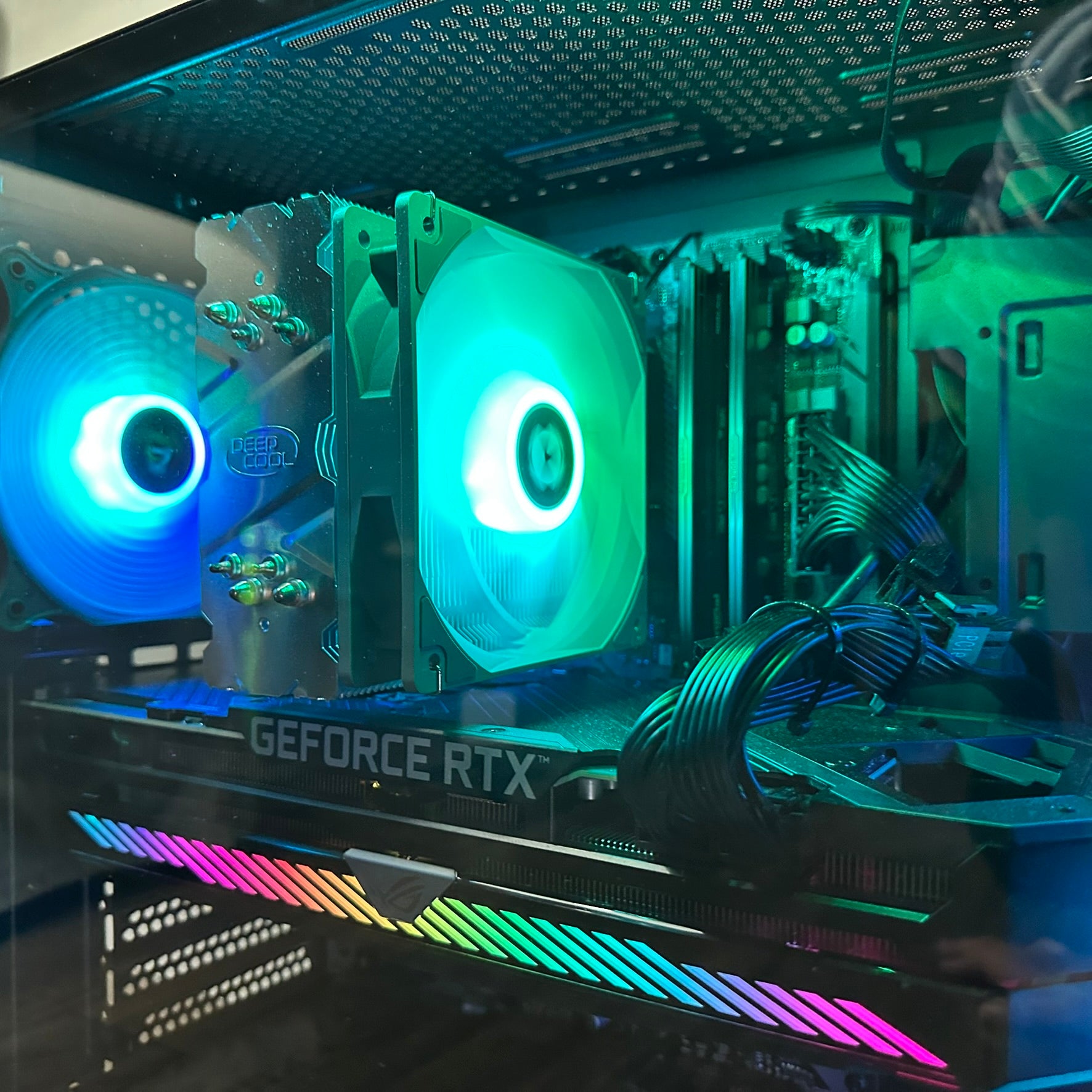





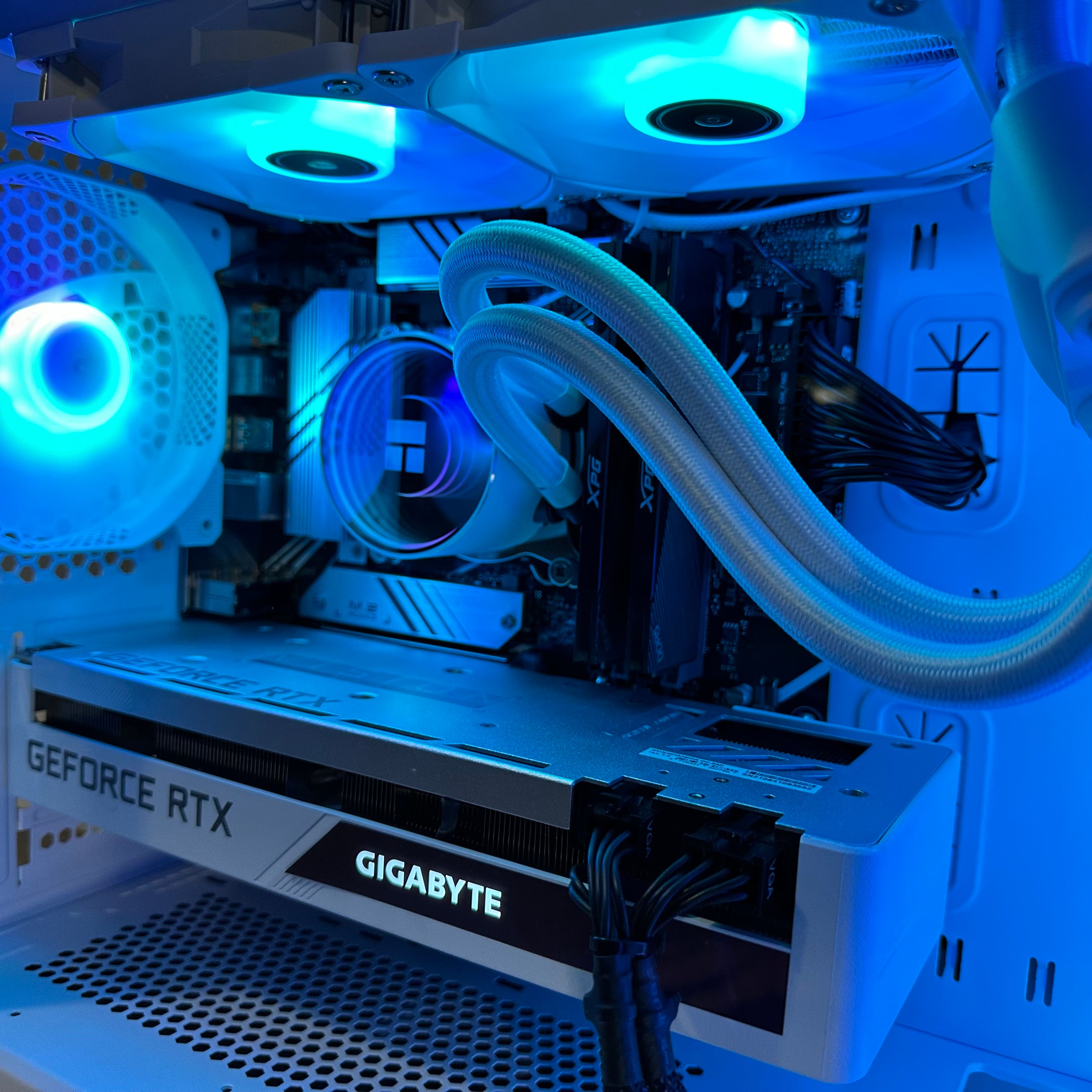










GTA 6 Graphics and the Real Question for Canadian Buyers: Is Your Next PC Ready for the New Era of AAA Gaming?
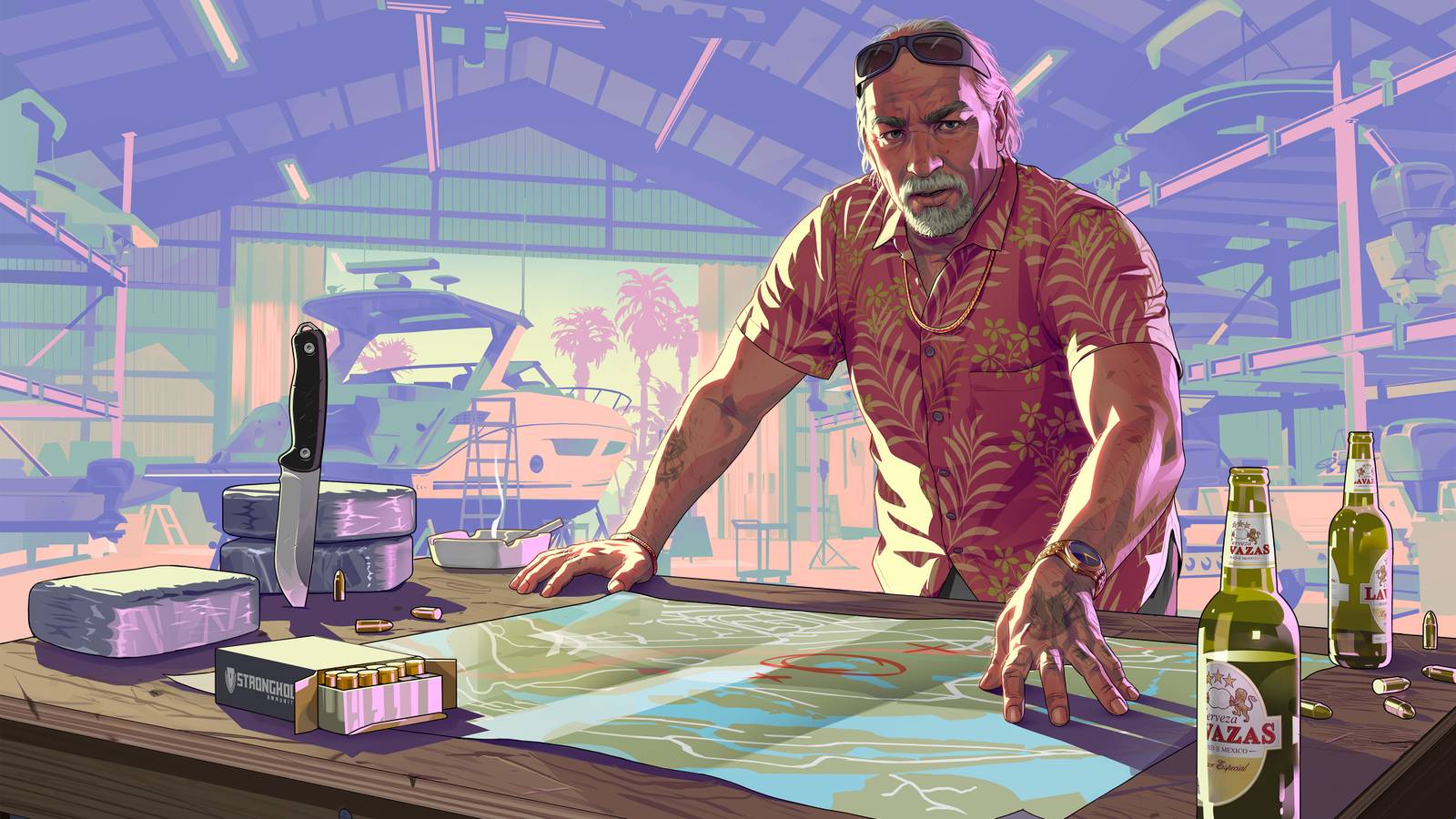
The discussion around GTA 6 graphics is bigger than one game. It points to a major shift in what players should expect from upcoming AAA releases, open-world visuals, ray tracing, texture detail, lighting complexity, and hardware demands. The source article raises a smart concern: what happens when cinematic realism becomes so advanced that performance, accessibility, and even gameplay feel start to change? For Canadian shoppers, that debate leads to a very practical question: is your current system actually ready for the next wave of demanding games, or are you already one upgrade behind?
At Groovy Computers, this is where hype meets buying reality. A major release can create excitement, but it can also expose weak hardware, rushed purchases, and expensive upgrade mistakes. If you are planning for a gaming PC for GTA 6, or for the broader class of new open-world games likely to follow the same visual trend, choosing the right system now matters more than waiting until launch panic starts.
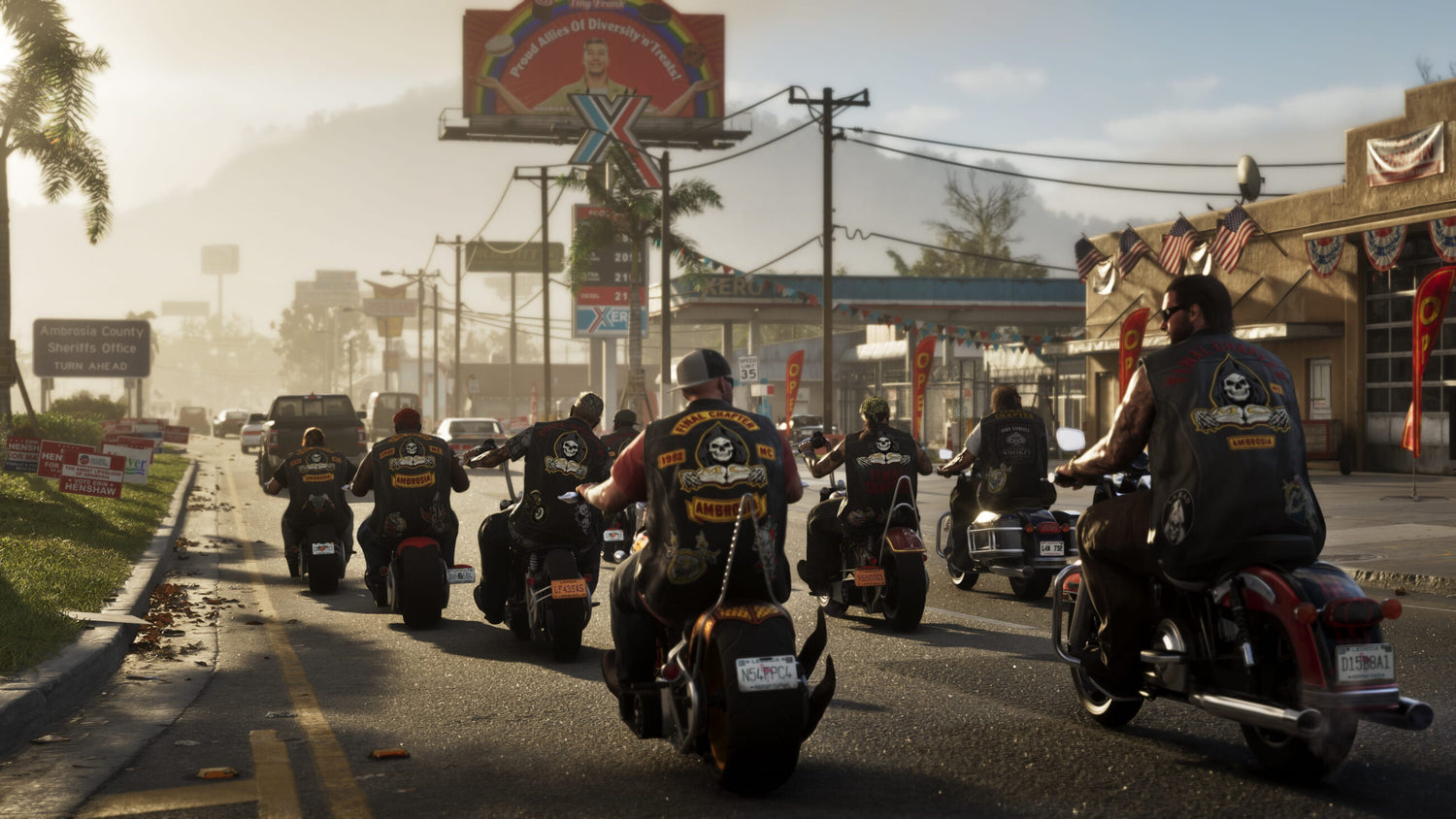
What the GTA 6 graphics debate gets right
The source article highlights three issues that deserve serious attention. First, hyper-real visuals can change the tone of a game known for satire, chaos, and exaggerated action. Second, stronger visuals usually create heavier performance demands, especially on the CPU side in large open worlds. Third, premium game pricing increases the pressure to get the platform decision right the first time.
That matters because many gamers still shop by marketing buzzwords instead of workload. “Ultra graphics” sounds exciting, but what do you actually want your system to do? Do you want smooth 1080p gameplay? High refresh 1440p? A 4K showcase build? Do you care more about ray tracing, streaming, recording, modding, or long-term upgrade flexibility?
If a game like GTA 6 pushes cinematic density, crowd simulation, lighting, reflections, weather, and massive map streaming all at once, then the old habit of buying just enough PC for today can backfire fast. A machine that feels fine for last-generation titles may suddenly feel limited when next-generation open-world games arrive.
Why Canadian PC buyers should think about this differently
Canadian customers are often balancing more than raw performance. You are also navigating exchange-rate pressure, hardware price volatility, shipping timelines, and the cost of replacing a system too soon. When a flagship game drives demand, component pricing can tighten across the market. GPUs get the attention, but memory, SSDs, power supplies, and even cases with proper airflow can all feel that pressure.
The source article mentioned a top-tier edition price of roughly $100 USD. In Canadian terms, that places the premium edition conversation closer to about $135 to $140 CAD, depending on timing and taxes. That may not sound like a PC buying issue at first, but it reinforces a bigger point: gaming is getting more expensive across the board. If software costs are rising and hardware expectations are rising too, then buying a system with more headroom becomes easier to justify.
So ask yourself: are you trying to save money today, or are you trying to avoid a disappointing replacement purchase six months from now?
What do you want your next PC to do for you?
Before you compare GPUs or price tags, step back and define the job.
Do you want a system mainly for big new games? Do you also want to stream to Twitch or YouTube? Will you edit clips for TikTok, Shorts, or long-form video? Are you using Photoshop, Lightroom, Illustrator, Blender, Unreal Engine, Premiere Pro, or DaVinci Resolve when you are not gaming?
This is where many buyers choose the wrong category. They shop for a “gaming PC” when they really need a creator PC Canada workflow. Or they assume they need a massive workstation when a balanced custom gaming and content creation build would do the job better for the money.
A good buying question is not just, “Can it run the game?” A better one is, what else do I need this machine to handle without slowing me down?
- If you only game, your priority is GPU strength, strong CPU pairing, cooling, and fast storage.
- If you game and stream, you need a balanced CPU/GPU setup, enough RAM, and dependable encoding performance.
- If you game and edit content, storage speed, RAM capacity, and creator-friendly GPU acceleration matter much more.
- If you build worlds, assets, renders, or simulations, you may need a true 3D modeling PC Canada or workstation-class configuration.
Could GTA 6 be one of the games that pushes more buyers back toward PC?
It is possible. When console performance targets become uncertain and frame rate discussions dominate launch coverage, many players start asking whether PC offers a better long-term value path. Not because PC is always cheaper up front, but because PC gives you more control over resolution, frame generation features, graphics settings, peripheral quality, storage expansion, and future upgrades.
If you are already wondering whether 30fps is acceptable in a fast-moving open-world action game, then you are already asking a PC-minded question. You are thinking about responsiveness, smoothness, and visual tuning rather than simply accepting one fixed experience.
That leads naturally to another question: do you want a locked experience, or do you want the freedom to tune your system around your own priorities?
What PC do you need for GTA 6-style games?
No official PC requirements should be assumed unless confirmed, but the design direction described in the source article tells us the kind of hardware logic that makes sense. If a game leans into dense open-world simulation, high-quality lighting, character detail, traffic, reflections, and cinematic presentation, the safest approach is to buy for the category of game, not just the title itself.
Entry tier: for 1080p players who want solid value
This tier makes sense if you want a 1080p gaming PC Canada setup for strong everyday play without chasing the highest settings at all times. It is best for gamers focused on smooth performance, practical budget control, and a clear upgrade path later.
Ask yourself: do I really need every visual setting maxed out, or do I want reliable performance and better value?
This kind of buyer usually wants:
- 1080p high settings in modern games
- Good performance in esports and solid performance in AAA titles
- Fast SSD load times
- Enough RAM for gaming, Discord, browsers, and background apps
- A build that can accept a stronger GPU later
If your budget is tight, this is often smarter than overspending on cosmetic extras while compromising core performance.
Mid-high tier: the sweet spot for 1440p gaming
For many Canadian buyers, this is the smartest long-term value category. A strong 1440p gaming PC Canada build often delivers the best mix of sharp visuals, high frame rates, and practical cost control for new AAA games.
If GTA 6-class titles are on your radar, this is the tier where many shoppers should focus. Why? Because 1440p lets you enjoy premium visual detail without immediately jumping to the much higher system cost of a top-end 4K build.
Ask yourself: do I want a PC that still feels exciting two or three years from now, not just acceptable at launch?
This tier is often ideal for:
- High or ultra settings at 1440p
- Better ray tracing viability
- High refresh gameplay in many titles
- Gaming plus streaming
- Gaming plus video editing or creator work
Premium tier: for 4K, heavy ray tracing, and maximum headroom
If you want a showcase machine, a 4K gaming PC Canada build is the premium route. This is for buyers who care about maximum image quality, high-end displays, stronger ray tracing, and a longer runway before needing a major upgrade.
But this is also where buying mistakes get expensive. A premium GPU with the wrong CPU, weak cooling, poor airflow, limited power delivery, or too little RAM creates an unbalanced system. That is why a custom build matters.
Ask yourself: am I paying for true performance headroom, or just for the badge of having something high-end?
What if you also stream, edit, or create content?
This is where the GTA 6 conversation becomes even more important. Highly cinematic games do not just demand more from the gaming side. They also create bigger source files, heavier screen captures, more taxing editing timelines, and stronger storage demands for creators.
If you plan to record gameplay, cut trailers, edit YouTube videos, stream live, or create social content around new game launches, then you may not want a pure gaming build at all. You may want a content creation PC Canada solution that can game hard and work hard.
Do you need a gaming and streaming PC?
If your goal is to play visually demanding games and broadcast at the same time, then CPU balance, cooling, RAM, and GPU encoding support all matter. A gaming and streaming PC Canada build is not just about average FPS. It is about maintaining game feel while running OBS, browser tabs, chat tools, capture workflows, and sometimes music or voice processing apps.
Ask yourself: are you just playing, or are you building a channel too?
For streaming-focused customers, the wrong purchase usually shows up as:
- Frame drops while live
- Encoding strain
- System stutter when multitasking
- Not enough RAM for simultaneous apps
- Thermal problems under long sessions
Do you need a video editing PC too?
If your workflow includes gameplay capture, montage edits, reaction content, or long-form uploads, then a video editing PC Canada configuration may be the better answer than a gaming-only system. Premiere Pro, DaVinci Resolve, After Effects, and other editing software benefit from smart hardware balancing, not just brute-force gaming specs.
What PC do you need for video editing if gaming is still your main hobby? Often, the answer is a hybrid build with stronger CPU performance, more RAM, larger SSD capacity, and a GPU that helps with playback and exports.
Ask yourself: will slow exports, laggy timelines, and constant storage juggling waste more of your time than the money you think you are saving on a weaker build?
What about Photoshop, graphic design, and creator software?
Many customers arrive after searching for a game-specific PC, then realize they also need a machine for Adobe apps, content thumbnails, graphics, and brand work. If you use Photoshop, Illustrator, Lightroom, Canva, or InDesign regularly, a properly balanced graphic design PC Canada or creator system can make daily work far smoother.
That means:
- Fast application loading
- Smoother multitasking across Adobe Creative Cloud
- Better handling of large assets and layered files
- More reliable multi-monitor workflows
- Less chance of outgrowing the system too quickly
If your PC is part gaming rig, part side-hustle machine, and part creative workstation, you should buy accordingly.
Could cinematic game trends also affect 3D artists and developers?
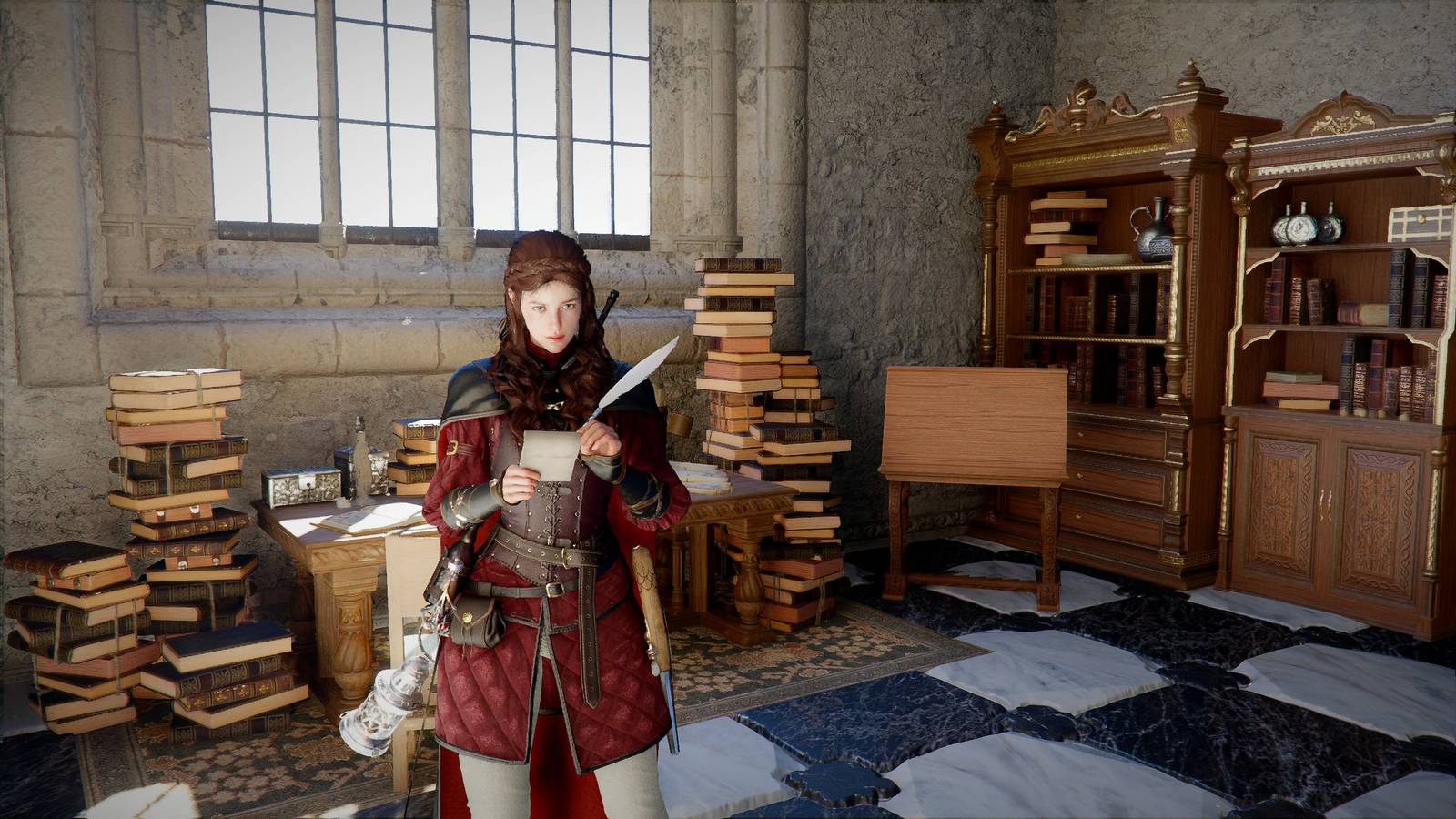
Absolutely. When blockbuster games raise visual standards, creators feel that impact too. Modders, environment artists, game developers, 3D modelers, and Unreal or Blender users start working with heavier textures, more complex scenes, and higher rendering expectations.
If that sounds like your world, a gaming-first build may not be enough. You may need a 3D rendering PC Canada or workstation PC Canada approach built around your actual software.
Ask yourself: are you only consuming next-generation visuals, or are you trying to create them?
For Blender, Unreal Engine, CAD, and rendering work, the buying conversation shifts toward:
- VRAM needs
- CPU vs GPU rendering priorities
- RAM capacity for large scenes
- Fast project storage
- Cooling and stability under long renders
- Upgrade paths for future software growth
Is now a good time to buy a gaming PC, or should you wait?
This is one of the most common and most important buyer questions. The honest answer is that it depends on what you are waiting for. If you are waiting for certainty, perfect pricing, and zero hardware churn, that moment rarely arrives. If you are waiting for a specific launch, you may end up buying during peak demand, when urgency works against you.
Major game releases often trigger a familiar pattern:
- Players suddenly realize their systems are below the experience they want.
- Demand concentrates on a few popular performance tiers.
- Better-value options sell faster.
- Shoppers rush into generic prebuilts or underpowered stopgap machines.
That is why timing matters. If you already know you want a PC for GTA 6, new AAA games, streaming, editing, or creator work, buying earlier can be smarter than shopping during the loudest part of the hype cycle.
Ask yourself: are you planning your next system, or reacting late to a problem you already know is coming?
How pricing pressure can affect full-system cost
Many customers focus only on the GPU, but full-system pricing moves in layers. If demand rises around premium gaming, creators, and AI-accelerated workloads, that can influence multiple component categories at once.
GPU pressure
As visually demanding games get closer, interest climbs in GPUs capable of higher resolutions, ray tracing, and longer-term relevance. That puts pressure on popular midrange and premium cards, especially the ones buyers see as the “safe” choice for upcoming releases.
CPU pressure
Open-world games with dense simulation can make strong CPUs more desirable. Buyers who previously ignored the processor may suddenly care a lot more when low frame pacing, asset streaming, or CPU bottlenecks enter the conversation.
RAM and storage pressure
Modern games are large. Recorded footage is larger. Creator projects are larger still. Once buyers move from “just gaming” to “gaming plus recording plus editing,” they often need more RAM and much larger SSD capacity than they first expected.
Replacement-cost pressure
The cheapest buy is not always the lowest total cost. If you buy a weak PC now and replace or heavily upgrade it too soon, your total spend can end up higher than if you bought the right system once.
That leads to a practical question: should you buy a cheaper system now, or secure a stronger build that lasts longer?
Should you finance a better PC instead of settling for a weaker one?
For many buyers, yes, that question is worth serious thought. If you know you need stronger performance for new games, streaming, editing, or creator work, financing can be a practical way to avoid the trap of buying too low and upgrading too fast.
At Groovy Computers, customers often ask whether financing is worth it. The better question is: what does the weaker build cost you in missed longevity, reduced performance, and faster replacement pressure?
If financing up to 4 years helps you move from an entry-level compromise to a properly balanced custom build, that can be the smarter value move. This is especially true if you want better ray tracing, more RAM, stronger storage, cleaner streaming performance, or more confidence that your system will still feel capable when the next wave of demanding titles lands.
A stronger machine bought at the right time can feel more affordable than a cheaper machine that disappoints early.
Which performance tier fits you best?
If you are unsure where you fall, use your real habits, not your wish list fantasy, to decide.
Choose a value-oriented gaming build if:
- You play mostly at 1080p
- You want strong overall value
- You do not need heavy ray tracing
- You want a clear future upgrade path
- You are buying your first serious desktop
Choose a balanced mid-high custom gaming PC if:
- You want 1440p to be your main target
- You play both esports and AAA titles
- You care about visual quality and smoothness
- You may stream or record occasionally
- You want to avoid upgrading too soon
Choose a premium gaming or creator hybrid if:
- You want 4K or very high-end 1440p performance
- You care about ray tracing and visual headroom
- You stream, edit, and game on one system
- You use demanding software alongside games
- You want a longer performance runway
Choose a creator workstation or 3D-focused system if:
- You work in Premiere Pro, DaVinci Resolve, After Effects, Blender, or Unreal
- You render, simulate, or process large project files
- You need more RAM and storage than a typical gaming rig
- You care more about stability and throughput than RGB extras
Still unsure? Then ask the simplest version of the question: what will make you regret your purchase less six months from now?
Why custom PC selection matters more when new games raise the bar
Not all systems with similar headline specs perform equally well in the real world. Cooling quality, motherboard choice, power supply quality, airflow, RAM configuration, storage setup, and CPU/GPU pairing all influence the actual experience.
That is why custom gaming PC Canada buyers often get better long-term value than shoppers who chase generic spec sheets. A properly matched custom system is built around your target use case, not around whatever was easiest to mass-produce.
When upcoming games become more demanding, these details matter even more. You do not just want a machine that turns on and launches the game. You want one that remains stable under long sessions, handles heat well, leaves room for future changes, and does not need immediate correction.
Why Groovy Computers is a strong fit for Canadian buyers
Groovy Computers is built around the idea that the right PC should fit the person, not just the trend. If you are shopping in Canada for a gaming system, creator rig, or workstation, the goal is not to sell you random parts. The goal is to help you get a machine that actually matches your gaming targets, software needs, budget, and upgrade timeline.
That means custom builds, careful part matching, rigorous testing, and the confidence of a 1-year warranty. It also means support for buyers who want to step into a stronger class of system without paying everything up front, including financing options up to 4 years where available.
For customers in Nova Scotia and across Canada, that combination matters. You want performance, but you also want reliability, clean assembly, thermal sense, shipping confidence, and a builder that understands how gaming and creator workloads overlap in the real world.
What questions should you ask before buying your next PC?
Before you commit, make sure you can answer these clearly:
- What games do I actually want to play over the next two to three years?
- Am I targeting 1080p, 1440p, or 4K?
- Do I care about ray tracing or just strong frame rates?
- Will I stream, record, or edit content on this same system?
- Do I need more RAM and storage than a gaming-only build?
- Am I buying early enough to avoid rush pricing and poor selection?
- Would financing a better build save me from upgrading too soon?
- Do I want a budget machine now, or a longer-lasting system with better balance?
- Do I want help choosing a build from a Canadian custom PC builder that actually tests the system before it ships?
If those questions feel familiar, that is a sign you are not just shopping for hardware. You are trying to make a smarter decision under changing market conditions.
The real takeaway from the GTA 6 graphics conversation
The source article is not just about whether one game looks too realistic. It is really about what happens when blockbuster gaming keeps pushing visual ambition higher. Performance targets shift. Expectations rise. Buying mistakes become more expensive. And the gap widens between systems that are merely current and systems that are actually ready.
For Canadian shoppers, the smartest move is to treat the GTA 6 graphics debate as a buying signal. If you already know that new AAA games, streaming, editing, or creator workloads are in your future, this is the time to choose a PC category that fits where gaming is going, not where it was.
So what do you want your next PC to do for you? If you want a system built for modern gaming, content creation, or demanding multi-purpose workloads, visit GroovyComputers.ca and explore a build that matches your performance goals before demand, expectations, and replacement costs climb higher.
In the end, GTA 6 graphics are a reminder that the next generation of games will reward buyers who plan ahead. Whether you need a budget-conscious gaming desktop, a premium RTX-ready machine, a streaming and editing setup, or a creator-focused workstation, the right answer is the one that keeps you from buying twice. If you want help choosing the right custom PC in Canada, Groovy Computers is the place to start.
#GTAGraphics #GamingPCCanada #GamingPCForNewGames #1440pGamingPCCanada #4KGamingPCCanada #CustomGamingPCCanada #ContentCreationPCCanada #VideoEditingPCCanada #StreamingPCCanada #CanadianCustomPCBuilders #NovaScotiaTech #GroovyComputers
Groovy Computers | All Rights Reserved

Leave a comment
This site is protected by hCaptcha and the hCaptcha Privacy Policy and Terms of Service apply.