
















Gaming PC for New Games: What Crimson Desert’s Damiane and Oongka Update Teaches Canadian PC Buyers
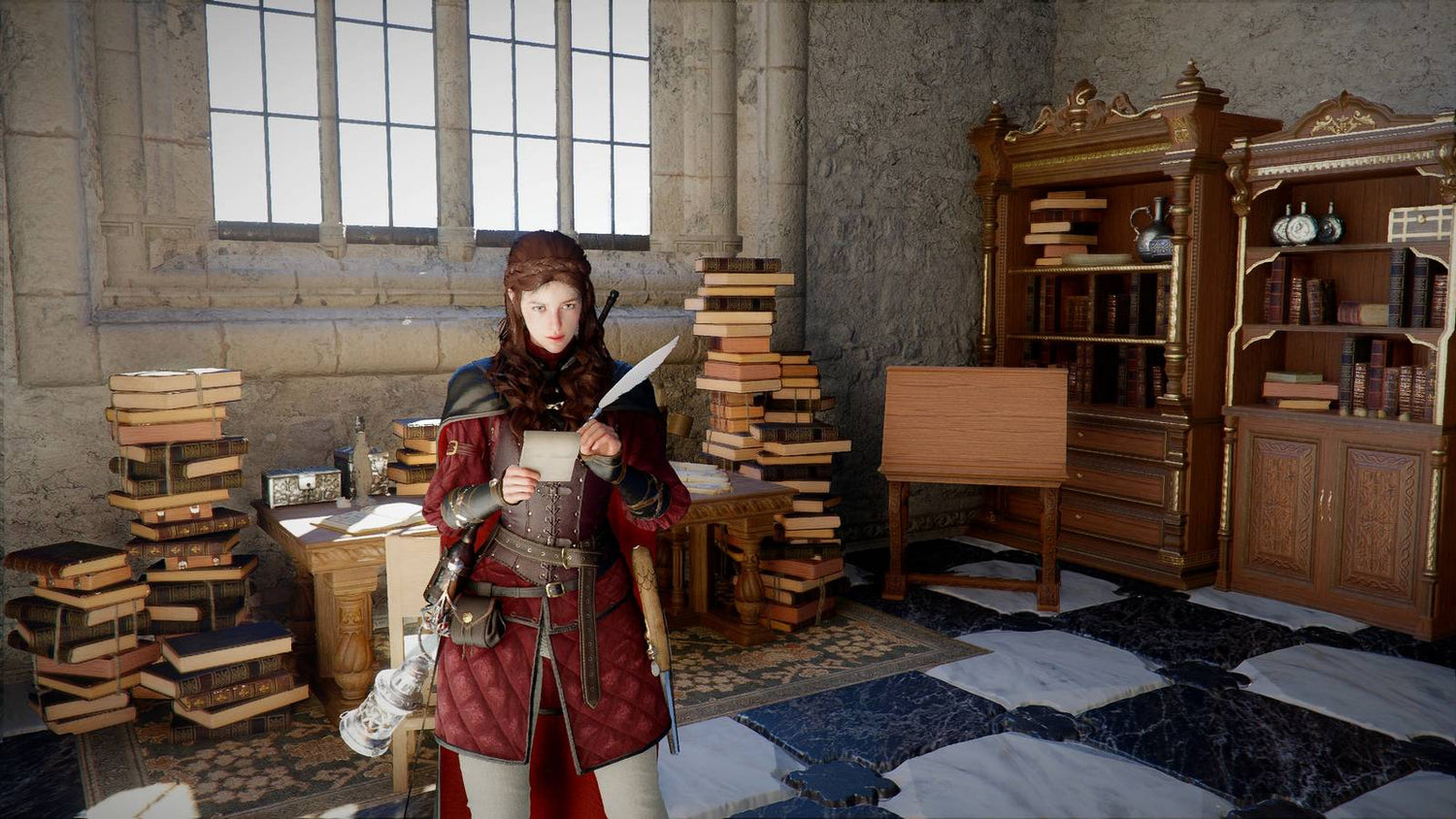
Crimson Desert’s latest update is more than a character patch; it is a reminder that modern open-world games keep growing after launch, and your Gaming PC for New Games needs to be ready for that reality. Patch 1.13 expands what players can do with Damiane and Oongka, giving both characters access to the Abyss, adding more outfit and equipment options, improving character-specific gameplay, refining controls, fixing performance-related issues, and adding quality-of-life features such as HUD hiding and pet resting interactions.
For players, that means more reasons to return to Crimson Desert. For Canadian PC buyers, it raises a bigger question: is your current system built for the game you are playing today, or for the larger, patched, expanded, more demanding version you will be playing six months from now?
At Groovy Computers, we look at updates like this through a practical custom-PC lens. When a major open-world action RPG receives new areas, character functionality, boss rematches, gear systems, movement fixes, visual improvements, and gameplay refinements, the best experience often depends on more than simply meeting minimum requirements. You want smooth frame rates, stable thermals, fast loading, reliable storage, enough RAM for background apps, and a GPU that can handle the resolution and visual settings you actually care about.
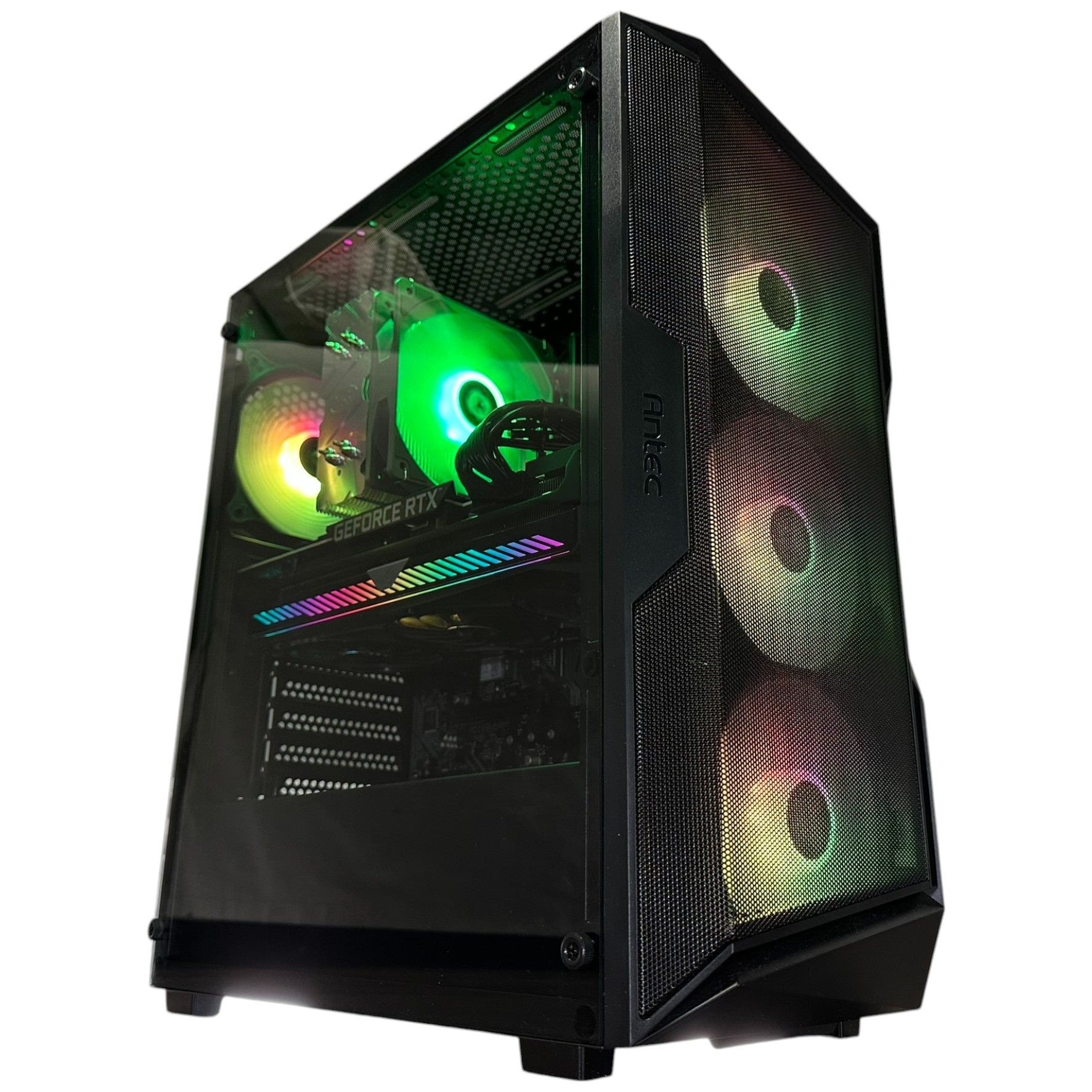
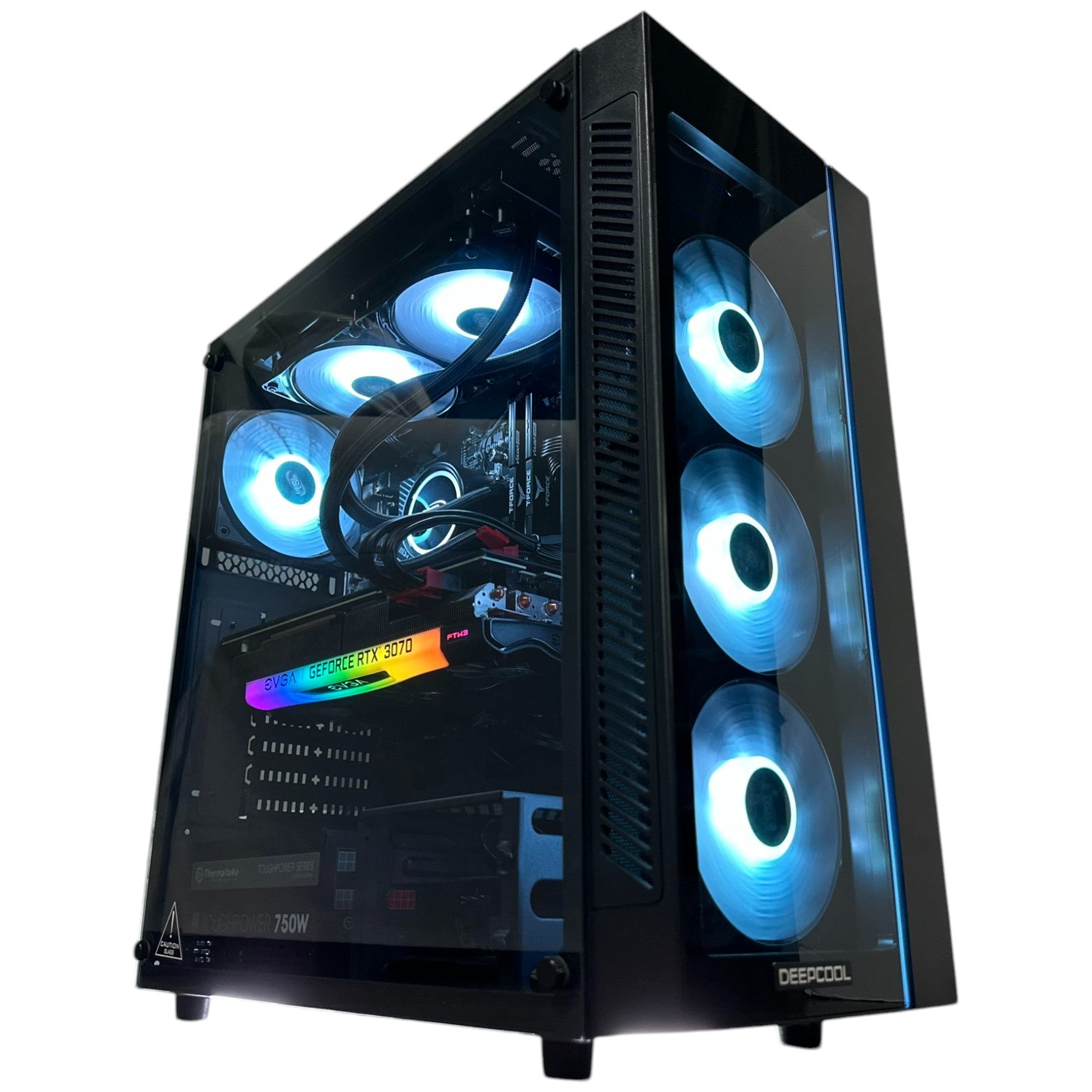
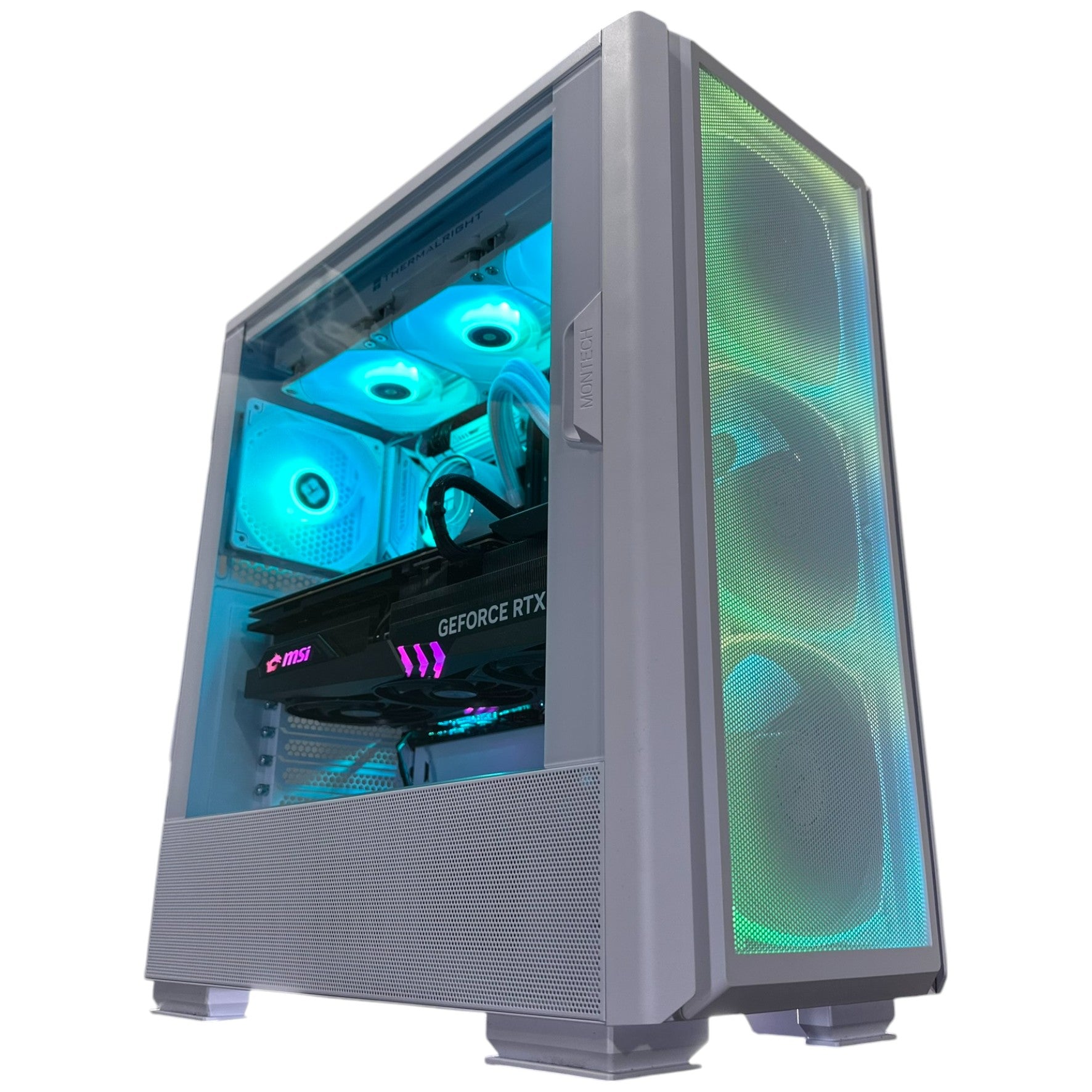
If you are shopping for a Custom Gaming PC Canada, a 1440p Gaming PC Canada, a premium 4K Gaming PC Canada, or a hybrid system for gaming, streaming, video editing, and content creation, Crimson Desert’s update is a useful case study. Games are no longer static products. They evolve. Your PC should be chosen with that in mind.
Why Crimson Desert’s Patch 1.13 Matters for PC Gamers
The latest Crimson Desert update focuses heavily on Damiane and Oongka, two playable characters who previously did not feel as complete as Kliff. The patch gives them access to the Abyss, expands outfit compatibility, adds new equipment, improves some character-specific interactions, fixes combat and control issues, and updates areas of the game that affect moment-to-moment play.
That matters because Crimson Desert is a massive open-world game with exploration, combat, flight, pets, housing, equipment, bosses, memory fragments, traversal, UI elements, and detailed environments. When a game like this receives meaningful post-launch updates, it can change how players move through the world, how often they return to dense areas, how many effects appear during combat, and how much pressure the game places on the CPU, GPU, memory, and storage.
The update also includes fixes for longer-than-usual loading times, occasional crashes when opening the map, occasional crashes during boss rematches, stuttering in certain cutscenes on PlayStation 5, and various animation, UI, control, and gameplay issues. While those fixes are not a direct PC spec sheet, they point to something every PC gamer understands: big open-world games are complex, and the better your system is balanced, the better your experience tends to be.
So if you are reading about Crimson Desert and thinking, “Can my PC run this game well?” the smarter question may be: can your PC run this kind of game well at the settings, resolution, and frame rate you actually want?
What Gaming PC for New Games Should You Buy If You Care About Big Open Worlds?
A strong Gaming PC for New Games should be built around the way modern games actually behave. Crimson Desert, like many large-scale AAA titles, combines expansive environments, character switching, high-action combat, mounts, effects-heavy battles, cinematic sequences, gear systems, and frequent transitions between exploration and combat. That type of experience rewards a well-balanced desktop.
Do you want to play at 1080p with good visuals and reliable frame rates? Are you aiming for 1440p high settings because you want sharper detail without jumping all the way to 4K? Or do you want a premium 4K gaming experience with ray tracing-capable performance, smoother frame pacing, and extra headroom for future updates?
Your answer changes the entire build. A budget gaming computer can be excellent for 1080p gaming, esports titles, and many popular games. A stronger mid-range system is often the sweet spot for 1440p open-world gaming. A high-end gaming desktop is the right move if you want 4K, ultra settings, heavy multitasking, streaming, recording, or longer upgrade cycles.
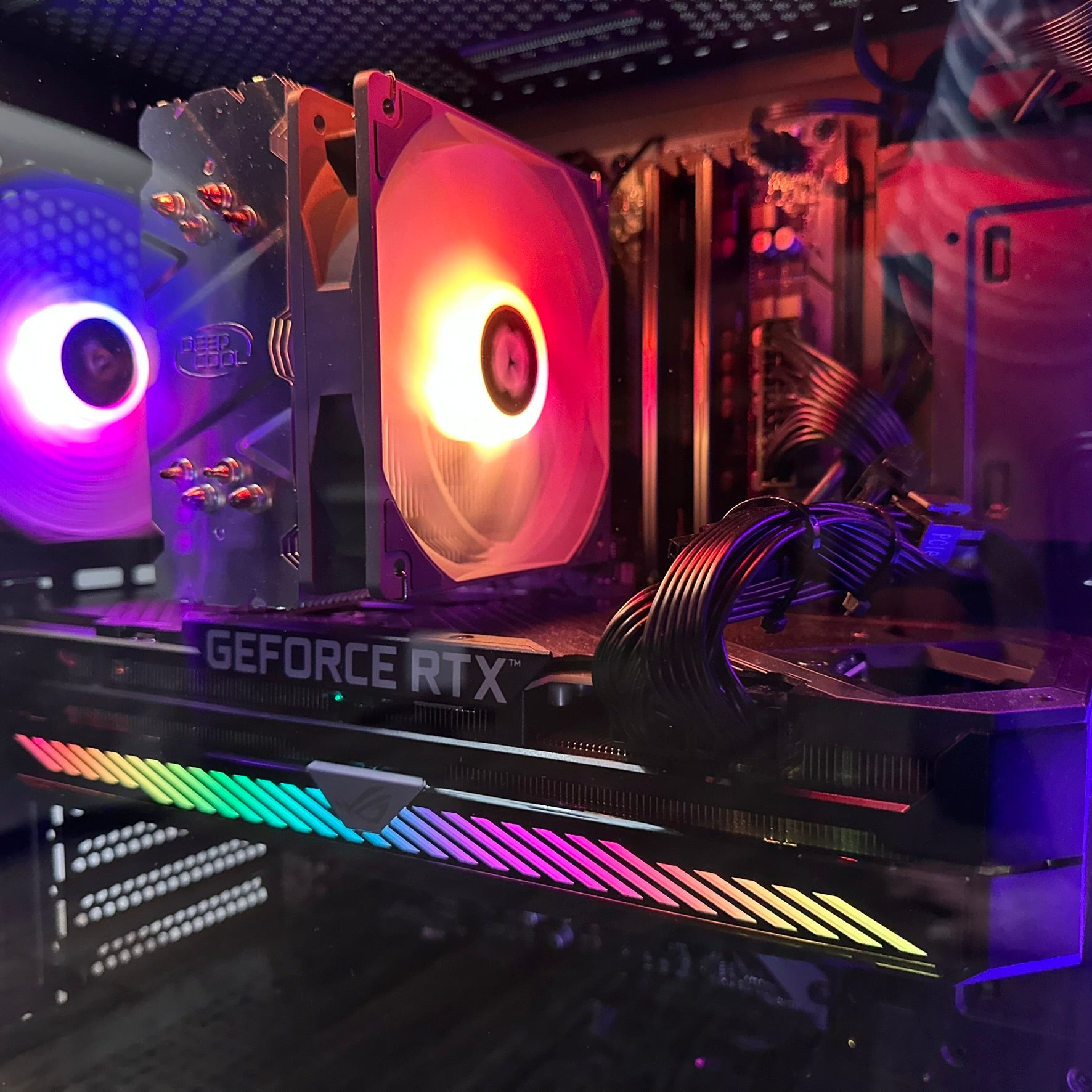
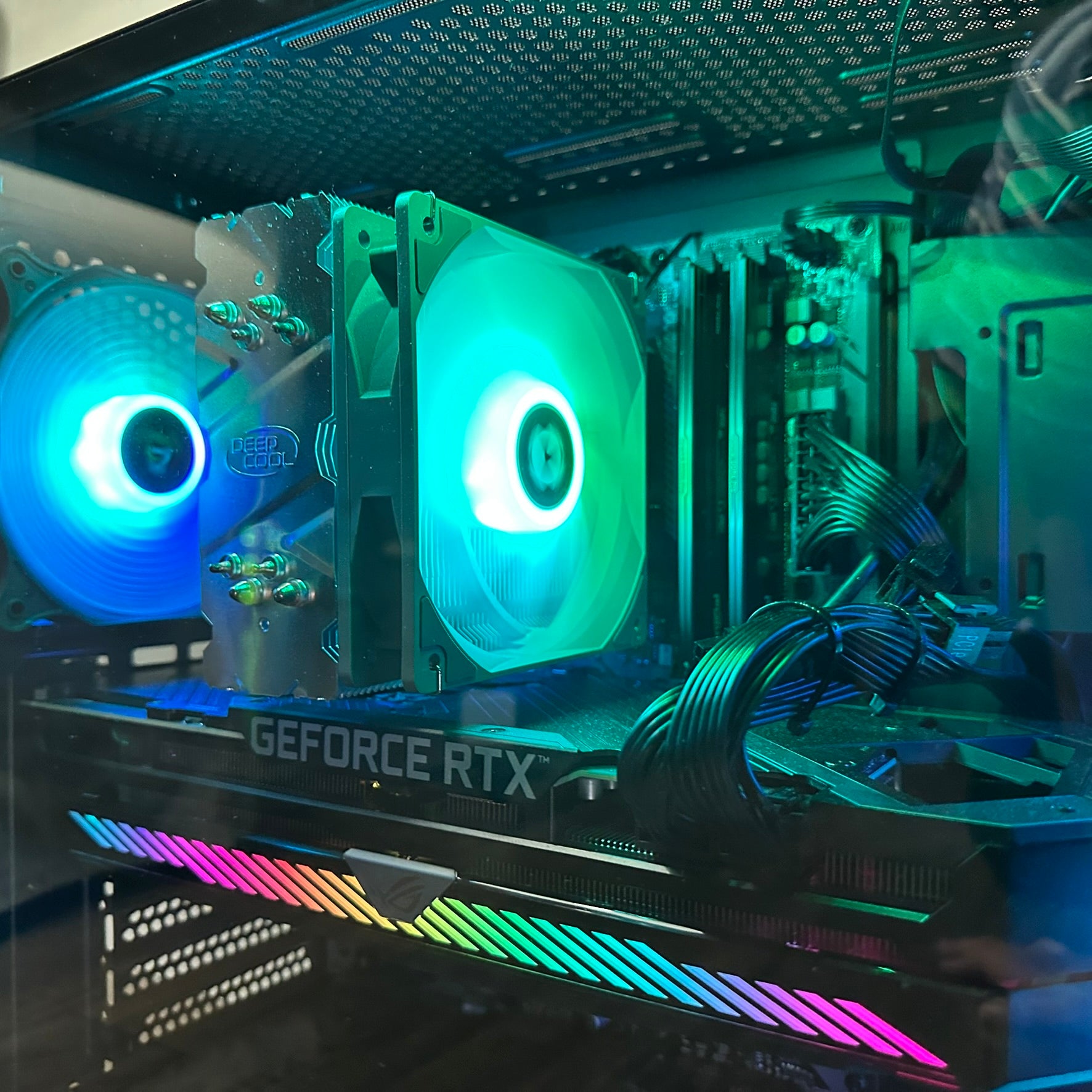
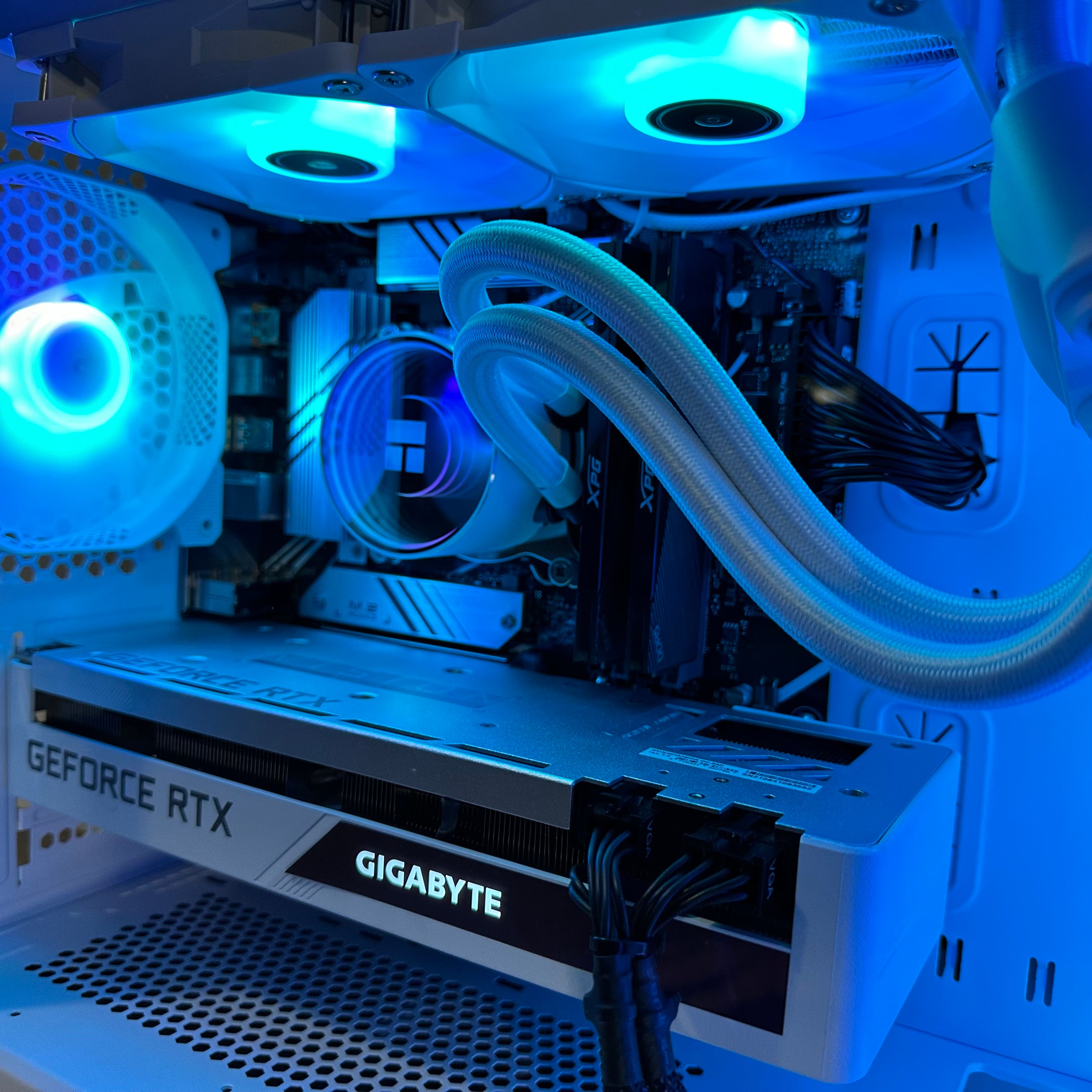
The key is not just buying the most expensive parts. The key is choosing the right combination of CPU, GPU, RAM, SSD, motherboard, cooling, power supply, case airflow, and testing. That is where working with a Canadian custom PC builder like Groovy Computers becomes valuable.
What Do You Want Your Next PC To Do For You?
Before you buy or finance a new gaming computer, ask yourself a practical question: what do you want your next PC to do for you over the next three to five years?
Do you want it mainly for Crimson Desert, GTA 6 when it arrives on PC, Call of Duty, Fortnite, Battlefield, Forza, Cyberpunk-style open-world games, Elden Ring-like action RPGs, or competitive esports? Do you want to stream to Twitch or YouTube while playing? Do you want to record gameplay for TikTok, YouTube Shorts, or long-form videos? Do you edit in Adobe Premiere Pro, DaVinci Resolve, CapCut, Photoshop, Lightroom, Illustrator, Blender, Unreal Engine, or other creator software?
The mistake many buyers make is shopping only for the game they are playing this week. A better approach is to shop for the workload you are growing into. If Crimson Desert’s Damiane and Oongka update makes you want to revisit the game, what happens when the next patch adds more content? What happens when another demanding AAA game becomes your daily obsession? What happens when you decide to stream, edit, or create around the games you already play?
A custom PC should match your ambition, not just your current minimum requirement.
Which Performance Tier Fits You Best?
Not every Canadian buyer needs the same system. A student buying a first gaming PC has different priorities than a 4K enthusiast, a streamer, a photographer, a 3D artist, or a business owner who also games at night. The goal is to choose the performance tier that fits your real use case without forcing you to upgrade too soon.
Entry-Level and Budget Gaming PC Tier: Is 1080p Enough for You?
If you mainly want to play at 1080p, enjoy popular games, and keep your budget controlled, an entry-level or budget gaming PC can be a smart choice. This type of system is ideal if you are asking, “How much should I spend on a gaming PC?” or “Can a budget gaming PC play new games?”
For Crimson Desert-style open-world games, a budget system should still be carefully configured. You want a modern multi-core CPU, a capable dedicated GPU, at least 16GB of RAM for mainstream gaming, and a fast NVMe SSD so the system feels responsive. You may not be running every setting at ultra, but you can still get a strong experience if the build is balanced properly.
This tier is often right for buyers who care about value, school use, general productivity, esports, and 1080p gaming. It is not the best choice if you expect 4K ultra settings, heavy ray tracing, streaming while gaming, or long-term headroom for demanding creative workloads.
Mid-Range Performance Tier: Is 1440p the Sweet Spot?
For many Canadian gamers, a 1440p Gaming PC Canada build is the sweet spot. It gives you a major visual upgrade over 1080p without requiring the extreme GPU power often needed for high-refresh 4K gaming. If you want Crimson Desert, open-world RPGs, shooters, racing games, and action titles to look sharp and feel smooth, this is where many buyers should focus.
A strong 1440p system should prioritize a GPU with enough VRAM for modern textures, a CPU that can keep frame rates stable in busy areas, 32GB of RAM if you multitask heavily, and a fast SSD with enough space for today’s large game installs. If you keep Discord, browser tabs, launchers, recording software, and music open while gaming, the extra RAM and storage speed can make a noticeable difference.
Ask yourself: do you want a PC that feels comfortable today and still has room for tomorrow’s patches, expansions, and new releases? If yes, mid-range may be the most sensible long-term value.
Premium and High-End Tier: Do You Want 4K, Ultra Settings, and Long-Term Headroom?
If you want a premium experience, a high-end gaming PC is about more than bragging rights. A 4K Gaming PC Canada build is for players who want higher resolutions, ultra-quality textures, smoother frame rates, ray tracing-capable performance where supported, and stronger longevity before the next upgrade.
This tier is ideal if you are using a 4K monitor, an ultrawide display, a high-refresh 1440p monitor, or a multi-monitor setup. It also makes sense if you game and stream, record high-quality gameplay, edit videos, work in creative software, or want a machine that can handle demanding titles for years.
Does a premium system cost more upfront? Yes. But if it helps you avoid an early GPU replacement, keeps your games smoother longer, and doubles as a creator workstation, it can be the more efficient purchase over time. This is where financing can become a practical tool instead of a luxury.
Should You Buy Now or Wait Before the Next Demand Spike?
One of the most common questions we hear is: is it better to buy a gaming PC now or wait? The honest answer depends on your current system, your budget, your workload, and how soon you need performance. But there are real risks to waiting too long.
Major game releases, seasonal shopping periods, GPU demand, memory pricing pressure, SSD cost changes, and sudden component shortages can all affect full-system pricing. When one component category becomes more expensive or harder to source, the cost of a complete gaming PC can shift quickly. This is especially important in Canada, where exchange rates, shipping costs, supply timing, and limited availability can influence final pricing.
If your current PC is already struggling with open-world games, crashing during heavy loads, taking too long to load, overheating, or forcing you to turn settings down below what you enjoy, waiting may cost you more than money. It can cost you months of poor gaming, missed content creation opportunities, delayed work, or frustration every time a new patch arrives.
So ask yourself: are you waiting because it is strategically smart, or because you are trying to stretch a system that is already holding you back?
Could Financing Help You Secure a Stronger Build Before Replacement Costs Rise?
For some buyers, the right move is not buying the cheapest gaming PC today. It is financing a better system that will last longer and perform better. Groovy Computers offers financing options up to 4 years, which can help Canadian customers move into a stronger build without paying the entire amount upfront.
This is especially relevant if you are choosing between a lower-end system that barely meets your needs and a more capable custom gaming PC that gives you room for 1440p gaming, streaming, editing, or future game releases. The question is not simply, “Can I afford the cheapest PC?” It is: should I finance a better PC instead of buying a cheaper one that I may outgrow too soon?
A Gaming PC Financing Canada option can make sense when the stronger system saves you from an early upgrade, supports your work or content creation, or lets you buy before pricing pressure changes the total cost. Financing is not about overspending. It is about matching monthly payments to a system that actually fits your goals.
If you are deciding between budget, mid-range, and premium performance, Groovy Computers can help you compare practical options and choose a build that makes sense for your games, software, monitor, and budget. If you are ready to explore a Gaming PC for New Games, visit GroovyComputers.ca and look at custom gaming PC options built for Canadian buyers.
Why Open-World Games Like Crimson Desert Reward Better CPUs, GPUs, RAM, and SSDs
Open-world games can stress a PC in multiple ways at once. The GPU handles rendering, lighting, textures, effects, resolution, and frame output. The CPU manages simulation, AI, physics, background systems, world streaming, and frame consistency. RAM helps keep the game, operating system, launchers, chat apps, and background software from fighting for memory. Storage affects loading, asset streaming, patching, and general responsiveness.
When Crimson Desert adds character access to the Abyss, reshuffles memory fragments, expands gear and outfit systems, and encourages players to revisit boss rematches, it increases the reasons players spend more time moving through dense game systems. That does not automatically mean the game’s requirements changed dramatically, but it does show why headroom matters.
Do you want faster loading when moving between areas? Do you hate stutter during traversal? Do you keep multiple apps open while gaming? Do you want to record gameplay clips without frame drops? Those are the moments where a balanced custom build matters.
GPU: The Heart of Visual Performance
Your graphics card is usually the most important component for gaming performance, especially at 1440p and 4K. If you want higher settings, smoother frame rates, better textures, ray tracing where supported, or more future-proofing, the GPU deserves careful attention.
For a Gaming PC for New Games, do not only ask, “What GPU is cheapest?” Ask, what GPU fits my monitor, my games, my settings, and my upgrade timeline? A 1080p esports setup and a 4K open-world gaming setup are not the same purchase.
CPU: The Frame Consistency Engine
A strong CPU helps with stable frame rates, world simulation, background tasks, streaming, recording, and productivity. In open-world games, CPU performance can affect how smooth the game feels in crowded areas, during heavy AI activity, or when many systems are running at once.
If you also use your PC for video editing, streaming, 3D modeling, or workstation tasks, the CPU becomes even more important. A gaming-only build and a gaming-plus-creator build may use different CPU strategies.
RAM: The Multitasking Safety Net
Many modern gaming PCs should start with 16GB of RAM for mainstream gaming, but 32GB is increasingly attractive for players who multitask, stream, edit, or keep many applications open. If you are using Adobe Creative Cloud, DaVinci Resolve, Blender, OBS, Photoshop, Lightroom, or large browser sessions alongside games, more RAM can be a practical upgrade.
Ask yourself: do you only launch the game, or do you actually game with Discord, Chrome, OBS, Spotify, RGB software, launchers, and recording tools open? Your real-world usage should guide your RAM choice.
SSD Storage: Bigger Games Need Faster, Smarter Storage
Large games, updates, texture packs, recordings, project files, and creative assets consume storage quickly. A fast NVMe SSD improves system responsiveness and can help with loading and asset access. For gamers who also create content, storage planning becomes even more important because raw footage, exports, project files, and game installs can fill a drive fast.
Buying too little storage is one of the easiest ways to make a new PC feel cramped too soon. A custom build lets you plan for today’s library and tomorrow’s downloads.
Is a Gaming PC Good for Streaming, Editing, and Content Creation?
Yes, a well-built gaming PC can also be excellent for streaming, video editing, photo editing, graphic design, and content creation. But not every gaming PC is automatically a great creator PC. The difference is in the configuration.
If you want a Streaming PC Canada setup, you need to think about OBS, capture settings, microphone and camera workflow, dual monitors, encoding, upload stability, and whether you will record while playing. If you want a Content Creation PC Canada system, you need to consider editing software, export times, RAM, SSD capacity, GPU acceleration, and whether you work with 1080p, 4K, 6K, or heavier files.
So ask yourself: are you buying a PC just to play Crimson Desert, or do you want to turn your gameplay into content? If you plan to stream boss rematches, record build guides, create YouTube videos, edit TikToks, design thumbnails, or run a creator workflow, your PC should be built with those tasks in mind from the beginning.
For Streamers: Do You Need a Gaming and Streaming PC?
If you stream to Twitch, YouTube Live, TikTok Live, or record gameplay through OBS Studio, your PC needs enough performance to run the game smoothly while encoding and managing background tools. A gaming and streaming PC should usually include a capable GPU, a strong CPU, enough RAM for multitasking, and proper cooling for long sessions.
Do you want to stream at 1080p while gaming at 1440p? Do you use a webcam, overlays, alerts, browser sources, and multiple monitors? Do you want to record high-quality footage while live? These details affect the right build.
For Video Editors: Are You Working in Premiere Pro, DaVinci Resolve, or CapCut?
If your gaming PC doubles as a video editing system, the build should account for timeline performance, effects, exports, storage speed, and GPU acceleration. A Video Editing PC Canada build may need more RAM, more storage, and a stronger CPU than a gaming-only system at the same price point.
What PC do you need for video editing? It depends on whether you edit 1080p clips, 4K gameplay, multi-camera footage, colour-heavy projects, or effects-heavy sequences. A creator who edits short clips for social media has different needs than someone exporting long 4K YouTube videos every week.
For Designers and Photographers: Do You Need Colour Workflow and Fast Exports?
Photo editing, graphic design, and branding work rely on responsive software, fast storage, enough RAM, and often a quality monitor setup. If you use Photoshop, Lightroom, Illustrator, InDesign, Canva, Capture One, or similar tools, your PC should be configured for smooth multitasking and quick file handling.
Is a gaming PC good for Photoshop or graphic design? It can be, especially when built properly. But if you are a working photographer or designer, your build should not ignore RAM, SSD capacity, monitor connectivity, and quiet cooling.
For 3D Artists: Is a Gaming PC Enough for Blender or Unreal Engine?
A gaming PC can be a solid base for Blender, Unreal Engine, Unity, Maya, Cinema 4D, SketchUp, and other 3D workloads, especially when it includes a strong GPU. But heavy rendering, complex scenes, large textures, simulation work, and professional 3D pipelines may require a more workstation-focused approach.
If you are asking, “What PC do I need for Blender?” or “What PC do I need for 3D rendering?” the answer depends on your scene complexity, rendering engine, GPU memory needs, and whether you prioritize viewport performance, render speed, or both. Groovy Computers can help match the system to the software rather than forcing a generic gaming build into a workstation role.
Why Custom Builds Matter More Than Generic Prebuilt PCs
When games become more demanding and software workloads keep expanding, a generic prebuilt PC can leave important questions unanswered. What exact power supply is inside? Is the cooling strong enough? Is the case airflow appropriate? Is the motherboard upgrade-friendly? Is the RAM configured properly? Is the SSD fast and large enough? Has the system been properly tested?
A custom build gives you more control over the parts that actually determine reliability and upgrade potential. At Groovy Computers, the goal is not to sell every customer the same box. The goal is to understand what you play, what you create, what monitor you use, what software matters, what budget range makes sense, and whether financing could help you get the system you should have bought in the first place.
That matters for Canadian buyers who do not want a mystery machine. A Canada built gaming PC should be selected, assembled, tested, and supported with real accountability. Groovy Computers offers rigorous testing and a 1-year warranty, giving customers more confidence than a random marketplace listing or a poorly matched off-the-shelf system.
Canadian Buyers Should Think About More Than Sticker Price
In Canada, PC buying decisions are shaped by more than the price of one component. Exchange rates, freight costs, component availability, seasonal demand, GPU supply, RAM and SSD pricing, and new game hype can all affect the final cost of a complete system.
If you are in Nova Scotia, Halifax, New Glasgow, Trenton, Atlantic Canada, Ontario, Alberta, British Columbia, or anywhere else ordering online in Canada, the same question applies: are you buying a system that solves your real needs, or are you chasing the lowest price and hoping it lasts?
A cheaper PC that requires an upgrade within a year may not be cheaper. A poorly cooled system that throttles during long sessions may not be good value. A gaming desktop with too little storage may become frustrating quickly. A system with weak upgrade paths can limit your future options.
That is why Canadian custom PC builders matter. The right builder helps you think through performance, warranty, testing, shipping, financing, and upgrade planning before you commit.
Questions to Ask Before Buying a Gaming PC for New Games
Before choosing your next system, use these questions to clarify what you actually need:
- What games do I care about most? Are you focused on Crimson Desert, open-world RPGs, shooters, racing games, esports, survival games, or upcoming AAA releases?
- What resolution do I want? Is 1080p enough, or do you want 1440p or 4K?
- Do I care about ultra settings or high FPS? Some players prefer maximum visual detail, while others prioritize smooth competitive performance.
- Will I stream or record gameplay? If yes, your CPU, GPU, RAM, and storage needs may increase.
- Will I edit videos, photos, or graphics? If you use Premiere Pro, DaVinci Resolve, Photoshop, Lightroom, Illustrator, or Canva, plan for creator performance.
- Will I use Blender, Unreal Engine, CAD, or rendering software? If yes, you may need a workstation-style build with stronger GPU, CPU, RAM, and cooling choices.
- How long do I want to avoid upgrading? Buying slightly stronger now can sometimes save money and frustration later.
- Would financing help me buy the right system instead of settling? Monthly payments may make a stronger, longer-lasting build more realistic.
- Do I want a tested system with warranty support? Reliability matters when your PC is used for gaming, school, work, and creative projects.
What the Crimson Desert Update Gets Right About Player Choice
The most interesting part of Crimson Desert’s latest update is that it gives more value to different playstyles. Damiane and Oongka now have better access to areas, outfits, and equipment options. That means players are not as locked into one character if they want to explore important content like the Abyss.
That is a useful parallel for PC buying. A good custom PC should not lock you into one narrow use case either. If you buy a gaming computer today, you may later want to stream, edit, design, render, or run a business from the same machine. Your PC should give you room to grow.
Are you the kind of player who only needs a clean 1080p gaming system? Great. Are you the kind of buyer who wants 1440p, streaming, editing, and future-proofing? That requires a different plan. Are you a creator who games, edits, designs, and renders? Then you may need a custom creator PC or workstation PC rather than a standard gaming desktop.
Why Stability, Cooling, and Testing Matter During Long Gaming Sessions
Crimson Desert’s patch notes include many fixes across content, controls, combat, UI, graphics, localization, and general gameplay. That kind of breadth shows how complex modern games are. For PC players, complexity makes system stability even more important.
A great gaming PC should not only produce a good benchmark number. It should remain stable during long sessions, heavy loads, updates, boss fights, streaming, recording, and multitasking. Cooling, airflow, cable management, power delivery, BIOS configuration, driver readiness, and stress testing all matter.
At Groovy Computers, rigorous testing is part of the value. A tested gaming PC in Canada gives buyers confidence that the system is not just assembled, but checked for real-world reliability. That matters whether you are gaming after work, streaming on weekends, editing client content, or using the same desktop for school and productivity.
Budget Gaming PC or Premium RTX Gaming PC: Which One Should You Choose?
If you are unsure where to start, divide your decision into outcomes instead of parts.
Choose a budget gaming computer if you want strong value, 1080p gaming, school or home use, esports, and a lower upfront cost. This is a practical path for first-time buyers, students, families, and casual gamers.
Choose a mid-range custom gaming PC if you want 1440p gaming, better longevity, smoother open-world performance, stronger multitasking, and room for streaming or light editing. This is often the best balance for players who want performance without going fully premium.
Choose a premium high-end gaming PC if you want 4K, ultra settings, high refresh rates, ray tracing-capable performance, heavy streaming, video editing, 3D work, or the longest useful life before an upgrade. This is the right direction for enthusiasts, creators, professionals, and anyone who hates compromising.
The best tier is not the one with the flashiest name. It is the one that fits your monitor, games, software, budget, and upgrade timeline.
Why Groovy Computers Is a Smart Choice for Canadian Custom PC Buyers
Groovy Computers is built around helping Canadian customers get the right custom PC for their real needs. Whether you are shopping for a gaming desktop, a content creation PC, a streaming system, a video editing workstation, a 3D rendering PC, or a high-performance workstation, the value is in matching the build to the workload.
Instead of guessing which parts belong together, you can work with a Canadian custom PC builder that understands gaming performance, creator workflows, component balance, cooling, testing, warranty support, and financing. That is especially important when prices are volatile and buyers want to avoid making a short-term decision that creates long-term regret.
If you are in Nova Scotia, Atlantic Canada, or ordering from elsewhere in Canada, Groovy Computers gives you a Canadian-focused path to a custom system. You can browse, compare, ask questions, and choose a build that makes sense for the games and software you actually use.
Ready to Choose a Gaming PC for New Games?
If Crimson Desert’s Damiane and Oongka update has you thinking about returning to a big open-world game, it may also be time to think honestly about your PC. Are you getting the frame rates you want? Are your load times frustrating? Are you lowering settings more than you would like? Are you planning to stream, edit, design, or create content around your gaming?
A Gaming PC for New Games should not feel outdated the moment the next major patch, expansion, or AAA release arrives. It should be built with enough performance headroom to keep you excited, productive, and confident.
If you want help choosing the right custom gaming PC, creator PC, editing workstation, or 3D modeling workstation, visit GroovyComputers.ca. Groovy Computers can help you compare performance tiers, understand financing options up to 4 years, and choose a Canada built gaming PC that fits your goals before pricing or availability changes make the decision harder.
The Bottom Line: Games Keep Evolving, So Your PC Buying Strategy Should Too
Crimson Desert’s latest patch shows how much a modern game can change after launch. More character access, more equipment, more customization, more quality-of-life options, more fixes, and more reasons to revisit existing content all make the game feel bigger and more complete. For players, that is exciting. For PC buyers, it is a reminder to buy for where gaming is going, not only where it is today.
The right Gaming PC for New Games depends on your resolution, frame rate goals, game library, streaming plans, creative software, storage needs, and budget. A budget gaming computer may be perfect for 1080p. A 1440p custom gaming PC may be the best all-around value. A premium 4K gaming PC or creator workstation may be the smartest long-term move if you want maximum performance and fewer compromises.
Whatever your goal, Groovy Computers is here to help Canadian buyers choose smarter, build stronger, and game with confidence.
#GamingPCForNewGames #GamingPCCanada #CustomGamingPCCanada #1440pGamingPC #4KGamingPC #StreamingPCCanada #ContentCreationPCCanada #CanadianCustomPCBuilders #GroovyComputers
Groovy Computers | All Rights Reserved


Leave a comment
This site is protected by hCaptcha and the hCaptcha Privacy Policy and Terms of Service apply.