
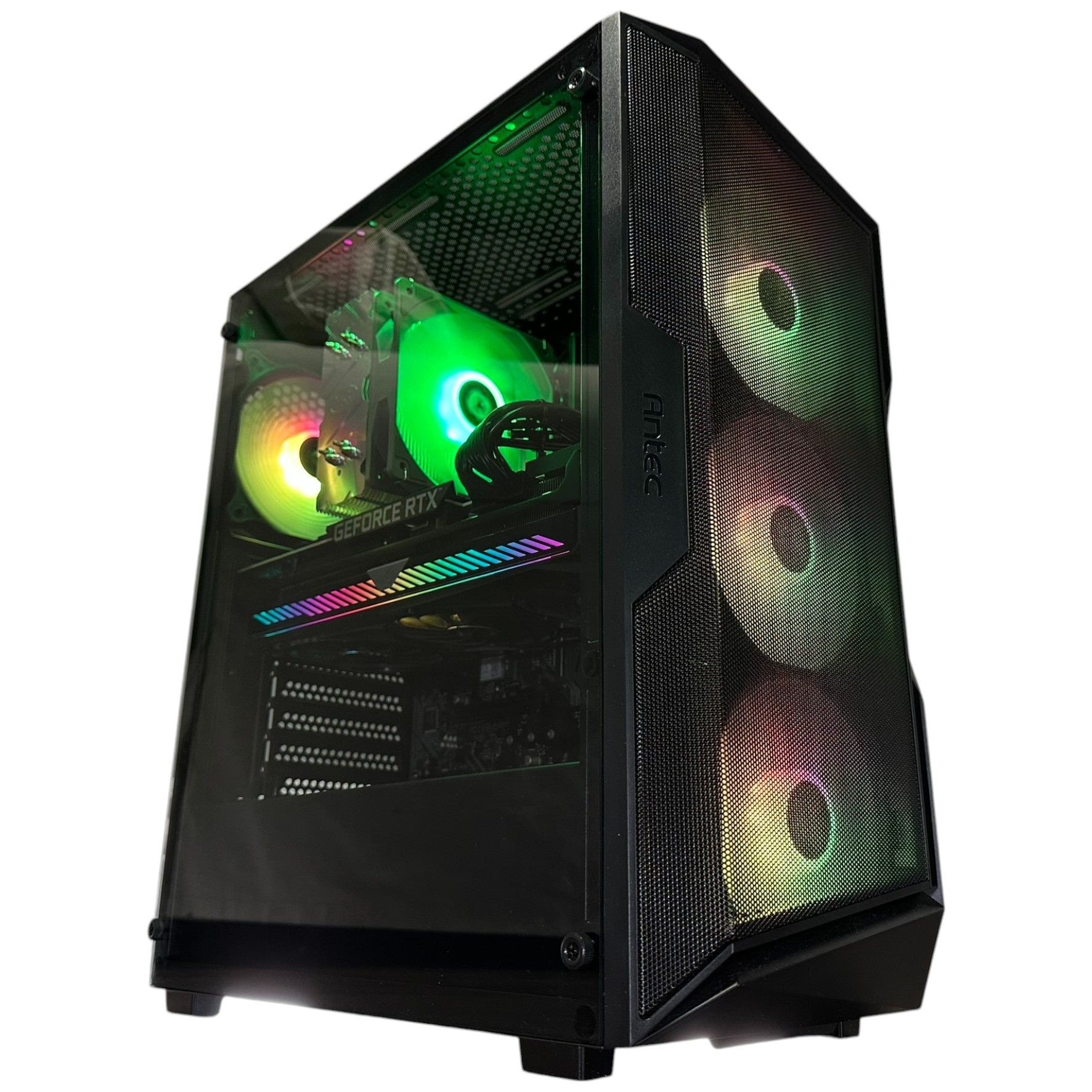
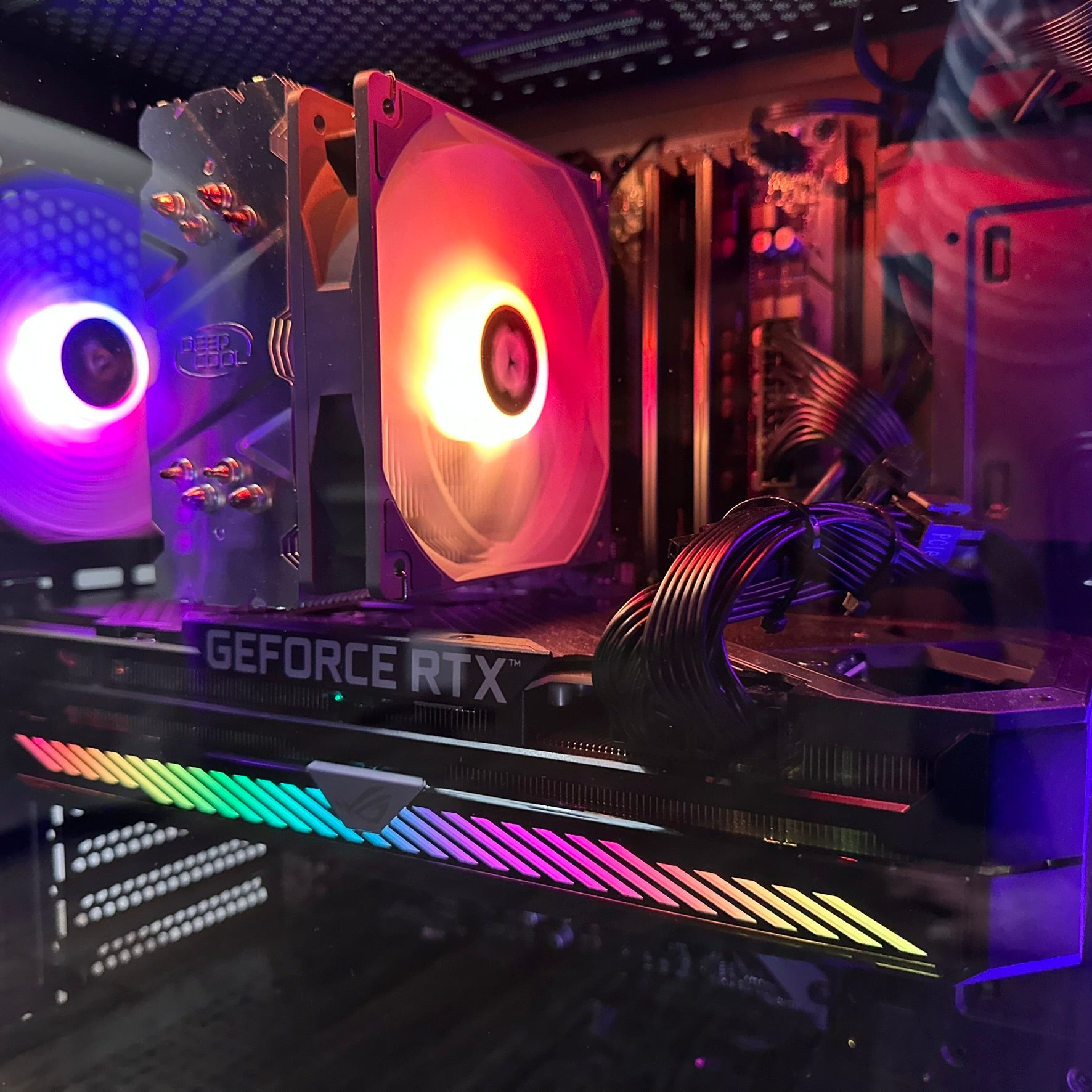

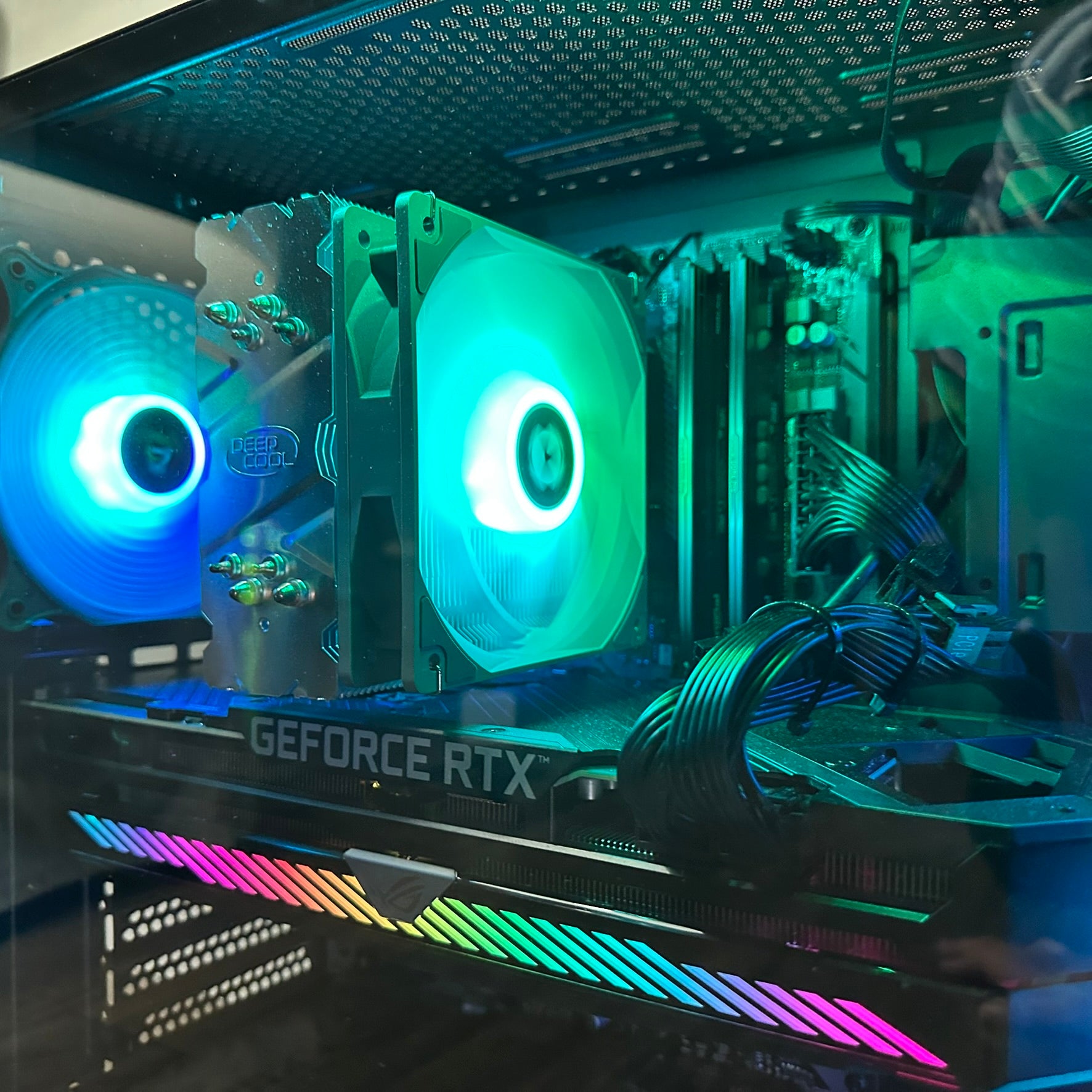





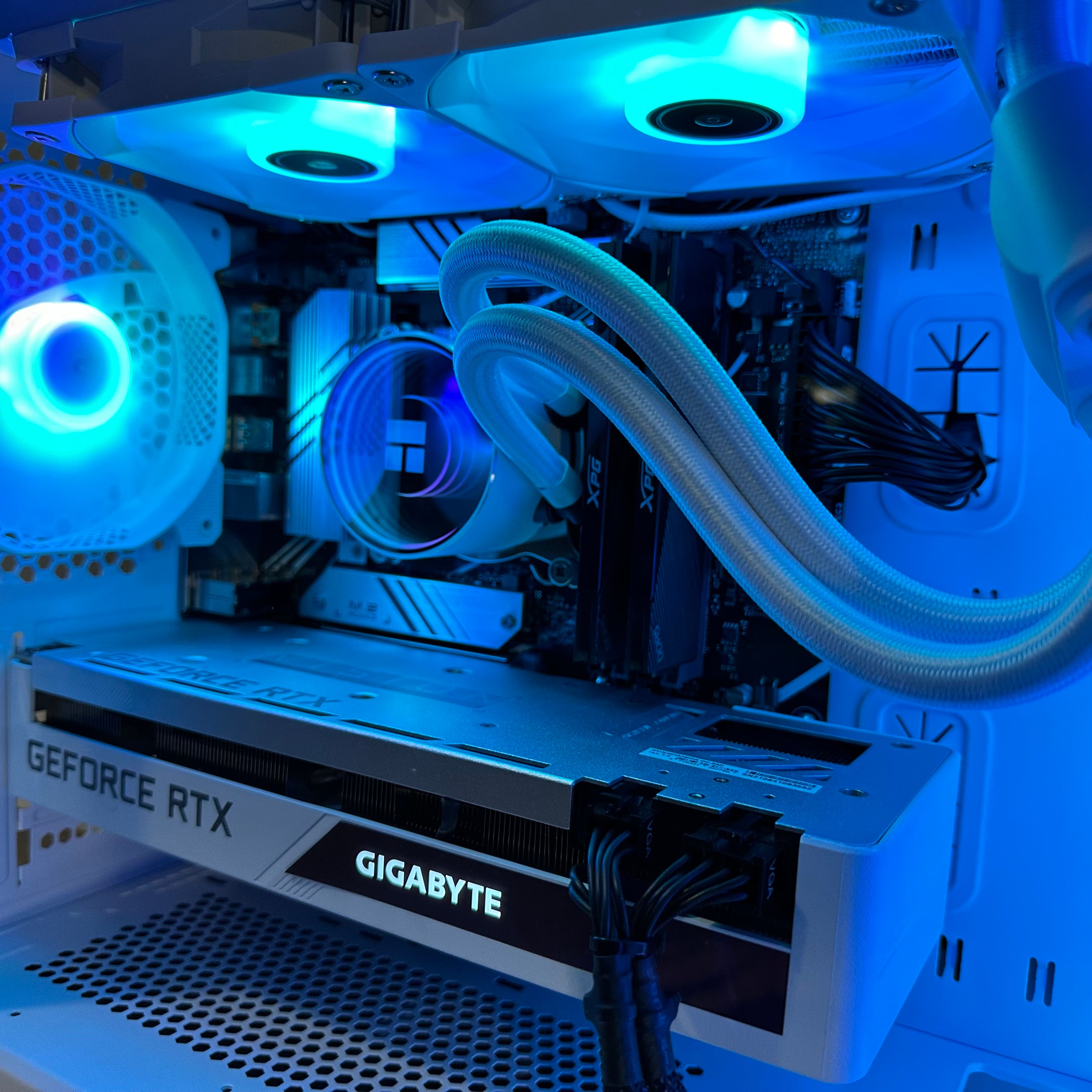
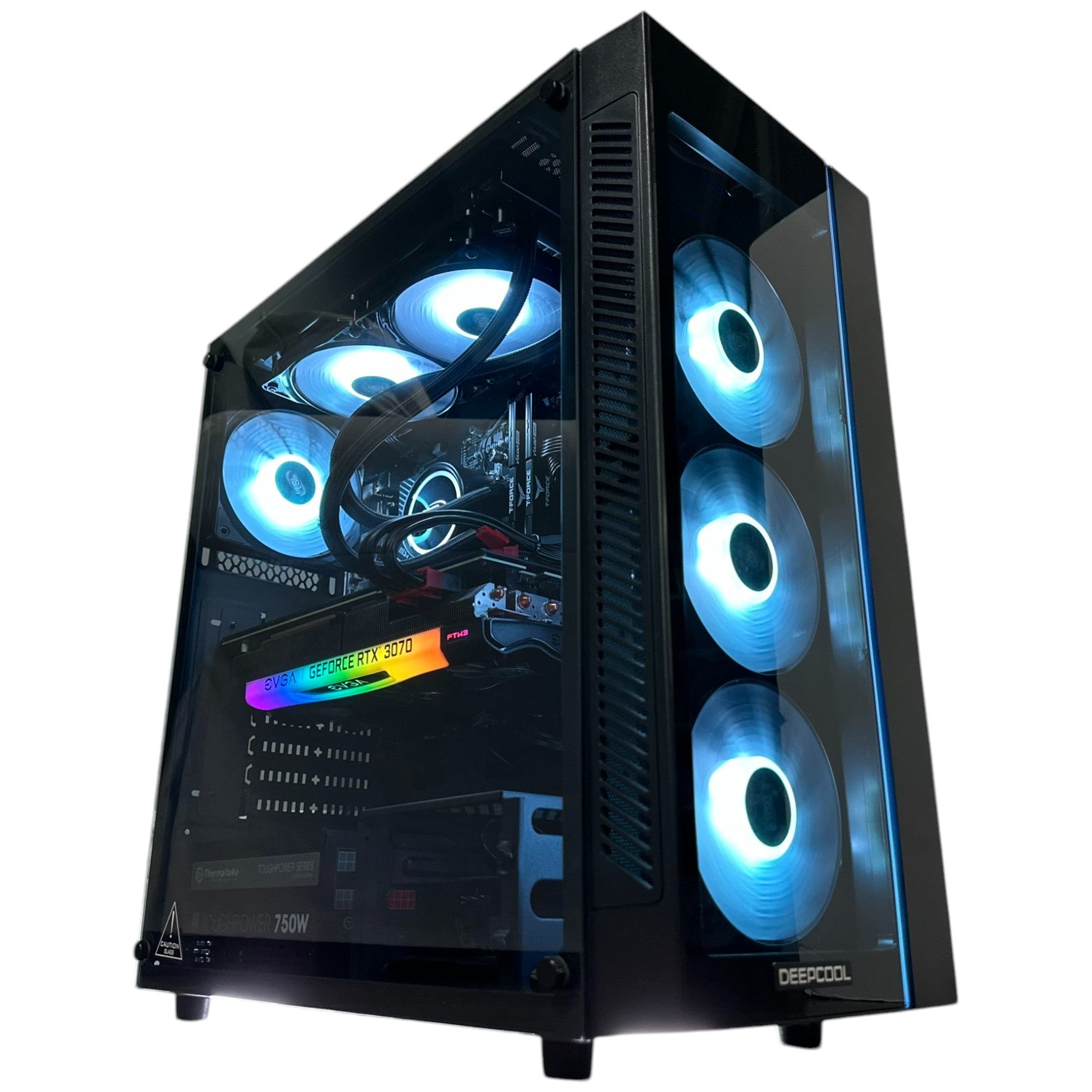
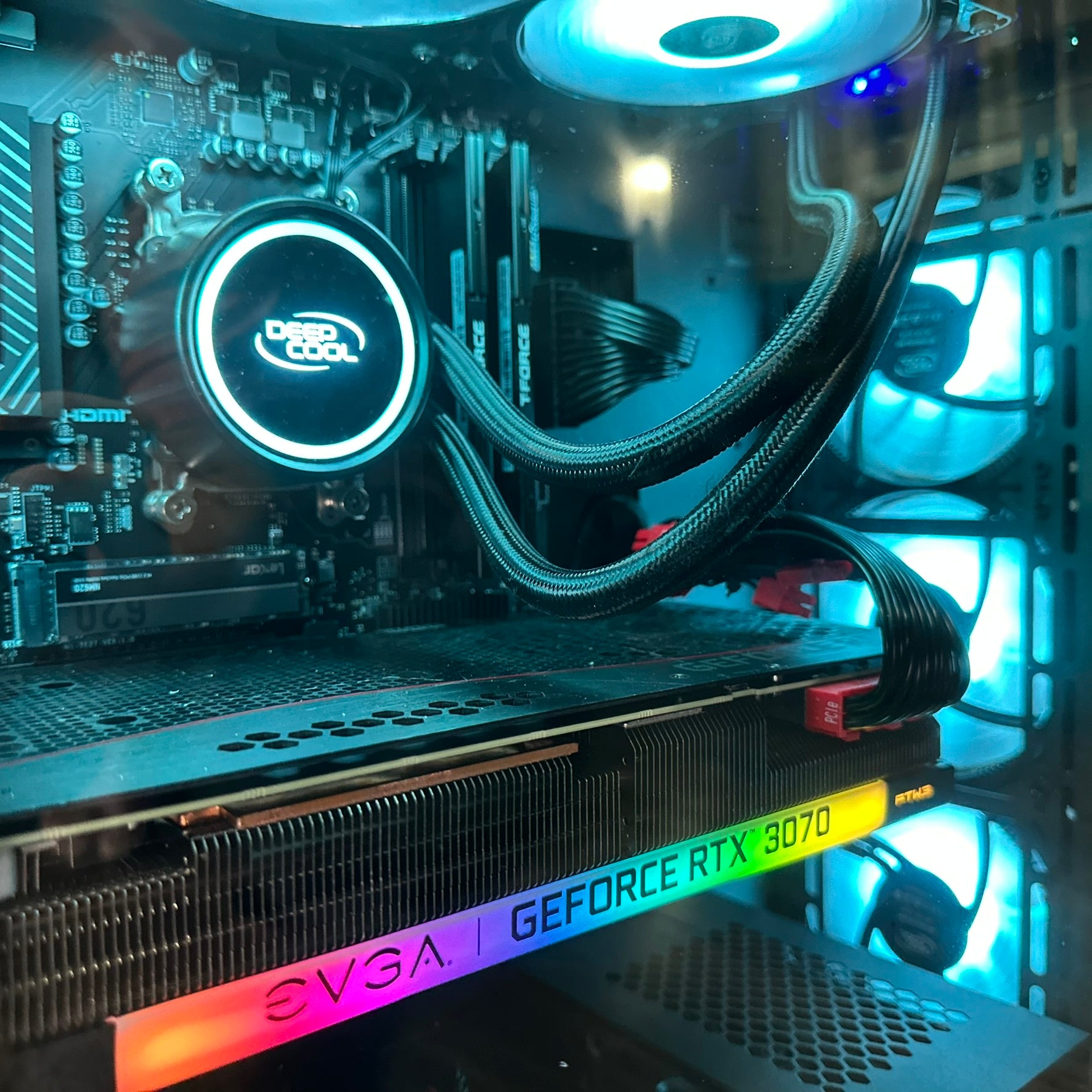








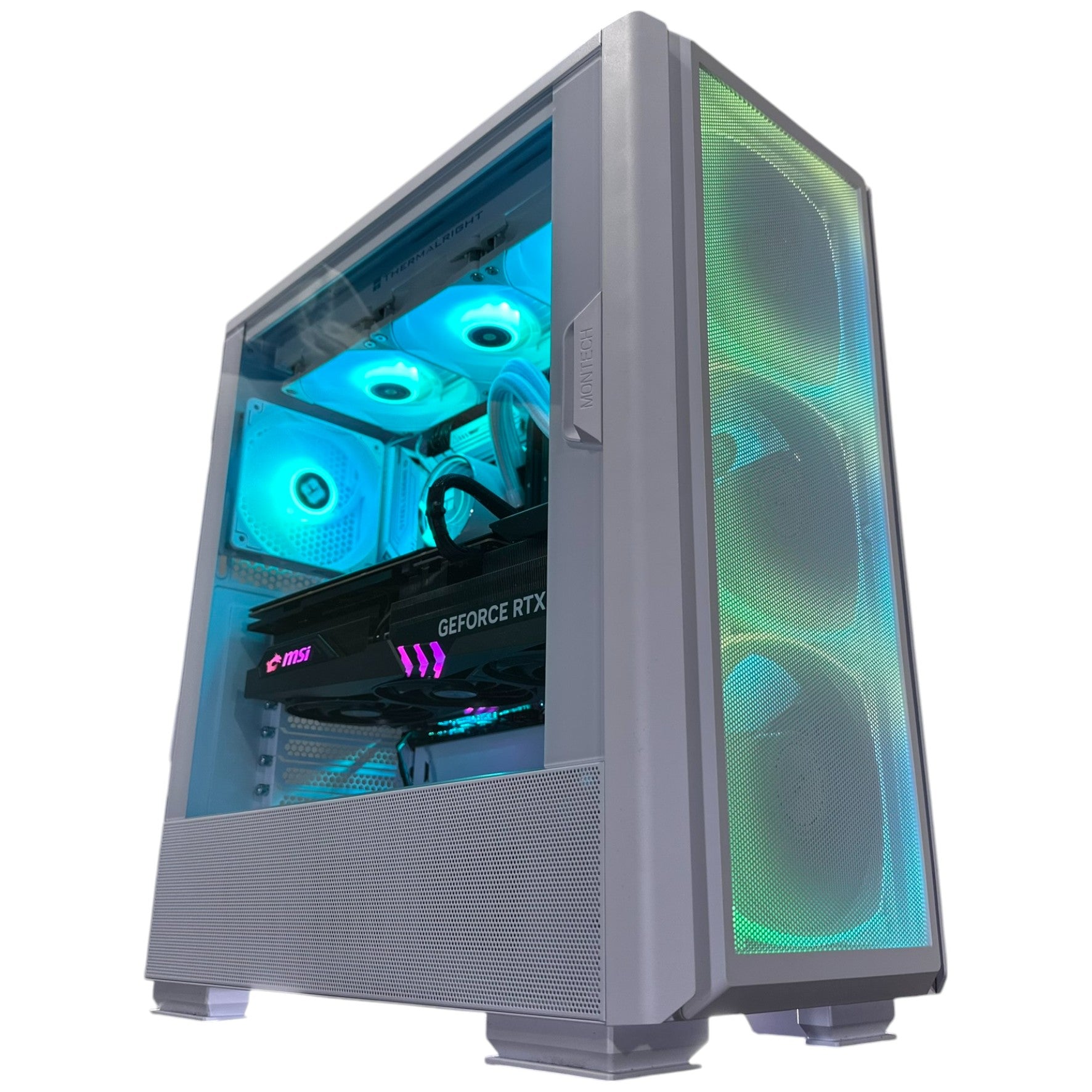


GTA 6 Crowd Density and the Real Question for Canadian Buyers: What Kind of PC Will You Need for GTA 6?
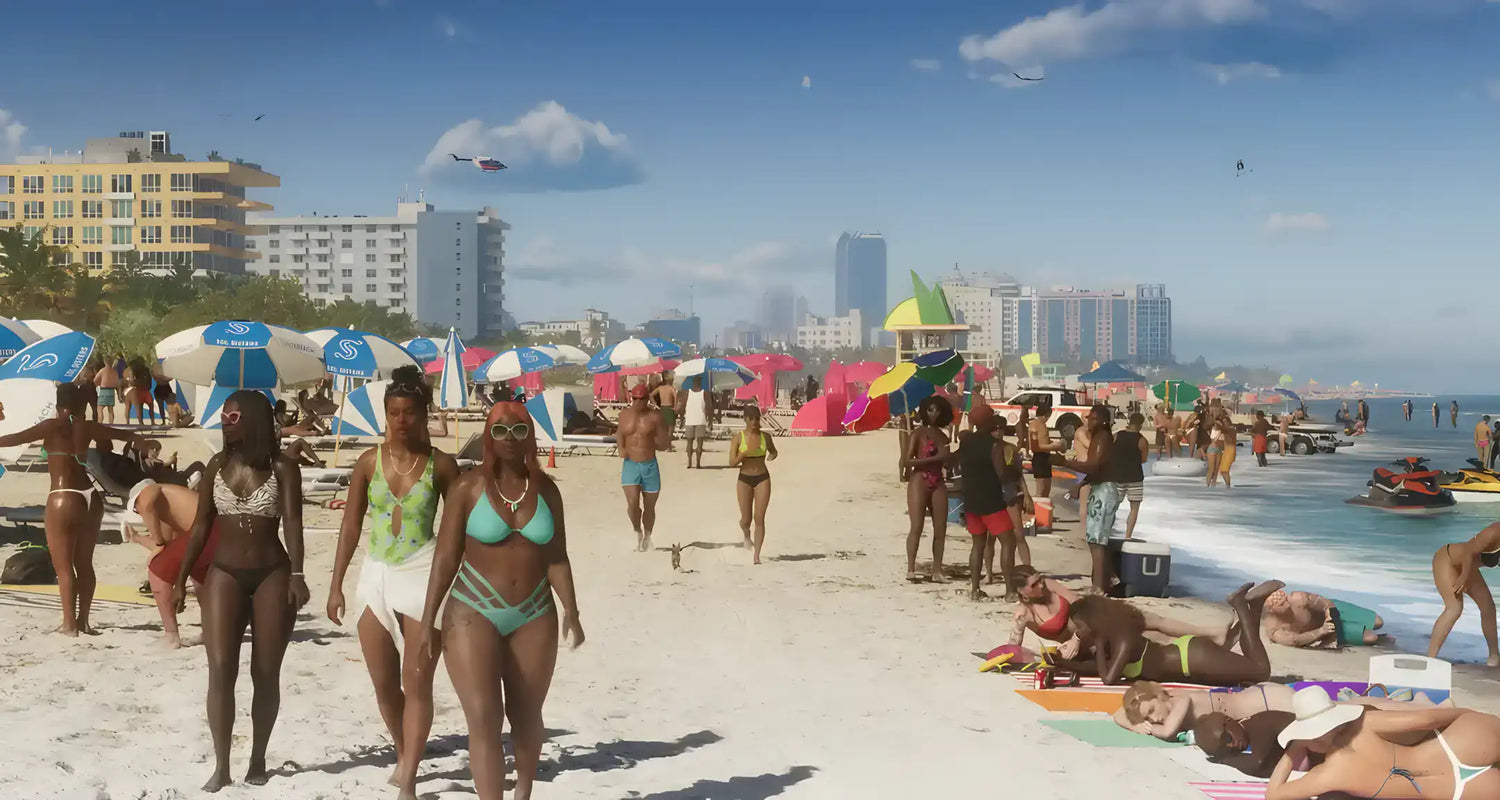
The latest discussion around GTA 6 is not just about hype. It is about scale, simulation, and what modern hardware will need to deliver when one of the most anticipated open-world games finally lands. The source report points to a key claim: GTA 6’s crowd density is expected to match what players saw in the first trailer at release. If that holds true, it signals a game built around heavy world simulation, advanced AI behaviour, dense pedestrian systems, traffic logic, and dynamic environmental processing. For Canadian shoppers researching a Gaming PC for GTA 6, that matters a lot.
Why? Because dense crowds in a massive open-world game are rarely just a graphics issue. They often hit the CPU, memory subsystem, storage responsiveness, and overall system balance just as hard as the GPU. If you are asking yourself whether your next system should be a budget gaming desktop, a higher-end RTX build, or a more future-ready custom gaming PC in Canada, this kind of news is exactly the sort of signal you should pay attention to before buying.
At Groovy Computers, we look at stories like this through a practical lens. It is not enough to say a game looks impressive. The better question is: what does that mean for the actual PC you buy today? And if GTA 6 really does deliver crowded beaches, packed nightlife areas, dense urban traffic, and complex background character behaviour at launch, then buyers need to think beyond minimum specs and focus on smooth real-world performance.
What Does GTA 6 Crowd Density Really Tell Us About PC Requirements?
The source article highlights concerns many players already have: will the final release preserve the visual ambition of the trailer, or will technical limits force a downgrade in crowd density and environmental complexity? It also points to reports of advanced AI and navigation patents that may help distribute processing demands based on time of day, weather, faction activity, and scene complexity. Even without independently verifying every claim beyond the provided source, the overall takeaway is clear: Rockstar appears to be aiming for a world that feels alive at scale.
That matters because crowd density in a game like GTA 6 is not just cosmetic. More pedestrians usually means more animation states, more pathfinding, more interactions, more reactions to the player, more traffic calculations, more audio layering, and more demand on your system during city-heavy scenes. If you have ever played a big open-world title where performance drops hardest in crowded downtown zones rather than empty landscapes, you already understand the pattern.
So what should buyers take from this? If you are planning ahead for GTA 6, it is smarter to think in terms of play quality rather than just “can it launch the game?” Do you want stable frame rates in dense city scenes? Do you want stronger 1440p performance? Are you hoping for high settings with ray tracing? Do you want headroom for mods, recording, or streaming later on? Those questions matter more than a simple yes-or-no compatibility checklist.
Why Canadian Buyers Should Be Paying Attention Now
For Canadian gamers, major game releases often create a wave of buying activity around GPUs, CPUs, SSDs, and complete gaming systems. When a title as massive as GTA 6 dominates gaming conversation, buyers who waited too long can end up shopping during periods of tighter supply, less flexibility, and less control over their performance tier.
That does not mean panic-buying is the answer. It means planning matters. If you already know you want a custom gaming PC Canada shoppers can rely on for upcoming AAA titles, then a game like GTA 6 becomes a useful benchmark for your buying decision. It pushes you to ask a better question: am I buying for yesterday’s games, or for the next few years of demanding open-world releases?
Canadian buyers also need to think about total value, not just sticker price. A low-cost system that struggles in heavy open-world games can become expensive if it forces an early GPU or CPU replacement. On the other hand, a properly balanced custom build with room to grow can stay relevant far longer. If your goal is to avoid upgrading too soon, planning around demanding future games is often the better strategy.
What Do You Want Your Next PC to Do for You?
Before you decide on a system, ask yourself something simple: what do you actually want your next PC to handle over the next two to four years?
Is it mainly for GTA 6 and other new AAA games at 1080p?
Do you want a 1440p gaming experience with stronger visual settings and better long-term value?
Are you hoping to play with ray tracing enabled in the games that support it?
Do you also want to stream gameplay, capture footage, edit YouTube videos, make thumbnails, or run creative apps after gaming sessions?
Will this PC also be used for school, work, Adobe Creative Cloud, Blender, or multitasking with a lot of browser tabs and apps open?
These are not small details. They directly affect whether you should be looking at a budget gaming build, a mid-range performance PC, a premium RTX gaming machine, or a hybrid creator system. A lot of buyers search for the “best gaming PC Canada” without first defining the job. The smarter move is to decide what you want the machine to do, then build around that.
If GTA 6 Is This Ambitious, What PC Tier Fits You Best?
Entry-Level Tier: Is a Budget Gaming PC Enough for GTA 6?
If your main goal is to play at 1080p with sensible settings and solid value, an entry-level to lower mid-range gaming PC may still make sense. This is the right direction for buyers asking: Can a budget gaming PC play new games? or How much should I spend on a gaming PC?
But there is a catch. A title built around dense simulation may punish weaker CPUs or limited memory faster than expected. A budget system can be good value if it is intelligently configured, but this is not the place to cut every corner. Fast storage, enough RAM, and a balanced processor matter a lot in open-world gaming.
If you are shopping in this tier, the goal should not be “cheapest possible.” It should be “best value without creating an upgrade problem six months later.”
Mid-Range Tier: Is This the Smartest Sweet Spot for Most Buyers?
For many Canadian gamers, the best answer will likely be a mid-range system aimed at strong 1080p and capable 1440p performance. This is often the best fit for buyers who want to enjoy new releases without immediately shopping again after the next hardware cycle.
If you are asking what PC do I need for 1440p gaming, this is probably your lane. A good mid-range custom build can deliver much better consistency in heavier scenes, stronger background multitasking, and more room for streaming, mods, and future game patches. It is often the most practical performance-per-dollar category for people who want a true Gaming PC for New Games.
High-End Tier: Do You Want 1440p Ultra or 4K Headroom?
If your goal is premium image quality, stronger ray tracing potential, and better longevity for future AAA titles, then a high-end RTX-based gaming system becomes easier to justify. A game like GTA 6 is exactly the type of release that can expose the difference between “good enough today” and “still excellent later.”
Are you trying to build once and stay happy for years? Do you want higher refresh-rate 1440p gaming? Are you aiming for 4K in visually demanding titles? Do you want to avoid dropping settings the moment next year’s big releases arrive? If yes, a higher-end custom build may be the better fit.
Why Crowd Density Is Also a CPU, RAM, and SSD Story
When shoppers hear about a big game, they often focus only on the graphics card. That is understandable, but incomplete. Crowd density and world simulation can be heavily influenced by more than raw GPU horsepower. The processor has to manage logic, AI routines, traffic behaviour, asset streaming, background systems, and frame pacing. RAM capacity helps keep more data available without constant bottlenecks. SSD speed matters when large assets and environmental data need to be loaded quickly and smoothly.
So if you are wondering what gaming PC do I need for a title like GTA 6, do not reduce the answer to a single part. A well-balanced machine often feels dramatically better than an unbalanced one with one expensive component surrounded by compromises.
This is one reason custom system planning matters. A PC chosen only by headline GPU branding can disappoint if the rest of the build is too weak to keep up in simulation-heavy games.
Do You Only Game, or Do You Also Stream, Edit, and Create?
Many buyers coming in for a GTA-focused build are not just gamers anymore. They also upload clips, edit short-form content, stream on Twitch or YouTube, use OBS, design thumbnails, and create social media content. That changes the buying equation.
If you want your next system to game and stream, then you are no longer shopping for just a gaming box. You are shopping for a multitasking platform. If you also edit 4K footage, use Photoshop, Premiere Pro, DaVinci Resolve, Illustrator, or After Effects, your build priorities shift again.
So ask yourself: do you want a PC that stops at gaming, or a PC that helps you create with less waiting?
If you are a content creator, your ideal machine may look more like a Creator PC Canada buyers would use for gaming, streaming, and editing in one system. More RAM, stronger multi-core CPU options, larger and faster SSD configurations, and a GPU with creator-friendly acceleration can all make a major difference in workflow.
Could a GTA 6 Build Also Be a Great Streaming PC?
Absolutely, if it is configured correctly. If your plan is to play demanding games while recording or livestreaming, you should think about encoder support, CPU overhead, memory headroom, and thermal stability. Asking what PC do I need for streaming is a smart next step if your GTA 6 excitement also includes content plans.
A gaming-and-streaming setup should not just run the game well in isolation. It should hold up while OBS is open, alerts are running, browsers are loaded, and recording is happening in the background. That is a different standard than simply launching the game.
Is a Gaming PC Good for Video Editing and Content Creation?
Sometimes yes, but it depends on how serious the creative workload is. A stronger gaming system can overlap nicely with video editing, photo editing, and design work, especially if it has enough RAM and fast storage. But if your editing workload is central to your income or daily output, then a purpose-built Video Editing PC Canada or content creation system may be the wiser long-term buy.
Are you editing gameplay clips casually, or are you cutting long-form 4K projects? Are you working in Premiere Pro and After Effects? Do you need fast exports, smooth timeline playback, and better multitasking? If so, your “GTA 6 PC” may need to be designed as more than a gaming machine.
What Performance Tier Fits Your Real Use Case?
One of the biggest mistakes shoppers make is buying based on a single emotional moment instead of their actual workload. Here is a better framework.
Choose a Budget-Oriented Build If:
You mainly want 1080p gaming and solid value.
You play a mix of esports and AAA titles but can accept reduced settings in the heaviest games.
You are trying to stay in a lower price band without buying something that feels outdated too quickly.
You need a practical first gaming PC in Canada and want guidance on where not to overspend.
Choose a Mid-Range Build If:
You want stronger 1080p longevity or a serious move into 1440p gaming.
You expect games like GTA 6 to be part of your regular rotation.
You want better frame consistency in dense open-world games.
You may also stream occasionally, record gameplay, or multitask heavily.
Choose a Premium RTX Gaming PC If:
You want high-refresh 1440p or 4K-capable performance.
You care about ray tracing and visual quality in modern AAA titles.
You want more future-proofing and fewer compromises over time.
You would rather invest once in a stronger system than replace core parts too soon.
Choose a Creator or Workstation-Leaning Build If:
You game, stream, and edit on the same system.
You use Adobe apps, DaVinci Resolve, Blender, or graphic design software regularly.
You need reliability for paid work, school, or professional deadlines.
You want a machine that saves time, not just one that renders pretty frames in games.
Is It Better to Buy a Gaming PC Now or Wait?
This is one of the most common and most reasonable questions buyers ask. The answer depends on your current PC, your target games, and how close you are to outgrowing your existing system. But for many shoppers, waiting can create its own problems.
If your current machine already struggles in recent games, waiting for a giant release like GTA 6 can leave you shopping under pressure. That is when people rush into whatever is available instead of choosing the right build. It is also when component demand can become less predictable. GPU pricing, memory costs, SSD pricing, and supply conditions do not always move in a buyer-friendly direction around major gaming demand cycles.
So ask yourself: are you planning calmly now, or are you hoping your old system survives until the last minute? If you already know a major upgrade is coming, buying before the rush can be the smarter move.
Should You Finance a Better PC Instead of Buying a Cheaper One?
For many buyers, this is where the decision gets real. If your budget only stretches to a system that you suspect will feel weak too soon, financing may be worth considering. Groovy Computers offers options that can help qualifying customers spread the cost over time, including financing up to 4 years, which can make a much stronger system more realistic without forcing a compromise-heavy purchase now.
That does not mean everyone should finance. It means you should ask a practical question: is it smarter to buy the weakest system I can afford today, or secure the right performance tier and avoid replacing parts early?
If your next PC needs to handle GTA 6, future AAA releases, streaming, or creator workloads, monthly payments on a better-balanced build may offer better long-term value than buying too low and upgrading too soon. This is especially true if avoiding replacement costs matters to you.
A well-chosen custom system can save you from the cycle of buying twice. And if you are already comparing options, this is exactly the right time to think about total cost of ownership, not just day-one cost.
What Questions Should You Ask Before Buying a GTA 6-Ready PC?
Do I want 1080p, 1440p, or 4K gaming?
Do I care about ray tracing, or is high frame rate more important?
Will I only play GTA 6, or do I also want headroom for the next wave of AAA games?
Do I stream, record, or edit content?
Will I use this system for photo editing, graphic design, or video production too?
How long do I want this PC to feel current before I upgrade again?
Would financing help me avoid settling for the wrong tier?
Am I better served by a budget gaming desktop, a premium RTX build, or a creator-focused custom PC?
These are the questions that lead to smarter buying outcomes. They move you away from generic spec chasing and toward a machine that actually fits your use.
Why Custom Builds Matter More for Big Upcoming Games
When game demands rise, build quality matters more. A custom PC is not just about picking premium parts. It is about matching those parts correctly, cooling them properly, testing them thoroughly, and making sure the whole system is designed for the kind of workload you will actually run.
That is where Groovy Computers stands out for Canadian buyers. Instead of pushing a one-size-fits-all machine, Groovy focuses on custom gaming PCs, creator systems, and workstation builds tailored to real goals. Whether you need a GTA 6-ready gaming desktop, a streaming-and-editing system, or a stronger workstation for 3D and content work, the point is not just raw hardware. The point is the right hardware combination.
That also means confidence. A rigorously tested build with a 1-year warranty is a very different buying experience than gambling on a random generic system and hoping thermals, power delivery, or part selection were not afterthoughts.
What If You Need More Than a Gaming PC?
Some readers are coming in through GTA 6 news, but their real need is broader. Maybe you want one system that can handle gaming at night and productive work during the day. Maybe you are a student, freelancer, or content creator who needs every dollar to go further. Maybe you need a machine that can handle OBS, Premiere Pro, Photoshop, Illustrator, and modern games without feeling overloaded.
If that sounds like you, your ideal machine may not be a basic gaming tower at all. It may be a custom creator PC or workstation-style desktop that still performs beautifully in games. The right build can support:
Gaming and livestreaming
4K video editing and exports
Photo editing with large RAW libraries
Graphic design across Adobe apps
3D modeling and rendering
Heavy multitasking and business productivity
So the better question may be: what do you want your next PC to help you accomplish beyond just one game?
Why Groovy Computers Is a Strong Fit for Canadian Buyers
Groovy Computers is built around what many buyers actually want but do not always find easily: expert guidance, custom build logic, strong performance matching, financing options, and a Canadian company that understands local shoppers. If you are looking for a system that can be shipped across Canada, planned around your real budget, and configured for gaming, editing, streaming, or workstation tasks, that matters.
For buyers in Nova Scotia, Atlantic Canada, and across the country, working with a Canadian custom builder can make the entire process more straightforward. You are not just choosing a part list. You are choosing a complete system with testing, support, and a clearer performance goal.
That becomes even more important when a major title like GTA 6 is driving fresh interest in high-performance systems. The wrong build can leave you underpowered. The right one can carry you through this release cycle and beyond.
Ready for GTA 6, or Still Guessing?
If this latest GTA 6 crowd density discussion has you thinking about your next upgrade, the best time to plan is before you are forced to buy in a rush. Do you want a Gaming PC for GTA 6 that is balanced for smooth open-world performance? Do you want a stronger RTX system for ray tracing and long-term AAA gaming? Do you need a hybrid machine for gaming, streaming, and editing? Or are you wondering whether financing a better build now could save you from upgrading again too soon?
If you want help choosing the right system, visit GroovyComputers.ca. Groovy Computers can help you match your budget to the right custom gaming PC, creator PC, or workstation build in Canada, with tested systems, a 1-year warranty, and financing options for qualifying buyers who want stronger performance without waiting for replacement costs to rise.
Final Take: GTA 6 Hype Is Really a Buying Signal
The biggest takeaway from this GTA 6 discussion is not just that the game may preserve trailer-level crowd density. It is that modern flagship games are continuing to raise the bar for simulation, visual complexity, and system balance. If you are shopping for a Gaming PC for GTA 6, this is your reminder that demanding open-world titles reward buyers who plan ahead, choose the right performance tier, and build for more than the bare minimum.
Whether you need a budget-friendly entry point, a stronger 1440p machine, a premium RTX gaming desktop, or a creator-ready system that can do far more than play one game, the smartest move is to buy with intention. Ask what you want your next PC to do, decide how long you want it to last, and choose a custom build that fits the real workload. That is where Groovy Computers can make the difference for Canadian buyers.
#GamingPCforGTA6 #GamingPCCanada #CustomGamingPCCanada #GamingPCBuilderCanada #GamingPCforNewGames #1440pGamingPCCanada #4KGamingPCCanada #RTXGamingPCCanada #CreatorPCCanada #VideoEditingPCCanada #StreamingPCCanada #CanadianCustomPCBuilders #NovaScotiaGamingPC #GamingPCFinancingCanada
Groovy Computers | All Rights Reserved


Leave a comment
This site is protected by hCaptcha and the hCaptcha Privacy Policy and Terms of Service apply.