






















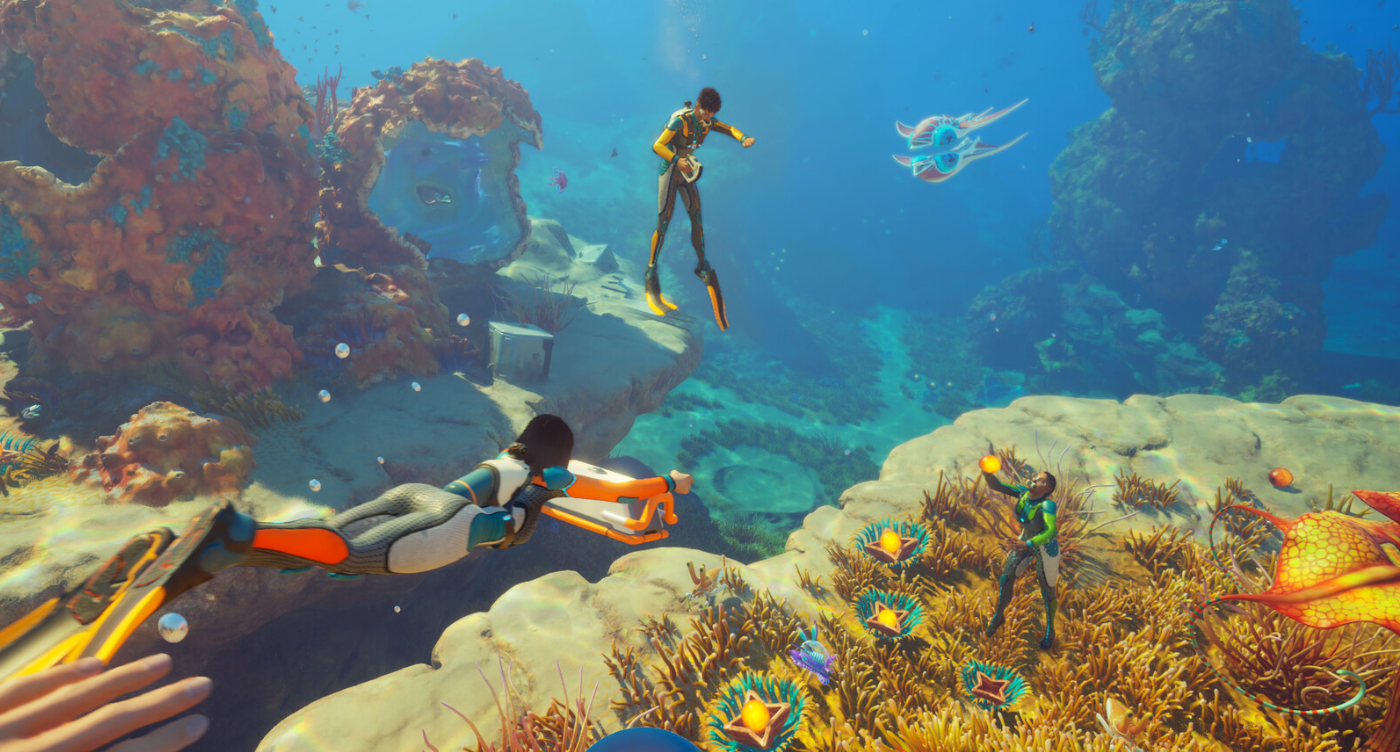
Subnautica 2 Hype Is a Reminder to Buy the Right Gaming PC in Canada Before Demand Spikes
The latest Subnautica 2 news is about more than studio leadership and bonus payouts. It is also a clear reminder that when a major PC game hits early access, explodes in popularity, and drives massive player counts, hardware demand follows fast. For Canadian buyers, that matters. If you are thinking about a new Gaming PC Canada shoppers can trust for big open-world releases, survival games, streaming, or creator work, this is the kind of moment that should make you ask a simple question: is your current system really ready for the next wave of demanding PC games?
According to the source material, Subnautica 2 launched successfully in early access, sold several million copies, and reached a peak of more than 467,000 concurrent players on Steam. That kind of momentum tells us something important. Big PC-first launches still move the market. They push players to upgrade, convince hesitant buyers to finally replace aging rigs, and create fresh urgency around graphics cards, CPUs, RAM, and SSD storage.
And if you are in Canada, where full-system pricing can shift quickly due to availability, exchange pressure, and product-cycle changes, waiting too long can leave you paying more for less performance. So what should buyers actually do with this kind of news? Instead of just watching the headlines, use them as a buying signal. Think carefully about what you want your next PC to do for you, what games or software you plan to run, and whether now is the right time to move into a stronger custom build from Groovy Computers.
What the Subnautica 2 Story Really Tells PC Buyers
The source article focuses on the business side of the game: an agreement between the publisher and developer, bonus payments to the team, and another leadership change at the studio. That is interesting industry news, but the more practical takeaway for readers is this: the game launched, it hit hard, and demand proved real.
When a title breaks out that quickly, it usually creates a ripple effect across the broader gaming market. Players who were still holding onto older systems start noticing stutter, long load times, poor frame pacing, and reduced visual quality. Others start asking if they should step up from 1080p to 1440p, or finally move into a ray tracing capable build. Some realize they do not just want to play the game; they want to stream it, record it, clip it, edit it, and post content around it.
Are you one of those buyers? Are you looking at the newest game launches and wondering whether your PC will still feel good six months from now? Are you tired of lowering settings every time a major release arrives?
Why Canadian Buyers Should Think Differently About PC Upgrade Timing
In Canada, timing matters more than many buyers expect. Hardware pricing is not just about the launch MSRP on a box. It is about the real cost of buying a complete, stable, tested system at the moment you need it. Graphics card demand can surge when a new game captures attention. Higher-end CPUs can tighten in availability when both gamers and creators are shopping at the same time. Quality power supplies, DDR5 memory, and fast NVMe SSDs can all fluctuate in value within a short period.
That means the “I’ll wait a little longer” strategy does not always save money. Sometimes it means settling for a weaker tier later, missing a better configuration, or delaying a system you actually need now for gaming, work, school, or creative projects.
If you are in Nova Scotia, Atlantic Canada, or anywhere else in the country shopping online, the smarter question is not just “What is the cheapest PC I can get?” It is “What system gives me the best performance runway so I do not have to upgrade too soon?”
That is where a custom-built system becomes much more valuable than a random spec-sheet machine. A well-planned build is not just about today’s game. It is about cooling, power delivery, upgrade path, storage speed, memory headroom, and how balanced the whole machine feels under real use.
What Do You Want Your Next PC to Do for You?
Before you choose any system, ask yourself the question too many buyers skip: what do I actually want this PC to do for me over the next few years?
Do you want a machine mainly for open-world gaming and new AAA releases? Do you want high-refresh competitive performance in esports titles? Do you want to game at 1440p with strong visual settings? Do you want to stream on Twitch or YouTube while gaming? Do you want to edit 4K video, batch process photos, design in Adobe apps, or work in Blender and Unreal Engine?
If your answer is “a bit of everything,” that is even more reason to avoid underbuying.
- Gaming only: prioritize GPU strength, a capable modern CPU, fast SSD storage, and enough RAM for today’s larger titles.
- Gaming and streaming: you need better CPU multitasking headroom, GPU encoding support, more RAM, and stronger thermal performance.
- Gaming and video editing: balance matters. You need a system that can play demanding titles smoothly and still handle exports, timelines, and creative software without becoming frustrating.
- Content creation and design: a creator-focused build may be the better fit than a gaming-first machine, especially if Adobe Creative Cloud, DaVinci Resolve, or multi-app workflows matter as much as FPS.
- 3D modeling and rendering: now you are in workstation territory, where GPU capability, CPU core count, memory capacity, and sustained cooling become critical.
So what category are you really shopping for: a budget gaming computer, a premium RTX gaming PC, a custom creator PC, an editing workstation, or a 3D modeling workstation?
What Gaming Performance Tier Fits You Best?
One of the biggest mistakes buyers make is choosing by price first and workload second. A much better approach is to choose by performance tier.
Are you a 1080p player who mainly wants smooth gameplay?
If you mostly play at 1080p and want good performance in popular multiplayer and survival games, an entry-to-midrange build can still make sense. This tier is ideal for buyers who want a budget gaming PC Canada shoppers can use for mainstream titles without overspending.
This kind of system is often right for students, first-time desktop buyers, and players upgrading from an old console or aging PC. But ask yourself: are you buying just for today, or do you want enough power for tomorrow’s bigger releases too?
Do you want 1440p to be your sweet spot?
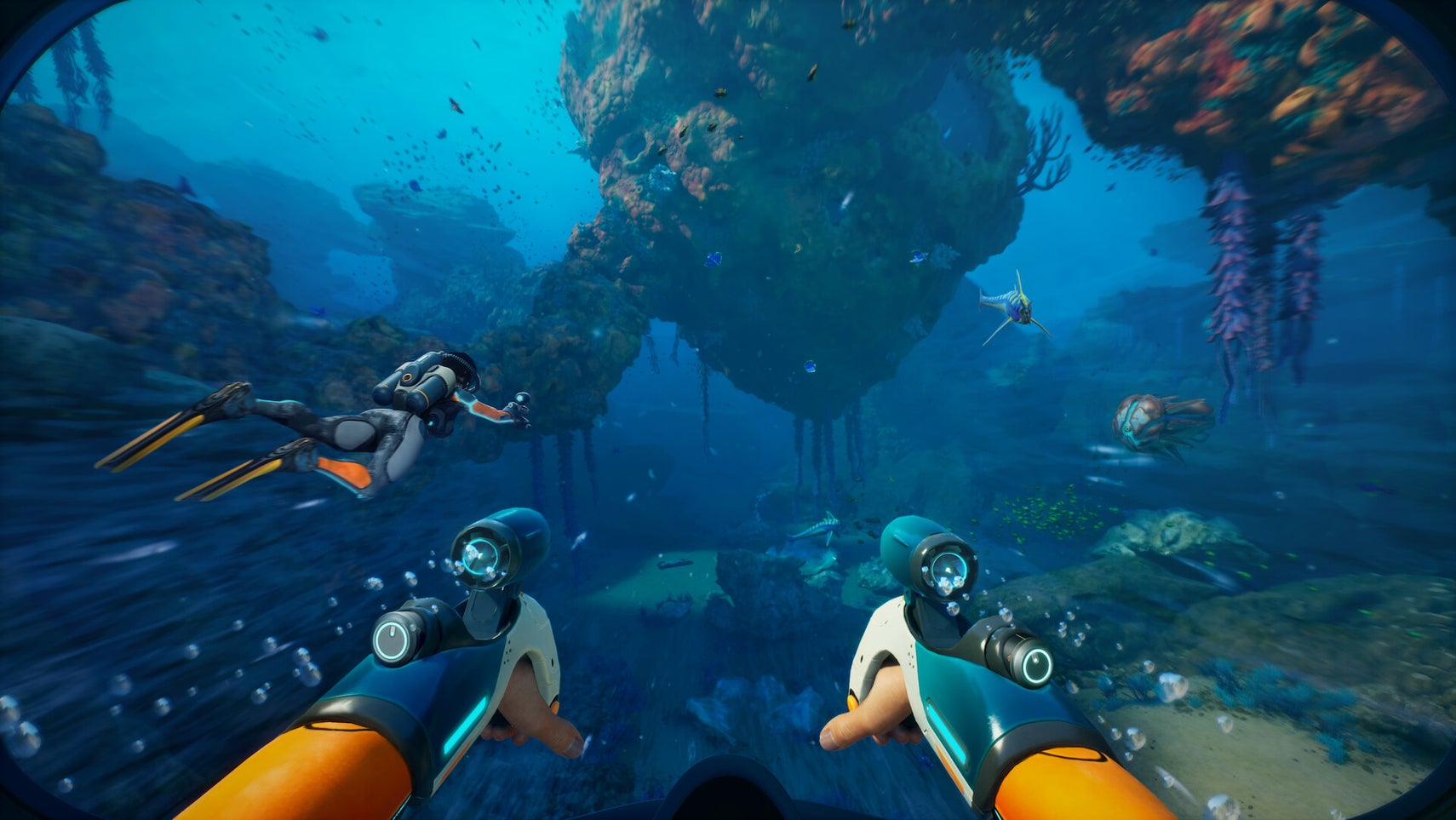
For many gamers, 1440p is where value and visual quality meet. A strong 1440p build gives you a noticeably better experience in modern games, more room for higher settings, and better long-term satisfaction. If you are reading about breakout titles like Subnautica 2 and imagining immersive gameplay with strong frame rates and visual fidelity, this is often the best performance tier.
It is also a smart choice if you stream casually, use Discord while gaming, keep browser tabs open, and want your system to feel responsive under normal multitasking.
Are you aiming for 4K, ultra settings, or ray tracing?
If you want premium visual settings, stronger ray tracing, and a machine that feels ready for demanding releases over the long term, then you are looking at a high end gaming PC Canada buyers choose for top-tier performance. This is where GPU quality becomes especially important, along with thermal design, airflow, power supply quality, and a CPU that does not hold the rest of the system back.
Do you really need 4K right now? Or would a powerful 1440p system give you a better balance of cost, FPS, and long-term value? That is exactly the kind of decision Groovy Computers can help you make.
What PC Do You Need for New Games Like Subnautica 2 and Other Demanding Releases?
Not every major release demands the same type of hardware, but trends are clear. Newer games increasingly reward systems with:
- Modern multi-core CPUs
- Strong dedicated graphics performance
- At least solid baseline memory capacity
- Fast NVMe SSD storage for load times and asset streaming
- Reliable cooling for sustained sessions
If you are asking, What gaming PC do I need for current and upcoming games, the answer depends on your monitor, your settings expectations, and how long you want the system to remain satisfying.
A player using a basic 1080p display has very different needs than someone planning to move to a 1440p high-refresh monitor. A buyer who only wants to play is different from someone who wants to record gameplay, run OBS, and edit highlight videos after each session. A machine that feels “fine” today can start to feel cramped quickly if your habits change.
So ask yourself a realistic question: are you buying for the games you already play, or for the games you know are coming next?
Do You Also Want to Stream, Record, or Create Content?
This is where many buyers accidentally choose too little PC.
The same game that makes you want a better GPU might also push you into creator workflows. You may start streaming to friends, posting clips, cutting short-form videos, or recording long sessions for YouTube. That changes the ideal build dramatically.
A proper gaming and streaming PC Canada buyers can rely on should have enough CPU overhead, sufficient RAM, and a GPU that supports efficient encoding and stable gaming at the same time. You do not want your game performance collapsing the moment you open OBS or Streamlabs.
Are you planning to stream at 1080p? Do you want clean frame pacing while recording? Do you run dual monitors, alerts, browser windows, chat, and plugins? Those details matter.
If you know streaming is part of your plan, say so before you buy. A custom build designed around that use case is far better than trying to rescue an underpowered gaming-only machine later.
Could the Same Upgrade Also Improve Video Editing, Photo Editing, and Design Work?
For many Canadians, the answer is yes. A stronger custom desktop does not just improve game performance. It can also transform your creative workflow.
If you edit gameplay clips, social content, YouTube videos, or client projects, a Creator PC Canada buyers choose for balanced workloads can save serious time every week. Faster timeline response, smoother playback, improved exports, quicker file transfers, and less waiting between tasks all add up.
Do you use Adobe Premiere Pro, DaVinci Resolve, Photoshop, Lightroom, Illustrator, or InDesign? Are you working with high-resolution assets? Do you multitask across multiple creative apps? If so, you should be thinking about more than just gaming FPS.
- Video editing: you may need a stronger CPU, more RAM, fast scratch storage, and a GPU that accelerates playback and export tasks.
- Photo editing: RAM, SSD speed, and general responsiveness matter more than many buyers expect, especially with large RAW libraries.
- Graphic design: stable multitasking, multiple displays, colour workflow support, and Adobe app responsiveness all matter.
- Content creation: hybrid systems are often the best answer if you game, stream, design, and edit from the same machine.
Are you about to buy one PC for fun and another for work later? Or would it make more sense to buy one stronger custom system now and avoid that second purchase?
What If You Need More Than a Gaming PC?
Some readers will look at game news like this and realize they are not actually shopping for a gaming-first desktop at all. Maybe they are working in Blender, Unreal Engine, 3D rendering, CAD, or production-heavy software. In that case, the right answer may be a Workstation PC Canada professionals can trust rather than a standard gaming tower.
If your work includes modeling, rendering, animation, simulation, virtual production, large assemblies, or intensive viewport work, component selection changes fast. More RAM capacity, larger SSDs, stronger sustained cooling, and the right CPU/GPU balance become essential.
Are you trying to decide between a gaming PC and a workstation PC? Do you need a machine that can still play games after hours but must earn its keep during the day? That is exactly why custom configuration matters.
Why Demand Spikes Can Change PC Buying Conditions Quickly
Whenever a game gets hot, especially one tied to a beloved series, the market starts reacting in ways many buyers do not notice until checkout. GPU demand can intensify. Higher-performance systems become more attractive. Buyers who waited suddenly rush in at once. That can narrow the gap between “maybe later” and “I should have bought earlier.”
The issue is not just one game. It is the combination of game launches, creator software demands, school-season purchases, content creation trends, and buyers trying to future-proof at the same time.
What happens if you wait until the next major release window? What if memory pricing shifts up? What if the exact GPU tier you wanted becomes harder to source? What if you end up paying more to replace an older machine only after it becomes a problem?
These are not scare tactics. They are normal buying realities in the custom PC space. The best time to buy is often before your current system forces the decision.
Should You Buy a Cheaper PC Now or Finance a Better One?
This is one of the most important questions in the entire buying process.
A lot of buyers try to stay as low as possible on total cost, then regret it when they run into limitations sooner than expected. That is especially common with modern games, streaming setups, and creative software. A weaker machine may feel affordable today, but if it needs an upgrade too soon, the “savings” disappear.
So ask yourself: would a slightly stronger system save you money and frustration over the next few years? Would more RAM, a better GPU, or a faster CPU keep you from replacing parts early? Would stepping up one performance tier now improve both gaming and productivity enough to justify it?
For many buyers, the answer is yes. That is why financing can make sense when used strategically. Instead of settling for a machine you know you will outgrow, financing can help you secure a better-balanced custom build while protecting your cash flow.
Groovy Computers offers options that can help customers spread out the cost of a stronger system, with financing up to 4 years where applicable. If you are debating whether to compromise on specs or move into a system that actually fits your needs, that question is worth exploring seriously.
Which Buyer Are You? A Simple Performance Guide
The value-focused gamer
You want smooth gameplay, fast boot times, and a clear upgrade from an older machine, but you do not need maximum settings on everything. A budget-to-midrange custom build is likely your best fit. This is ideal if you are searching for practical value without buying disposable performance.
The 1440p all-rounder
You play modern games, care about visuals, and may stream or multitask. You want your machine to feel strong for several years. This is often the best sweet spot for Canadian buyers who want a balanced custom gaming PC without entering extreme flagship pricing.
The premium enthusiast
You want stronger ray tracing, higher settings, larger worlds, and headroom for future titles. You may also care about creator performance and premium component quality. If that sounds like you, a higher-end custom build is usually the right move.
The creator-gamer hybrid
You game, stream, edit, design, and multitask. You should not buy a gaming-only machine and hope it works for production later. A purpose-built creator or hybrid system is the smarter choice.
The workstation buyer
You need more than entertainment. You need reliable sustained performance for revenue-generating work. That means selecting a true productivity-focused machine with the right memory, storage, and compute balance.
Questions to Ask Before You Buy Your Next Custom PC
If the Subnautica 2 surge has you thinking about your own setup, these are the questions worth asking before you commit:
- What games do I want to play over the next 12 to 36 months?
- Am I targeting 1080p, 1440p, or 4K?
- Do I care about ray tracing or ultra settings?
- Will I stream, record, or edit gameplay?
- Do I also need this PC for video editing, photo editing, graphic design, or 3D work?
- How much RAM and storage will I realistically need, not just on day one?
- Am I buying before a major game release, software upgrade, or pricing shift?
- Would financing a better system now help me avoid upgrading too soon?
- Do I want a generic machine, or do I want a tested custom build with support and warranty confidence?
If you are not sure how to answer those questions, that is not a problem. That is exactly why working with a Canadian custom builder matters.
Why Groovy Computers Makes More Sense Than Guessing
Groovy Computers is not about pushing one-size-fits-all desktops. The advantage of buying from a real Canadian custom PC builder is that the system can be matched to what you actually need, whether that is a gaming rig, creator desktop, or workstation-class machine.
That matters because the wrong balance can be expensive in subtle ways. Too little GPU can kill your gaming experience. Too little CPU can hurt editing and streaming. Too little RAM can make a premium build feel average. Poor cooling can make an otherwise strong system underperform over time.
Groovy Computers helps solve that by focusing on purpose-built systems, rigorous testing, and practical buyer guidance. For customers who care about confidence, that also means the value of a 1-year warranty and the reassurance that the system has been properly assembled and stress tested.
Are you in Nova Scotia and want local trust with Canadian service? Are you elsewhere in the country and want a Canada Built Gaming PC with support that makes sense for Canadian buyers? Groovy Computers is positioned for exactly that kind of customer.
Custom PC vs Generic Prebuilt: Why It Matters More When the Market Moves Fast
When the market is stable, some buyers convince themselves that any desktop with a decent GPU will do. But when game demand rises, software gets heavier, and parts pricing becomes less predictable, build quality matters more.
A proper Custom Gaming PC Canada buyers can trust should be selected as a whole system, not just sold as a flashy case with a headline GPU. You want:
- Balanced CPU and GPU pairing
- Quality cooling and airflow
- A dependable motherboard and power supply
- Fast, sensible storage configuration
- Appropriate RAM capacity for your workload
- Upgrade room where it makes sense
- Testing before it reaches you
That is especially important if you are trying to avoid upgrading too soon. A well-configured custom build often gives you a smoother ownership experience than a generic prebuilt loaded with compromises you do not see until later.
Is Now a Good Time to Buy a Gaming PC in Canada?
If your current PC is already struggling, if you know a major game release is likely to push you into an upgrade anyway, or if your workload is expanding into streaming or creative software, then waiting may not be the best strategy.
Ask yourself honestly: are you trying to time the market perfectly, or are you trying to get the right tool before your current setup starts costing you enjoyment, time, or productivity?
For many buyers, the smartest move is not chasing the absolute lowest possible moment. It is buying when you can still choose the right performance tier calmly, before urgency forces a rushed decision.
Need Help Choosing the Right Build?
If you are reading this and wondering what kind of PC actually fits your games, monitor, workflow, and budget, that is the right time to talk to Groovy Computers. Whether you need a value-oriented gaming machine, a stronger 1440p setup, a premium RTX system, a creator desktop, or a workstation-grade build, the goal is the same: match the PC to the real job.
What do you want your next PC to do for you? Play the latest games smoothly? Stream without compromise? Edit faster? Handle Blender or Adobe apps with confidence? Avoid another upgrade in a year? If that sounds like the decision in front of you, visit GroovyComputers.ca and explore a custom build that makes sense for your needs in Canada.
Final Thoughts: Subnautica 2 Is Big News, but the Bigger Story Is Buyer Readiness
The studio news around Subnautica 2 may dominate headlines today, but for PC buyers the real takeaway is simpler. Hit games move people to upgrade. Strong launches create demand. Demand affects buying conditions. And the customers who benefit most are usually the ones who plan before their old system becomes the bottleneck.
If you are researching your next Gaming PC Canada solution, now is the time to think beyond a single headline. Think about your next two or three years of gaming, streaming, editing, and creative work. Think about whether a stronger build now will save you from a weaker purchase and a faster replacement later. And think about whether a tested custom system from Groovy Computers is the better long-term answer.
#GamingPCCanada #CustomGamingPCCanada #GamingPCBuilderCanada #CreatorPCCanada #WorkstationPCCanada #GamingPCForNewGames #1440pGamingPCCanada #HighEndGamingPCCanada #CanadianCustomPCBuilders #NovaScotiaTech
Groovy Computers | All Rights Reserved


Leave a comment
This site is protected by hCaptcha and the hCaptcha Privacy Policy and Terms of Service apply.