






















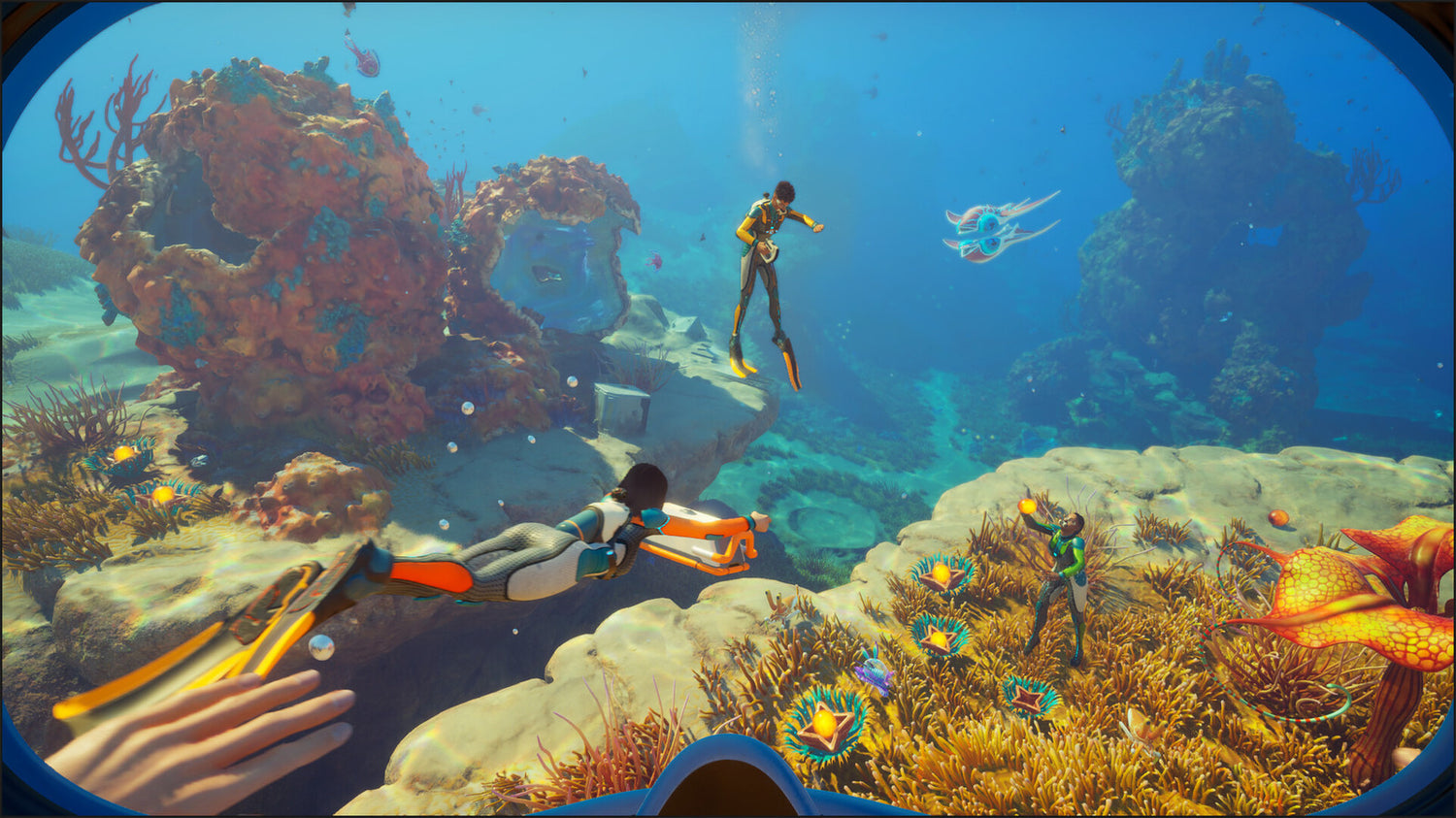
Subnautica 2 PC Buying Guide Canada: What the Unknown Worlds Shakeup Means for Your Next Gaming PC
The latest Subnautica 2 PC buying guide Canada conversation is not really just about studio drama. It is about timing, performance, and what players should do when a major survival game keeps building momentum while the business story behind it shifts. The headline is that the legal fight between publisher Krafton and Unknown Worlds leadership has ended in a settlement, bonuses are being paid to studio staff, and Unknown Worlds CEO Ted Gill is departing again after briefly returning. For gamers in Canada, the practical question is simpler: if Subnautica 2 is already pulling serious player interest and selling millions of copies in early access, is your current PC ready for the long road to full release?
That is where this story becomes useful for buyers. Big game launches, early access success, and renewed community attention often push more people to upgrade. Some want a better system for open-world survival games. Others are thinking beyond one title and asking a smarter question: what kind of PC should I buy if I want strong gaming performance now without needing another upgrade too soon?
For Groovy Computers, this is exactly the kind of moment where a news story turns into a real-world buying decision. If you are in Canada and looking at a custom gaming PC, a streaming setup, or even a creator-ready desktop that can handle gaming, editing, and multitasking, it helps to choose around the kinds of games and workloads you will actually run over the next few years, not just the one you are playing this weekend.
What happened with Subnautica 2 and Unknown Worlds?
Based on the source report, the dispute between Krafton and the top leadership at Unknown Worlds has been settled. Ted Gill said both sides mutually agreed to part ways, and new leadership will be brought in from outside the studio. This follows a messy stretch that included executive removals, a lawsuit, a court-ordered return to the CEO role, and a dispute over whether delaying Subnautica 2 helped avoid a major bonus payout.
Now, with the settlement in place, the legal proceedings are ending, staff are receiving bonus compensation, and the studio will continue leading development of Subnautica 2 through early access and toward version 1.0. The game has reportedly sold more than 4 million copies so far, which is a huge signal for the PC market. Why? Because games with that level of traction do not just stay niche curiosity plays. They become hardware motivators.
When a co-op survival title starts landing at that scale, buyers start asking predictable questions. Can my current system handle larger worlds smoothly? Will I get better frame pacing with a stronger GPU? If I want to stream co-op gameplay or capture footage for YouTube, do I need more CPU headroom, more RAM, or a faster SSD?
Why does this matter to Canadian PC buyers right now?
Because momentum matters. A game in early access with strong sales and an active development roadmap can become more demanding over time, not less. Patches, visual upgrades, expanded biomes, more complex systems, larger player expectations, and future content can all raise the practical performance target for a comfortable PC experience.
That means a Canadian buyer should not only ask, “Can my PC run Subnautica 2 today?” A better question is, what PC do I need for this game and the next wave of demanding PC games?
There is also the Canadian market angle. System pricing here is shaped by exchange rates, import costs, GPU demand, memory pricing swings, and supply changes. Even when one specific game is the trigger for your interest, the better move is often to secure a balanced custom build before replacement costs climb. If you have been putting off an upgrade, are you risking spending more later for the same class of performance?
What do you want your next PC to do for you?
Before you choose a build, stop and think about your real use case. Do you just want to explore ocean survival games at smooth settings? Do you want a machine that also handles competitive shooters at high FPS? Are you planning to stream to Twitch, record gameplay for YouTube, edit clips, or run Discord, OBS, browser tabs, and a game all at once?
Maybe your next system is not only for gaming. Maybe you also need a creator PC Canada setup that can handle Photoshop, Premiere Pro, DaVinci Resolve, Blender, or Adobe Creative Cloud after your gaming session ends. If that sounds familiar, then the right answer may not be an entry-level budget gaming desktop. It may be a stronger custom configuration that saves you from upgrading again in a year.
Ask yourself a few honest questions:
- Are you targeting 1080p, 1440p, or 4K gaming?
- Do you care about ultra settings, ray tracing, or simply stable performance?
- Will you stream, record, or edit gameplay?
- Do you need your PC for school, work, design, or content creation too?
- Would financing a stronger system now save you from buying twice?
What kind of gaming PC makes sense for Subnautica 2 and similar games?
Open-world survival games can be deceptive. They may not always be the absolute heaviest benchmark titles on the market, but they often reward balanced hardware. You want enough GPU power for strong visuals, enough CPU performance for simulation and background tasks, enough RAM for smooth multitasking, and enough SSD speed to keep loading and streaming assets responsive.
For a player looking at Subnautica 2 as part of a broader library of modern PC games, a balanced build matters more than chasing one flashy part. A custom gaming PC should feel smooth in exploration-heavy games, capable in co-op sessions, and still ready for the next major release that catches your attention.
1080p gaming: Is a budget-focused system enough?
If your goal is solid 1080p performance and you mainly want a smooth experience in survival, indie, and mainstream multiplayer games, a budget gaming PC Canada build can still make sense. This tier is often ideal for first-time desktop buyers, students, or players moving from older hardware who want a noticeable step up without overspending.
But here is the real question: are you only buying for today? If you already know you will want higher settings, more demanding games, background apps, or some content creation work, going too low can become expensive in the long run. The cheapest option is not always the best value if it forces an earlier replacement cycle.
1440p gaming: The sweet spot for many Canadian buyers?
For many people, 1440p is the smartest target. It offers a clear visual jump over 1080p without the full cost pressure of a top-tier 4K system. If you want your next machine to feel modern, flexible, and more future-resistant, a 1440p gaming PC Canada build is often where value and performance meet.
Are you planning to play big open-world games, co-op survival titles, shooters, and action RPGs over the next few years? Do you want stronger texture settings, better frame consistency, and room for a nicer monitor upgrade later? Then this tier deserves serious attention.
4K and premium builds: Are you buying for ultra settings and longevity?
If you want a premium visual experience, high-end settings, advanced lighting features, and more runway for future games, then a 4K gaming PC Canada or high-end 1440p system may be the better fit. This is where stronger GPUs, better cooling, and more careful component balancing start to matter a lot.
Would you rather buy once and enjoy a longer performance window? Are you the kind of player who notices dips, compromises, or reduced settings quickly? If yes, a premium build may actually be the more satisfying choice, especially if financing helps spread the cost over time.
What PC do you need if you want to stream Subnautica 2 or other games?
Streaming changes the conversation immediately. A PC that is “good enough” for gaming alone may not feel nearly as comfortable once you add OBS, overlays, webcam software, chat tools, browser tabs, music apps, and recording in the background.
If you are wondering, what PC do I need for streaming, the answer depends on whether you are casually broadcasting to friends or building a serious content workflow. A gaming and streaming PC Canada build should have enough CPU strength, a capable modern GPU, plenty of RAM, and fast storage for captured footage and project files.
Do you want to stream at 1080p while gaming at high settings? Do you want your gameplay to stay smooth while your broadcast looks clean? Do you plan to edit highlights after every session? If so, do not buy like a pure budget gamer. Buy like a hybrid user who needs one machine to do several jobs well.
Could this one game also be the reason you finally upgrade your creator setup?
For a lot of buyers, a game-driven upgrade opens the door to a more useful desktop overall. Once you are spending on a new system, it makes sense to think bigger. Could your next PC also help you edit YouTube videos faster? Handle Lightroom catalogues more smoothly? Run Illustrator, Photoshop, or Blender without frustration?
This is where Groovy Computers can make a real difference. Instead of forcing you into a one-size-fits-all machine, a custom build can be tuned around how you actually use your system. If your workflow includes gaming plus creative work, your best option may be a crossover system that gives you better long-term value than a generic prebuilt.
Video editing buyers: Are you also cutting gameplay, shorts, or long-form content?
If your gaming sessions often turn into clips, guides, montages, or creator content, a video editing PC Canada build can make a huge difference. Fast storage, more RAM, stronger CPUs, and a capable GPU all help with timeline playback, exports, and multitasking.
Are you editing in Premiere Pro, DaVinci Resolve, or CapCut? Are you working in 1080p today but planning for 4K later? Do you want one system for gaming, recording, and editing without slowdown? Then your upgrade should be designed around that full workflow, not just game performance.
Photo and graphic design users: Is your next gaming PC also your creative workstation?
Many buyers use one desktop for everything. If you also handle Lightroom, Photoshop, Illustrator, InDesign, or Canva-heavy business work, a photo editing PC Canada or graphic design PC Canada style configuration may be the smarter choice. You do not always need an extreme workstation, but you do need enough memory, storage speed, display support, and overall responsiveness to keep creative work pleasant.
Would you rather own one reliable custom desktop than juggle a weak gaming machine and a separate underpowered work computer? A thoughtful custom build can cover both.
3D and workstation users: Do you need more than a gaming desktop?
If your interest goes beyond games into Blender, Unreal Engine, CAD, rendering, or product visualization, then a 3D modeling PC Canada or workstation PC Canada approach may be more appropriate. Some gaming-oriented parts still work very well in 3D workflows, but your priorities shift toward sustained performance, memory capacity, cooling stability, and task-specific balance.
Are you creating game assets? Learning level design? Rendering scenes after hours? If your new system needs to support both gaming and production, that should shape your build from day one.
Is it better to buy now or wait?
This is one of the most important questions in the market. Whenever a game starts trending, many buyers hesitate. They wonder if they should wait for another sale, another hardware release, or a better deal later. Sometimes waiting works. Often, it does not.
Prices on GPUs, memory, and storage can move in ways that have nothing to do with your personal timing. Demand spikes around game launches, holiday periods, new component cycles, and creator hardware trends can all affect availability and system pricing. In Canada, that pressure can feel even sharper once exchange rates and landed costs are factored in.
So ask yourself: is it better to buy a gaming PC now or wait if your current machine is already struggling? If your present desktop is holding back your game settings, your FPS, your streaming quality, or your editing speed, waiting may simply extend the frustration while exposing you to higher replacement costs later.
Should you finance a stronger PC instead of settling for a weaker one?
For many buyers, this is the most practical question of all. If your ideal system is just above your current cash budget, does it make more sense to buy a weaker machine now and upgrade sooner, or finance a better one and enjoy it longer?
There is no universal answer, but there is a smart framework. If moving up one tier gets you meaningfully better gaming longevity, stronger streaming performance, more RAM, faster storage, and better creator capability, then financing can be a strategic decision instead of an impulse decision.
At Groovy Computers, many customers are not trying to buy the most expensive desktop possible. They are trying to buy the right system once. Financing up to 4 years can help make that possible when you need a stronger graphics card, more memory, or a more balanced custom system before prices rise again.
So ask yourself honestly: should I finance a better PC instead of buying a cheaper one? If the better system keeps you satisfied for years longer, the answer may be yes.
Which performance tier fits you best?
One of the hardest parts of shopping is figuring out what level of machine actually matches your needs. Here is a simple way to think about it.
Entry tier: Best for first-time or value-focused buyers
- Good for 1080p gaming
- Strong fit for lighter modern games and everyday use
- Best for buyers asking how much should I spend on a gaming PC
- Can work well if you are not chasing ultra settings or heavy multitasking
This is a sensible tier if your goal is basic smooth performance and your budget matters most. But if you already know you will stream, edit, or play heavier games, it may be worth stepping up.
Mid-range tier: Best for balanced gaming and longevity
- Great for 1440p gaming
- Better headroom for open-world games and future releases
- More comfortable for gaming plus Discord, browsers, and background apps
- Often the sweet spot for buyers who want value without feeling limited too soon
If you are asking what gaming PC do I need for the next few years, this is often where the best answer lives.
High-end tier: Best for premium gaming, streaming, and creator crossover use
- Ideal for high-refresh 1440p or 4K-oriented gaming
- Better for streaming, recording, editing, and heavier multitasking
- Useful for buyers who want stronger future-proofing
- A smart fit for those who want one PC for gaming and content creation
If you are thinking long-term, dislike compromises, or use your desktop for both entertainment and work, this tier can offer the best ownership experience.
Workstation-class builds: Best for advanced production and specialized workloads
- Designed for 3D rendering, serious editing, CAD, and professional multitasking
- Built around sustained performance, memory capacity, and reliability
- Often the right answer for Blender, Unreal Engine, or heavy Adobe workflows
If your desktop is part of how you earn money, create deliverables, or study demanding software, you should buy for workflow confidence, not just game specs.
Why do custom builds matter more when game demand and hardware pricing are unpredictable?
Because generic systems often cut corners where buyers notice it later: weak cooling, poor part matching, limited upgrade room, low-quality power supplies, or unbalanced specs that look good on paper but feel disappointing in daily use.
A proper custom gaming PC Canada build gives you a more intentional setup. You get hardware chosen around your target resolution, your games, your software, your budget, and your future plans. That matters even more when the market is volatile. If you are stretching your budget, you want every dollar to go toward performance and reliability that actually serve you.
Would you rather guess your way through confusing part combinations, or buy from a Canadian builder that can match the system to your real needs?
Why Groovy Computers makes sense for Canadian buyers
Groovy Computers is built around what many customers actually want: a reliable custom desktop, performance guidance that makes sense, and a buying experience that feels more personal than picking a random machine off a shelf. Whether you need a gaming-focused build, a streaming desktop, a content creation PC, or a workstation-grade setup, the goal is to get you into the right category without overspending or underbuying.
For Canadian shoppers, that matters. You want a builder that understands the realities of buying in Canada, from value considerations to shipping confidence to longer-term support. You also want a machine that has been rigorously tested, not just assembled and pushed out the door.
Groovy Computers offers custom builds, careful component selection, rigorous testing, and a 1-year warranty, which becomes even more important when you are buying in a market where replacement costs can shift quickly. If your system is for gaming, school, work, or business content, peace of mind is not a minor feature. It is part of the value.
Custom PC vs prebuilt PC in Canada: what should you choose?
If you are still comparing options, this is a key question. A generic prebuilt can be convenient, but convenience is not always the same as value. In many cases, buyers end up paying for flashy branding or headline parts while accepting compromises in airflow, motherboard quality, storage, expandability, or long-term upgrade paths.
A custom system is usually the better route if you want your desktop to be tailored around one or more of these goals:
- Better gaming performance at your target resolution
- Cleaner streaming and recording capability
- Faster editing, rendering, and creative workflows
- Less chance of needing an early upgrade
- More confidence in testing, support, and warranty
Are you trying to buy the cheapest box possible, or are you trying to buy the right machine for the next several years? That answer usually points you in the right direction.
What should you ask before you buy your next PC?
Before you commit, ask yourself these practical questions:
- What games or software will I actually use most?
- Am I targeting 1080p, 1440p, or 4K?
- Do I want ray tracing or just strong value performance?
- Will I stream, record, or edit content?
- Do I need my system for Adobe apps, Blender, CAD, or design work?
- How long do I want this PC to feel fast and relevant?
- Would financing let me buy the build I really need?
- Do I want help choosing a custom build from a Canadian PC company?
These questions matter more than hype. They help define whether you need a value gaming tower, a mid-range all-rounder, a premium RTX-class machine, or a creator and workstation crossover build.
If Subnautica 2 is on your radar, what should your next move be?
If this story has pushed you to think about your own upgrade, that is a good thing. The settlement around Unknown Worlds may close one chapter of the business drama, but for players, the bigger takeaway is that Subnautica 2 has strong momentum and a long development path ahead. That makes it the kind of game that can justify a smarter PC decision now.
So what do you want your next PC to do for you? Do you want smooth exploration and co-op performance? A better machine for upcoming AAA games? A desktop that can game, stream, edit, and create without feeling stretched? Do you want to avoid buying too cheap now and upgrading too soon later?
If you are ready to move from guessing to choosing, visit GroovyComputers.ca and explore a custom build that fits your gaming goals, creator workload, and budget. Whether you need a balanced mid-range gaming desktop, a premium performance machine, or a stronger system with financing options, Groovy Computers is one of the smart Canadian choices for buying with more confidence.
In the end, the best Subnautica 2 PC buying guide Canada advice is simple: buy for the experience you want next, not just the hardware you can tolerate today. If your current PC is already making you compromise, a better custom build now can save time, frustration, and money later.
#Subnautica2 #GamingPCCanada #CustomGamingPCCanada #GamingPCBuilderCanada #GamingComputersCanada #1440pGamingPCCanada #4KGamingPCCanada #CreatorPCCanada #VideoEditingPCCanada #3DModelingPCCanada #WorkstationPCCanada #CanadianCustomPCBuilders #NovaScotiaBusiness #GroovyComputers
Groovy Computers | All Rights Reserved



Leave a comment
This site is protected by hCaptcha and the hCaptcha Privacy Policy and Terms of Service apply.