




















11 Big Fall Games to Watch and the Gaming PC Canada Buyers Should Choose for Them
The latest roundup of major autumn releases makes one thing clear: if you are shopping for a gaming PC Canada buyers can rely on for the next wave of big-budget games, this is the moment to think beyond hype and focus on hardware readiness. The source ranking highlighted 11 major releases not named GTA 6, including Marvel's Wolverine, The Blood of Dawnwalker, Onimusha: Way of the Sword, The Witcher 3: Wild Hunt Remastered, Fire Emblem: Fortune's Weave, Dragon's Dogma II: Dark Arisen, Control Resonant, Phantom Blade 0, Final Fantasy Resonance, Castlevania: Belmont's Curse, and Silent Hill: Townfall. For Canadian gamers, that list is more than a release calendar. It is a buying signal.
Why? Because every new release season creates the same real-world question: is your current PC actually ready for what you want to play next? And if it is not, do you go budget, mid-range, premium, or fully custom? Do you want smooth 1080p gameplay, stronger 1440p performance, 4K headroom, ray tracing support, or enough overhead to stream and edit content too? Those are the decisions that matter far more than a simple top-11 ranking.
At Groovy Computers, we look at lists like this through a practical lens. What kind of system will handle these games well? What type of buyer should upgrade now rather than later? Which customers need a pure gaming desktop, and which ones really need a creator-focused machine that can game after hours and work hard during the day? If you are in Canada and trying to buy smart before demand ramps up, this guide is built for you.
What the source list gets right about this fall gaming cycle
The original ranking captures something many buyers miss: the biggest pressure on your next PC does not come from one giant blockbuster alone. It comes from multiple demanding releases landing close together. Even if one title on the list is your must-play game, the broader release calendar matters because it changes buying behaviour across the market.
When high-interest games arrive back-to-back, more players start upgrading at the same time. Some want better frame rates. Others want ray tracing. Some are moving from console to PC. Many want a machine that can handle gaming, Discord, browser tabs, mods, capture software, and streaming tools without slowing down. That rising demand can put pressure on GPU availability, premium CPU demand, RAM pricing, and even SSD choices inside full systems.
That is why a release calendar is not just entertainment news. It is also a signal for anyone researching a custom gaming PC Canada shoppers can keep for years instead of replacing too soon.
Why Canadian buyers should think differently before these games launch
Canadian buyers face a different reality than shoppers who casually compare U.S. headlines and assume the market works the same way here. Shipping, stock timing, exchange pressure, and replacement cost trends can all affect what a complete system costs in Canada. If you wait until the most talked-about release is already here, you may be shopping when more people are trying to upgrade at once.
So ask yourself a simple question: are you buying for today’s games, or are you buying for the next 2 to 4 years of games?
If your current desktop is already struggling with newer AAA titles, inconsistent frame pacing, low VRAM limits, long load times, or poor multitasking while streaming, waiting may not save you money. It may just leave you with fewer good options. That is where a properly planned custom build becomes more valuable than a rushed last-minute purchase.
For buyers in Nova Scotia, Atlantic Canada, or anywhere else in the country, working with a Canadian builder matters. Groovy Computers builds systems for real use cases, stress tests them, backs them with a 1-year warranty, and ships across Canada. That makes a difference when you want confidence, not guesswork.
Which of these 11 games could push your current system the hardest?
Not every game on the list will stress hardware the same way, but several are exactly the kind of releases that make older systems feel outdated fast.
- Marvel's Wolverine is the sort of cinematic, high-profile release that can drive demand for high-detail gaming and stronger GPU performance.
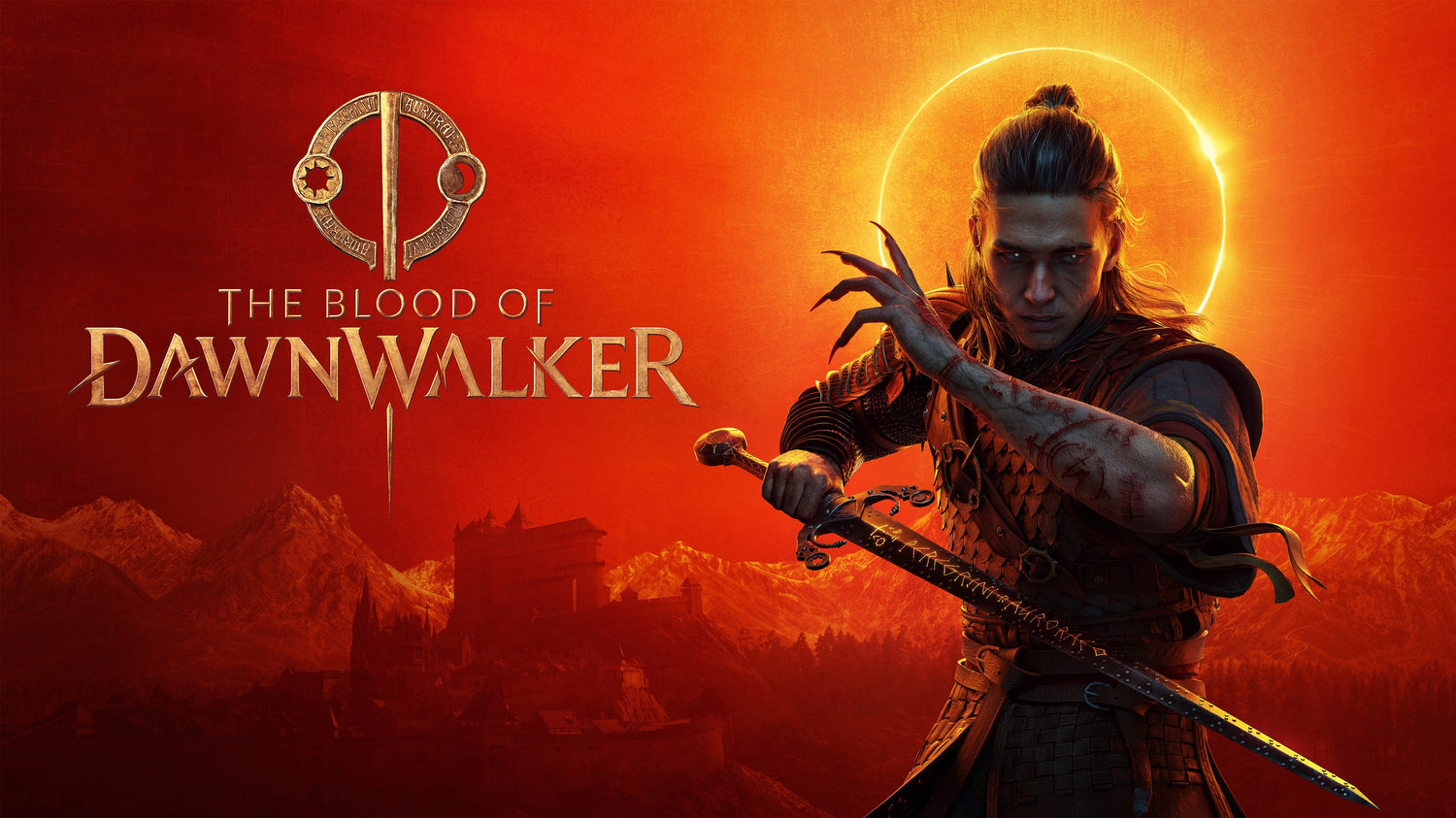
- The Blood of Dawnwalker looks like the kind of dark fantasy title many players will want to enjoy at high settings with strong image quality and smoother frame delivery.
- Onimusha: Way of the Sword and Phantom Blade 0 appeal to action players who often care deeply about responsiveness, fluid combat, and performance consistency.
- The Witcher 3: Wild Hunt Remastered naturally raises expectations around visual quality, denser environments, and modern settings options.
- Control Resonant carries the kind of visual reputation that makes buyers think seriously about ray tracing, GPU horsepower, and system memory.
- Dragon's Dogma II: Dark Arisen suggests large-world gameplay and the kind of CPU and system-wide demand that can expose weak older builds.
If you are looking at this list and thinking, “My PC still runs games, but not the way I want,” that is the exact point where upgrade planning becomes worth your time.
What do you want your next PC to do for you?
This is the question too many buyers skip. Before you compare systems, ask what your next desktop actually needs to deliver.
Do you just want dependable 1080p gaming without stutter? Do you want 1440p with high settings? Are you chasing 4K visuals and ray tracing? Do you want to record gameplay for YouTube? Stream to Twitch with OBS? Edit clips in Adobe Premiere Pro or DaVinci Resolve after your session? Create thumbnails in Photoshop? Design overlays in Illustrator? Build 3D assets in Blender or Unreal Engine?
Your answer changes the category of PC you should buy.
A lot of shoppers start by looking for a simple gaming desktop and then realize their real workflow includes streaming, editing, rendering, schoolwork, design tasks, or creator software. That is why Groovy Computers does not treat every buyer the same. A gaming PC for new games is not always the same machine as a content creation system, and a creator PC is not always the same as a full workstation.
What gaming performance tier fits you best?
If these 11 fall releases are pushing you toward an upgrade, the smartest move is to choose the right performance tier rather than overspending blindly or underspending and regretting it.
Entry-level to value-focused: good for 1080p players
If your main goal is to enjoy new games at 1080p with sensible settings and good responsiveness, a value-oriented build may be enough. This is often the right fit for students, first-time PC buyers, and gamers moving up from older hardware.
Ask yourself: do you mainly want a budget-friendly system that plays new releases well, or do you know you will want more power within a year?
If you tend to upgrade rarely, going too low can backfire. A machine that only barely keeps up today may feel old very quickly once more demanding titles hit your library.
Mid-range sweet spot: ideal for 1440p gaming and longer value
For many Canadian buyers, the smartest tier is a strong 1440p-focused system. This is where you often get the best balance of visual quality, frame rate, and useful lifespan. If you want modern AAA gaming to feel smooth and impressive without immediately jumping into ultra-premium pricing, this is usually the best place to start.
Wondering what PC do I need for 1440p gaming? In practical terms, you want a balanced CPU and GPU combination, enough RAM for modern multitasking, and a fast SSD so large games load quickly and your system stays responsive.
High-end tier: for 4K, ray tracing, and premium game experiences
If titles like Marvel's Wolverine, Control Resonant, and The Witcher 3: Wild Hunt Remastered make you care most about image quality, advanced lighting, and maximum visual impact, you are likely in premium territory. This is the category for buyers who want a 4K gaming PC Canada shoppers choose for ultra settings, stronger longevity, and fewer compromises.
But ask yourself honestly: do you want premium performance because you will use it, or because it sounds future-proof? The best build is not always the most expensive one. It is the one that matches your monitor, your game library, and your upgrade timeline.
Are you only gaming, or do you also want to stream and create?
This is where many purchasing mistakes happen. A customer starts shopping for a gaming machine, then remembers they also want to stream, record, edit shorts, run OBS, work in Photoshop, create social clips, or manage a YouTube channel. Suddenly the cheapest gaming build no longer makes sense.
If that sounds like you, ask a better question: do I need a gaming-only system, or a gaming and streaming PC Canada buyers can use for content too?
If you plan to stream while gaming, you need room for more than game performance alone. CPU strength, GPU encoding capability, RAM capacity, cooling, and storage all matter more. If you also edit your content, you should think in terms of a creator PC Canada customers can use across multiple workloads, not just one title at a time.
When a gaming PC is enough for content creation
Many buyers do not need a separate workstation. If your workflow is gaming first and then editing highlight clips, making thumbnails, or exporting social media videos, a well-balanced custom gaming system can do both very well.
That is especially true if you are asking:
- Is a gaming PC good for video editing?
- Is a gaming PC good for Photoshop?
- What PC do content creators need?
For light to moderate creator work, a stronger gaming build often covers your needs beautifully.
When you should move up to a creator PC or workstation
If you edit 4K footage regularly, work with multi-layer timelines, use Adobe Creative Cloud all day, render in Blender, or need dependable professional multitasking, then your use case has moved beyond simple gaming. That is when a custom creator PC Canada buyers can trust starts to make more sense.
Do you need a PC for Adobe Premiere Pro Canada users can export faster on? A PC for DaVinci Resolve Canada editors can grade and render on smoothly? A PC for Photoshop, Lightroom, Illustrator, or Blender? Those workloads reward the right combination of CPU cores, GPU acceleration, RAM, SSD performance, and thermal design.
Buying too low here can cost more in wasted time than you save up front.
How these 11 releases connect to creator and workstation buyers too
At first glance, a gaming release list seems unrelated to editing, design, and workstation customers. In reality, it often overlaps heavily with them.
Why? Because major game launches increase interest in:
- Streaming gameplay
- Recording long sessions
- Editing reaction clips and guides
- Making YouTube reviews
- Creating TikTok and short-form content
- Designing channel graphics and thumbnails
- Building mods, fan art, or 3D assets
So if this fall slate has you thinking beyond play and toward content, your system needs may already be broader than standard gaming. A streaming PC Canada customers use for OBS and gameplay capture has different priorities than an entry-level esports box. A video editing PC Canada customer needs for 4K exports has different needs again. And a 3D modeling PC Canada artist uses for Blender or Unreal Engine needs even more careful planning.
Should you buy now or wait for another hardware cycle?
This is one of the biggest questions in the market, and the answer depends on your current pain points.
If your PC already struggles with today’s games, if you are lowering settings more than you want, if you are running out of storage, or if your system feels unreliable under load, waiting usually means extending frustration. It can also mean shopping under more pressure later, especially if one or more major titles from this release list suddenly becomes the game everyone wants to play at once.
Ask yourself:
- Is it better to buy a gaming PC now or wait?
- Should I buy a gaming PC before prices go up?
- Do I want to be ready before launch day, or scramble after reviews hit?
No one can promise perfect future pricing. But buyers who wait for the “perfect moment” often end up upgrading only after their old system becomes the problem.
Why timing matters when GPU, RAM, and SSD costs shift
Even when game lists do not include direct hardware recommendations, they influence the market. High-profile launch windows can increase demand for complete gaming desktops, especially in the mid-range and premium categories. That can ripple through full-system pricing because GPUs remain the most emotionally shopped part of many builds, while RAM and SSD capacity expectations keep rising as games get larger and multitasking becomes normal.
If you want a system that feels fast in actual daily use, it is not just about the graphics card. It is about balanced parts, cooling, power delivery, storage speed, and how the build is configured as a whole.
That is one reason custom PC vs prebuilt PC Canada is still such an important buying question. A custom-configured machine has a better chance of being properly matched to your goals instead of being loaded with one flashy part and compromises everywhere else.
Should you finance a stronger PC instead of buying too low?
For many buyers, this is the real decision. You may be able to afford an entry-level system today, but will it still meet your needs after this release cycle? Or would a stronger build serve you better for longer?
If you are asking is financing a gaming PC worth it, the answer depends on whether financing helps you avoid buying a machine you will outgrow too quickly. The goal is not to spend recklessly. The goal is to secure the right performance level while protecting your budget and avoiding a weak stopgap purchase.
Groovy Computers can help customers explore options including financing up to 4 years, which can make a stronger gaming, creator, or workstation build more realistic while market conditions remain uncertain. For some buyers, that means stepping from basic 1080p into a more durable 1440p setup. For others, it means getting enough RAM, storage, and GPU power for streaming and editing from day one.
So ask yourself: should I finance a better PC instead of buying a cheaper one now and upgrading sooner? If the better machine will actually last longer and do more for you, the answer may be yes.
What type of buyer matches each fall-game PC category?
The budget-conscious player
You want a budget gaming PC Canada buyers can count on for today’s library and the biggest new titles at practical settings. You care about value, not bragging rights. A well-planned entry system may work, but only if your expectations are realistic. If you already know you will want high settings in every new release, be careful not to buy too low.
The 1440p sweet-spot gamer
You want better image quality, stronger consistency, and room for newer games without constant tweaking. This is often the smartest buyer segment because it prioritizes balanced long-term value over bare minimum hardware.
The premium enthusiast
You want a high end gaming PC Canada shoppers choose for premium visuals, stronger future readiness, and fewer compromises. You may care about 4K, ray tracing, ultra settings, larger high-refresh displays, and demanding single-player titles. You should focus on full-system quality, cooling, and part matching, not just the headline GPU.
The streamer and creator
You are not just playing these games. You are recording, streaming, clipping, editing, and publishing around them. A gaming-first build may still work, but only if it has enough overhead. If your workflow includes OBS, Premiere Pro, Photoshop, and multitasking, you should think in terms of a creator-ready custom desktop.
The professional hybrid user
You game at night and work on demanding software during the day. Maybe you use Adobe Creative Cloud, Blender, CAD, or rendering tools. In that case, your next machine should be chosen like a productivity asset, not just a toy. This is where custom workstation logic pays off.
What specs matter most for new games and multi-use performance?
Not every shopper wants a component lecture, but understanding the categories helps you buy smarter.
- GPU: The biggest driver for gaming visuals, resolution targets, and ray tracing performance.
- CPU: Critical for modern game responsiveness, background tasks, simulation-heavy titles, streaming, and creator workloads.
- RAM: Essential for smooth multitasking, modern game behaviour, OBS, browser tabs, editing apps, and avoiding bottlenecks.
- SSD storage: Important for load times, large game installs, project files, and daily responsiveness.
- Cooling and power design: Often overlooked, but vital for long-term reliability and stable performance.
Ask yourself a useful question before you buy: do I want a machine that benchmarks well on paper, or one that stays smooth and reliable across real use? That is where builder quality matters.
Why custom builds matter more during high-interest release seasons
When gaming excitement spikes, many buyers rush into generic systems that look powerful at a glance. The problem is that some off-the-shelf configurations cut corners where it hurts later: cooling, motherboard quality, power supply quality, upgrade path, storage capacity, or case airflow.
A proper gaming PC builder Canada customers trust should focus on how the whole machine performs together. That means matching the right CPU to the right GPU, choosing enough RAM for the workload, making sure thermals are under control, and building something that does not feel outdated the moment your next favourite game arrives.
Groovy Computers builds for that exact reason. Custom systems, careful part matching, stress testing, and a 1-year warranty all matter more when you are spending serious money and want to avoid regret.
What if you also need a PC for video editing, photo editing, graphic design, or 3D work?
Many people landing on a gaming article are not just gamers. They are students, creators, freelancers, editors, marketers, and artists. If that is you, this fall release cycle may simply be the reason you finally justify the desktop you needed anyway.
Consider these questions:
- What PC do I need for video editing?
- How much RAM do I need for video editing?
- What PC do I need for photo editing?
- What PC do I need for graphic design?
- What PC do I need for Blender?
- Workstation PC vs gaming PC for 3D modeling?
If your work includes Adobe Premiere Pro, DaVinci Resolve, After Effects, Photoshop, Lightroom, Illustrator, InDesign, Blender, Unreal Engine, AutoCAD, or similar software, then your ideal desktop should be planned around both play and productivity. That may mean more RAM, larger SSDs, stronger multicore processing, or a GPU that helps both games and creator tools.
The upside is simple: one properly designed custom system can cover your gaming and your work far better than buying the wrong PC twice.
For Canadian buyers, what makes Groovy Computers the better fit?
Groovy Computers is built around the idea that customers should not have to guess their way through major PC decisions. Whether you need a gaming desktop for this fall’s big releases, a streaming and editing machine, or a more advanced workstation-class build, the process should be clear and grounded in actual use.
That means:
- Custom PC guidance based on what you actually play and use
- Balanced builds instead of flashy but compromised part lists
- Stress-tested systems for reliability
- A 1-year warranty for added confidence
- Financing options up to 4 years for qualified buyers
- Canadian service and Canada-wide shipping
For shoppers in Nova Scotia, Halifax, Trenton, New Glasgow, Atlantic Canada, or anywhere else in the country, that combination matters. You are not just buying a box with lights. You are buying performance, support, and a system that should still make sense long after this release season ends.
Still unsure what to buy before these games arrive?
If you are still comparing options, ask yourself one last set of practical questions.
Do you want your next PC to handle only gaming, or gaming plus streaming and editing? Are you targeting 1080p, 1440p, or 4K? Do you want ray tracing, high FPS, or simply smoother modern AAA performance? Are you trying to avoid another upgrade too soon? Would financing help you secure a stronger build before replacement costs rise? Do you want a budget system, a premium RTX gaming desktop, a custom creator PC, or a workstation that can do it all?
Those are the questions that should drive your purchase, not just the excitement of one title.
If this fall’s lineup has you thinking seriously about your next computer, the best next step is to talk to a builder that can match a system to your actual goals. Visit GroovyComputers.ca to explore custom builds, ask for help choosing the right performance tier, and see whether a gaming, creator, or workstation desktop makes the most sense for you.
Final takeaway: use the hype wisely
The biggest lesson from this 11-game fall ranking is not just that exciting games are coming. It is that release momentum changes the upgrade conversation. If you know your current machine is behind, if you want better settings and smoother performance, or if you are also planning to stream, edit, design, or create, this is the right time to choose carefully.
A stronger gaming PC Canada shoppers buy at the right time can deliver more value than a rushed compromise later. And if you want guidance from a Canadian custom builder that understands gaming, content creation, and workstation needs together, Groovy Computers is the place to start.
#GamingPCCanada #CustomGamingPCCanada #GamingPCForNewGames #CreatorPCCanada #StreamingPCCanada #VideoEditingPCCanada #3DModelingPCCanada #CanadianCustomPCBuilders #NovaScotiaPCBuilder #BuyGamingPCOnlineCanada
Groovy Computers | All Rights Reserved


Leave a comment
This site is protected by hCaptcha and the hCaptcha Privacy Policy and Terms of Service apply.