

















Resident Evil Film News and the Real Question for Gamers: Is Your Gaming PC Canada Ready for the Next Wave of Horror Games?
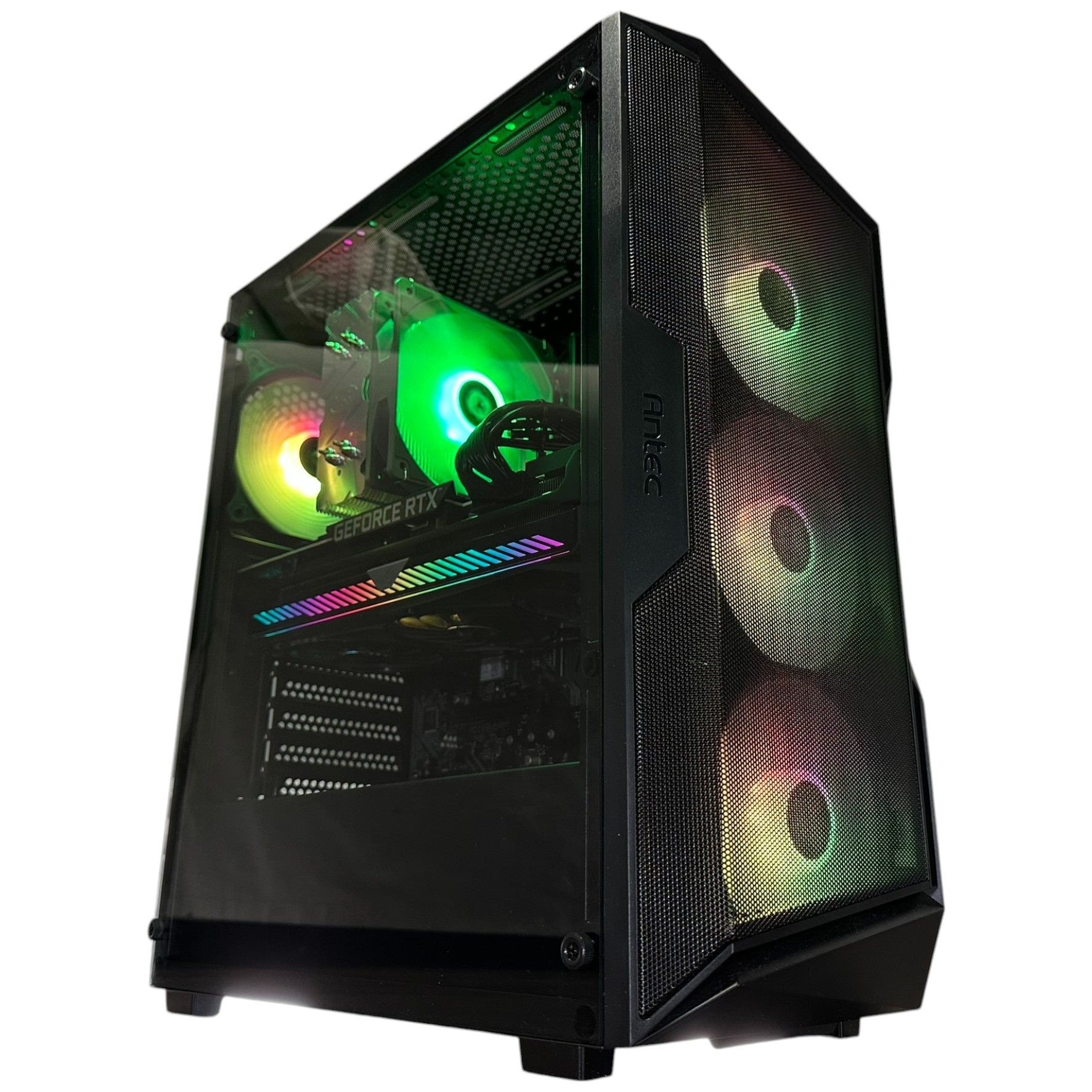
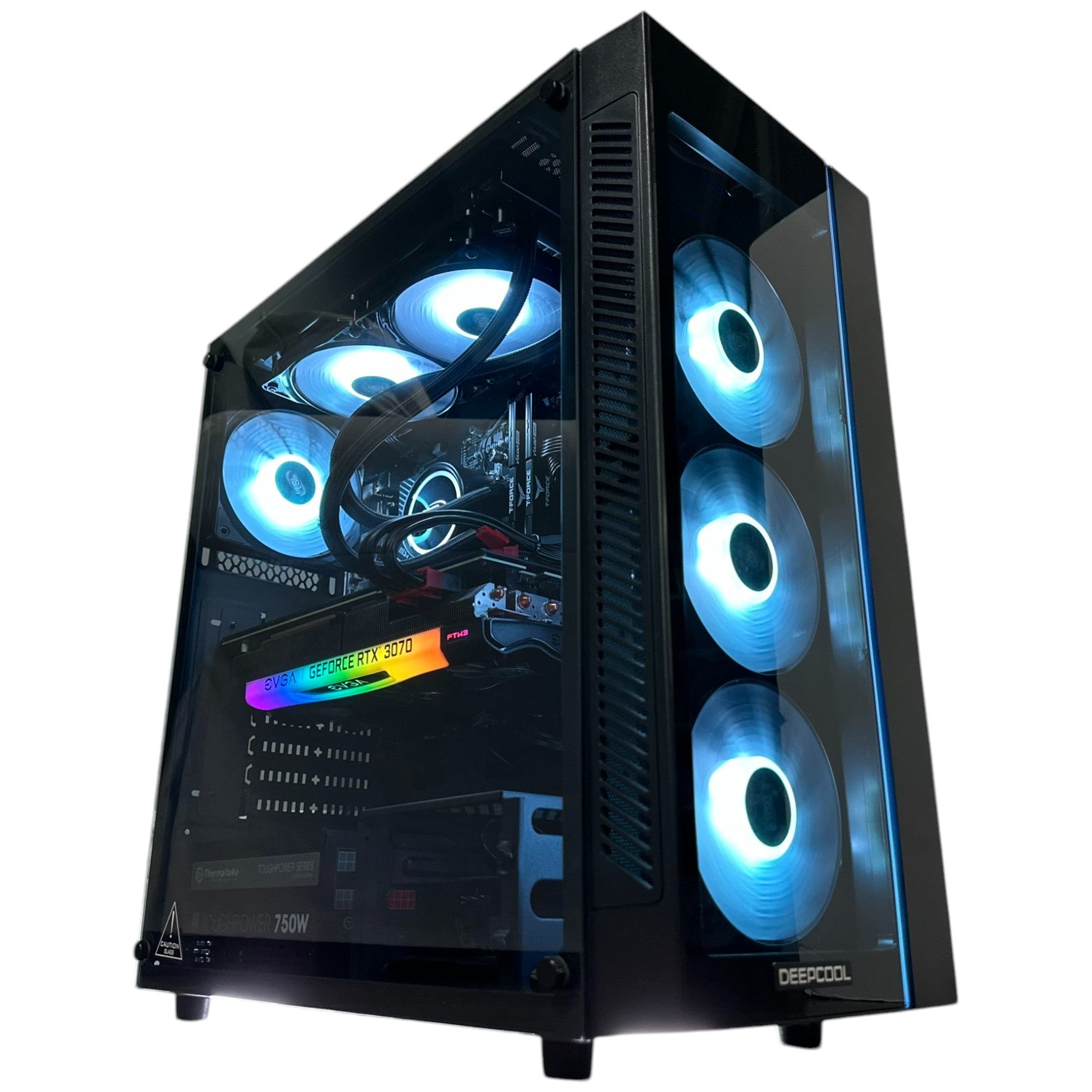
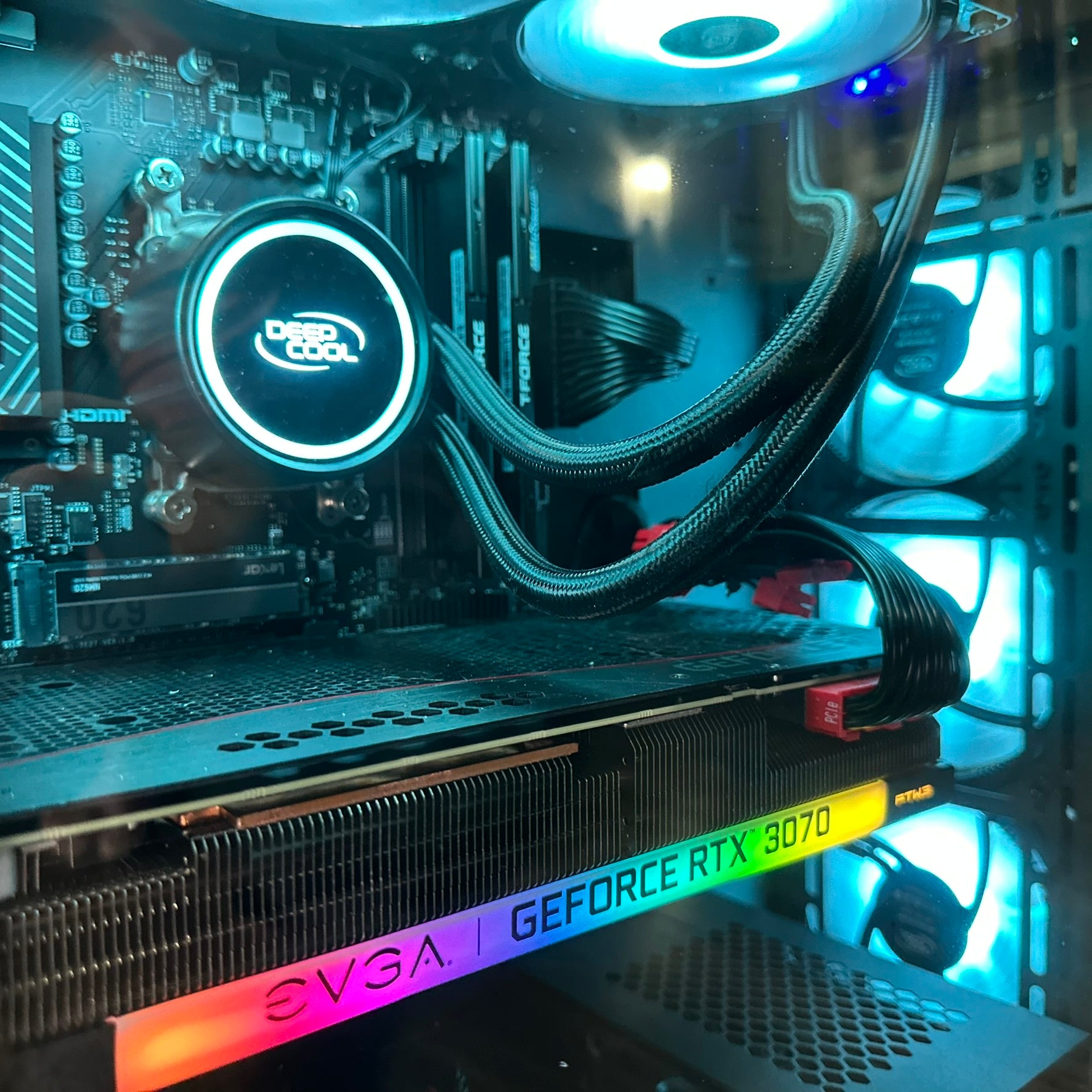
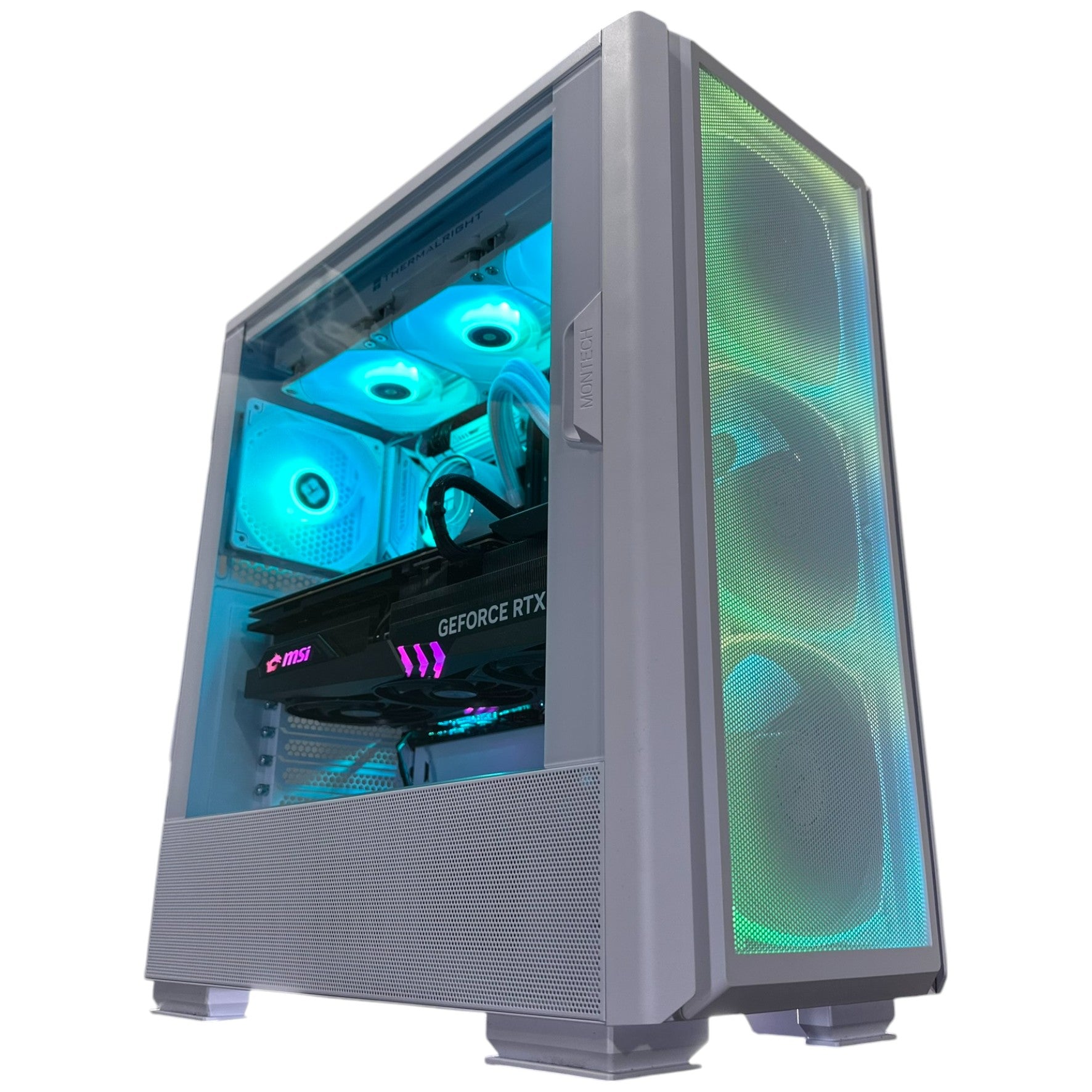
The latest Resident Evil film update has sparked immediate debate: director Zach Cregger says the upcoming movie will feature no video game characters, choosing instead to tell an original story set in the Resident Evil world. For fans, that is a bold creative swing. For PC gamers in Canada, it raises a different but equally practical question: when a major horror franchise returns to the spotlight, is your Gaming PC Canada setup actually ready for the games, remakes, mods, streaming sessions, and next-gen releases that usually follow that kind of momentum?
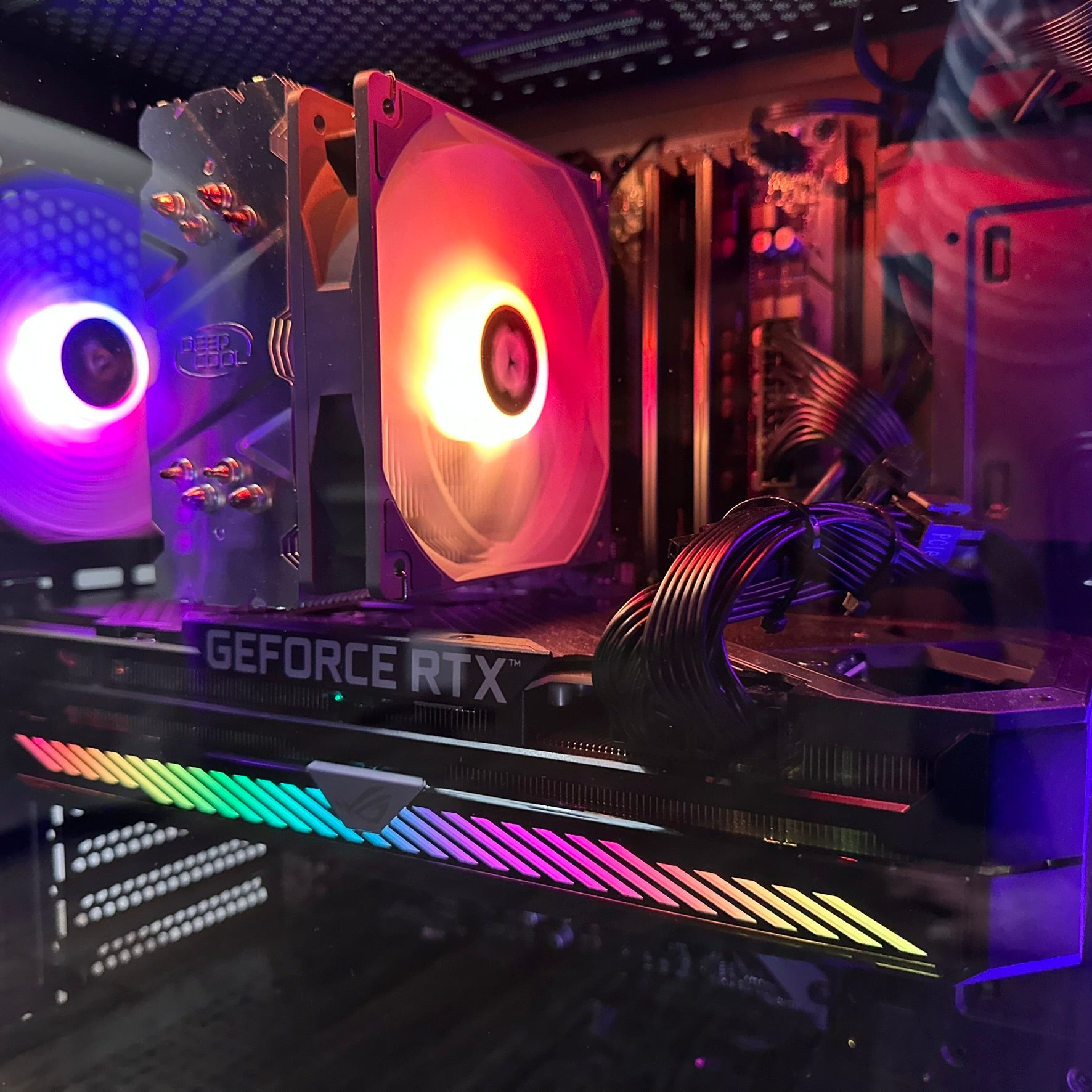
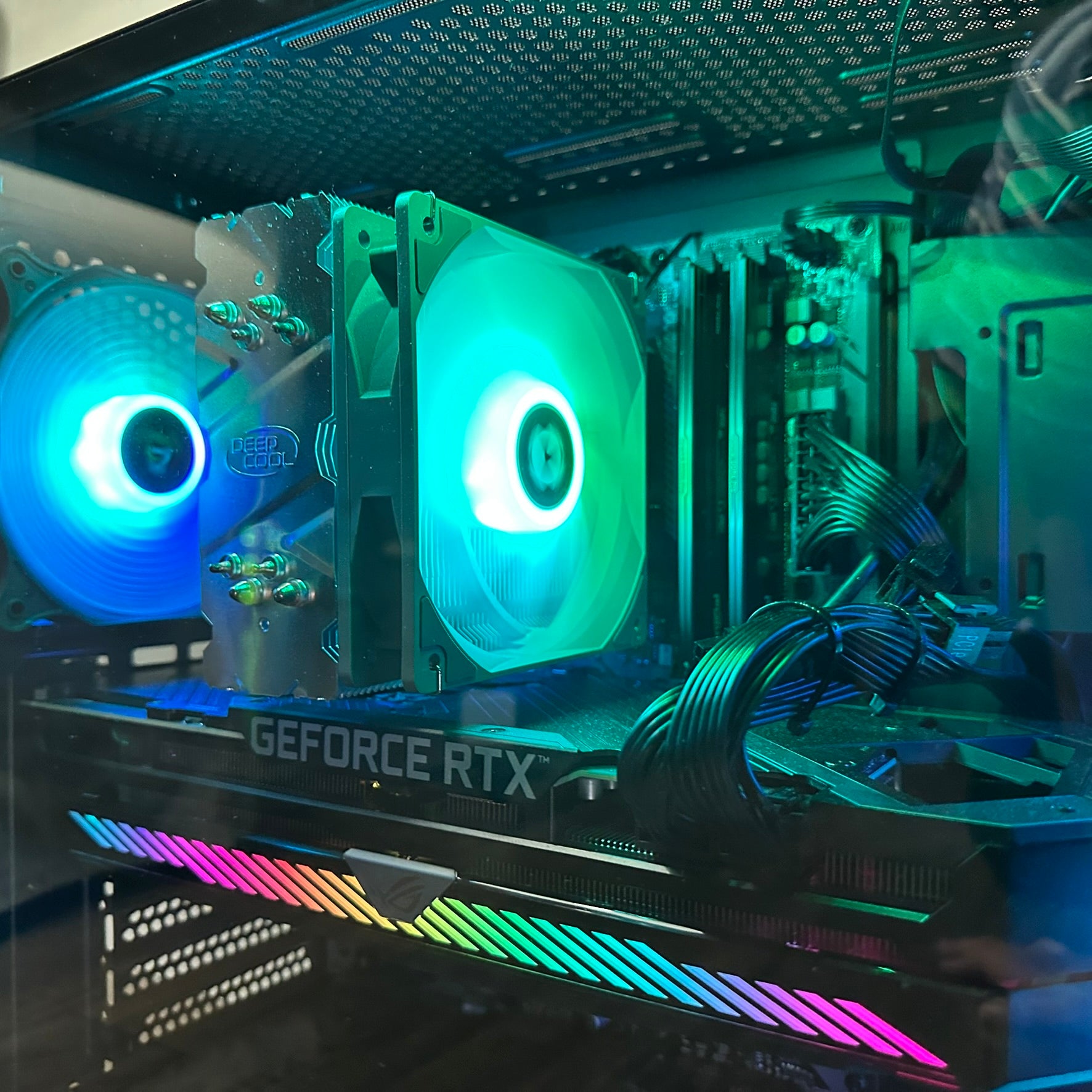
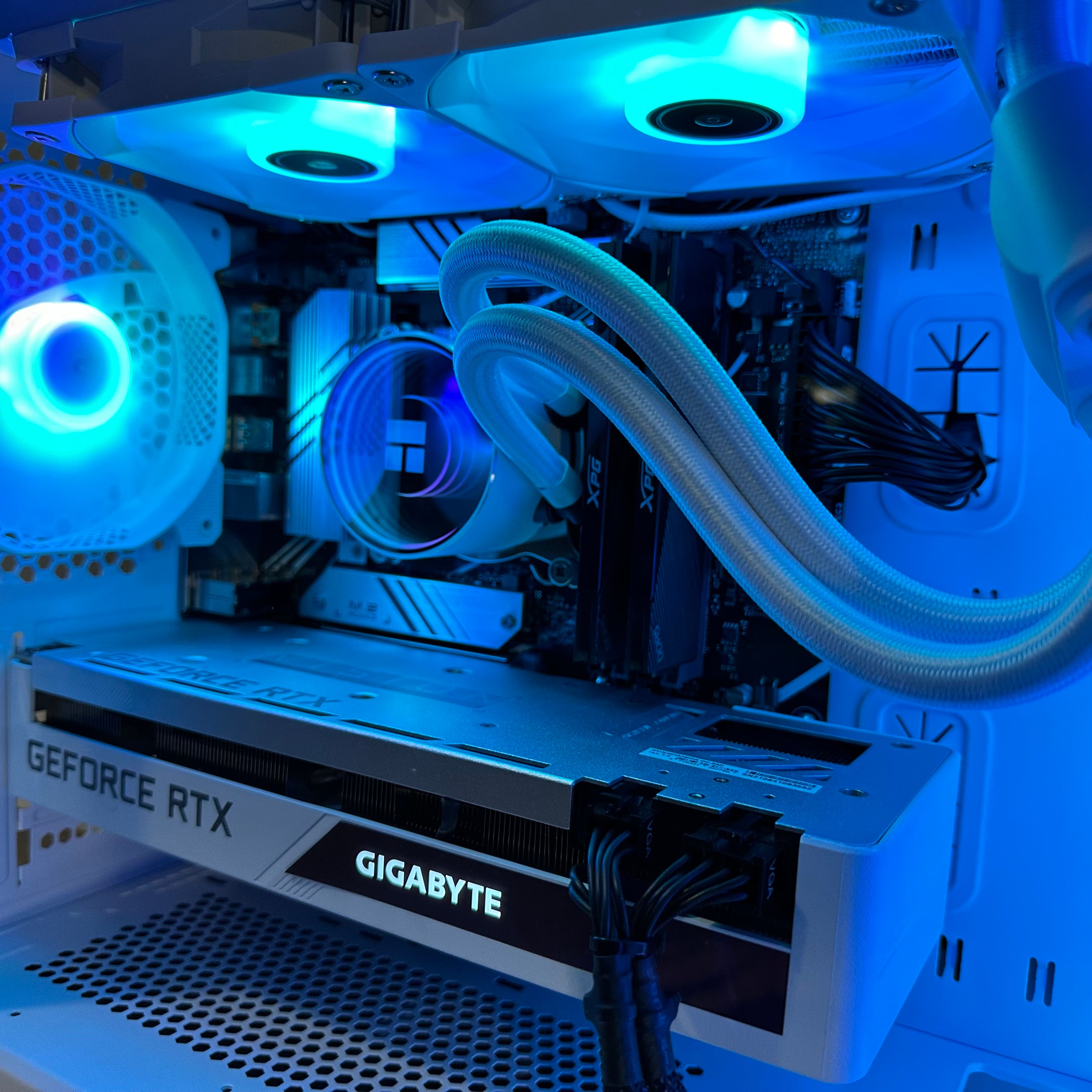
That is where this story becomes more than entertainment news. When a franchise like Resident Evil trends again, interest does not stay limited to cinema. It pushes players back into the games, encourages replay sessions, inspires content creation, and often drives demand for stronger hardware. Some people revisit older entries at max settings. Others start asking whether they finally need a ray tracing-capable system for modern survival horror. And plenty of buyers begin wondering if now is the right time to move from an aging machine to a custom gaming desktop that can handle more than just one title.
At Groovy Computers, that is the real opportunity hidden inside headlines like this one. News gets attention, but buying decisions happen when customers connect that hype to their own needs. Are you mainly trying to play atmospheric horror games at 1080p? Do you want a smoother 1440p experience with high settings? Are you hoping to stream gameplay, edit videos for YouTube, or build a machine that can handle gaming by night and creative work by day? Those are the questions that matter when you are choosing the right PC.
Why Zach Cregger’s Resident Evil decision is getting attention
Based on the source material provided, Zach Cregger explained that the film will not include game characters because he wants the movie to put its own story first. In his words, the project should feel like a distinctly original work that simply happens to exist in the world of Resident Evil. He also described the protagonist, Bryan, as more of an everyday person than a traditional action-heavy game hero, comparing the character’s journey to Frodo going into Mordor.
That matters because Resident Evil fans are used to recognizable faces, established lore, and a very specific balance of tension, combat, and survival. Removing game characters is not a small detail. It shifts expectations. Some viewers will welcome the freedom of a fresh story. Others will see it as one more risk in a franchise with a long history of uneven live-action adaptation.
But even if fans disagree on the movie direction, one thing is clear: Resident Evil remains one of gaming’s most durable franchises. It still triggers discussion, nostalgia, replays, and renewed interest every time something major happens around the brand. That is why this entertainment update also works as a buying signal for anyone considering a gaming PC upgrade.
Why does Resident Evil film news matter if you are shopping for a custom gaming PC in Canada?
Because major franchise momentum often changes buyer behaviour. A headline like this can push gamers to reinstall older titles, buy newer entries they skipped, test visual upgrades, revisit VR-adjacent horror content, or start streaming reaction playthroughs. Suddenly, a system that felt “good enough” for lighter gaming starts showing its limits.
Have you ever opened a game after months away and realized your frame rate, load times, texture pop-in, or stuttering were worse than you remembered? Have you tried enabling ray tracing only to discover the visual upgrade came with a painful performance drop? Have you considered recording gameplay or running OBS, Discord, browser tabs, and editing software at the same time, only to find your PC struggling under multitasking load?
Those are real-world triggers for an upgrade. In Canada, they matter even more because replacing a system later can cost more if GPU pricing tightens, memory pricing shifts, or demand spikes around major release windows. A careful custom build now can be more cost-effective than a rushed purchase later.
What do you want your next PC to do for you?
This is the most important question in the whole buying process, and it is the one too many shoppers skip.
Do you want your next system to run horror and AAA games smoothly at high settings? Do you want to stream to Twitch or YouTube without wrecking in-game performance? Do you need a machine that can also handle Adobe Premiere Pro, Photoshop, Lightroom, Illustrator, or DaVinci Resolve? Are you creating thumbnails, short-form clips, fan edits, or reaction content? Are you working in Blender, Unreal Engine, or 3D rendering on the side?
If the answer is “a bit of everything,” then the right solution is usually not the cheapest off-the-shelf system. It is a balanced custom build designed around how you actually use your computer.
That is why Groovy Computers approaches PC buying differently. Instead of pushing one generic category, the goal is to help Canadian customers choose a machine that fits both current use and near-future demand. If a horror franchise resurgence gets you back into PC gaming today, what else will you want that machine to do six months from now?
What gaming performance tier fits you best?
Not every customer needs the same build, and not every title demands the same hardware. The best buying decision starts with performance target, not just price target.
Entry-level and budget gaming: Is 1080p enough for the way you play?
If your goal is to enjoy horror games, older AAA titles, esports games, and general PC use at 1080p, a budget-friendly custom system may be the smartest move. This tier suits players who want smooth gameplay, solid settings, fast boot times, and a clean upgrade path without overspending on premium parts they will not fully use yet.
Are you mainly playing at 1080p on a standard monitor? Are you okay with high settings instead of ultra in the latest releases? Do you want a Budget Gaming PC Canada option that still feels fast, modern, and dependable? This may be your lane.
The danger in shopping too cheaply is buying something that becomes outdated too fast. A well-balanced entry system should still leave room for future GPU, RAM, or storage upgrades so you are not replacing the whole machine the moment your expectations increase.
Mainstream enthusiast gaming: Do you really want to stop at 1080p?
For many buyers, 1440p is the sweet spot. This is where visual quality, stronger frame rates, and long-term value often align. If you are getting excited about cinematic games, darker atmospheric worlds, advanced lighting, better texture quality, and more immersive settings, a 1440p Gaming PC Canada build often makes the most sense.
Do you want to experience modern survival horror with sharper detail and stronger visual atmosphere? Are you buying a PC that should still feel capable across multiple game launches instead of just one? Do you want high refresh rate gaming without immediately jumping into the most expensive GPU tier? Then a mid-to-upper range custom system could be your best long-term value.
This is also the category where gaming and streaming can start to coexist more comfortably. If you want to play, record, and occasionally edit clips, stronger CPU-GPU balance becomes more important.
High-end gaming: Are you chasing 4K, ray tracing, or ultra settings?
Some buyers are not just upgrading for one game. They want a premium machine that can push modern titles at 4K, handle demanding effects, support high-end monitors, and stay relevant longer. If that sounds like you, then you are looking at the High End Gaming PC Canada category.
Do you care about ray tracing? Are you aiming for cinematic single-player experiences at ultra settings? Do you want the headroom to mod games, run background apps, stream occasionally, and still enjoy strong performance? If yes, you may be better off stretching into a stronger build now instead of buying a lower tier system you outgrow quickly.
That is especially relevant when franchise revivals encourage players to revisit multiple generations of games. Today it might be Resident Evil. Tomorrow it might be another remake, another horror release, or another GPU-heavy launch you suddenly want to play at its best.
What if you are not just gaming?
This is where many Canadian buyers make the wrong decision. They shop for a “gaming PC,” but what they really need is a more versatile system.
Are you planning to stream your gameplay? Are you clipping jump scares for TikTok, editing long-form videos for YouTube, or designing overlays and thumbnails? Are you running Adobe Creative Cloud, OBS, Discord, a browser, and a game at the same time? If so, your machine needs more than gaming power alone.
Do you need a Gaming and Streaming PC Canada build?
If you plan to go live, record gameplay, or maintain multiple applications during play sessions, you should think beyond raw FPS. Streaming performance depends on CPU resources, GPU encoding support, RAM capacity, storage speed, and thermal stability.
What PC do you need for streaming if you also want to play modern games comfortably? Usually, you want a system with enough processing strength to prevent stutters, enough graphics power to preserve visual quality, and enough memory to keep multitasking smooth. A weak machine can technically stream, but not always well.
If Resident Evil-style games are part of your content strategy, your audience will notice dropped frames, poor video quality, and laggy reactions just as much as they notice your gameplay. A proper Streaming PC Canada build is not about excess. It is about consistency.
Do you need a Creator PC Canada system for editing after you play?
Many modern gamers are also creators. They capture footage, make shorts, produce reaction edits, and build channels around trending games. If that sounds like you, your build should reflect both gaming and post-production needs.
Are you editing in Premiere Pro? Colour grading in DaVinci Resolve? Creating intros, thumbnails, or layered projects in Photoshop and After Effects? Then storage speed, RAM, CPU performance, and a capable GPU all matter. A proper Creator PC Canada build helps you avoid long exports, laggy timelines, and slow preview rendering.
Instead of buying one system for gaming and then discovering you need a second upgrade for editing, many customers are better served by one stronger, balanced custom computer built for both.
What if your work includes photo editing or graphic design?
Not every customer coming from gaming news is only a gamer. Some are photographers, designers, or social media managers who also enjoy PC gaming. If your machine needs to handle Lightroom catalogues, Photoshop layers, Illustrator files, or multi-monitor workflows, the build changes again.
Do you need a Photo Editing PC Canada setup with fast storage, plenty of RAM, and stable multitasking? Are you shopping for a Graphic Design PC Canada machine that can manage Adobe Creative Cloud smoothly without feeling like a compromise? A custom desktop can be configured for both productivity and play, which is often a better value than splitting your budget across multiple weaker devices.
Could Resident Evil-style gaming hype also be a signal to upgrade before prices shift?
It can be. Not because one film update alone changes the whole market, but because gaming interest tends to stack on top of larger hardware cycles. Demand pressure does not need a single cause. It builds through multiple trends at once: major game launches, creator hardware demand, GPU competition, memory pricing, storage shifts, and seasonal buying periods.
That is why “Should I buy now or wait?” is one of the most important buyer questions in Canada. If your current system is already frustrating you, waiting does not always save money. Sometimes it just delays the purchase until the same class of hardware costs more, or until your old PC is even less useful.
Are you buying ahead of a major release window? Are you trying to avoid shopping during a holiday rush or after a new hardware announcement compresses availability? Are you hoping to secure a stronger system before replacement costs rise? Those are practical reasons many customers choose to act earlier rather than later.
Should you buy a cheaper PC now, or finance a better one that lasts longer?
This is one of the smartest questions a buyer can ask.
If your budget is tight, it is tempting to choose the lowest-cost machine that checks the minimum boxes. But if that system leaves you wanting more within a year, the savings may disappear fast. A better long-term strategy is often to step into a stronger tier that stays useful longer, especially if financing makes the monthly cost manageable.
Would a slightly stronger GPU save you from upgrading too soon? Would more RAM help with streaming, editing, and multitasking from day one? Would a faster SSD make everyday use feel dramatically better? Would a more capable CPU preserve value over a wider range of workloads?
For many buyers, the answer is yes. That is why financing can be practical, not impulsive. If available through the business context, spreading the cost over time can help you secure a machine that actually fits your needs instead of one you outgrow immediately. With financing options up to 4 years, some customers find it easier to step into a more durable custom build now rather than settle for a weaker stopgap.
What PC do you need for modern horror games, remakes, and cinematic AAA titles?
Not every player needs the same answer, but there are useful patterns.
- For 1080p gaming: Prioritize a balanced CPU and GPU, 16GB of RAM or better, and an SSD that keeps load times responsive.
- For 1440p gaming: Lean harder into GPU strength while keeping enough CPU headroom for modern titles and background tasks.
- For 4K or ray tracing: Invest in a stronger graphics tier, effective cooling, and a platform that will not bottleneck premium performance.
- For gaming and streaming: Make sure the build includes enough CPU power, memory, and GPU encoding capability for smooth capture and broadcast.
- For gaming and editing: Add faster storage, more RAM, and a stronger creator-oriented balance.
So ask yourself: what PC do I need for this game style, this content workflow, and this upgrade cycle? Are you building for one title, or for the way you actually use your computer all year?
Custom PC vs generic prebuilt: why does it matter more when trends shift?
When gaming demand changes quickly, generic systems often show their weaknesses first. A custom build gives you more control over where the budget goes and why. That matters whether you are focused on gaming, streaming, editing, or workstation use.
Why buy a custom gaming PC instead of grabbing the first box that looks discounted? Because the right part balance matters. Cooling matters. Power supply quality matters. Motherboard quality matters. Storage layout matters. Upgrade path matters. Testing matters.
If you are investing in a machine that needs to survive multiple software updates, multiple game releases, and heavier workloads over time, the better question is not “What is cheapest today?” It is “What gives me the best usable life for my money?”
That is where a custom PC builder can offer more value than a generic one-size-fits-all approach. You are not just buying components. You are buying the right combination of parts for your actual use case.
Why does testing and warranty support matter for Canadian buyers?
A PC can look great on paper and still disappoint in practice if it is poorly configured, unstable, or assembled without care. That is why trust matters.
When you buy from Groovy Computers, you are not just looking for raw specs. You are looking for a system built with real-world reliability in mind. Rigorous testing helps reduce the risk of instability and early frustration. A 1-year warranty adds confidence. For Canadian buyers, that peace of mind matters even more when you are ordering online and want support from a Canadian Custom PC Builders brand that understands local expectations.
Are you tired of random marketplace listings with unclear parts, vague support, and uncertain quality? Do you want a machine that has been built and tested with care before it reaches your door? That confidence is part of the value.
What if you need more than a gaming PC?
Some readers landing on a Resident Evil-related article may be here because they love gaming. Others may be creators, students, editors, or professionals who simply connect with gaming culture. If your system also needs to handle heavier software, the right category may be different.
Video editing and content creation
If your workflow includes 4K timelines, layered effects, frequent exports, or multi-app workflows, you may need a Video Editing PC Canada or Content Creation PC Canada build rather than a gaming-only machine. This is especially true if you use Premiere Pro, DaVinci Resolve, After Effects, or CapCut regularly.
What PC do you need for video editing if you also game? Usually one with more RAM, stronger storage planning, and enough CPU-GPU balance to stay fast in both worlds.
Photo editing and design
If your work includes Photoshop, Lightroom, Illustrator, InDesign, or branding projects, then responsiveness, file handling, and display support become part of the equation. In that case, a custom photo or design system may outperform a gaming-only configuration in the tasks you spend the most time doing.
3D modeling and workstation use
If you are in Blender, Unreal Engine, CAD, rendering, or professional multitasking, you are likely in workstation territory. A 3D Modeling PC Canada or Workstation PC Canada build should be planned around rendering speed, memory requirements, storage throughput, and long-session stability.
Is a gaming PC good for Blender or rendering? Sometimes, but not always optimally. If your paid work depends on your machine, choosing the right workstation profile matters.
How can Canadian buyers decide the right spending level without wasting money?
Start by matching budget to usage, not hype.
- List your top three uses. Gaming, streaming, editing, design, school, 3D work, or business productivity.
- Choose your target resolution. 1080p, 1440p, or 4K.
- Decide whether you care about ray tracing or high refresh rates.
- Ask how long you want the system to feel current. One to two years? Three to five years?
- Think about future software demands. More editing, more streaming, more multitasking, more storage?
- Consider whether financing helps you buy the right system once.
How much should you spend on a gaming PC? The answer depends on your goals, but the wrong answer is spending too little for your actual workload and then paying twice through early replacement.
Why Canadian timing matters
Canadian PC buyers deal with a different context than many global headlines suggest. Currency pressure, shipping realities, availability swings, and seasonal demand can all shape system pricing. That means “I will just wait a bit” is not always the safer path.
Are you shopping before back-to-school demand, holiday demand, or a wave of new game releases? Are you replacing a machine that is already unstable, noisy, or slow? Are you trying to avoid another year of compromise while your favourite games and software become more demanding?
In those cases, acting sooner can be the smarter decision, especially if you are using the time to choose a more durable custom configuration instead of rushing into the cheapest possible box later.
So what should you do if this Resident Evil news has you thinking about an upgrade?
Use the moment wisely. Do not just ask whether the movie will be good. Ask whether your current PC still fits the way you game and create now.
If a franchise revival has you reinstalling horror classics, exploring remakes, planning streams, or thinking about a broader setup upgrade, this is the ideal time to assess what you really need. Are you due for a budget-friendly 1080p system? A stronger 1440p gaming desktop? A premium ray tracing build? A gaming-and-streaming setup? A creator workstation that handles editing, design, and play in one machine?
Those are the decisions that turn hype into long-term value.
Why Groovy Computers is the smart next step for Canadian buyers
Groovy Computers is built around what many buyers actually want: guidance, customization, strong value, real testing, and confidence. Whether you are shopping for a gaming desktop, a creator system, or a workstation, the goal is to match the build to the person instead of forcing the person to fit a generic build.
Need help figuring out what performance tier fits your games and software? Want to avoid upgrading too soon? Curious whether a stronger system on monthly payments makes more sense than a weaker machine paid all at once? Looking for a custom PC with a 1-year warranty and rigorous testing from a Canadian builder?
If that sounds like you, the next move is simple: explore your options at GroovyComputers.ca and find the build that matches the way you actually game, stream, edit, design, or work.
Final thoughts: Resident Evil movie debate aside, your next PC decision is the real story
Zach Cregger’s creative choice may divide Resident Evil fans, but the bigger takeaway for shoppers is clear: entertainment trends often push people back into gaming faster than they expect. When that happens, weak hardware becomes impossible to ignore. If your current machine is holding you back, this may be the right time to stop waiting and choose a system that is ready for more.
The best Gaming PC Canada decision is not the loudest, cheapest, or flashiest one. It is the one that fits your resolution target, your game library, your creator goals, your upgrade timeline, and your budget reality. And if financing helps you secure a stronger, longer-lasting custom build before prices shift again, that can be a smart move rather than an indulgence.
#GamingPCCanada #CustomGamingPCCanada #GamingPCBuilderCanada #CanadianCustomPCBuilders #StreamingPCCanada #CreatorPCCanada #VideoEditingPCCanada #WorkstationPCCanada #GamingComputersCanada #BuyGamingPCOnlineCanada
Groovy Computers | All Rights Reserved



Leave a comment
This site is protected by hCaptcha and the hCaptcha Privacy Policy and Terms of Service apply.