
Gaming & simulation
Start with RX 6600 or RTX 3070-class options for 1080p gaming; an RTX 3070 can also suit 1440p with sensible settings. Newer demanding games may need reduced textures or effects.


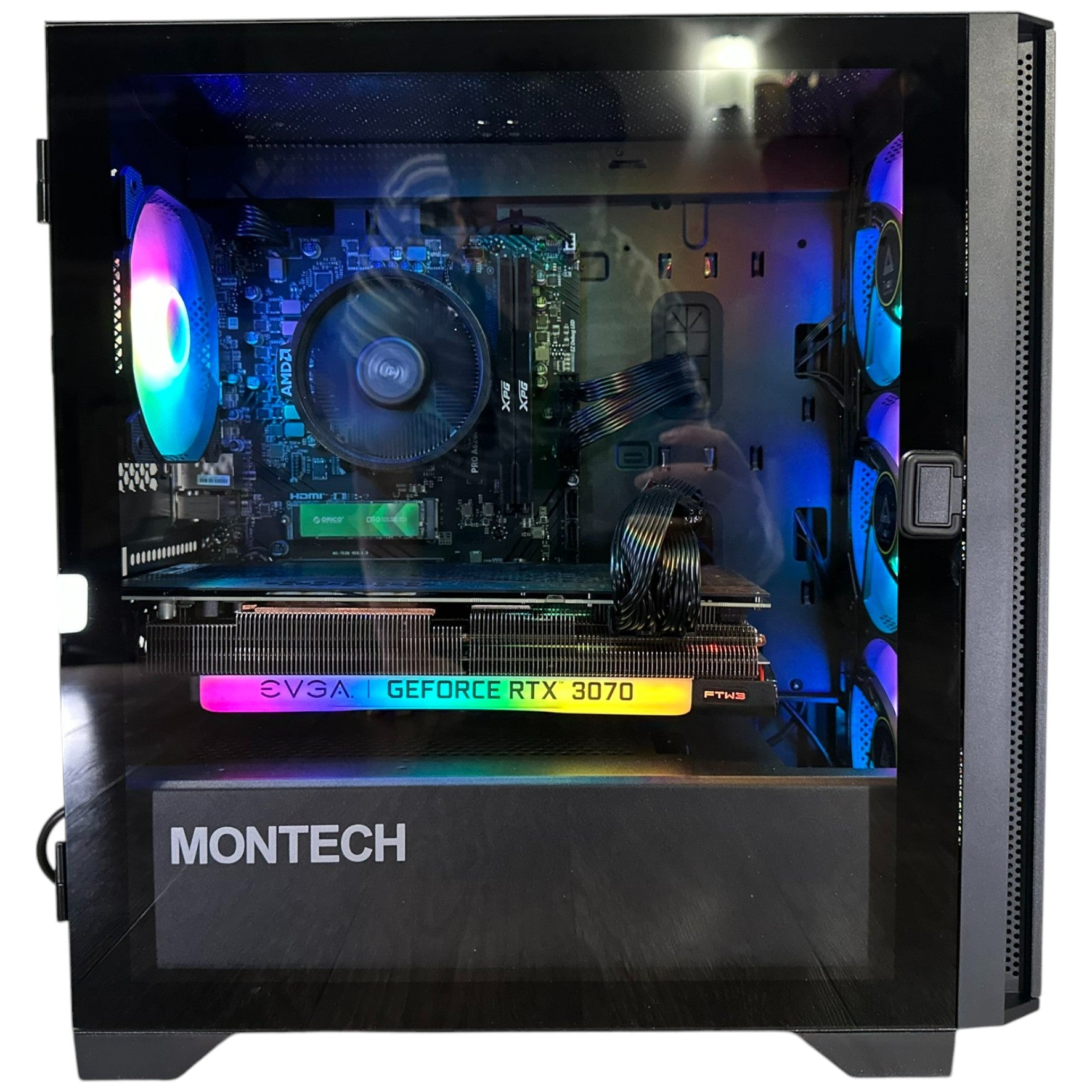
Storewide Summer Sale — limited-time pricing while stock lasts.
Free shipping over $3,000 + 1-year warranty on every Canadian-built, stress-tested PC.
Financing available up to 4 years — upgrade now and pay over time.
GROOVY COMPUTERS / YOUR NEXT CHAPTER
Ryzen 5 8400F Gaming PC
GROOVY COMPUTERS / BUILT FOR YOUR NEXT PROJECT
AMD Ryzen 5 8400F · 16GB RAM · 1TB NVMe · Choose your GPU
The six-core processor, dual-channel memory and 1TB NVMe storage make a focused gaming and everyday-work foundation. Choose the graphics option for your monitor and games.
Clear specifications for the configuration you are buying.
| Processor | AMD Ryzen 5 8400F · 6 cores / 12 threads |
|---|---|
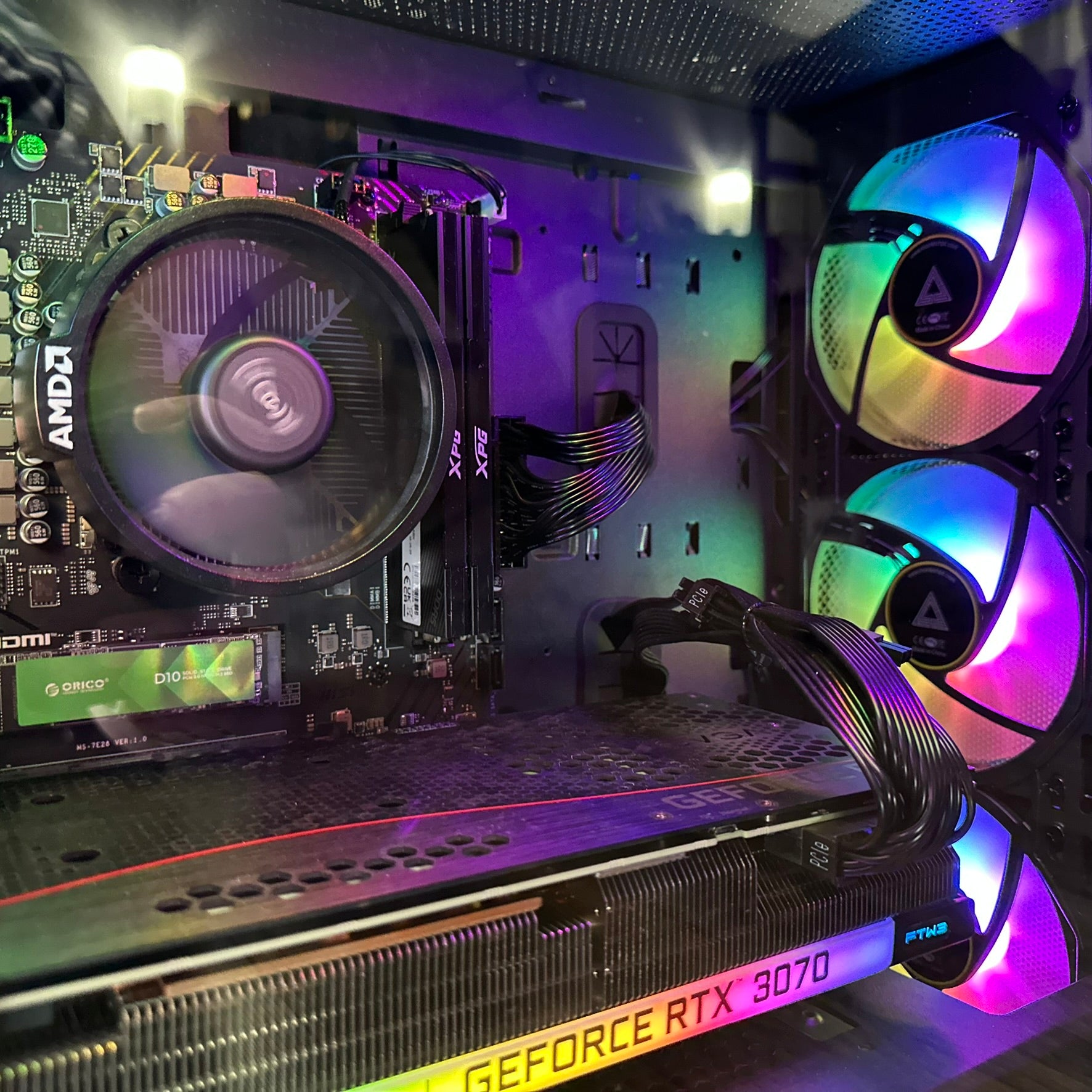
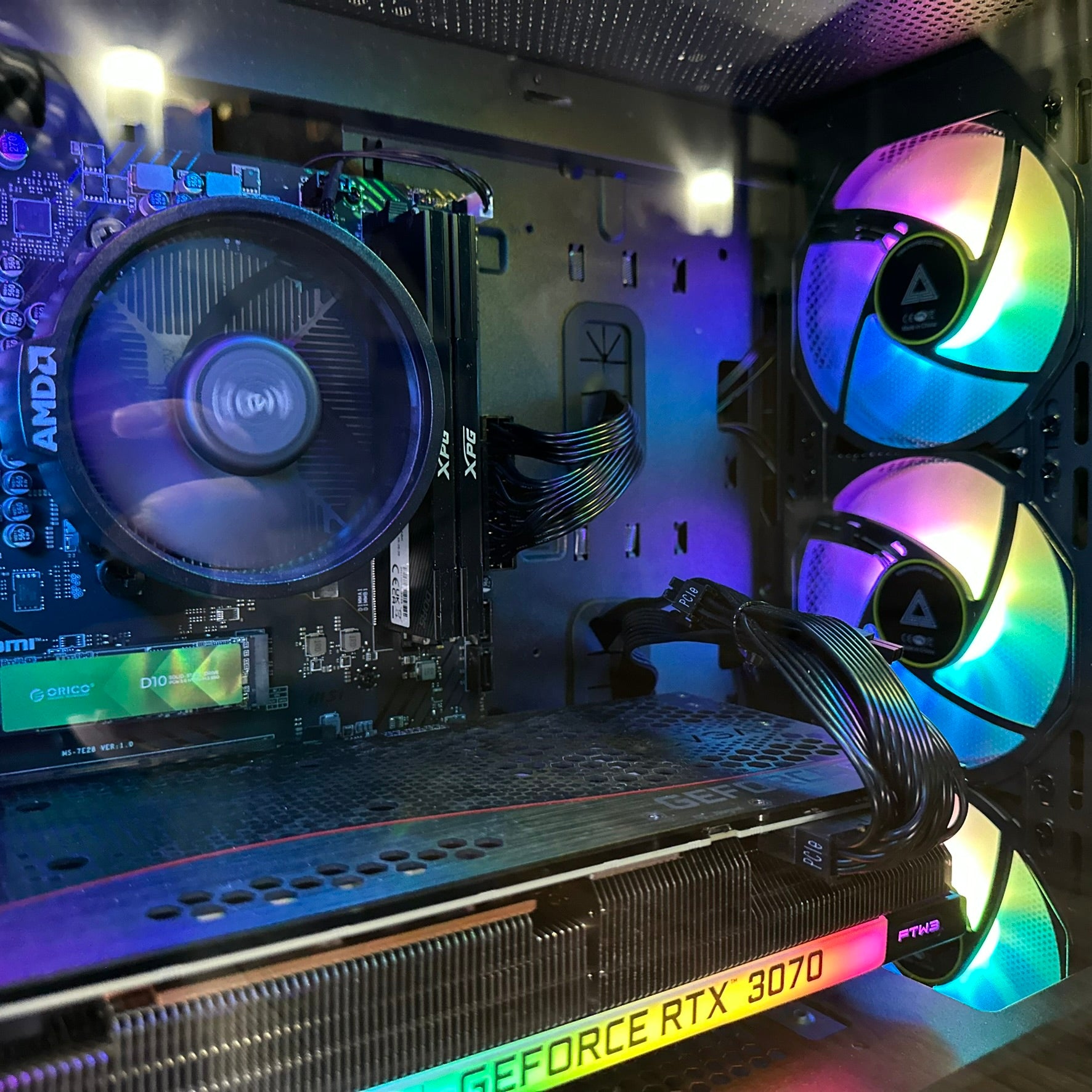
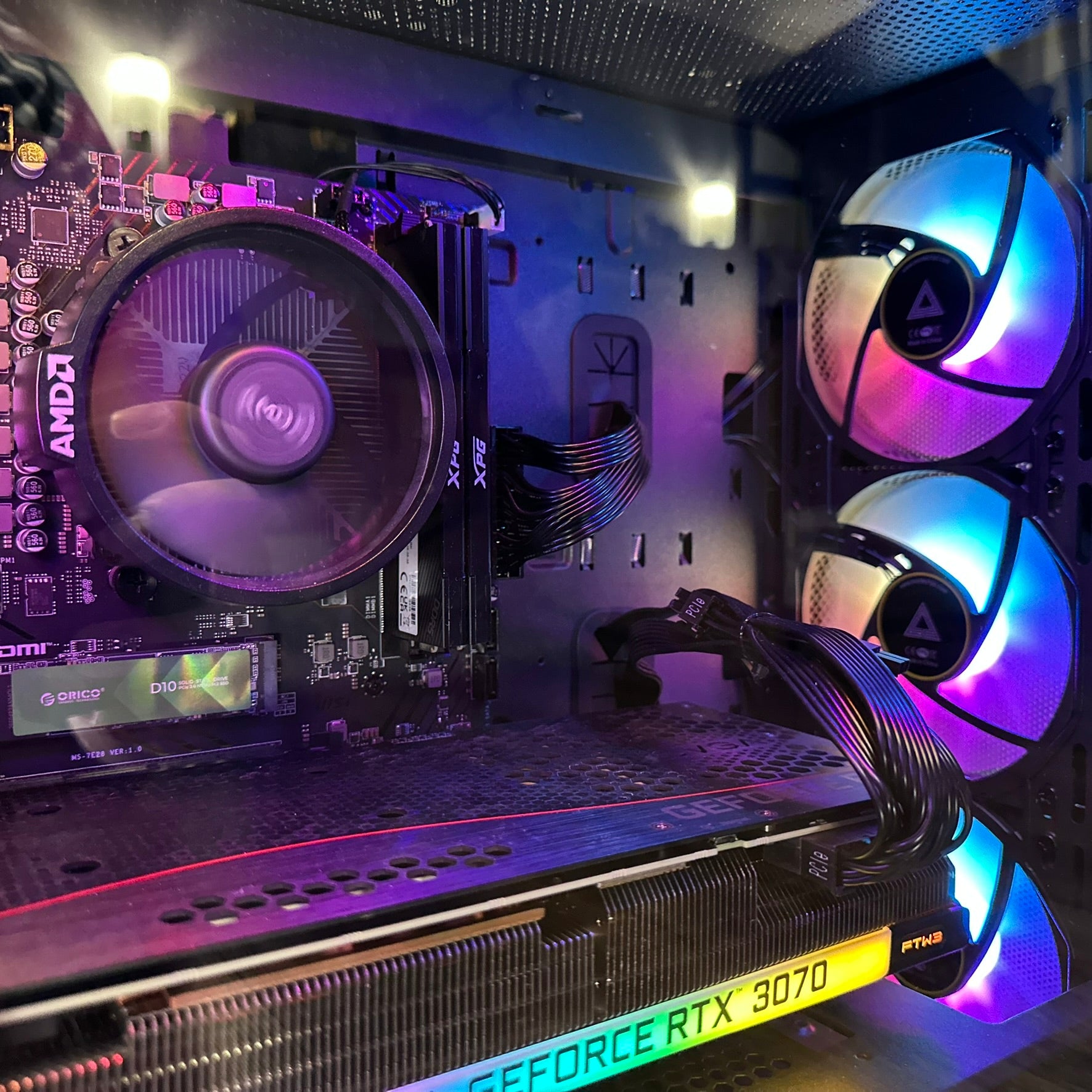
| Graphics | Select the exact GPU in the options above; the graphics card brand may vary |
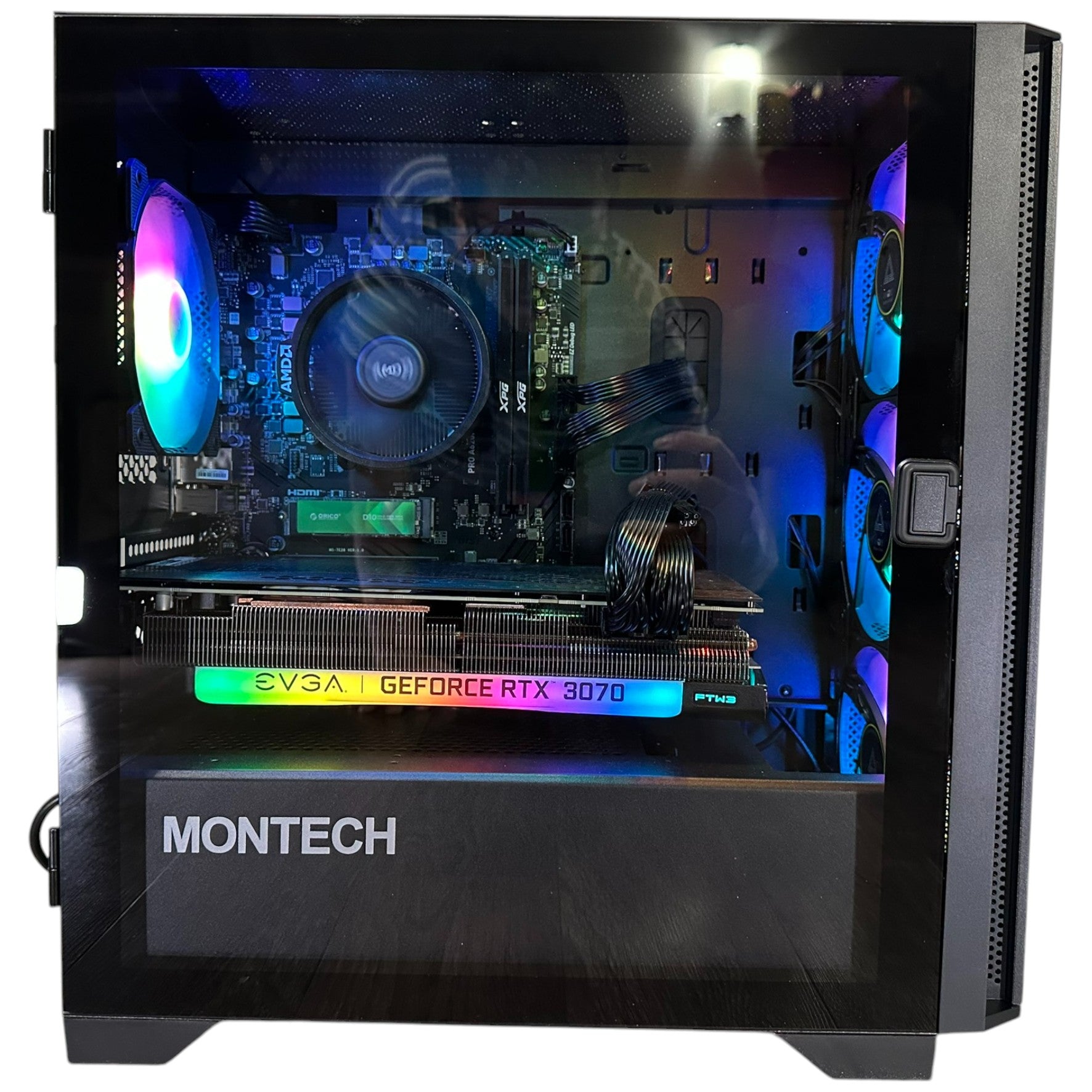
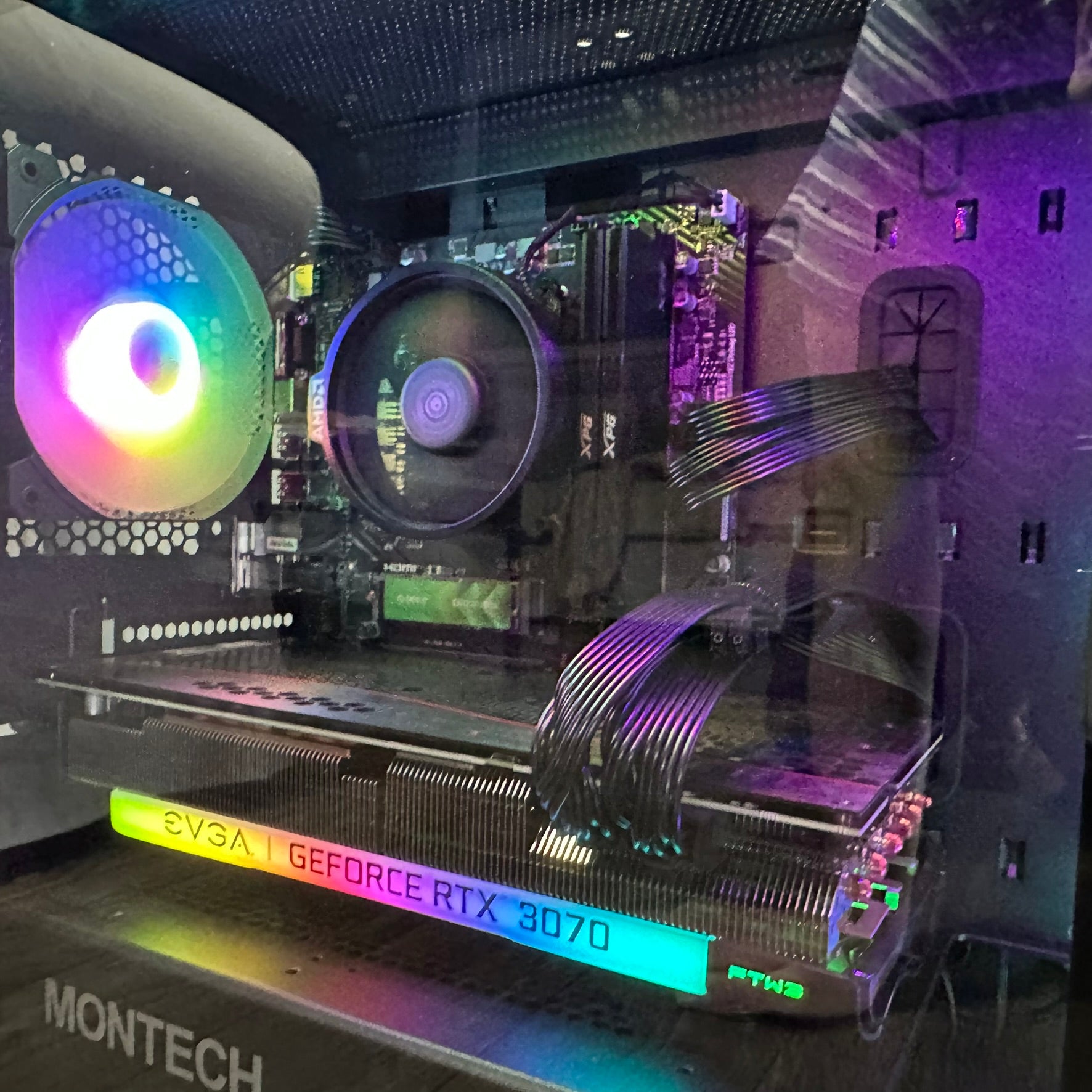
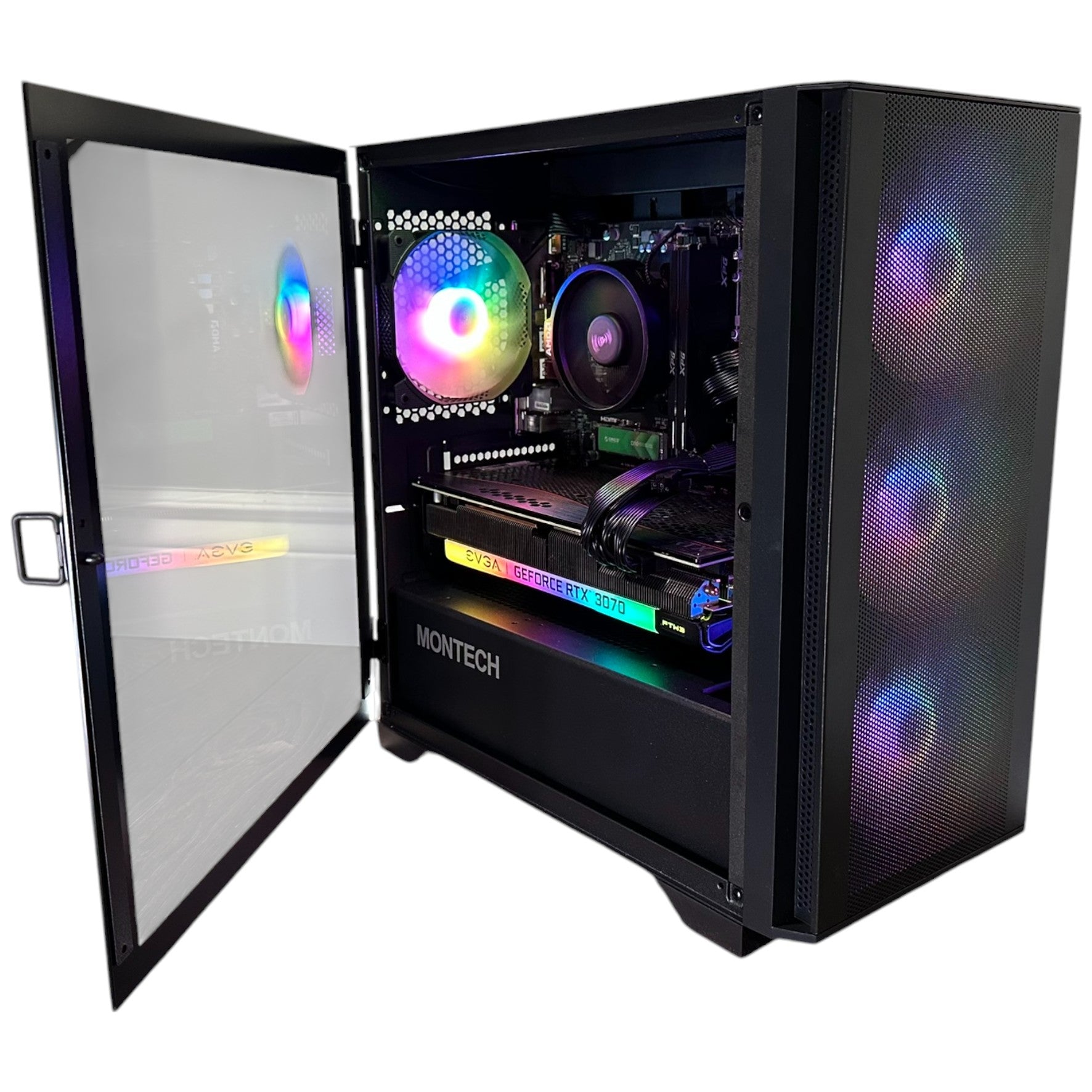
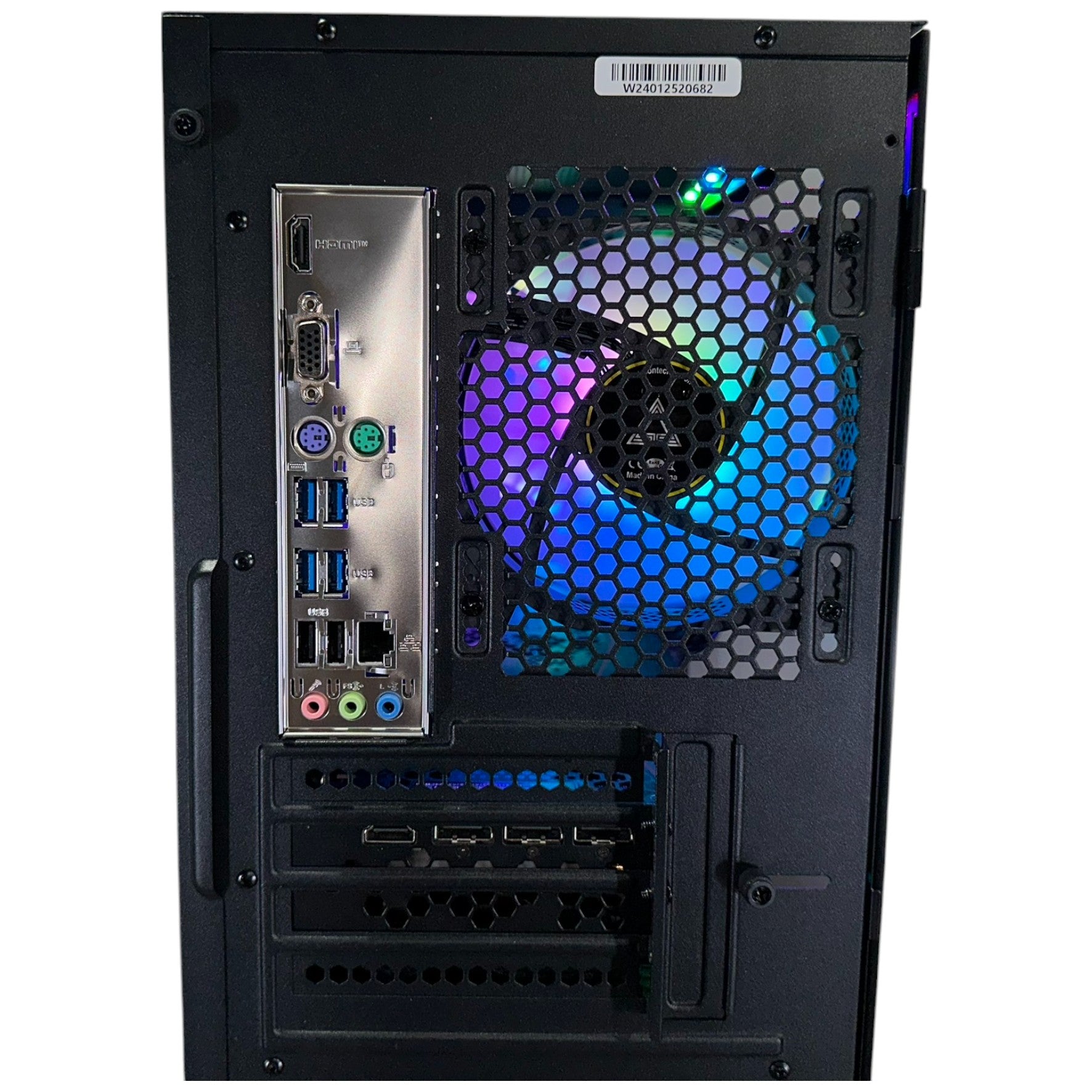
| Memory | XPG 16GB (2x8GB) DDR5-5200 |
| Motherboard | MSI PRO A620M-E |
| Storage | Orico 1TB NVMe SSD |
| CPU cooling | Cooler model not specified in the current build record |
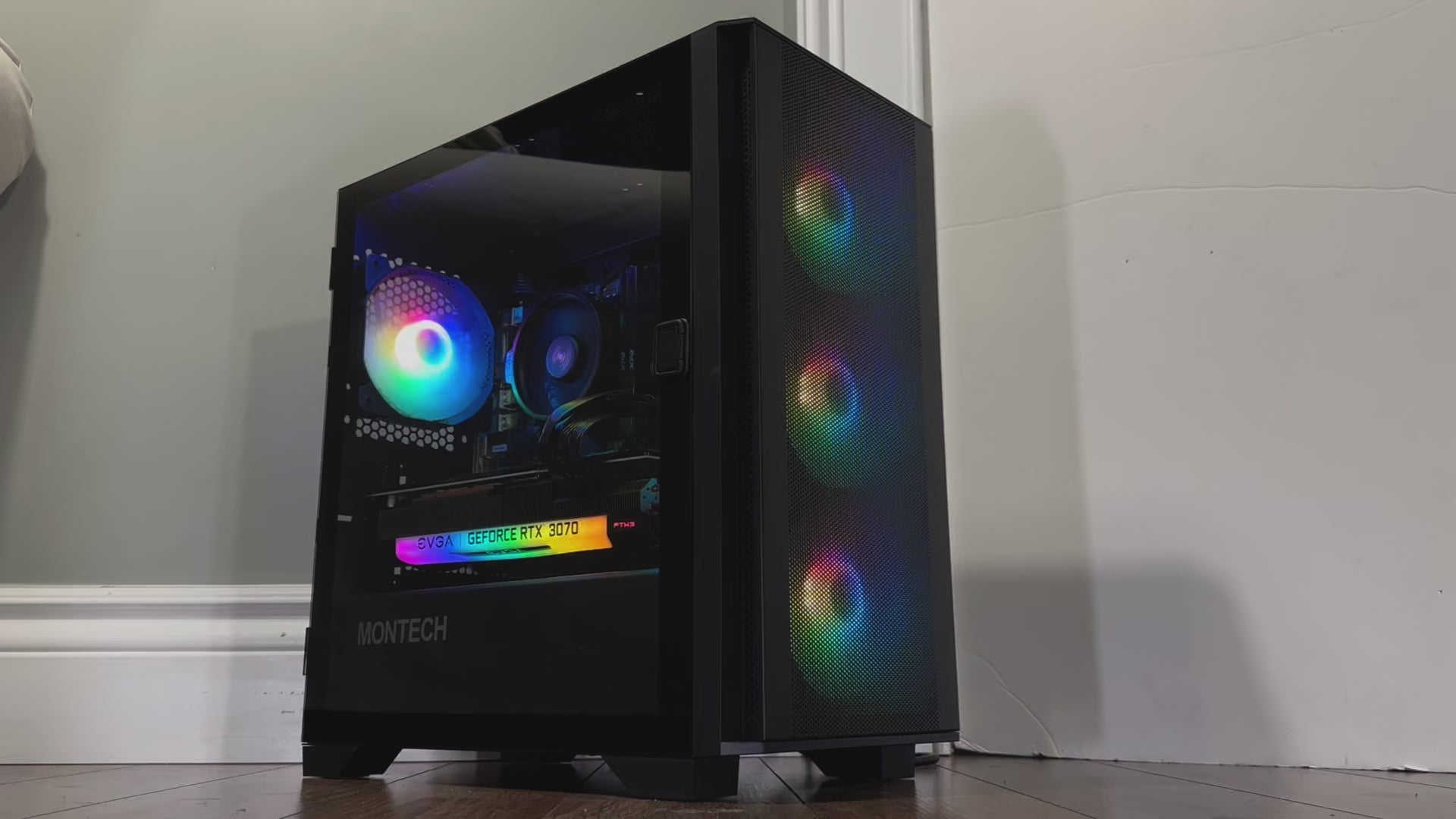
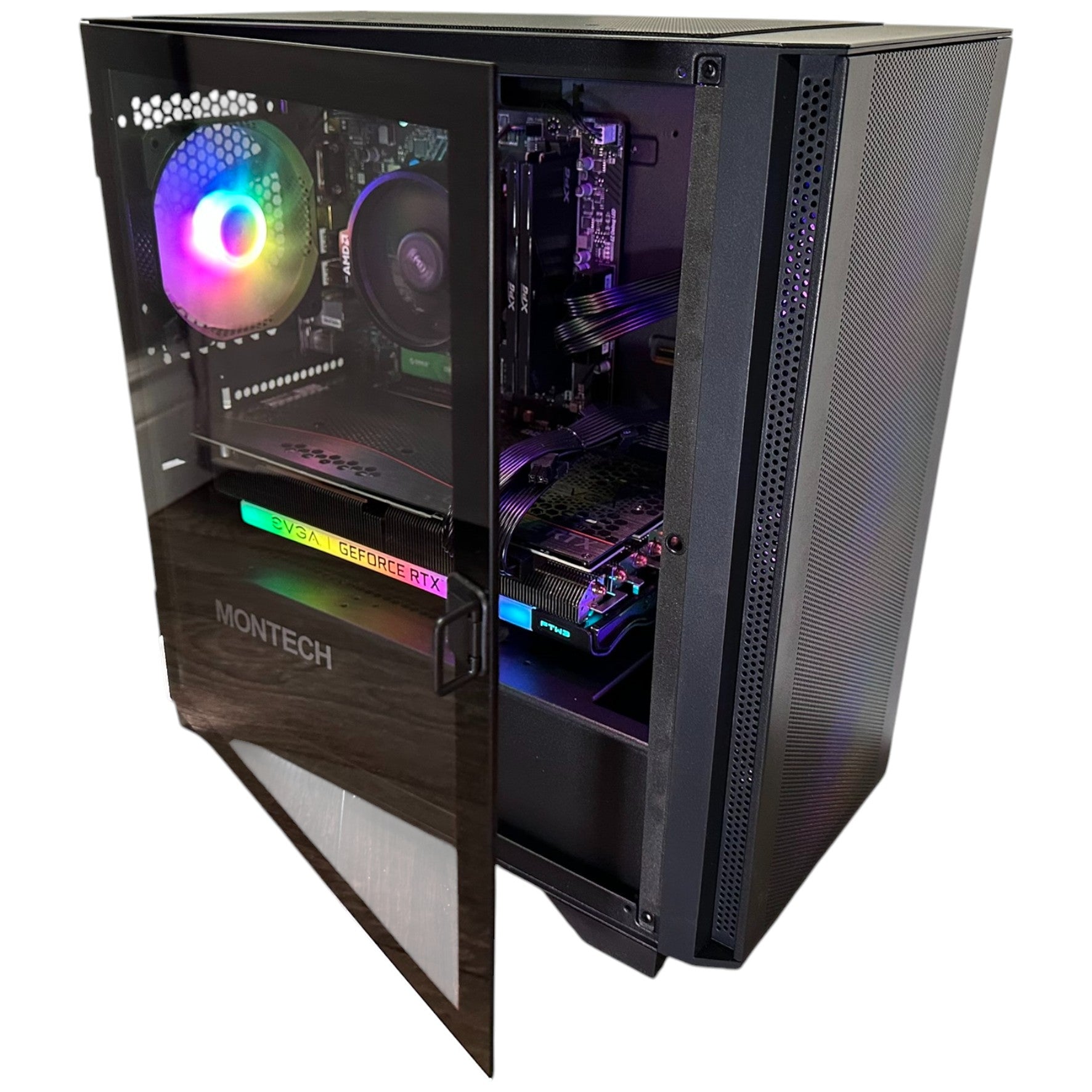
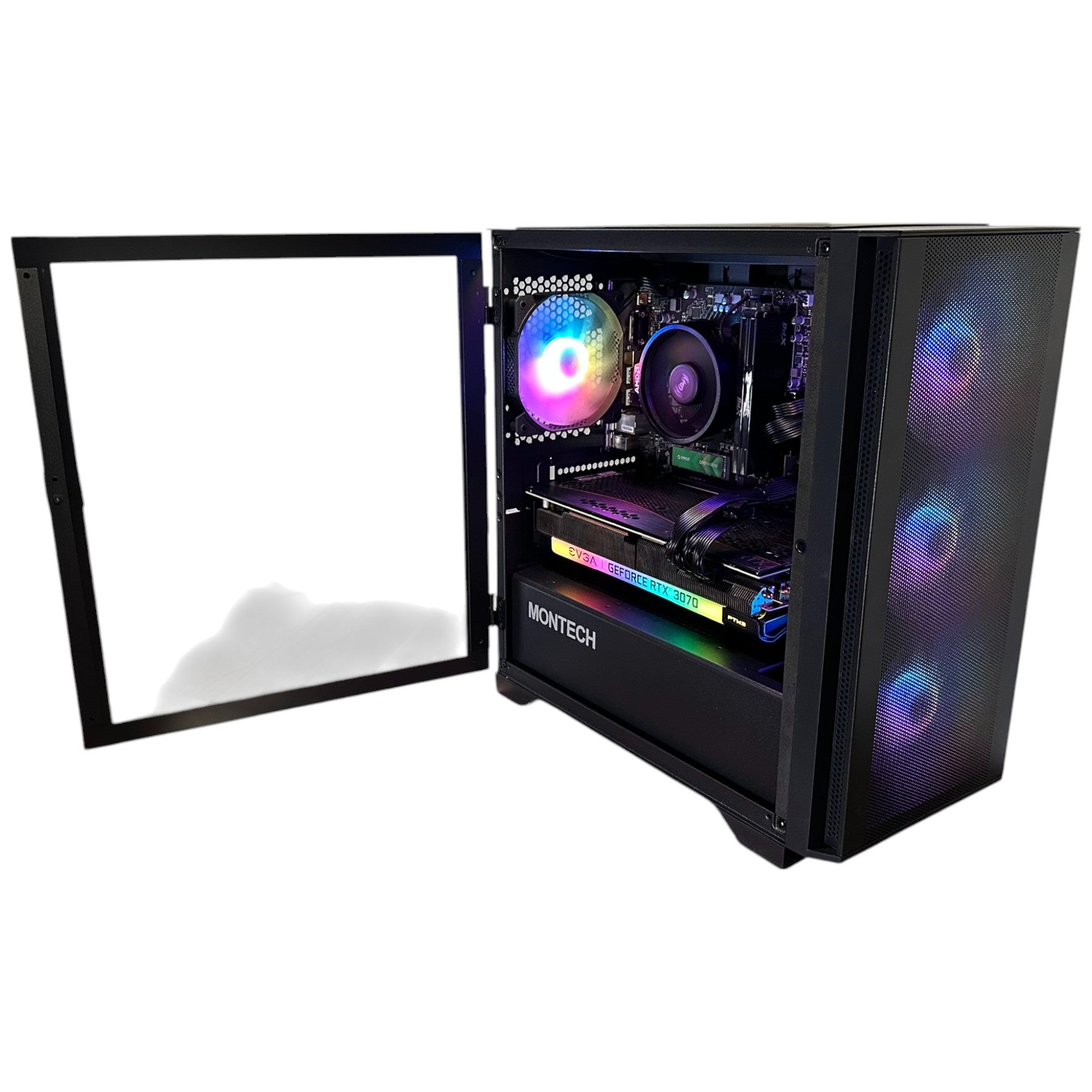
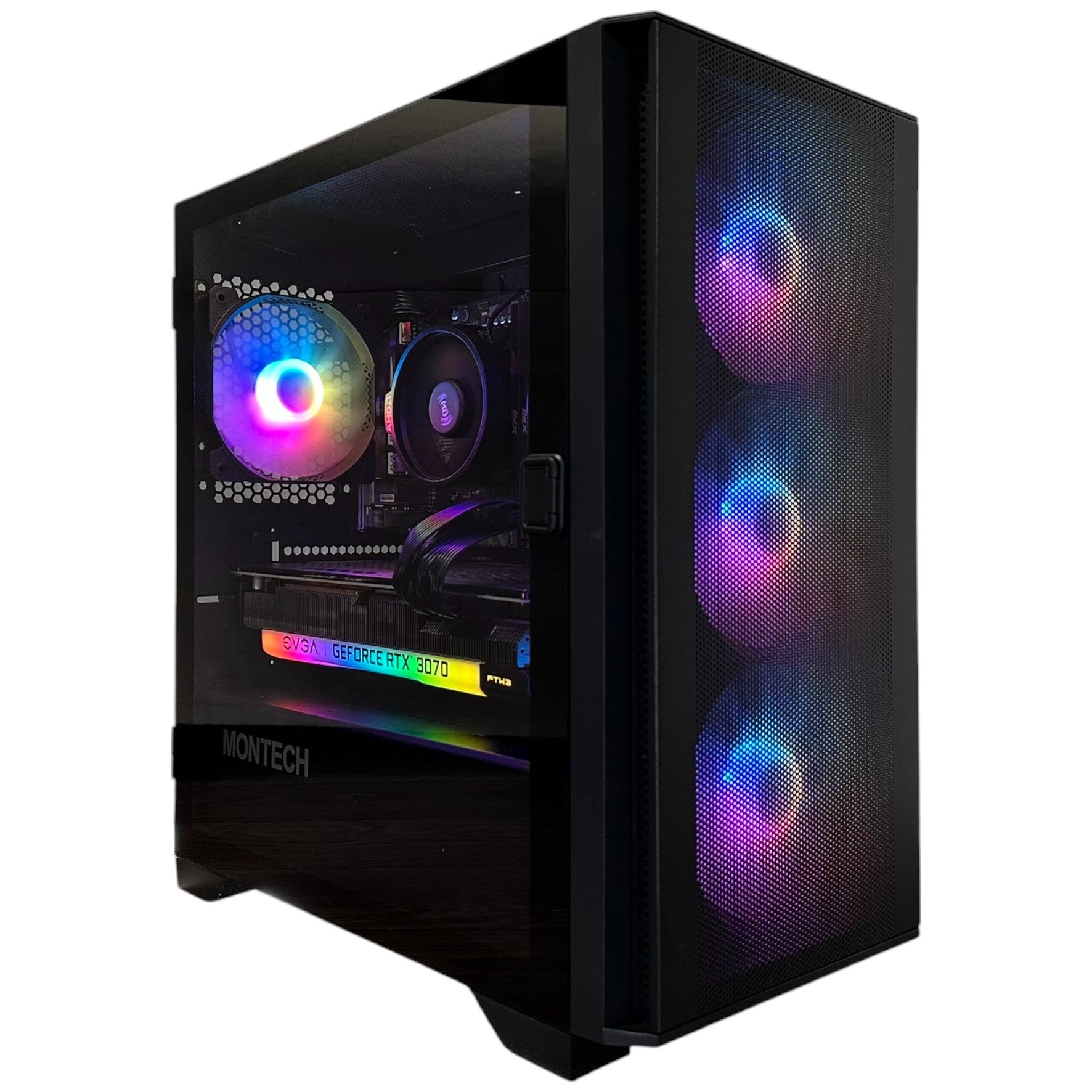
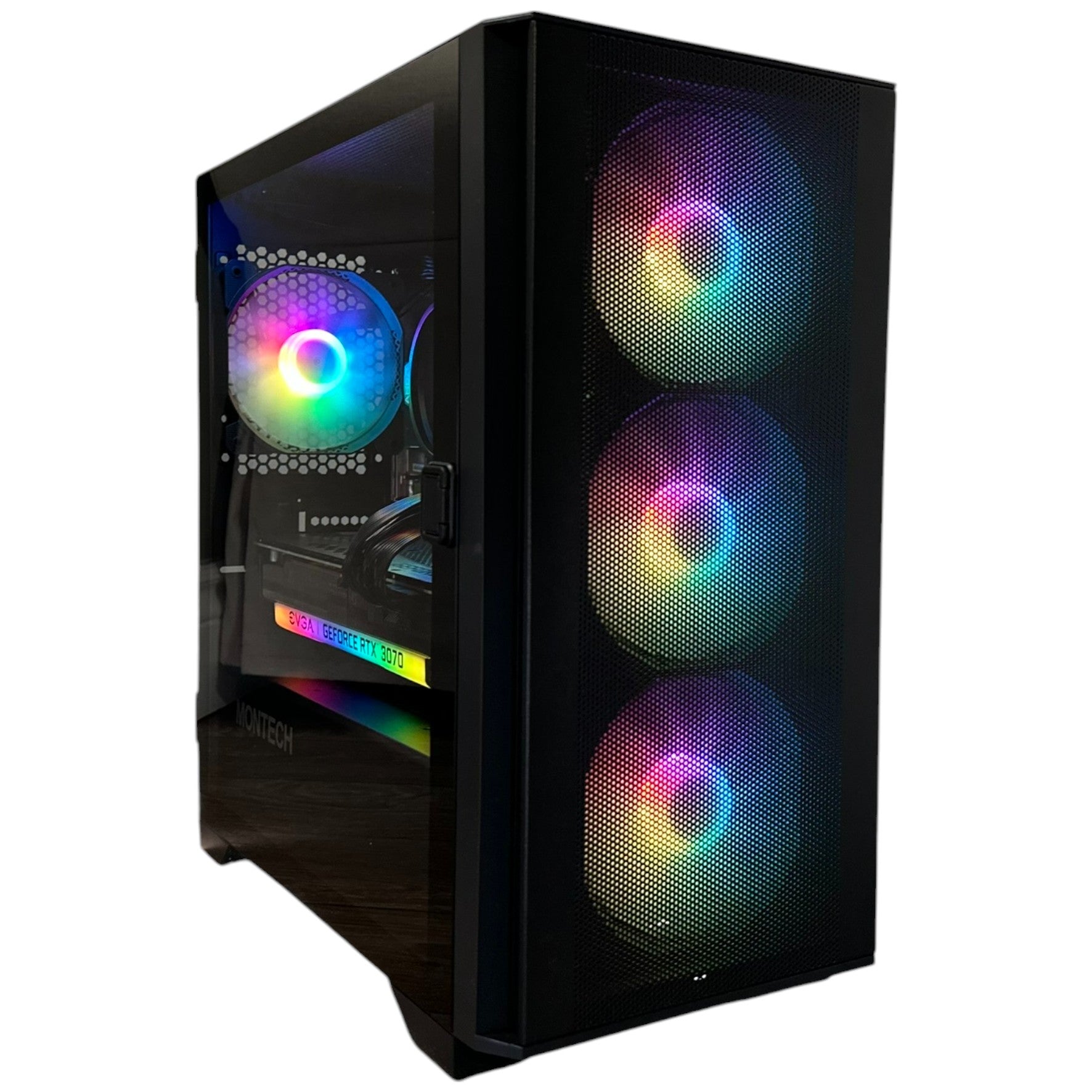
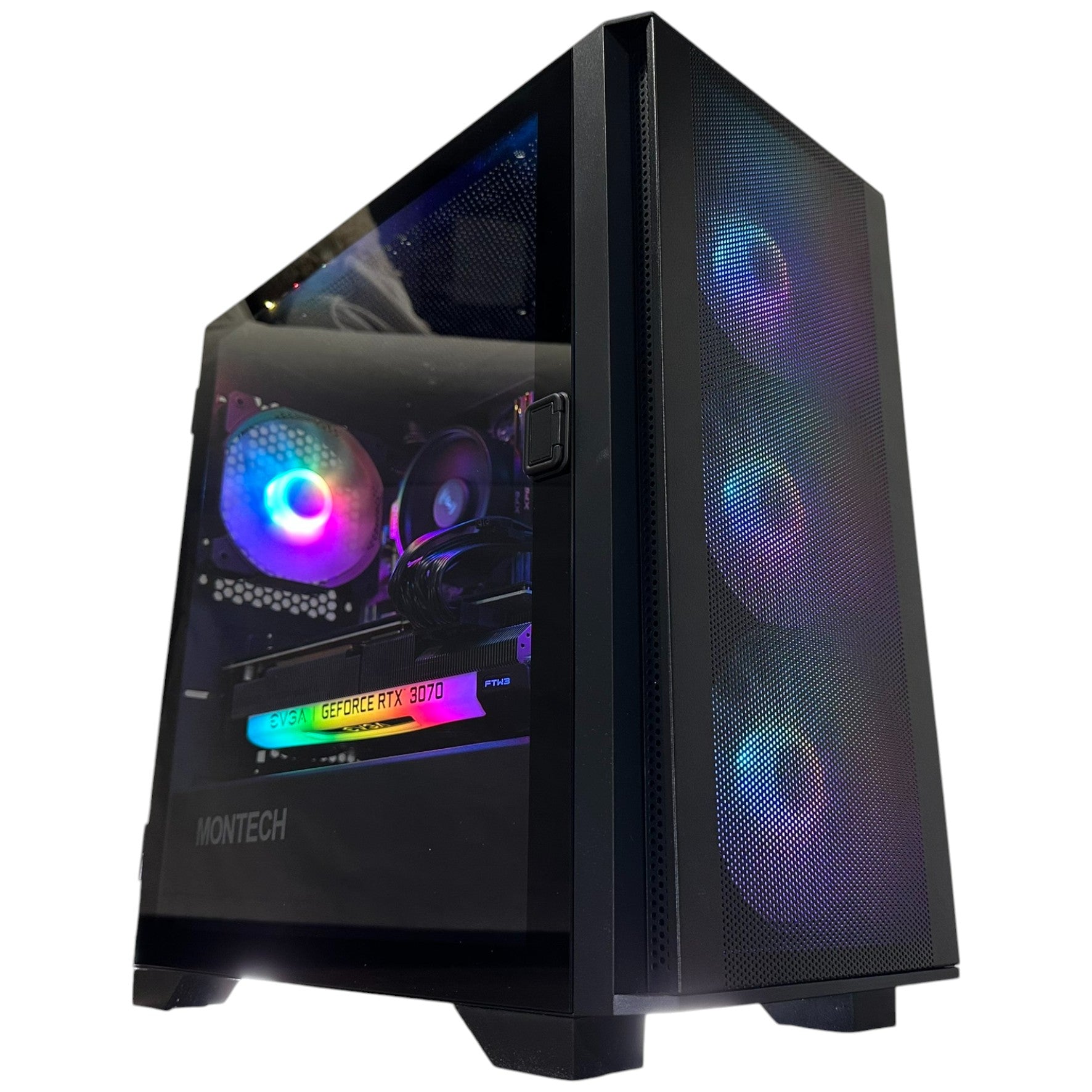
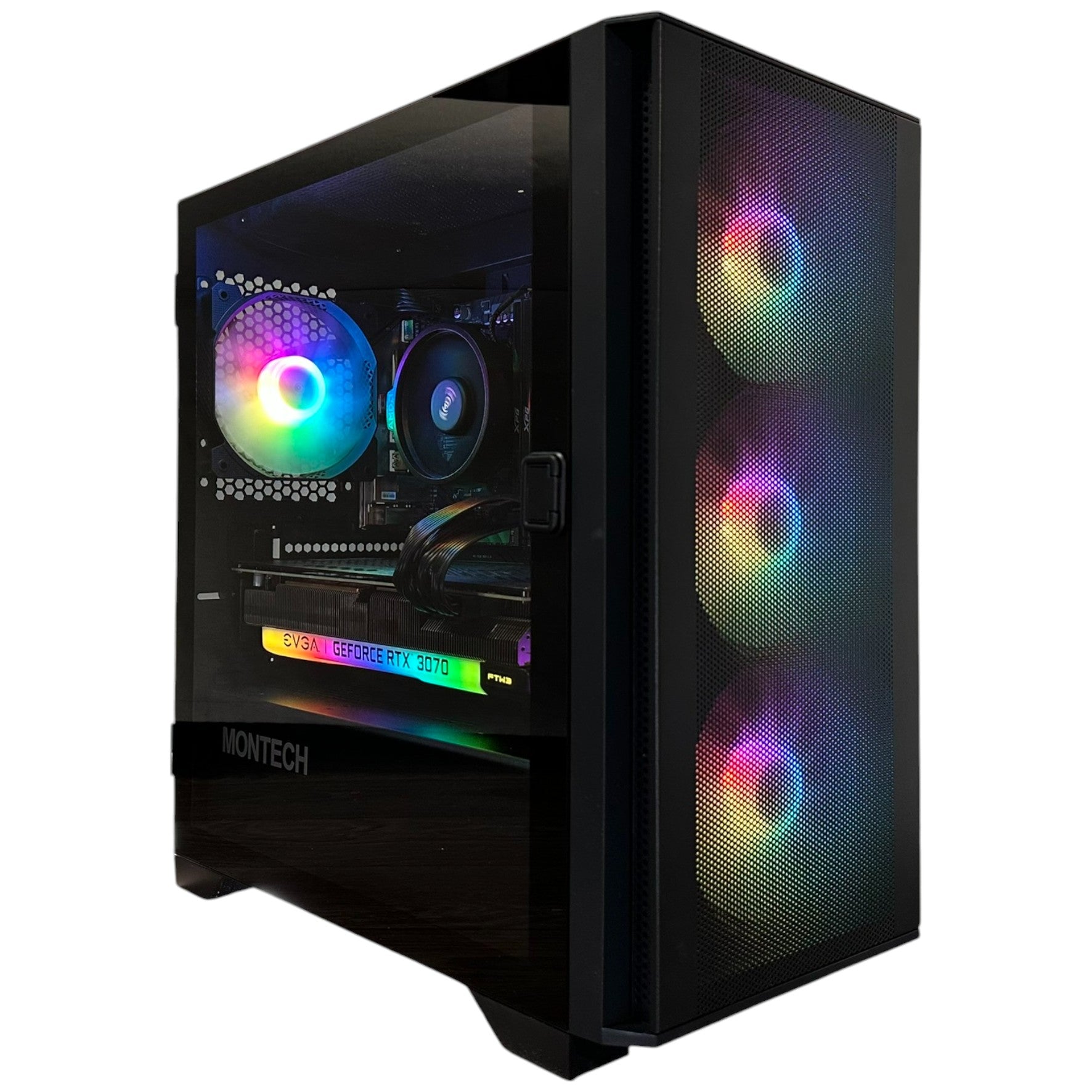
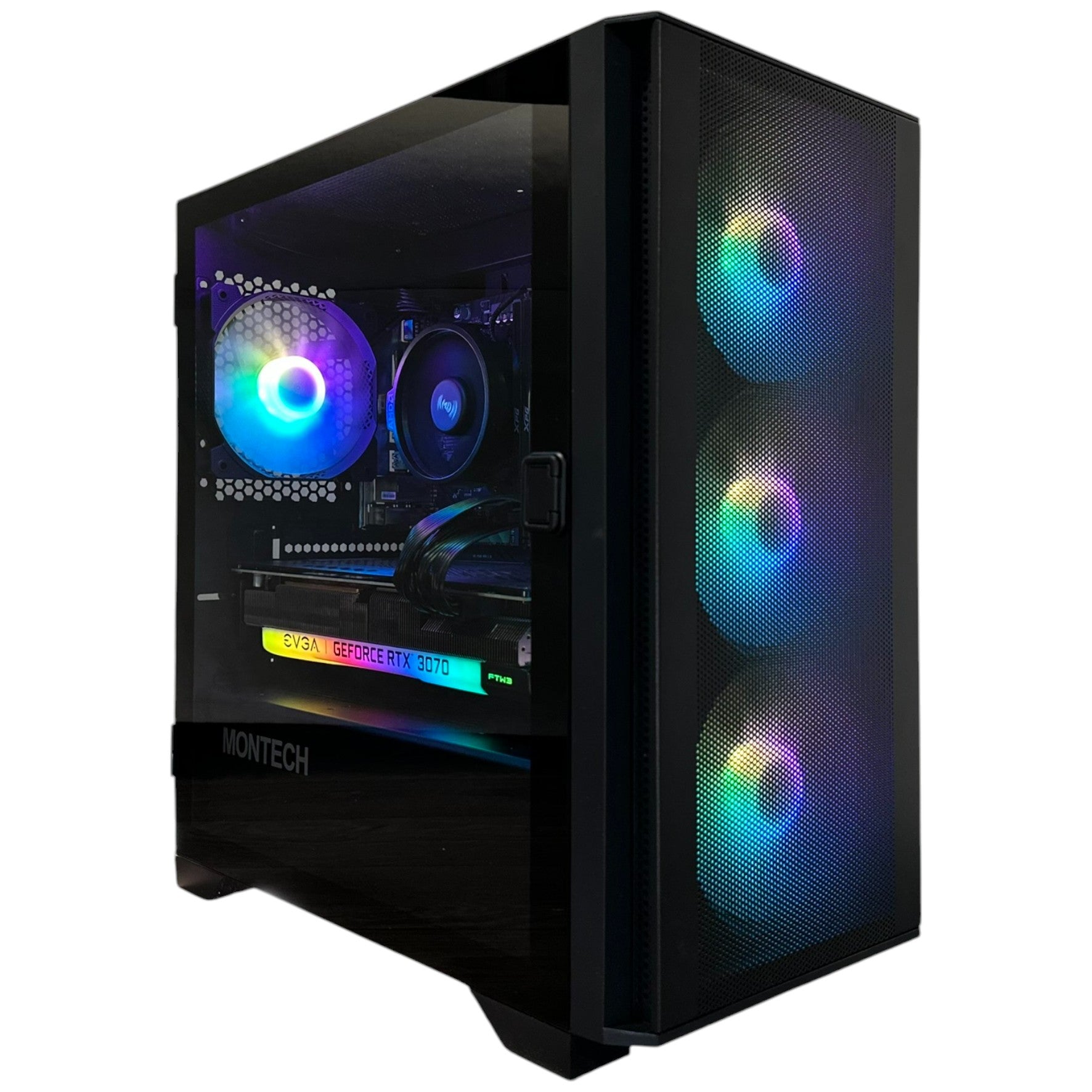
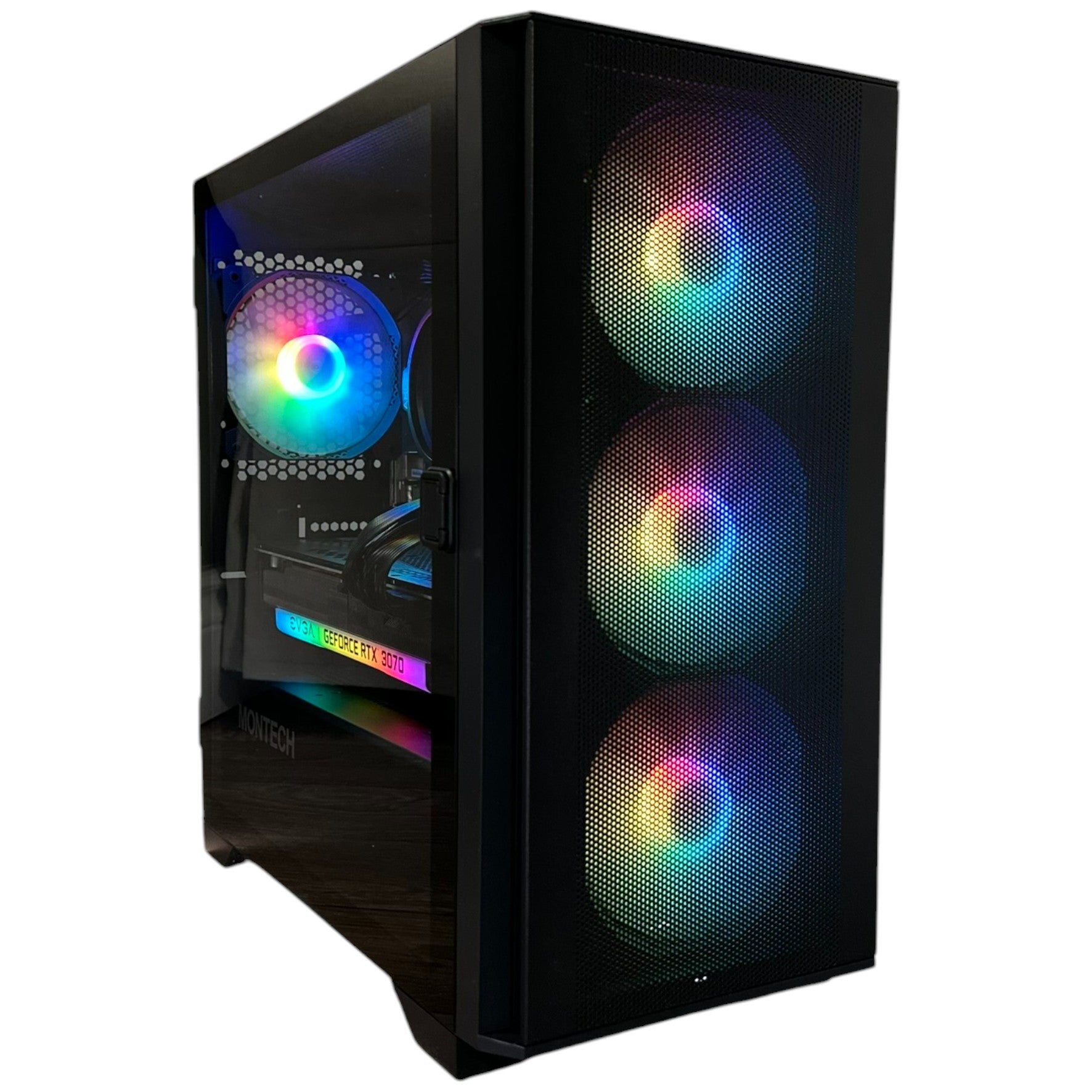
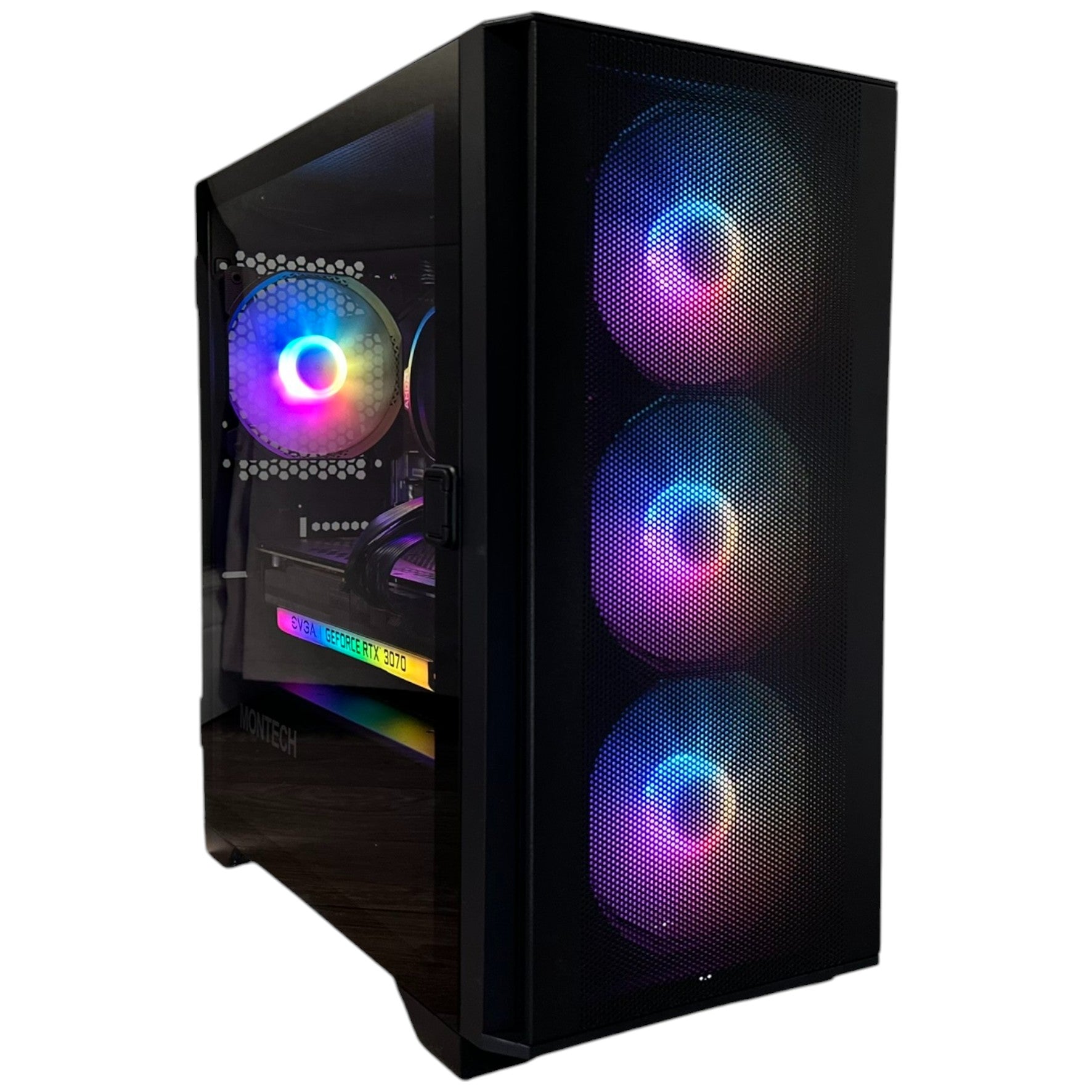
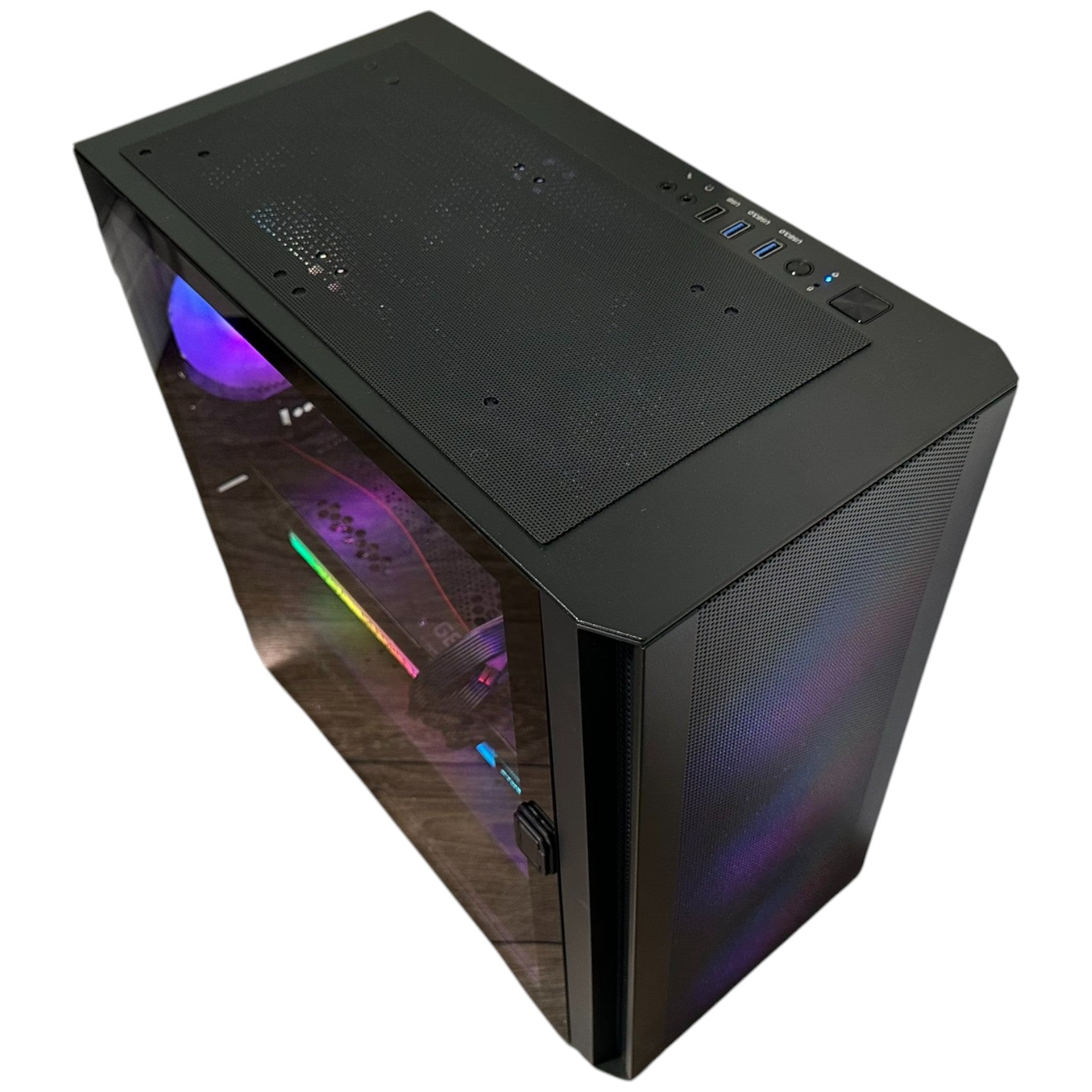
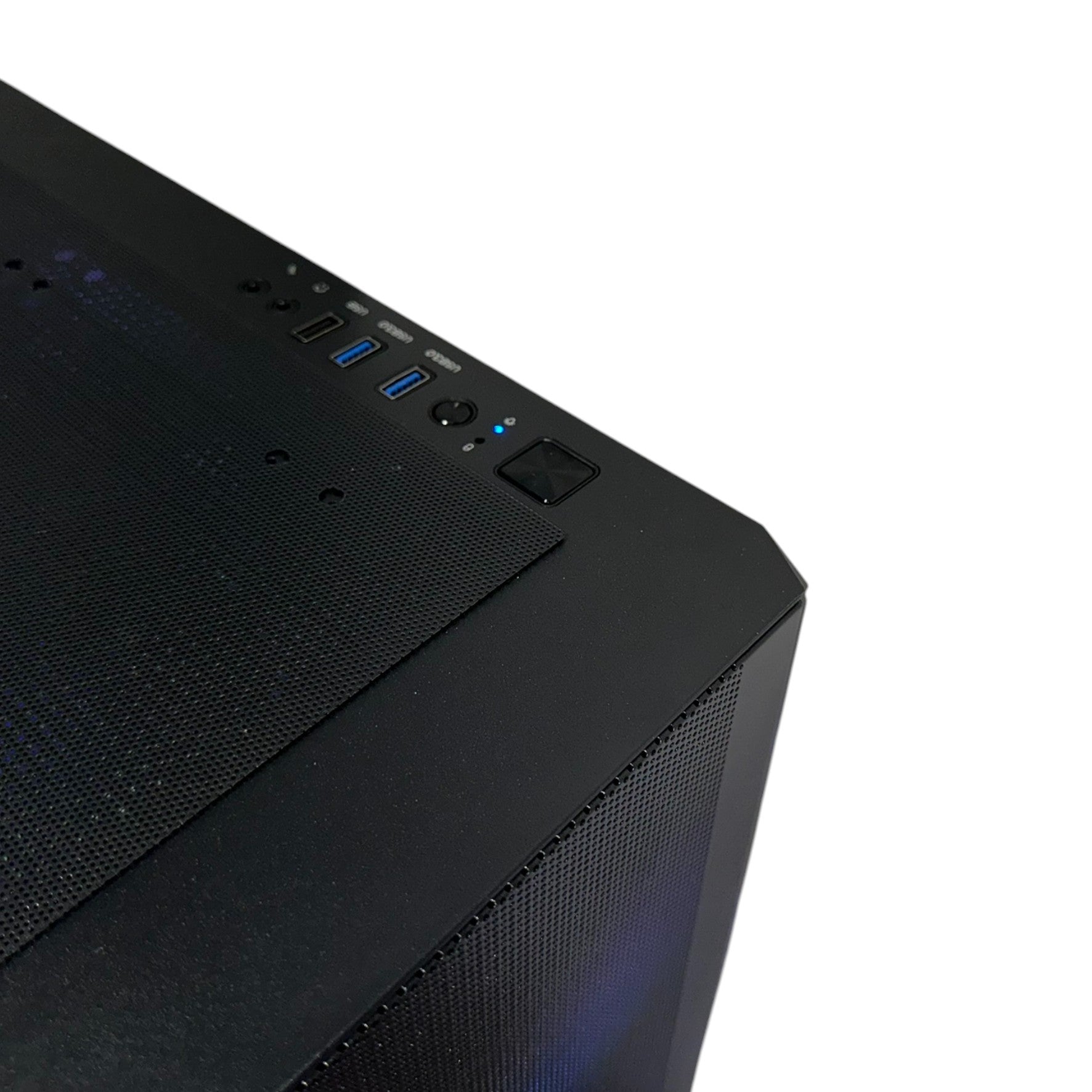
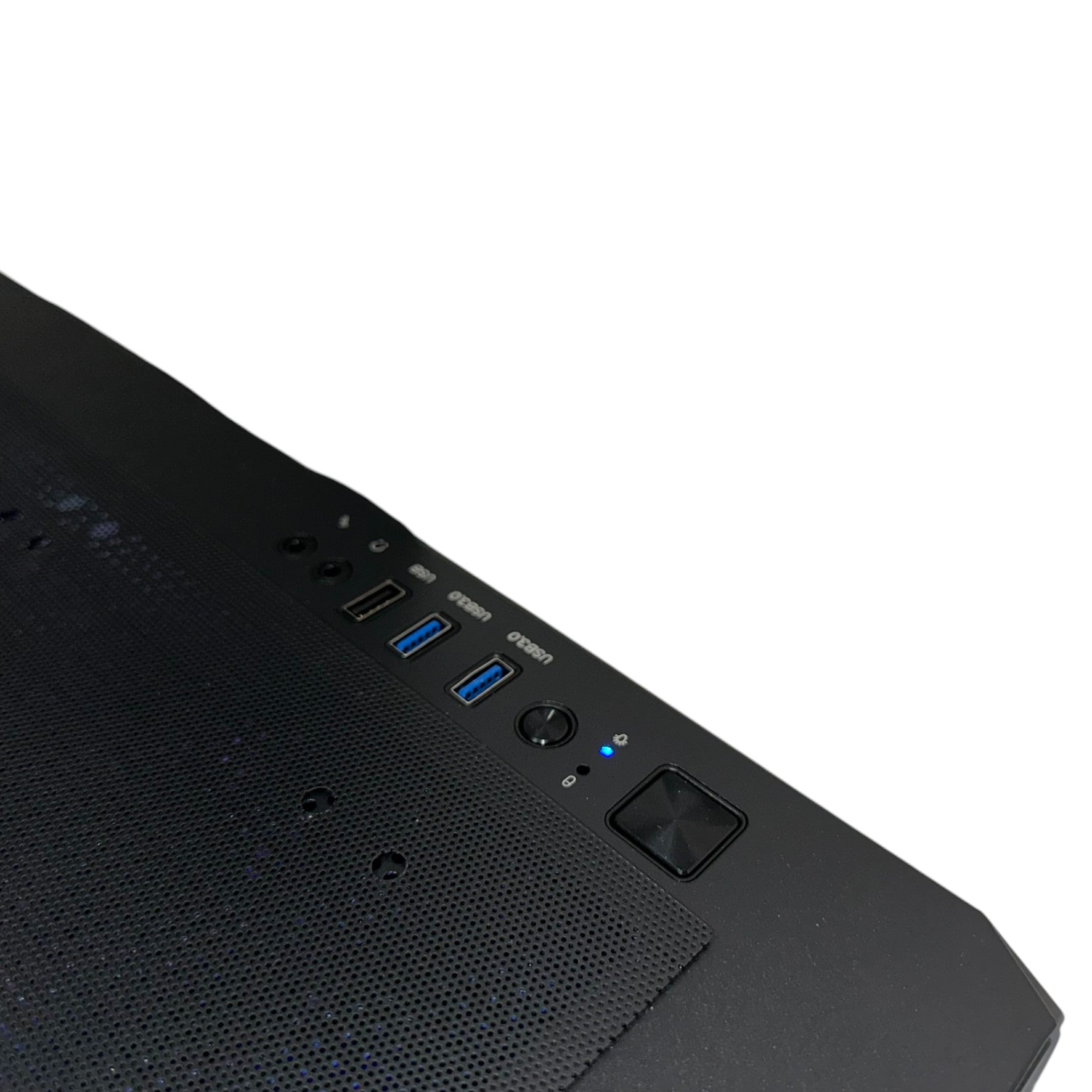
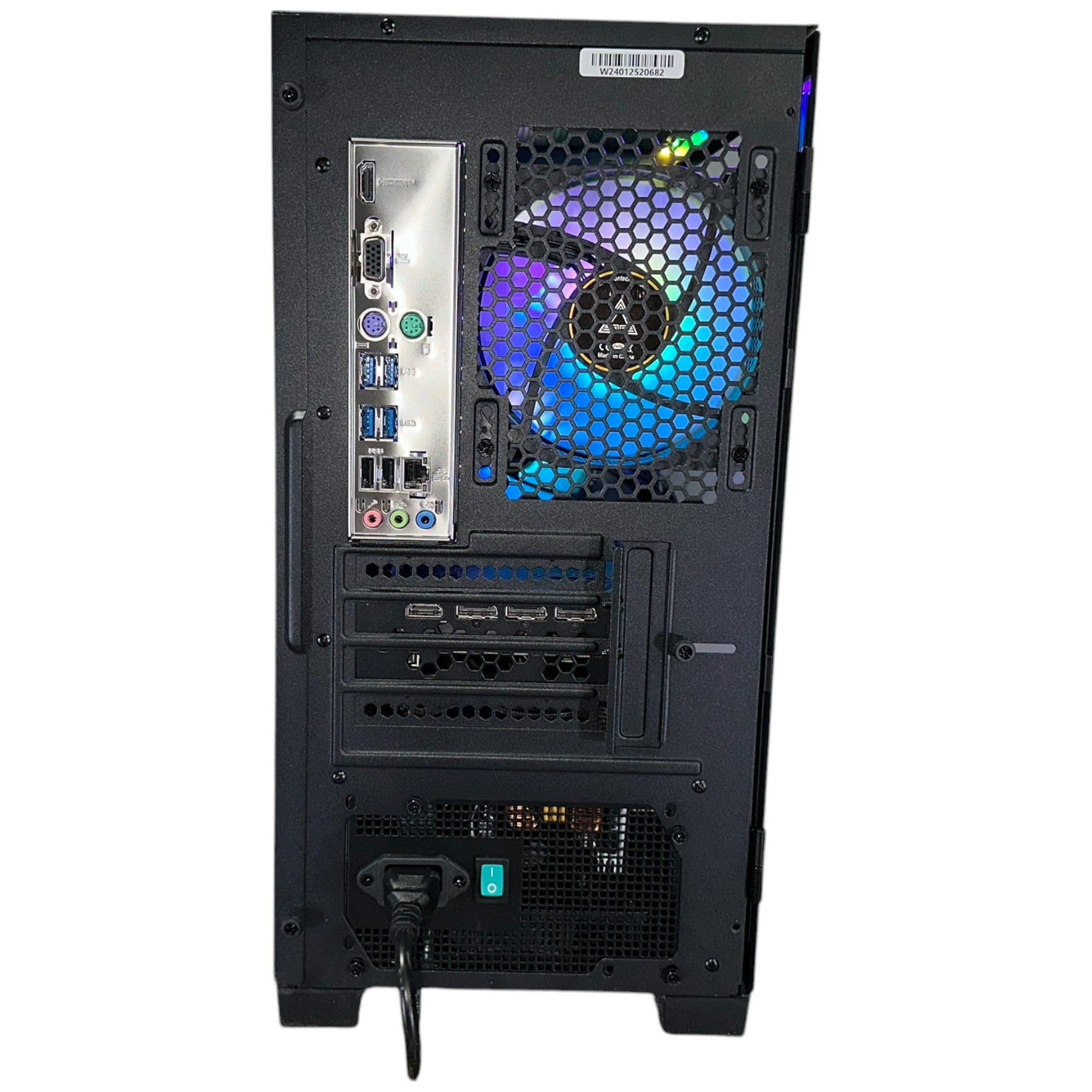
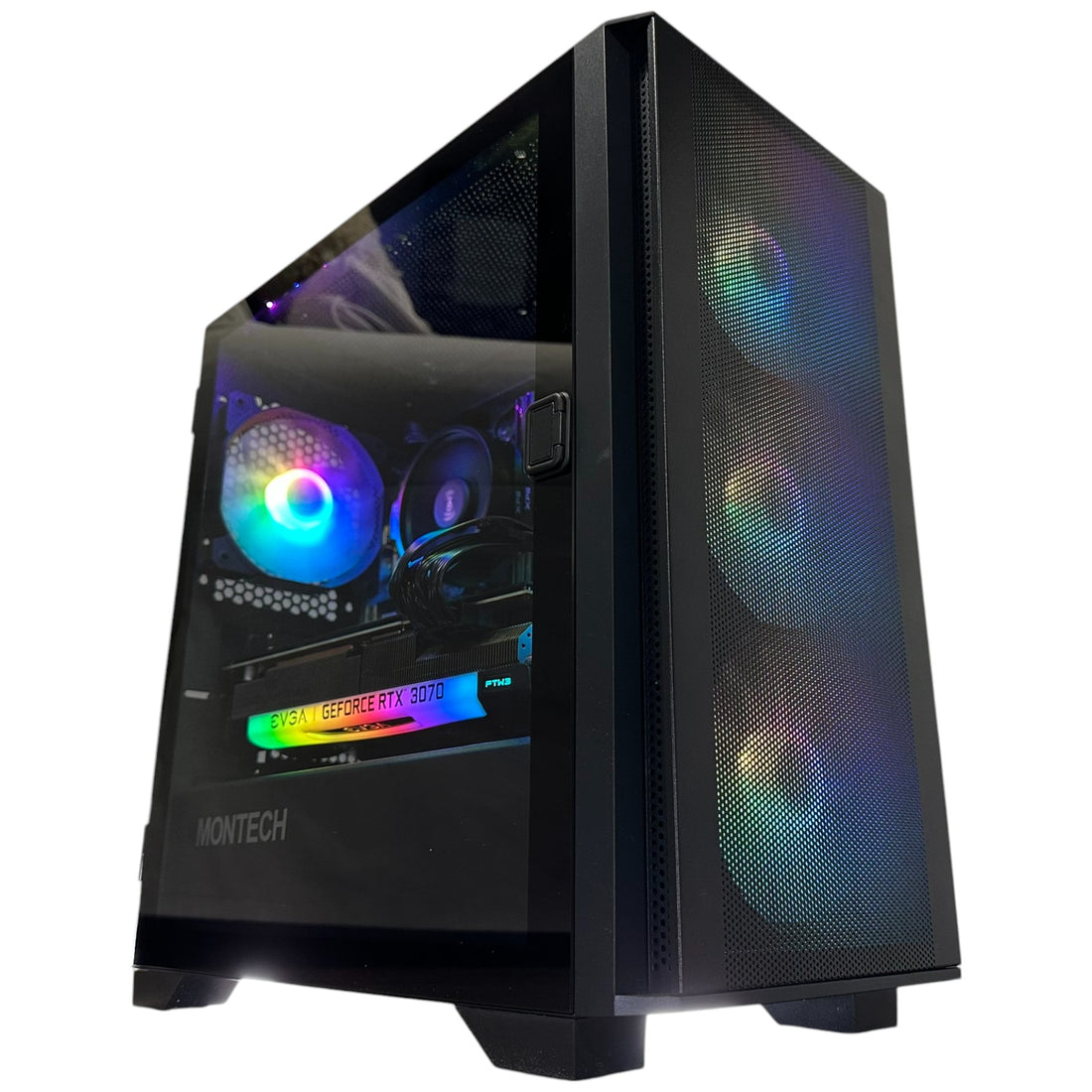
| Case | Montech Air 100 mATX |
| Case fans | 4 Montech ARGB fans |
| Power supply | DeepCool 700W 80 Plus Bronze |
| Operating system | Windows 11 Pro — activated and preinstalled |
Component photos illustrate the build. Exact inclusions are the specifications above; GPU brand may vary where stated. Listed memory profiles require supported BIOS settings and are not a guarantee of a particular overclocked speed.
Our best-use assessment is based on this build’s components and the software requirements linked below.
Start with RX 6600 or RTX 3070-class options for 1080p gaming; an RTX 3070 can also suit 1440p with sensible settings. Newer demanding games may need reduced textures or effects.
OBS hardware encoding lets a compatible GPU handle video encoding while the CPU runs the game and other tasks. RTX 40/50-series options add AV1 hardware encoding; RX 6600 and RTX 30-series use H.264/HEVC. Match the codec to the platform.
Good for HD video projects and getting started with editing. For frequent 4K work, choose a build with at least 32GB RAM.
Useful for learning modelling and smaller scenes. For Unreal Engine development, a 32GB RAM build is the better starting point.
6 cores / 12 threads and 16GB RAM suit coding, an IDE, browser research and multitasking. VM counts and audio buffer performance depend on the actual project, interface and software.
Choose a supported NVIDIA RTX option for the broadest fit with CUDA-based local tools. More VRAM allows larger models or scenes; system RAM does not replace dedicated graphics memory. Check the exact runtime and model requirements.
The recommendations below start at RX 6600 or better. Each link selects an actual available GPU option on this same PC. Use the price and availability shown above for the selected option.
| Graphics option | Best starting point | Select |
|---|---|---|
| RX 6600 8GB | 1080p gaming starting point | View this option ↗ |
| RTX 3070 8GB | 1080p / 1440p gaming; 8GB texture budget | View this option ↗ |
| RTX 3070 Ti 8GB | 1080p / 1440p gaming; 8GB texture budget | View this option ↗ |
| RTX 4070 12GB | 1440p gaming, AV1 capture & CUDA/OptiX creation | View this option ↗ |
| RTX 3080 Ti 12GB | 1440p / 4K gaming & CUDA creation; no AV1 encoding | View this option ↗ |
| RTX 4070 Ti 12GB | 1440p gaming, AV1 capture & CUDA/OptiX creation | View this option ↗ |
Start with this PC if you want 1080p/1440p gaming, school & first creative projects. The 16GB memory configuration is better suited to gaming and lighter creative projects than large simultaneous production workloads.
AMD Ryzen 5 8400F handles the application work; 16GB system RAM holds active projects and multitasking. The NVMe storage holds the OS, apps and working files, while the GPU supplies game rendering and supported creative acceleration. System RAM, GPU memory and SSD space each solve a different problem.
This CPU does not provide an integrated-graphics fallback; use the dedicated graphics card for display output. GPU hardware encoding handles supported capture and export workflows.
For colour-sensitive photo and video work, pair the PC with a suitable calibrated display. For streaming, plan upload bandwidth, a microphone and the destination’s encoder settings. For audio, match your interface and plugin requirements. Future hardware changes should be checked against the motherboard, case clearances, power connectors and cooling before purchase.
Use our existing guides to compare graphics options, then check the CPU, RAM and storage in this exact build.
Graphics performance chart ↗Game FPS comparison guide ↗Gaming & simulation ↗School & everyday work ↗This is a complete Groovy Computers PC listing with Windows 11 Pro activated and preinstalled. Component-only bundles are listed separately.
The exact GPU option selected above determines your graphics card. Recommended configuration links below select that option; prices and stock are shown in the purchase area.
Only the storage in the specification table is included. No optional 4TB SSD or 8TB HDD is part of this listing.
Windows 11 Pro is included as listed. Games, Adobe subscriptions, Blender assets, paid software, monitors, keyboards and other accessories are not included unless explicitly named.
Results depend on the selected GPU, game or project, resolution, settings, drivers and software version. The linked comparison guides help narrow your choices; their results are not a benchmark of this exact assembled PC.
Groovy Computers advertises a one-year warranty on PC builds. Individual components may have separate manufacturer coverage subject to eligibility and terms. Contact us with this configuration for help and review our refund policy before ordering.
Recommendations describe suitable starting points, not promised benchmark results. Check the current requirements for your software and project.
Premiere Pro · Photoshop · Lightroom Classic · Blender Cycles · Unreal Engine · OBS hardware encoding · Ollama GPU support
Tell us your games, apps, monitor resolution and project sizes. We can help you choose the configuration that fits your work.
Ask about this build ↗Shipping information ↗Warranty & returns ↗YOUR WORK / YOUR CONFIGURATION
Each card opens this PC with its exact GPU selected. The CPU, motherboard, RAM, storage, case and other base components remain those in the specification table. Pricing below is in CAD; the purchase panel shows the current price and availability.
Gaming / School & everyday use / Photography & graphic design
16GB RAM · 1TB NVMe · Montech Air 100 mATX
CAD $1,949.99
Select this exact configuration ↗Gaming / School & everyday use / Photography & graphic design
16GB RAM · 1TB NVMe · Montech Air 100 mATX
CAD $2,149.99
Select this exact configuration ↗Gaming / School & everyday use / Photography & graphic design
16GB RAM · 1TB NVMe · Montech Air 100 mATX
CAD $2,549.99
Select this exact configuration ↗Gaming / School & everyday use / Photography & graphic design
16GB RAM · 1TB NVMe · Montech Air 100 mATX
CAD $2,799.99
Select this exact configuration ↗The recommendations here match the listed DeepCool 700W 80 Plus Bronze against the GPU family’s reference power guidance. Higher-power GPU options need a confirmed power-supply configuration before ordering.
RX 6600 options focus on 1080p gaming, everyday use and photo work. NVIDIA RTX options add NVENC recording and streaming, with AV1 encoding on supported RTX 40/50 models. Choose 32GB+ RAM for larger video projects, 64GB+ for heavy multitasking, and enough GPU memory for your 3D scenes or compatible local AI model.
Gaming resolution and settings, creative codecs and plugins, and local AI model size all change the result. We do not treat one GPU test as a benchmark of every PC.
WATCH / INDEPENDENT GPU TESTING
This review tests the RTX 4070 Ti 12GB GPU family. The reviewer’s CPU, memory, card model, drivers and settings may differ from this configuration; results are a reference, not a benchmark of this exact PC or bundle. Historical prices in the video may differ from our current CAD prices.
Open the original GPU review on YouTube ↗GROOVY IN MOTION